Clark County Release of Lis Pendens Notice Form
Last validated October 30, 2026 by our Forms Development TeamFormatted for recording in Clark County, for property anywhere in the county: rural and unincorporated areas as well as Bethlehem, Borden, Charlestown, Clarksville, Henryville, Jeffersonville, Marysville, Memphis and 4 more.
- 3 documents included
- Immediate PDF download
- Formatting guarantee
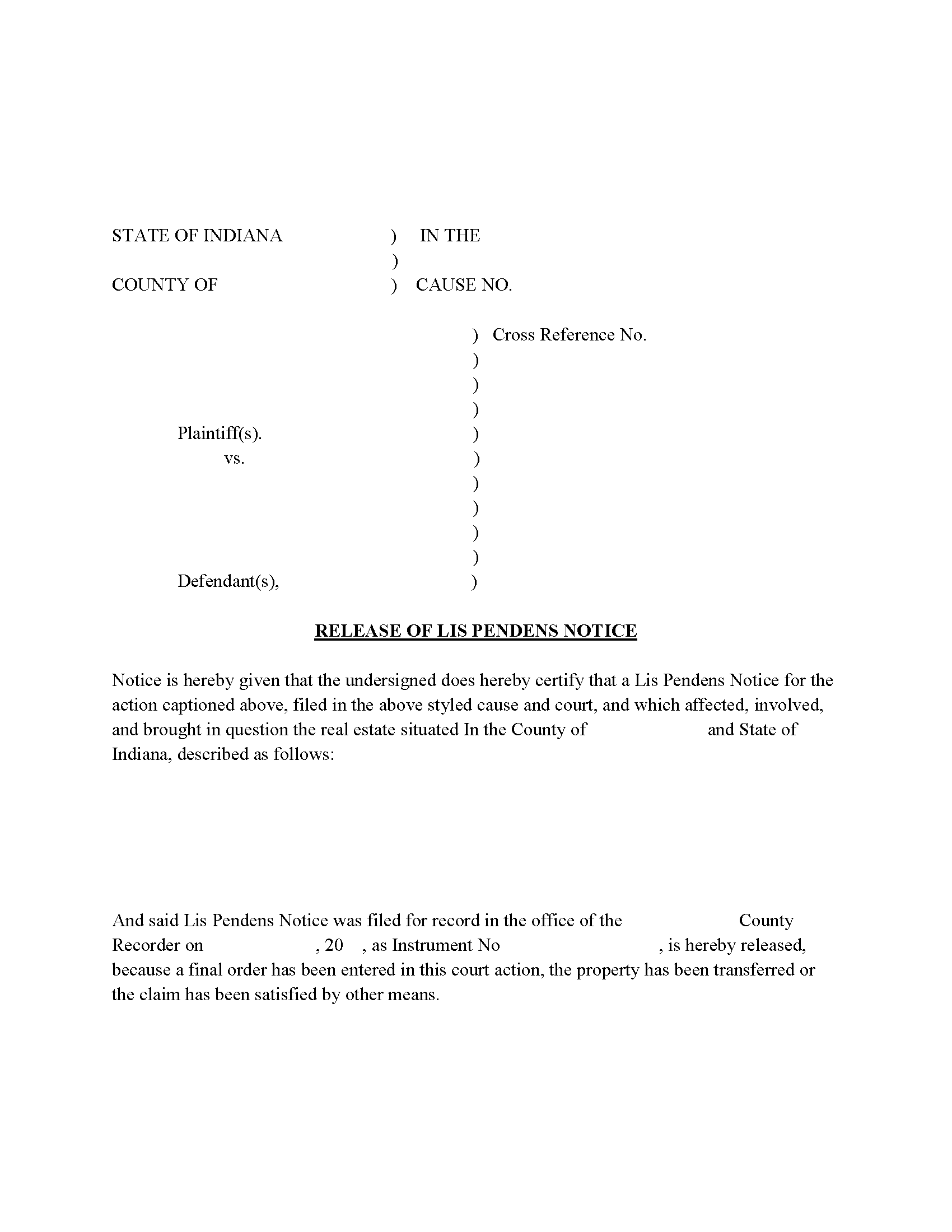
Clark County Release of Lis Pendens Form
Fill in the blank form formatted to comply with all recording and content requirements.
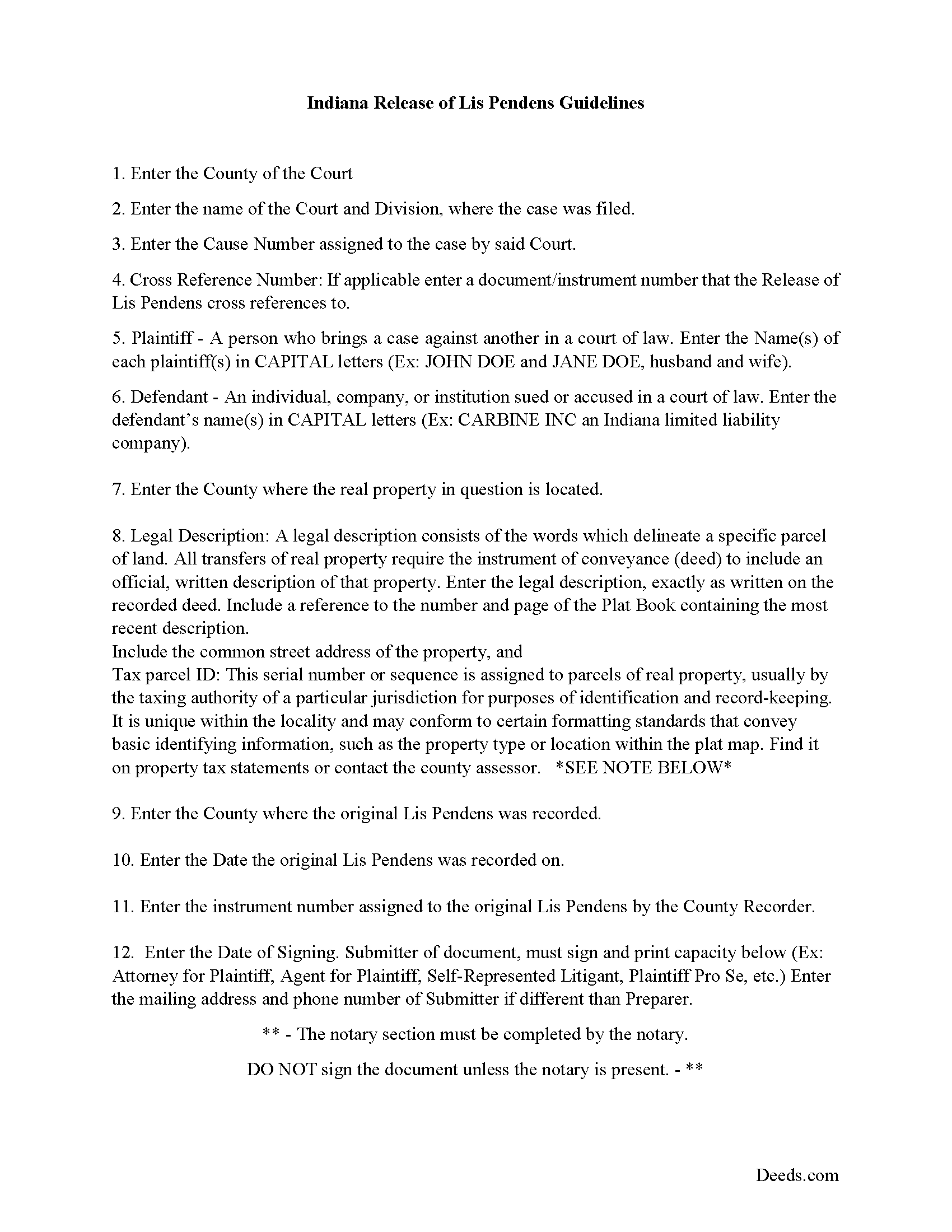
Clark County Release of Lis Pendens Guide
Line by line guide explaining every blank on the form.
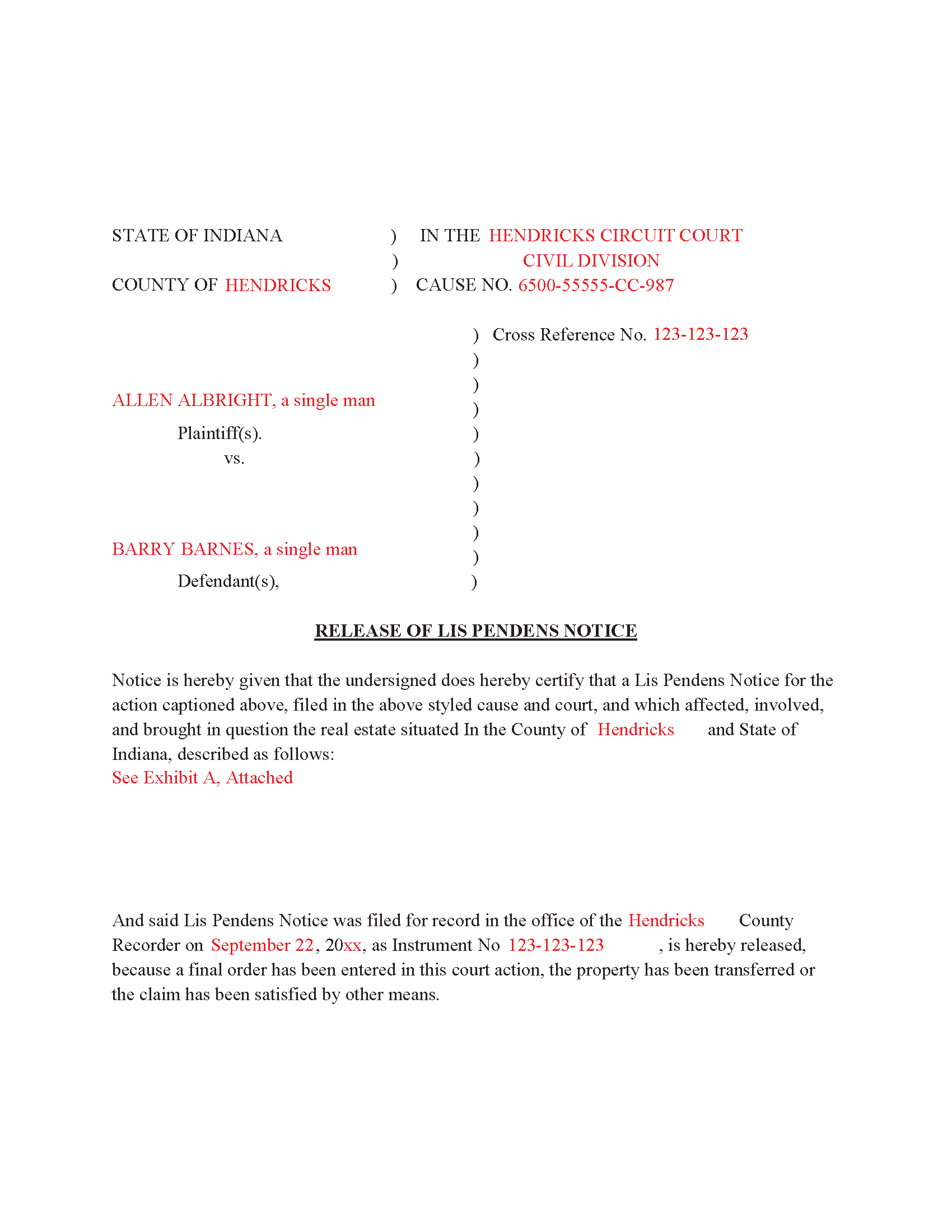
Clark County Completed Example of the Release of Lis Pendens document
Example of a properly completed form for reference.
All 3 documents above included • One-time purchase • No recurring fees
Immediate Download • Secure Checkout
Additional Indiana and Clark County documents included at no extra charge:
Where to Record Your Documents
Clark County Recorder
Jeffersonville, Indiana 47130
Hours: 8:30am - 4:30pm M-F
Phone: (812) 285-6235
Recording Tips for Clark County:
- Bring your driver's license or state-issued photo ID
- Ensure all signatures are in blue or black ink
- Request a receipt showing your recording numbers
- Ask about accepted payment methods when you call ahead
- Ask for certified copies if you need them for other transactions
Cities and Jurisdictions in Clark County
Properties in any of these areas use Clark County forms:
- Bethlehem
- Borden
- Charlestown
- Clarksville
- Henryville
- Jeffersonville
- Marysville
- Memphis
- Nabb
- New Washington
- Otisco
- Sellersburg
Hours, fees, requirements, and more for Clark County
How do I get my forms?
Forms are available for immediate download after payment. The Clark County forms will be in your account ready to download to your computer. An account is created for you during checkout if you don't have one. Forms are NOT emailed.
Are these forms guaranteed to be recordable in Clark County?
Yes. Our form blanks are guaranteed to meet or exceed the applicable formatting requirements used for recording in Clark County, including margin requirements, font requirements, and other layout standards. This guarantee applies to formatting, not to the legal sufficiency of information entered by the user or the suitability of a form for a particular transaction.
Can I reuse these forms?
Yes. You can reuse the forms for your personal use. For example, if you have multiple properties in Clark County you only need to order once.
What do I need to use these forms?
The forms are PDFs that you fill out on your computer. The free Adobe Acrobat Reader is recommended, and most PDF apps also work. You do NOT enter your property information online - you download the blank forms and complete them privately on your own computer.
Are there any recurring fees?
No. This is a one-time purchase. Nothing to cancel, no memberships, no recurring fees.
How much does it cost to record in Clark County?
Recording fees in Clark County vary. Contact the recorder's office at (812) 285-6235 for current fees.
Questions answered? Let's get started!
Use this form to release a previously recorded Lis Pendens Notice.
(Indiana Release of Lis Pendens Package includes form, guidelines, and completed example)
Important: Your property must be located in Clark County to use these forms. Documents should be recorded at the county recording office listed above.
This Release of Lis Pendens Notice meets all recording requirements specific to Clark County.
Our Promise
The documents you receive here are guaranteed to meet or exceed the applicable Clark County recording format requirements. If there is a rejection caused by our formatting, we will correct the issue or refund your payment. This guarantee applies to document formatting only and does not extend to information entered by the user, the selection of the form, or the legal effect of the completed document.
Save Time and Money
Get your Clark County Release of Lis Pendens Notice form done right the first time with Deeds.com Uniform Conveyancing Blanks. At Deeds.com, we understand that your time and money are valuable resources, and we don't want you to face a penalty fee or rejection imposed by a county recorder for submitting nonstandard documents. We constantly review and update our forms to meet rapidly changing state and county recording requirements for roughly 3,500 counties and local jurisdictions.
4.8 out of 5 - ( 4,839 Reviews )
Chris K. 2 out of 5 stars
Wasn't able to get the deed from you. Had to wade through the county offices myself.
Sorry we were not able to help you find what you needed.
Tonya B. 5 out of 5 stars
Easy and fast. I will definitely use this service again.
Thank you for your feedback. We really appreciate it. Have a great day!
Ron E. 5 out of 5 stars
Flawless. I ordered the forms needed, along with completed samples. I filled them out, and I was on my way to the recorders office. I would use deeds.com without hesitation.
Thank you for your feedback. We really appreciate it. Have a great day!
Sarjit K. 5 out of 5 stars
excellent
Thank you!
Margarette S. 5 out of 5 stars
I found your website easy to use and very informative.
Thank you for your feedback. We really appreciate it. Have a great day!
Chris M. 5 out of 5 stars
simple, Clean, and easy, to retrieve the forms i needed, while on this site. and the Fee for the Fill-in forms is Remarkably inexpensive, to say the least!
Thank you!
Stacey H. 5 out of 5 stars
This was my first time using Deeds.com and I was very impressed on the professionalism and the expediency of the recording. Will definitely be using them again. Stacey H.
Your satisfaction with our services is of utmost importance to us. Thank you for letting us know how we did!
Georgiana I. 5 out of 5 stars
The deed itself was easy. I did notice that although the website says that the deed would exempt the house from probate, the deed clearly states that it might not. I hope that "might " is the operative word here.
Thank you for your feedback. We really appreciate it. Have a great day!
Barbara E. 5 out of 5 stars
Fast efficient, just what I needed.
Thank you so much Barbara. We appreciate your feedback.
Terrance S. 5 out of 5 stars
I'd say 5 stars. Thank you.
Thank you!
Carmen H. 5 out of 5 stars
your site was a godsend for us, really appreciate the sample and instructions you provide, was very useful. And that we can save and use later, you guys are great. I have used your service twice, and will be using you in the future too. Thank you again.
Thank you for your feedback. We really appreciate it. Have a great day!
catherine f. 5 out of 5 stars
Easy! 5 stars
We appreciate your business and value your feedback. Thank you. Have a wonderful day!
Louise M. 5 out of 5 stars
Amazing fast service. From the U.K. I was unable to get a check in U.S. dollars. This solved my problem as I was able to make payment with a card. So much faster than sending the documents from the U.K. via the postal service. Easy to use site, very quickly processed. Highly recommend
Thank you for your feedback. We really appreciate it. Have a great day!
Sherri P. 3 out of 5 stars
I thought it was easy, but I wish it were faster. I uploaded my document Monday night (after 5pm) and got my invoice the next morning Tuesday paid it right away. and my document was not sent to me as recorded until Wednesday morning even though it was recorded the day earlier at 8:30am. So there was a delay of almost 24 hours letting me know that my document was recorded. So if they could speed that up so that we knew exactly when it got recorded immediately I would give it a million stars
Thank you!
Brenda G. 5 out of 5 stars
So far have only done the download, will come back with further review at a later date.
Thank you!