Steuben County Release of Lis Pendens Notice Form
Last validated October 9, 2026 by our Forms Development TeamFormatted for recording in Steuben County, for property anywhere in the county: rural and unincorporated areas as well as Angola, Fremont, Hamilton, Hudson, Orland, Pleasant Lake.
- 3 documents included
- Immediate PDF download
- Formatting guarantee
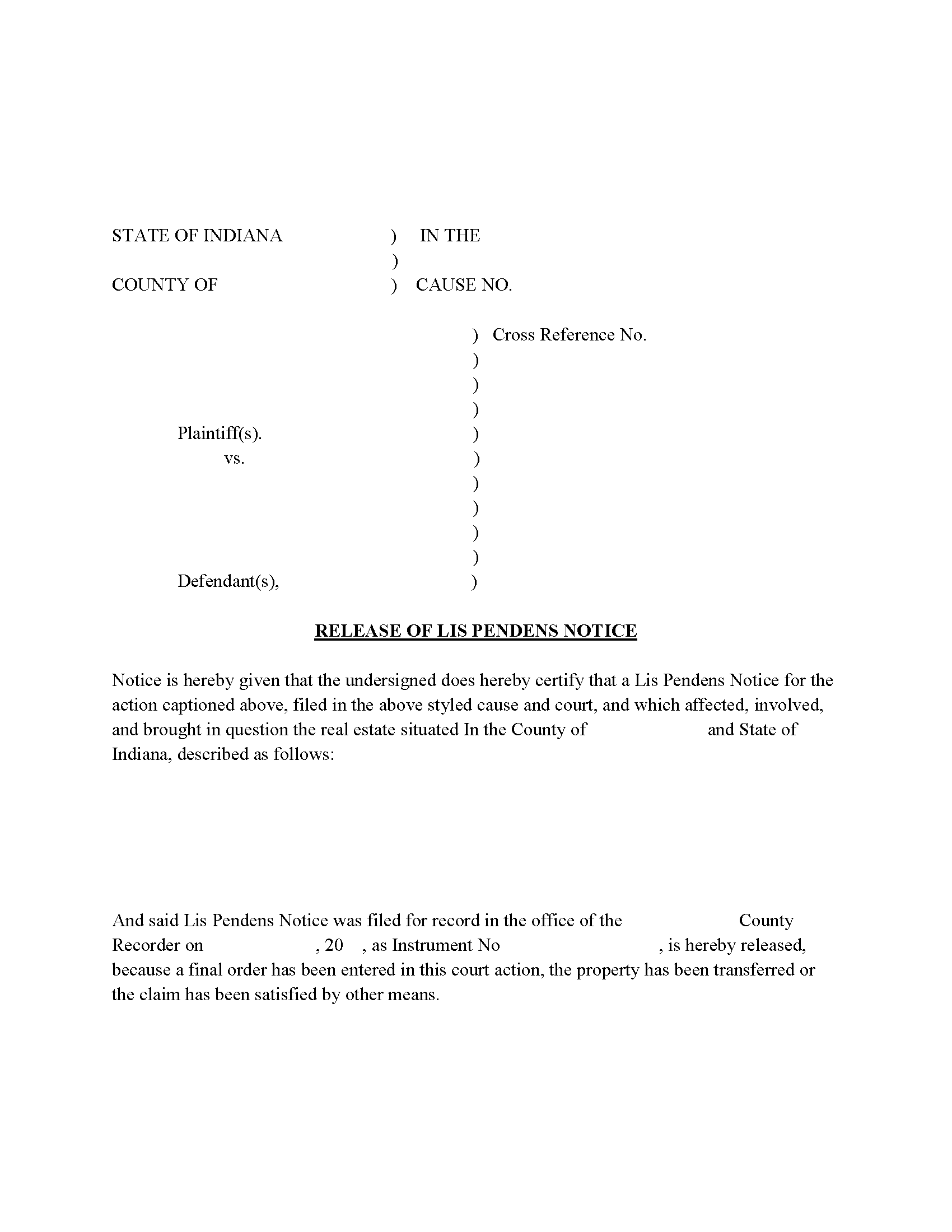
Steuben County Release of Lis Pendens Form
Fill in the blank form formatted to comply with all recording and content requirements.
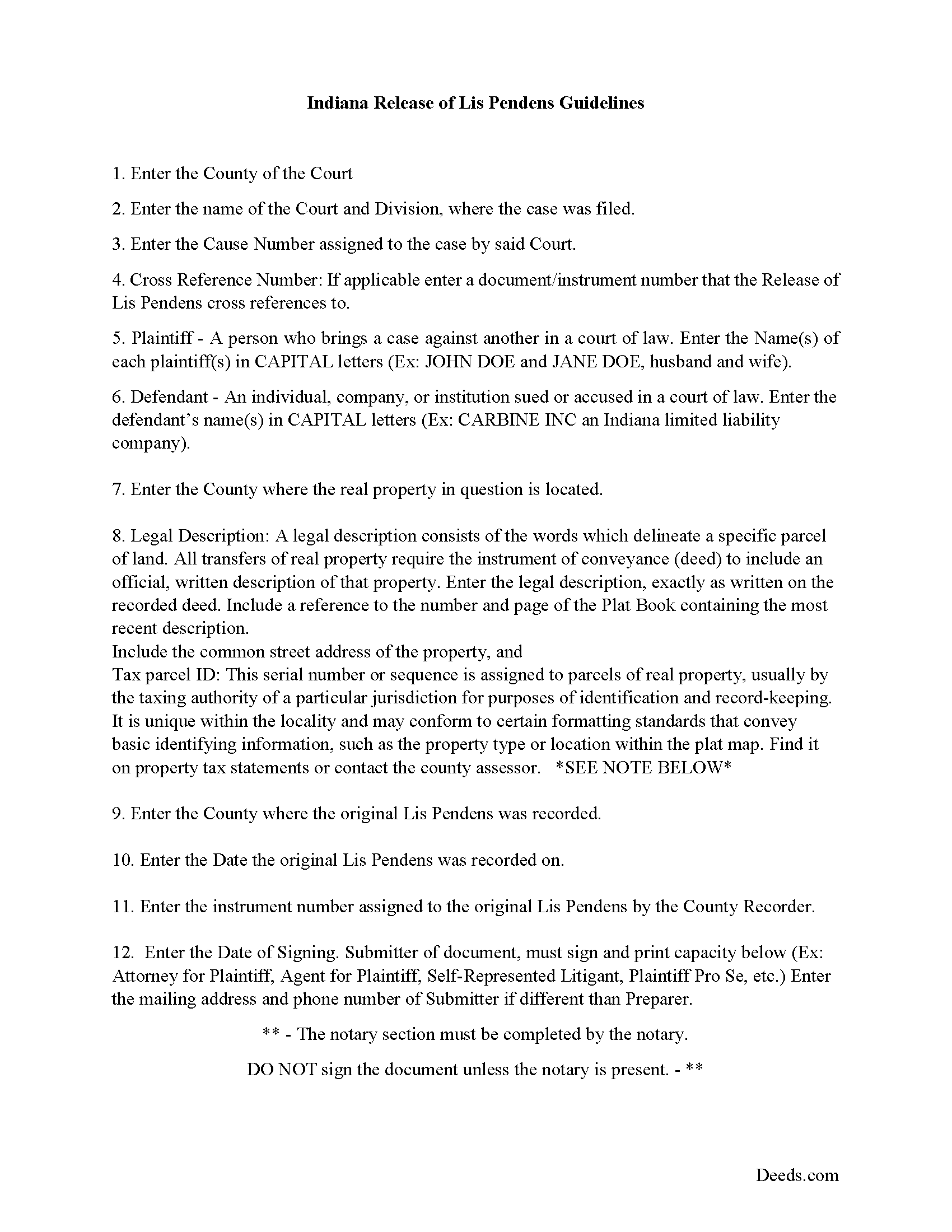
Steuben County Release of Lis Pendens Guide
Line by line guide explaining every blank on the form.
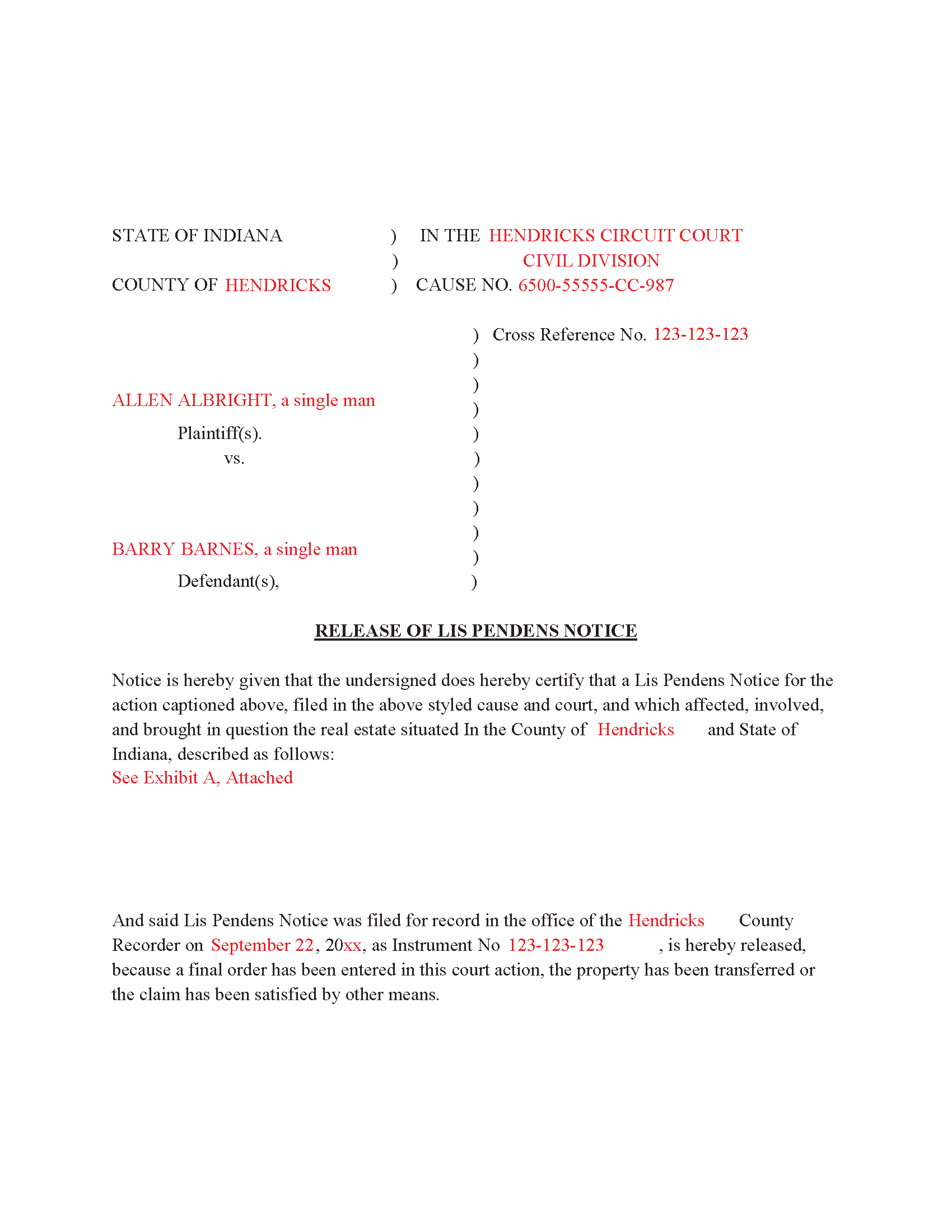
Steuben County Completed Example of the Release of Lis Pendens document
Example of a properly completed form for reference.
All 3 documents above included • One-time purchase • No recurring fees
Immediate Download • Secure Checkout
Additional Indiana and Steuben County documents included at no extra charge:
Where to Record Your Documents
Steuben County Recorder
Angola, Indiana 46703
Hours: 8:00 to 4:30 M-F
Phone: (260) 668-1000, ext 1700
Recording Tips for Steuben County:
- Bring your driver's license or state-issued photo ID
- Ensure all signatures are in blue or black ink
- Both spouses typically need to sign if property is jointly owned
- Bring extra funds - fees can vary by document type and page count
- Check margin requirements - usually 1-2 inches at top
Cities and Jurisdictions in Steuben County
Properties in any of these areas use Steuben County forms:
- Angola
- Fremont
- Hamilton
- Hudson
- Orland
- Pleasant Lake
Hours, fees, requirements, and more for Steuben County
How do I get my forms?
Forms are available for immediate download after payment. The Steuben County forms will be in your account ready to download to your computer. An account is created for you during checkout if you don't have one. Forms are NOT emailed.
Are these forms guaranteed to be recordable in Steuben County?
Yes. Our form blanks are guaranteed to meet or exceed the applicable formatting requirements used for recording in Steuben County, including margin requirements, font requirements, and other layout standards. This guarantee applies to formatting, not to the legal sufficiency of information entered by the user or the suitability of a form for a particular transaction.
Can I reuse these forms?
Yes. You can reuse the forms for your personal use. For example, if you have multiple properties in Steuben County you only need to order once.
What do I need to use these forms?
The forms are PDFs that you fill out on your computer. The free Adobe Acrobat Reader is recommended, and most PDF apps also work. You do NOT enter your property information online - you download the blank forms and complete them privately on your own computer.
Are there any recurring fees?
No. This is a one-time purchase. Nothing to cancel, no memberships, no recurring fees.
How much does it cost to record in Steuben County?
Recording fees in Steuben County vary. Contact the recorder's office at (260) 668-1000, ext 1700 for current fees.
Questions answered? Let's get started!
Use this form to release a previously recorded Lis Pendens Notice.
(Indiana Release of Lis Pendens Package includes form, guidelines, and completed example)
Important: Your property must be located in Steuben County to use these forms. Documents should be recorded at the county recording office listed above.
This Release of Lis Pendens Notice meets all recording requirements specific to Steuben County.
Our Promise
The documents you receive here are guaranteed to meet or exceed the applicable Steuben County recording format requirements. If there is a rejection caused by our formatting, we will correct the issue or refund your payment. This guarantee applies to document formatting only and does not extend to information entered by the user, the selection of the form, or the legal effect of the completed document.
Save Time and Money
Get your Steuben County Release of Lis Pendens Notice form done right the first time with Deeds.com Uniform Conveyancing Blanks. At Deeds.com, we understand that your time and money are valuable resources, and we don't want you to face a penalty fee or rejection imposed by a county recorder for submitting nonstandard documents. We constantly review and update our forms to meet rapidly changing state and county recording requirements for roughly 3,500 counties and local jurisdictions.
4.8 out of 5 - ( 4,836 Reviews )
Liliana H. 5 out of 5 stars
I had a great experience using Deeds.com to file my legal document. The whole process was simple and easy to follow. The website walks you through each step, and everything is explained clearly. At one point, I had to resubmit my documents, but even that was quick and easy. There were clear instructions, and I had no trouble making the changes and sending them again. The communication was great too. I was kept updated the whole time, and any questions I had were answered fast. If you need to file legal documents and want a stress-free way to do it, I definitely recommend Deeds.com. They made the whole process smooth from start to finish.
Thank you, Liliana! We really appreciate you taking the time to share your experience. We're glad everything went smoothly and that our team could support you when needed. It means a lot to know you'd recommend us!
Patricia N. 5 out of 5 stars
Wonderful fast service, quick thoughtful responses on chat! Files download easily too, great pruces
We are delighted to have been of service. Thank you for the positive review!
Carl R. 5 out of 5 stars
Wonderful forms even for an simpleton like me. Thank goodness there are people that actually know what they are doing.
Thanks for the kind words Carl.
Sandra C. 5 out of 5 stars
Quick and easy. Would recommend this site to everyone. Deed was sent to the site and recorded at my local county within 24 hours. Website could be set up better. Not labeled well for us that is not computer savvy.
We appreciate your business and value your feedback. Thank you. Have a wonderful day!
Kimberly W. 5 out of 5 stars
Thank you for making this process so convenient.
Thank you for your feedback. We really appreciate it. Have a great day!
Shannon y. 5 out of 5 stars
Awesome , easy-to-use and find exactly what I was needing and saved me alot of headache and money. Will definitely recommend to anyone
Your review means a lot to us. Thank you for taking the time.
Maria S. 3 out of 5 stars
The paperwork/forms are fine, but there isn't enough explanation for me to figure out how to file the extra forms (which I do need in my case). The main form, Deed Upon Death is fine. I think the price is pretty high for these forms. I wouldn't have purchased it because there are places to get them for much cheaper (about 6 dollars), but this site had the extra forms I wanted (property in a trust and another form). Unfortunately these were included as a "courtesy" and there are no instructions for them. So three stars for being clear about what was in the package, having the right forms that I need, but instructions for putting them to use and price took a couple of stars off. Downloading was easy and once you download you can type the info into the PDF--that makes working with the forms much easier.
Thank you for the feedback Maria. Regarding the supplement documents, it is best to get assistance from the agency that requires them. These are not legal documents, they should provide full support and guidance for them.
Reitman R. 5 out of 5 stars
Ordering, payment, and downloads went without a hitch. I appreciated the guide and examples. Than k you for hosting a good, working site.
Thank you for your feedback. We really appreciate it. Have a great day!
Jean C. 5 out of 5 stars
I created an account for one particular document. It was very easy to find what I needed for my state and my county. The directions were easy to follow, the cost was reasonable and I was able to download the documents immediately. I recommend this site to anyone who needs legal documents and I will use it again when needed.
Thank you, Jean! We're so glad you had a great experience. We truly appreciate your recommendation and look forward to helping you again whenever you need us!
John N. 5 out of 5 stars
Very easy to navigate.
Thank you!
MARCO G. 5 out of 5 stars
Very easy to use. Got the emailed documents within minutes.
We appreciate your feedback Marco, thank you.
Jennifer H. 1 out of 5 stars
Price is too expensive.
Thank you for your feedback Jennifer.
Michael O. 5 out of 5 stars
Received everything that was promised.
We appreciate your business and value your feedback. Thank you. Have a wonderful day!
Judy A D. 5 out of 5 stars
It was quick and easy.
Thank you!
Anita L. 5 out of 5 stars
Found this site very easy to navigate and customer service very supportive and quickly answers any questions you have regarding forms. Best of all you can get the forms you need and only pay for those forms, not tied to some ongoing fee that you must cancel if you have no further need beyond forms you've already purchased.
We appreciate your business and value your feedback. Thank you. Have a wonderful day!