Ohio County Transfer on Death Revocation Form
Last validated October 12, 2026 by our Forms Development TeamFormatted for recording in Ohio County, for property anywhere in the county: rural and unincorporated areas as well as Rising Sun.
- 3 documents included
- Immediate PDF download
- Formatting guarantee
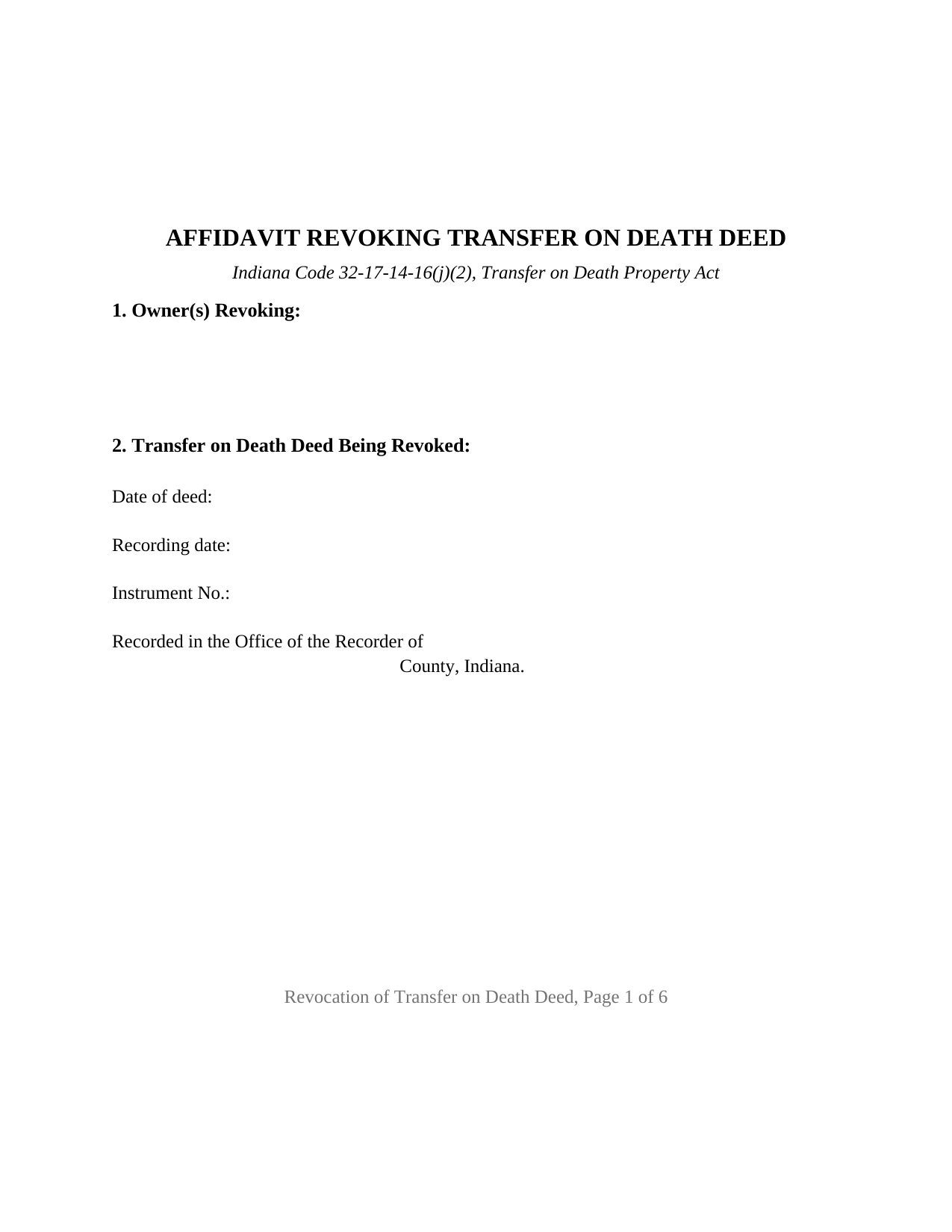
Ohio County Transfer on Death Revocation Form
Fill in the blank Transfer on Death Revocation form formatted to comply with all Indiana recording and content requirements.
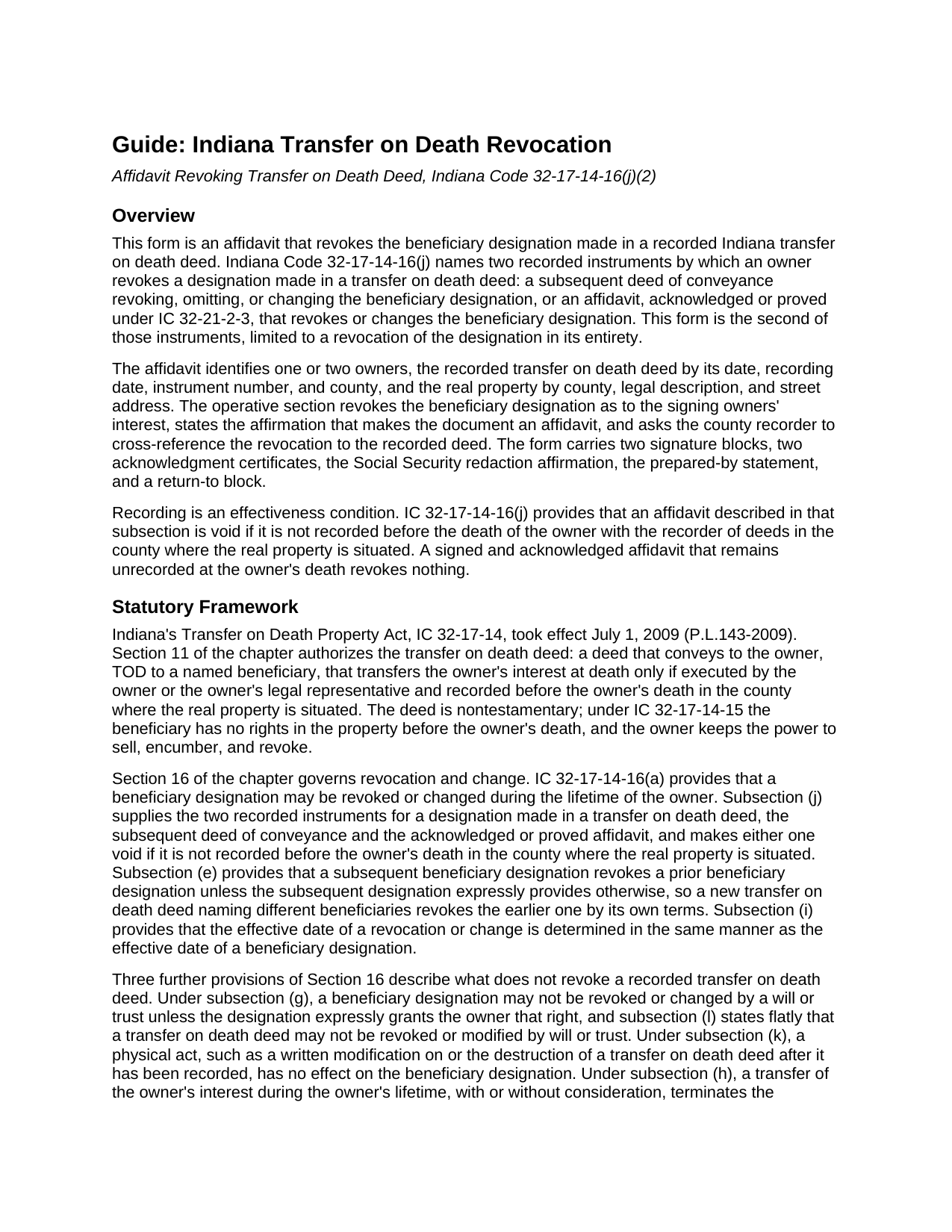
Ohio County Transfer on Death Revocation Guide
Line by line guide explaining every blank on the Transfer on Death Revocation form.
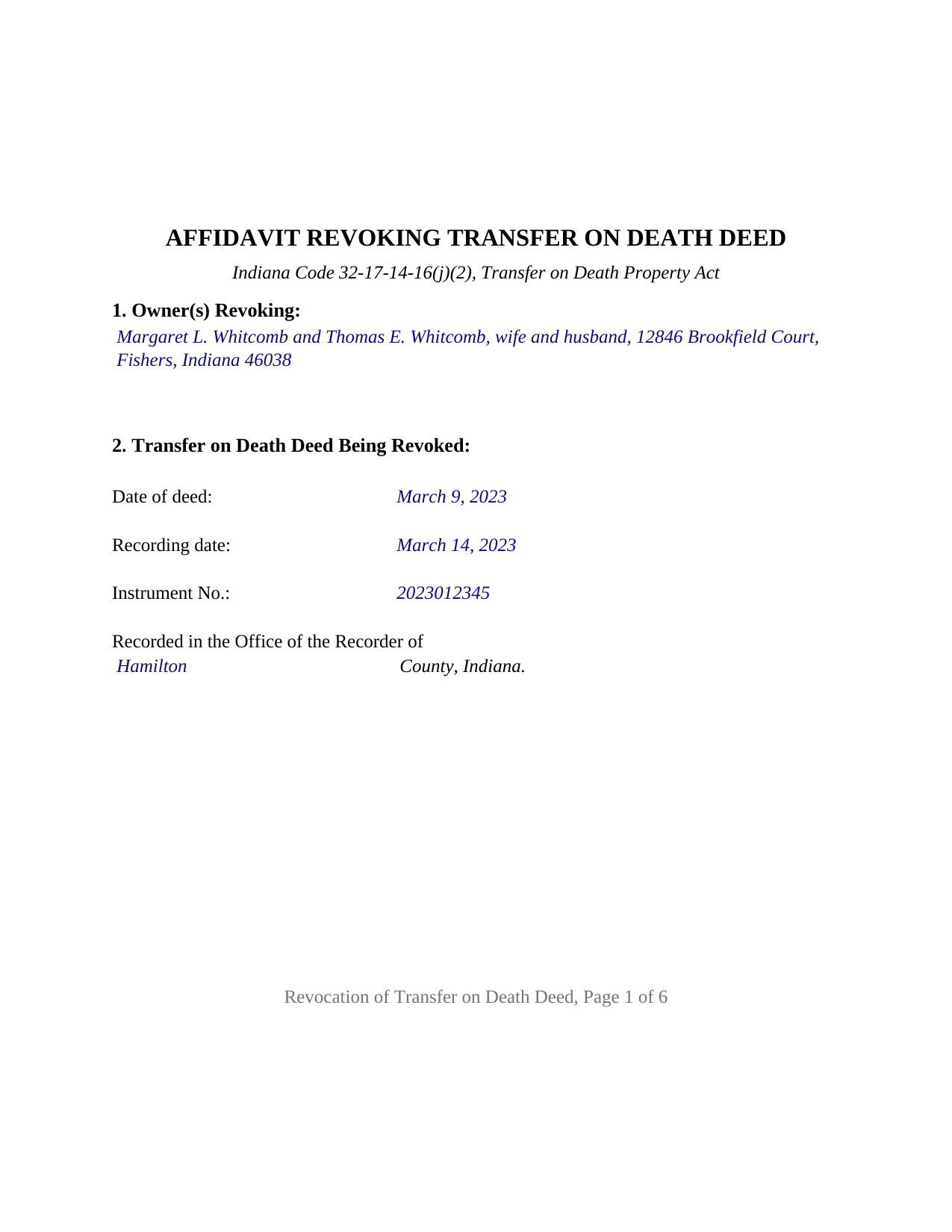
Ohio County Completed Example of the Transfer on Death Revocation Document
Example of a properly completed Indiana Transfer on Death Revocation document for reference.
All 3 documents above included • One-time purchase • No recurring fees
Immediate Download • Secure Checkout
Additional Indiana and Ohio County documents included at no extra charge:
Where to Record Your Documents
Ohio County Recorder
Rising Sun, Indiana 47040
Hours: 8:00 to 4:00 Monday through Friday
Phone: (812) 438-3369
Recording Tips for Ohio County:
- Bring your driver's license or state-issued photo ID
- Ensure all signatures are in blue or black ink
- Ask about their eRecording option for future transactions
- Avoid the last business day of the month when possible
- Both spouses typically need to sign if property is jointly owned
Cities and Jurisdictions in Ohio County
Properties in any of these areas use Ohio County forms:
- Rising Sun
Hours, fees, requirements, and more for Ohio County
How do I get my forms?
Forms are available for immediate download after payment. The Ohio County forms will be in your account ready to download to your computer. An account is created for you during checkout if you don't have one. Forms are NOT emailed.
Are these forms guaranteed to be recordable in Ohio County?
Yes. Our form blanks are guaranteed to meet or exceed the applicable formatting requirements used for recording in Ohio County, including margin requirements, font requirements, and other layout standards. This guarantee applies to formatting, not to the legal sufficiency of information entered by the user or the suitability of a form for a particular transaction.
Can I reuse these forms?
Yes. You can reuse the forms for your personal use. For example, if you have multiple properties in Ohio County you only need to order once.
What do I need to use these forms?
The forms are PDFs that you fill out on your computer. The free Adobe Acrobat Reader is recommended, and most PDF apps also work. You do NOT enter your property information online - you download the blank forms and complete them privately on your own computer.
Are there any recurring fees?
No. This is a one-time purchase. Nothing to cancel, no memberships, no recurring fees.
How much does it cost to record in Ohio County?
Recording fees in Ohio County vary. Contact the recorder's office at (812) 438-3369 for current fees.
Questions answered? Let's get started!
An Indiana transfer on death deed stays revocable for the owner's whole life, but taking it back is a recording event, not a change of mind. This form prepares the affidavit Indiana Code 32-17-14-16(j)(2) names for the purpose: an acknowledged affidavit that revokes the beneficiary designation made in a recorded transfer on death deed, void unless recorded before the owner's death in the county where the property is situated. It holds one or two owners of record.
A revocation that has to reach the record
Section 16 of the Transfer on Death Property Act recognizes two recorded instruments that revoke a designation made in a transfer on death deed, also called a TOD deed or beneficiary deed: a subsequent deed of conveyance that revokes, omits, or changes the designation, and an affidavit that revokes or changes it. This package is the affidavit, limited to a revocation in its entirety. The chapter is equally clear about what does not work: under subsections (g) and (l) a will or trust does not revoke or modify a transfer on death deed, under subsection (k) writing on the recorded deed or tearing it up has no effect, and under subsection (j) an affidavit left unrecorded at the owner's death revokes nothing. The form restates that recording condition in capitals above the signature lines.
What the affidavit recites
The affidavit identifies the owners revoking, the deed being revoked by its date, recording date, instrument number, and recording county, and the real property by county, legal description, and street address. The operative paragraph revokes the designation as to the signing owners' interest, affirms under the penalties for perjury that the statements are true, and asks the recorder to cross-reference the affidavit to the deed. Because of that request the deed's instrument number sits on the first page, where IC 32-21-2-16 puts the number of a cross-referenced instrument, so a title examiner finds the revocation from the deed itself.
Who joins in the revocation
Indiana ties the signers to the form of ownership. For property held by spouses as tenants by the entirety, IC 32-17-14-16(b) requires the agreement of both tenants while both are alive, and after one spouse dies it lets the surviving spouse revoke or change the designation alone. For property held by joint owners with a right of survivorship, subsection (d) requires the agreement of each living owner. A tenant in common revokes the designation of that owner's own interest.
One or two owners on one affidavit
The owner block is free-form and preprints nothing about marital status or the form of ownership; the names are written as the recorded deed shows them, and the completed example shows two spouses who hold as tenants by the entirety signing together. The form carries two signature blocks and a separate acknowledgment certificate for each signer as a matter of design, so two owners may acknowledge on different days or before different officers, and a sole owner or surviving spouse leaves the second block blank; Indiana's certificate statute does not require separate certificates. The form is not set up for an entity, a trustee, an attorney in fact, a legal representative, or three or more owners, and it does not change or substitute a beneficiary; a new designation is made by a new transfer on death deed, prepared and recorded separately and not included in this package.
Two county offices, in order
Since July 1, 2024, IC 36-2-11-14 has allowed the recorder to record an instrument made under the Transfer on Death Property Act only after the county auditor endorses it, and bars the auditor from refusing on that ground. The affidavit goes to the auditor first and the recorder second. The form is laid out to Indiana's recording format statute, with two inch top and bottom margins on the first and last pages and black 12 point text over the 10 point minimum, and it carries the certificate content IC 33-42-9-12 requires, including the notary's county of commission, and the prepared-by statement and Social Security redaction affirmation IC 36-2-11-15 places at the conclusion of a recorded instrument. The recorder's statewide fee for a non-mortgage instrument is $25.
The package includes the fillable affidavit, a completed example filled in for a realistic Hamilton County fact pattern, and the guide that walks through every section, the joinder rules, and the auditor and recorder steps. This description and the guide describe the form and the governing Indiana statutes in general terms; they are not legal advice.
Important: Your property must be located in Ohio County to use these forms. Documents should be recorded at the county recording office listed above.
This Transfer on Death Revocation meets all recording requirements specific to Ohio County.
Our Promise
The documents you receive here are guaranteed to meet or exceed the applicable Ohio County recording format requirements. If there is a rejection caused by our formatting, we will correct the issue or refund your payment. This guarantee applies to document formatting only and does not extend to information entered by the user, the selection of the form, or the legal effect of the completed document.
Save Time and Money
Get your Ohio County Transfer on Death Revocation form done right the first time with Deeds.com Uniform Conveyancing Blanks. At Deeds.com, we understand that your time and money are valuable resources, and we don't want you to face a penalty fee or rejection imposed by a county recorder for submitting nonstandard documents. We constantly review and update our forms to meet rapidly changing state and county recording requirements for roughly 3,500 counties and local jurisdictions.
4.8 out of 5 - ( 4,842 Reviews )
Anna L W. 5 out of 5 stars
Was insecure about being able to access the information but pleasantly found that the site was easy to use. Seems that I can use it repeatedly to go back and reprint the forms once I paid.
We appreciate your business and value your feedback. Thank you. Have a wonderful day!
Jill R. 5 out of 5 stars
So helpful and extremely responsive. Such a convenient way to record deeds.
We appreciate your business and value your feedback. Thank you. Have a wonderful day!
Wilma E. 5 out of 5 stars
Very satisfied with service and form. Completed form, printed, and submitted to county for processing. Everything went well.
Thank you for your feedback. We really appreciate it. Have a great day!
Jane B. 5 out of 5 stars
Easy to use,thanks
Thank you!
Michael M. 5 out of 5 stars
Received the documents as ordered in a timely fashion. Can't ask for much better than that!
Thank you!
Leo b. 5 out of 5 stars
Awesome site great paperwork EZ Forms great.
Thank you Leo.
Anne-Marie B. 5 out of 5 stars
This was the first time I have ever e-recorded a document. The process was smooth and simple. I loved being informed at each step along the way. I am glad I chose deeds.com and plan to use them in the future for all my electronic recording of legal documents.
Thank you!
Douglas T. 5 out of 5 stars
Deeds.com supplied me with forms I needed immediately.
Thank you!
Richard S. 2 out of 5 stars
Not user friendly, and not an Adobe fan. The first page of Quitclaim Deed form cuts off the Parcel Identification line on the bottom. Also quite a few forms showed up to be downloaded , after I paid, so I was unsure if all the forms were part of the quitclaim package. I have adobe but was unable to locate the forms in adobe on my computer after I downloaded them. Just wanted to print out one quitclaim deed form, which would have taken less that 3 minutes. instead it took 97 minutes. Thank you, though, for having the form there.
Thank you for your feedback. We really appreciate it. Have a great day!
Rick M. 1 out of 5 stars
Sign up process was fine. The search could be refined a bit to make it easier. Rather than being presented with a large number of fields and trying to figure out, it say street suffice (Drive, Street, Lane) are needed and with what spelled out, what abbreviated it would be nice to have them presented as questions with examples. The $30 price point of r a deed is way too high for me as an appraiser. This is why I didn't complete the transaction.
Thank you for your feedback. We really appreciate it. Have a great day!
Nancy C. 5 out of 5 stars
Easy to use, found what I was looking for.
We are grateful for your feedback and looking forward to serving you again. Thank you!
Brenda D. 5 out of 5 stars
Very easy to use once I found it.
Thank you!
Paul A. 4 out of 5 stars
The website worked fast but the information was limited and the actual deed of trust was what i was looking for from the county --- the info was limited the website is fast and seemed accurate just limited the information I needed
Thank you!
Louise M. 5 out of 5 stars
Amazing fast service. From the U.K. I was unable to get a check in U.S. dollars. This solved my problem as I was able to make payment with a card. So much faster than sending the documents from the U.K. via the postal service. Easy to use site, very quickly processed. Highly recommend
Thank you for your feedback. We really appreciate it. Have a great day!
Jonelle R. 5 out of 5 stars
Paperwork very easy to retrieve. Hope going to get it recorded will be this easy.
We appreciate your business and value your feedback. Thank you. Have a wonderful day!