Wabash County Trustee Deed with Warranty Form
Last validated October 5, 2026 by our Forms Development TeamFormatted for recording in Wabash County, for property anywhere in the county: rural and unincorporated areas as well as La Fontaine, Lagro, Laketon, Liberty Mills, North Manchester, Roann, Servia, Somerset and 2 more.
- 3 documents included
- Immediate PDF download
- Formatting guarantee
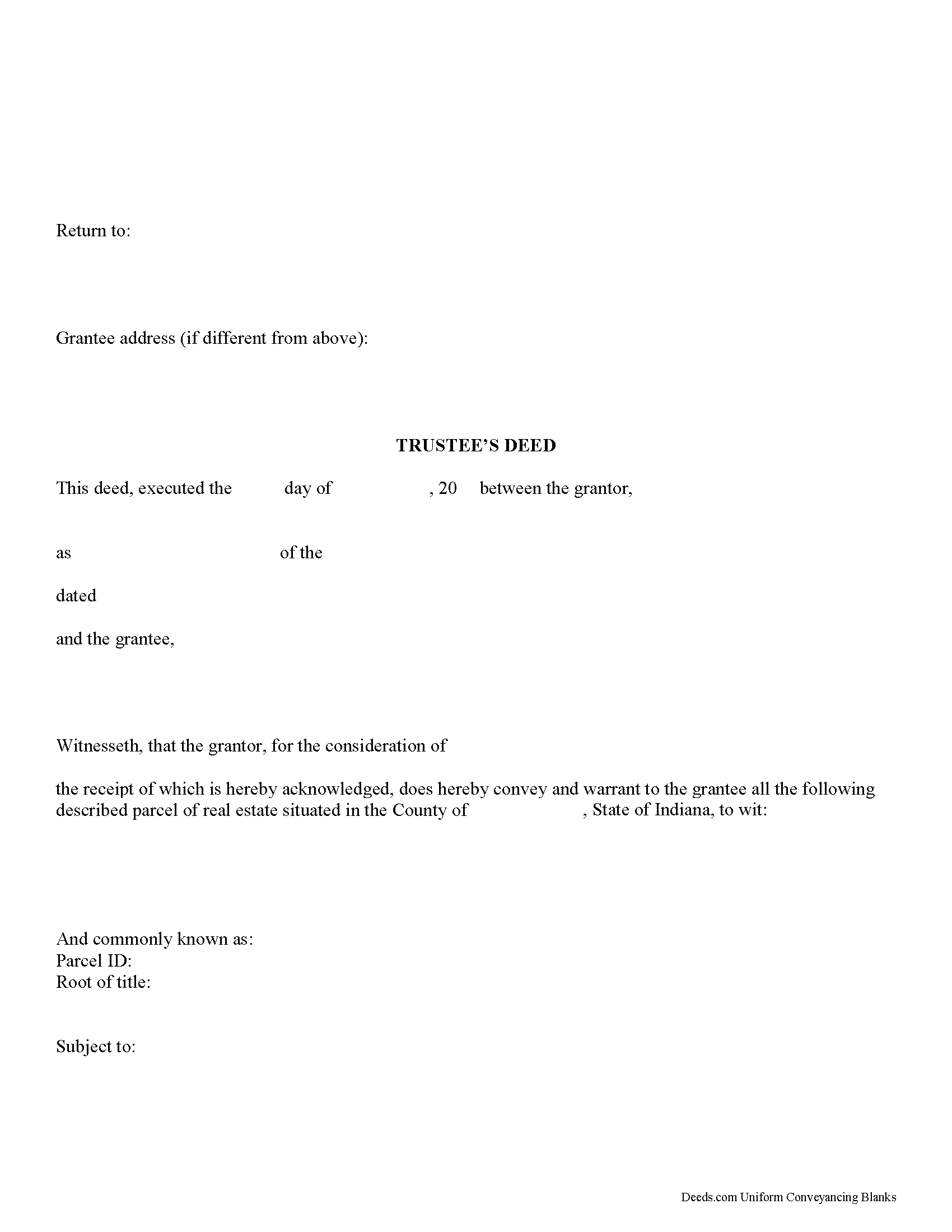
Wabash County Trustee Deed Form
Fill in the blank form formatted to comply with all recording and content requirements.
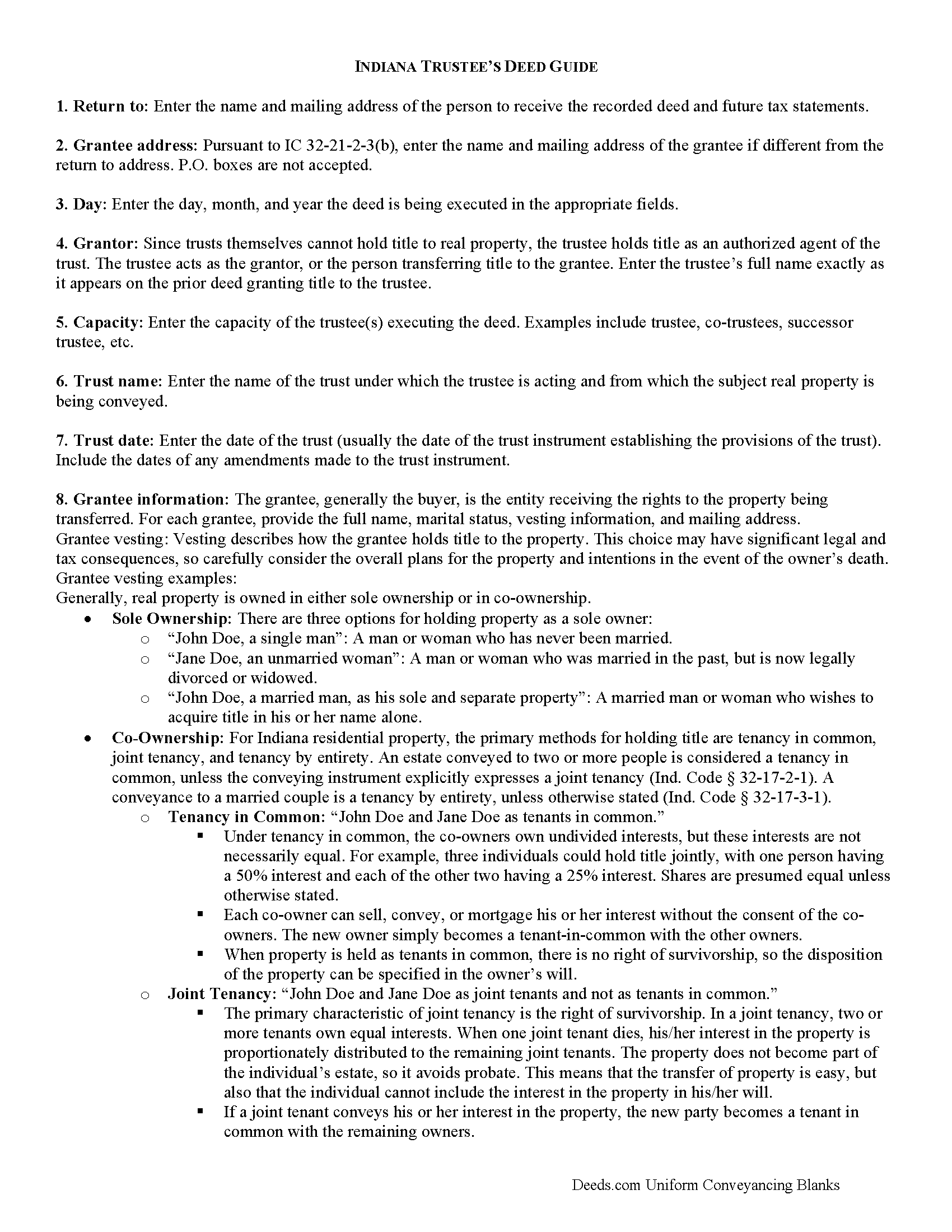
Wabash County Trustee Deed Guide
Line by line guide explaining every blank on the form.
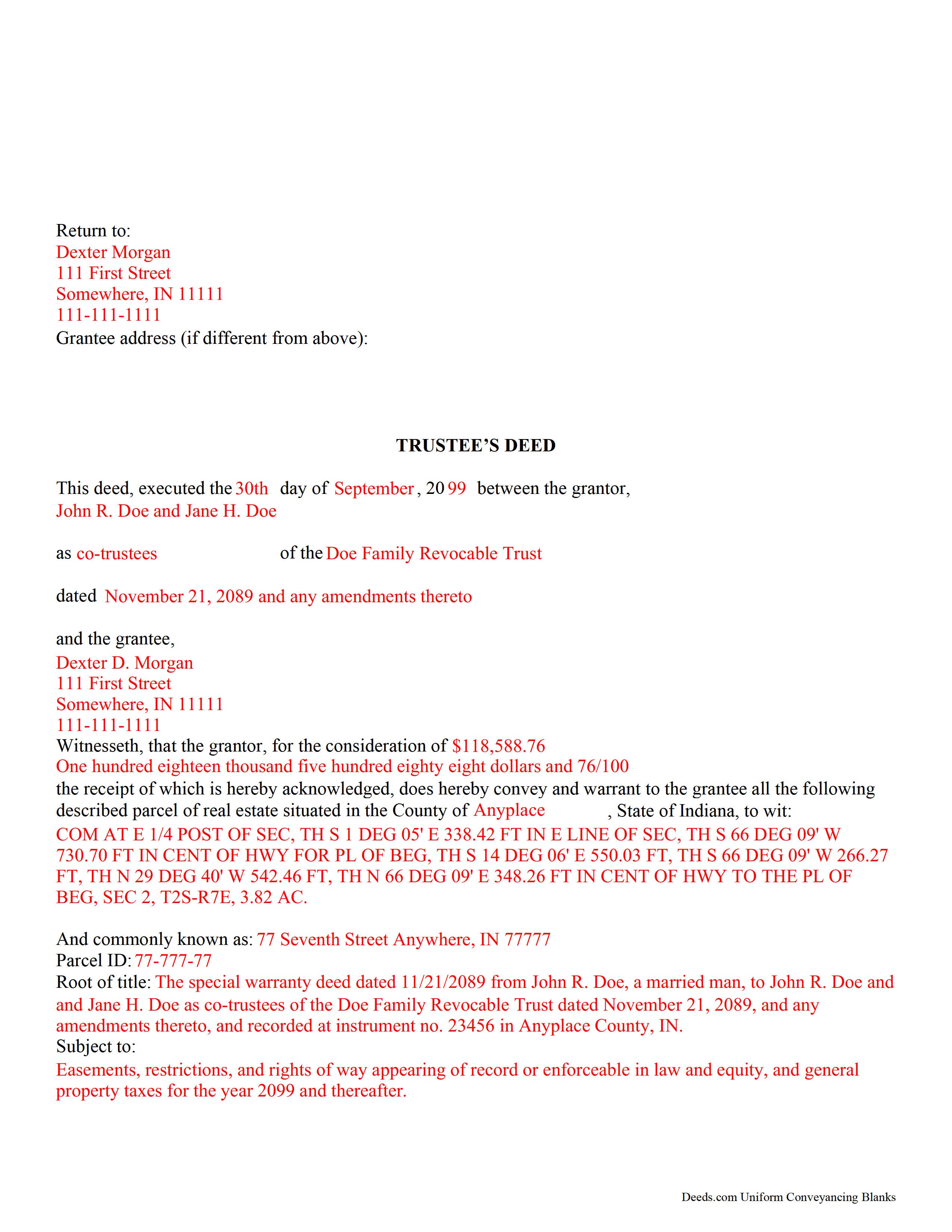
Wabash County Completed Example of the Trustee Deed Document
Example of a properly completed form for reference.
All 3 documents above included • One-time purchase • No recurring fees
Immediate Download • Secure Checkout
Additional Indiana and Wabash County documents included at no extra charge:
Where to Record Your Documents
Wabash County Recorder
Wabash, Indiana 46992
Hours: 8:00 to 4:00 M-F / Recording cut-off at 3:30
Phone: (260) 563-0661 Ext 1253
Recording Tips for Wabash County:
- Bring your driver's license or state-issued photo ID
- Ensure all signatures are in blue or black ink
- Make copies of your documents before recording - keep originals safe
- Recorded documents become public record - avoid including SSNs
- Recording fees may differ from what's posted online - verify current rates
Cities and Jurisdictions in Wabash County
Properties in any of these areas use Wabash County forms:
- La Fontaine
- Lagro
- Laketon
- Liberty Mills
- North Manchester
- Roann
- Servia
- Somerset
- Urbana
- Wabash
Hours, fees, requirements, and more for Wabash County
How do I get my forms?
Forms are available for immediate download after payment. The Wabash County forms will be in your account ready to download to your computer. An account is created for you during checkout if you don't have one. Forms are NOT emailed.
Are these forms guaranteed to be recordable in Wabash County?
Yes. Our form blanks are guaranteed to meet or exceed the applicable formatting requirements used for recording in Wabash County, including margin requirements, font requirements, and other layout standards. This guarantee applies to formatting, not to the legal sufficiency of information entered by the user or the suitability of a form for a particular transaction.
Can I reuse these forms?
Yes. You can reuse the forms for your personal use. For example, if you have multiple properties in Wabash County you only need to order once.
What do I need to use these forms?
The forms are PDFs that you fill out on your computer. The free Adobe Acrobat Reader is recommended, and most PDF apps also work. You do NOT enter your property information online - you download the blank forms and complete them privately on your own computer.
Are there any recurring fees?
No. This is a one-time purchase. Nothing to cancel, no memberships, no recurring fees.
How much does it cost to record in Wabash County?
Recording fees in Wabash County vary. Contact the recorder's office at (260) 563-0661 Ext 1253 for current fees.
Questions answered? Let's get started!
Trustees use this form to transfer real property located in Indiana out of trust, with warranties of title as set out in Ind. Code 32-17-1-2. The deed should be executed by the trust's acting trustee(s).
A trustee's deed is an instrument used in trust administration to convey real property out of a trust. Unlike other forms of conveyance, which are named for the type of warranties they carry, the trustee's deed is named after the executing trustee.
The trustee is the administrator of a trust who is appointed by the settlor. The settlor is the person who funds the trust with assets -- in this case, real property. The settlor executes a trust instrument, which contains the provisions of the trust, including a designation of the trust's beneficiaries. This document is generally not of public record.
The trustee serves as the grantor in the trustee's deed. If there are multiple trustees or the trustee appears as a successor, this information is included also. The settlor does not enter directly into the transaction. In addition, the deed states the trust name and date under which the trustee is appearing, as well as any amendments made to the trust instrument.
All instruments of conveyance in Indiana require a legal description of the property begin conveyed, the grantee's information, and the root of title, as well as a "prepared by" statement and affirmation statement regarding the redaction of Social Security Numbers. All acting trustees must sign the deed in the presence of a notary public before the deed is recorded in the county in which the real property is situated.
Because trustees act in a fiduciary capacity, they may be asked to provide a certification of trust, demonstrating that the trust exists and their authority to enter into transactions on behalf of the trust.
The trustee's deed may require additional information depending on the situation. These instruments may or may not include warranties of title, so make sure to use the correct form for the situation. Consult a lawyer with specific questions or guidance in preparing a trustee's deed.
Important: Your property must be located in Wabash County to use these forms. Documents should be recorded at the county recording office listed above.
This Trustee Deed with Warranty meets all recording requirements specific to Wabash County.
Our Promise
The documents you receive here are guaranteed to meet or exceed the applicable Wabash County recording format requirements. If there is a rejection caused by our formatting, we will correct the issue or refund your payment. This guarantee applies to document formatting only and does not extend to information entered by the user, the selection of the form, or the legal effect of the completed document.
Save Time and Money
Get your Wabash County Trustee Deed with Warranty form done right the first time with Deeds.com Uniform Conveyancing Blanks. At Deeds.com, we understand that your time and money are valuable resources, and we don't want you to face a penalty fee or rejection imposed by a county recorder for submitting nonstandard documents. We constantly review and update our forms to meet rapidly changing state and county recording requirements for roughly 3,500 counties and local jurisdictions.
4.8 out of 5 - ( 4,819 Reviews )
Calida S. 5 out of 5 stars
I was so happy I found a way to register my deed electronically! The county I live in only does e-file through vendors who service law firms and large volume documents. I had everything done electronically only to hit a brick wall doing warp speed when it came to this last part. So far everything is going super smooth and very easy. The price is worth it to be able to get this deed done because I'm doing a life estate deed to my late boyfriends daughter. She's getting married soon and this is my gift to her since her daddy can't be here. Thanks Deeds.com This means a lot, and I plan on bringing my business back provided everything finishes well. I will definitely follow up soon!
Thank you, Calida. We’re glad we could help make the electronic recording step easier, especially for something so meaningful. We appreciate your trust in Deeds.com and look forward to helping whenever you need us again.
Edward M. 5 out of 5 stars
Great Forms, Detailed explanation on how to fill them out properly. No Issues at all. Very e-z to use site and forms. Thanks
We appreciate your business and value your feedback. Thank you. Have a wonderful day!
Michael R. 5 out of 5 stars
A suggestion: Include instructions on how to add your spouse to the deed, rather than transferring completely to a third party
Thank you for your thoughtful feedback. Adding a spouse to a deed is a common need, and suggestions like yours help us identify where additional guidance would be useful. We’ll take this into consideration as we continue improving our resources.
Felice T. 5 out of 5 stars
Very easy to use and responsive.
Thank you for your feedback. We really appreciate it. Have a great day!
Jan H. 5 out of 5 stars
This is a great service. It was easy to find and the instructions were complete and easy to follow.
Thank you!
Steven B. 5 out of 5 stars
Easy peazy to find the right forms and they come with instructions and a sample.
Your feedback is appreciated. Thank you for letting us know how we did.
Karen W. 5 out of 5 stars
Great experience. Easy.
We appreciate your business and value your feedback. Thank you. Have a wonderful day!
Linda D. 3 out of 5 stars
It was easy to download the form I wanted BUT there were 2 other options listed for "open/download." I didn't want to risk more charges for something I couldn't determine I needed so I passed them up. There were a few others listed with the option to "view" so I did that, without down-loading, and there were no additional charges. I would've liked that opportunity for 2 others that didn't offer "view" so maybe deeds.com missed a sale?
Thank you for your feedback Linda. All the documents available for download in your account are included with your payment, no additional charges.
Kimberly H. 5 out of 5 stars
Very fast and easy to use!
Thank you Kimberly. Have a fantastic day.
Adriane L. 5 out of 5 stars
great experience. Great communication and very fast turn around ty Adriane
Your feedback is valuable to us and helps us improve. Thank you for sharing your thoughts!
Ray L. 5 out of 5 stars
Thank you, I am very satisfied with the process and will provide a final review after the documents are completed and accepted by the state.
Thank you for your feedback. We really appreciate it. Have a great day!
Juanita G. 5 out of 5 stars
This was so easy to use, quick turnaround and I will continue to use this service. Thank you!
Thanks you Juanita for taking the time to leave your feedback. We really appreciate it. Have a fantastic day!
bill h. 5 out of 5 stars
so far getting what i needed was easy the site is well done thank you
We appreciate your business and value your feedback. Thank you. Have a wonderful day!
Tanya B. 5 out of 5 stars
Very convenient way to record documents without leaving the office. Responses to any questions have always been very quick. Would recommend using the site to anyone who needs to record documents and wants to save valuable time.
Thank you!
Kerrin S. 5 out of 5 stars
This was so efficient. Thank you for offering this service!
Thank you for your feedback. We really appreciate it. Have a great day!