Coffey County Assignment of Leases and Rents Form
Last validated November 13, 2026 by our Forms Development TeamFormatted for recording in Coffey County, for property anywhere in the county: rural and unincorporated areas as well as Burlington, Gridley, Le Roy, Lebo, Neosho Falls, Waverly.
- 3 documents included
- Immediate PDF download
- Formatting guarantee
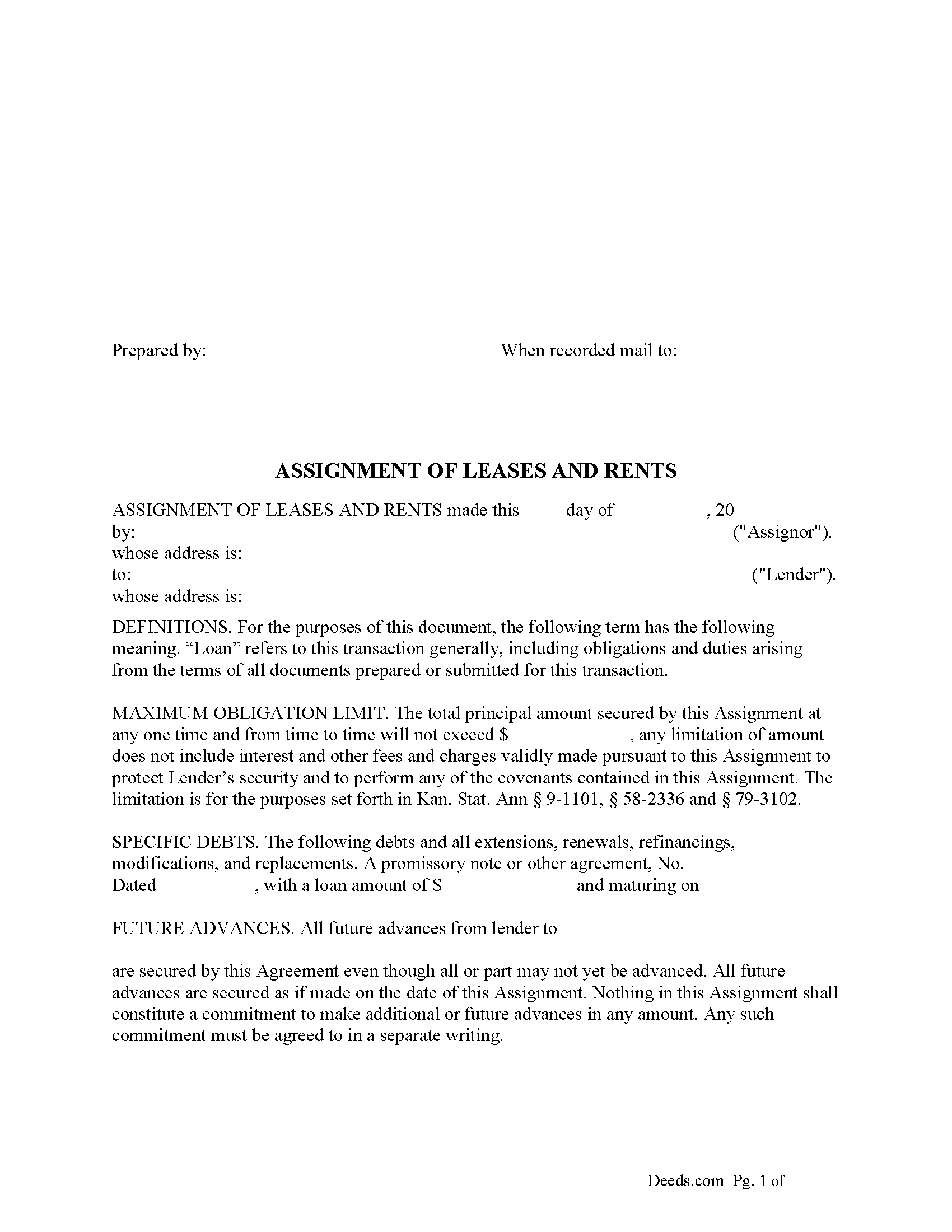
Coffey County Assignment of Leases and Rents Form
Fill in the blank form formatted to comply with all recording and content requirements.
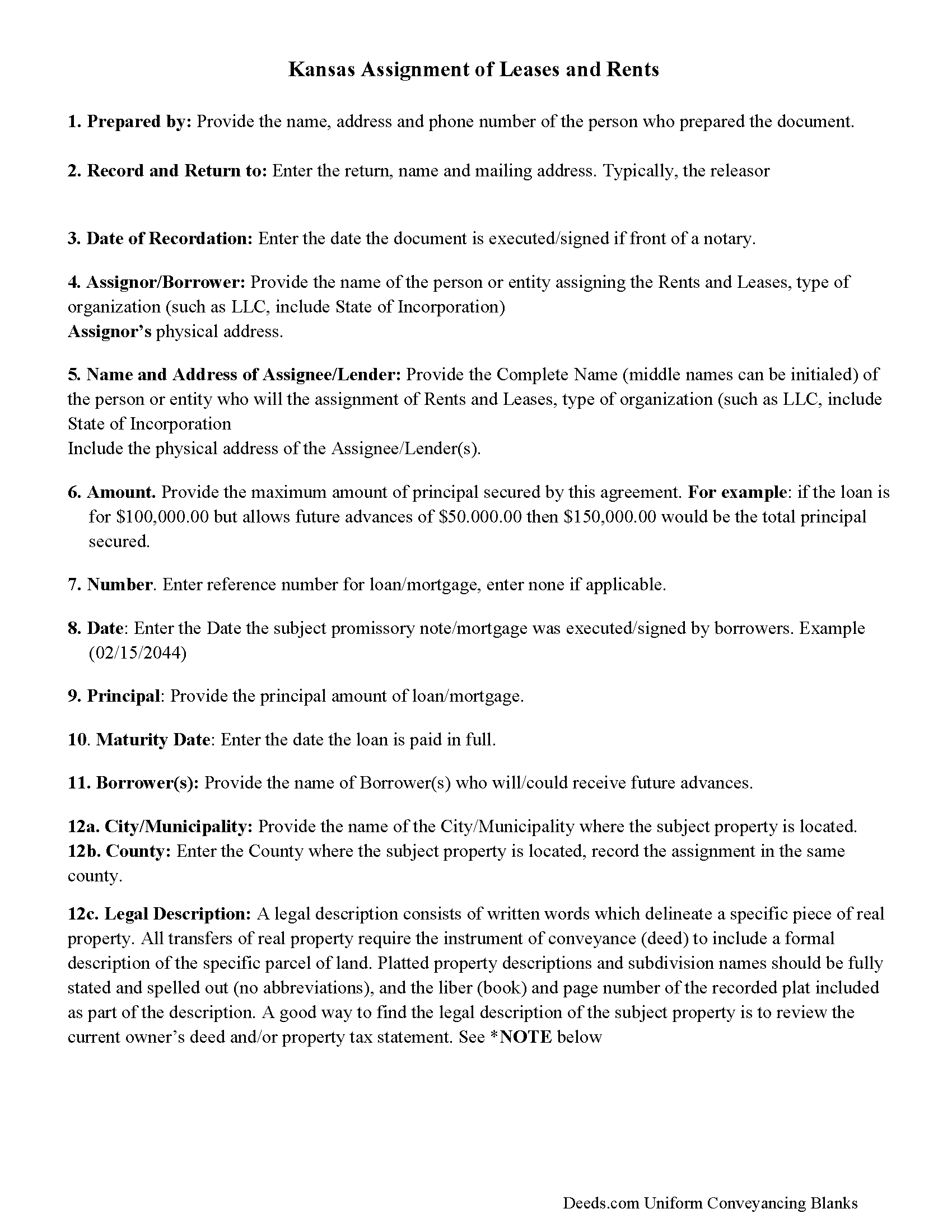
Coffey County Assignment of Leases and Rents Guide
Line by line guide explaining every blank on the Assignment of Leases and Rents form.
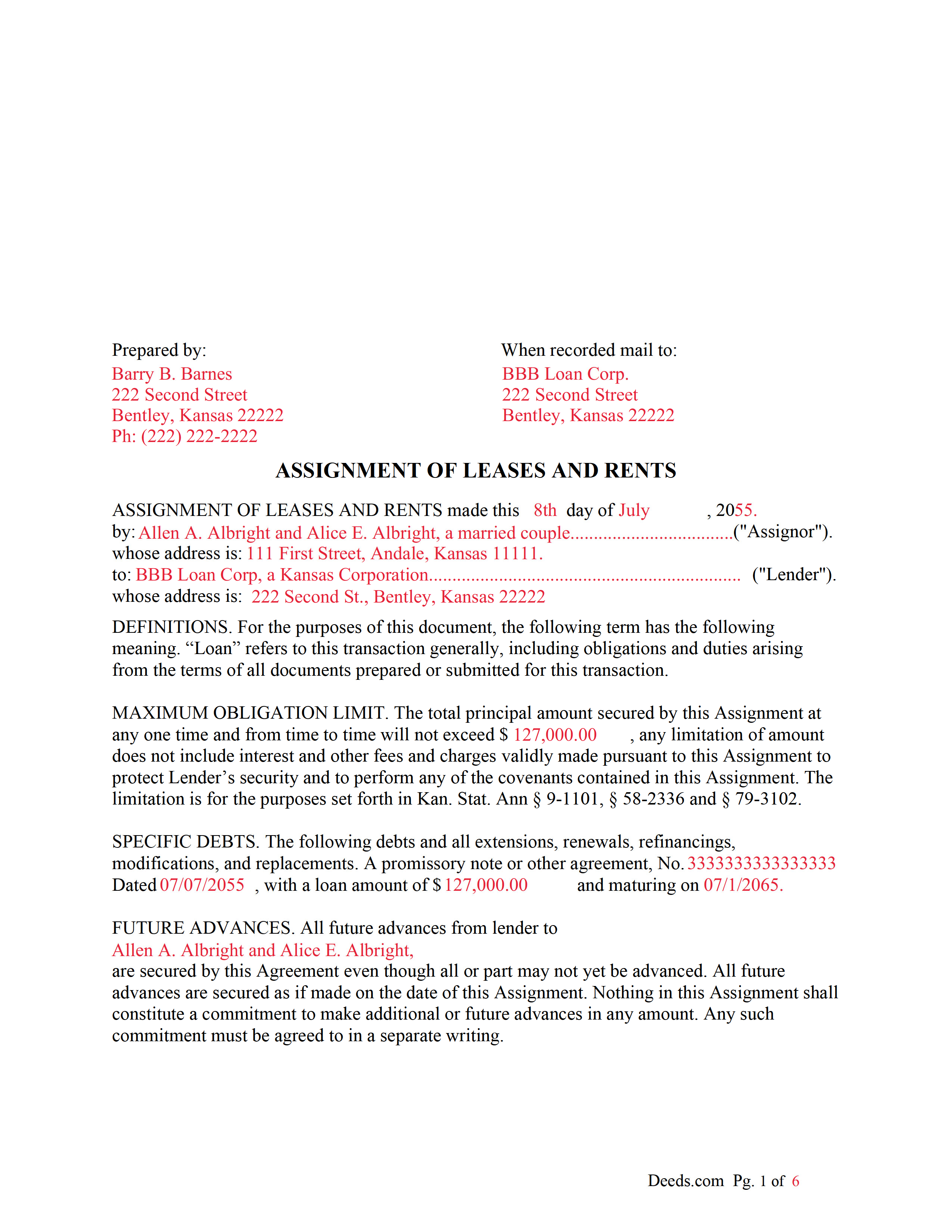
Coffey County Completed Example of the Assignment of Leases and Rents Document
Example of a properly completed form for reference.
All 3 documents above included • One-time purchase • No recurring fees
Immediate Download • Secure Checkout
Additional Kansas and Coffey County documents included at no extra charge:
Where to Record Your Documents
Coffey County Register of Deeds
Burlington, Kansas 66839
Hours: 8:00am-5:00pm M-F
Phone: (620) 364-2423
Recording Tips for Coffey County:
- Bring your driver's license or state-issued photo ID
- Ensure all signatures are in blue or black ink
- Bring extra funds - fees can vary by document type and page count
- Check margin requirements - usually 1-2 inches at top
- Leave recording info boxes blank - the office fills these
Cities and Jurisdictions in Coffey County
Properties in any of these areas use Coffey County forms:
- Burlington
- Gridley
- Le Roy
- Lebo
- Neosho Falls
- Waverly
Hours, fees, requirements, and more for Coffey County
How do I get my forms?
Forms are available for immediate download after payment. The Coffey County forms will be in your account ready to download to your computer. An account is created for you during checkout if you don't have one. Forms are NOT emailed.
Are these forms guaranteed to be recordable in Coffey County?
Yes. Our form blanks are guaranteed to meet or exceed the applicable formatting requirements used for recording in Coffey County, including margin requirements, font requirements, and other layout standards. This guarantee applies to formatting, not to the legal sufficiency of information entered by the user or the suitability of a form for a particular transaction.
Can I reuse these forms?
Yes. You can reuse the forms for your personal use. For example, if you have multiple properties in Coffey County you only need to order once.
What do I need to use these forms?
The forms are PDFs that you fill out on your computer. The free Adobe Acrobat Reader is recommended, and most PDF apps also work. You do NOT enter your property information online - you download the blank forms and complete them privately on your own computer.
Are there any recurring fees?
No. This is a one-time purchase. Nothing to cancel, no memberships, no recurring fees.
How much does it cost to record in Coffey County?
Recording fees in Coffey County vary. Contact the recorder's office at (620) 364-2423 for current fees.
Questions answered? Let's get started!
When a loan is given on property that has rental income, an assignment of leases and rents is often used to protect the lender in the case of default. This form allows the lender to collect rents and other sums due under leases, authorizes lessees to pay the lender, allows lender to take possession of property at lenders option, etc. Without an "Assignment of Leases and Rents" borrowers in default could collect rents while not making payments to the lender and for this reason, borrowers will use it to induce lenders to make a loan.
(Kansas Assignment of Leases and Rents Package includes form, guidelines, and completed example) For use in Kansas only.
Important: Your property must be located in Coffey County to use these forms. Documents should be recorded at the county recording office listed above.
This Assignment of Leases and Rents meets all recording requirements specific to Coffey County.
Our Promise
The documents you receive here are guaranteed to meet or exceed the applicable Coffey County recording format requirements. If there is a rejection caused by our formatting, we will correct the issue or refund your payment. This guarantee applies to document formatting only and does not extend to information entered by the user, the selection of the form, or the legal effect of the completed document.
Save Time and Money
Get your Coffey County Assignment of Leases and Rents form done right the first time with Deeds.com Uniform Conveyancing Blanks. At Deeds.com, we understand that your time and money are valuable resources, and we don't want you to face a penalty fee or rejection imposed by a county recorder for submitting nonstandard documents. We constantly review and update our forms to meet rapidly changing state and county recording requirements for roughly 3,500 counties and local jurisdictions.
4.8 out of 5 - ( 4,867 Reviews )
Leslie C. 5 out of 5 stars
I recently purchased online DIY legal forms, and I must say I was thoroughly impressed. The documents provided were accurate, comprehensive, and precisely what I needed. The accompanying guide was clear, instructive, and really bridged the gap for someone like me who isn't well-versed in legal jargon. What stood out the most, however, was the inclusion of the example. It served as a practical reference and made the entire process so much more approachable. Being able to see a filled-out sample made all the difference. Overall, this product has been invaluable in helping me navigate legal processes on my own.
Thank you for your feedback. We really appreciate it. Have a great day!
JERRY M. 2 out of 5 stars
Had to modify the document form fill field to accept the information required. Had limited number of characters.
Thank you for your feedback. We really appreciate it. Have a great day!
Gary J. 5 out of 5 stars
Whomever "KCH" is, that person was of great help. It took me several tries due my inexperience with ADOBE SCAN, but that certainly is no fault of yours!! KVH was very patient with me, and in fact resolved the things I was doing wrong for me, without my even requesting the assistance.
Thank you!
John H. 5 out of 5 stars
This was pretty easy especially for a old guy like me.
Thanks John, glad we could help!
Joseph S. 5 out of 5 stars
The best solution in creating deeds.
Thank you!
Jean S. 5 out of 5 stars
Service was outstanding. I had the results very quickly. Definitely will use this service again
Thank you!
Monique C. 5 out of 5 stars
Very quick and efficient service! I will continue to use them for future reference.
Thank you!
DOUGLAS H. 5 out of 5 stars
Just as promised My quitclaim deed went through the county recorders office with no problem.
Thank you for your feedback. We really appreciate it. Have a great day!
David G. 2 out of 5 stars
Fill in the blanks portions are so limited, it makes it almost impossible to use.
Sorry to hear that David. Your order and payment has been canceled. We do hope that you find something more suitable to your needs elsewhere.
Lori W. 5 out of 5 stars
Great resource! Nice to have these forms and information available. No problems at the recorder, in fact it was the recorder that referred me to deeds.com they like their forms so much.
Thank you for your feedback. We really appreciate it. Have a great day!
Cynthia M. 5 out of 5 stars
I wanted the Lady Bird Deed for my estate, and it was very easy to download, fill out and file. My county records department accepted it with no issue. Thank you Deeds.com! You saved me over $500.00!
We appreciate your business and value your feedback. Thank you. Have a wonderful day!
Duncan M. 2 out of 5 stars
Forms are fine, but the inability to download a completed form is not. Nor is the ability to convert to another format. Everytime I went to download, the form erased. I didn't have a printer available, so everything I did was to waste.
Thank you for your feedback Duncan. The blank forms should be downloaded first and then completed on your computer.
Jacque G. 5 out of 5 stars
Very helpful and easy to access.
Thank you!
Fred B. 5 out of 5 stars
Great site and very easy to use. I will be using this for all of my search and form requirements.
Thank you for your feedback. We really appreciate it. Have a great day!
Marlin M. 5 out of 5 stars
all round GREAT!
Always great to hear kind words from such a long time customer Marlin, thank you.