Wabaunsee County Correction Deed Form
Last validated October 9, 2026 by our Forms Development TeamFormatted for recording in Wabaunsee County, for property anywhere in the county: rural and unincorporated areas as well as Alma, Alta Vista, Eskridge, Harveyville, Maple Hill, Mc Farland, Paxico.
- 3 documents included
- Immediate PDF download
- Formatting guarantee
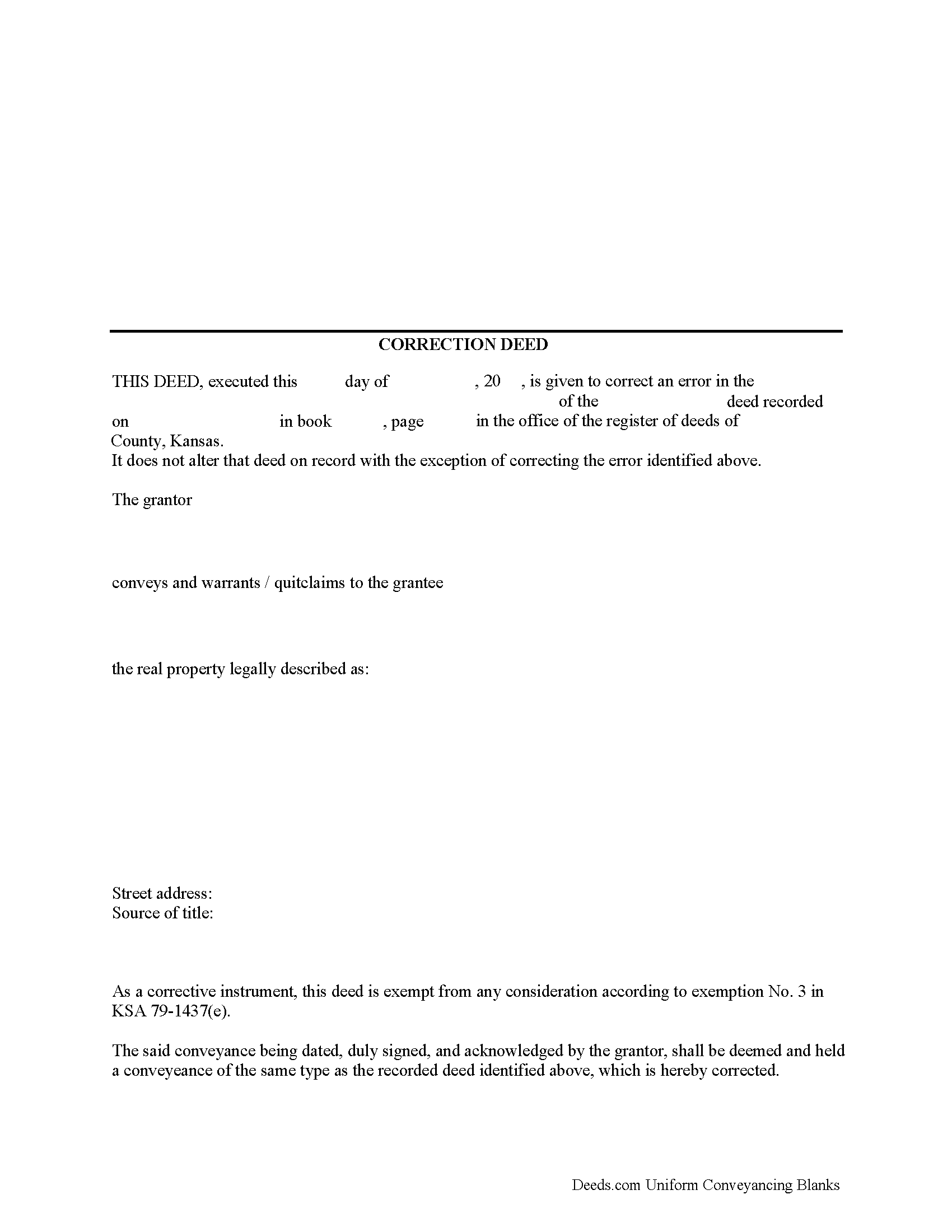
Wabaunsee County Correction Deed Form
Fill in the blank form formatted to comply with all recording and content requirements.
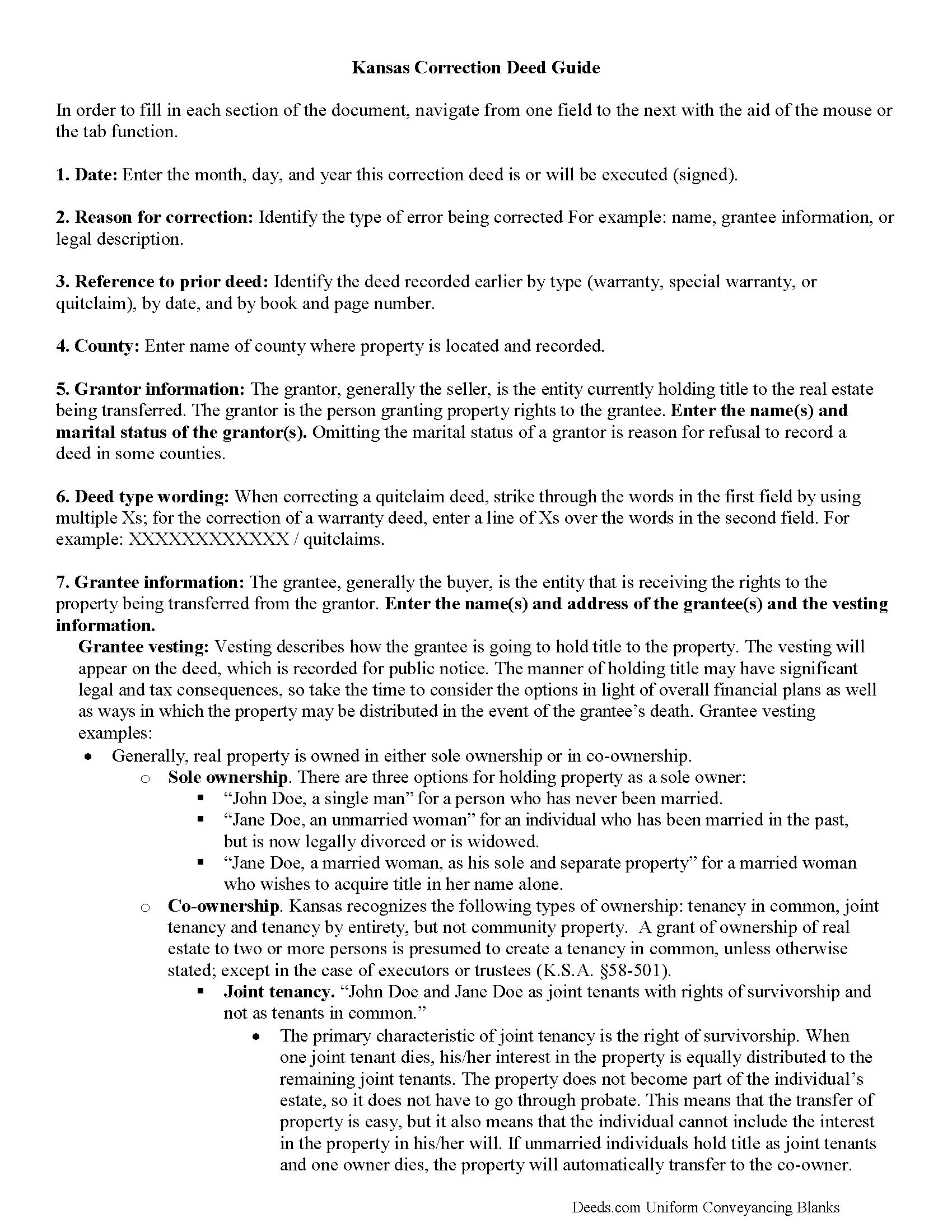
Wabaunsee County Correction Deed Guide
Line by line guide explaining every blank on the form.
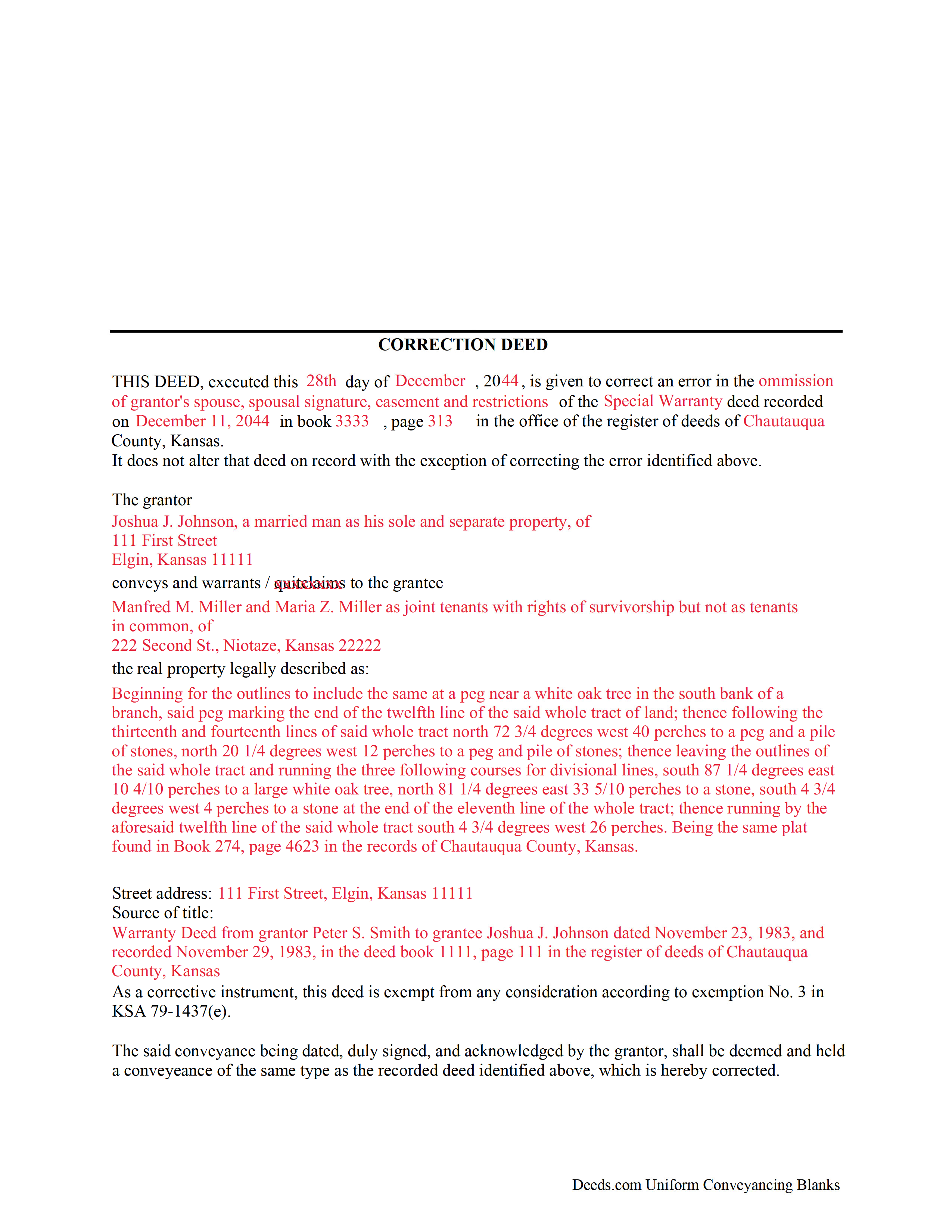
Wabaunsee County Completed Example of the Correction Deed Document
Example of a properly completed form for reference.
All 3 documents above included • One-time purchase • No recurring fees
Immediate Download • Secure Checkout
Additional Kansas and Wabaunsee County documents included at no extra charge:
Where to Record Your Documents
Wabaunsee County Register of Deeds
Alma, Kansas 66401
Hours: 8:00am to 4:30pm M-F
Phone: (785) 765-3822
Recording Tips for Wabaunsee County:
- Bring your driver's license or state-issued photo ID
- Ensure all signatures are in blue or black ink
- Avoid the last business day of the month when possible
- Both spouses typically need to sign if property is jointly owned
- Bring extra funds - fees can vary by document type and page count
Cities and Jurisdictions in Wabaunsee County
Properties in any of these areas use Wabaunsee County forms:
- Alma
- Alta Vista
- Eskridge
- Harveyville
- Maple Hill
- Mc Farland
- Paxico
Hours, fees, requirements, and more for Wabaunsee County
How do I get my forms?
Forms are available for immediate download after payment. The Wabaunsee County forms will be in your account ready to download to your computer. An account is created for you during checkout if you don't have one. Forms are NOT emailed.
Are these forms guaranteed to be recordable in Wabaunsee County?
Yes. Our form blanks are guaranteed to meet or exceed the applicable formatting requirements used for recording in Wabaunsee County, including margin requirements, font requirements, and other layout standards. This guarantee applies to formatting, not to the legal sufficiency of information entered by the user or the suitability of a form for a particular transaction.
Can I reuse these forms?
Yes. You can reuse the forms for your personal use. For example, if you have multiple properties in Wabaunsee County you only need to order once.
What do I need to use these forms?
The forms are PDFs that you fill out on your computer. The free Adobe Acrobat Reader is recommended, and most PDF apps also work. You do NOT enter your property information online - you download the blank forms and complete them privately on your own computer.
Are there any recurring fees?
No. This is a one-time purchase. Nothing to cancel, no memberships, no recurring fees.
How much does it cost to record in Wabaunsee County?
Recording fees in Wabaunsee County vary. Contact the recorder's office at (785) 765-3822 for current fees.
Questions answered? Let's get started!
In Kansas, the correction deed is the most widely accepted instrument used to correct an error in a recorded deed.
Many counties require, or at least prefer, the filing of a correction deed when making any corrections to the original instrument. It can be used to correct a typographical or other minor error, for example in the names of the grantor or grantee, their marital status or type of vesting, or in the legal description or any other information about the property. Although some counties accept a re-file affidavit when correcting and re-recording a deed, executing a correction or corrective deed is the more common method and guarantees that the state's legibility requirements are met (KSA 28-115(e)). The correction deed must make reference to the earlier deed that has already been recorded by date and instrument number and needs to indicate its exemption status from resubmitting the Kansas Sales Validation Questionnaire (KSA 79-1437(e)). As is required with any deed submitted for recording in Kansas, a new address for tax statements must be furnished with the new deed (KSA 58-2221).
To make more significant changes, such as changing the way title is held (e.g. as joint tenant or tenant-in-common) or such as adding another owner to the property, it is best to record an entirely new deed instead of filing a correction deed. In order to release one name from a deed held in joint tenancy or tenancy in common, for example in case of separation or divorce, use a quitclaim deed.
(Kansas Correction Deed Package includes form, guidelines, and completed example)
Important: Your property must be located in Wabaunsee County to use these forms. Documents should be recorded at the county recording office listed above.
This Correction Deed meets all recording requirements specific to Wabaunsee County.
Our Promise
The documents you receive here are guaranteed to meet or exceed the applicable Wabaunsee County recording format requirements. If there is a rejection caused by our formatting, we will correct the issue or refund your payment. This guarantee applies to document formatting only and does not extend to information entered by the user, the selection of the form, or the legal effect of the completed document.
Save Time and Money
Get your Wabaunsee County Correction Deed form done right the first time with Deeds.com Uniform Conveyancing Blanks. At Deeds.com, we understand that your time and money are valuable resources, and we don't want you to face a penalty fee or rejection imposed by a county recorder for submitting nonstandard documents. We constantly review and update our forms to meet rapidly changing state and county recording requirements for roughly 3,500 counties and local jurisdictions.
4.8 out of 5 - ( 4,846 Reviews )
WILLIAM P. 5 out of 5 stars
The forms were clear, concise and easy to understand. thank you
Happy we could assist. Thank you for sharing your experience.
Jim J. 5 out of 5 stars
The forms were easy to use and the fields are tabbed so that you can enter your information and then move quickly to the next entry. The Guide for the documents was very helpful.
Thanks Jim, we appreciate your feedback.
Amy R. 4 out of 5 stars
Great personal support via messaging. Website confusing and broken links in emails.
Thank you!
Gina B. 5 out of 5 stars
Super easy to use! Thanks!
We appreciate your business and value your feedback. Thank you. Have a wonderful day!
Curtis T. 5 out of 5 stars
Deeds support was awesome and constant. Thank you.
Thank you!
Dina O. 5 out of 5 stars
easy to use and efficient i like that they give you an example to compare your work to
We are motivated by your feedback to continue delivering excellence. Thank you!
Will O. 5 out of 5 stars
Saved me so much time and $!!
Thank you!
John C. 5 out of 5 stars
Ease and speed of recording are remarkable. This is especially true of deeds with problems: I often get feedback within minutes and can correct problems immediately and still complete the filing in the same day. I wish more counties accepted electronic filing! It would be helpful to list counties that do/do not accept electronic filing so I would not have to upload documents to find out my effort was fruitless.
We are grateful for your feedback and looking forward to serving you again. Thank you!
Joseph I. 5 out of 5 stars
Your instructions and sample are geared towards businesses. It would have been helpful to have included some for us individuals as married couples as well. I also recall one or two spelling errors on the form that I could not fix, and the instructions seem to be for a prior form. This particular registry also required a stamped self-addressed envelope for return of documents. Hey, you asked! Overall, pleased.
Thank you for your feedback. We really appreciate it. Have a great day!
Rachel F. 5 out of 5 stars
Wonderful forms as long as you know what you need. Do some research ahead of time so you can avoid looking like an idiot ordering the incorrect form for your situation.
Thank you!
Carol C. 5 out of 5 stars
Thanks. So easy to navigate. Also very useful. I recommend.
We appreciate your business and value your feedback. Thank you. Have a wonderful day!
Vickie K. 5 out of 5 stars
Easy to download, forms look to be pretty easy to use. Thank you!
We appreciate your business and value your feedback. Thank you. Have a wonderful day!
Jesse C. 5 out of 5 stars
I had a little problem understanding how to copie and use.
Thank you for your feedback Jesse. If you are having any issues please contact us so our customer care department can help you out.
Michelle K. 5 out of 5 stars
Excellent service! Easy to use, great communication, quick response time and very helpful with any questions I had. I would recommend to anyone seeking the services they provide.
We appreciate your business and value your feedback. Thank you. Have a wonderful day!
Shari W. 5 out of 5 stars
Fast and easy. Great service. Thanks.
Thank you!