Marion County Mortgage Instrument and Promissory Note Form
Last validated October 15, 2026 by our Forms Development TeamFormatted for recording in Marion County, for property anywhere in the county: rural and unincorporated areas as well as Burns, Durham, Florence, Goessel, Hillsboro, Lehigh, Lincolnville, Lost Springs and 4 more.
- 8 documents included
- Immediate PDF download
- Formatting guarantee
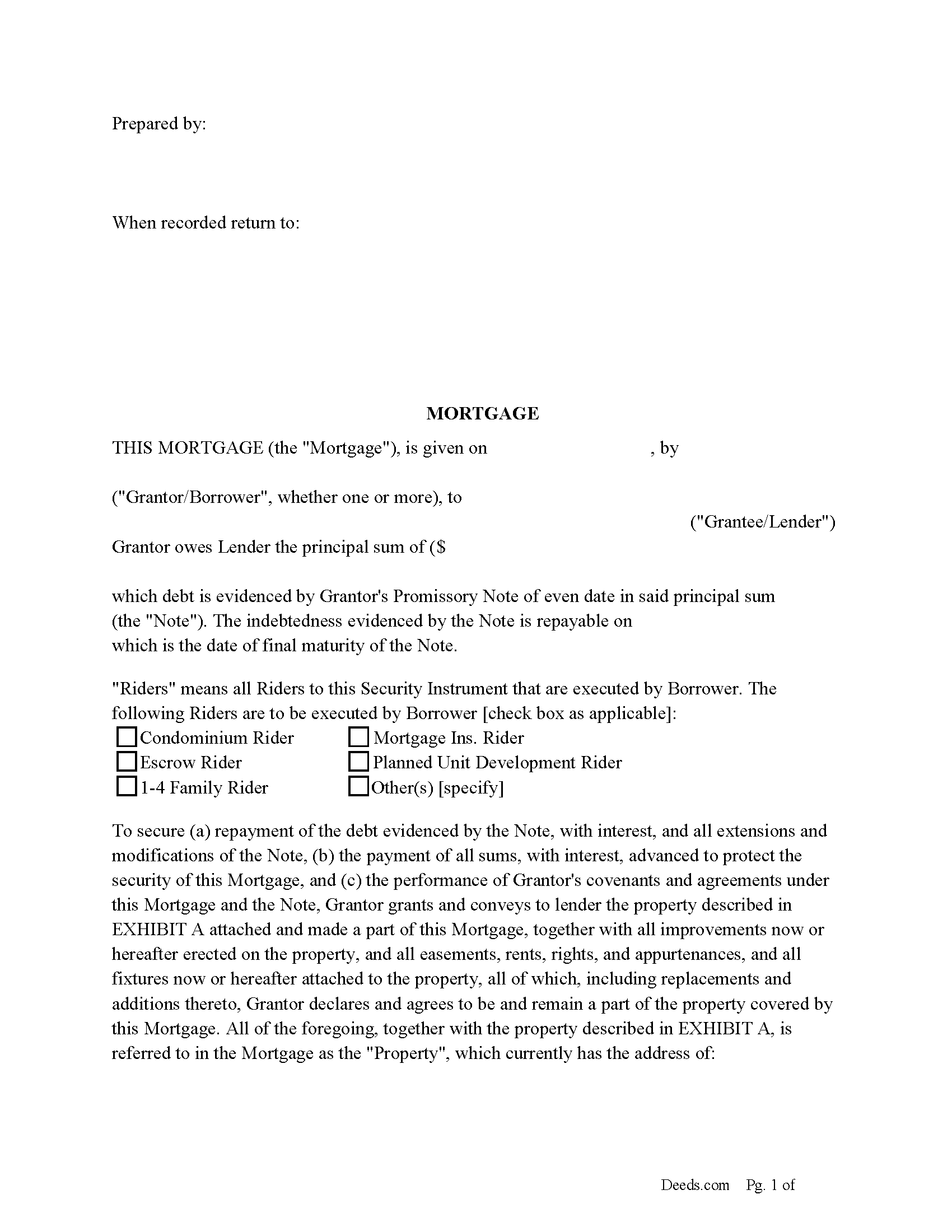
Marion County Mortgage Form
Fill in the blank form formatted to comply with all recording and content requirements.
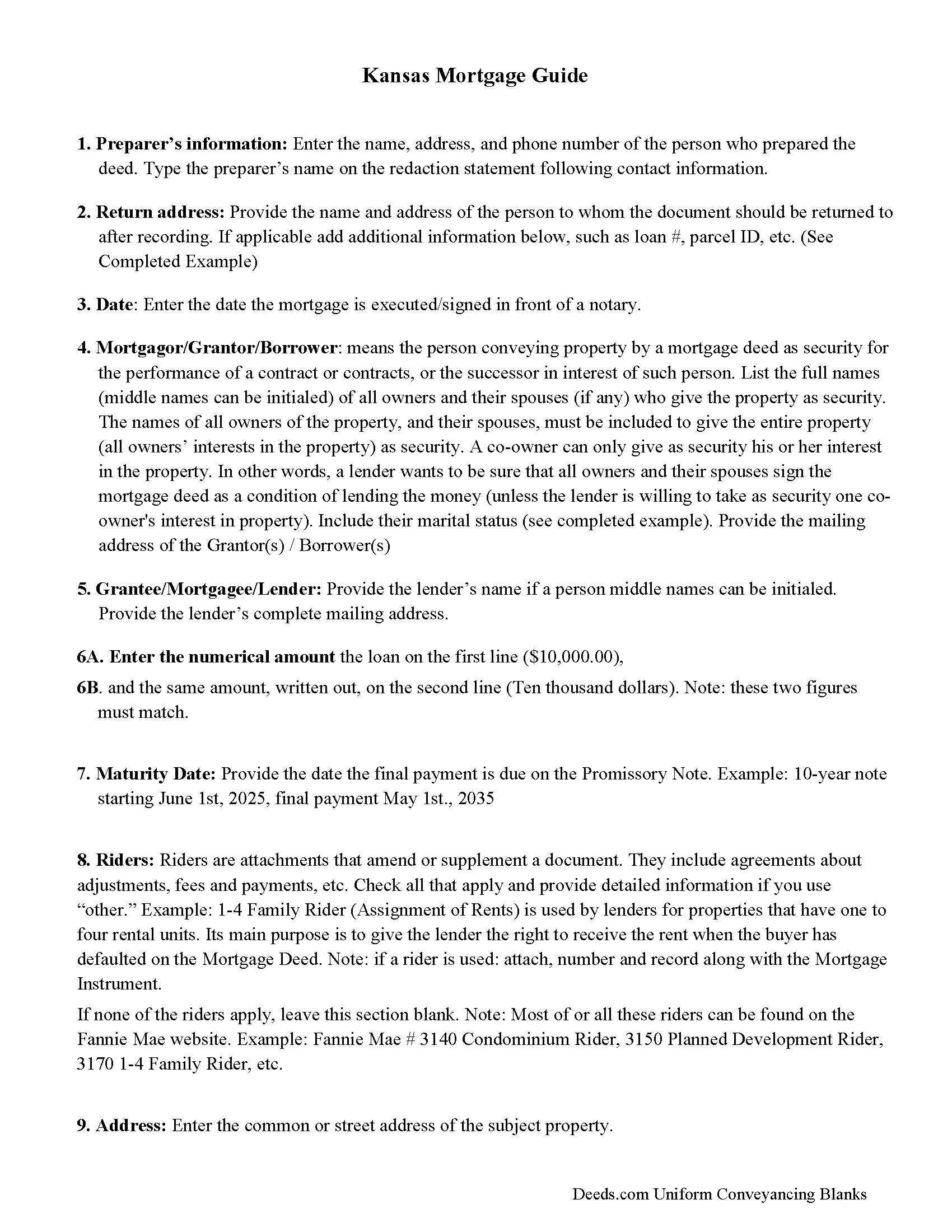
Marion County Mortgage Form Guidelines
Line by line guide explaining every blank on the form
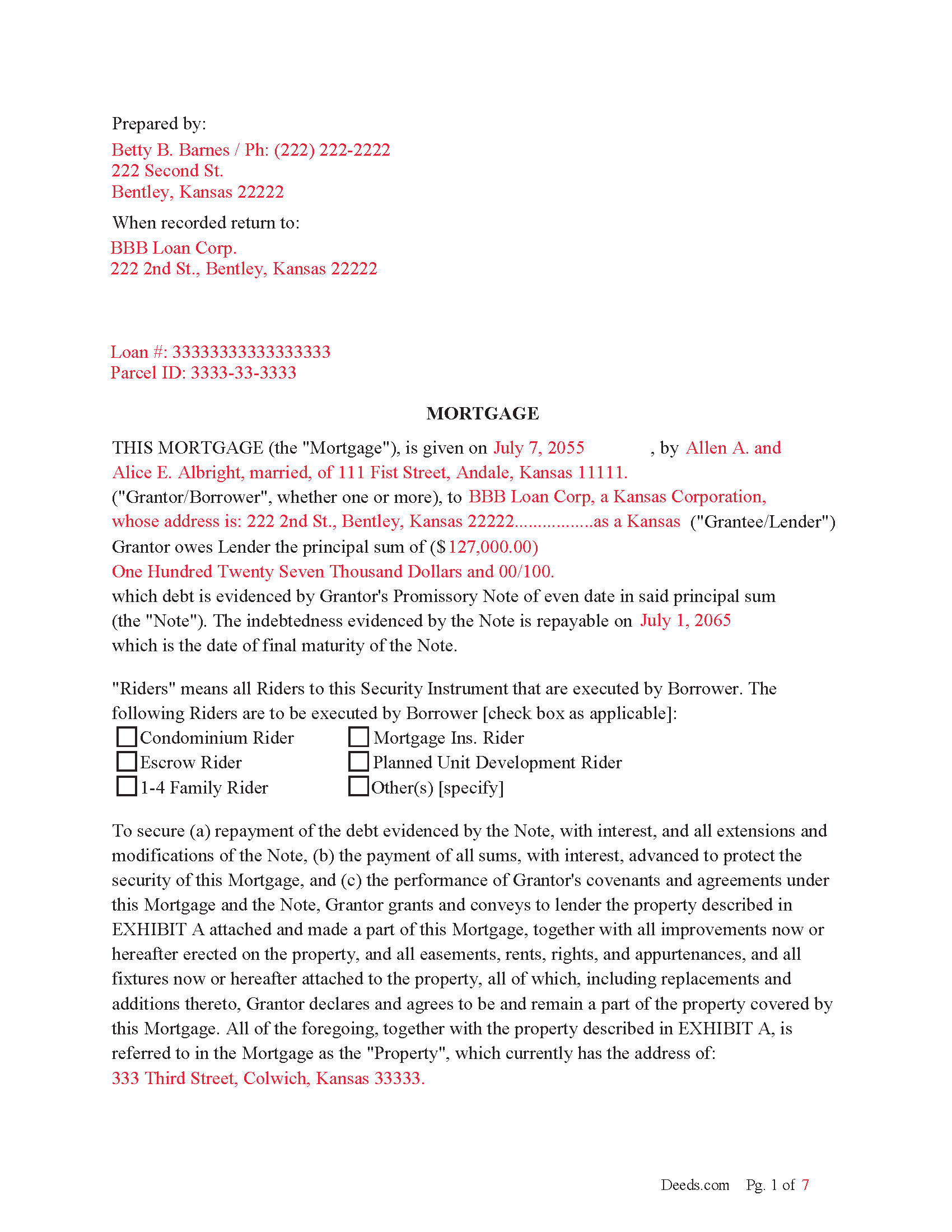
Marion County Completed Example of the Mortgage Document
Example of a properly completed form for reference.
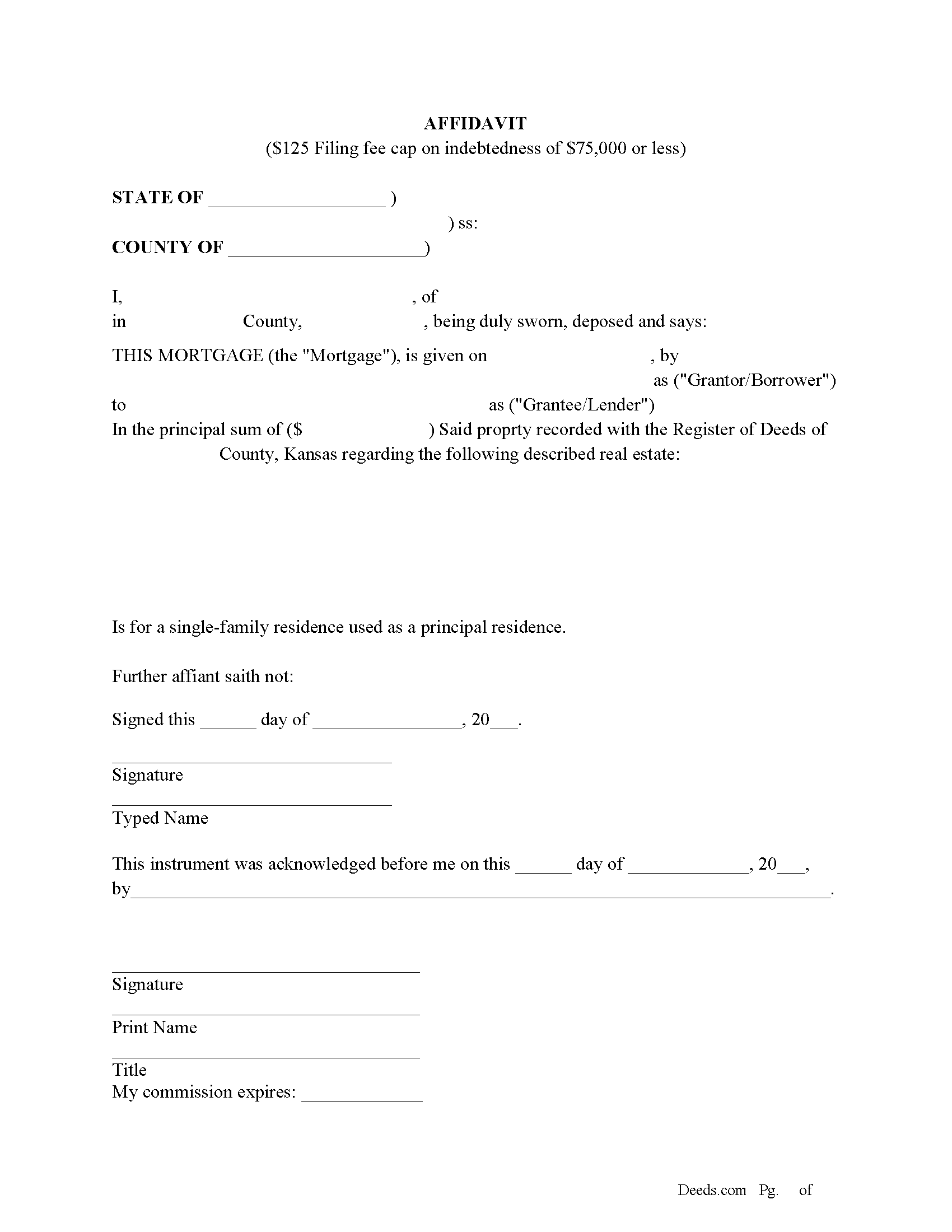
Marion County Filing Cap Fee Affidavit
Mortgages filed after January 1, 2015 have a filing fee cap of $125 if the indebtedness is $75,000 or less and it is for a single family home used as the principal residence of the owner.
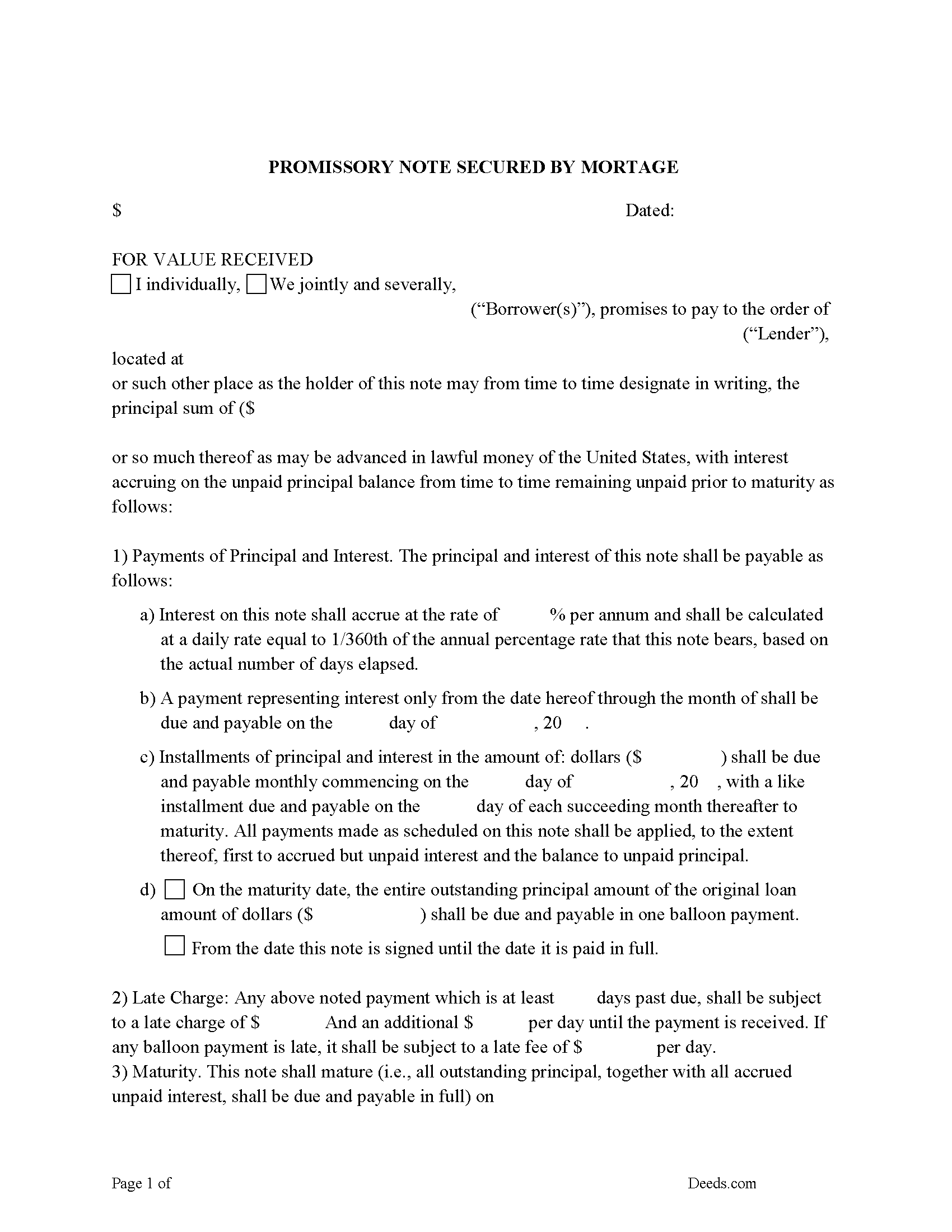
Marion County Promissory Note Form
Promissory Note secured by Mortgage.
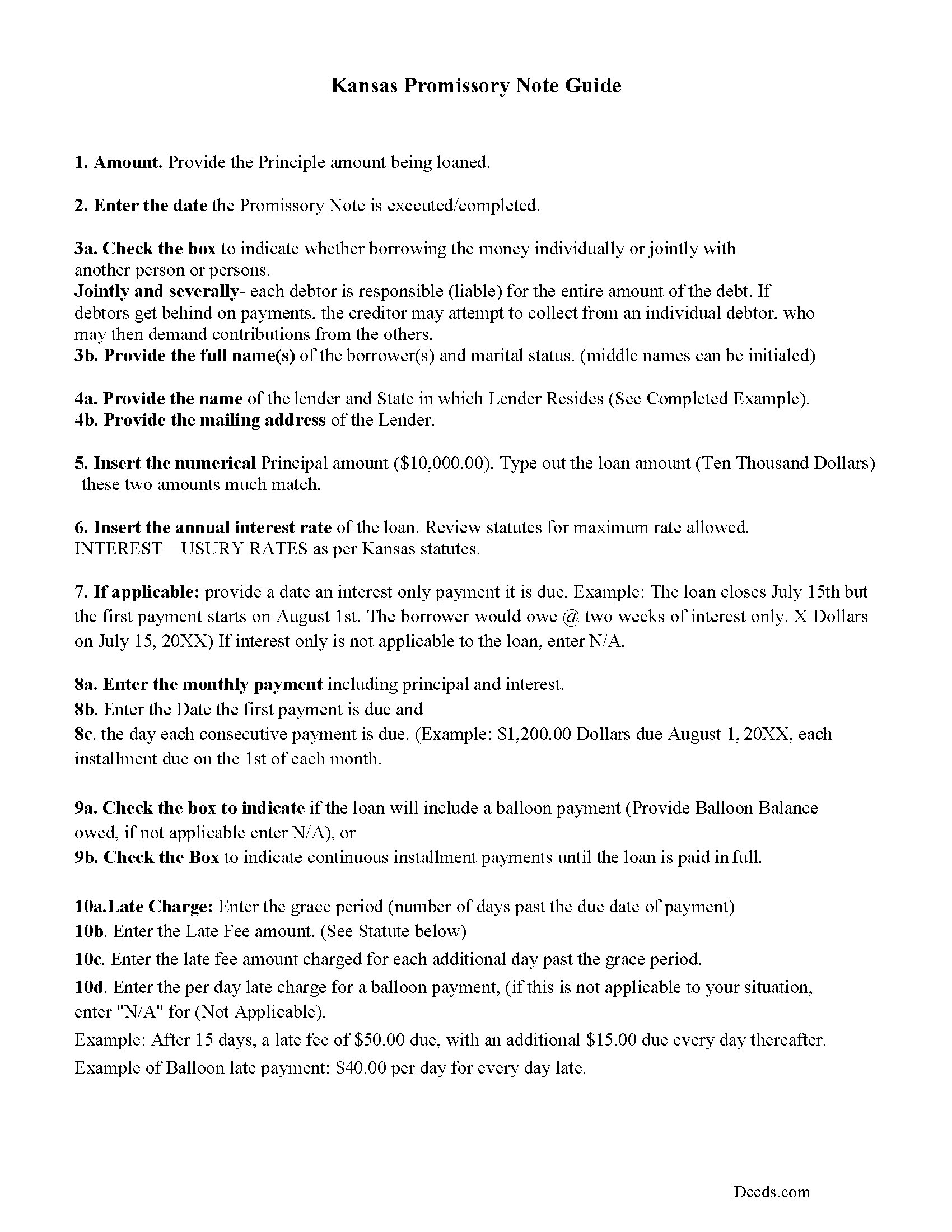
Marion County Promissory Note Guidelines
Line by line guide explaining every blank on the form.
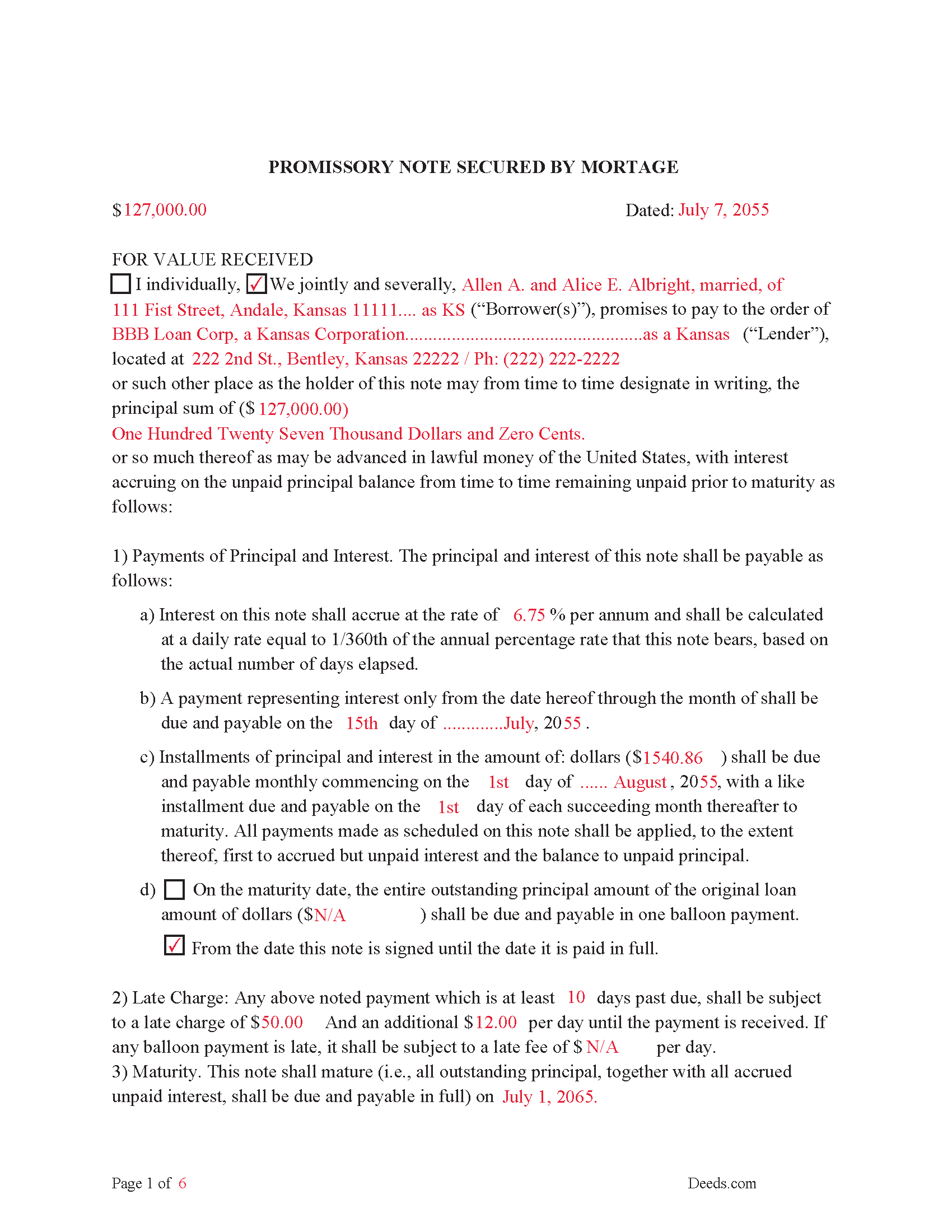
Marion County Completed Example of the Promissory Note Document
This Promissory Note is filled in and highlighted, showing how the guideline information, can be interpreted into the document.
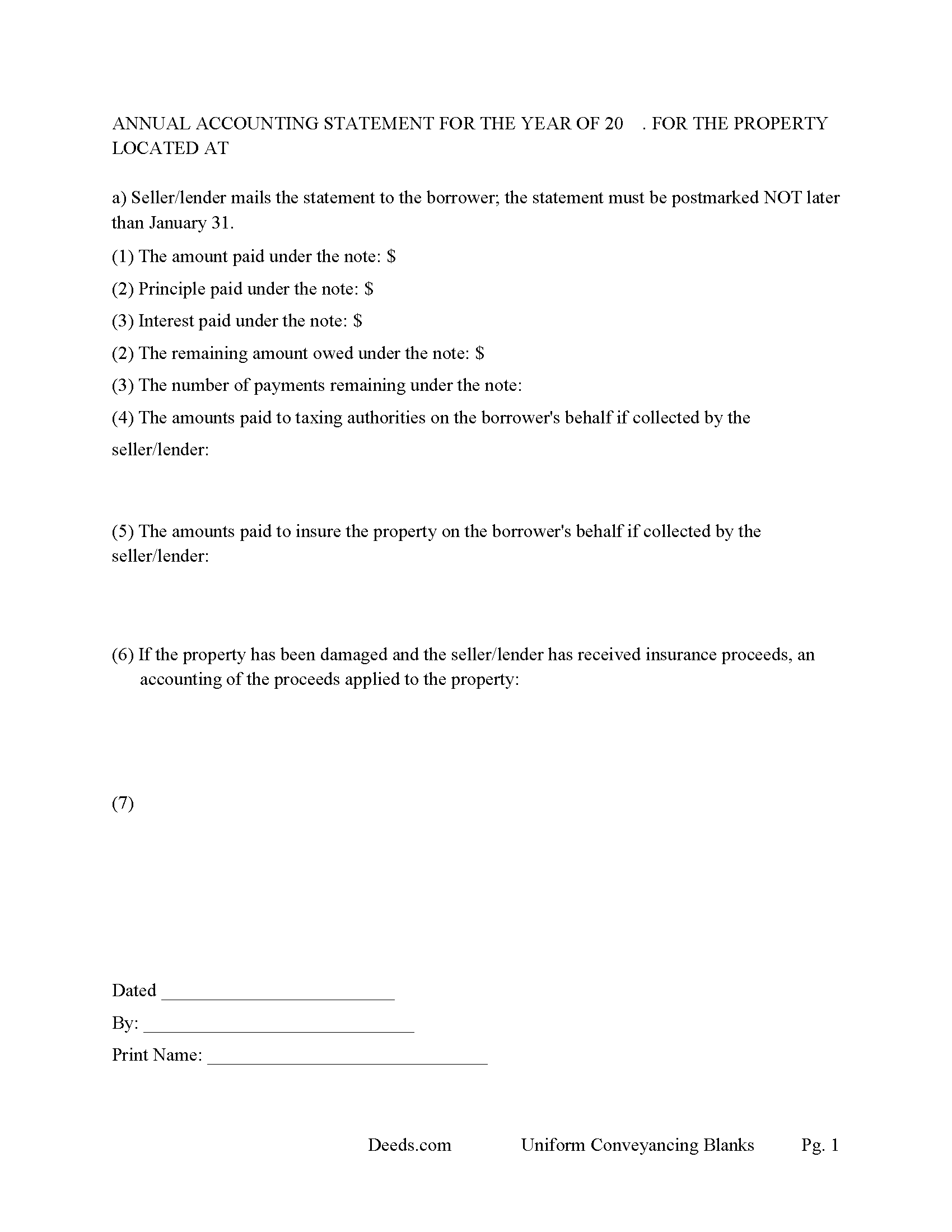
Marion County Annual Accounting Statement Form
Mail to borrower for fiscal year reporting.
All 8 documents above included • One-time purchase • No recurring fees
Immediate Download • Secure Checkout
Additional Kansas and Marion County documents included at no extra charge:
Where to Record Your Documents
Marion County Register of Deeds
Marion, Kansas 66861
Hours: 8:00 to 5:00 M-F
Phone: (620) 382-2151
Recording Tips for Marion County:
- Bring your driver's license or state-issued photo ID
- Ensure all signatures are in blue or black ink
- Ask if they accept credit cards - many offices are cash/check only
- Check that your notary's commission hasn't expired
- Documents must be on 8.5 x 11 inch white paper
Cities and Jurisdictions in Marion County
Properties in any of these areas use Marion County forms:
- Burns
- Durham
- Florence
- Goessel
- Hillsboro
- Lehigh
- Lincolnville
- Lost Springs
- Marion
- Peabody
- Ramona
- Tampa
Hours, fees, requirements, and more for Marion County
How do I get my forms?
Forms are available for immediate download after payment. The Marion County forms will be in your account ready to download to your computer. An account is created for you during checkout if you don't have one. Forms are NOT emailed.
Are these forms guaranteed to be recordable in Marion County?
Yes. Our form blanks are guaranteed to meet or exceed the applicable formatting requirements used for recording in Marion County, including margin requirements, font requirements, and other layout standards. This guarantee applies to formatting, not to the legal sufficiency of information entered by the user or the suitability of a form for a particular transaction.
Can I reuse these forms?
Yes. You can reuse the forms for your personal use. For example, if you have multiple properties in Marion County you only need to order once.
What do I need to use these forms?
The forms are PDFs that you fill out on your computer. The free Adobe Acrobat Reader is recommended, and most PDF apps also work. You do NOT enter your property information online - you download the blank forms and complete them privately on your own computer.
Are there any recurring fees?
No. This is a one-time purchase. Nothing to cancel, no memberships, no recurring fees.
How much does it cost to record in Marion County?
Recording fees in Marion County vary. Contact the recorder's office at (620) 382-2151 for current fees.
Questions answered? Let's get started!
In this mortgage the grantor/borrower "Warrants" title to grantee/lender (the said mortgage being dated, and duly signed and acknowledged by the grantor, shall be deemed and held to be a good and sufficient mortgage to the grantee, his or her heirs, assigns, executors and administrators, with warranty from the grantor and his or her legal representatives of a perfect title in the grantor, and against all previous encumbrances; and if in the above form the words "and warrants" be omitted, the mortgage shall be good without warranty. (KS Statute 58-2303)
Use this form to finance residential property, vacant land, rental property, condominiums, small commercial property and planned unit developments. For use in Kansas only.
(Kansas Mortgage Package includes forms, guidelines, and completed examples)
Important: Your property must be located in Marion County to use these forms. Documents should be recorded at the county recording office listed above.
This Mortgage Instrument and Promissory Note meets all recording requirements specific to Marion County.
Our Promise
The documents you receive here are guaranteed to meet or exceed the applicable Marion County recording format requirements. If there is a rejection caused by our formatting, we will correct the issue or refund your payment. This guarantee applies to document formatting only and does not extend to information entered by the user, the selection of the form, or the legal effect of the completed document.
Save Time and Money
Get your Marion County Mortgage Instrument and Promissory Note form done right the first time with Deeds.com Uniform Conveyancing Blanks. At Deeds.com, we understand that your time and money are valuable resources, and we don't want you to face a penalty fee or rejection imposed by a county recorder for submitting nonstandard documents. We constantly review and update our forms to meet rapidly changing state and county recording requirements for roughly 3,500 counties and local jurisdictions.
4.8 out of 5 - ( 4,828 Reviews )
Ron E. 5 out of 5 stars
Flawless. I ordered the forms needed, along with completed samples. I filled them out, and I was on my way to the recorders office. I would use deeds.com without hesitation.
Thank you for your feedback. We really appreciate it. Have a great day!
Celeste G. 5 out of 5 stars
Very helpful!!! Thanks again.
Thank you Celeste.
Lorna D. 4 out of 5 stars
Haven't used the form yet. But hopefully it's the correct one.
Thank you!
Roy Y. 5 out of 5 stars
I paid for and received the form for a Quit Claim Deed. Hoping it is the form I need to complete my transaction. Thank you for making it possible to obtain the form I was in need of.
Thank you for your feedback Roy. We appreciate it!
Stephen B. 1 out of 5 stars
5 stars. Licensed to practice law for 25 years in multiple jurisdictions, the most dreaded part of doing what you already know how to do is researching again to make sure the legislatures have not changed the rules while you were doing something else. 22 bucks for this package is one hell of a deal and a real timesaver. Many thanks.
Thank you for your feedback. We really appreciate it. Have a great day!
Rhoads H. 5 out of 5 stars
Excellent, thank you.
Thank you!
Nancy W. 5 out of 5 stars
This was very easy to use to record my NOC. With the new COVID restrictions, I can't record my NOC in person and I'm working from home. This was a huge convenience and easy to use. I submitted the NOC late in the day and had the recorded NOC the next day.
Thank you!
Joseph E. 5 out of 5 stars
At first I didn't trust all the 5 star reviews. So, I contacted lawyers to check their prices. The price being well over one hundred dollars made my mind up. I gave it a go, the form isn't hard and the directions are easy to follow. 5/5
Thank you for your feedback. We really appreciate it. Have a great day!
David L. 5 out of 5 stars
Deeds.com makes recording quick and easier than driving a half an hour each way and needing to leave home! The fees are reasonable for the convenience, and while Covid is closing doors. Dave
Thank you!
Gregory B. 5 out of 5 stars
I believe you need more instruction on the use of the web site. I would type and nothing would appear on the form. When I tried to save a completed form I ended with a blank form with no detail.
Thank you!
richard s. 5 out of 5 stars
had exactly what i needed and good price
Thank you Richard! Have an amazing day.
Joan S. 5 out of 5 stars
Thanks for providing this service. We had searched for weeks for the correct documents. It might help clients to find you soon if the banks and mortgage companies can refer clients to you. They require the forms but offer no direct source to obtain them. You are 5 star in every way.
Thank you!
W J C. 5 out of 5 stars
Good documents. Very helpful.
Thank you!
John v. 4 out of 5 stars
Process is well laid out, clear and concise. Check out is easy. Recommendations: * Assign names to the downloadable files that are meaningful, such as: WARRANTY DEED instead of the useless and cryptic 1420490866F11417.pdf. * Provide a ONE BUTTON DOWNLOAD for all forms ordered. It's aggravating to have to click on each of the 20 documents and download them individually.
Thank you for your feedback. We really appreciate it. Have a great day!
Tammie S. 5 out of 5 stars
No review provided.
Thank you for your feedback. We really appreciate it. Have a great day!