Greenup County Certificate of Trust Form
Last validated October 1, 2026 by our Forms Development TeamFormatted for recording in Greenup County, for property anywhere in the county: rural and unincorporated areas as well as Argillite, Flatwoods, Greenup, Russell, South Portsmouth, South Shore, Worthington.
- 3 documents included
- Immediate PDF download
- Formatting guarantee
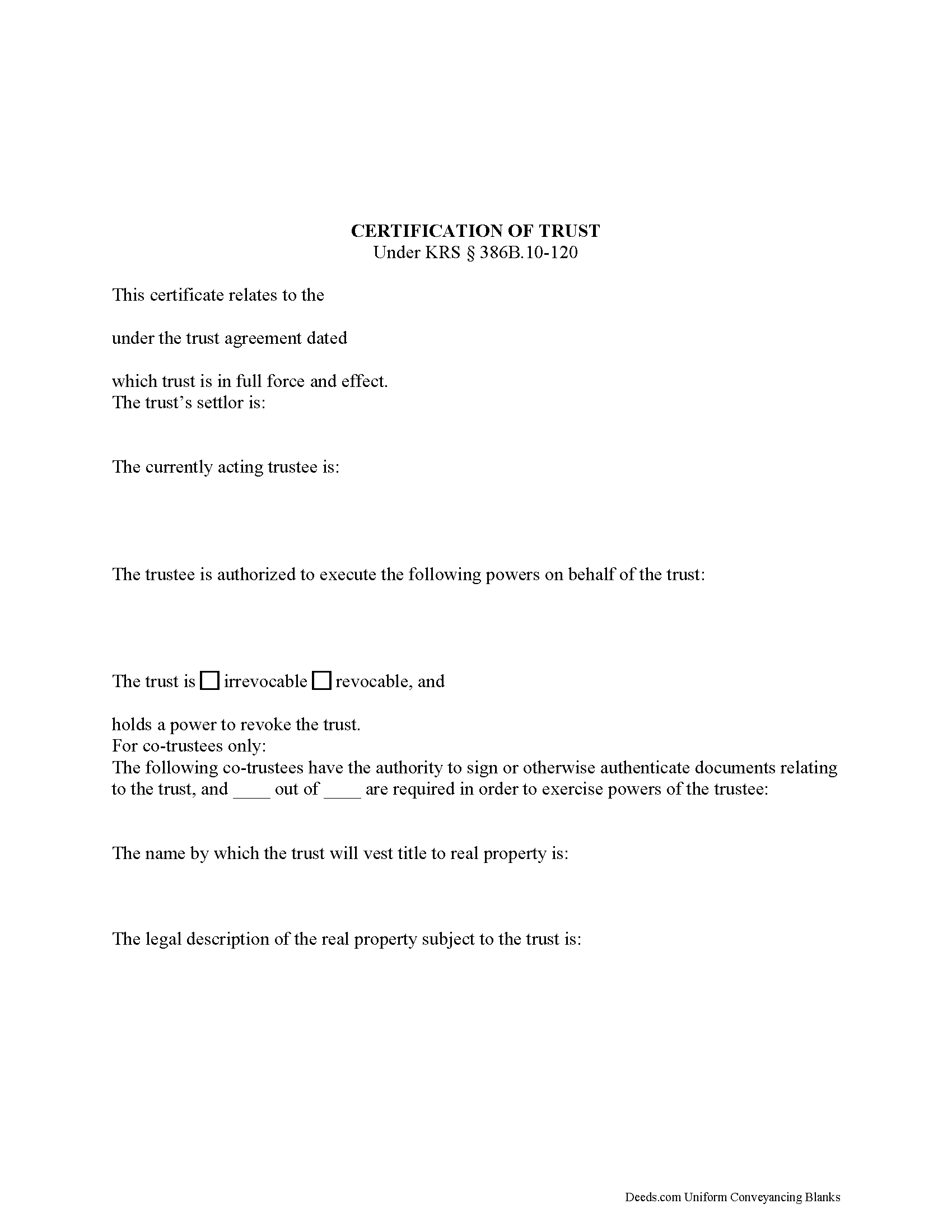
Greenup County Certificate of Trust Form
Fill in the blank form formatted to comply with all recording and content requirements.
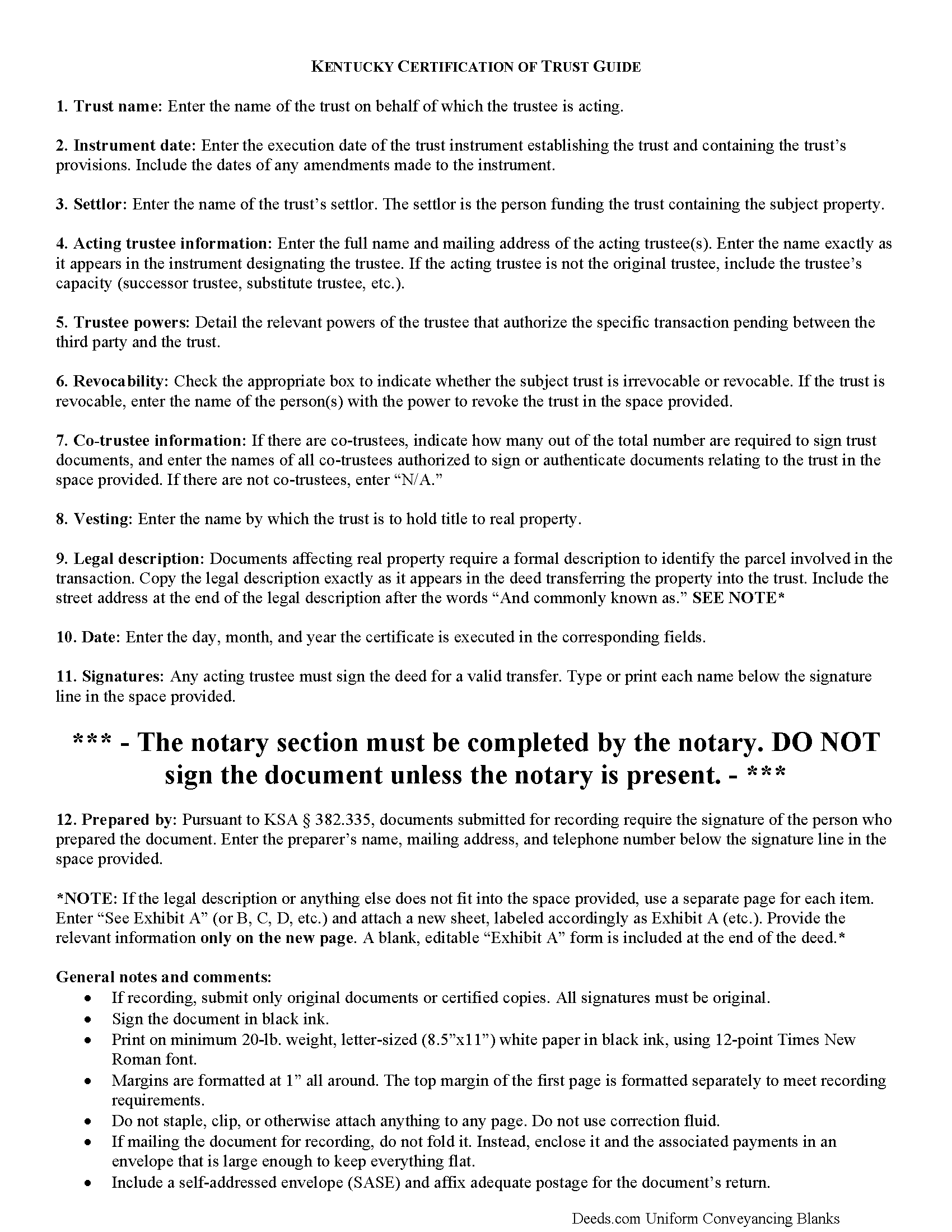
Greenup County Certificate of Trust Guide
Line by line guide explaining every blank on the form.
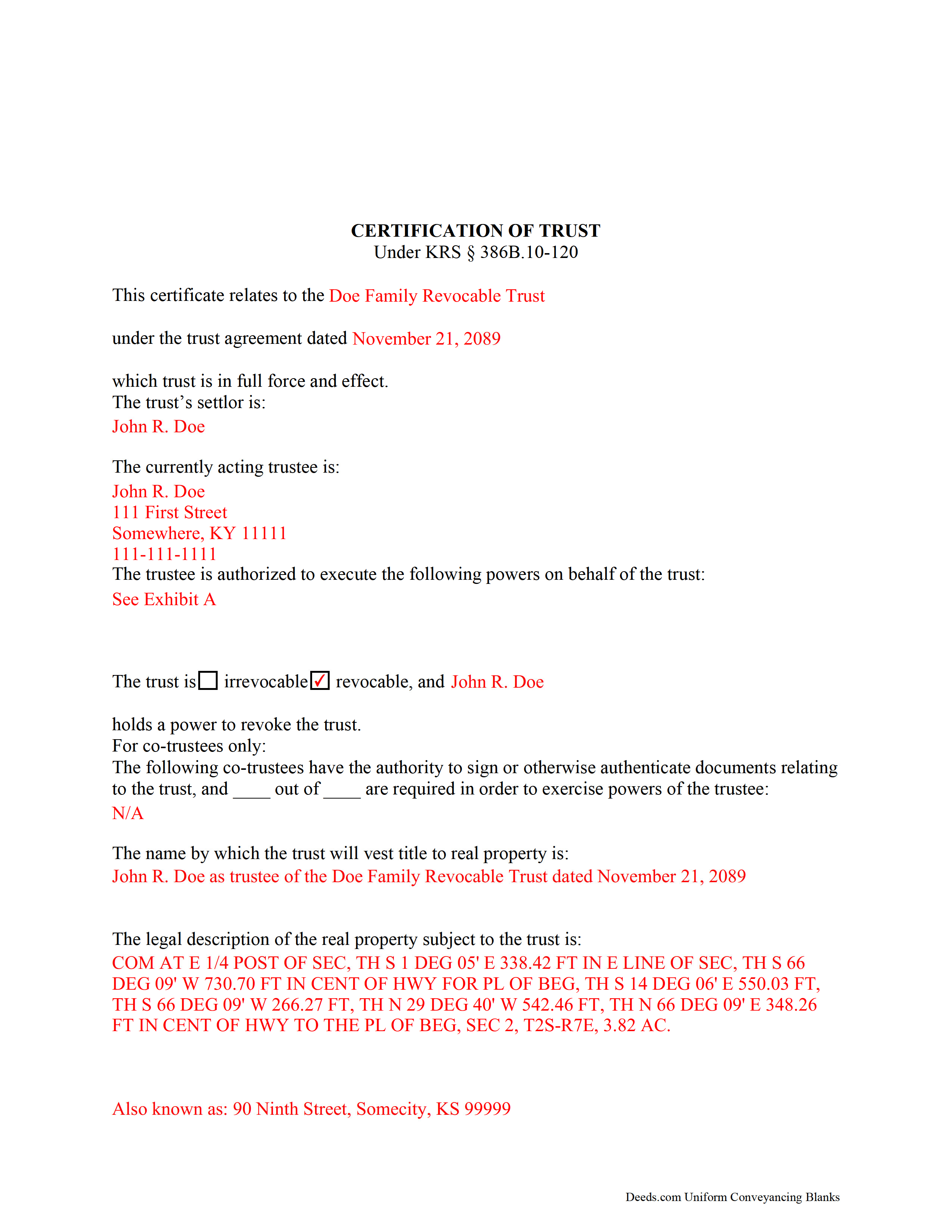
Greenup County Completed Example of the Certificate of Trust Document
Example of a properly completed form for reference.
All 3 documents above included • One-time purchase • No recurring fees
Immediate Download • Secure Checkout
Additional Kentucky and Greenup County documents included at no extra charge:
Where to Record Your Documents
Greenup County Clerk
Greenup, Kentucky 41144-0686
Hours: Call for hours
Phone: (606) 473-7394
Recording Tips for Greenup County:
- Bring your driver's license or state-issued photo ID
- Ensure all signatures are in blue or black ink
- Avoid the last business day of the month when possible
- Both spouses typically need to sign if property is jointly owned
- Bring extra funds - fees can vary by document type and page count
Cities and Jurisdictions in Greenup County
Properties in any of these areas use Greenup County forms:
- Argillite
- Flatwoods
- Greenup
- Russell
- South Portsmouth
- South Shore
- Worthington
Hours, fees, requirements, and more for Greenup County
How do I get my forms?
Forms are available for immediate download after payment. The Greenup County forms will be in your account ready to download to your computer. An account is created for you during checkout if you don't have one. Forms are NOT emailed.
Are these forms guaranteed to be recordable in Greenup County?
Yes. Our form blanks are guaranteed to meet or exceed the applicable formatting requirements used for recording in Greenup County, including margin requirements, font requirements, and other layout standards. This guarantee applies to formatting, not to the legal sufficiency of information entered by the user or the suitability of a form for a particular transaction.
Can I reuse these forms?
Yes. You can reuse the forms for your personal use. For example, if you have multiple properties in Greenup County you only need to order once.
What do I need to use these forms?
The forms are PDFs that you fill out on your computer. The free Adobe Acrobat Reader is recommended, and most PDF apps also work. You do NOT enter your property information online - you download the blank forms and complete them privately on your own computer.
Are there any recurring fees?
No. This is a one-time purchase. Nothing to cancel, no memberships, no recurring fees.
How much does it cost to record in Greenup County?
Recording fees in Greenup County vary. Contact the recorder's office at (606) 473-7394 for current fees.
Questions answered? Let's get started!
Codified under the Kentucky Uniform Trust Code at KSA 386B.10-120, the certification of trust is a document containing the relevant details of a trust and certifying a trustee's authority to act on behalf of a trust.
(Note: this certificate of trust is separate from the certificate of trust for business trusts under 386A.2-010 of the Kentucky Uniform Statutory Trust Act.)
A trustee can furnish the certification of trust instead of providing the entire trust instrument, as it "need not contain the dispositive terms of a trust" (KSA 386B.10-120(4)). In this way, the trustee can keep information irrelevant to the transaction, specifically the identities of trust beneficiaries, private.
A certificate of trust requires the name and date of the trust, along with the settlor's name. The settlor is the person who created the trust and is funding the trust with assets. In addition, the certificate identifies the currently acting trustee. The trustee is the fiduciary in charge of administering the trust.
In addition, the document details the powers of the trustee concerning the transaction at hand. For example, the certification of trust is commonly used in conjunction with a deed executed by a trustee, so the trustee's power to convey property is often cited, with reference to the article or section of the trust instrument where the power is conferred. Recipients of a certificate can request excerpts from the trust instrument that designate the trustee and authorize the power to act in the pending transaction (KSA 386B.10-120(5)).
The certificate states whether the trust is irrevocable or revocable, and the identity of anyone with the power to revoke the trust, if applicable. If there are co-trustees, the document names the trustees authorized to sign trust documents and whether all or fewer than all are needed to carry out the trustee's powers. The certificate also gives the full name by which the trust will vest real property.
Since the document affects real property, a certificate should include the legal description of the subject property or properties. Pursuant to KSA 386B.10-120(2), any trustee can sign a certification of trust in the presence of a notary public. Certifications may be recorded as a supplemental document in the county in which the real property is located.
Finally, the certificate requires a statement that the trust referred to within "has not been revoked, modified, or amended" so as to cause the statements within to be incorrect (KSA 386B.10-120(3)). Recipients may rely on the representations within the certification as factual (KSA 386B.10-120(6)). They may request the trust instrument in addition to the excerpts mentioned above, but doing so opens them to certain liabilities under KSA 386B.10-120(8).
Consult a lawyer for guidance, as trust law can quickly become complicated.
(Kentucky COT Package includes form, guidelines, and completed example)
Important: Your property must be located in Greenup County to use these forms. Documents should be recorded at the county recording office listed above.
This Certificate of Trust meets all recording requirements specific to Greenup County.
Our Promise
The documents you receive here are guaranteed to meet or exceed the applicable Greenup County recording format requirements. If there is a rejection caused by our formatting, we will correct the issue or refund your payment. This guarantee applies to document formatting only and does not extend to information entered by the user, the selection of the form, or the legal effect of the completed document.
Save Time and Money
Get your Greenup County Certificate of Trust form done right the first time with Deeds.com Uniform Conveyancing Blanks. At Deeds.com, we understand that your time and money are valuable resources, and we don't want you to face a penalty fee or rejection imposed by a county recorder for submitting nonstandard documents. We constantly review and update our forms to meet rapidly changing state and county recording requirements for roughly 3,500 counties and local jurisdictions.
4.8 out of 5 - ( 4,837 Reviews )
George Y. 5 out of 5 stars
Thought it was great, no issues. Very convenient especially dealing with difficult municipalities and a post COVID world. Thanks
Thank you for your feedback. We really appreciate it. Have a great day!
Kimberly B. 5 out of 5 stars
Absolutely recommend Deeds.com! The process to recording your document is explained step by step. If you have any questions, you just send a message and almost instantly a staff member will reply. Super quick processing. I uploaded my document late Friday afternoon, it was reviewed by Deeds.com staff and sent to the county for recording on Monday. By Tuesday, my document was successfully recorded by the County Recorder's Office and a copy of my recorded document was available for me, as well!
We appreciate your business and value your feedback. Thank you. Have a wonderful day!
Michael V. 5 out of 5 stars
Exactly what I needed and VERY fair price. I paid $19.97 for what a local attorney wanted $200 to do. I filled out the form using the line by line guide and filed it at the court house today. Absolutely no problems.
We appreciate your business and value your feedback. Thank you. Have a wonderful day!
Tiffany W. 5 out of 5 stars
Exactly what I needed and with the help of ChatGPT who needs a damn lawyer for anything.
We’re glad to hear things went well. Thank you for the review.
Ivory J. 5 out of 5 stars
Haven't processed any deed documents so far. I do agree that Deed.com website browsing tool will be helpful.
Thank you!
Amie S. 5 out of 5 stars
The forms that I downloaded from Deeds were perfect for what I needed. I even checked with a lawyer to see if the papers would work and she said yes.
Thanks Amie, have a great day!
Heidi J. 3 out of 5 stars
The form was useful, however the formatting is terrible once completed. A lot of white space with no option to remove extra spacing or to improve the overall formatting.
Thank you for your feedback, Heidi. We’re glad to hear the form itself was useful. We also understand your concern about the formatting and extra spacing once completed. Our forms are designed to meet strict county recording requirements, which can sometimes result in additional white space. That said, we’re always working to improve usability and presentation without compromising acceptance. Your input helps us identify where refinements are possible, and we’ll keep it in mind as we continue updating our templates.
wendy w. 5 out of 5 stars
Excellent
Thank you!
Nicholas F. 5 out of 5 stars
Thankyou for your easy to use website and prompt service.
We appreciate your business and value your feedback. Thank you. Have a wonderful day!
James G. 1 out of 5 stars
This was very hard to follow, and the form looked horrible.
Sorry to hear that James. Some documents can certainly be more difficult than others. Your order and payment has been canceled. We do hope that you find something more suitable to your needs and aesthetic requirements elsewhere.
Joseph L. 5 out of 5 stars
Very easy to fill out and and saved a lot of extra cost by doing it ourselves and getting it notarized.
Thank you Joseph, we really appreciate your feedback.
Larry A. 5 out of 5 stars
Provided exactly the form I was looking for at a reasonable price. Easy to do as well.
Thank you!
Brandon O. 5 out of 5 stars
Simple and quick recording.
We appreciate your review and your business. Thank you.
Debbie M. 5 out of 5 stars
Everything that I needed was included. I appreciate that there was a sample as well as the step-by-step directions included in the download. I would definitely recommend this site to anyone that needs it.
We appreciate your business and value your feedback. Thank you. Have a wonderful day!
irene a. 5 out of 5 stars
good forms thanks, irene
Thank you Irene.