Trimble County Discharge of Lien Form
Last validated October 27, 2026 by our Forms Development TeamFormatted for recording in Trimble County, for property anywhere in the county: rural and unincorporated areas as well as Bedford, Milton.
- 3 documents included
- Immediate PDF download
- Formatting guarantee
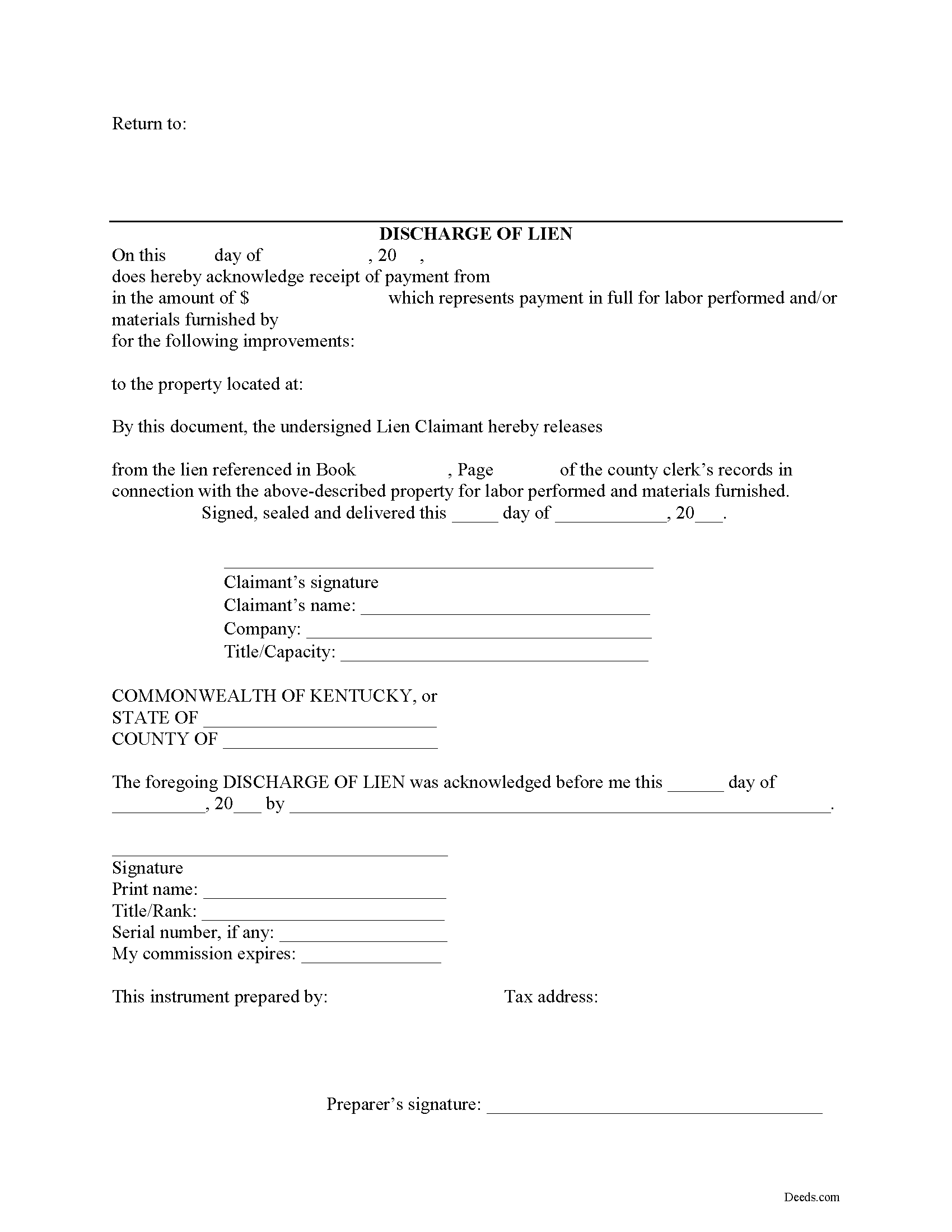
Trimble County Discharge of Lien Form
Fill in the blank Discharge of Lien form formatted to comply with all Kentucky recording and content requirements.
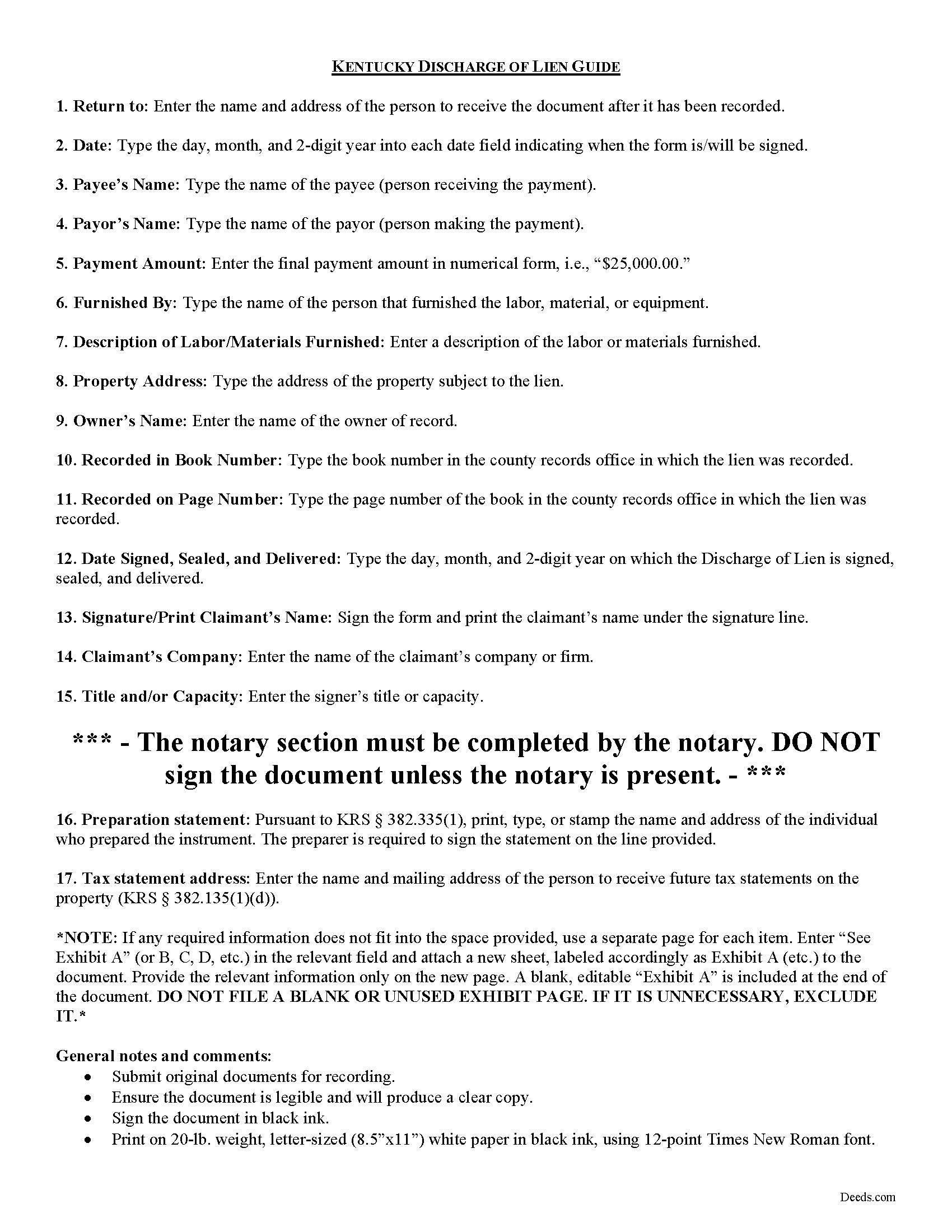
Trimble County Discharge of Lien Guide
Line by line guide explaining every blank on the form.
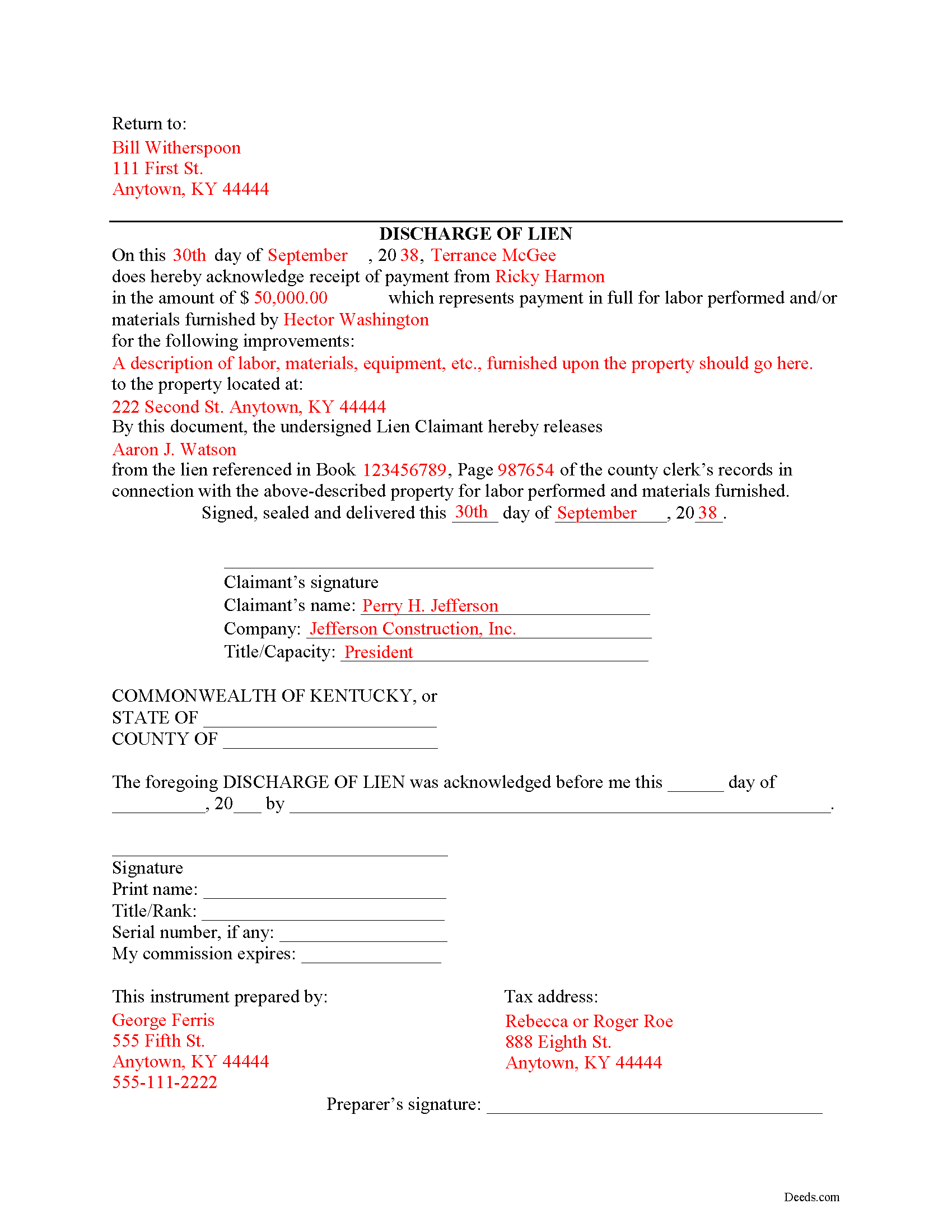
Trimble County Completed Example of the Discharge of Lien Document
Example of a properly completed form for reference.
All 3 documents above included • One-time purchase • No recurring fees
Immediate Download • Secure Checkout
Additional Kentucky and Trimble County documents included at no extra charge:
Where to Record Your Documents
Trimble County Clerk
Bedford, Kentucky 40006
Hours: 8:30am - 5:30pm Mon; 8:30am - 4:30pm Tue, Thu, Fri; 8:30am - 12:00pm Wed
Phone: (502) 255-7174
Recording Tips for Trimble County:
- Bring your driver's license or state-issued photo ID
- Ensure all signatures are in blue or black ink
- Ask about their eRecording option for future transactions
- Avoid the last business day of the month when possible
- Both spouses typically need to sign if property is jointly owned
Cities and Jurisdictions in Trimble County
Properties in any of these areas use Trimble County forms:
- Bedford
- Milton
Hours, fees, requirements, and more for Trimble County
How do I get my forms?
Forms are available for immediate download after payment. The Trimble County forms will be in your account ready to download to your computer. An account is created for you during checkout if you don't have one. Forms are NOT emailed.
Are these forms guaranteed to be recordable in Trimble County?
Yes. Our form blanks are guaranteed to meet or exceed the applicable formatting requirements used for recording in Trimble County, including margin requirements, font requirements, and other layout standards. This guarantee applies to formatting, not to the legal sufficiency of information entered by the user or the suitability of a form for a particular transaction.
Can I reuse these forms?
Yes. You can reuse the forms for your personal use. For example, if you have multiple properties in Trimble County you only need to order once.
What do I need to use these forms?
The forms are PDFs that you fill out on your computer. The free Adobe Acrobat Reader is recommended, and most PDF apps also work. You do NOT enter your property information online - you download the blank forms and complete them privately on your own computer.
Are there any recurring fees?
No. This is a one-time purchase. Nothing to cancel, no memberships, no recurring fees.
How much does it cost to record in Trimble County?
Recording fees in Trimble County vary. Contact the recorder's office at (502) 255-7174 for current fees.
Questions answered? Let's get started!
Discharging a Lien in Kentucky
When a lien has been paid off in full or is no longer necessary for any other reason, best practices direct the claimant to file a document discharging the lien. Kentucky does not provide for a specific mechanism of discharging a lien, as a lien already expires twelve months after its filing without any enforcement action. This document, however, reduces the amount of time a lien is in effect.
File the Discharge of Lien document in the county where the property is located (this should be the same location where the statement of lien was originally filed). The Discharge of Lien contains then following information: 1) name of the payor and payee; 2) payment amount; 3) name of person who originally furnished labor or materials; 4) description of items furnished; 5) address of the property; 5) the owner's name, and 6) the book and page number where the lien was recorded. Once the Discharge of Lien is filed and recorded, the lien will be struck from the record.
This article is provided for information purposes only and should not be relied on as a substitute for the advice from a legal professional. If you have questions about discharging a lien, or any other issues related to liens in Kentucky, please speak with a licensed attorney.
Important: Your property must be located in Trimble County to use these forms. Documents should be recorded at the county recording office listed above.
This Discharge of Lien meets all recording requirements specific to Trimble County.
Our Promise
The documents you receive here are guaranteed to meet or exceed the applicable Trimble County recording format requirements. If there is a rejection caused by our formatting, we will correct the issue or refund your payment. This guarantee applies to document formatting only and does not extend to information entered by the user, the selection of the form, or the legal effect of the completed document.
Save Time and Money
Get your Trimble County Discharge of Lien form done right the first time with Deeds.com Uniform Conveyancing Blanks. At Deeds.com, we understand that your time and money are valuable resources, and we don't want you to face a penalty fee or rejection imposed by a county recorder for submitting nonstandard documents. We constantly review and update our forms to meet rapidly changing state and county recording requirements for roughly 3,500 counties and local jurisdictions.
4.8 out of 5 - ( 4,837 Reviews )
Shelba M. 3 out of 5 stars
The web site is alright, not the easiest to navigate and the wording on the papers could be simpler to understand.
Thank you for your feedback! We appreciate your input regarding the website's navigation and the wording on our documents. We'll definitely take your suggestions into account to improve the user experience and make the content more accessible and easier to understand. Your insights are valuable to us as we strive to enhance our services. If you have any further suggestions or concerns, please feel free to share them with us. Thank you again for your feedback!
Joseh R. 5 out of 5 stars
Very pleased! Forms easy to understand and use. Thank you!
Thank you for your feedback. We really appreciate it. Have a great day!
Jeanette S. 5 out of 5 stars
Your site was easy to figure out after a few mistakes on my part. Messages were returned quickly. Very convenient for our recording of documents. I will recommend using this method for recording in future. Thank you for working fast in our recording.
Thank you for your feedback. We really appreciate it. Have a great day!
Madline J. 5 out of 5 stars
amazing job!!
Thank you!
David R. 5 out of 5 stars
Very straightfoward and simple process. The submission of my artifact was completed within a half hour. The best part for me was the coverage/service-area that it included my jurisdiction
We are delighted to have been of service. Thank you for the positive review!
Gregory C. 5 out of 5 stars
All of these forms should be downloadable in .zip format - having to do 8-9 downloads is ridiculous, respectfully.
Thank you for your feedback. We really appreciate it. Have a great day!
Marissa M. 5 out of 5 stars
I bought the Quitclaim deed and it was perfect to record at the courthouse
Thank you for your kind words and for choosing us.
Mallah B. 5 out of 5 stars
I think this company offers a great service that is non-discriminatory and allows me to save time going downtown and hassle dealing with different personalities.
Thank you for your feedback. We really appreciate it. Have a great day!
David M. 5 out of 5 stars
Best $20 ever spent. I'm a bit of an idiot with these things, thankfully there are professionals who know what they are doing so I don't screw things up...
Thank you!
Richard K. 3 out of 5 stars
South Carolina Warranty Deed document is good. The example and instruction documents are marginal help for Trusts.
Thank you for your feedback, Richard. We’re glad to hear the South Carolina Warranty Deed met your needs. We appreciate your note about the trust-related guidance as well. That’s helpful input, and we’ll review the example and instruction materials to see where we can improve clarity for trust transfers.
Robert B. 5 out of 5 stars
Excellent, easy to operate, saved $$$ by doing this TOD deed myself. WILL BUY AGAIN!!
Thank you Robert. Have a fantastic day!
Robert M. 1 out of 5 stars
Ultimately, it directed me to the wrong form. Not very helpful. I had to turn to a title company to get my issue addressed.
Our website makes documents available to you. It does not direct you as to which one to use. We are glad that you sought the assistance it sounds like you needed. Have a wonderful day
Norma G. 5 out of 5 stars
Thank you! This is very helpful
Thank you!
marshall w. 5 out of 5 stars
was not ready to pay for much needed forms but very important
Thank you for your feedback. We really appreciate it. Have a great day!
Susan P. 5 out of 5 stars
Very easy to use, responsive help when the document was initially rejected and very fast service (recorded the deed within 24 hours).
Thank you for your feedback. We really appreciate it. Have a great day!