Franklin County Final Unconditional Lien Waiver Form
Last validated October 8, 2026 by our Forms Development TeamFormatted for recording in Franklin County, for property anywhere in the county: rural and unincorporated areas as well as Frankfort.
- 3 documents included
- Immediate PDF download
- Formatting guarantee
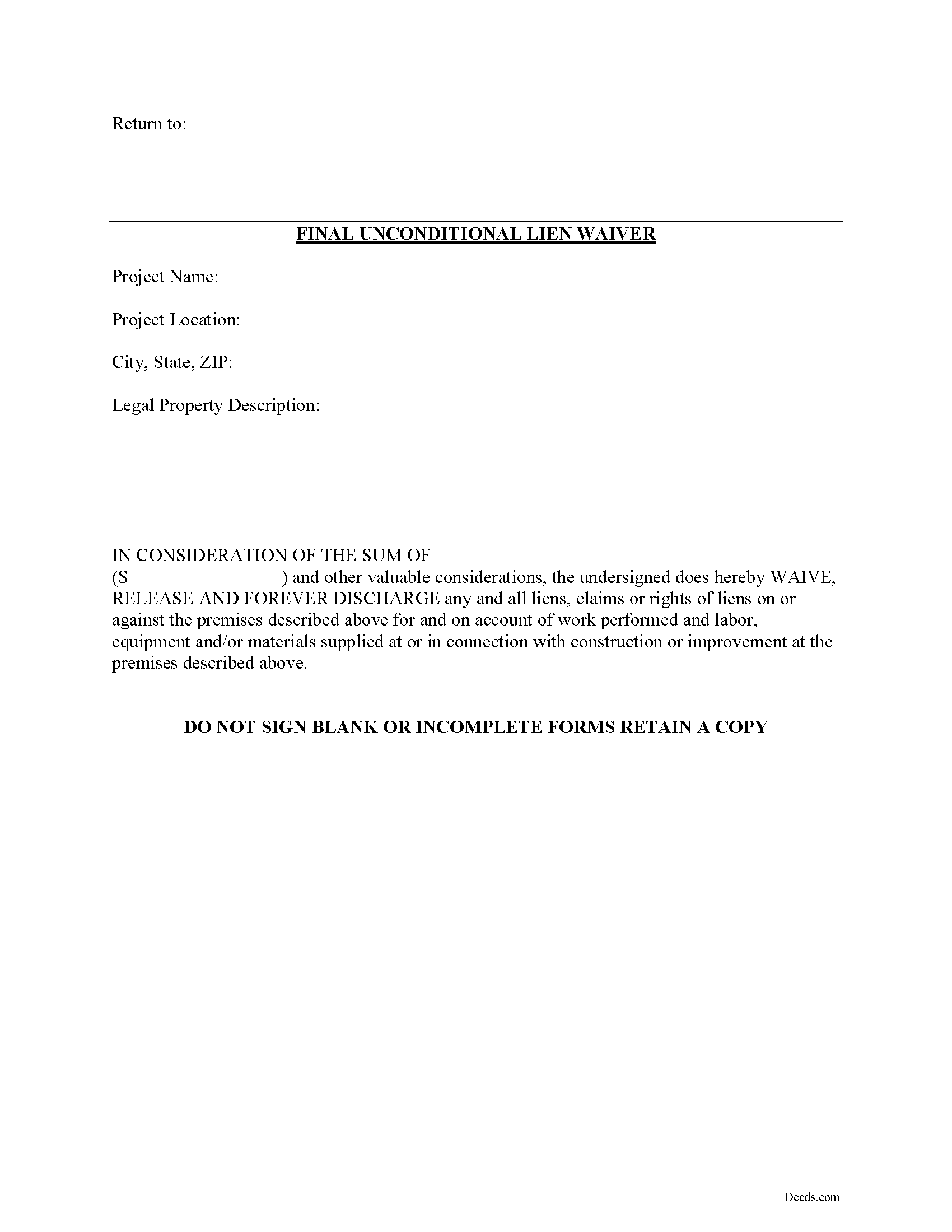
Franklin County Final Unconditional Lien Waiver Form
Fill in the blank Final Unconditional Lien Waiver form formatted to comply with all Kentucky recording and content requirements.
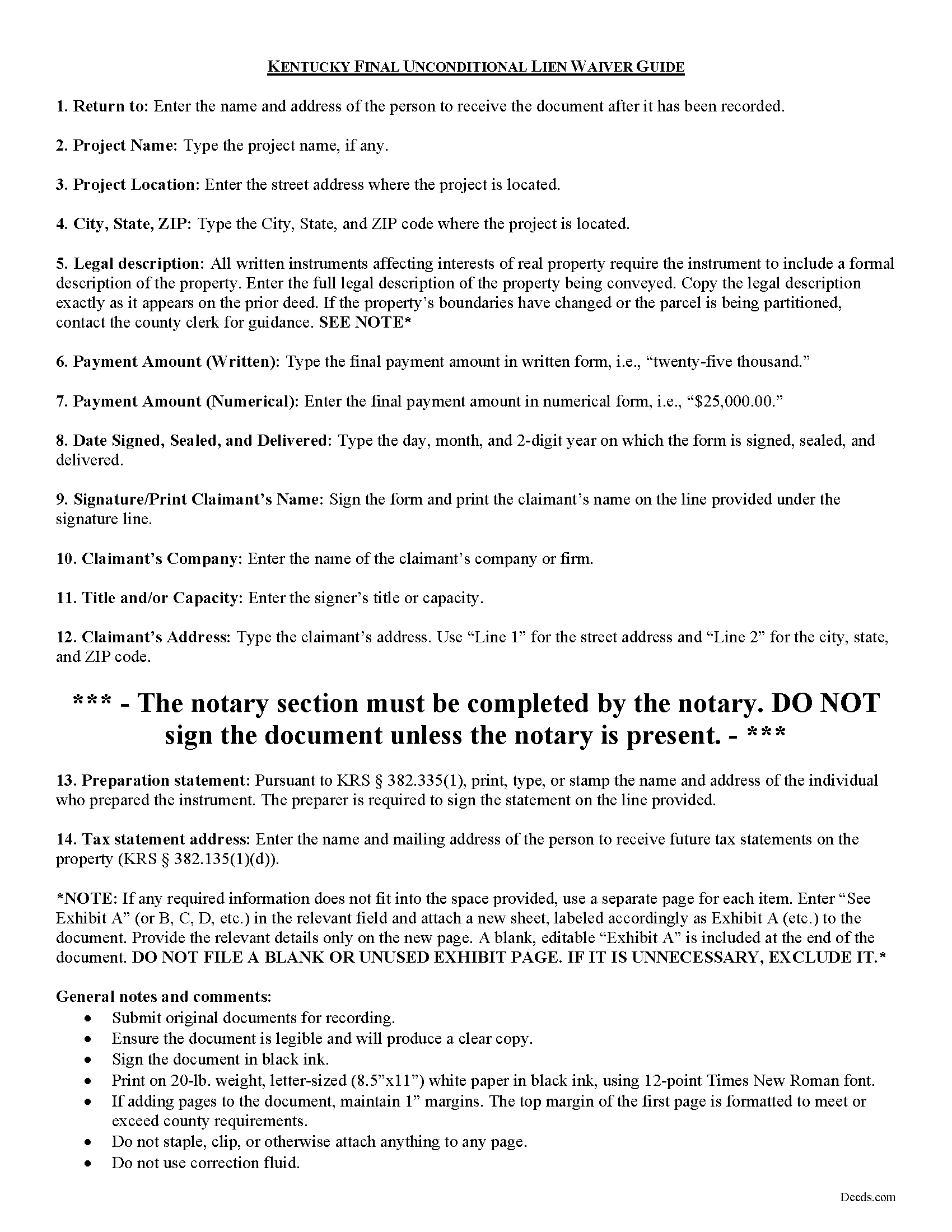
Franklin County Final Unconditional Lien Waiver Guide
Line by line guide explaining every blank on the form.
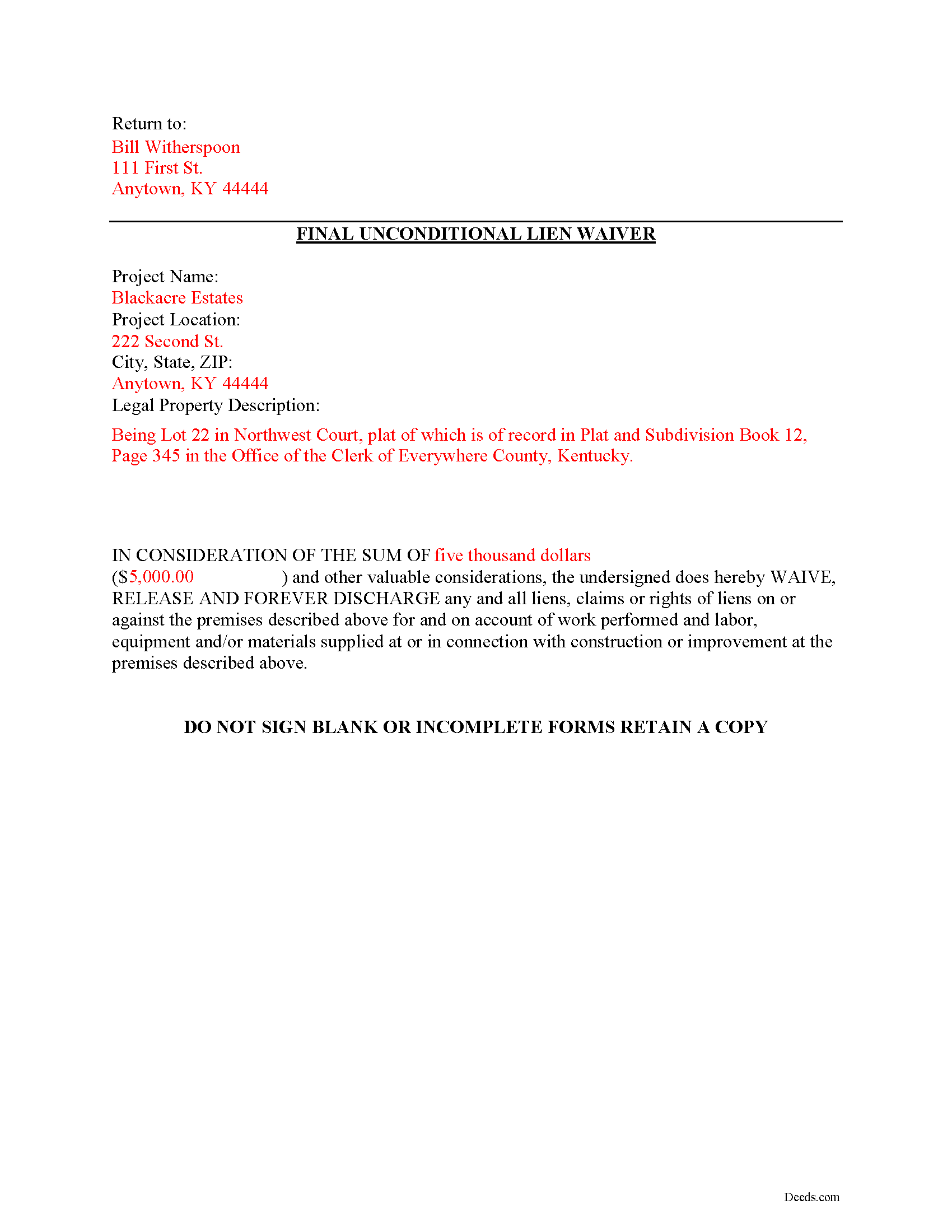
Franklin County Completed Example of the Unconditional Lien Waiver Document
Example of a properly completed form for reference.
All 3 documents above included • One-time purchase • No recurring fees
Immediate Download • Secure Checkout
Additional Kentucky and Franklin County documents included at no extra charge:
Where to Record Your Documents
Franklin County Clerk
Frankfort, Kentucky 40602
Hours: 8:00am to 4:30pm M-F
Phone: (502) 875-8702
Recording Tips for Franklin County:
- Bring your driver's license or state-issued photo ID
- Ensure all signatures are in blue or black ink
- Ask if they accept credit cards - many offices are cash/check only
- Check that your notary's commission hasn't expired
- Documents must be on 8.5 x 11 inch white paper
Cities and Jurisdictions in Franklin County
Properties in any of these areas use Franklin County forms:
- Frankfort
Hours, fees, requirements, and more for Franklin County
How do I get my forms?
Forms are available for immediate download after payment. The Franklin County forms will be in your account ready to download to your computer. An account is created for you during checkout if you don't have one. Forms are NOT emailed.
Are these forms guaranteed to be recordable in Franklin County?
Yes. Our form blanks are guaranteed to meet or exceed the applicable formatting requirements used for recording in Franklin County, including margin requirements, font requirements, and other layout standards. This guarantee applies to formatting, not to the legal sufficiency of information entered by the user or the suitability of a form for a particular transaction.
Can I reuse these forms?
Yes. You can reuse the forms for your personal use. For example, if you have multiple properties in Franklin County you only need to order once.
What do I need to use these forms?
The forms are PDFs that you fill out on your computer. The free Adobe Acrobat Reader is recommended, and most PDF apps also work. You do NOT enter your property information online - you download the blank forms and complete them privately on your own computer.
Are there any recurring fees?
No. This is a one-time purchase. Nothing to cancel, no memberships, no recurring fees.
How much does it cost to record in Franklin County?
Recording fees in Franklin County vary. Contact the recorder's office at (502) 875-8702 for current fees.
Questions answered? Let's get started!
Mechanic's liens are governed under Chapter 376 of Kentucky Revised Statutes (K.R.S.). Although Kentucky law doesn't provide a required format for a waiver, claimants can use various types of lien waivers in order to simplify payments between contractors, subcontractors, customers, and property owners. A waiver is a knowing relinquishment of a right. In this case, the person granting the waiver is relinquishing the right to seek a mechanic's lien for all or part of the amount due. This assurance is usually enough to get the other party to pay.
Lien waivers are generally either based on a partial/progress payment or a final payment, and may be conditional or unconditional. Partial waivers release a portion of the lien rights, determined by the amount paid. Final waivers release all lien rights because the balance is paid in full. Conditional waivers give more protection to the claimant, and are dependent on any payments clearing the bank. Unconditional waivers give the advantage to the party responsible for paying, and take effect immediately upon recording, regardless of whether or not the bank covers the check.
Regardless of their nature, waivers must identify the parties, a description of the location and type of goods and/or services provided, significant dates, fees, and payments. Record the completed waiver in the office responsible for maintaining the land records for the county where the subject property is located.
The final unconditional waiver is the most comprehensive option. Once recorded, it will forfeit any lien right for the final payment amount regardless of payment being verified. Be cautious about using this waiver, because recording it removes an option for recourse if something goes wrong with the payment. With that in mind, verify that the funds actually go through (meaning the check has cleared) before giving up the right to lien.
This article is provided for information purposes only and should not be relied upon as a substitute for the advice from a legal professional. Please speak with an attorney with questions about using a lien waiver, or for any other issues related to liens in Kentucky.
Important: Your property must be located in Franklin County to use these forms. Documents should be recorded at the county recording office listed above.
This Final Unconditional Lien Waiver meets all recording requirements specific to Franklin County.
Our Promise
The documents you receive here are guaranteed to meet or exceed the applicable Franklin County recording format requirements. If there is a rejection caused by our formatting, we will correct the issue or refund your payment. This guarantee applies to document formatting only and does not extend to information entered by the user, the selection of the form, or the legal effect of the completed document.
Save Time and Money
Get your Franklin County Final Unconditional Lien Waiver form done right the first time with Deeds.com Uniform Conveyancing Blanks. At Deeds.com, we understand that your time and money are valuable resources, and we don't want you to face a penalty fee or rejection imposed by a county recorder for submitting nonstandard documents. We constantly review and update our forms to meet rapidly changing state and county recording requirements for roughly 3,500 counties and local jurisdictions.
4.8 out of 5 - ( 4,818 Reviews )
Brian C. 5 out of 5 stars
***** so easy thanks.
Thanks Brian, we appreciate your feedback.
Joy M. 5 out of 5 stars
Great down load.
Thank you for your kind words and for choosing us.
Rose H. 5 out of 5 stars
I am so glad I found this resource! As the Executor of a family members estate I wanted to save money by bypassing a lawyer as it seemed pretty straight forward to tranfer a Life Estate to the remainderman. (I had original deeds). But talking with 3 different states and 4 different counties - none of which seemed to need the same documents, I was almost ready to dump this in a lawyer's lap. This resource makes it simple!
We appreciate your business and value your feedback. Thank you. Have a wonderful day!
Lori W. 5 out of 5 stars
Timely, efficient and easy to use.
We appreciate your business and value your feedback. Thank you. Have a wonderful day!
Beatrice V. 5 out of 5 stars
I was in despair as I needed to file two (2) very important documents with the County. Due to Covid the office was closed and my only recourse was to E-Fie with a service provider. I was fortunate enough to hear about Deeds.com. They were specific, courteous, patient and most of all productive. My documents will take awhile for the final filing but that is because the County happens to have a slow turn around time. Otherwise, I am now relieved that this part is over. Thank you Deeds.com. You are awesome.
Thank you for the kinds words Beatrice.
Robin G. 5 out of 5 stars
Very user friendly. I was totally amazed. Thank you so much.
We are delighted to have been of service. Thank you for the positive review!
Marvin G. 5 out of 5 stars
I found exactly the perfect forms that I needed with Deeds, and much more. I definitely will be using Deeds com from this day going forward.
We appreciate your comments and your trust in us. Thank you.
Tawnya B. 5 out of 5 stars
The document I needed and easy instructions!
Thank you!
Catherine B. 5 out of 5 stars
Trying to get a hold of someone in the office is very difficult. This made it so much easier, thank you!
Thank you for your feedback. We really appreciate it. Have a great day!
John K. 5 out of 5 stars
The sample completed form was a big help. While not exactly on point with my situation, it was enough to help me complete it on my own
We appreciate your business and value your feedback. Thank you. Have a wonderful day!
Matthew L. 5 out of 5 stars
I would make just two suggestions. (1) Create and example showing multiple grantor(s) and (2) In the same example, show where and estate is conveyed to two or more people. It would help in knowing the correct format.
Thank you for your feedback. We really appreciate it. Have a great day!
anthony r. 5 out of 5 stars
Fast and easy
Thank you!
Karl L. 5 out of 5 stars
Excellent Service Terrific Follow Up and Follow Throught
Your appreciative words mean the world to us. Thank you.
Deirdre M. 5 out of 5 stars
Good documents good price saved me a lot of money and time.
Thanks for the feedback Deirdre, we appreciate it.
Leslie S. 5 out of 5 stars
The site was quick and easy to find information I needed. It also provided extra paperwork that would assist me.
We appreciate your business and value your feedback. Thank you. Have a wonderful day!