Casey County Lis Pendens Release Form
Last validated November 16, 2026 by our Forms Development TeamFormatted for recording in Casey County, for property anywhere in the county: rural and unincorporated areas as well as Bethelridge, Dunnville, Liberty, Middleburg, Windsor, Yosemite.
- 3 documents included
- Immediate PDF download
- Formatting guarantee
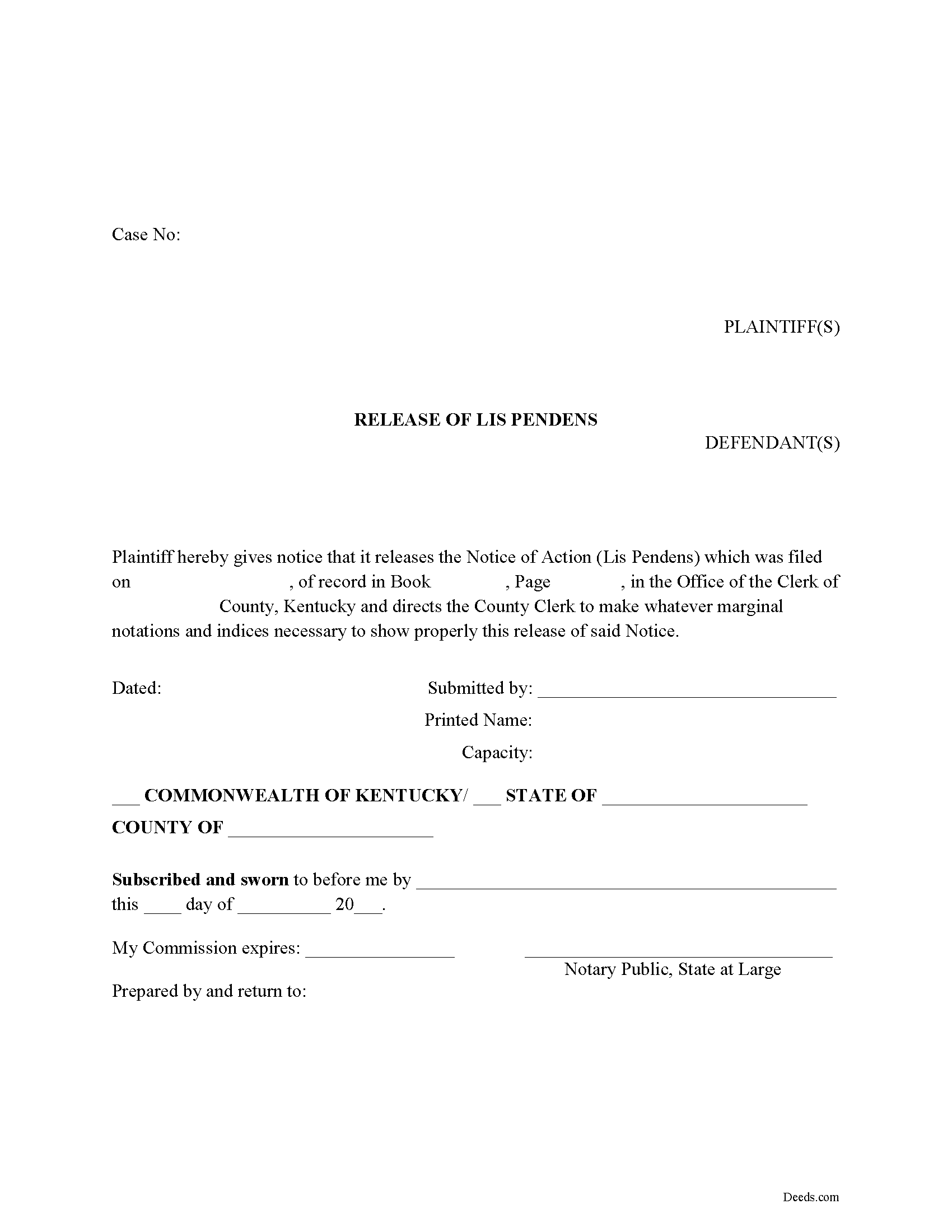
Casey County Lis Pendens Release Form
Fill in the blank form formatted to comply with all recording and content requirements.
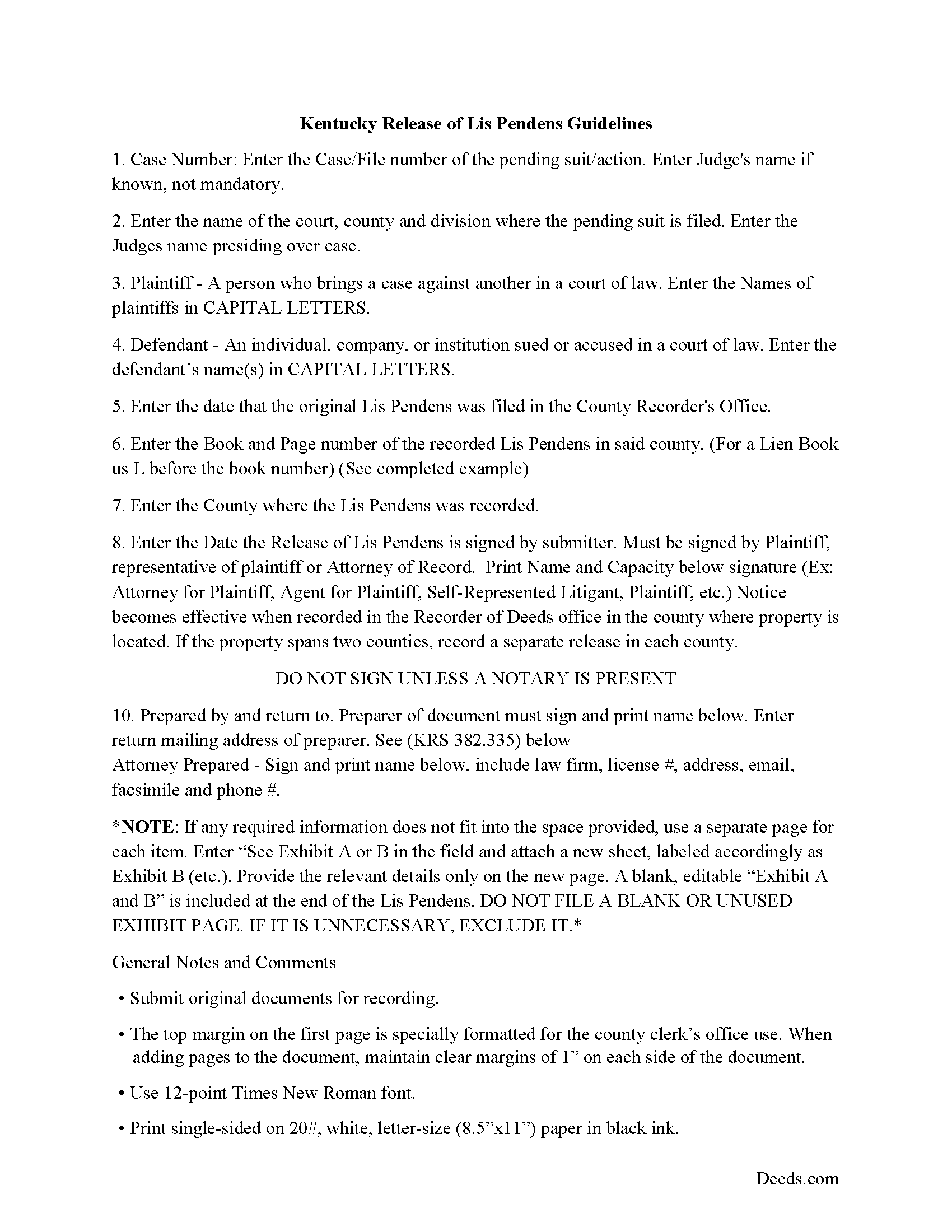
Casey County Lis Pendens Release Guide
Line by line guide explaining every blank on the form.
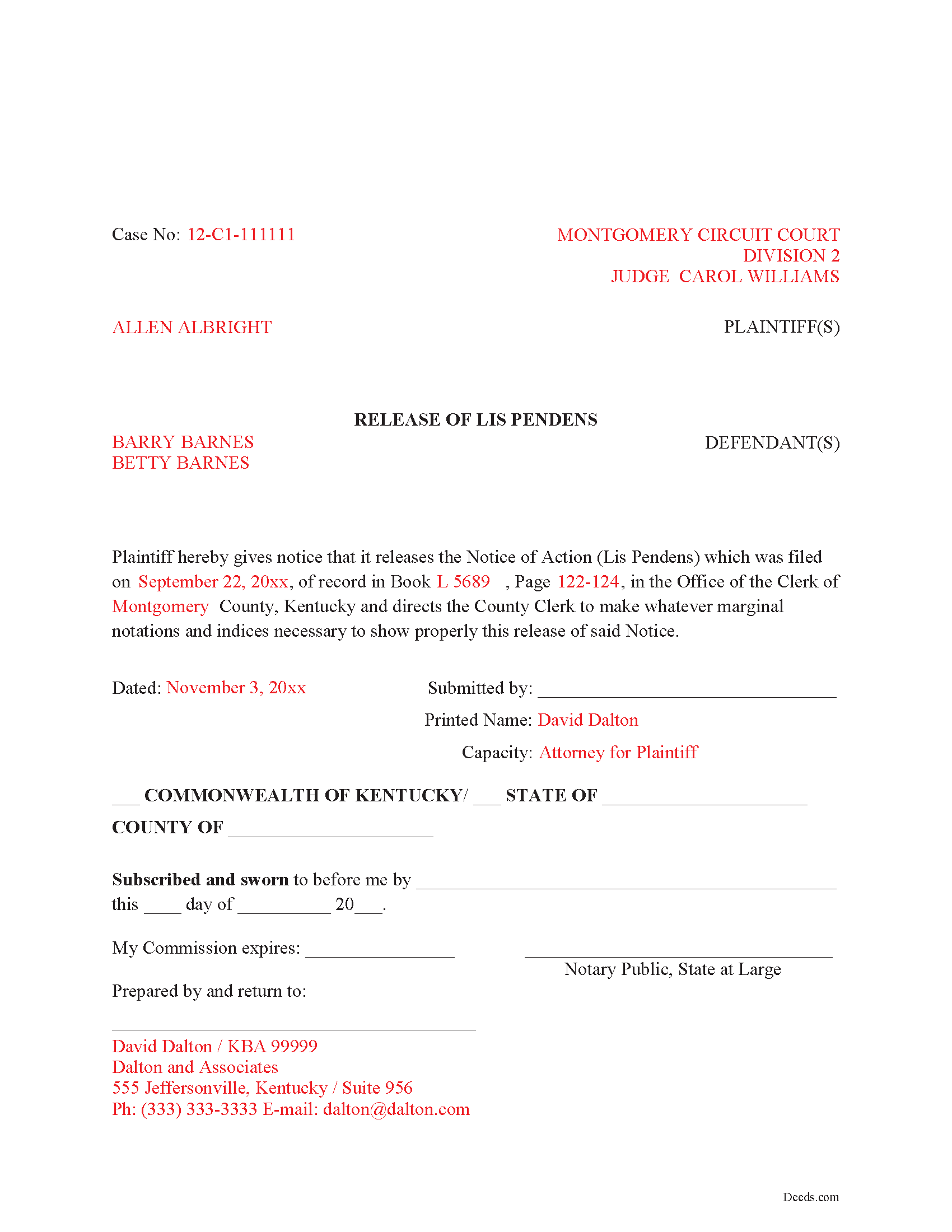
Casey County Completed Example of the Lis Pendens Release Document
Example of a properly completed form for reference.
All 3 documents above included • One-time purchase • No recurring fees
Immediate Download • Secure Checkout
Additional Kentucky and Casey County documents included at no extra charge:
Where to Record Your Documents
Casey County Clerk
Liberty, Kentucky 42539
Hours: 8:00 to 4:00 Monday through Friday
Phone: (606) 787-6471
Recording Tips for Casey County:
- Bring your driver's license or state-issued photo ID
- Ensure all signatures are in blue or black ink
- Check margin requirements - usually 1-2 inches at top
- Leave recording info boxes blank - the office fills these
- Make copies of your documents before recording - keep originals safe
Cities and Jurisdictions in Casey County
Properties in any of these areas use Casey County forms:
- Bethelridge
- Dunnville
- Liberty
- Middleburg
- Windsor
- Yosemite
Hours, fees, requirements, and more for Casey County
How do I get my forms?
Forms are available for immediate download after payment. The Casey County forms will be in your account ready to download to your computer. An account is created for you during checkout if you don't have one. Forms are NOT emailed.
Are these forms guaranteed to be recordable in Casey County?
Yes. Our form blanks are guaranteed to meet or exceed the applicable formatting requirements used for recording in Casey County, including margin requirements, font requirements, and other layout standards. This guarantee applies to formatting, not to the legal sufficiency of information entered by the user or the suitability of a form for a particular transaction.
Can I reuse these forms?
Yes. You can reuse the forms for your personal use. For example, if you have multiple properties in Casey County you only need to order once.
What do I need to use these forms?
The forms are PDFs that you fill out on your computer. The free Adobe Acrobat Reader is recommended, and most PDF apps also work. You do NOT enter your property information online - you download the blank forms and complete them privately on your own computer.
Are there any recurring fees?
No. This is a one-time purchase. Nothing to cancel, no memberships, no recurring fees.
How much does it cost to record in Casey County?
Recording fees in Casey County vary. Contact the recorder's office at (606) 787-6471 for current fees.
Questions answered? Let's get started!
This Release of Lis Pendens is used by the plaintiff (party initiating litigation) or by the attorney of record in such action.
This Lis Pendens form follows these Kentucky statutes:
The name of the party(s) releasing the Lis Pendens (KRS 382.200)
The name of the party(s) being released (KRS 382.470 & 382.200)
The book and page reference of the original Lis Pendens that was filed (KRS 382.290 & 382.470)
Preparation Statement as per (KRS 382.335)
Return address for after recordation (KRS 382.240)
Notary statement for submitter (KRS 382.470).
(Kentucky Release Package includes form, guidelines, and completed example)
Important: Your property must be located in Casey County to use these forms. Documents should be recorded at the county recording office listed above.
This Lis Pendens Release meets all recording requirements specific to Casey County.
Our Promise
The documents you receive here are guaranteed to meet or exceed the applicable Casey County recording format requirements. If there is a rejection caused by our formatting, we will correct the issue or refund your payment. This guarantee applies to document formatting only and does not extend to information entered by the user, the selection of the form, or the legal effect of the completed document.
Save Time and Money
Get your Casey County Lis Pendens Release form done right the first time with Deeds.com Uniform Conveyancing Blanks. At Deeds.com, we understand that your time and money are valuable resources, and we don't want you to face a penalty fee or rejection imposed by a county recorder for submitting nonstandard documents. We constantly review and update our forms to meet rapidly changing state and county recording requirements for roughly 3,500 counties and local jurisdictions.
4.8 out of 5 - ( 4,861 Reviews )
Virginia K. 5 out of 5 stars
Easy to use instructions and fast service delivery. I was kept up to date on the status of my filing.
Thank you!
Raecita H. 5 out of 5 stars
This was the first time I had ever had to fill out a Warranty Deed, so if it was not for your example form on how to fill one out, I would be still be here completely lost. I had originally gone to another site for a Warranty Deed & they wanted double the amount of your price & their website had no examples forms. I am so happy with your site & service. Thank you for giving us the opportunity to be able to download the forms as much as we need to because as many mistakes I made,I had to print quite a few to be able to get it done right.
We appreciate your business and value your feedback. Thank you. Have a wonderful day!
Deb F. 5 out of 5 stars
The county clerk accepted your mineral deed. It was a blessing finding your deed and instructions for filling it out online. Thank you
Thank you for your feedback. We really appreciate it. Have a great day!
Donaldo C. 5 out of 5 stars
Deeds.com is very helpful when filling a Deed. I appreciate that. Thank you.
Thank you!
Tanya B. 5 out of 5 stars
Very convenient way to record documents without leaving the office. Responses to any questions have always been very quick. Would recommend using the site to anyone who needs to record documents and wants to save valuable time.
Thank you!
Michael W. 5 out of 5 stars
Staff was very diligent in pointing out multiple errors I had made on filing the District of Columbia's confusing form for tax exemption in a marital property exchange.
We’re always here to help. Thank you for your feedback.
Bonnie C. 5 out of 5 stars
User friendly an FAST to access and use! Highly recommended.
We appreciate your business and value your feedback. Thank you. Have a wonderful day!
Nick J. 4 out of 5 stars
We aimed to handle a survivorship affidavit (deed change) without a lawyer following my dad's death. After some searching, deeds.com seemed to have the most comprehensive and "correct looking" form we could find for our locale, so we went with it, and it was accepted by our recorder's office. I'm not sure why our local government office doesn't offer a standard form, but they don't, and deeds.com came through for us in a pinch.
We appreciate your business and value your feedback. Thank you. Have a wonderful day!
Linda I. 5 out of 5 stars
So far so good. It was reasonably easy to download and complete the form using information found in my closing paperwork. I haven't yet had my form notarized but plan to do so this week and submit the packet to my county auditor.
Thank you for your feedback. We really appreciate it. Have a great day!
Lutz P. 5 out of 5 stars
Your forms are great but I couldn’t use them with my computer and acrobats reader didn’t work. And then my thermal printer would only print 1/3 size pages with no way to fix it. I ordered a new color printer and we’ll see what happens.
Thank you, Lutz. We're glad you like the forms, and we're sorry getting them working turned into such a hassle. That shrunken page is typical of thermal printers: most use narrow receipt or label paper, so a full page gets scaled down to fit, and no setting can change that. Thermal paper also fades over time, which you don't want on a document you're recording, so the new printer is the right call. When it arrives, print on plain white paper with “Actual size” selected in the print settings so the page comes out full size with its margins intact. If Acrobat Reader gives you trouble again, save the form to your computer first and open the saved file in Acrobat Reader rather than in your web browser. Still stuck? Contact our support team and we'll walk you through it.
Andrew T. 5 out of 5 stars
I was pleasantly surprised with the experience. Cost was better than other sites I checked. Questions about my submittal were asked within an hour. Document was recorded by next day.
Thanks for the review, Andrew. Glad we could get your document recorded quickly — that's the standard we hold ourselves to. We appreciate your business.
Brenda S. 5 out of 5 stars
Awesome forms, filled them out on my computer, printed them out complete, notarized, recorded, wonderful process. THANKS
Thank you for the kind words Brenda. Have a great day!
Robert M. 5 out of 5 stars
Best site of its kind I have ever found. Informative, intuitive, and best of all, everything worked on the first try. I will be HAPPY to recommend it. --- A retired full prof of business administration
We appreciate your business and value your feedback. Thank you. Have a wonderful day!
Marianne F. 5 out of 5 stars
This serve was very fast and efficient. I was very pleased at how quickly I received my recorded document.
We appreciate your business and value your feedback. Thank you. Have a wonderful day!
David D. 5 out of 5 stars
Very easy to us & thanks for all the info to fill out the form.
We appreciate your business and value your feedback. Thank you. Have a wonderful day!