Christian County Mineral Deed Form
Last validated October 22, 2026 by our Forms Development TeamFormatted for recording in Christian County, for property anywhere in the county: rural and unincorporated areas as well as Crofton, Fairview, Fort Campbell, Gracey, Herndon, Hopkinsville, La Fayette, Oak Grove and 1 more.
- 3 documents included
- Immediate PDF download
- Formatting guarantee
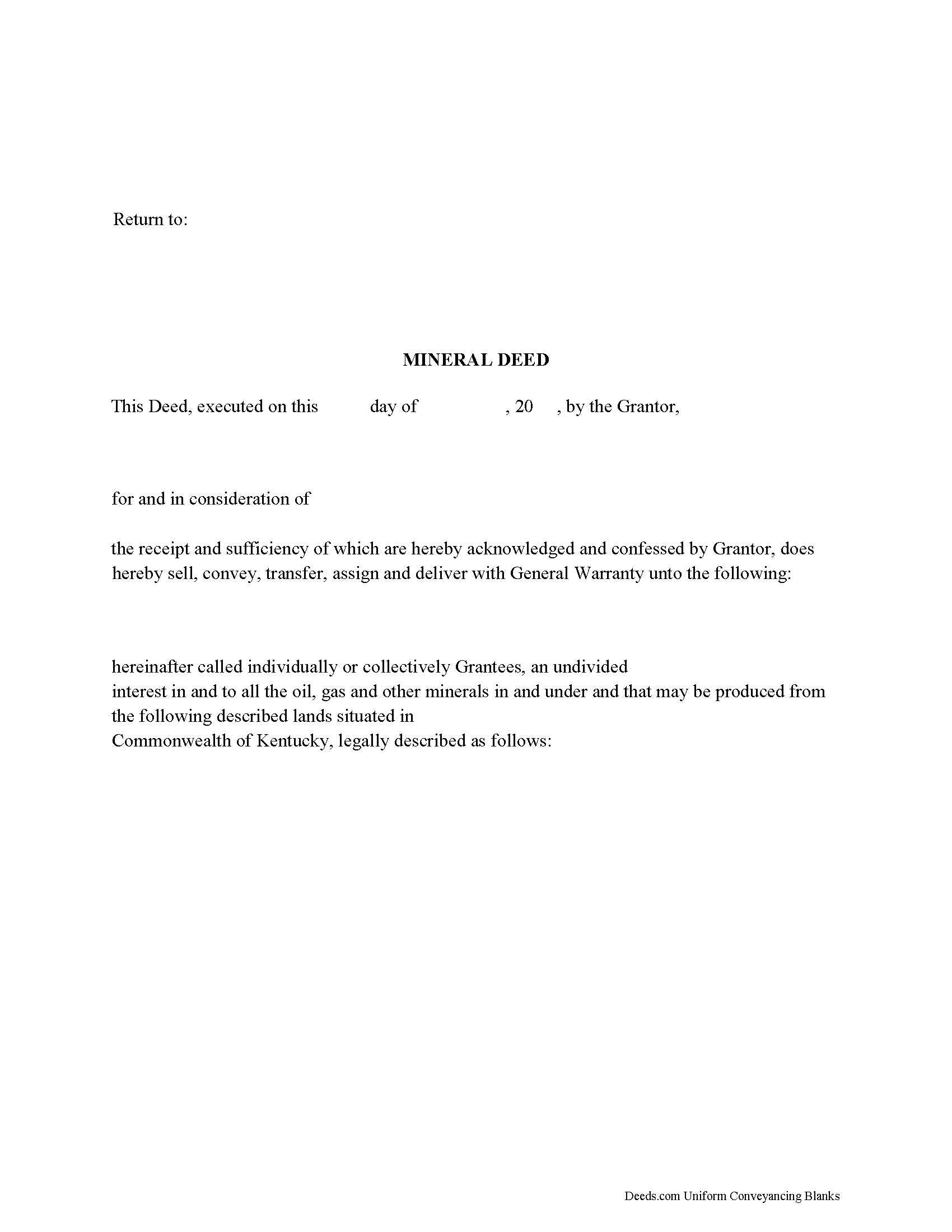
Christian County Mineral Deed Form
Fill in the blank form formatted to comply with all recording and content requirements.
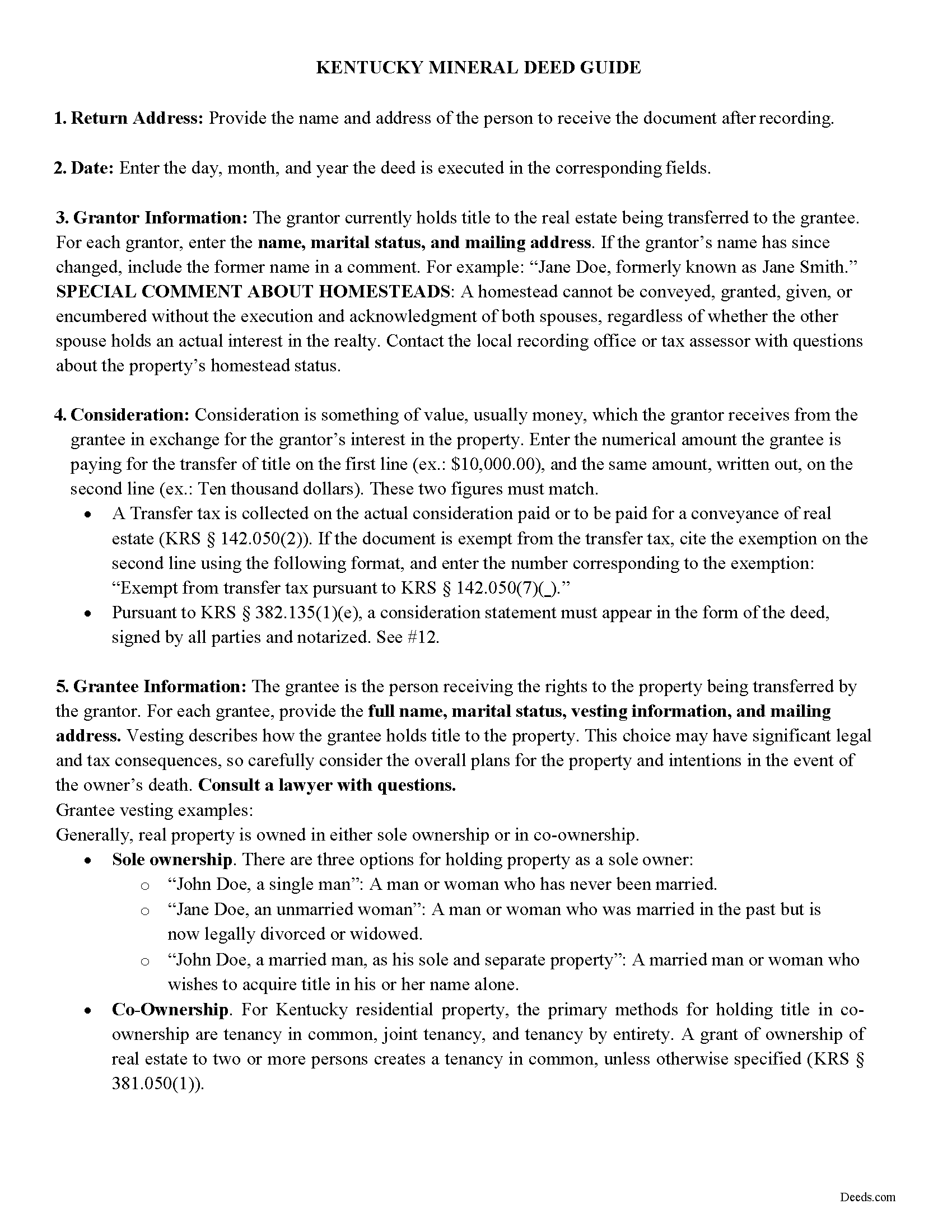
Christian County Mineral Deed Guide
Line by line guide explaining every blank on the form.
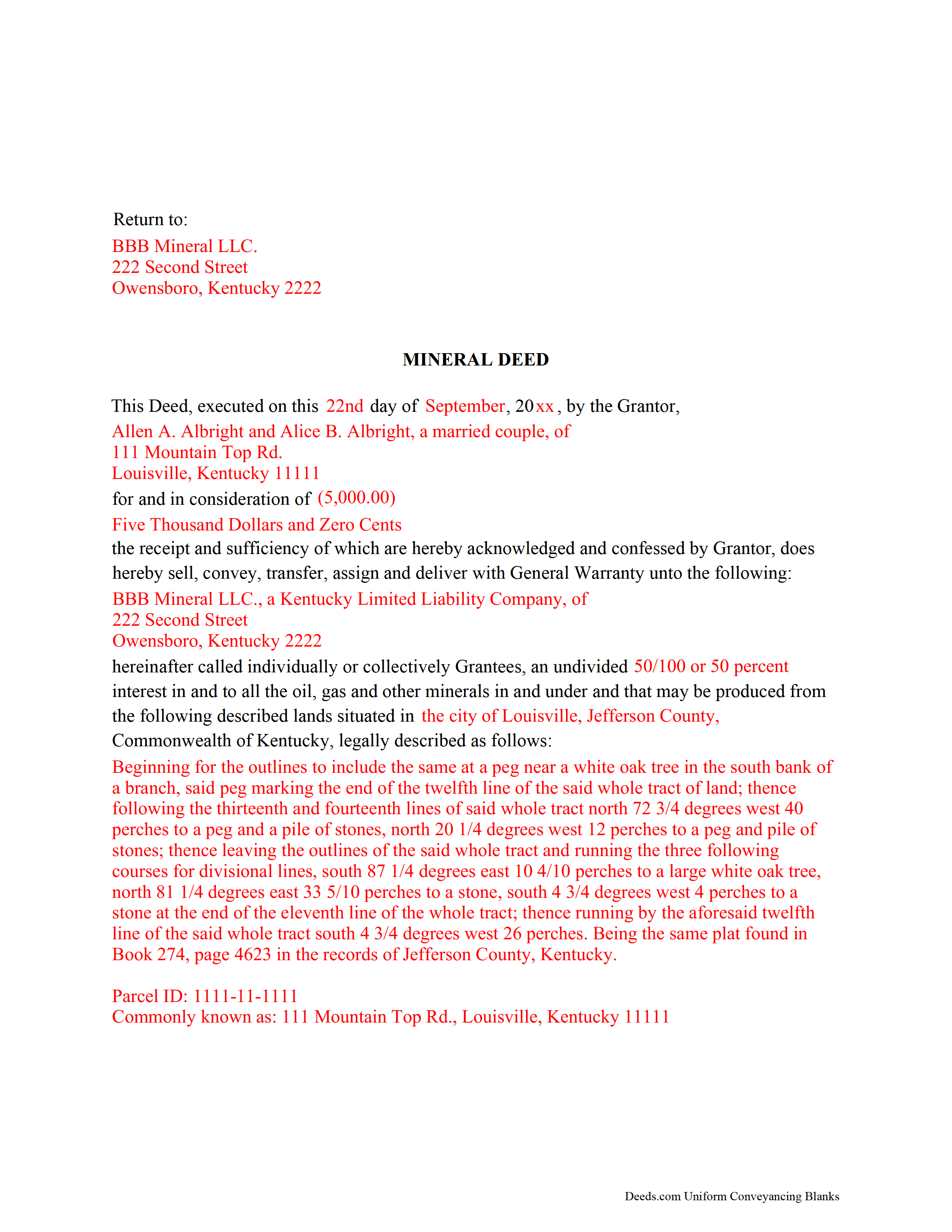
Christian County Completed Example of the Mineral Deed Form
Example of a properly completed form for reference.
All 3 documents above included • One-time purchase • No recurring fees
Immediate Download • Secure Checkout
Additional Kentucky and Christian County documents included at no extra charge:
Where to Record Your Documents
Christian County Clerk
Hopkinsville, Kentucky 42240
Hours: 8:00am-4:00pm, Thu until 6:00pm, Fri until 4:30pm
Phone: (270) 887-4109
Recording Tips for Christian County:
- Bring your driver's license or state-issued photo ID
- Ensure all signatures are in blue or black ink
- Double-check legal descriptions match your existing deed
- Verify all names are spelled correctly before recording
- White-out or correction fluid may cause rejection
Cities and Jurisdictions in Christian County
Properties in any of these areas use Christian County forms:
- Crofton
- Fairview
- Fort Campbell
- Gracey
- Herndon
- Hopkinsville
- La Fayette
- Oak Grove
- Pembroke
Hours, fees, requirements, and more for Christian County
How do I get my forms?
Forms are available for immediate download after payment. The Christian County forms will be in your account ready to download to your computer. An account is created for you during checkout if you don't have one. Forms are NOT emailed.
Are these forms guaranteed to be recordable in Christian County?
Yes. Our form blanks are guaranteed to meet or exceed the applicable formatting requirements used for recording in Christian County, including margin requirements, font requirements, and other layout standards. This guarantee applies to formatting, not to the legal sufficiency of information entered by the user or the suitability of a form for a particular transaction.
Can I reuse these forms?
Yes. You can reuse the forms for your personal use. For example, if you have multiple properties in Christian County you only need to order once.
What do I need to use these forms?
The forms are PDFs that you fill out on your computer. The free Adobe Acrobat Reader is recommended, and most PDF apps also work. You do NOT enter your property information online - you download the blank forms and complete them privately on your own computer.
Are there any recurring fees?
No. This is a one-time purchase. Nothing to cancel, no memberships, no recurring fees.
How much does it cost to record in Christian County?
Recording fees in Christian County vary. Contact the recorder's office at (270) 887-4109 for current fees.
Questions answered? Let's get started!
The General Mineral Deed in Kentucky transfers oil, gas, and mineral rights from the grantor to the grantee. THIS IS NOT A LEASE. There are no Exceptions or Reservations included.
The transfer includes the oil, gas and other minerals of every kind and nature. It also transfers any and all rights to receive royalties, overriding royalties, net profits interests or other payments out of or with respect to those oil, gas and other minerals. The Grantor can stipulate the percentage of Mineral Rights the Grantee will receive and is made subject to any rights existing under any valid and subsisting oil and gas lease or leases of record.
This general mineral deed gives the grantee the right to access, for the purpose of mining, drilling, exploring, operating and developing said lands for oil, gas, and other minerals, and storing handling, transporting and marketing of such.
In this document the Grantor Warrants and will defend said Title to Grantee. Use of this document has a permanent effect on your rights to the property, if you are not completely sure of what you are executing seek the advice of a legal professional.
(Kentucky Mineral Deed Package includes form, guidelines, and completed example)
Important: Your property must be located in Christian County to use these forms. Documents should be recorded at the county recording office listed above.
This Mineral Deed meets all recording requirements specific to Christian County.
Our Promise
The documents you receive here are guaranteed to meet or exceed the applicable Christian County recording format requirements. If there is a rejection caused by our formatting, we will correct the issue or refund your payment. This guarantee applies to document formatting only and does not extend to information entered by the user, the selection of the form, or the legal effect of the completed document.
Save Time and Money
Get your Christian County Mineral Deed form done right the first time with Deeds.com Uniform Conveyancing Blanks. At Deeds.com, we understand that your time and money are valuable resources, and we don't want you to face a penalty fee or rejection imposed by a county recorder for submitting nonstandard documents. We constantly review and update our forms to meet rapidly changing state and county recording requirements for roughly 3,500 counties and local jurisdictions.
4.8 out of 5 - ( 4,833 Reviews )
Jim H. 5 out of 5 stars
Well written form, and the guidance document and example supplied were very helpful.
Thank you!
Jack A. 5 out of 5 stars
First time user. Great service. If I need other forms, I'll definitely be using Deeds.
We appreciate your business and value your feedback. Thank you. Have a wonderful day!
Denise G. 5 out of 5 stars
It was so easy to locate and download all the forms I needed. Saved so much time.
We appreciate your business and value your feedback. Thank you. Have a wonderful day!
David C. 5 out of 5 stars
I was able to use your website for the purpose I was looking for. I was able to conclude the transactions I needed without having to use an attorney.
We appreciate your business and value your feedback. Thank you. Have a wonderful day!
Marvin W. 5 out of 5 stars
Easy to use and great instructions!
Thank you!
Pamela W. 5 out of 5 stars
Signing up was easy and the form was amazing. The ability to type on it (I am on a MAC) was beyond my expectations, the ability to save a blank, save my two documents, save the instructions and sample was excellent. The documents are in the mail and we are hopefully they will be approved. Blessings,
Thank you for your feedback. We really appreciate it. Have a great day!
Charles S. 5 out of 5 stars
Quick and easy. Highly recommend. Thanks!
Thank you for your feedback. We really appreciate it. Have a great day!
Lavonia L. 5 out of 5 stars
Found exactly what I was looking for and it helped tremendously.
Thank you for your feedback. We really appreciate it. Have a great day!
Margaret M. 4 out of 5 stars
Quick and easy, but the 2MB file limit ended up causing some big headaches. Had I known the limit could be easily increased, it would have saved me a lot of time and trouble.
We appreciate your business and value your feedback. Thank you. Have a wonderful day!
Bobby V. 5 out of 5 stars
Great
Thank you!
Sean M. 5 out of 5 stars
This was exactly what I needed. For $25-$30 it gave me the formatted document I needed and made it so easy to input the info. I wouldn't recommend it to someone who has no clue what they're doing, but for somebody who knows all the info and just needs a formatted page to input it onto, this is perfect.
We appreciate your business and value your feedback. Thank you. Have a wonderful day!
Judy A D. 5 out of 5 stars
It was quick and easy.
Thank you!
William C. 4 out of 5 stars
Good service, great price, the website is a bit hard to maneuver in places.
Thank you for your feedback. We really appreciate it. Have a great day!
Franklin W. 1 out of 5 stars
I am not so happy. I did find and purchase the document I needed. But there is one problem. It is in Adobe PDF format only. I cannot enter information into the form.
Sorry to hear that. Sounds like you may have been trying to complete the document in your browser instead of downloading the PDF and completing it on your computer. The PDF forms are fill in the blank, that's one of the reasons we use that format.
Shirley B. 5 out of 5 stars
Very convenient, glad I discovered this website.
We appreciate your business and value your feedback. Thank you. Have a wonderful day!