Magoffin County Partial Conditional Lien Waiver Form
Last validated September 11, 2026 by our Forms Development TeamFormatted for recording in Magoffin County, for property anywhere in the county: rural and unincorporated areas as well as Falcon, Gunlock, Royalton, Salyersville.
- 3 documents included
- Immediate PDF download
- Formatting guarantee
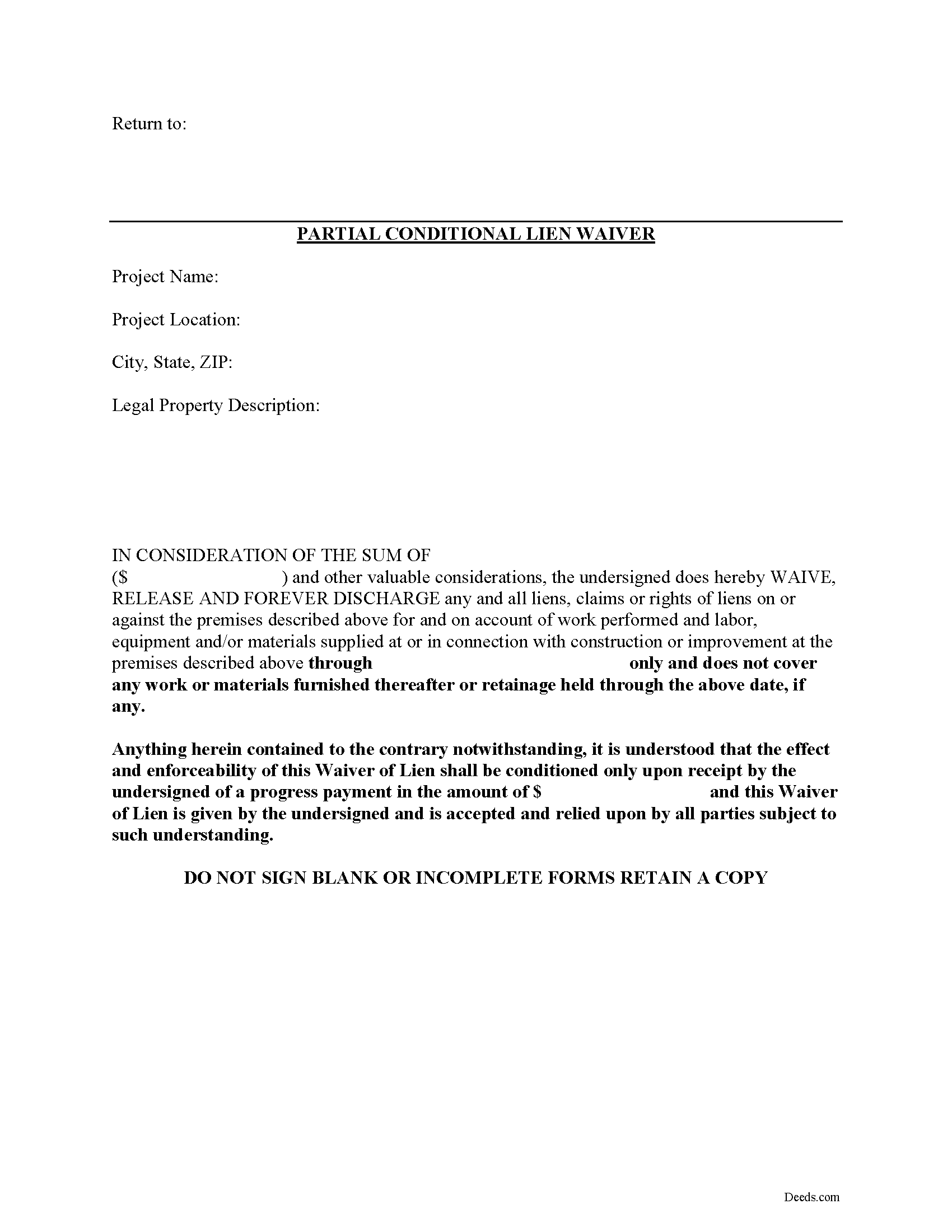
Magoffin County Partial Conditional Lien Waiver Form
Fill in the blank Partial Conditional Lien Waiver form formatted to comply with all Kentucky recording and content requirements.
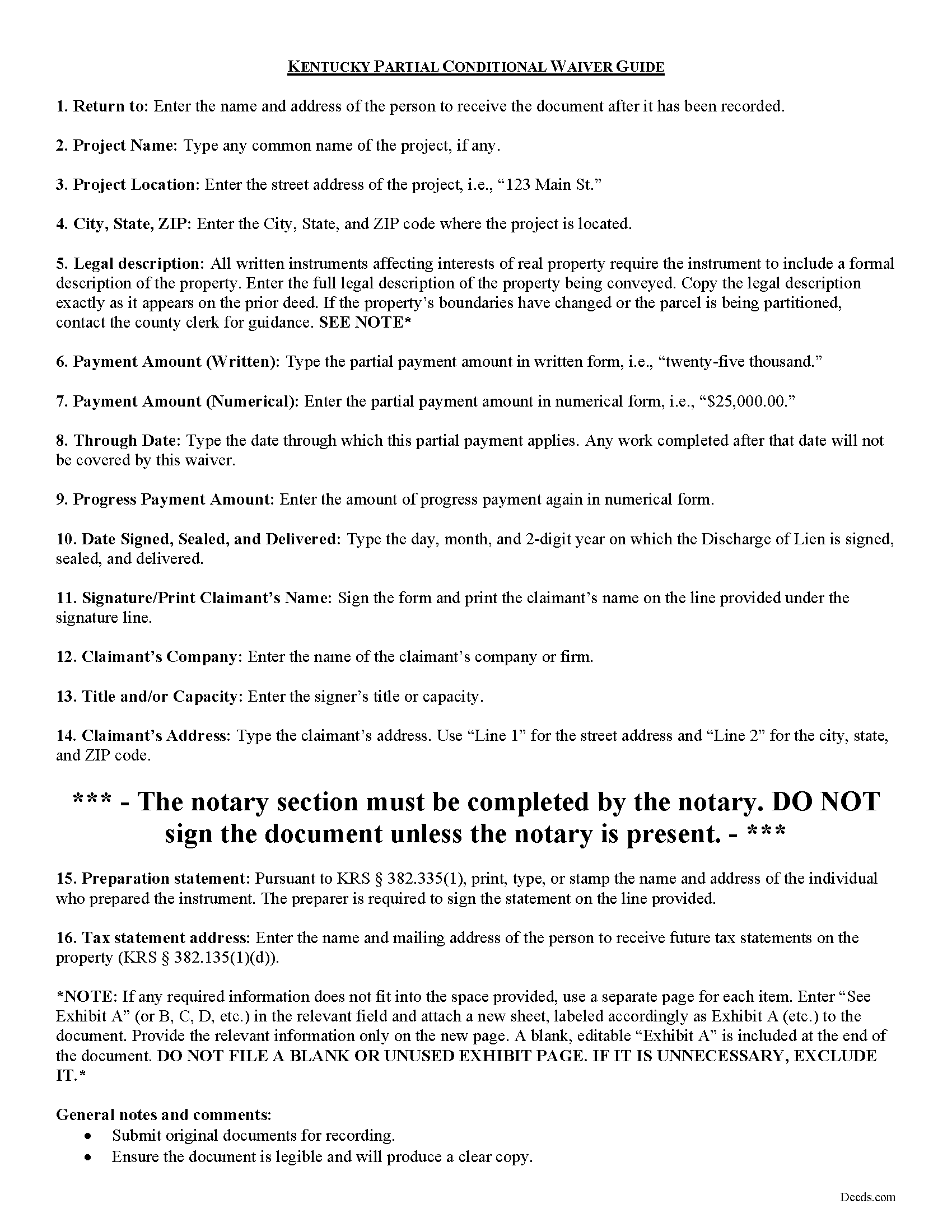
Magoffin County Partial Conditional Lien Waiver Guide
Line by line guide explaining every blank on the form.
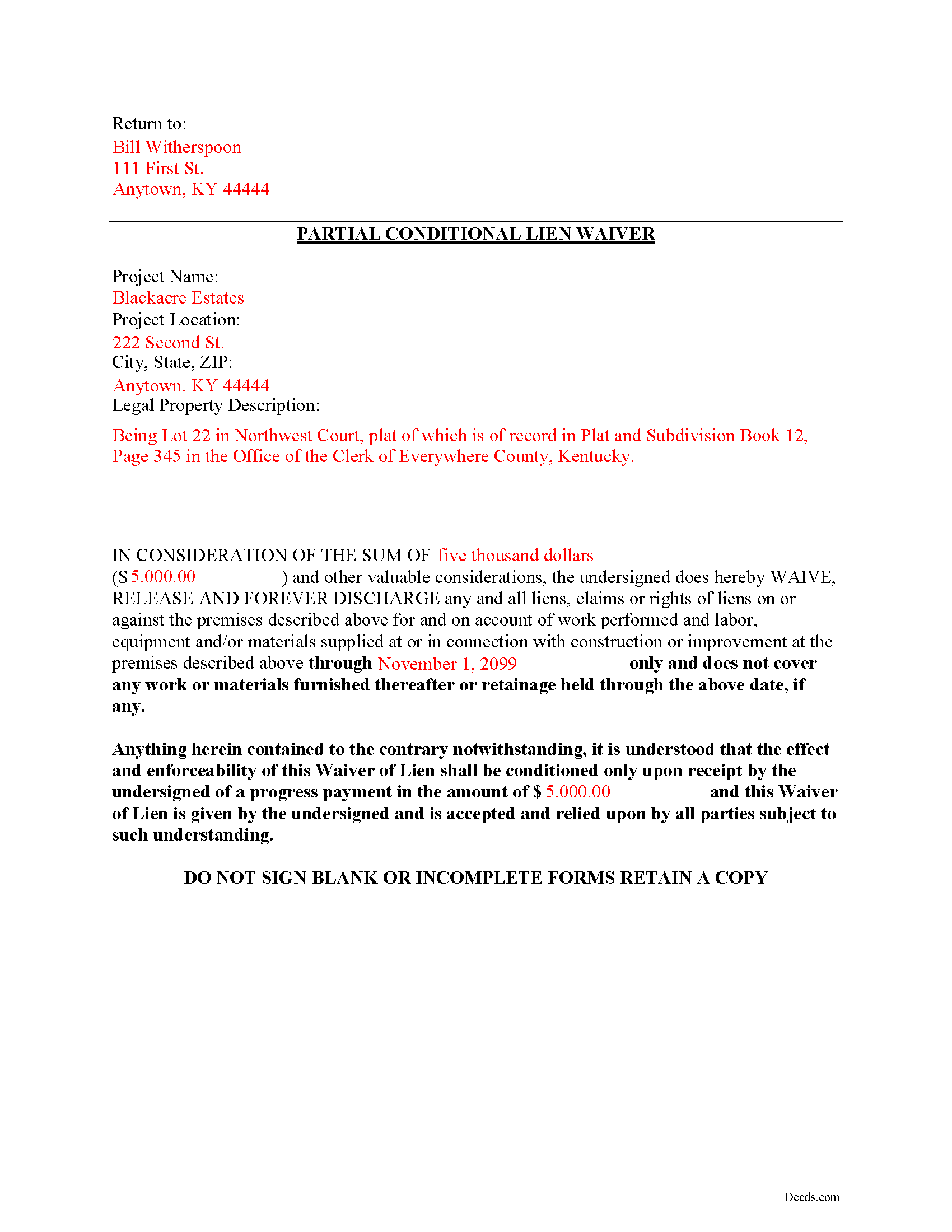
Magoffin County Completed Example of the Partial Conditional Lien Waiver Document
Example of a properly completed form for reference.
All 3 documents above included • One-time purchase • No recurring fees
Immediate Download • Secure Checkout
Additional Kentucky and Magoffin County documents included at no extra charge:
Where to Record Your Documents
Magoffin County Clerk
Salyersville, Kentucky 41465
Hours: 8:30 to 4:00 Monday - Friday; 8:30 to 12:00 Saturday
Phone: (606) 349-2216
Recording Tips for Magoffin County:
- Bring your driver's license or state-issued photo ID
- Ensure all signatures are in blue or black ink
- Check margin requirements - usually 1-2 inches at top
- Leave recording info boxes blank - the office fills these
- Make copies of your documents before recording - keep originals safe
Cities and Jurisdictions in Magoffin County
Properties in any of these areas use Magoffin County forms:
- Falcon
- Gunlock
- Royalton
- Salyersville
Hours, fees, requirements, and more for Magoffin County
How do I get my forms?
Forms are available for immediate download after payment. The Magoffin County forms will be in your account ready to download to your computer. An account is created for you during checkout if you don't have one. Forms are NOT emailed.
Are these forms guaranteed to be recordable in Magoffin County?
Yes. Our form blanks are guaranteed to meet or exceed the applicable formatting requirements used for recording in Magoffin County, including margin requirements, font requirements, and other layout standards. This guarantee applies to formatting, not to the legal sufficiency of information entered by the user or the suitability of a form for a particular transaction.
Can I reuse these forms?
Yes. You can reuse the forms for your personal use. For example, if you have multiple properties in Magoffin County you only need to order once.
What do I need to use these forms?
The forms are PDFs that you fill out on your computer. The free Adobe Acrobat Reader is recommended, and most PDF apps also work. You do NOT enter your property information online - you download the blank forms and complete them privately on your own computer.
Are there any recurring fees?
No. This is a one-time purchase. Nothing to cancel, no memberships, no recurring fees.
How much does it cost to record in Magoffin County?
Recording fees in Magoffin County vary. Contact the recorder's office at (606) 349-2216 for current fees.
Questions answered? Let's get started!
Mechanic's liens are governed under Chapter 376 of Kentucky Revised Statutes (K.R.S.). Although Kentucky law doesn't provide a required format for a waiver, claimants can use various types of lien waivers in order to simplify payments between contractors, subcontractors, customers, and property owners. A waiver is a knowing relinquishment of a right. In this case, the person granting the waiver is relinquishing the right to seek a mechanic's lien for all or part of the amount due. This assurance is usually enough to get the other party to pay.
Lien waivers are generally either based on a partial/progress payment or a final payment, and may be conditional or unconditional. Partial waivers release a portion of the lien rights, determined by the amount paid. Final waivers release all lien rights because the balance is paid in full. Conditional waivers give more protection to the claimant, and are dependent on any payments clearing the bank. Unconditional waivers give the advantage to the party responsible for paying, and take effect immediately upon recording, regardless of whether or not the bank covers the check.
Regardless of their nature, waivers must identify the parties, a description of the location and type of goods and/or services provided, significant dates, fees, and payments. Record the completed waiver in the office responsible for maintaining the land records for the county where the subject property is located.
A partial conditional waiver is used when a progress or partial payment is made and money is still due and owing. The waiver applies only to the partial payment amount and is conditioned upon the actual receipt of that money.
This article is provided for information purposes only and should not be relied upon as a substitute for the advice from a legal professional. Please speak with an attorney with questions about using a lien waiver, or for any other issues related to liens in Kentucky.
Important: Your property must be located in Magoffin County to use these forms. Documents should be recorded at the county recording office listed above.
This Partial Conditional Lien Waiver meets all recording requirements specific to Magoffin County.
Our Promise
The documents you receive here are guaranteed to meet or exceed the applicable Magoffin County recording format requirements. If there is a rejection caused by our formatting, we will correct the issue or refund your payment. This guarantee applies to document formatting only and does not extend to information entered by the user, the selection of the form, or the legal effect of the completed document.
Save Time and Money
Get your Magoffin County Partial Conditional Lien Waiver form done right the first time with Deeds.com Uniform Conveyancing Blanks. At Deeds.com, we understand that your time and money are valuable resources, and we don't want you to face a penalty fee or rejection imposed by a county recorder for submitting nonstandard documents. We constantly review and update our forms to meet rapidly changing state and county recording requirements for roughly 3,500 counties and local jurisdictions.
4.8 out of 5 - ( 4,828 Reviews )
Mayte S. 5 out of 5 stars
I am pleasantly suprised at the service. Fair rates and speedy process. No complaints! Happy to use this service again and recommend to anyone. Thank you very much for all your help!
Thank you!
Curtise L. 5 out of 5 stars
Excellent experience. Quickly responded and was able to get us exactly what we needed!
Thank you!
Noal S. 5 out of 5 stars
The download package is very thorough and complete for the Corrective Deed I needed to file. The material is state/county specific and includes a completed example. The price is reasonable compared to an attorney fee from $400 to $600
We appreciate your business and value your feedback. Thank you. Have a wonderful day!
Jackson J. 5 out of 5 stars
Thank you for your help the website is simple and easy to use and dealing with this county for the 1st time there were a few things i was not too sure about but your staff was prompt and responsive and anytime there was a glitch we were promptly able to resolve the issue until the deed was accepted and recorded by the county great service thanks again.
We appreciate your business and value your feedback. Thank you. Have a wonderful day!
Mike M. 5 out of 5 stars
Get Rid of the places to initial each page on the Trust Deed. The Co. Recorder (Davis) does not require that each page be initialled... If I and the "borrower" had initialed each page, then I would have to use US Mail to get the form from AZ to UT because scans of initials are not acceptable, but only a notarized signature from the borrower is...
Thank you for your feedback. We really appreciate it. Have a great day!
PETER A. 5 out of 5 stars
Got the forms I needed after getting forms for the wrong county and paying twice. My bad!
Thanks for your feedback! Just to clarify—when an order is placed for the wrong county, we’re happy to help. In this case, we canceled the original order and refunded the payment so there was no duplicate charge. Glad you got the correct forms in the end!
Glenda R. 5 out of 5 stars
My experience with deeds.com during this pandemic that has us inconvenienced has made it easy for personal business to continue as usual. I will recommend deeds.com to anyone I learn of needing the assistance.
Thank you for your feedback. We really appreciate it. Have a great day!
Douglas N. 5 out of 5 stars
Great!
Thank you!
Johnny B. 5 out of 5 stars
This site was a breeze using.
We appreciate your business and value your feedback. Thank you. Have a wonderful day!
GLENN B. 5 out of 5 stars
Great affordable quick service
We appreciate your business and value your feedback. Thank you. Have a wonderful day!
Elizabeth K. 5 out of 5 stars
Really great experience. Thanks!
Thank you for your feedback. We really appreciate it. Have a great day!
Nancy B. 5 out of 5 stars
This was the easiest, quickest, most understandable way I've seen yet to retrieve deeds from various counties. The government websites are "clunky" and each one seems different than the other. I like this service and will use them again in the future. NANCY
Thank you for your feedback. We really appreciate it. Have a great day!
James W. 5 out of 5 stars
It turned out that I was able to search for what I needed on the local county website, which is what your site suggested be tried. I was impressed with your honesty and practical instructions for searches your site gave. I'm pretty sure I'll be back.
Thank you for your feedback James. Glad to hear we were able to steer you in the right direction.
Christopher G. 2 out of 5 stars
couldn't find what I was looking for.
Thank you for your feedback Christopher, sorry to hear that you couldn't find what you were looking for. Have a wonderful day.
Regina S. 5 out of 5 stars
5 STARS!!! YOU WERE AWESOME!
We appreciate your business and value your feedback. Thank you. Have a wonderful day!