Muhlenberg County Quitclaim Deed (Trustee Grantee) Form
Last validated October 19, 2026 by our Forms Development TeamFormatted for recording in Muhlenberg County, for property anywhere in the county: rural and unincorporated areas as well as Beech Creek, Beechmont, Belton, Bremen, Browder, Central City, Cleaton, Drakesboro and 5 more.
- 3 documents included
- Immediate PDF download
- Formatting guarantee
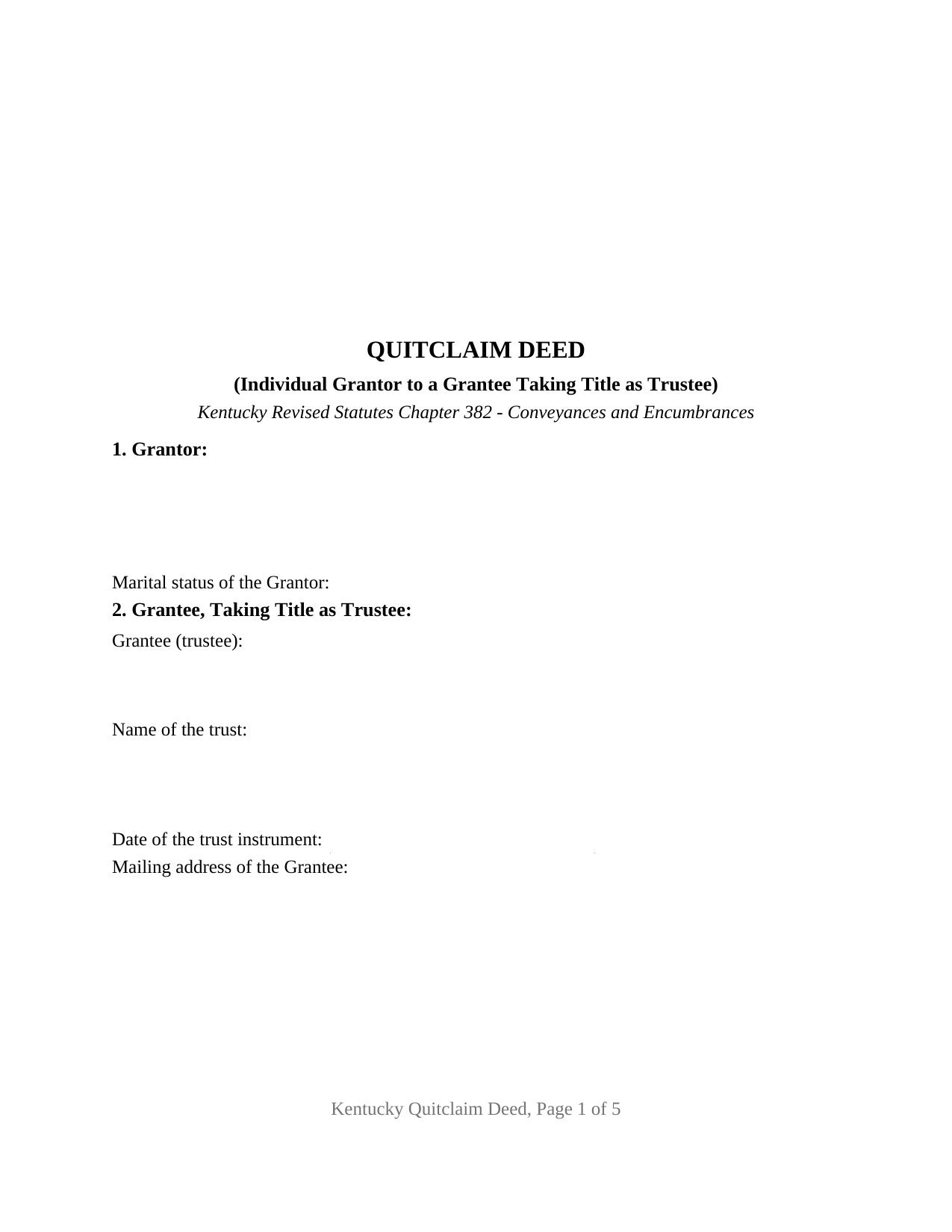
Muhlenberg County Quitclaim Deed (Trustee Grantee) Form
Fill in the blank Quitclaim Deed (Trustee Grantee) form formatted to comply with all Kentucky recording and content requirements.
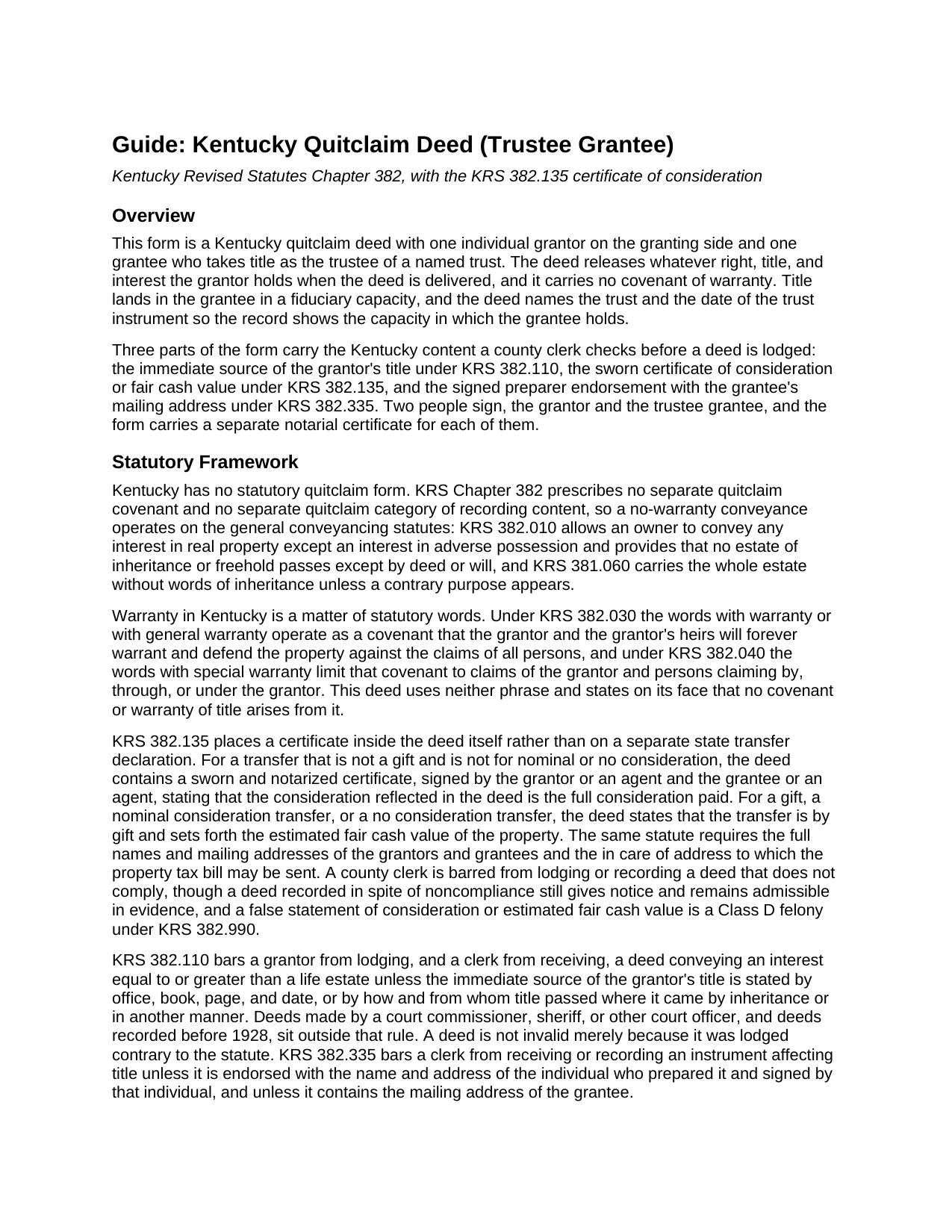
Muhlenberg County Quitclaim Deed (Trustee Grantee) Guide
Line by line guide explaining every blank on the Quitclaim Deed (Trustee Grantee) form.
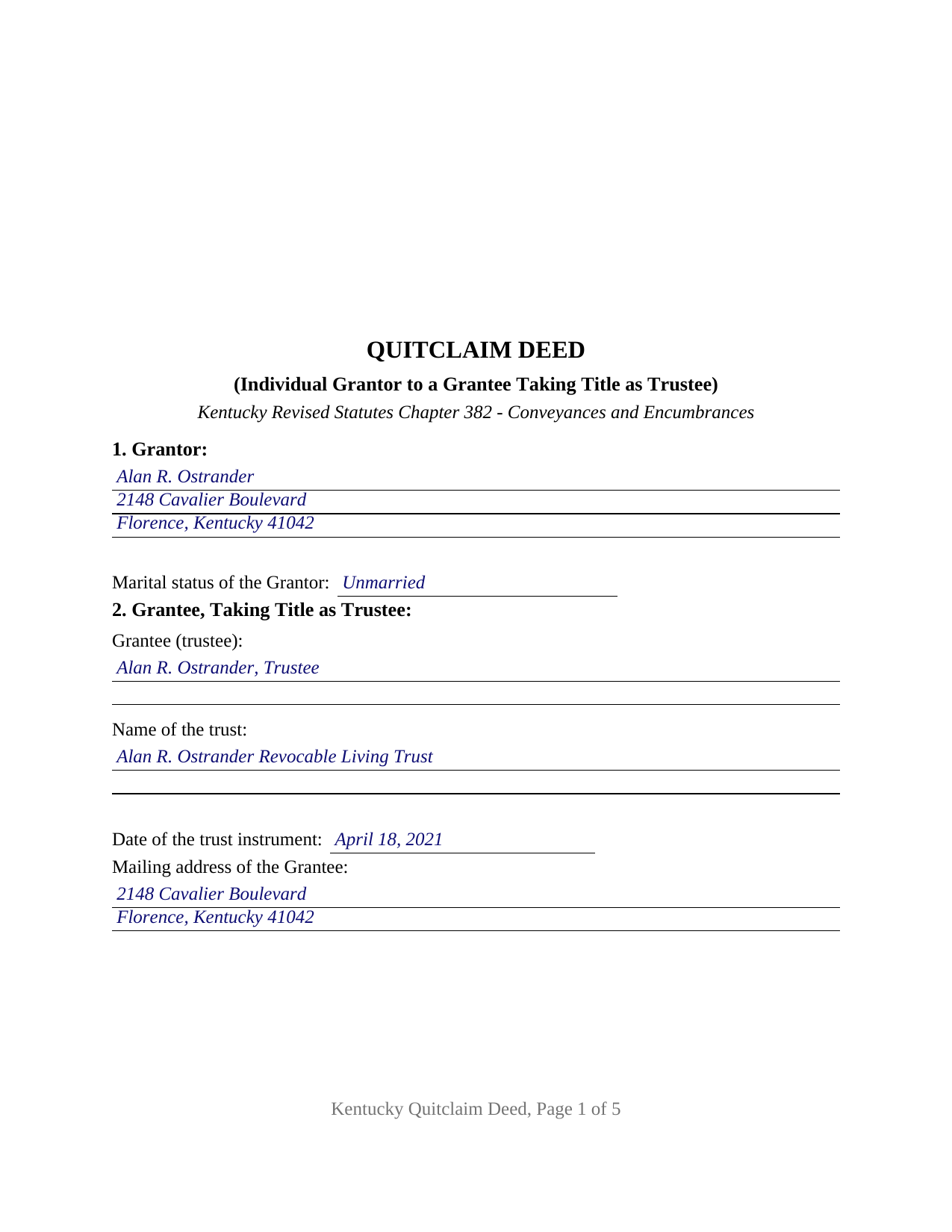
Muhlenberg County Completed Example of the Quitclaim Deed (Trustee Grantee) Document
Example of a properly completed Kentucky Quitclaim Deed (Trustee Grantee) document for reference.
All 3 documents above included • One-time purchase • No recurring fees
Immediate Download • Secure Checkout
Additional Kentucky and Muhlenberg County documents included at no extra charge:
Where to Record Your Documents
Muhlenberg County Clerk
Greenville, Kentucky 42345
Hours: 8:00 AM to 4:00 PM Monday - Friday
Phone: (270) 338-1441
Recording Tips for Muhlenberg County:
- Bring your driver's license or state-issued photo ID
- Ensure all signatures are in blue or black ink
- Request a receipt showing your recording numbers
- Ask about accepted payment methods when you call ahead
- Ask for certified copies if you need them for other transactions
Cities and Jurisdictions in Muhlenberg County
Properties in any of these areas use Muhlenberg County forms:
- Beech Creek
- Beechmont
- Belton
- Bremen
- Browder
- Central City
- Cleaton
- Drakesboro
- Dunmor
- Graham
- Greenville
- Powderly
- South Carrollton
Hours, fees, requirements, and more for Muhlenberg County
How do I get my forms?
Forms are available for immediate download after payment. The Muhlenberg County forms will be in your account ready to download to your computer. An account is created for you during checkout if you don't have one. Forms are NOT emailed.
Are these forms guaranteed to be recordable in Muhlenberg County?
Yes. Our form blanks are guaranteed to meet or exceed the applicable formatting requirements used for recording in Muhlenberg County, including margin requirements, font requirements, and other layout standards. This guarantee applies to formatting, not to the legal sufficiency of information entered by the user or the suitability of a form for a particular transaction.
Can I reuse these forms?
Yes. You can reuse the forms for your personal use. For example, if you have multiple properties in Muhlenberg County you only need to order once.
What do I need to use these forms?
The forms are PDFs that you fill out on your computer. The free Adobe Acrobat Reader is recommended, and most PDF apps also work. You do NOT enter your property information online - you download the blank forms and complete them privately on your own computer.
Are there any recurring fees?
No. This is a one-time purchase. Nothing to cancel, no memberships, no recurring fees.
How much does it cost to record in Muhlenberg County?
Recording fees in Muhlenberg County vary. Contact the recorder's office at (270) 338-1441 for current fees.
Questions answered? Let's get started!
A Kentucky quitclaim deed reads differently when the party receiving the property is a fiduciary. On this form the grantee is one trustee, named together with the trust and the date of the trust instrument, so the record carries the holder and the capacity at once. Sometimes searched as a quit claim deed into a trust, the form releases the grantor's interest as it stands and makes no promise about what that interest is.
Title that arrives in a fiduciary capacity
KRS 382.010 lets an owner convey any interest in Kentucky real property, and KRS 381.060 carries the whole estate without words of inheritance. The conveyance section passes title to the grantee as trustee and to the successors in trust of that trustee, then states plainly that the terms of the trust are not set out in the deed. A trustee's power to hold, manage, sell, or mortgage the property comes from the trust instrument and from the Kentucky Uniform Trust Code, KRS Chapter 386B. KRS 386B.10-120 supplies a certification of trust, signed by any trustee, giving the trust date, the acting trustee, the trustee's powers, and the manner of taking title to trust property, so authority can be shown without the whole trust; that certification is prepared and recorded separately and is not part of this package.
The trust subsection of the transfer tax statute
KRS 142.050 taxes the grantor fifty cents for each five hundred dollars of value, collected by the county clerk before recording, and KRS 382.260 holds the deed out of the record until it is paid. Deeds to trustees answer to a subsection of their own. KRS 142.050(8) lifts the tax from transfers to a trustee, to be held in trust, in three stated situations: where the grantor is the sole beneficiary of the trust; where the grantor is a beneficiary and a direct transfer to all other individual beneficiaries would have been exempt under KRS 142.050(7); and where such a direct transfer would have qualified on its own. KRS 142.050(9) borrows the meaning of trust from KRS 386B.1-010. The figure the clerk reads sits in the consideration section, which carries both branches of KRS 382.135: full consideration paid, and estimated fair cash value where the transfer is a gift or made for nominal consideration.
Two capacities, two signatures, two certificates
The form recites exactly one grantor, an individual, with that grantor's marital status stated, and exactly one grantee described as trustee. Two signature blocks follow: the grantor signs the deed together with its sworn certificate, and the trustee signs the certificate alone, a signature that receives rather than conveys. Each signer takes a notarial certificate of its own, worded subscribed, sworn to, and acknowledged, so one certificate carries the oath KRS 382.135 asks for alongside the acknowledgment the recording statutes contemplate; the two signings may happen days apart before different notaries. An owner moving a rental house into a revocable living trust, an owner deeding farmland to a relative serving as trustee of a family trust, and an owner releasing a leftover fractional interest into a trust that already holds the parcel present the pattern this deed recites. It is not arranged for two grantors, for cotrustees taking title together, for an entity grantor signing through a representative, or for a grantee taking in an individual capacity, and it carries no spouse joinder block.
A release of interest, with the Kentucky content statutes in place
Kentucky ties deed covenants to particular words, and this deed omits them: with warranty and with general warranty under KRS 382.030, with special warranty under KRS 382.040. The face of the deed says as much, so liens, easements, and chain gaps survive untouched. Around the conveyance sit the entries a clerk checks before a deed is lodged: the immediate source of the grantor's title by office, book, page, and date under KRS 382.110; the party names and mailing addresses with the in care of tax bill address under KRS 382.135; and the preparer endorsement of KRS 382.335, signed by the individual who prepared the instrument. Its first page reserves the top three inches for the clerk's recording stamp, the format standard the largest Kentucky counties publish.
This download includes the fillable deed, a completed Boone County example showing every blank filled, and a plain-language guide that walks section by section through the trust entries, the two notarized signatures, and recording at the county clerk's office. The materials are informational and are not legal advice.
Important: Your property must be located in Muhlenberg County to use these forms. Documents should be recorded at the county recording office listed above.
This Quitclaim Deed (Trustee Grantee) meets all recording requirements specific to Muhlenberg County.
Our Promise
The documents you receive here are guaranteed to meet or exceed the applicable Muhlenberg County recording format requirements. If there is a rejection caused by our formatting, we will correct the issue or refund your payment. This guarantee applies to document formatting only and does not extend to information entered by the user, the selection of the form, or the legal effect of the completed document.
Save Time and Money
Get your Muhlenberg County Quitclaim Deed (Trustee Grantee) form done right the first time with Deeds.com Uniform Conveyancing Blanks. At Deeds.com, we understand that your time and money are valuable resources, and we don't want you to face a penalty fee or rejection imposed by a county recorder for submitting nonstandard documents. We constantly review and update our forms to meet rapidly changing state and county recording requirements for roughly 3,500 counties and local jurisdictions.
4.8 out of 5 - ( 4,837 Reviews )
Laura L. 5 out of 5 stars
The website looks good and probably like it is easy to use, but I needed a deed in lieu and couldn't fine one.
Thank you for your feedback. We really appreciate it. Have a great day!
Kimberly H. 5 out of 5 stars
Very fast and easy to use!
Thank you Kimberly. Have a fantastic day.
Steven M. 5 out of 5 stars
They always get me the information I need, in a timely manner.
We appreciate your business and value your feedback. Thank you. Have a wonderful day!
marion v. 5 out of 5 stars
Phenomenal website !
Thank you!
Fernando C. 5 out of 5 stars
I was able to get what I needed!! Easy and fast!
We appreciate your business and value your feedback. Thank you. Have a wonderful day!
Nina L. 5 out of 5 stars
I needed a specific form. I found it, printed it and saved myself $170 because I didn't need a lawyer. Thank you
Thank you for your feedback. We really appreciate it. Have a great day!
Kimberly M. 5 out of 5 stars
Great service. Very helpful and quick. Love Deeds.com and will be using their services again.
Thank you for your feedback Kimberly, we really appreciate it!
Lana B. 5 out of 5 stars
Was very helpful!
Thank you!
Lindsay B. 4 out of 5 stars
The form was easy to fill out. The only problem I had was on the Notary page I live in a different state than the property and I couldn't change the name of the state or county where the notary had to sign.
Thanks Lindsay, we appreciate your feedback.
William H. 5 out of 5 stars
The form cost was reasonable - it helped me organize my thoughts and write things down to help minimize the attorney fees.
We are grateful for your engagement and feedback, which help us to serve you better. Thank you for being an integral part of our community.
Mary K. 5 out of 5 stars
Fantastic way to record any deed! Done in less than a few hours, right to your inbox. Very small fee compared to driving to office or waiting for the mail.
Thank you for your feedback. We really appreciate it. Have a great day!
Elena R. 4 out of 5 stars
Very helpful forms and guide. Would use again if needed.
Thank you for your feedback. We really appreciate it. Have a great day!
Carla H. 4 out of 5 stars
This is a very useful site for downloading legal forms - just be sure you're getting the form you need before buying. Unfortunately I selected the wrong form initially and had to buy a 2nd form to correct my error. I saw no way of communicating my error at that point - i.e., loss of one star.
Thank you for your feedback. We really appreciate it. Have a great day!
Tim M. 5 out of 5 stars
This is my first time using this amazing service. I wish I was told about this before I went all the way downtown, drove thru construction zones, paid for parking only to be told the computer system had crashed. I was referred to Deeds.com and I will not use the downtown system again.
Your feedback is greatly appreciated. Thank you for taking the time to share your experience!
Mallah B. 5 out of 5 stars
I think this company offers a great service that is non-discriminatory and allows me to save time going downtown and hassle dealing with different personalities.
Thank you for your feedback. We really appreciate it. Have a great day!