Franklin County Certificate of Trust Form
Last validated October 15, 2026 by our Forms Development TeamFormatted for recording in Franklin County, for property anywhere in the county: rural and unincorporated areas as well as Dryden, East Dixfield, East Wilton, Eustis, Farmington, Farmington Falls, Jay, Kingfield and 12 more.
- 3 documents included
- Immediate PDF download
- Formatting guarantee
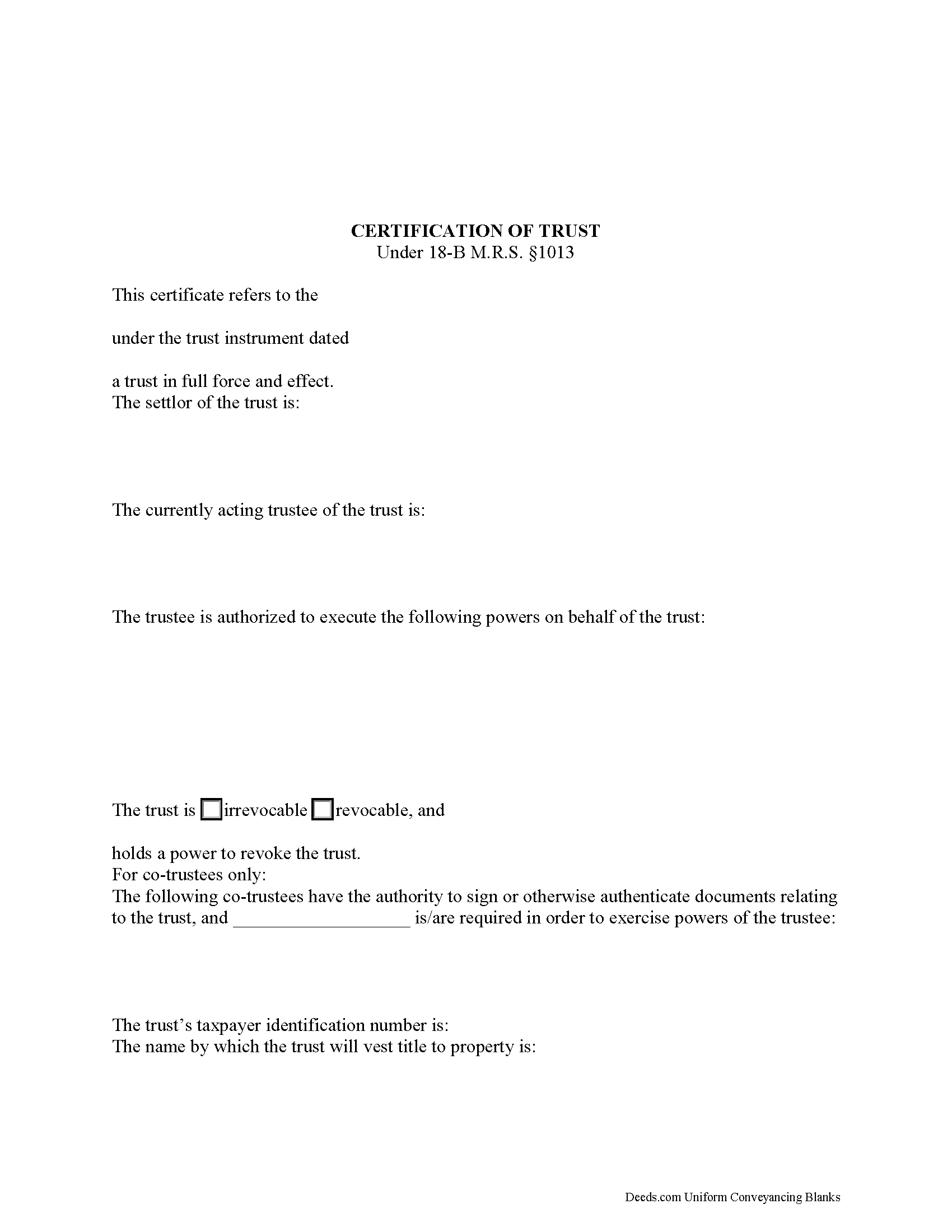
Franklin County Certificate of Trust Form
Fill in the blank form formatted to comply with all recording and content requirements.
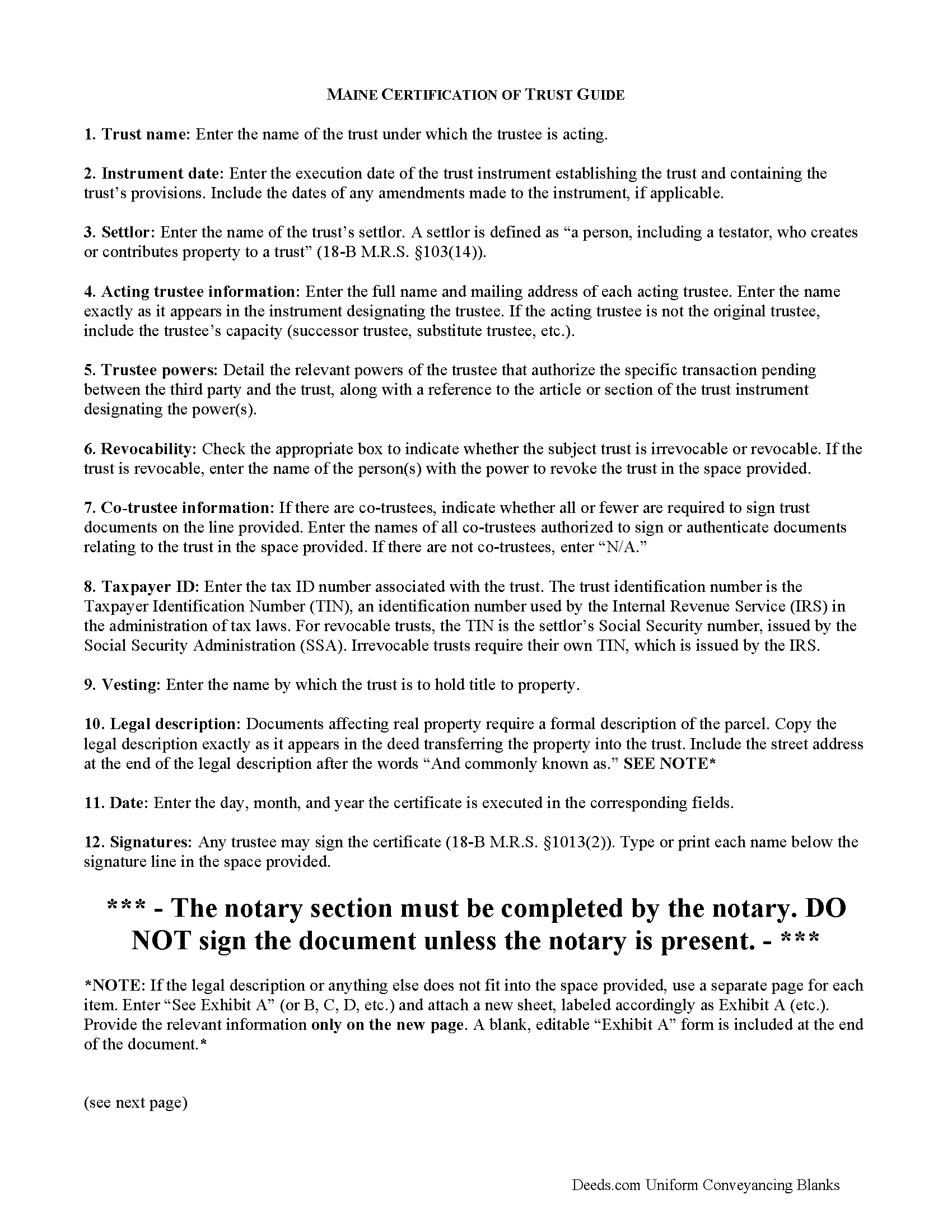
Franklin County Certificate of Trust Guide
Line by line guide explaining every blank on the form.
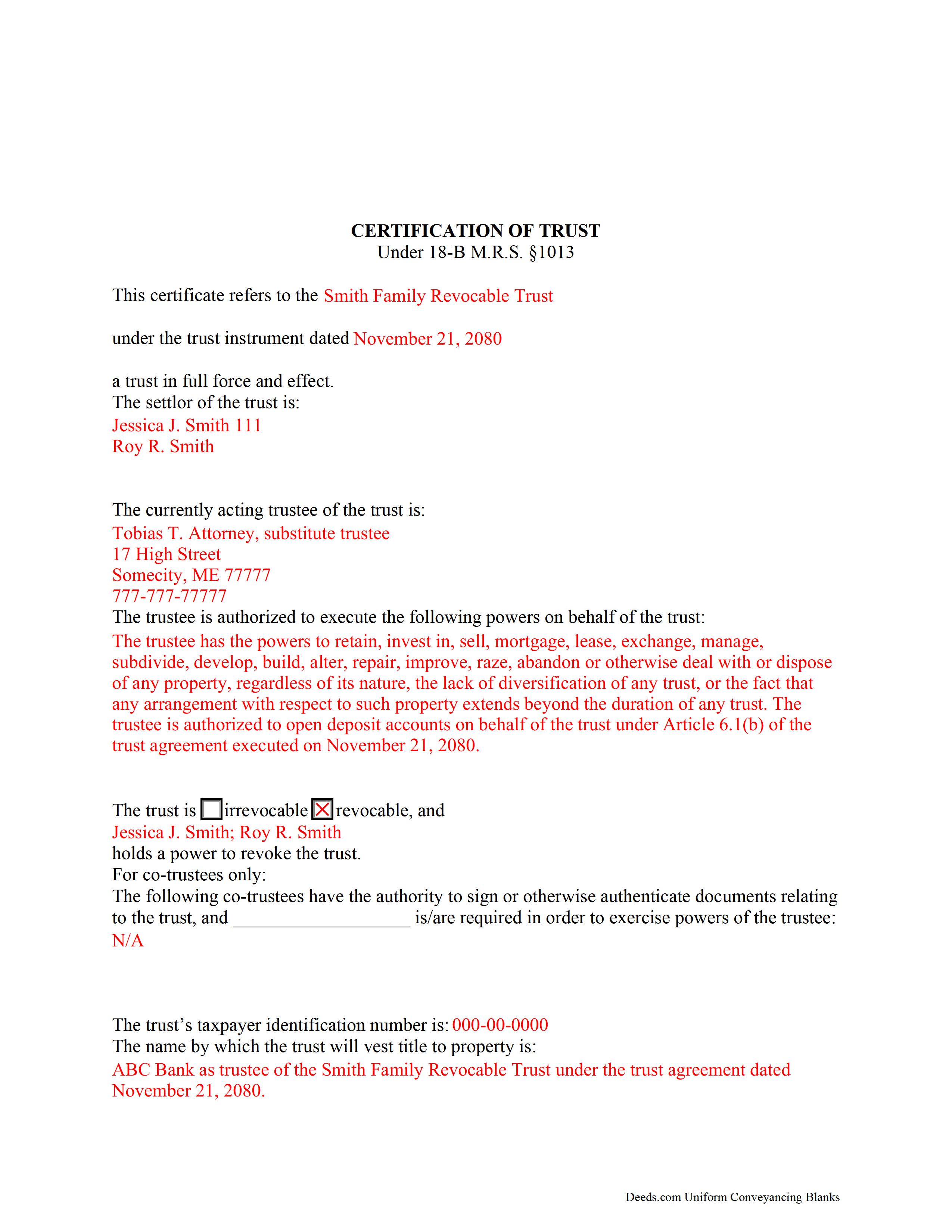
Franklin County Completed Example of the Certificate of Trust Document
Example of a properly completed form for reference.
All 3 documents above included • One-time purchase • No recurring fees
Immediate Download • Secure Checkout
Additional Maine and Franklin County documents included at no extra charge:
Where to Record Your Documents
Franklin County Register of Deeds
Farmington, Maine 04938
Hours: 8:30 to 4:30 M-F
Phone: (207) 778-5889
Recording Tips for Franklin County:
- Bring your driver's license or state-issued photo ID
- Ensure all signatures are in blue or black ink
- Ask if they accept credit cards - many offices are cash/check only
- Check that your notary's commission hasn't expired
- Documents must be on 8.5 x 11 inch white paper
Cities and Jurisdictions in Franklin County
Properties in any of these areas use Franklin County forms:
- Dryden
- East Dixfield
- East Wilton
- Eustis
- Farmington
- Farmington Falls
- Jay
- Kingfield
- New Sharon
- New Vineyard
- North Jay
- Oquossoc
- Phillips
- Rangeley
- Stratton
- Strong
- Temple
- Weld
- West Farmington
- Wilton
Hours, fees, requirements, and more for Franklin County
How do I get my forms?
Forms are available for immediate download after payment. The Franklin County forms will be in your account ready to download to your computer. An account is created for you during checkout if you don't have one. Forms are NOT emailed.
Are these forms guaranteed to be recordable in Franklin County?
Yes. Our form blanks are guaranteed to meet or exceed the applicable formatting requirements used for recording in Franklin County, including margin requirements, font requirements, and other layout standards. This guarantee applies to formatting, not to the legal sufficiency of information entered by the user or the suitability of a form for a particular transaction.
Can I reuse these forms?
Yes. You can reuse the forms for your personal use. For example, if you have multiple properties in Franklin County you only need to order once.
What do I need to use these forms?
The forms are PDFs that you fill out on your computer. The free Adobe Acrobat Reader is recommended, and most PDF apps also work. You do NOT enter your property information online - you download the blank forms and complete them privately on your own computer.
Are there any recurring fees?
No. This is a one-time purchase. Nothing to cancel, no memberships, no recurring fees.
How much does it cost to record in Franklin County?
Recording fees in Franklin County vary. Contact the recorder's office at (207) 778-5889 for current fees.
Questions answered? Let's get started!
The Maine certification of trust falls under the Maine Uniform Trust Code and is codified at 18-B M.R.S. 1013.
Under the statute, "Instead of furnishing a copy of the trust instrument to a person other than a beneficiary, the trustee may furnish to the person a certification of trust" (18-B M.R.S. 1013(1)). A trustee doing business on behalf of a trust generally provides a certificate as proof of his/her/their authority to act.
As an abstract of the trust instrument, the certificate contains only essential information relevant to the transaction at hand, allowing the trust instrument to remain private. For trustees not wishing to disclose the identity of persons having a beneficial interest in the trust, the certificate is a useful alternative to providing the trust instrument.
The certificate requires specific information about the trust, including the name and date of the trust instrument, the trust's taxpayer identification number, and whether the trust is revocable or irrevocable. It includes the trust's settlor, who is "a person, including a testator, who creates or contributes property to a trust" in addition to each acting trustee's name and address (18-B M.R.S. 103(14)).
A lawful certificate also requires a description of the trustee's powers as they relate to the transaction at hand. Since certificates are usually presented in real estate transactions involving trust property, they also require a legal description of the real property in the trust. The certificate includes the name by which the trust will hold property.
If there is more than one trustee, the certificate presents the names of each trustee who is authorized to authenticate documents, and whether all or fewer than all are required to exercise trustee powers.
Finally, the certificate requires a statement "that the trust has not been revoked, modified or amended in any manner that would cause the representations contained in the certification of trust to be incorrect" (18-B M.R.S. 1013(3)). Representations are deemed correct, and a recipient of a certification of trust is not liable for acting on the information contained within (18-B M.R.S. 1013(6)).
Recipients may ask the trustee for excerpts from the trust instrument that designate the trustee and authorize the trustee to act in the transaction at hand, but requesting the entire trust document opens them to liabilities as set out in 18-B M.R.S. 1013(8).
Certificates can be signed by any trustee (18-B M.R.S. 1013(2)). If recording, submit the certificate in the county in which the real property subject to the transaction is situated.
Trust law can be complicated, so contact an attorney with questions about using a certificate of trust or other related issues.
(Maine COT Package includes form, guidelines, and completed example)
Important: Your property must be located in Franklin County to use these forms. Documents should be recorded at the county recording office listed above.
This Certificate of Trust meets all recording requirements specific to Franklin County.
Our Promise
The documents you receive here are guaranteed to meet or exceed the applicable Franklin County recording format requirements. If there is a rejection caused by our formatting, we will correct the issue or refund your payment. This guarantee applies to document formatting only and does not extend to information entered by the user, the selection of the form, or the legal effect of the completed document.
Save Time and Money
Get your Franklin County Certificate of Trust form done right the first time with Deeds.com Uniform Conveyancing Blanks. At Deeds.com, we understand that your time and money are valuable resources, and we don't want you to face a penalty fee or rejection imposed by a county recorder for submitting nonstandard documents. We constantly review and update our forms to meet rapidly changing state and county recording requirements for roughly 3,500 counties and local jurisdictions.
4.8 out of 5 - ( 4,828 Reviews )
steven l. 3 out of 5 stars
As a first time user and not having knowledge of how your site worked it was awkward to upload a file and not know what to do next. I found out there is nothing to do next but that after some time looking for a submit button or some kind of confirmation that I was doing the right thing. Ended up being very easy, just wasted time trying to figure out what to do when there was nothing left to do.
Thank you!
david h. 5 out of 5 stars
very convenient...
Thank you!
Michael W. 5 out of 5 stars
Easy to use and fast
Thank you!
Annie R. 5 out of 5 stars
Excellent service. Documents easy to understand and use.
We appreciate your business and value your feedback. Thank you. Have a wonderful day!
Betty S. 5 out of 5 stars
Thank you for the excellent and complete layout of all forms needed to complete the Affidavit of Death and Heirship, including the notarial officer and an example of how these forms should be completed. This method definitely saves time and money and an answer to my family's Prayers.
Thank you for your feedback. We really appreciate it. Have a great day!
Janette K. 5 out of 5 stars
I ordered a Transfer of Deed on Death document. It was easy to fill in, came with a useful guide and was customized to my county/state. It got the job done and was well worth the money!
Thank you for your feedback. We really appreciate it. Have a great day!
Kevin R. 5 out of 5 stars
I have been using Deeds.com for the last 2 years and find them very easy to use and expedient on all my recordings. Highly recommend.
Thank you for the kind words Kevin. We appreciate you.
Monica M. 5 out of 5 stars
I was very impressed with the quick responses I received from my questions. Usually when forced to communicate via email, responses aren't received right away. Thank you for being on top of things.
Thank you!
John D. 5 out of 5 stars
I was quite impressed by the quality of your documents and the ease of the download.
Thank you for your feedback. We really appreciate it. Have a great day!
Bernardo M. 3 out of 5 stars
You think you're purchasing 1 form for $25 but you are getting several which explains the $25. My printer ran out of black ink and I couldn't change the color of the text so that it would print. I couldn't copy and paste it to Word and work on it there. I'm going to purchase ink today so that it will at least print right. I will have to retype the text in Word; not good.
Thank you for your feedback. We really appreciate it. Have a great day!
Stuart C. 5 out of 5 stars
Quit, clear, simple...just the way it shouldbe! Thank you!
We appreciate your business and value your feedback. Thank you. Have a wonderful day!
Charles B. 5 out of 5 stars
Excellent andeasy to navigate website for non-lawyers. Needed some forms for a specific county in a specific state, and Deeds.com took me right there, where I downloaded the forms and a guide on how to fill them out.
We appreciate your business and value your feedback. Thank you. Have a wonderful day!
Michael M. 5 out of 5 stars
Amazing time saver, fantastic resource if you have an idea of what you are looking for and you can read. No one is going to hold your hand so be prepared to do the research yourself... it is DIY after all.
Thanks for the kind words Michael. Have a wonderful day.
Elizabeth C. 5 out of 5 stars
Very happy, thank you!
We appreciate your business and value your feedback. Thank you. Have a wonderful day!
Laura H. 5 out of 5 stars
I was very impressed with how quickly I was provided the data.
Thank you!