Talbot County Quitclaim Deed (LLC Grantor) Form
Last validated August 19, 2026 by our Forms Development TeamFormatted for recording in Talbot County, for property anywhere in the county or independent city: rural and unincorporated areas as well as Bozman, Claiborne, Cordova, Easton, Mcdaniel, Neavitt, Newcomb, Oxford and 7 more.
- 3 documents included
- Immediate PDF download
- Formatting guarantee
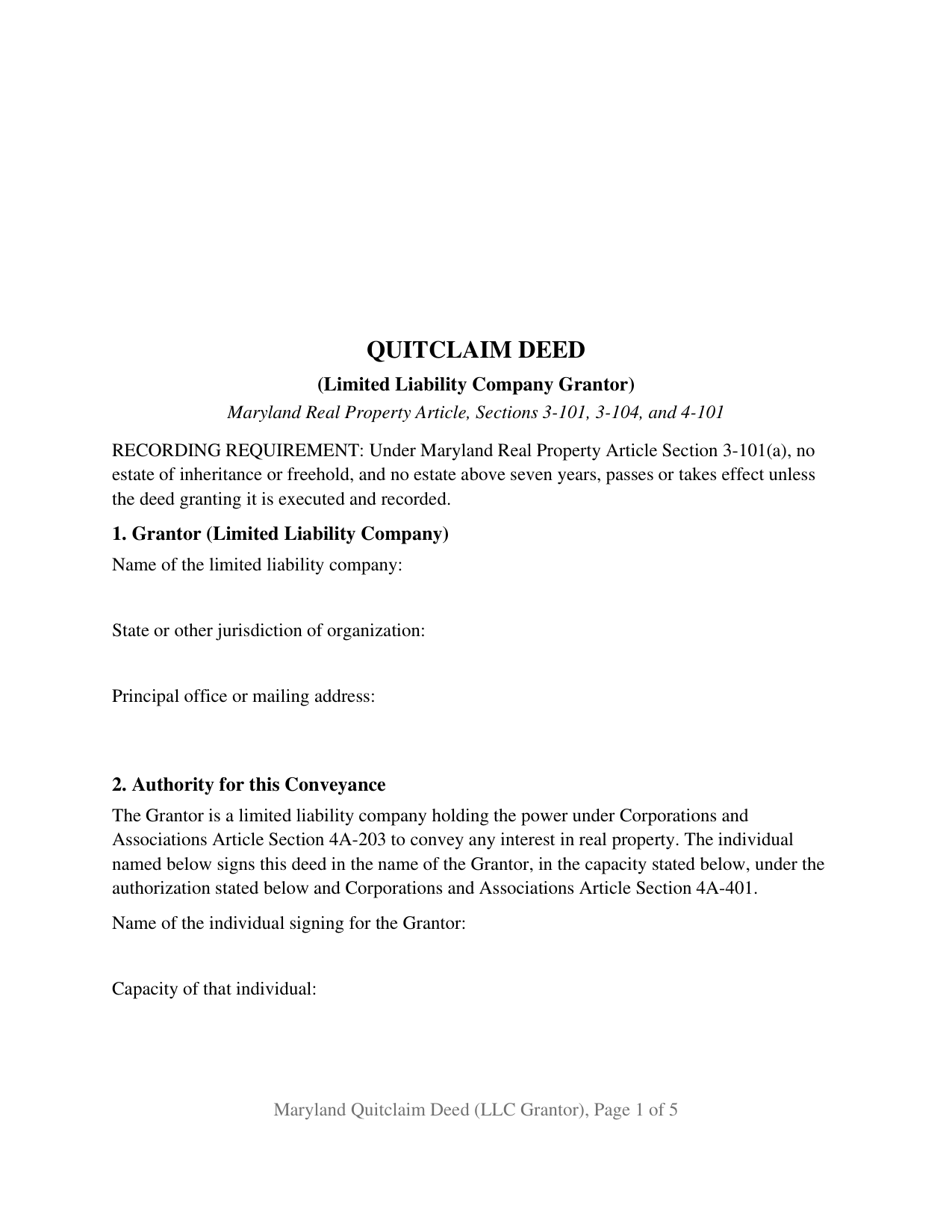
Talbot County Quitclaim Deed (LLC Grantor) Form
Fill in the blank Quitclaim Deed (LLC Grantor) form formatted to comply with all Maryland recording and content requirements.
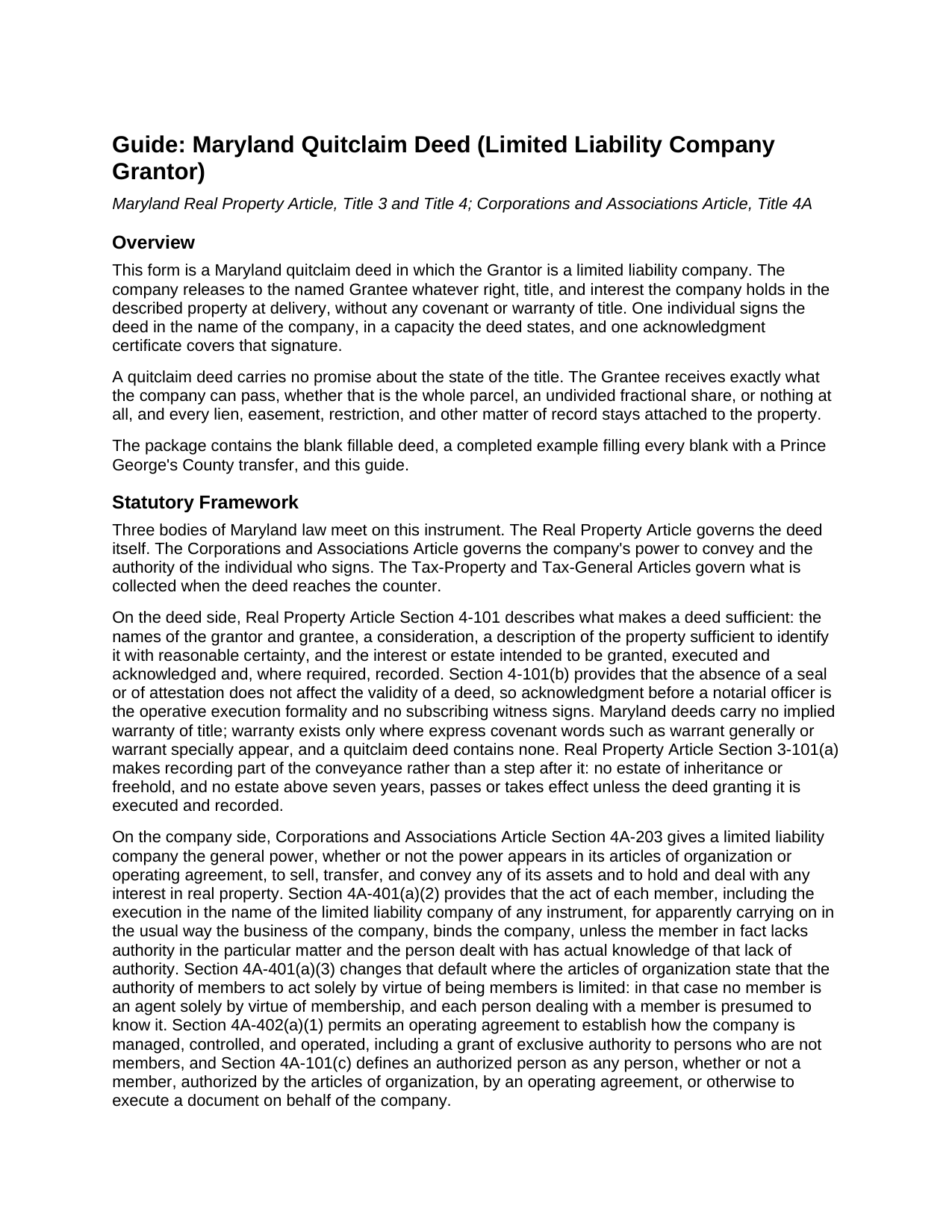
Talbot County Quitclaim Deed (LLC Grantor) Guide
Line by line guide explaining every blank on the Quitclaim Deed (LLC Grantor) form.
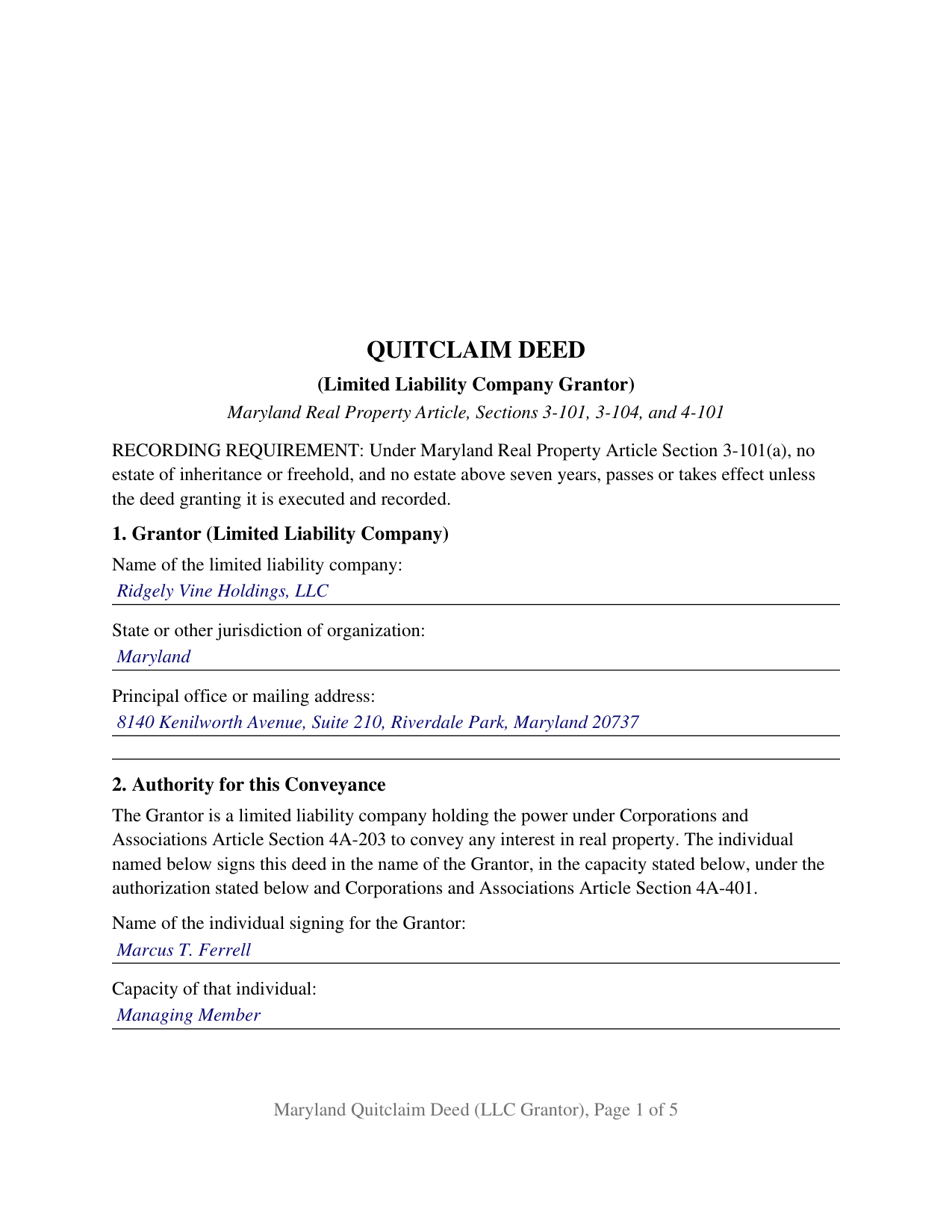
Talbot County Completed Example of the Quitclaim Deed (LLC Grantor) Document
Example of a properly completed Maryland Quitclaim Deed (LLC Grantor) document for reference.
All 3 documents above included • One-time purchase • No recurring fees
Immediate Download • Secure Checkout
Additional Maryland and Talbot County documents included at no extra charge:
Where to Record Your Documents
Circuit Court Clerk
Easton, Maryland 21601
Hours: 8:30 to 4:30 Monday through Friday
Phone: 410-822-2611
Recording Tips for Talbot County:
- Bring your driver's license or state-issued photo ID
- Ensure all signatures are in blue or black ink
- Check margin requirements - usually 1-2 inches at top
- Leave recording info boxes blank - the office fills these
- Make copies of your documents before recording - keep originals safe
Cities and Jurisdictions in Talbot County
Properties in any of these areas use Talbot County forms:
- Bozman
- Claiborne
- Cordova
- Easton
- Mcdaniel
- Neavitt
- Newcomb
- Oxford
- Royal Oak
- Saint Michaels
- Sherwood
- Tilghman
- Trappe
- Wittman
- Wye Mills
Hours, fees, requirements, and more for Talbot County
How do I get my forms?
Forms are available for immediate download after payment. The Talbot County forms will be in your account ready to download to your computer. An account is created for you during checkout if you don't have one. Forms are NOT emailed.
Are these forms guaranteed to be recordable in Talbot County?
Yes. Our form blanks are guaranteed to meet or exceed the applicable formatting requirements used for recording in Talbot County, including margin requirements, font requirements, and other layout standards. This guarantee applies to formatting, not to the legal sufficiency of information entered by the user or the suitability of a form for a particular transaction.
Can I reuse these forms?
Yes. You can reuse the forms for your personal use. For example, if you have multiple properties in Talbot County you only need to order once.
What do I need to use these forms?
The forms are PDFs that you fill out on your computer. The free Adobe Acrobat Reader is recommended, and most PDF apps also work. You do NOT enter your property information online - you download the blank forms and complete them privately on your own computer.
Are there any recurring fees?
No. This is a one-time purchase. Nothing to cancel, no memberships, no recurring fees.
How much does it cost to record in Talbot County?
Recording fees in Talbot County vary. Contact the recorder's office at 410-822-2611 for current fees.
Questions answered? Let's get started!
A limited liability company owns Maryland real property in its own name and conveys it through a human being. This fill-in-the-blank quitclaim deed is built for that arrangement: the Grantor is a limited liability company, one authorized individual signs in the company's name, and the deed releases whatever right, title, and interest the company holds at delivery, without covenant or warranty of title.
Where a company signature gets its force
Corporations and Associations Article Section 4A-203 gives a Maryland limited liability company the general power to sell, transfer, and convey its assets. Section 4A-401(a)(2) supplies the agency half: the act of a member, including the execution in the company's name of any instrument, for apparently carrying on the business of the company in the usual way, binds the company. Articles of organization may narrow that default under Section 4A-401(a)(3), and an operating agreement may vest management in nonmembers under Section 4A-402(a)(1). Section 2 collects the signer, the capacity, and the authorization relied on; the power itself lives in the company's governing documents, and a recital of capacity states what it asserts and no more.
An acknowledgment that speaks to authority
The notarial certificate carries more freight on an entity deed. Under State Government Article Section 18-201(b), an acknowledgment of a record signed in a representative capacity is the individual's declaration, before the notarial officer, of having signed with proper authority and as the act of the entity identified in the record. The certificate on this form is the Section 18-216(c) short form written for that act, naming the individual, the type of authority, and the company on whose behalf the deed was executed.
Two tax questions an entity grantor answers
The first is residency, asked of the company rather than of a person. Tax-General Article Section 10-912 keeps a deed off the record unless a withholding payment or a statutory alternative arrives with it, and Section 10-912(d)(1)(i) lets that certification sit in the deed's recitals, where Section 8 puts it. A resident entity is one formed under Maryland law, or registered with the State Department of Assessments and Taxation to do business here; the Comptroller's withholding publication puts the figure for a nonresident entity at 8.25 percent of the total payment. The second is exemption: Section 12-108(p) of the Tax-Property Article counts a limited liability company as a business entity and lifts the recordation tax off a transfer between a parent business entity and its wholly owned subsidiary, with Section 13-207(a)(9) carrying that result into the State transfer tax.
What the LLC configuration recites
The form recites exactly one Grantor, a limited liability company identified by name, jurisdiction of organization, and principal office, and exactly one individual signing in the company's name, with a printed name line carrying that individual's capacity, one acknowledgment certificate in representative capacity, and a preparation certificate holding its own capacity blank and signature line. Patterns presenting this configuration appear throughout the land records: an investment company releasing a parcel to the adjoining owner, a parent company moving a parcel to a subsidiary it wholly owns, and a company winding up and releasing its last parcel to a member. The form is not set up for a conveyance needing two or more authorized signatures, for a corporation or limited partnership grantor, or for an owner signing personally.
What the clerk's counter reads
Section 11 carries the certification Real Property Article Section 3-104(f) requires before any deed reaches the record, made by a party named in the instrument, or by or under the supervision of a Maryland attorney. Printed names accompany the company name and the signature under Section 3-104(d), and the page answers Section 3-104(e)(1)(i)2: three inches of official-use space atop page one, an inch clear at each side, 12 point type against a statutory floor of 8. Since October 1, 2025 a clerk may refuse a nonconforming instrument, beside the treble charge that statute already carried. Section 4 carries the election district Section 3-104(g) puts on the face of a deed recorded in Prince George's County, and recording itself completes the conveyance: under Section 3-101(a) an estate above seven years passes when the deed is executed and recorded.
The download holds the blank fillable quit claim deed configured for a limited liability company grantor, a completed example working a Prince George's County transfer through every blank, and a plain-language guide covering each section, entity signing authority, grantee vesting, notarization, the taxes, and county recording. It is informational and is not legal advice.
Important: Your property must be located in Talbot County to use these forms. Documents should be recorded at the county or independent city recording office listed above.
This Quitclaim Deed (LLC Grantor) meets all recording requirements specific to Talbot County.
Our Promise
The documents you receive here are guaranteed to meet or exceed the applicable Talbot County recording format requirements. If there is a rejection caused by our formatting, we will correct the issue or refund your payment. This guarantee applies to document formatting only and does not extend to information entered by the user, the selection of the form, or the legal effect of the completed document.
Save Time and Money
Get your Talbot County Quitclaim Deed (LLC Grantor) form done right the first time with Deeds.com Uniform Conveyancing Blanks. At Deeds.com, we understand that your time and money are valuable resources, and we don't want you to face a penalty fee or rejection imposed by a county recorder for submitting nonstandard documents. We constantly review and update our forms to meet rapidly changing state and county recording requirements for roughly 3,500 counties and local jurisdictions.
4.8 out of 5 - ( 4,828 Reviews )
Daniel S. 5 out of 5 stars
Fast. Easy. More than I expected. Hope it all works with MD bureaucrats.
Thank you for your feedback. We really appreciate it. Have a great day!
Leslie S. 5 out of 5 stars
After over a month of turmoil and feeling like "you can't get there from here",you solved my problem in a little over an hour. Thank you!!
Thank you for your feedback. We really appreciate it. Have a great day!
Judy F. 5 out of 5 stars
The site was easy to use, I just wasn't sure which of all these documents I needed.
Thank you!
Ann M. 5 out of 5 stars
I was extremely pleased with how easy this process was, and how quickly my document was recorded. I will definitely use this again!
We appreciate your business and value your feedback. Thank you. Have a wonderful day!
Nancy B. 5 out of 5 stars
This was the easiest, quickest, most understandable way I've seen yet to retrieve deeds from various counties. The government websites are "clunky" and each one seems different than the other. I like this service and will use them again in the future. NANCY
Thank you for your feedback. We really appreciate it. Have a great day!
Virginia W. 5 out of 5 stars
Easy instructions and a example on how to fill out the form.
Thank you for your feedback. We really appreciate it. Have a great day!
CHARLES S. 5 out of 5 stars
Easy to purchase and a reasonable price. Documents were easy to add information. Examples proved handy.
We appreciate your business and value your feedback. Thank you. Have a wonderful day!
Maura M. 5 out of 5 stars
Easy user friendly website
Thank you!
Carl S. 5 out of 5 stars
Complete and easy to order. Helpful other documents were included.
Thank you for your feedback. We really appreciate it. Have a great day!
Shihei W. 5 out of 5 stars
Loved every step of the process, from the detail explanation of the services/products provided, to the inclusive packet that comes with my purchase of the trust certification form.
Your feedback is greatly appreciated. Thank you for taking the time to share your experience!
John G. 5 out of 5 stars
Fast turn-around, very efficient!!
We appreciate your business and value your feedback. Thank you. Have a wonderful day!
Tracey M. 5 out of 5 stars
Using Deeds.com was unbelievably quick and easy to file a deed restriction with our local county office. From uploading the initial file to deeds.com, to having a fully recorded document was right on one hour - and all from the comfort of my home. I found your service was easy to use and your staff were very quick in responding to my filing. I will definitely use and recommend deeds.com in the future.
Thank you for your feedback. We really appreciate it. Have a great day!
Viola J. 5 out of 5 stars
You made this so easy to process the Executor Deed. THANK YOU a thousand times. Appreciate that all forms are in one place and I did not have to search all over the internet to get what I needed.
We appreciate your business and value your feedback. Thank you. Have a wonderful day!
Rebecca H. 5 out of 5 stars
quick and easy. Perfect
We appreciate your business and value your feedback. Thank you. Have a wonderful day!
Eileen B. 5 out of 5 stars
Great form needs more instructions however but aside from that is perfect solution for my needs.
We appreciate your business and value your feedback. Thank you. Have a wonderful day!