Talbot County Warranty Deed (Two Grantors) Form
Last validated November 5, 2026 by our Forms Development TeamFormatted for recording in Talbot County, for property anywhere in the county or independent city: rural and unincorporated areas as well as Bozman, Claiborne, Cordova, Easton, Mcdaniel, Neavitt, Newcomb, Oxford and 7 more.
- 3 documents included
- Immediate PDF download
- Formatting guarantee
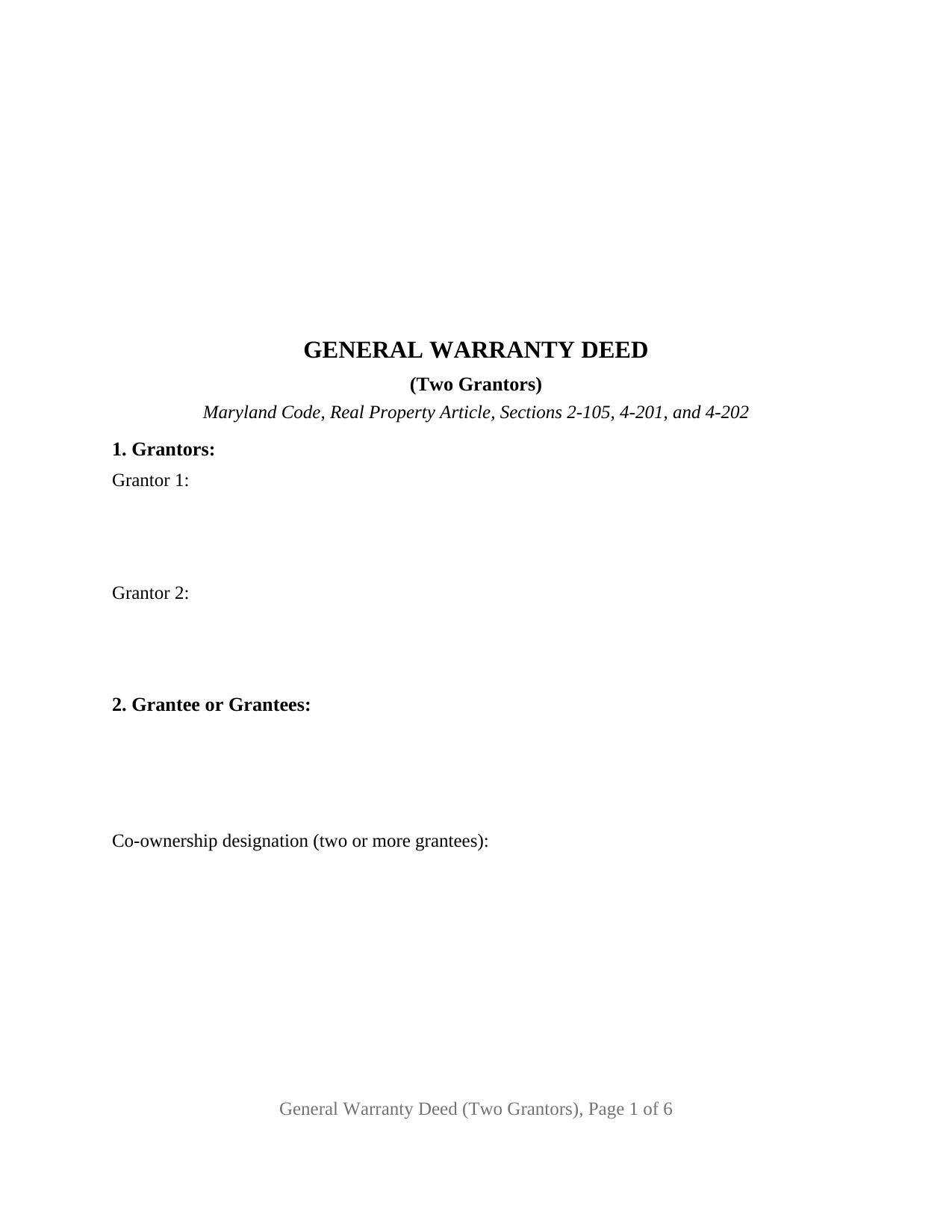
Talbot County Warranty Deed (Two Grantors) Form
Fill in the blank Warranty Deed (Two Grantors) form formatted to comply with all Maryland recording and content requirements.
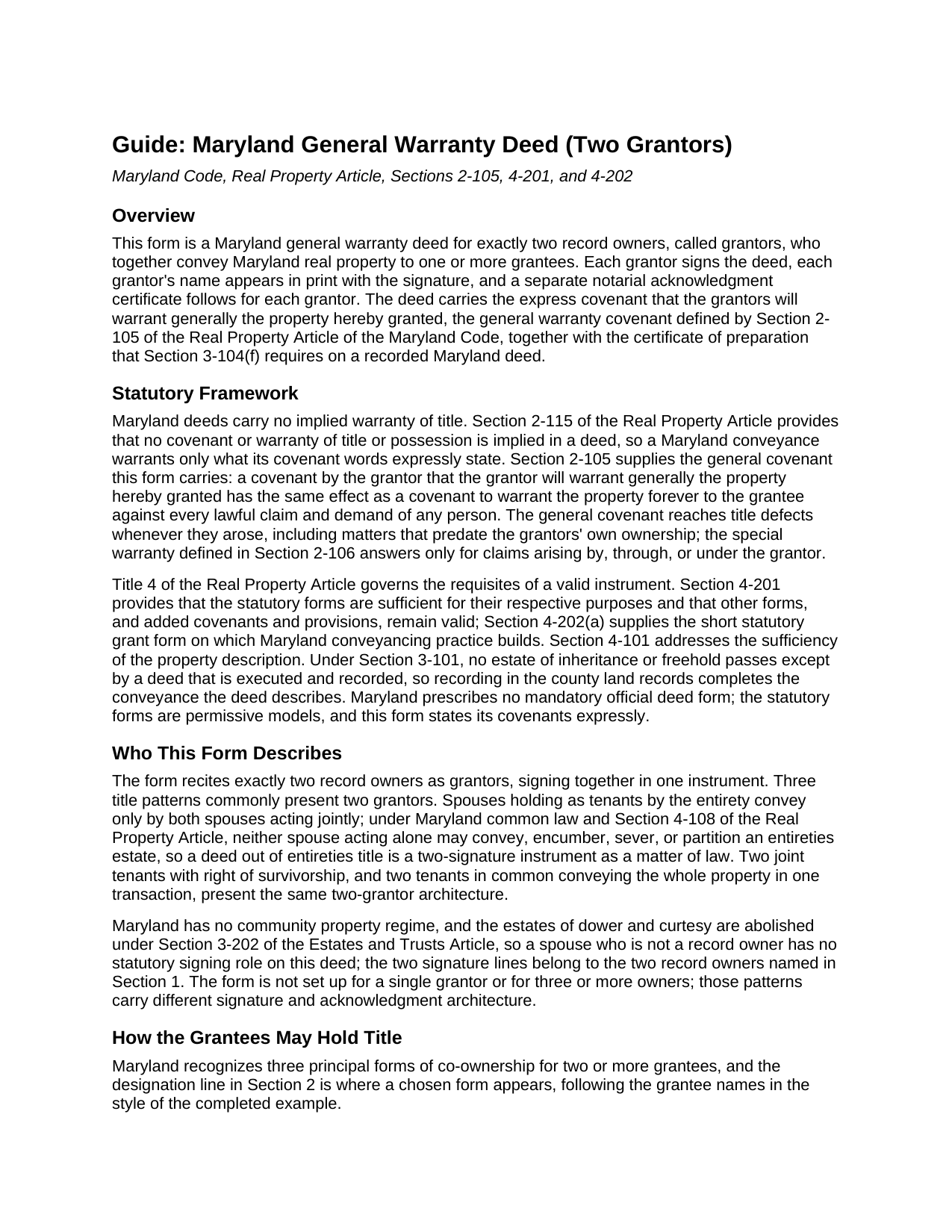
Talbot County Warranty Deed (Two Grantors) Guide
Line by line guide explaining every blank on the Warranty Deed (Two Grantors) form.
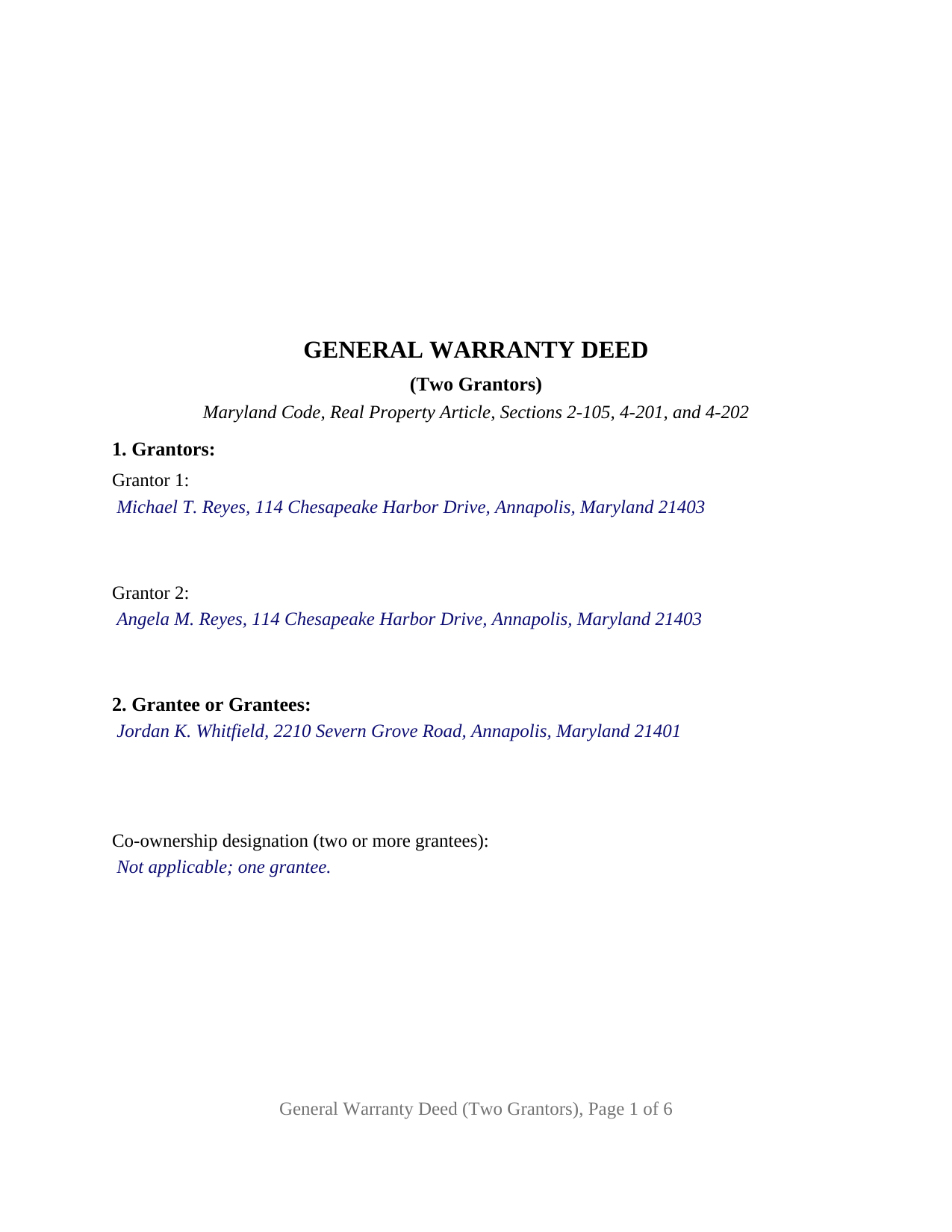
Talbot County Completed Example of the Warranty Deed (Two Grantors) Document
Example of a properly completed Maryland Warranty Deed (Two Grantors) document for reference.
All 3 documents above included • One-time purchase • No recurring fees
Immediate Download • Secure Checkout
Additional Maryland and Talbot County documents included at no extra charge:
Where to Record Your Documents
Circuit Court Clerk
Easton, Maryland 21601
Hours: 8:30 to 4:30 Monday through Friday
Phone: 410-822-2611
Recording Tips for Talbot County:
- Bring your driver's license or state-issued photo ID
- Ensure all signatures are in blue or black ink
- Request a receipt showing your recording numbers
- Ask about accepted payment methods when you call ahead
- Ask for certified copies if you need them for other transactions
Cities and Jurisdictions in Talbot County
Properties in any of these areas use Talbot County forms:
- Bozman
- Claiborne
- Cordova
- Easton
- Mcdaniel
- Neavitt
- Newcomb
- Oxford
- Royal Oak
- Saint Michaels
- Sherwood
- Tilghman
- Trappe
- Wittman
- Wye Mills
Hours, fees, requirements, and more for Talbot County
How do I get my forms?
Forms are available for immediate download after payment. The Talbot County forms will be in your account ready to download to your computer. An account is created for you during checkout if you don't have one. Forms are NOT emailed.
Are these forms guaranteed to be recordable in Talbot County?
Yes. Our form blanks are guaranteed to meet or exceed the applicable formatting requirements used for recording in Talbot County, including margin requirements, font requirements, and other layout standards. This guarantee applies to formatting, not to the legal sufficiency of information entered by the user or the suitability of a form for a particular transaction.
Can I reuse these forms?
Yes. You can reuse the forms for your personal use. For example, if you have multiple properties in Talbot County you only need to order once.
What do I need to use these forms?
The forms are PDFs that you fill out on your computer. The free Adobe Acrobat Reader is recommended, and most PDF apps also work. You do NOT enter your property information online - you download the blank forms and complete them privately on your own computer.
Are there any recurring fees?
No. This is a one-time purchase. Nothing to cancel, no memberships, no recurring fees.
How much does it cost to record in Talbot County?
Recording fees in Talbot County vary. Contact the recorder's office at 410-822-2611 for current fees.
Questions answered? Let's get started!
Two record owners convey Maryland real property together on this fill-in-the-blank general warranty deed. The Maryland Warranty Deed (Two Grantors) recites two grantors in its first section, carries a signature line for each with the printed name Maryland recording law expects beside it, and closes with a separate notarial acknowledgment certificate for each signer. Both grantors join in the express covenant that they will warrant generally the property hereby granted, the general warranty covenant Section 2-105 of the Real Property Article defines.
Title held by two people takes two signatures
Maryland's most protective co-ownership form makes this deed's architecture a legal necessity. Spouses who took title together are presumed to hold as tenants by the entirety, and under Real Property Section 4-108 and long-standing Maryland case law, neither spouse acting alone may convey or encumber an entireties estate; both must join in the deed. Two joint tenants with right of survivorship, and two tenants in common selling the whole parcel in one settlement, follow the same logic through a different door: each grantor holds an interest the deed must reach, so each grantor signs. A married couple selling a home they own by the entirety, and two co-owners who took title together and now convey together, present the two-grantor pattern this deed recites.
A covenant given by both grantors
Because Real Property Section 2-115 implies no covenant or warranty in a Maryland deed, the warranty here comes from words the form actually states: the grantors covenant that they will warrant generally the property hereby granted, which Section 2-105 reads as a promise to warrant the property forever against every lawful claim and demand of any person. On a two-grantor instrument that covenant binds both grantors, so the grantee holds Maryland's strongest warranty from every owner in the granting line. In customer search language, this instrument appears as a Maryland general warranty deed form for joint owners, a husband and wife warranty deed, or a two-seller deed on a single contract.
What the two-grantor architecture carries
The form's grantor section recites exactly two record owners. The signature section stacks two signature blocks, each with a printed-name line satisfying Real Property Section 3-104(d), and two acknowledgment certificates follow, one per grantor, so the signers may appear before different notaries on different dates, in Maryland or elsewhere; the completed example shows the grantors acknowledging one day apart before different notaries. The certificate of preparation Section 3-104(f) requires is built in, with blanks for the preparer and the certifying capacity. The grantee side stays open: one grantee takes sole ownership, and two or more take under the co-ownership designation entered after their names, with tenancy in common as the Section 2-117 default absent express survivorship words. The form is not set up for a sole grantor or for three or more owners; those title patterns carry different signature architecture.
From settlement table to land records
The deed records with the clerk of the circuit court where the property lies, and the layout honors the format rules of Real Property Section 3-104: black type no smaller than 8 point on white paper, with three times the ordinary recording charge for a nonconforming instrument, plus a 3 inch band at the top of page one and 1 inch side margins, kept even though the section's two 2026 amendments left that margin rule in conflict. Consideration stated in words and figures drives the recordation tax and the state and any county transfer tax computed at the counter, and the separate Land Instrument Intake Sheet, not part of the deed itself, travels with it to the recording desk. The guide in this package covers the intake sheet, the tax exemptions commonly cited on it, the nonresident withholding rule, and county details from the election district reference on Prince George's County deeds to the backer endorsement Talbot County expects.
The purchase includes three documents: the two-grantor deed as a fillable PDF, a completed example worked through a fictional Anne Arundel County sale by a married couple, and a guide to each blank, the signatures and acknowledgments, and recording. The materials are informational and are not legal advice.
Important: Your property must be located in Talbot County to use these forms. Documents should be recorded at the county or independent city recording office listed above.
This Warranty Deed (Two Grantors) meets all recording requirements specific to Talbot County.
Our Promise
The documents you receive here are guaranteed to meet or exceed the applicable Talbot County recording format requirements. If there is a rejection caused by our formatting, we will correct the issue or refund your payment. This guarantee applies to document formatting only and does not extend to information entered by the user, the selection of the form, or the legal effect of the completed document.
Save Time and Money
Get your Talbot County Warranty Deed (Two Grantors) form done right the first time with Deeds.com Uniform Conveyancing Blanks. At Deeds.com, we understand that your time and money are valuable resources, and we don't want you to face a penalty fee or rejection imposed by a county recorder for submitting nonstandard documents. We constantly review and update our forms to meet rapidly changing state and county recording requirements for roughly 3,500 counties and local jurisdictions.
4.8 out of 5 - ( 4,851 Reviews )
Terry S. 4 out of 5 stars
Worked well for us except for not being able to edit. Got it completed and recorded with the county clerk! Having the instructions and example made it easy!
Thank you for your feedback. We really appreciate it. Have a great day!
ROBERT B. 5 out of 5 stars
The staff of DEEDS.COM is in a class of excellence all by themselves! From my own personal experience, I had multiple problems with some documents I was submitting. DEEDS.COM stayed with me and held my hand through the project until it was completed! I have never met the staff at DEEDS, but their personal service & professionalism make me feel like part of the DEEDS Family! If I ever need legal documents submitted to government agencies nationwide ever again, THE ONLY STOP ONLINE I WILL MAKE WILL BE DEEDS.COM!
Thank you for your feedback. We really appreciate it. Have a great day!
Paul A. 4 out of 5 stars
The website worked fast but the information was limited and the actual deed of trust was what i was looking for from the county --- the info was limited the website is fast and seemed accurate just limited the information I needed
Thank you!
Harry S. 5 out of 5 stars
This is my first time using the service. Wow! How efficient and effortless! Keep up the good work!
Thank you!
Yvette B. 5 out of 5 stars
Efficient
Thank you!
sharon s. 5 out of 5 stars
great site for downloading forms
Thank you!
Alan M. 4 out of 5 stars
The packet I downloaded was complete and useful, and process was not unduly opaque. However, I would have liked to download the whole packet, about 6 files, all at one go. Still, the forms provided the complete solution to my situation.
Thank you for your feedback. We really appreciate it. Have a great day!
James C. 4 out of 5 stars
Worked well.
Thank you!
Sherry C. 5 out of 5 stars
more than 5 stars really! best company to do business with. I was helped and got everything I needed, then helped again by this company when I asked for a refund. their response was our office took care of it and you got your refund! what kind of professional company is this! they are very helpful!
Your review means a lot to us. Thank you for taking the time.
Nicole T. 5 out of 5 stars
Absolutely Amazing Service! I learned about Deeds.com, created my Account, uploaded my documents into my Recording Package, paid my Invoice and received my Three Recorded Deeds all in less than two hours! Awesome!
We appreciate your business and value your feedback. Thank you. Have a wonderful day!
Tammie S. 5 out of 5 stars
No review provided.
Thank you for your feedback. We really appreciate it. Have a great day!
Scott D. 5 out of 5 stars
I am very satisfied with the quality of the product I ordered. I have done similar property transfers/recording in the past on my own but paying for the forms and guidance is well worth it. The AI question area is extremely helpful. The example for the forms is perfect (as it has to be). I will absolutely use Deeds.com in the future for any related property needs. A+
We appreciate your business and value your feedback. Thank you. Have a wonderful day!
Herbert W. 5 out of 5 stars
The service was fast and professional. So much easier than going to the courthouse. I recommend this to anyone who has to record documents at the Clerk's office.
We appreciate your business and value your feedback. Thank you. Have a wonderful day!
Andre H. 5 out of 5 stars
World class forms, great for someone like me that has no clue what I'm doing! Always better to let the pros do it than think one knows it all and gets themselves in trouble!
Thank you for your feedback. We really appreciate it. Have a great day!
Lutz P. 5 out of 5 stars
Your forms are great but I couldn’t use them with my computer and acrobats reader didn’t work. And then my thermal printer would only print 1/3 size pages with no way to fix it. I ordered a new color printer and we’ll see what happens.
Thank you, Lutz. We're glad you like the forms, and we're sorry getting them working turned into such a hassle. That shrunken page is typical of thermal printers: most use narrow receipt or label paper, so a full page gets scaled down to fit, and no setting can change that. Thermal paper also fades over time, which you don't want on a document you're recording, so the new printer is the right call. When it arrives, print on plain white paper with “Actual size” selected in the print settings so the page comes out full size with its margins intact. If Acrobat Reader gives you trouble again, save the form to your computer first and open the saved file in Acrobat Reader rather than in your web browser. Still stuck? Contact our support team and we'll walk you through it.