Worcester County Quitclaim Deed Form
Last validated October 16, 2026 by our Forms Development TeamFormatted for recording in Worcester County, for property anywhere in the county: rural and unincorporated areas as well as Ashburnham, Athol, Auburn, Baldwinville, Barre, Berlin, Blackstone, Bolton and 76 more.
- 3 documents included
- Immediate PDF download
- Formatting guarantee
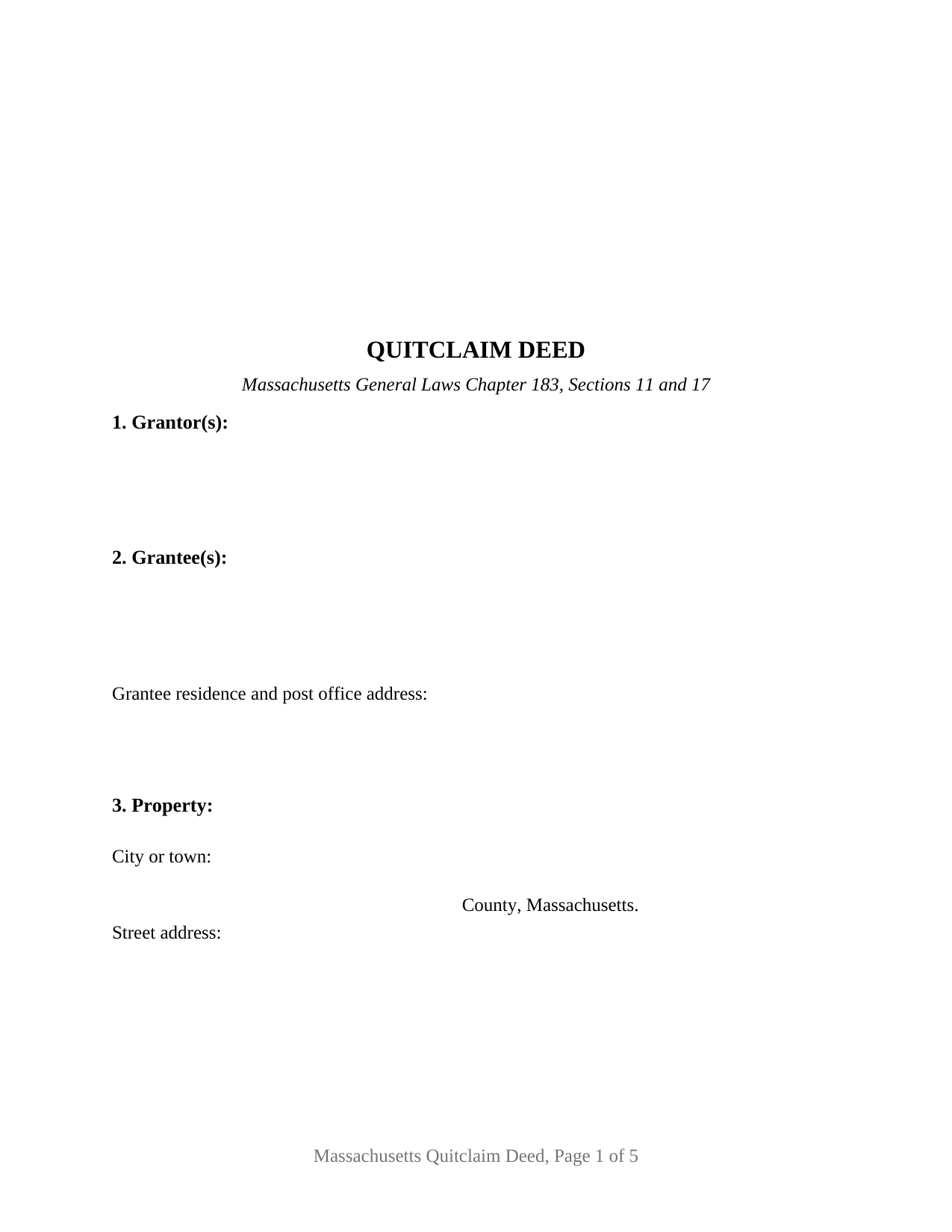
Worcester County Quitclaim Deed Form
Fill in the blank Quitclaim Deed form formatted to comply with all Massachusetts recording and content requirements.
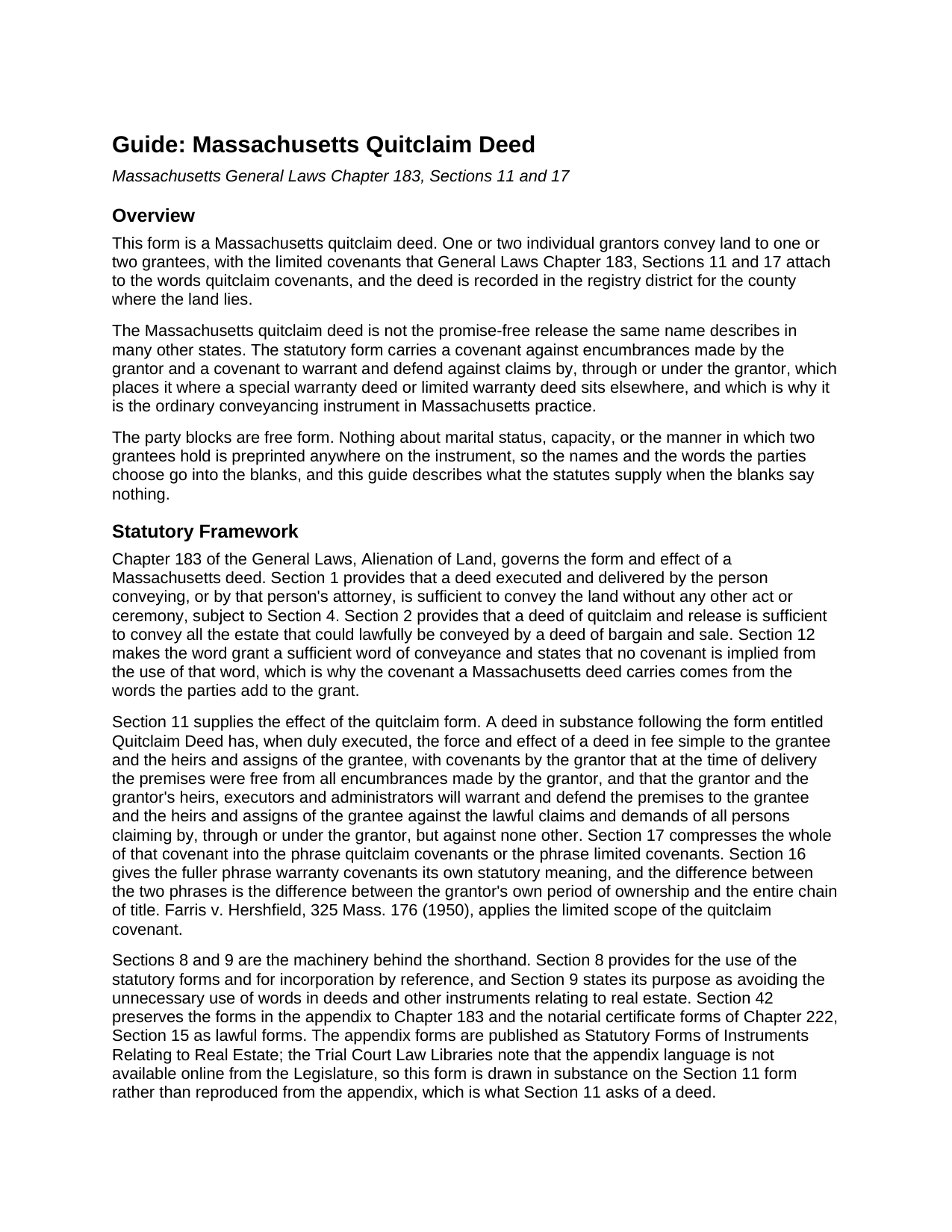
Worcester County Quitclaim Deed Guide
Line by line guide explaining every blank on the Quitclaim Deed form.
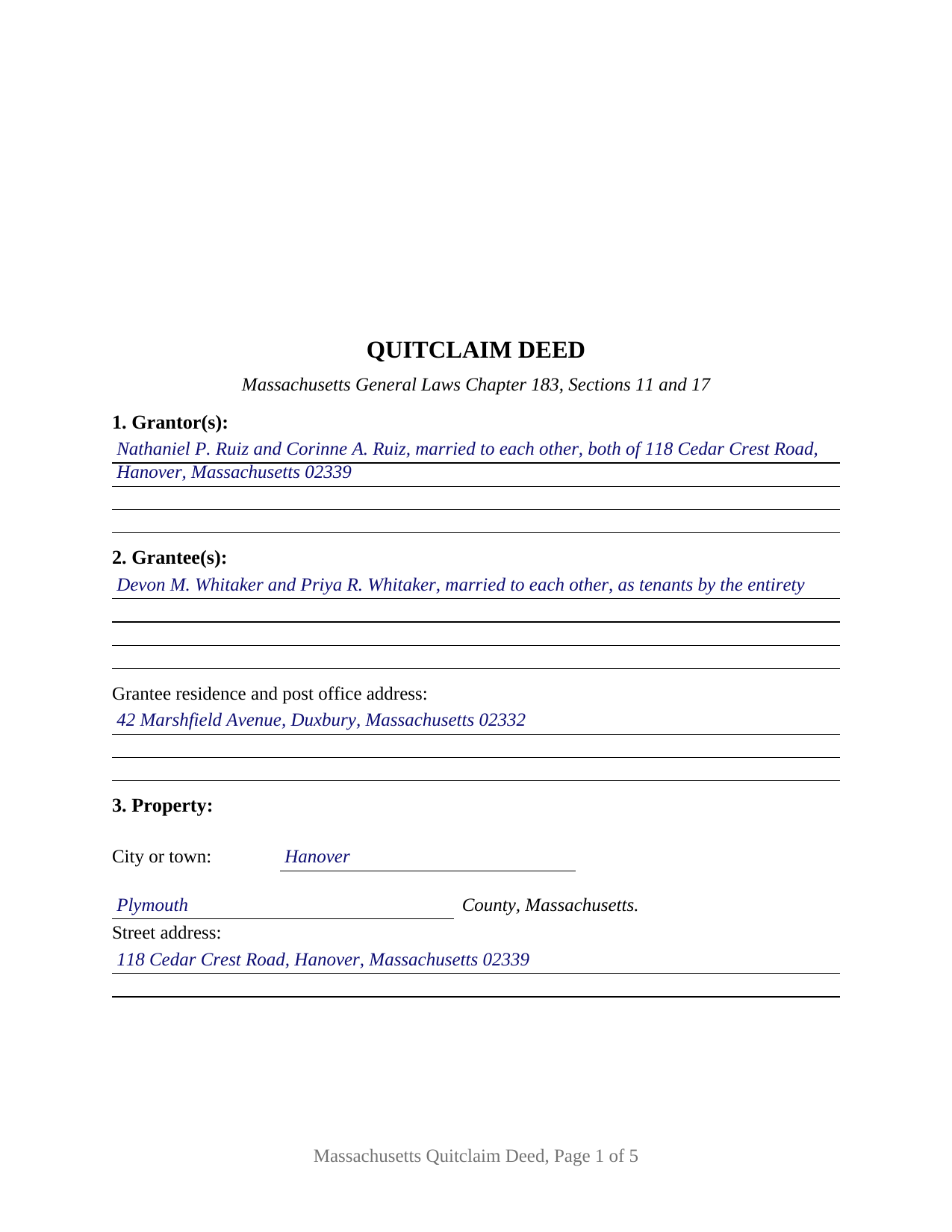
Worcester County Completed Example of the Quitclaim Deed Document
Example of a properly completed Massachusetts Quitclaim Deed document for reference.
All 3 documents above included • One-time purchase • No recurring fees
Immediate Download • Secure Checkout
Additional Massachusetts and Worcester County documents included at no extra charge:
Where to Record Your Documents
Worcester District Registry of Deeds
Worcester, Massachusetts 01608
Hours: 9:00am to 4:00 pm M-F
Phone: (508) 798-7717
Worcester Northern District Registry of Deeds
Fitchburg, Massachusetts 01420
Hours: 8:30 to 4:30 M-F / Recording until 4:00
Phone: (978) 342-2132
Recording Tips for Worcester County:
- Bring your driver's license or state-issued photo ID
- Ensure all signatures are in blue or black ink
- Recorded documents become public record - avoid including SSNs
- Recording fees may differ from what's posted online - verify current rates
- Request a receipt showing your recording numbers
Cities and Jurisdictions in Worcester County
Properties in any of these areas use Worcester County forms:
- Ashburnham
- Athol
- Auburn
- Baldwinville
- Barre
- Berlin
- Blackstone
- Bolton
- Boylston
- Brookfield
- Charlton
- Charlton City
- Charlton Depot
- Cherry Valley
- Clinton
- Douglas
- Dudley
- East Brookfield
- East Princeton
- East Templeton
- Fayville
- Fiskdale
- Fitchburg
- Gardner
- Gilbertville
- Grafton
- Hardwick
- Harvard
- Holden
- Hopedale
- Hubbardston
- Jefferson
- Lancaster
- Leicester
- Leominster
- Linwood
- Lunenburg
- Manchaug
- Mendon
- Milford
- Millbury
- Millville
- New Braintree
- North Brookfield
- North Grafton
- North Oxford
- North Uxbridge
- Northborough
- Northbridge
- Oakham
- Oxford
- Paxton
- Petersham
- Princeton
- Rochdale
- Royalston
- Rutland
- Shrewsbury
- South Barre
- South Grafton
- South Lancaster
- Southborough
- Southbridge
- Spencer
- Sterling
- Still River
- Sturbridge
- Sutton
- Templeton
- Upton
- Uxbridge
- Warren
- Webster
- West Boylston
- West Brookfield
- West Millbury
- West Warren
- Westborough
- Westminster
- Wheelwright
- Whitinsville
- Winchendon
- Winchendon Springs
- Worcester
Hours, fees, requirements, and more for Worcester County
How do I get my forms?
Forms are available for immediate download after payment. The Worcester County forms will be in your account ready to download to your computer. An account is created for you during checkout if you don't have one. Forms are NOT emailed.
Are these forms guaranteed to be recordable in Worcester County?
Yes. Our form blanks are guaranteed to meet or exceed the applicable formatting requirements used for recording in Worcester County, including margin requirements, font requirements, and other layout standards. This guarantee applies to formatting, not to the legal sufficiency of information entered by the user or the suitability of a form for a particular transaction.
Can I reuse these forms?
Yes. You can reuse the forms for your personal use. For example, if you have multiple properties in Worcester County you only need to order once.
What do I need to use these forms?
The forms are PDFs that you fill out on your computer. The free Adobe Acrobat Reader is recommended, and most PDF apps also work. You do NOT enter your property information online - you download the blank forms and complete them privately on your own computer.
Are there any recurring fees?
No. This is a one-time purchase. Nothing to cancel, no memberships, no recurring fees.
How much does it cost to record in Worcester County?
Recording fees in Worcester County vary. Contact the recorder's office at (508) 798-7717 for current fees.
Questions answered? Let's get started!
Massachusetts writes short deeds on purpose. General Laws Chapter 183, Section 9 states its own object as avoiding the unnecessary use of words in deeds, and Section 12 makes the single word grant enough to pass land while implying no covenant at all. What a deed promises is whatever the parties add to that word, and the usual addition is two of them: with quitclaim covenants. This fillable form is that instrument in its general configuration, for one or two individual owners conveying to one or two grantees.
The paragraph behind two words
Section 17 gives the phrase quitclaim covenants the force of a paragraph the statute writes out, and Section 11 attaches the same promises to a deed drawn in substance on the form entitled Quitclaim Deed: the premises were free of encumbrances the grantor made, and the grantor defends against claims by, through or under the grantor, but against none other. Older links in the chain stay outside it. Section 8 of this deed carries the shorthand and prints the covenant under it, so the page reads whole on its own. The appendix of statutory forms Section 42 preserves is not published online by the Legislature; Section 11 asks only that a deed follow the form in substance.
One or two names on each side
The granting side takes one or two natural persons signing in their own capacity, and the receiving side takes one or two names, so one instrument carries four count patterns: one to one, one to two, two to one, two to two. Two signature blocks headed GRANTOR and SECOND GRANTOR (if applicable) each carry an acknowledgment certificate, and both stay blank where a single grantor conveys. Nothing about status, capacity or the manner of holding is preprinted: Section 1 takes the names with whatever the deed states about them, and the operative section applies the grant and the covenants to each of two grantors, each granting the whole of that person's right, title and interest. The form is not set up for a corporation, limited liability company or partnership, for a trustee or court-appointed fiduciary, for an attorney-in-fact, or for three or more owners on either side. Searches for a Massachusetts quitclaim deed form or a quit claim deed describe this configuration.
A blank where the statute keeps a default
Chapter 184, Section 7 answers the two-grantee question when the deed does not. Two or more persons take as tenants in common unless the instrument says they take jointly, as joint tenants, in joint tenancy, or to them and the survivor of them, and a tenancy by the entirety belongs to spouses and takes express words of its own. None of it is preprinted here: Section 2 takes the grantee names and whatever designation goes with them, and the operative section conveys in the manner Section 2 states. The completed example fills that line as tenants by the entirety.
What the register reads before accepting
Three sentences of Chapter 183 decide whether a deed is taken at the counter. Section 6 asks that the grantee be named with a residence and post office address, and that the deed recite its full price, before any mortgage the land carries is subtracted. Section 6A asks that the land be locatable from the record, by a same-premises reference to an earlier instrument, a no-new-boundaries statement, or a plan. Section 6B asks for the street address. All three add that a failure spoils neither the deed nor the recording, and two add that no register shall accept an instrument lacking the entry.
Stamps, and a district that is not always the county
The deed is recorded where the land lies, and Chapter 36, Section 12 treats each registry district as a county, so a divided county sends the deed to one district and not the other. The statewide fee for recording a deed is $155, and Chapter 64D stamps are bought at recording on the consideration recited, at $2.28 for each $500 or fraction and $3.24 in Barnstable County, with a Dukes County or Nantucket transfer clearing the island land bank first. The example runs a Plymouth County pattern in Hanover at $645,000, drawing $2,941.20 in stamps.
The download delivers this Massachusetts quitclaim deed as a fillable PDF, a completed example, and a guide covering each numbered section, both certificates, homestead, and recording. The materials describe Massachusetts law in general terms and are not legal advice.
Important: Your property must be located in Worcester County to use these forms. Documents should be recorded at the county recording office listed above.
This Quitclaim Deed meets all recording requirements specific to Worcester County.
Our Promise
The documents you receive here are guaranteed to meet or exceed the applicable Worcester County recording format requirements. If there is a rejection caused by our formatting, we will correct the issue or refund your payment. This guarantee applies to document formatting only and does not extend to information entered by the user, the selection of the form, or the legal effect of the completed document.
Save Time and Money
Get your Worcester County Quitclaim Deed form done right the first time with Deeds.com Uniform Conveyancing Blanks. At Deeds.com, we understand that your time and money are valuable resources, and we don't want you to face a penalty fee or rejection imposed by a county recorder for submitting nonstandard documents. We constantly review and update our forms to meet rapidly changing state and county recording requirements for roughly 3,500 counties and local jurisdictions.
4.8 out of 5 - ( 4,828 Reviews )
Dennis H. 5 out of 5 stars
Thank you for this program. It will help in the future. Dennis Holt
Thank you!
Renee M. 5 out of 5 stars
My sister in law is in a hospital ICU with Covid, so we were trying to get her affairs in order. Deeds.com made this difficult situation so much better by making this process very easy to understand and do.
Glad we could help Renee, hoping the very best for you and your family.
Connie L. 5 out of 5 stars
Ordered a Quitclaim deed and worked perfectly at Register of Deed office. Liked the instructions and copy of one example filled out made it so much easier to understand. One price is great as most of other companies wanted a membership to join. Will use Deeds.com again if I ever need different forms. Thanks!!!
We are grateful for your feedback and looking forward to serving you again. Thank you!
Marck G. 5 out of 5 stars
This is an excellent service..thank you
Thank you!
Rene S. 5 out of 5 stars
Amazing forms and great value. That may sound like hyperbole talking about legal forms but it's not, you really are getting way more than you pay for here.
Thank you for your feedback. We really appreciate it. Have a great day!
Greg M. 5 out of 5 stars
This is a great site! Very easy to use and has all the documents I required. Thank you!
Thank you!
Earnestine C. 5 out of 5 stars
Informative and instruction clear and concise, which made it easy for a person without real estate knowledge to acquire needed information. Thank you.
Thank you for your feedback. We really appreciate it. Have a great day!
Miles B. 5 out of 5 stars
Fast, professional work at a great price.
We appreciate your business and value your feedback. Thank you. Have a wonderful day!
Feng T. 5 out of 5 stars
Professional product, with clear instructions that gave me high confidence in the accuracy my document. The sample form was super useful. I highly recommend and will reuse Deed.com
Thank you for your feedback. We really appreciate it. Have a great day!
Jeane W. 5 out of 5 stars
I needed to add my partner to my warranty deed and deeds.com made it easy to understand what form I needed, attached a great explanation of the form and a sample of the form filled out. Couldn't be happier. In fact I'm researching a Revocable Transfer on Death Deed now and they've given me the confidence to rewrite my own will on my own.
Your feedback is greatly appreciated. Thank you for taking the time to share your experience!
James U. 5 out of 5 stars
Fonts for all fields are not the same. Collin County has a specified size it wants in all fields. Other than that every thing was fine.
Thank you!
Rosalinda R. 5 out of 5 stars
THESE FORMS ARE JUST WHAT I NEEDED, SHORT AND TO THE POINT. EXCELLENT QUESTIONS FOR MY NEED. THAK YOU!!!!
Thank you for your feedback. We really appreciate it. Have a great day!
Ken C. 5 out of 5 stars
I did a Beneficiary Deed, package came with all forms and instructions. Recorder accepted first time. Ken C
Thank you for your feedback Ken. We really appreciate it.
KELLY P. 5 out of 5 stars
That was easy!!
Thank you!
Martin M. 5 out of 5 stars
This site is great. Simple to use with excellent instructions. Will recommend to others.
Thank you!