Houghton County Correction Deed Form
Last validated September 18, 2026 by our Forms Development TeamFormatted for recording in Houghton County, for property anywhere in the county: rural and unincorporated areas as well as Atlantic Mine, Calumet, Chassell, Copper City, Dodgeville, Dollar Bay, Hancock, Houghton and 9 more.
- 3 documents included
- Immediate PDF download
- Formatting guarantee
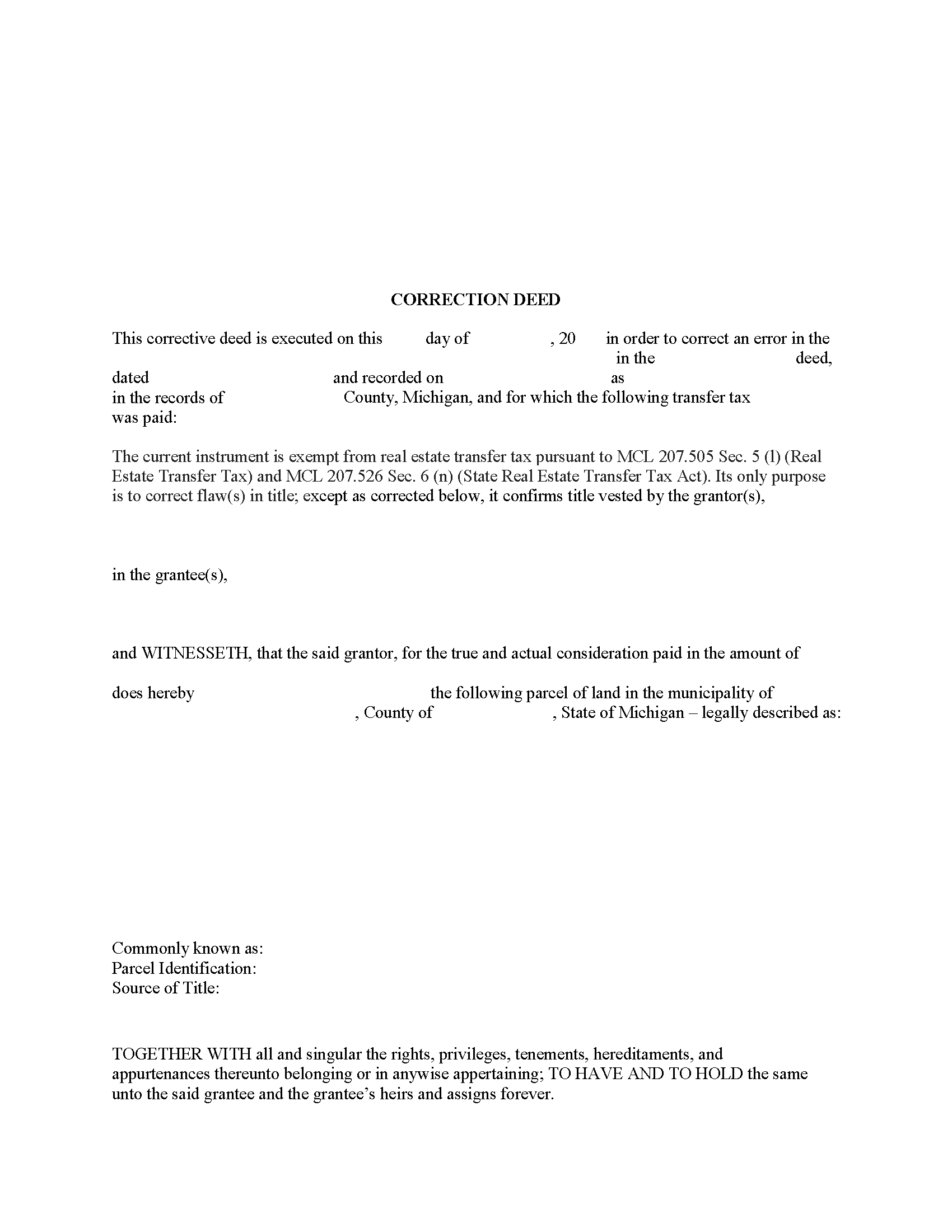
Houghton County Correction Deed Form
Fill in the blank form formatted to comply with all recording and content requirements.
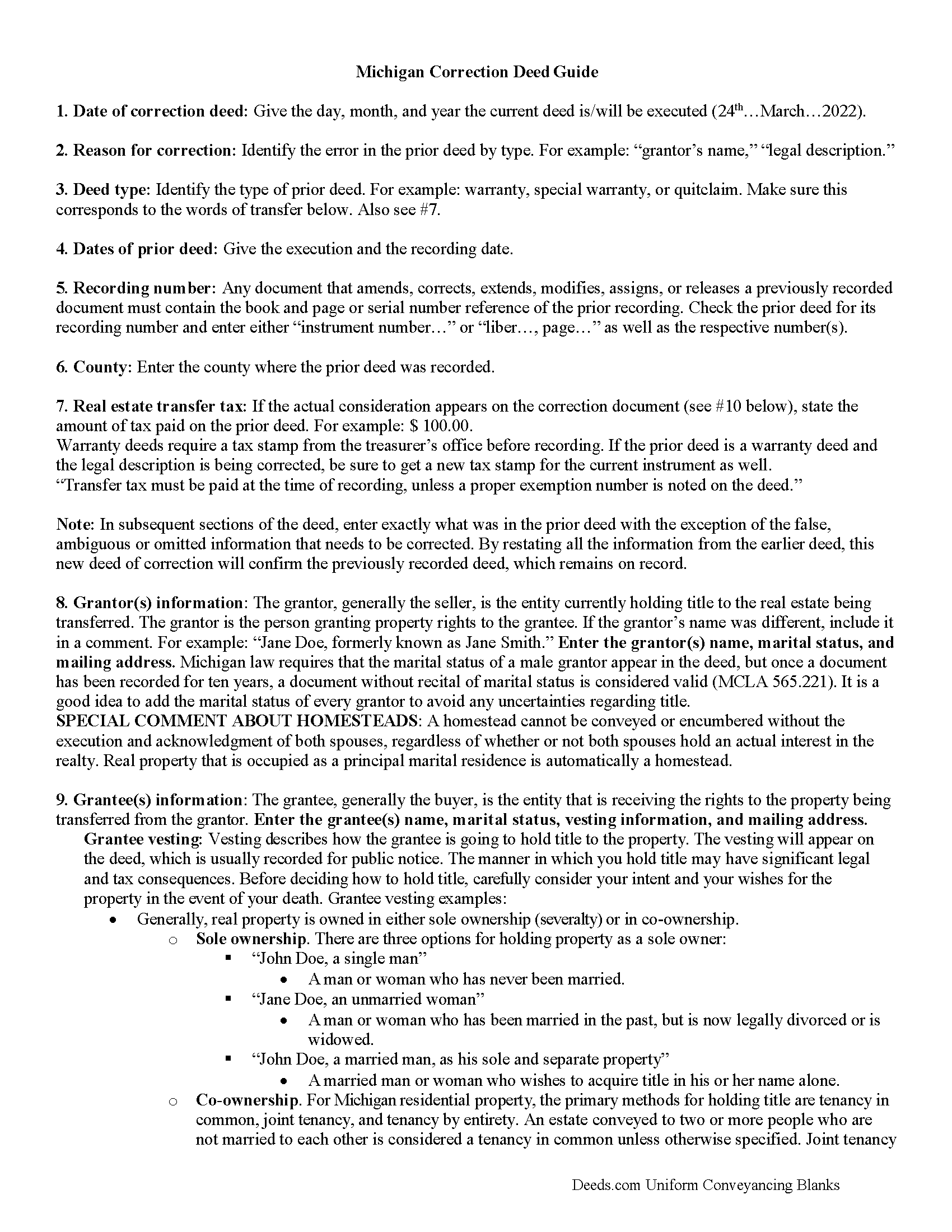
Houghton County Correction Deed Guide
Line by line guide explaining every blank on the form.
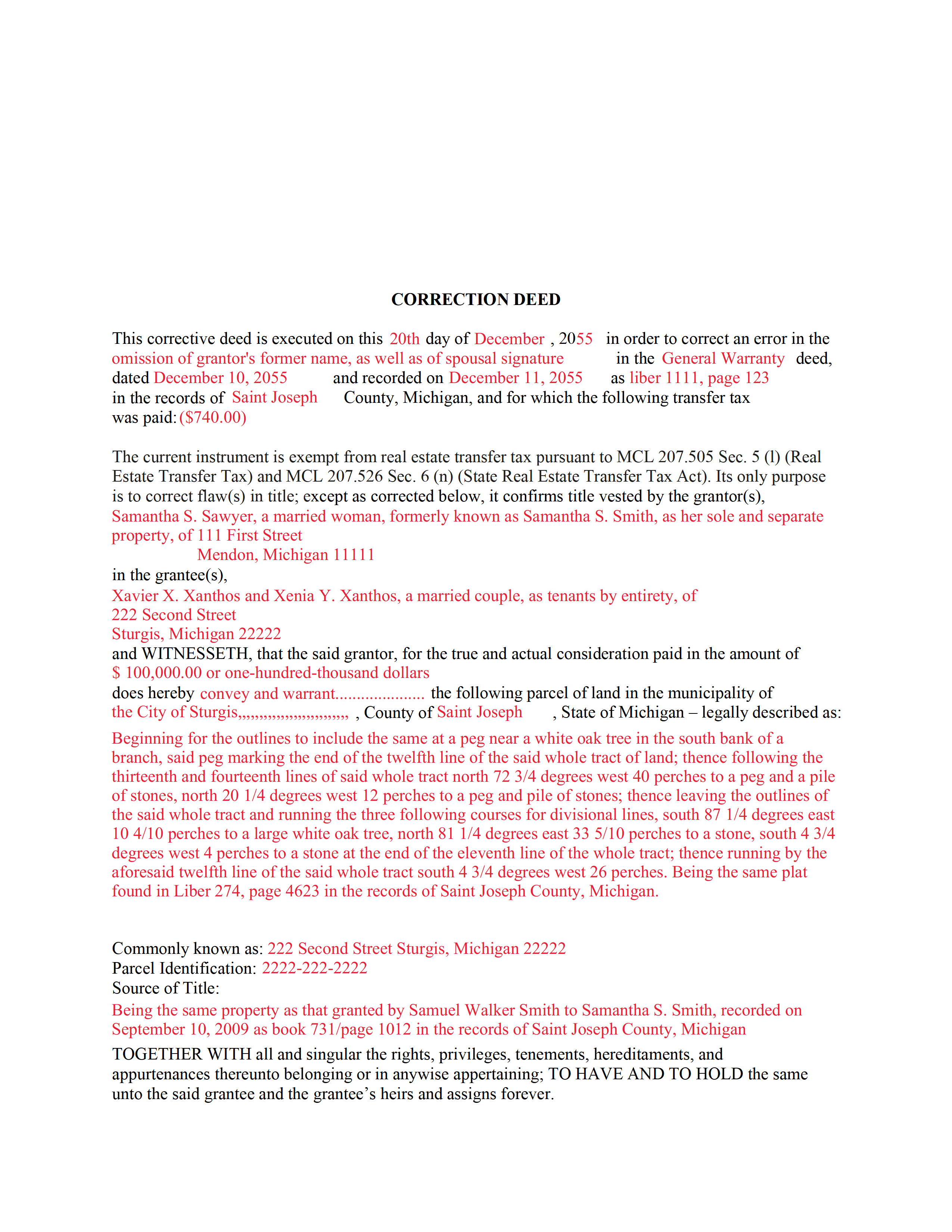
Houghton County Completed Example of the Correction Deed Document
Example of a properly completed form for reference.
All 3 documents above included • One-time purchase • No recurring fees
Immediate Download • Secure Checkout
Additional Michigan and Houghton County documents included at no extra charge:
Where to Record Your Documents
Houghton County Register of Deeds
Houghton, Michigan 49931
Hours: Monday - Friday 8:00 a.m. to 4:30 p.m.
Phone: (906) 482-1311
Recording Tips for Houghton County:
- Bring your driver's license or state-issued photo ID
- Ensure all signatures are in blue or black ink
- Request a receipt showing your recording numbers
- Ask about accepted payment methods when you call ahead
- Ask for certified copies if you need them for other transactions
Cities and Jurisdictions in Houghton County
Properties in any of these areas use Houghton County forms:
- Atlantic Mine
- Calumet
- Chassell
- Copper City
- Dodgeville
- Dollar Bay
- Hancock
- Houghton
- Hubbell
- Kearsarge
- Lake Linden
- Nisula
- Painesdale
- Pelkie
- Sidnaw
- South Range
- Toivola
Hours, fees, requirements, and more for Houghton County
How do I get my forms?
Forms are available for immediate download after payment. The Houghton County forms will be in your account ready to download to your computer. An account is created for you during checkout if you don't have one. Forms are NOT emailed.
Are these forms guaranteed to be recordable in Houghton County?
Yes. Our form blanks are guaranteed to meet or exceed the applicable formatting requirements used for recording in Houghton County, including margin requirements, font requirements, and other layout standards. This guarantee applies to formatting, not to the legal sufficiency of information entered by the user or the suitability of a form for a particular transaction.
Can I reuse these forms?
Yes. You can reuse the forms for your personal use. For example, if you have multiple properties in Houghton County you only need to order once.
What do I need to use these forms?
The forms are PDFs that you fill out on your computer. The free Adobe Acrobat Reader is recommended, and most PDF apps also work. You do NOT enter your property information online - you download the blank forms and complete them privately on your own computer.
Are there any recurring fees?
No. This is a one-time purchase. Nothing to cancel, no memberships, no recurring fees.
How much does it cost to record in Houghton County?
Recording fees in Houghton County vary. Contact the recorder's office at (906) 482-1311 for current fees.
Questions answered? Let's get started!
Use this correction deed to correct an error in a previously executed and recorded deed.
Correction deeds are used to adjust the earlier deed when that document contains minor errors of omission or typographical errors, sometimes called scrivener's mistakes. For example, a misspelled name, an omitted or wrong middle initial, a minor error in the property description, or an omitted execution date. Do not us the correction deed for more substantial changes, such as the removal of a name from a deed. Such alterations are better handled through a quit claim deed.
The correction deed, also called corrective deed, must state that its sole purpose is to correct a specific error, which is usually identified by type. For example: an error in the grantor's name, or an error in the grantor's marital status. It also must clearly reference the type of document it is correcting and state the execution and recording date of that prior document, as well as the number under which it was recorded, either referred to as instrument number or liber (book) and page number.
In subsequent sections, the correction deed repeats the information that was in the prior deed with the exception of the false, ambiguous or omitted information that needs to be corrected. By restating all the information from the earlier deed, this new deed of correction will confirm the previously recorded deed, which remains on record as is.
Warranty deeds require a tax stamp from the treasurer's office before recording. If the prior deed is a warranty deed and the legal description is being corrected, be sure to get a new tax stamp for the current instrument as well. In some counties, any deed that contains the word "warrant" must be checked by the treasurer's office first regardless of the type of correction.
(Michigan CD Package includes form, guidelines, and completed example)
Important: Your property must be located in Houghton County to use these forms. Documents should be recorded at the county recording office listed above.
This Correction Deed meets all recording requirements specific to Houghton County.
Our Promise
The documents you receive here are guaranteed to meet or exceed the applicable Houghton County recording format requirements. If there is a rejection caused by our formatting, we will correct the issue or refund your payment. This guarantee applies to document formatting only and does not extend to information entered by the user, the selection of the form, or the legal effect of the completed document.
Save Time and Money
Get your Houghton County Correction Deed form done right the first time with Deeds.com Uniform Conveyancing Blanks. At Deeds.com, we understand that your time and money are valuable resources, and we don't want you to face a penalty fee or rejection imposed by a county recorder for submitting nonstandard documents. We constantly review and update our forms to meet rapidly changing state and county recording requirements for roughly 3,500 counties and local jurisdictions.
4.8 out of 5 - ( 4,824 Reviews )
tim r. 5 out of 5 stars
easy sight and extra forms that I can use any time
We appreciate your business and value your feedback. Thank you. Have a wonderful day!
Margo M. 4 out of 5 stars
So far help has been good given some of the information you don't have as far as making corrections. This is my first time using your service so maybe I will be better at utilizing it if I have to again.
Thank you for your feedback. We really appreciate it. Have a great day!
Debby P. 5 out of 5 stars
Great company! I have been using Deeds.com for many years. I just opened a new account when I retired from my Escrow job. My recording was flawless!
We appreciate your business and value your feedback. Thank you. Have a wonderful day!
Janice H. 5 out of 5 stars
Thank you, easy to fill out forms. Now I can relax, knowing that this is done.
We appreciate your business and value your feedback. Thank you. Have a wonderful day!
Brenda M. K. 5 out of 5 stars
Great service Easy to do Efficient
Thank you for your feedback. We really appreciate it. Have a great day!
Lenore H. 5 out of 5 stars
I was very pleased with the service I received yesterday at the recorders office. no complaints at all. Served promptly and efficiently.
Thank you!
Randi M. 1 out of 5 stars
We could never figure out how to get to the website to order.
Sorry to hear that Randi. We do hope that you found something more suitable to your needs elsewhere.
Chanda B. 5 out of 5 stars
So easy to use!
Thank you!
Theresa T. 5 out of 5 stars
Great source easy to use.
We appreciate your business and value your feedback. Thank you. Have a wonderful day!
Charles C. 4 out of 5 stars
While most of the material is available elsewhere, this puts it all together and can save a lot of time. It included some additional information on California SB2 exemptions that was a big help.
We appreciate your business and value your feedback. Thank you. Have a wonderful day!
Lisa D. 5 out of 5 stars
Great service, would be nice if it provided an address to send this to once completed!
Thank you for your feedback. We really appreciate it. Have a great day!
Larry F. 4 out of 5 stars
Your site is useful but limited in scope. I could not find exactly what I was looking for and felt that paying when I wasn't sure was going to be extremely frustrating.
Thank you for your feedback. We really appreciate it. Have a great day!
Michael S. 5 out of 5 stars
Great Price & Really Easy To Download
We are motivated by your feedback to continue delivering excellence. Thank you!
Armando R. 5 out of 5 stars
Great service and support!
Thank you!
Diana L. 5 out of 5 stars
Easy to use but need to go through the courthouse to do what I need to do.
Thank you!