Saint Clair County Discharge of Assignment of Leases and Rents Form
Last validated September 8, 2026 by our Forms Development TeamFormatted for recording in Saint Clair County, for property anywhere in the county: rural and unincorporated areas as well as Algonac, Allenton, Anchorville, Avoca, Capac, Casco, Columbus, East China and 14 more.
- 3 documents included
- Immediate PDF download
- Formatting guarantee
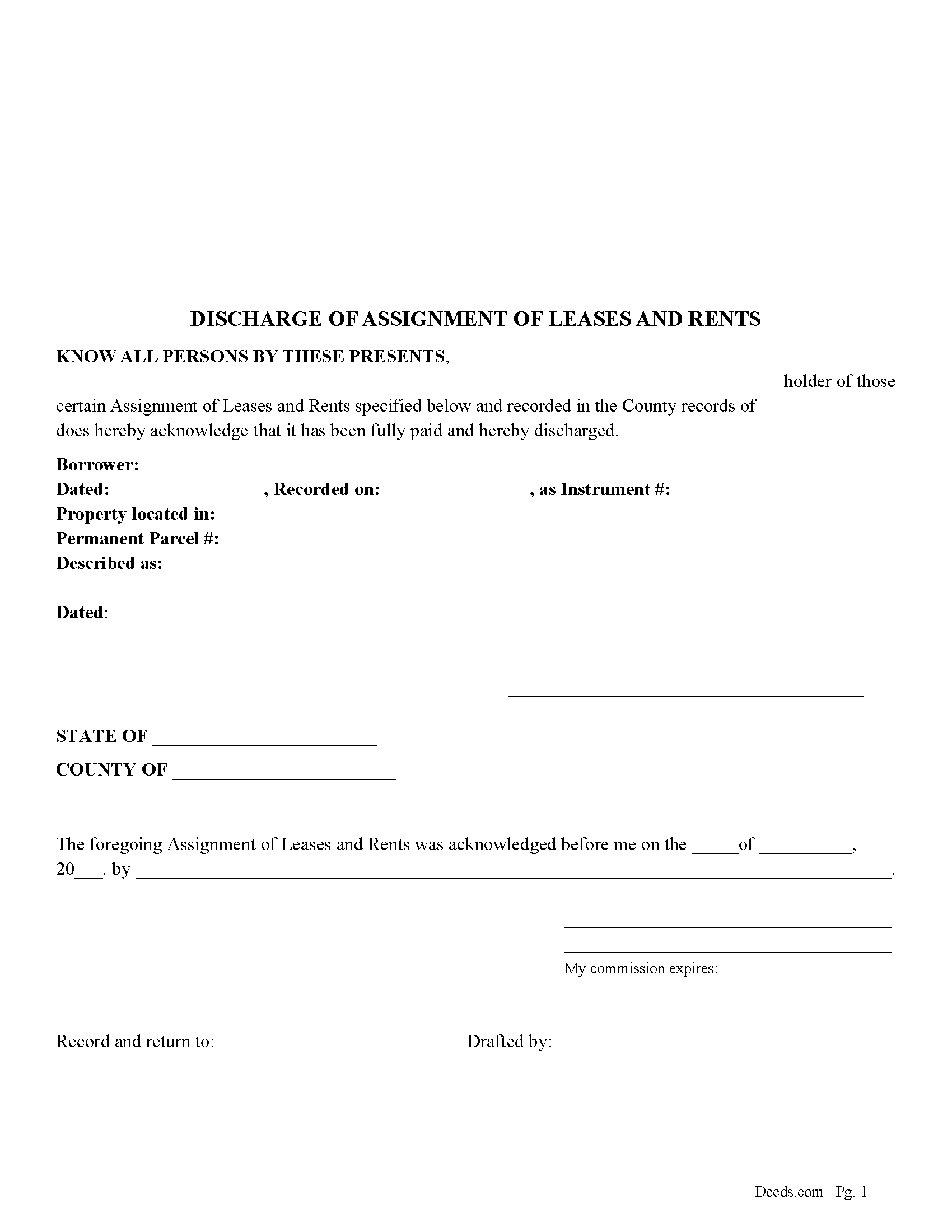
Saint Clair County Discharge of Assignment of Leases and Rents Form
Fill in the blank form formatted to comply with all recording and content requirements.
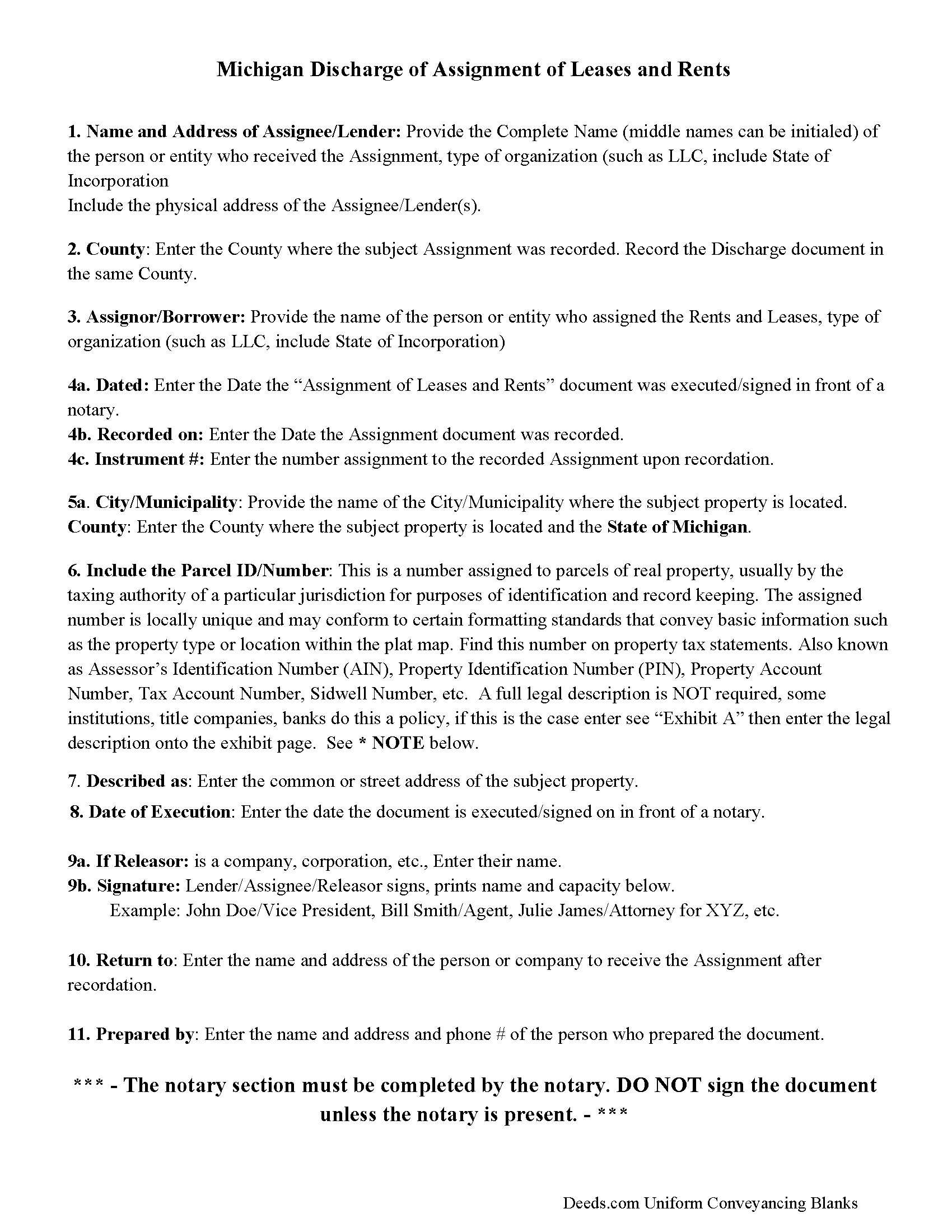
Saint Clair County Guidelines for Discharge of Assignment of Leases and Rents
Line by line guide explaining every blank on the form.
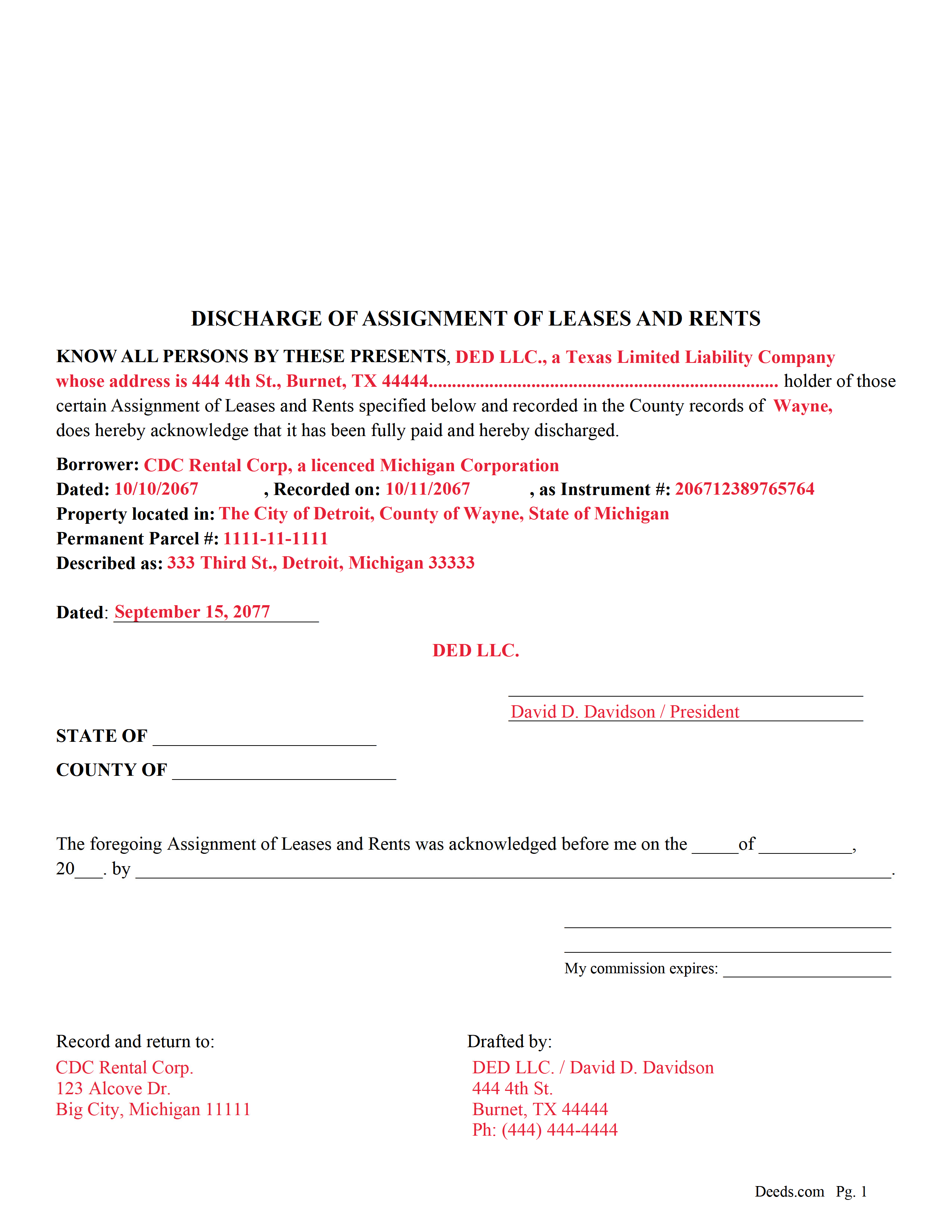
Saint Clair County Completed Example of the Discharge of Assignment of Leases and Rents document
Fill in the blank form formatted to comply with all recording and content requirements.
All 3 documents above included • One-time purchase • No recurring fees
Immediate Download • Secure Checkout
Additional Michigan and Saint Clair County documents included at no extra charge:
Where to Record Your Documents
St. Clair County Register of Deeds
Port Huron, Michigan 48060
Hours: 8:00 to 12:00 & 1:00 to 4:30 Mon-Thu; 10:30 to 12:00 & 1:00 to 4:30 on Fri
Phone: (810) 989-6930
Recording Tips for Saint Clair County:
- Bring your driver's license or state-issued photo ID
- Ensure all signatures are in blue or black ink
- Ask if they accept credit cards - many offices are cash/check only
- Check that your notary's commission hasn't expired
- Documents must be on 8.5 x 11 inch white paper
Cities and Jurisdictions in Saint Clair County
Properties in any of these areas use Saint Clair County forms:
- Algonac
- Allenton
- Anchorville
- Avoca
- Capac
- Casco
- Columbus
- East China
- Emmett
- Fair Haven
- Fort Gratiot
- Goodells
- Harsens Island
- Jeddo
- Marine City
- Marysville
- Memphis
- North Street
- Port Huron
- Saint Clair
- Smiths Creek
- Yale
Hours, fees, requirements, and more for Saint Clair County
How do I get my forms?
Forms are available for immediate download after payment. The Saint Clair County forms will be in your account ready to download to your computer. An account is created for you during checkout if you don't have one. Forms are NOT emailed.
Are these forms guaranteed to be recordable in Saint Clair County?
Yes. Our form blanks are guaranteed to meet or exceed the applicable formatting requirements used for recording in Saint Clair County, including margin requirements, font requirements, and other layout standards. This guarantee applies to formatting, not to the legal sufficiency of information entered by the user or the suitability of a form for a particular transaction.
Can I reuse these forms?
Yes. You can reuse the forms for your personal use. For example, if you have multiple properties in Saint Clair County you only need to order once.
What do I need to use these forms?
The forms are PDFs that you fill out on your computer. The free Adobe Acrobat Reader is recommended, and most PDF apps also work. You do NOT enter your property information online - you download the blank forms and complete them privately on your own computer.
Are there any recurring fees?
No. This is a one-time purchase. Nothing to cancel, no memberships, no recurring fees.
How much does it cost to record in Saint Clair County?
Recording fees in Saint Clair County vary. Contact the recorder's office at (810) 989-6930 for current fees.
Questions answered? Let's get started!
Use this form to discharge a previously recorded "Assignment of Rents and Leases" stating the fact that it has been fully paid and hereby discharged.
For use in Michigan only.
(Michigan Discharge of AOR Package includes form, guidelines, and completed example)
Important: Your property must be located in Saint Clair County to use these forms. Documents should be recorded at the county recording office listed above.
This Discharge of Assignment of Leases and Rents meets all recording requirements specific to Saint Clair County.
Our Promise
The documents you receive here are guaranteed to meet or exceed the applicable Saint Clair County recording format requirements. If there is a rejection caused by our formatting, we will correct the issue or refund your payment. This guarantee applies to document formatting only and does not extend to information entered by the user, the selection of the form, or the legal effect of the completed document.
Save Time and Money
Get your Saint Clair County Discharge of Assignment of Leases and Rents form done right the first time with Deeds.com Uniform Conveyancing Blanks. At Deeds.com, we understand that your time and money are valuable resources, and we don't want you to face a penalty fee or rejection imposed by a county recorder for submitting nonstandard documents. We constantly review and update our forms to meet rapidly changing state and county recording requirements for roughly 3,500 counties and local jurisdictions.
4.8 out of 5 - ( 4,828 Reviews )
Mary K. 5 out of 5 stars
Awesome site. Looking for a way to save hiring an attorney. Family doesn't have the money for that so this site is much appreciated.
Thank you for your feedback. We really appreciate it. Have a great day!
Riley K G. 5 out of 5 stars
Awesome, way better than some other offerings out there. Unfortunately some people won't realize that until it's too late.
Thank you!
Anthony P. 5 out of 5 stars
Documents exactly as described, no complaints.
Thank you!
Bonnie C. 5 out of 5 stars
Easy and convenient. Was nice to have just a one time charge without a so-called anual fee/membership. Will use again if needed. May update review after "all is said and done."
Thank you!
Karen L. 5 out of 5 stars
Form is easy to complete but has a crowded look upon printing. I would put more returns between paragraphs to make it easier to read.
Thank you for your feedback. We really appreciate it. Have a great day!
Scott H. 5 out of 5 stars
Very helpful
Thank you!
Susan J. 5 out of 5 stars
very fast service. immediate response and kept me informed along the way. the county was not cooperating and this was communicated to me and my fee was refunded, just like that. will definitely use this company again
Thank you!
Jacqueline B. 5 out of 5 stars
The service was very clear and direct. I was able to get everything I need right now. Your website is set up well. Thank you
Thank you for your feedback. We really appreciate it. Have a great day!
Peter F. 5 out of 5 stars
It was outstanding, seriously, I had 3 e mail correspondences asking for information and providing feedback within 2 hours and was ready for submission at that point. I paid the invoice online and by the end of the day I had electronic verification that Registry of Deeds had processed my documents. That work is good stuff ! Pete
Glad we could be of assistance Peter, thank you for the kinds words. Have an amazing day!
Janet P. 5 out of 5 stars
Extremely easy to use. The guide and sample were a great source of reference.
Thank you for your feedback. We really appreciate it. Have a great day!
Anna S. 5 out of 5 stars
You guys are awesome, The service, expertise and quick communication were amazing. I think you guys are charging to little, but you didn't hear that from me. Thank you for making this process quick and easy.
Thank you for your feedback. We really appreciate it. Have a great day!
JOHN B. 3 out of 5 stars
Process of acquiring an account and submitting a document was VERY easy. Failure was on the Recorders office, for not accepting the survey. Cheers.
Thank you!
gary c. 5 out of 5 stars
process was easy and simple to do
Thank you for your feedback. We really appreciate it. Have a great day!
Frank R. 5 out of 5 stars
Our notary. Marie was prompt, courteous and professional. Would definitely use again and reccomend
Thank you for your feedback. We really appreciate it. Have a great day!
Karen L. 4 out of 5 stars
Good service could give a little more detail on where to location some of the information needed. Overall fairly simply to use.
Thank you for your feedback. We really appreciate it. Have a great day!