Mason County Full Conditional Waiver of Lien Form
Last validated October 23, 2026 by our Forms Development TeamFormatted for recording in Mason County, for property anywhere in the county: rural and unincorporated areas as well as Branch, Custer, Fountain, Free Soil, Ludington, Scottville, Walhalla.
- 3 documents included
- Immediate PDF download
- Formatting guarantee
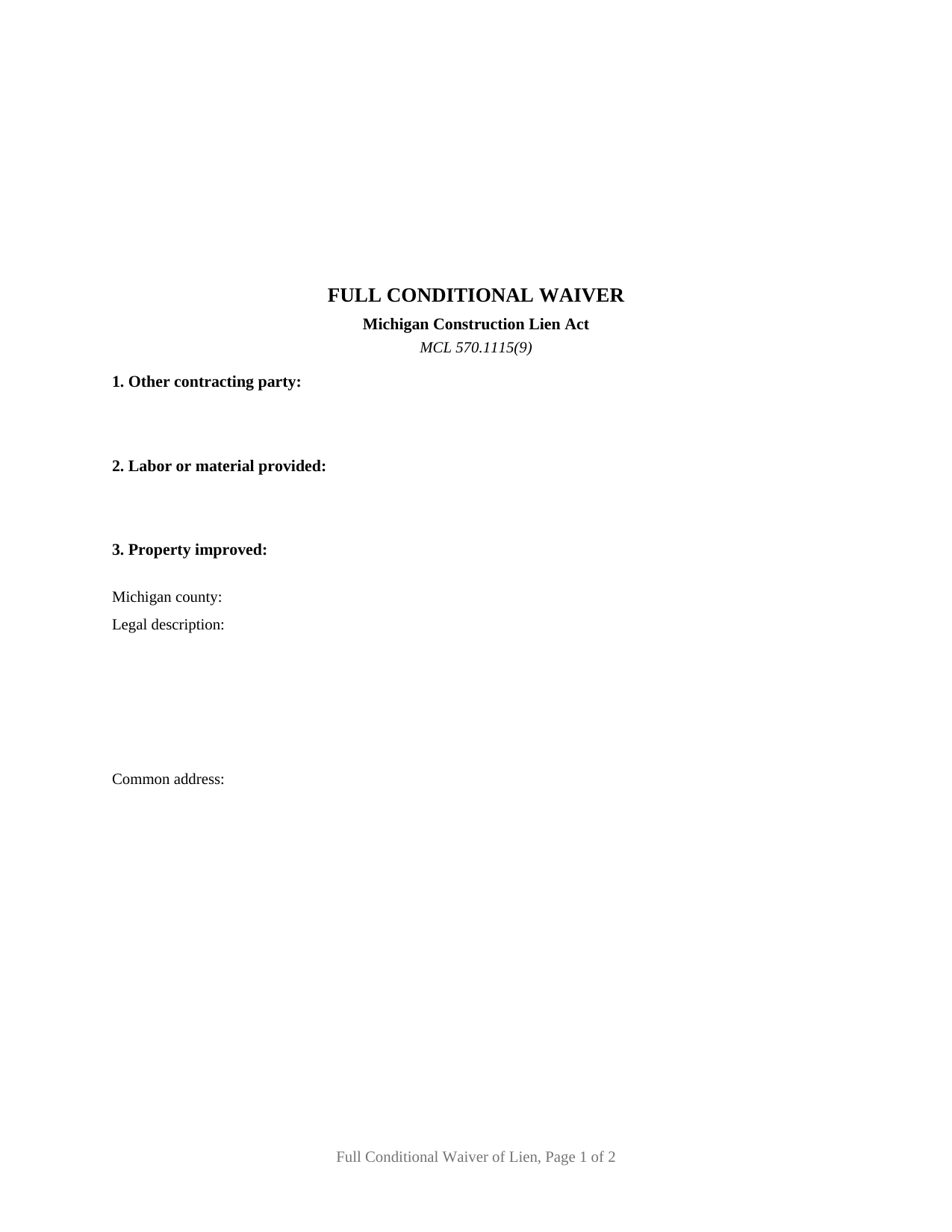
Mason County Full Conditional Waiver of Lien Form
Fill in the blank Full Conditional Waiver of Lien form formatted to comply with all Michigan recording and content requirements.
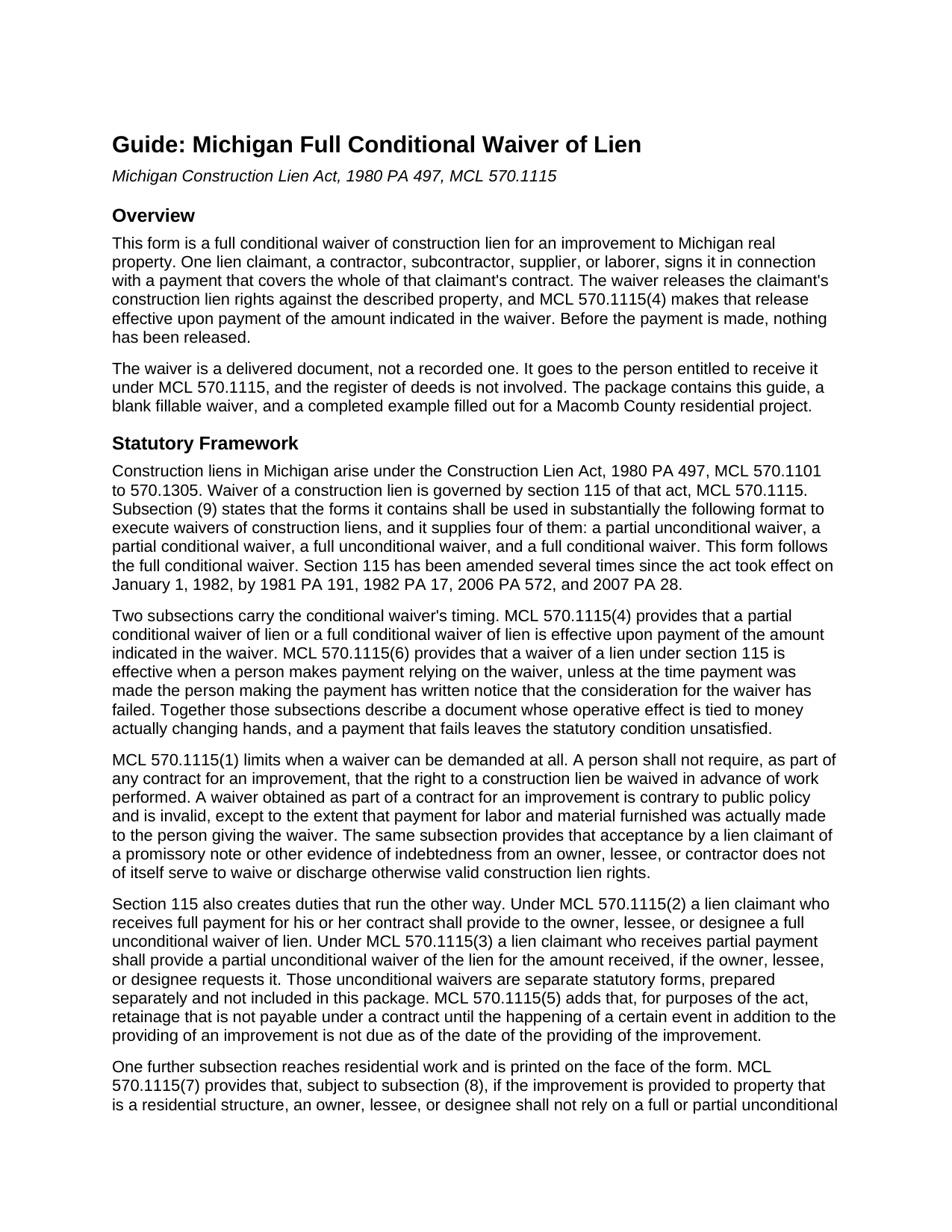
Mason County Full Conditional Waiver of Lien Guide
Line by line guide explaining every blank on the Full Conditional Waiver of Lien form.
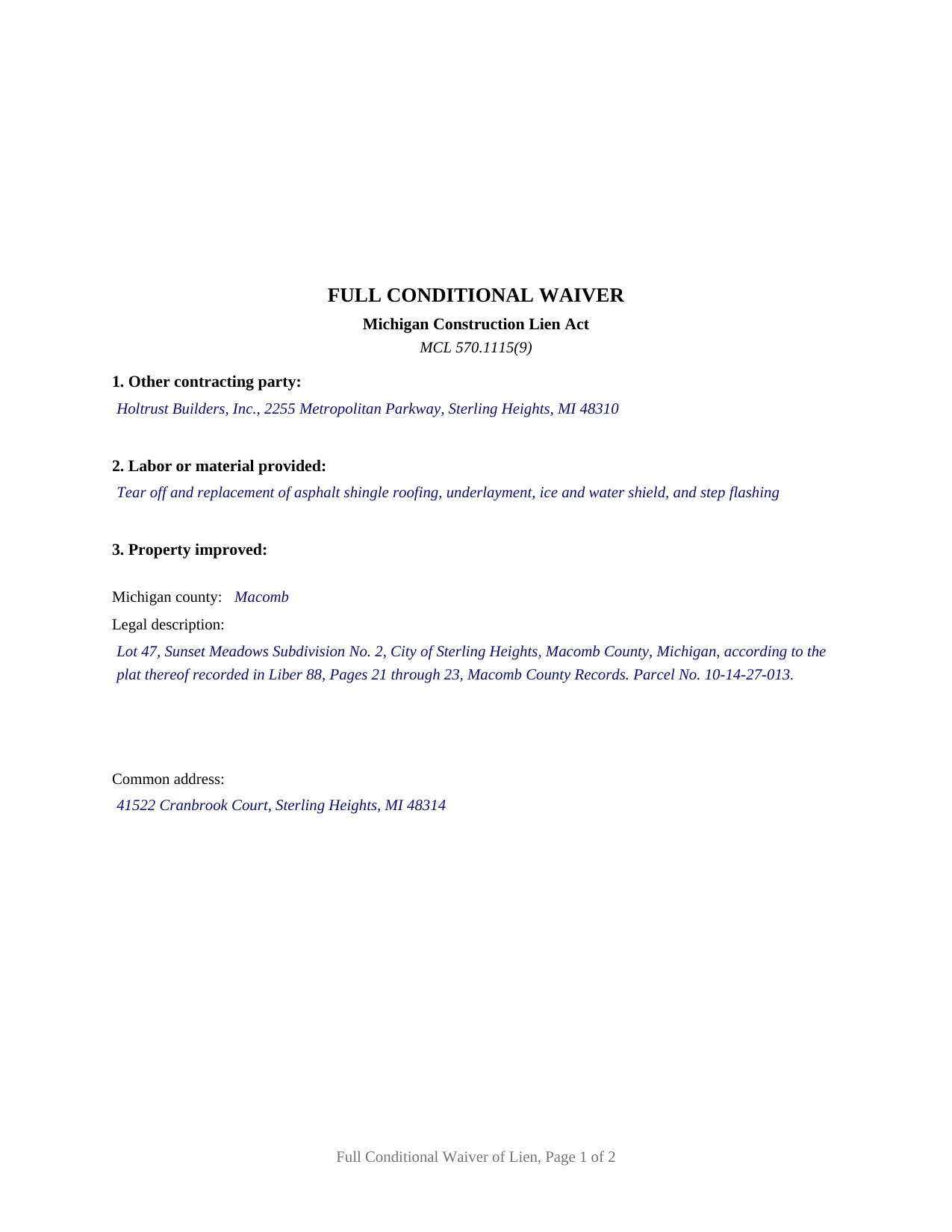
Mason County Completed Example of the Full Conditional Waiver of Lien Document
Example of a properly completed Michigan Full Conditional Waiver of Lien document for reference.
All 3 documents above included • One-time purchase • No recurring fees
Immediate Download • Secure Checkout
Additional Michigan and Mason County documents included at no extra charge:
Where to Record Your Documents
Mason County Register of Deeds
Ludington, Michigan 49431
Hours: 9:00 to 5:00 M-F / Recording until 4:30
Phone: (231) 843-4466
Recording Tips for Mason County:
- Bring your driver's license or state-issued photo ID
- Ensure all signatures are in blue or black ink
- Double-check legal descriptions match your existing deed
- Verify all names are spelled correctly before recording
- White-out or correction fluid may cause rejection
Cities and Jurisdictions in Mason County
Properties in any of these areas use Mason County forms:
- Branch
- Custer
- Fountain
- Free Soil
- Ludington
- Scottville
- Walhalla
Hours, fees, requirements, and more for Mason County
How do I get my forms?
Forms are available for immediate download after payment. The Mason County forms will be in your account ready to download to your computer. An account is created for you during checkout if you don't have one. Forms are NOT emailed.
Are these forms guaranteed to be recordable in Mason County?
Yes. Our form blanks are guaranteed to meet or exceed the applicable formatting requirements used for recording in Mason County, including margin requirements, font requirements, and other layout standards. This guarantee applies to formatting, not to the legal sufficiency of information entered by the user or the suitability of a form for a particular transaction.
Can I reuse these forms?
Yes. You can reuse the forms for your personal use. For example, if you have multiple properties in Mason County you only need to order once.
What do I need to use these forms?
The forms are PDFs that you fill out on your computer. The free Adobe Acrobat Reader is recommended, and most PDF apps also work. You do NOT enter your property information online - you download the blank forms and complete them privately on your own computer.
Are there any recurring fees?
No. This is a one-time purchase. Nothing to cancel, no memberships, no recurring fees.
How much does it cost to record in Mason County?
Recording fees in Mason County vary. Contact the recorder's office at (231) 843-4466 for current fees.
Questions answered? Let's get started!
A Michigan full conditional waiver of lien is signed before the money arrives and does its work only after the money arrives. It is the final waiver a contractor, subcontractor, supplier, or laborer hands over for a payment covering the whole of that claimant's contract, and MCL 570.1115(4) makes a full conditional waiver of lien effective upon payment of the amount indicated in the waiver. Until that payment is made, the construction lien rights against the property are intact.
The condition is the whole mechanism
Section 115 of the Construction Lien Act, 1980 PA 497, supplies four waiver forms, to be used in substantially the format the statute prints. Two of the four are conditional, and the condition is one printed sentence: the waiver is conditioned on actual payment of the amount shown above. MCL 570.1115(6) works the paying side, making a waiver effective when a person makes payment relying on it, unless that person then has written notice that the consideration for the waiver has failed. A payment that fails leaves the printed condition unmet.
What a Michigan contract cannot demand up front
MCL 570.1115(1) bars requiring, as part of any contract for an improvement, that the right to a construction lien be waived in advance of work performed. Such a waiver is contrary to public policy and invalid, except to the extent that payment for labor and material furnished was actually made to the person giving it, and the same subsection adds that accepting a promissory note does not of itself waive valid lien rights. A conditional lien waiver exchanged for an identified payment on work already performed sits on the far side of that line, and the amount printed in the fourth section identifies the payment.
The residential authenticity paragraph on the face
When the improvement is to a residential structure, Michigan puts a verification step in front of reliance. Under MCL 570.1115(7) an owner, lessee, or designee may not rely on a waiver provided by a person other than the lien claimant named in it, where that claimant filed a notice of furnishing under section 109 or is excused from filing one under section 108 or 108a, without first verifying authenticity with the claimant in writing, by telephone, or personally. MCL 570.1115(8) qualifies that subsection for an agent acting for a laborer or group of laborers. The paragraph describing the check prints on the face of this form, above the claimant's name, address, and telephone number.
Full and conditional, fixed on the document
The waiver forms in MCL 570.1115(9) turn on scope and on effect, and this form fixes both as printed text rather than as choices. The scope is full: the document reaches the claimant's contract as a whole, stating no partial amount and no through date. The effect is conditional: signature alone releases nothing, because the release waits on actual payment of the amount entered in the fourth section. One signature line carries the printed name and title of the individual who signs, so a company claimant signs through a person whose capacity appears on the document, and the form carries no notarial certificate, section 115 prescribing none for a waiver of lien. Final payment on a completed subcontract, and a closing draw at which a title company or lender assembles waivers before funding, are the settings in which this pattern shows up in a project file. A stated partial amount for labor provided through a stated date, and a release operating on signature regardless of payment, belong to the other waiver patterns in that subsection, prepared separately and not included here.
Handed over, and kept
Nothing in section 115 sends a lien waiver to a register of deeds. It moves from the claimant to the owner, lessee, or designee, and the statutory form closes by directing that a copy be retained. The recorded instrument in this act is the claim of lien, recorded separately with the register of deeds and not part of this package; MCL 570.1111 requires it within 90 days after the claimant last furnished labor or material. A waiver is never presented for recording, so the format conditions of MCL 565.201 do not bear on it, though the form still prints at letter size in 10 point type.
This package includes the fillable waiver, a completed example prepared for a Macomb County roofing subcontract, and a guide that walks section 115, the six numbered sections, the signature area, and delivery. It is informational material and not legal advice.
Important: Your property must be located in Mason County to use these forms. Documents should be recorded at the county recording office listed above.
This Full Conditional Waiver of Lien meets all recording requirements specific to Mason County.
Our Promise
The documents you receive here are guaranteed to meet or exceed the applicable Mason County recording format requirements. If there is a rejection caused by our formatting, we will correct the issue or refund your payment. This guarantee applies to document formatting only and does not extend to information entered by the user, the selection of the form, or the legal effect of the completed document.
Save Time and Money
Get your Mason County Full Conditional Waiver of Lien form done right the first time with Deeds.com Uniform Conveyancing Blanks. At Deeds.com, we understand that your time and money are valuable resources, and we don't want you to face a penalty fee or rejection imposed by a county recorder for submitting nonstandard documents. We constantly review and update our forms to meet rapidly changing state and county recording requirements for roughly 3,500 counties and local jurisdictions.
4.8 out of 5 - ( 4,839 Reviews )
Robert B. 5 out of 5 stars
Found this sight on the internet looking for information to add my fiance' to the house deed. Looks like the right place to be. Looking forward to getting the forms I need.
Thank you!
Meridith B. 5 out of 5 stars
Well, When I got the question right I got the answers right from Claim Deed. In the end it all worked out very, very good. I'm pleased with the deed and the price was very fair. Thank you for answering all my crazy questions. Now all we have to do is go to UPS and sign it. Thank, again.
Thank you!
Judith F. 5 out of 5 stars
Was easy to use the eRecording service.
Thank you!
Timothy C. 5 out of 5 stars
Excellent service. Pay your fee, download the form and fill out according to specific instructions. Then, again according to instructions, take it to the county clerk's office and have it recorded. It could not be easier.
Thank you!
Kathleen M. 5 out of 5 stars
Your Service was excellent. Very responsive. Thank you.
Thank you!
walter m. 3 out of 5 stars
directions and getting to forms, printing good, but I wish it could be more simply and clearly presented. We'll see how it finally works out
Thank you for your feedback. We really appreciate it. Have a great day!
Ismael I. 5 out of 5 stars
The service was fast and outstanding. Thank you.
Thank you!
Timothy L. 5 out of 5 stars
It was very simple and easy to fill out the information need to do the warranty deed.
Thank you for your feedback. We really appreciate it. Have a great day!
Susan A. 5 out of 5 stars
The warranty deed form, the explanation and the example were well worth the price, as they gave me more confidence I was filling the deed out correctly. I cross referenced all of it with the county registrars website and the previous warranty deed.
We appreciate your business and value your feedback. Thank you. Have a wonderful day!
Ben G. 5 out of 5 stars
Faster AND less expensive than recording in person. Will be using again (and not just because of COVID).
Thank you!
Jan H. 5 out of 5 stars
This is a great service. It was easy to find and the instructions were complete and easy to follow.
Thank you!
David M. 5 out of 5 stars
Outstanding products and interface. DCM, IL Attorney
We appreciate your business and value your feedback. Thank you. Have a wonderful day!
Brian T. 5 out of 5 stars
Great to find this makes for easy work when you need to secure your ownership of a property!!Thanks guys Brian the Mann
We appreciate your business and value your feedback. Thank you. Have a wonderful day!
John R. 5 out of 5 stars
All the material included made preparing the quit claim deed very easy. Good product.
Thank you for your feedback. We really appreciate it. Have a great day!
Irene G. 5 out of 5 stars
Excellent service for anyone doing their own deed filing without the use of a title company or an attorney. I will definitely recommend deeds.com to my notary clients and will be personally using this service again! ;)
We appreciate your business and value your feedback. Thank you. Have a wonderful day!