Houghton County Partial Discharge of Mortgage Form
Last validated October 30, 2026 by our Forms Development TeamFormatted for recording in Houghton County, for property anywhere in the county: rural and unincorporated areas as well as Atlantic Mine, Calumet, Chassell, Copper City, Dodgeville, Dollar Bay, Hancock, Houghton and 9 more.
- 3 documents included
- Immediate PDF download
- Formatting guarantee
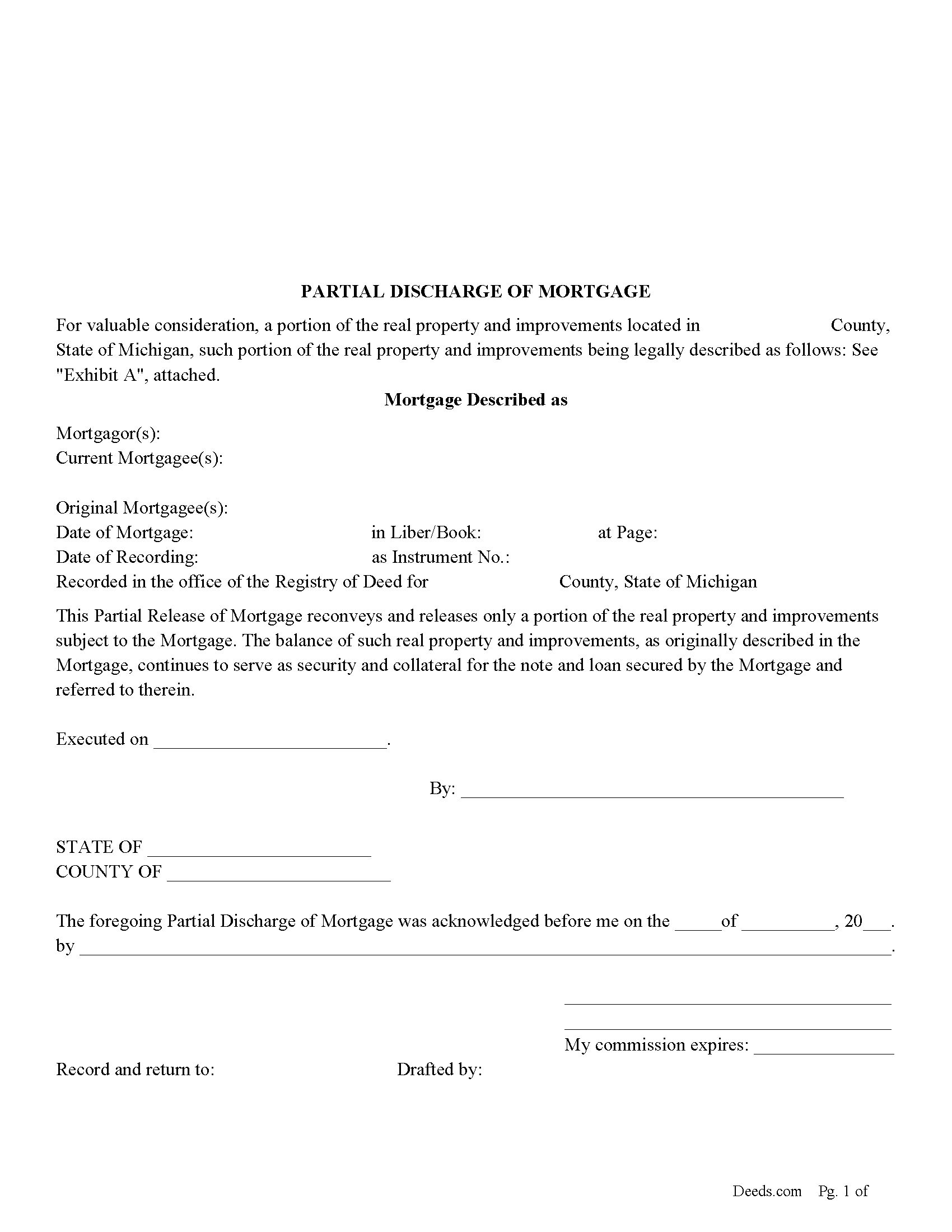
Houghton County Partial Discharge of Mortgage Form
Fill in the blank form formatted to comply with all recording and content requirements.
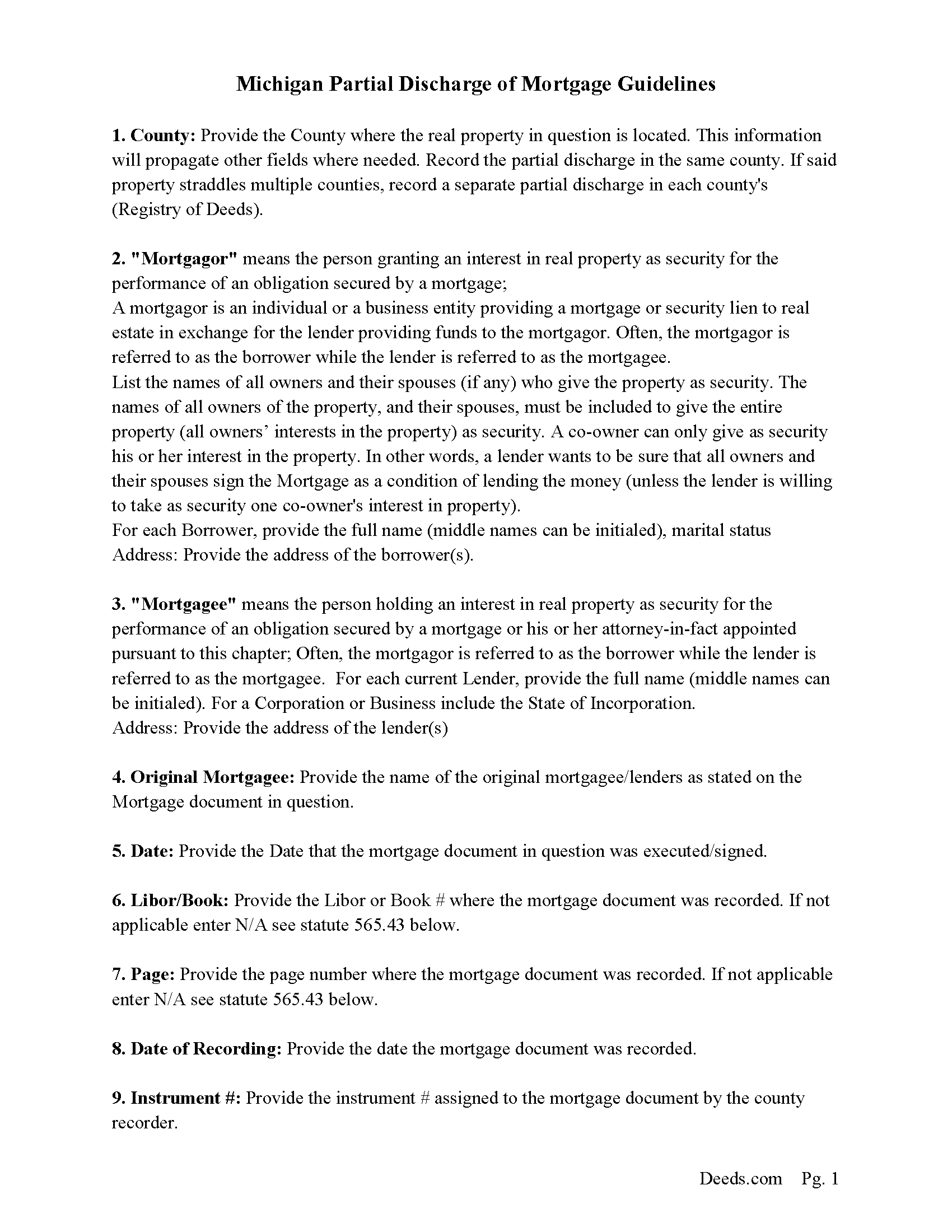
Houghton County Guidelines for Partial Discharge of Mortgage
Line by line guide explaining every blank on the form.
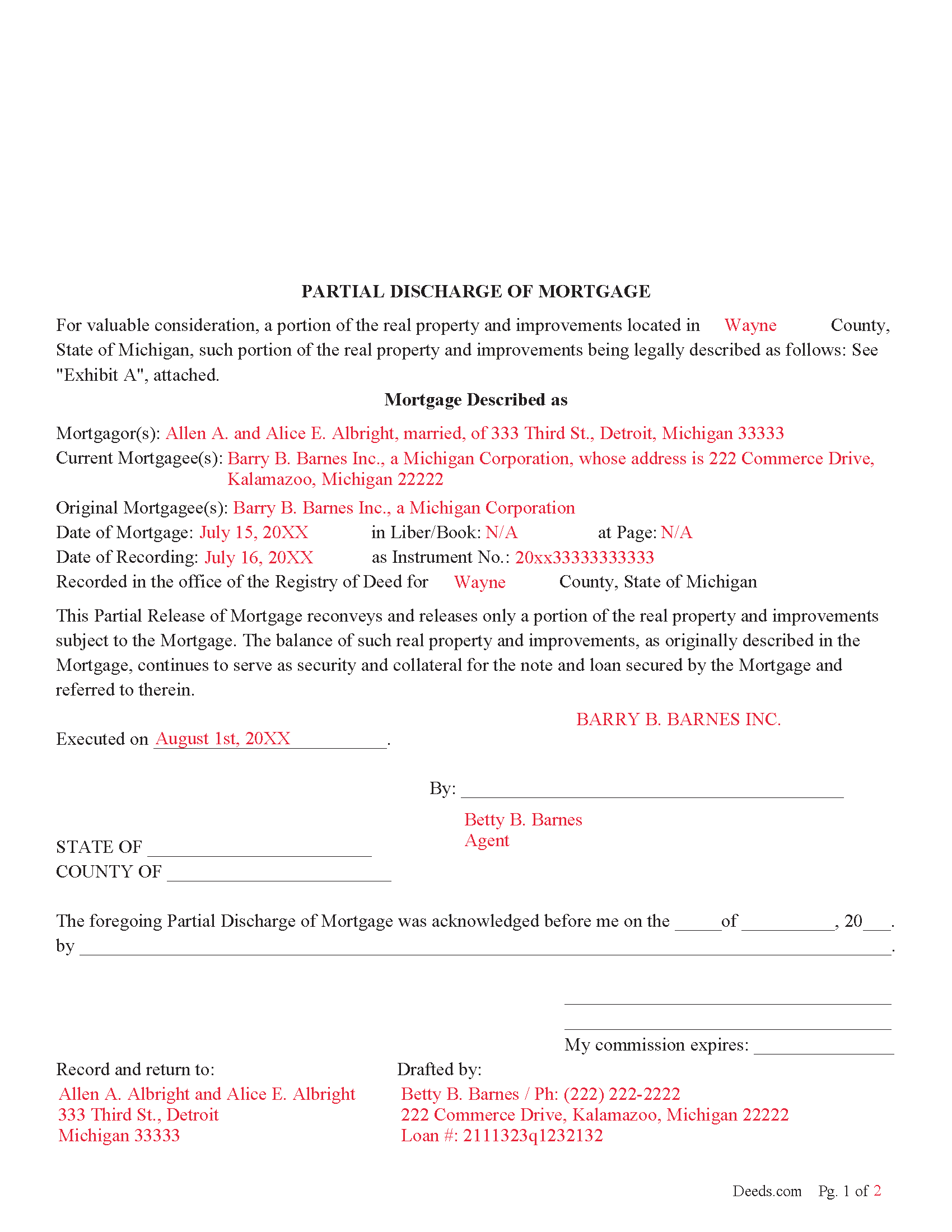
Houghton County Completed Example of the Partial Discharge of Mortgage Document
Example of a properly completed form for reference.
All 3 documents above included • One-time purchase • No recurring fees
Immediate Download • Secure Checkout
Additional Michigan and Houghton County documents included at no extra charge:
Where to Record Your Documents
Houghton County Register of Deeds
Houghton, Michigan 49931
Hours: Monday - Friday 8:00 a.m. to 4:30 p.m.
Phone: (906) 482-1311
Recording Tips for Houghton County:
- Bring your driver's license or state-issued photo ID
- Ensure all signatures are in blue or black ink
- Check that your notary's commission hasn't expired
- Documents must be on 8.5 x 11 inch white paper
- Double-check legal descriptions match your existing deed
Cities and Jurisdictions in Houghton County
Properties in any of these areas use Houghton County forms:
- Atlantic Mine
- Calumet
- Chassell
- Copper City
- Dodgeville
- Dollar Bay
- Hancock
- Houghton
- Hubbell
- Kearsarge
- Lake Linden
- Nisula
- Painesdale
- Pelkie
- Sidnaw
- South Range
- Toivola
Hours, fees, requirements, and more for Houghton County
How do I get my forms?
Forms are available for immediate download after payment. The Houghton County forms will be in your account ready to download to your computer. An account is created for you during checkout if you don't have one. Forms are NOT emailed.
Are these forms guaranteed to be recordable in Houghton County?
Yes. Our form blanks are guaranteed to meet or exceed the applicable formatting requirements used for recording in Houghton County, including margin requirements, font requirements, and other layout standards. This guarantee applies to formatting, not to the legal sufficiency of information entered by the user or the suitability of a form for a particular transaction.
Can I reuse these forms?
Yes. You can reuse the forms for your personal use. For example, if you have multiple properties in Houghton County you only need to order once.
What do I need to use these forms?
The forms are PDFs that you fill out on your computer. The free Adobe Acrobat Reader is recommended, and most PDF apps also work. You do NOT enter your property information online - you download the blank forms and complete them privately on your own computer.
Are there any recurring fees?
No. This is a one-time purchase. Nothing to cancel, no memberships, no recurring fees.
How much does it cost to record in Houghton County?
Recording fees in Houghton County vary. Contact the recorder's office at (906) 482-1311 for current fees.
Questions answered? Let's get started!
Use this form to release a portion of property secured by a mortgage and promissory note. Example: borrower has financed 5 lots for $100,000.00 which has since been paid down to a balance of $30,000.00. Borrower approaches Lender and would like the lender to release lot #3 because he has it sold. The lender might think, ok - he will owe me $30,000.00 on the remaining 4 lots, I consider this a good risk. The same can also be applicable to condominiums, apartments, parcels, etc.
This form is used by the (mortgagee or the personal representative, successor, or assign of the mortgagee), who (shall prepare a discharge of the mortgage, file the discharge with the register of deeds for the county where the mortgaged property is located, and pay the fee for recording the discharge.) (565.41 Sec. 41(1)) A mortgagee is often referred to as a lender.
(Michigan PDOM Package includes form, guidelines, and completed example)
Important: Your property must be located in Houghton County to use these forms. Documents should be recorded at the county recording office listed above.
This Partial Discharge of Mortgage meets all recording requirements specific to Houghton County.
Our Promise
The documents you receive here are guaranteed to meet or exceed the applicable Houghton County recording format requirements. If there is a rejection caused by our formatting, we will correct the issue or refund your payment. This guarantee applies to document formatting only and does not extend to information entered by the user, the selection of the form, or the legal effect of the completed document.
Save Time and Money
Get your Houghton County Partial Discharge of Mortgage form done right the first time with Deeds.com Uniform Conveyancing Blanks. At Deeds.com, we understand that your time and money are valuable resources, and we don't want you to face a penalty fee or rejection imposed by a county recorder for submitting nonstandard documents. We constantly review and update our forms to meet rapidly changing state and county recording requirements for roughly 3,500 counties and local jurisdictions.
4.8 out of 5 - ( 4,864 Reviews )
Ray L. 5 out of 5 stars
Thank you, I am very satisfied with the process and will provide a final review after the documents are completed and accepted by the state.
Thank you for your feedback. We really appreciate it. Have a great day!
William G. 5 out of 5 stars
I am very pleased with Deeds.com. They responded back very quickly, checked my forms, gave an example for a correction, and submitted the forms over the weekend. What more could you ask?
Thank you!
Barbara A. 5 out of 5 stars
Always helpful!
We are thankful for your continued support and feedback, which inspire us to continuously improve. Thank you..
Viola G. 4 out of 5 stars
no as easy as anticipated but convenient.
We are grateful for your feedback and looking forward to serving you again. Thank you!
Pamela W. 5 out of 5 stars
This was so easy! Doing it this way saved me a bundle. I used the example form to make sure mine was correct. I would highly recommend this to anyone.
Thanks Pamela. We're glad the completed example was helpful.
Debbie G. 5 out of 5 stars
Easy to use, I would recommend deeds.com. I would recommend visiting your county recorder before having document notarized. They will review document and make sure everything you need is on the deed, before having notarized.
Thank you Debbie. Have a fantastic day!
RALPH B. 5 out of 5 stars
THE BEST SERVICE WAS ON TIME AS STATED DID ALL THE WORK NEED IN A VERY PROFESSIONAL MANNER GREAT FOLLOW UP AND THE OFFICE STAFF IS FANTASTIC IN RESPONSE AND DOING WHAT I NEED TO HAVE DONE WOULD RECOMMEND THIS COMPANY TO ANYONE WHO NEEDS THIS SERVICE
Thank you!
Thomas D. 2 out of 5 stars
The documents themselves are fine and the information provided with them is helpful. I find the actual processing of the documents, however, to be difficult particularly once the document has been saved. First, I note that the box for the date only allows entry of the last 2 digits of the year. Unfortunately, my download only allows me to enter one of the 2 digits required. When I delete it repeatedly, it eventually allows both digits to be entered but puts them in extremely small text and in superscrypt. I have not found a solution to this problem and am not sure the deed can even be recorded with this problem. Another problem is that if you try to revise the document after you have saved it the curser goes to the end of the line after each key entry. This means that there basically is no way to efficiently save the document for reworking later since you will have to delete everything you have entered in the text box unless you only need to make a single keystroke change or are willing to replace the curser after each entry. Try that with a long property description! Please note that I am using a Mac to prepare my documents and perhaps this is part of an "incompatibility problem". However, I didn't see a disclaimer regarding Mac use and so would expect the documents to perform correctly. Overall, I give the program a "2 star" rating because I am experiencing significant difficulties in entering dates in the documents even before saving them and because saving your work for later revision appears to be basically unworkable.
Thank you for your feedback Thomas, we appreciate you being specific about the issues you encountered. Adobe and Mac have a fairly long history of issues working together.
Judith F. 5 out of 5 stars
The form I needed was perfect!
Thank you!
kevin d. 5 out of 5 stars
the quitclaim form worked well with the Nevada Recorders office. Tried other vendors, theirs were rejected.
We appreciate your business and value your feedback. Thank you. Have a wonderful day!
calvin b. 5 out of 5 stars
They offer a great service. Also they have been responsive and professional.
Thank you for your feedback. We really appreciate it. Have a great day!
Timothy C. 5 out of 5 stars
The process was all very clear and easy -- pay the fee online and download the state and county forms onto my computer. I will do as instructed for the Revocable Transfer on Death Deed, then update my review after I file this with the office of the Sandoval County (New Mexico) Clerk.
We appreciate your business and value your feedback. Thank you. Have a wonderful day!
Joyce S. 5 out of 5 stars
The site was very easy to understand and to download the required documents I need to prepare a release. Response of the documents ready for my use was very efficient.
We appreciate your business and value your feedback. Thank you. Have a wonderful day!
vickie w. 5 out of 5 stars
easy & convenience .good service
Thank you for your feedback. We really appreciate it. Have a great day!
Byron G. 5 out of 5 stars
So easy to use. Would recommend.
Thank you for your feedback. We really appreciate it. Have a great day!