Saint Clair County Power of Attorney - Borrower/Buyer Form
Last validated October 1, 2026 by our Forms Development TeamFormatted for recording in Saint Clair County, for property anywhere in the county: rural and unincorporated areas as well as Algonac, Allenton, Anchorville, Avoca, Capac, Casco, Columbus, East China and 14 more.
- 4 documents included
- Immediate PDF download
- Formatting guarantee
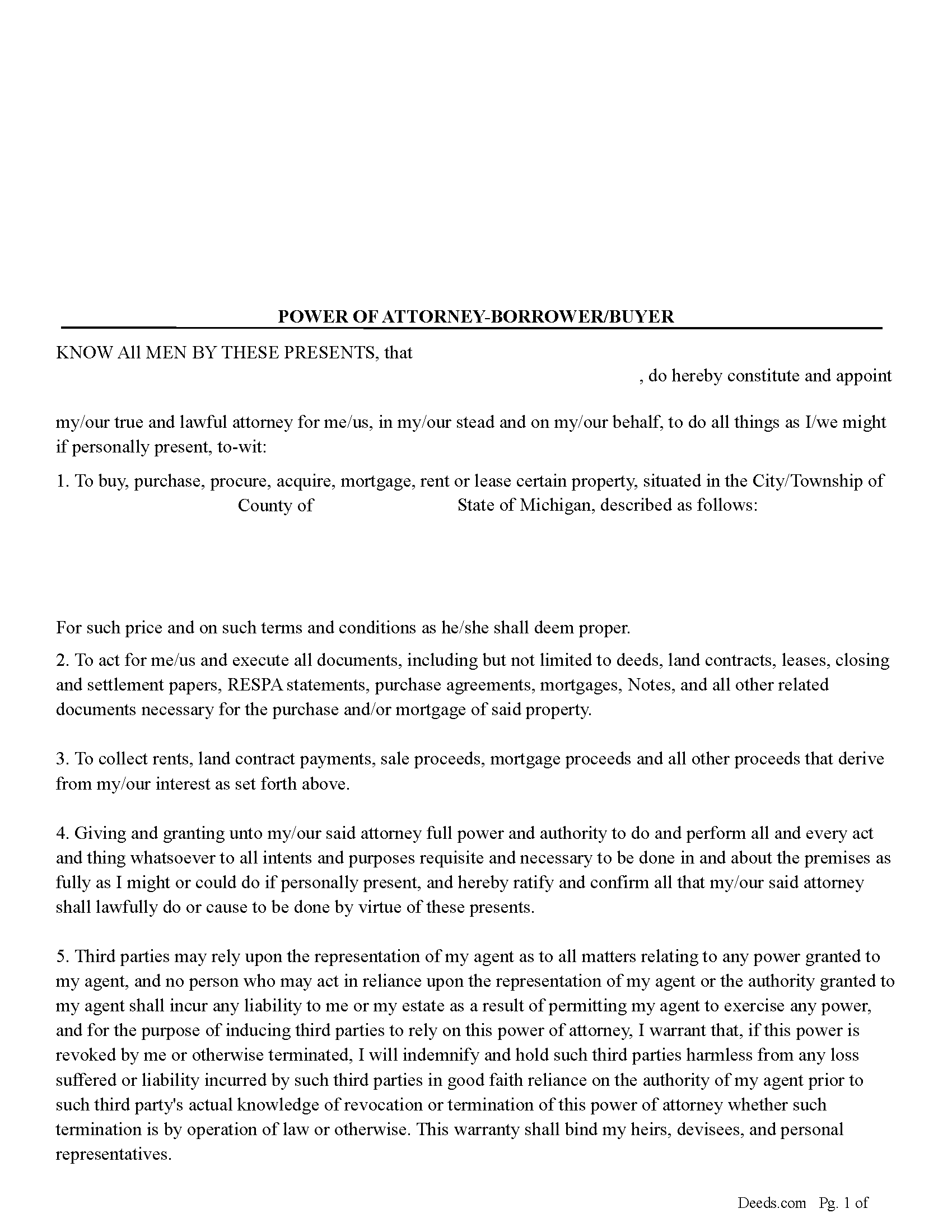
Saint Clair County Power of Attorney - Borrower/Buyer
Fill in the blank form formatted to comply with all recording and content requirements.
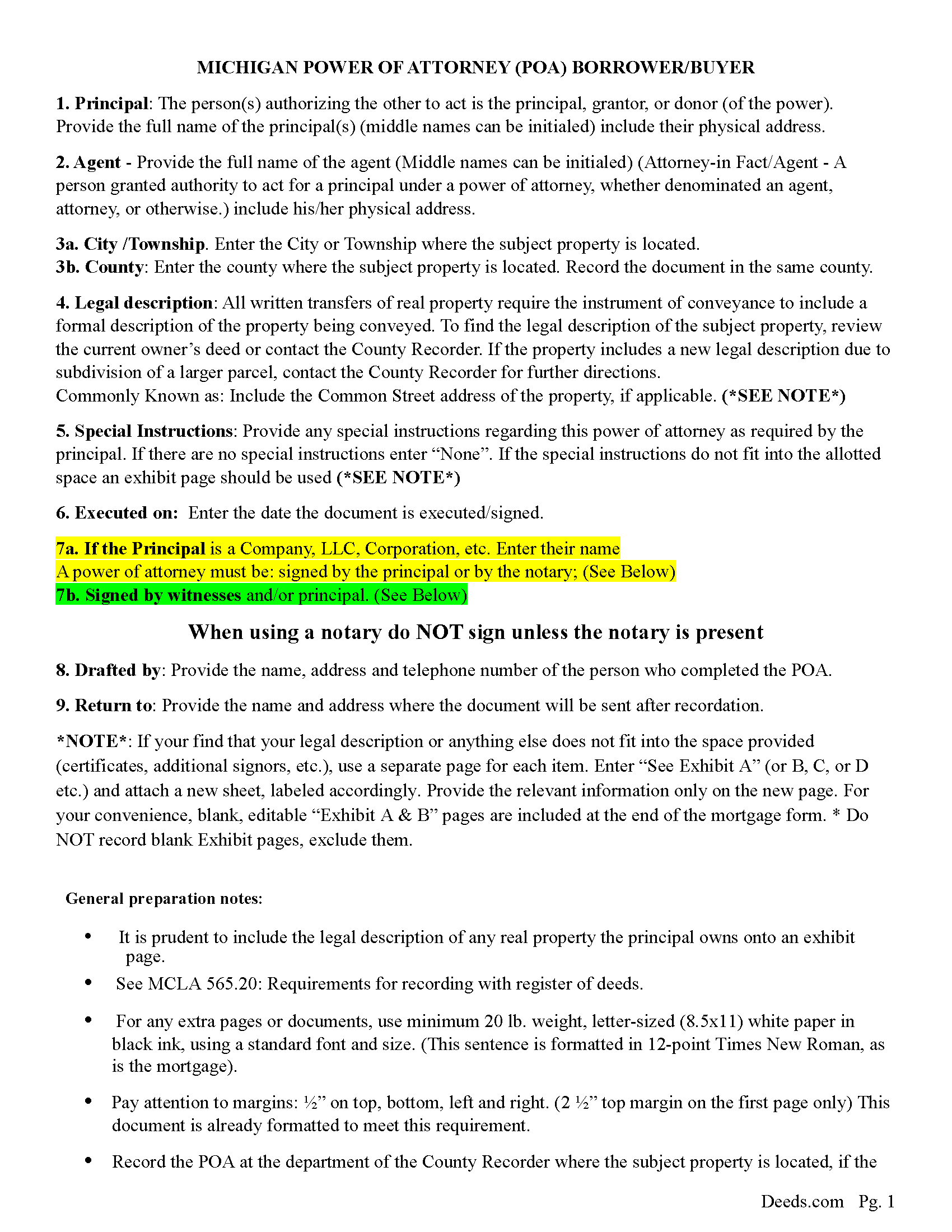
Saint Clair County Power of Attorney Guidelines
Line by line guide explaining every blank on the form.
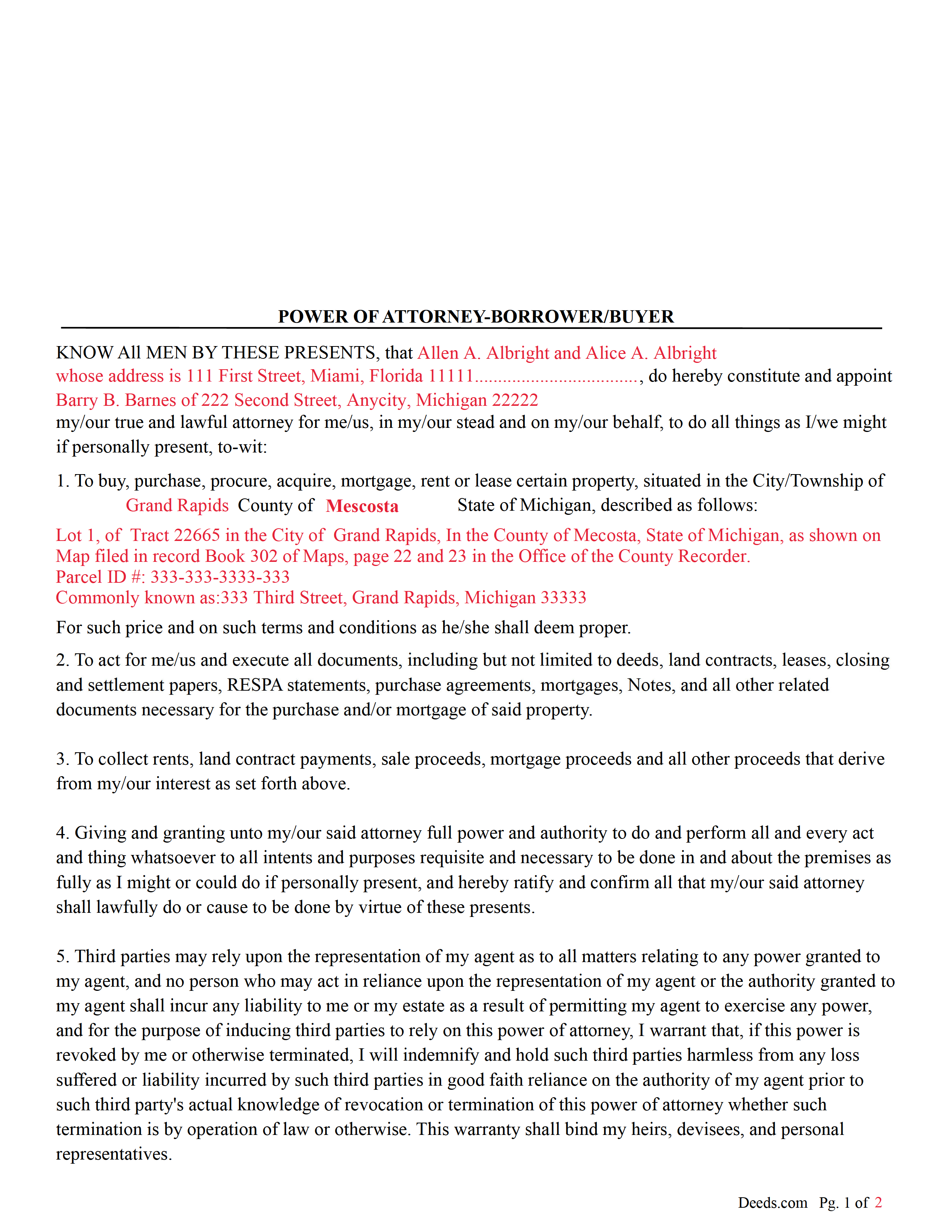
Saint Clair County Completed Example of the Power of Attorney Document
Example of a properly completed form for reference.
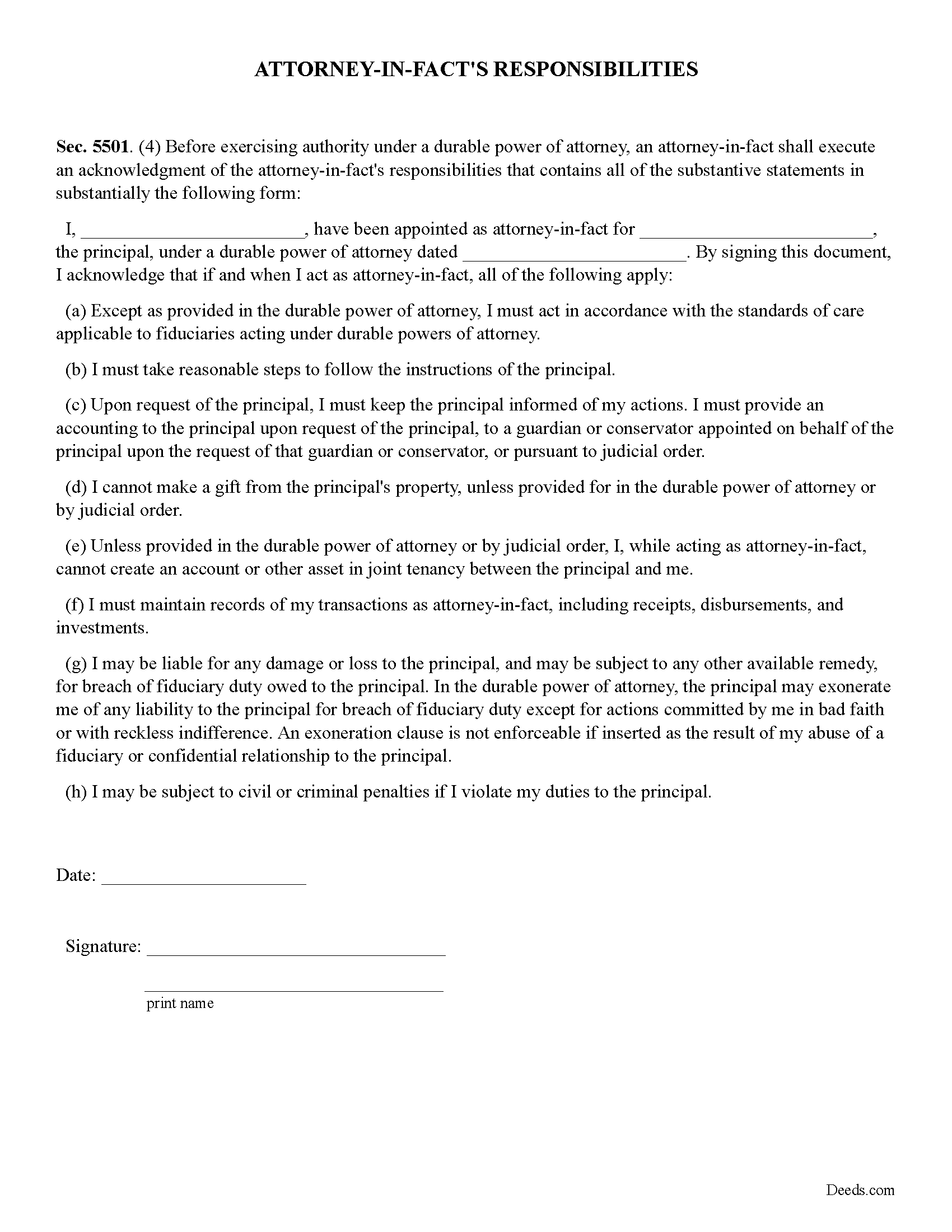
Saint Clair County Attorney-in-Facts Responsibilities Form
Statutory form often required by third parties, banks, title companies, etc.
All 4 documents above included • One-time purchase • No recurring fees
Immediate Download • Secure Checkout
Additional Michigan and Saint Clair County documents included at no extra charge:
Where to Record Your Documents
St. Clair County Register of Deeds
Port Huron, Michigan 48060
Hours: 8:00 to 12:00 & 1:00 to 4:30 Mon-Thu; 10:30 to 12:00 & 1:00 to 4:30 on Fri
Phone: (810) 989-6930
Recording Tips for Saint Clair County:
- Bring your driver's license or state-issued photo ID
- Ensure all signatures are in blue or black ink
- Ask for certified copies if you need them for other transactions
- Ask if they accept credit cards - many offices are cash/check only
- Check that your notary's commission hasn't expired
Cities and Jurisdictions in Saint Clair County
Properties in any of these areas use Saint Clair County forms:
- Algonac
- Allenton
- Anchorville
- Avoca
- Capac
- Casco
- Columbus
- East China
- Emmett
- Fair Haven
- Fort Gratiot
- Goodells
- Harsens Island
- Jeddo
- Marine City
- Marysville
- Memphis
- North Street
- Port Huron
- Saint Clair
- Smiths Creek
- Yale
Hours, fees, requirements, and more for Saint Clair County
How do I get my forms?
Forms are available for immediate download after payment. The Saint Clair County forms will be in your account ready to download to your computer. An account is created for you during checkout if you don't have one. Forms are NOT emailed.
Are these forms guaranteed to be recordable in Saint Clair County?
Yes. Our form blanks are guaranteed to meet or exceed the applicable formatting requirements used for recording in Saint Clair County, including margin requirements, font requirements, and other layout standards. This guarantee applies to formatting, not to the legal sufficiency of information entered by the user or the suitability of a form for a particular transaction.
Can I reuse these forms?
Yes. You can reuse the forms for your personal use. For example, if you have multiple properties in Saint Clair County you only need to order once.
What do I need to use these forms?
The forms are PDFs that you fill out on your computer. The free Adobe Acrobat Reader is recommended, and most PDF apps also work. You do NOT enter your property information online - you download the blank forms and complete them privately on your own computer.
Are there any recurring fees?
No. This is a one-time purchase. Nothing to cancel, no memberships, no recurring fees.
How much does it cost to record in Saint Clair County?
Recording fees in Saint Clair County vary. Contact the recorder's office at (810) 989-6930 for current fees.
Questions answered? Let's get started!
This form allows the principal to appoint an agent to buy, purchase, procure, acquire, mortgage, rent or lease certain property. To act for me/us and execute all documents, including but not limited to deeds, land contracts, leases, closing and settlement papers, RESPA statements, purchase agreements, mortgages, Notes, and all other related documents necessary for the purchase and/or mortgage of said property.
A Special instructions section allows to enter information specific to their situation.
(Michigan POA-Buyer Package includes form, guidelines, and completed example) For use in Michigan only.
Important: Your property must be located in Saint Clair County to use these forms. Documents should be recorded at the county recording office listed above.
This Power of Attorney - Borrower/Buyer meets all recording requirements specific to Saint Clair County.
Our Promise
The documents you receive here are guaranteed to meet or exceed the applicable Saint Clair County recording format requirements. If there is a rejection caused by our formatting, we will correct the issue or refund your payment. This guarantee applies to document formatting only and does not extend to information entered by the user, the selection of the form, or the legal effect of the completed document.
Save Time and Money
Get your Saint Clair County Power of Attorney - Borrower/Buyer form done right the first time with Deeds.com Uniform Conveyancing Blanks. At Deeds.com, we understand that your time and money are valuable resources, and we don't want you to face a penalty fee or rejection imposed by a county recorder for submitting nonstandard documents. We constantly review and update our forms to meet rapidly changing state and county recording requirements for roughly 3,500 counties and local jurisdictions.
4.8 out of 5 - ( 4,839 Reviews )
Paul D. 5 out of 5 stars
Easy to use! The forms were perfect and everything was explained well! Will use again!
We appreciate your business and value your feedback. Thank you. Have a wonderful day!
Mark S. 5 out of 5 stars
Very easy site to navigate. The quit claim deed I downloaded was perfect for my needs. Would like to see a (Deed in Lieu of Foreclosure) added to the forms list.
We appreciate your business and value your feedback. Thank you. Have a wonderful day!
Charles D. 5 out of 5 stars
Good product!! I highly recommend.
Thank you!
Mark M. 5 out of 5 stars
Quick, easy everything that i was looking for and then some.
Thank you for your feedback. We really appreciate it. Have a great day!
Eileen B. 5 out of 5 stars
Great form needs more instructions however but aside from that is perfect solution for my needs.
We appreciate your business and value your feedback. Thank you. Have a wonderful day!
Jeffrey G. 5 out of 5 stars
We had a one-time-only recording to make in the District of Columbia. We could not have e-filed the document without the assistance Deeds.com! The service they provided was wonderful.
Thank you for your feedback. We really appreciate it. Have a great day!
Jaynell B. 5 out of 5 stars
This website was most helpful and easy to use. Glad the information I needed was available
Thank you!
Deborah H. 5 out of 5 stars
Wonderful service, very fast and great customer service will be using you guys from now on. Thanks a bunch
Thank you for your feedback. We really appreciate it. Have a great day!
Thomas D. 2 out of 5 stars
The documents themselves are fine and the information provided with them is helpful. I find the actual processing of the documents, however, to be difficult particularly once the document has been saved. First, I note that the box for the date only allows entry of the last 2 digits of the year. Unfortunately, my download only allows me to enter one of the 2 digits required. When I delete it repeatedly, it eventually allows both digits to be entered but puts them in extremely small text and in superscrypt. I have not found a solution to this problem and am not sure the deed can even be recorded with this problem. Another problem is that if you try to revise the document after you have saved it the curser goes to the end of the line after each key entry. This means that there basically is no way to efficiently save the document for reworking later since you will have to delete everything you have entered in the text box unless you only need to make a single keystroke change or are willing to replace the curser after each entry. Try that with a long property description! Please note that I am using a Mac to prepare my documents and perhaps this is part of an "incompatibility problem". However, I didn't see a disclaimer regarding Mac use and so would expect the documents to perform correctly. Overall, I give the program a "2 star" rating because I am experiencing significant difficulties in entering dates in the documents even before saving them and because saving your work for later revision appears to be basically unworkable.
Thank you for your feedback Thomas, we appreciate you being specific about the issues you encountered. Adobe and Mac have a fairly long history of issues working together.
Linda F. 5 out of 5 stars
I can't recommend working with Deeds.com enough. I had been given incorrect information from another document service. The helpful staff member at Deeds.com that assisted in the submission of the recording was exceptionally helpful in making sure what I was submitting included the necessary elements required by the county. I am very thankful I chose Deeds.com for my eRecording service. Thank you!!
Thank you, Linda! We’re so glad our team could assist in making sure your submission met the county’s requirements. It means a lot that you chose Deeds.com after a frustrating experience elsewhere. We appreciate your trust and kind words!
FRANCIS P. 5 out of 5 stars
Finding what I needed was easy. The payment process was easy. Using what I found was easy. Easy-peasy and GREAT results. Professional and succinct all for the price of a steak dinner. I'll be back to DEEDS.COM when I need any paperwork/forms related to deeds.
Thank you for your feedback. We really appreciate it. Have a great day!
Wilma M. 5 out of 5 stars
Amazingly easy. Thank you
Thank you!
Richard G. 5 out of 5 stars
Easy to use. I was able to find out what I needed quickly and was able to download the information necessary.
Thank you!
Veronica T. 5 out of 5 stars
Great Service! Thank you
We appreciate your business and value your feedback. Thank you. Have a wonderful day!
Paul F. 5 out of 5 stars
Excellent - no reservations. I used them on a Sunday and had my info on Monday. Not only did they execute the order flawlessly, the fixed my screw up* immediately. *I hit refresh before the "secured" page transmitted, so I created (2) two orders of the same item.
Thanks for the review Paul, glad you were happy with the service and staff. Our staff is pretty good at catching the few duplicate orders that get through.