Stevens County Assignment of Mechanic Lien Form
Last validated October 23, 2026 by our Forms Development TeamFormatted for recording in Stevens County, for property anywhere in the county: rural and unincorporated areas as well as Alberta, Chokio, Donnelly, Hancock, Morris.
- 3 documents included
- Immediate PDF download
- Formatting guarantee
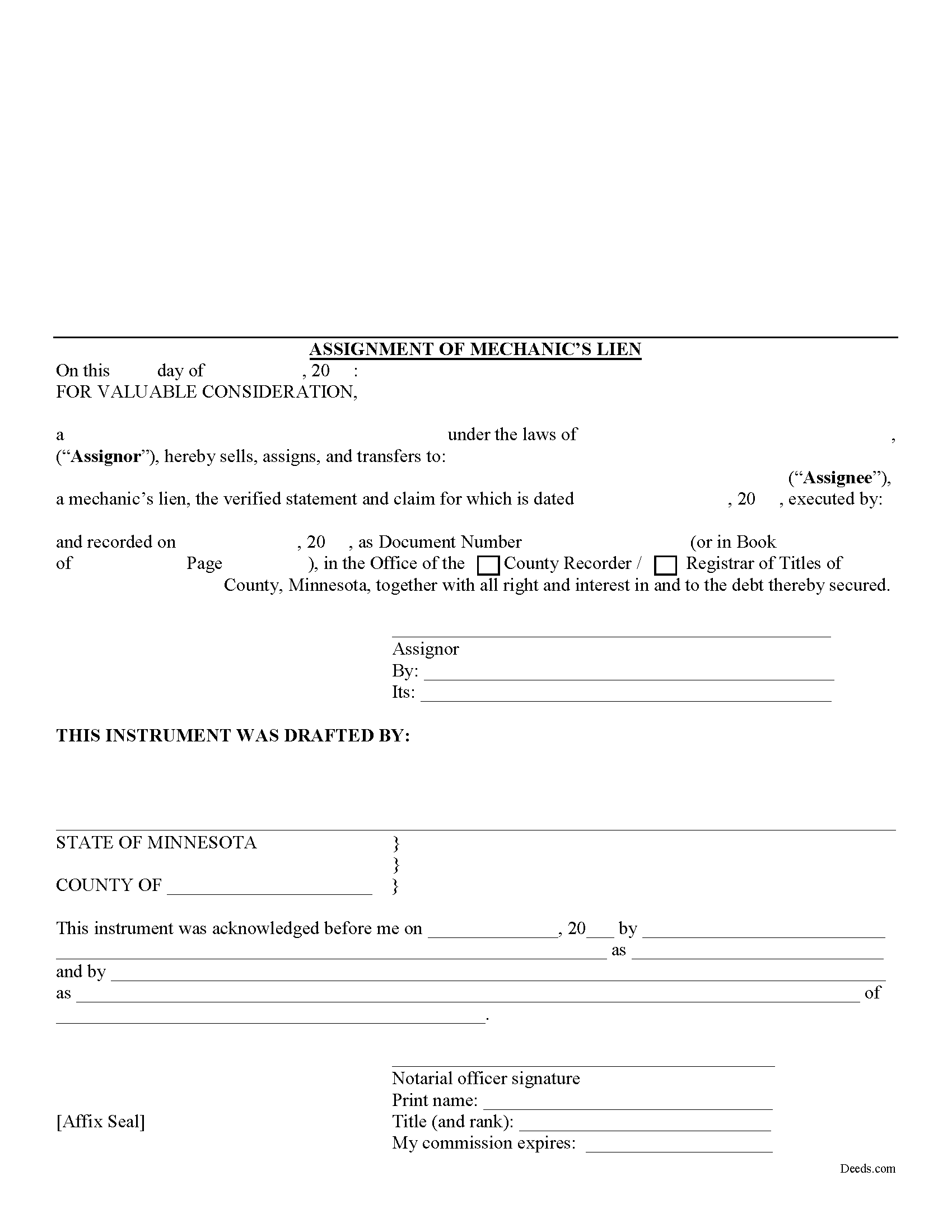
Stevens County Assignment of Mechanic Lien Form
Fill in the blank Assignment of Mechanic Lien form formatted to comply with all Minnesota recording and content requirements.
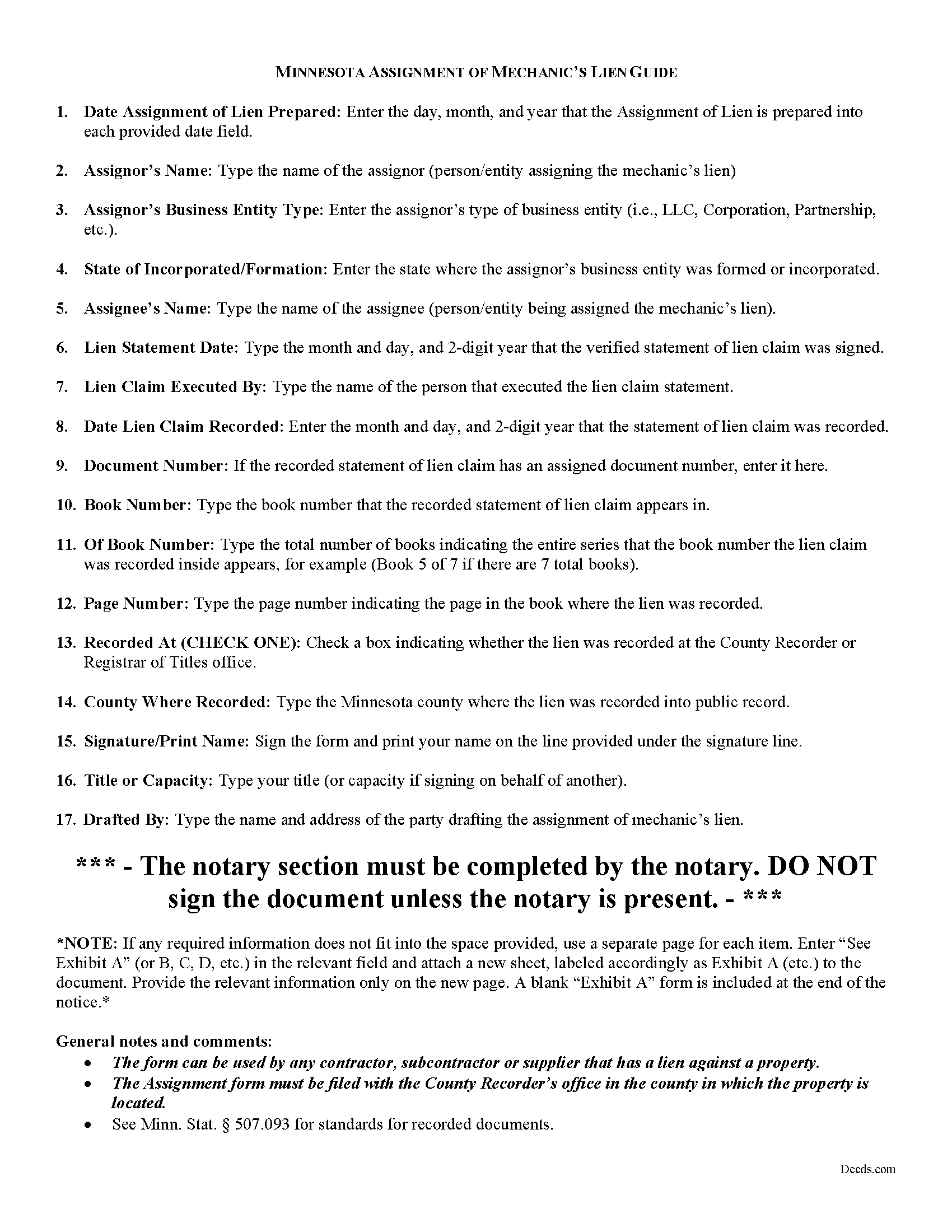
Stevens County Assignment of Mechanics Lien Guide
Line by line guide explaining every blank on the form.
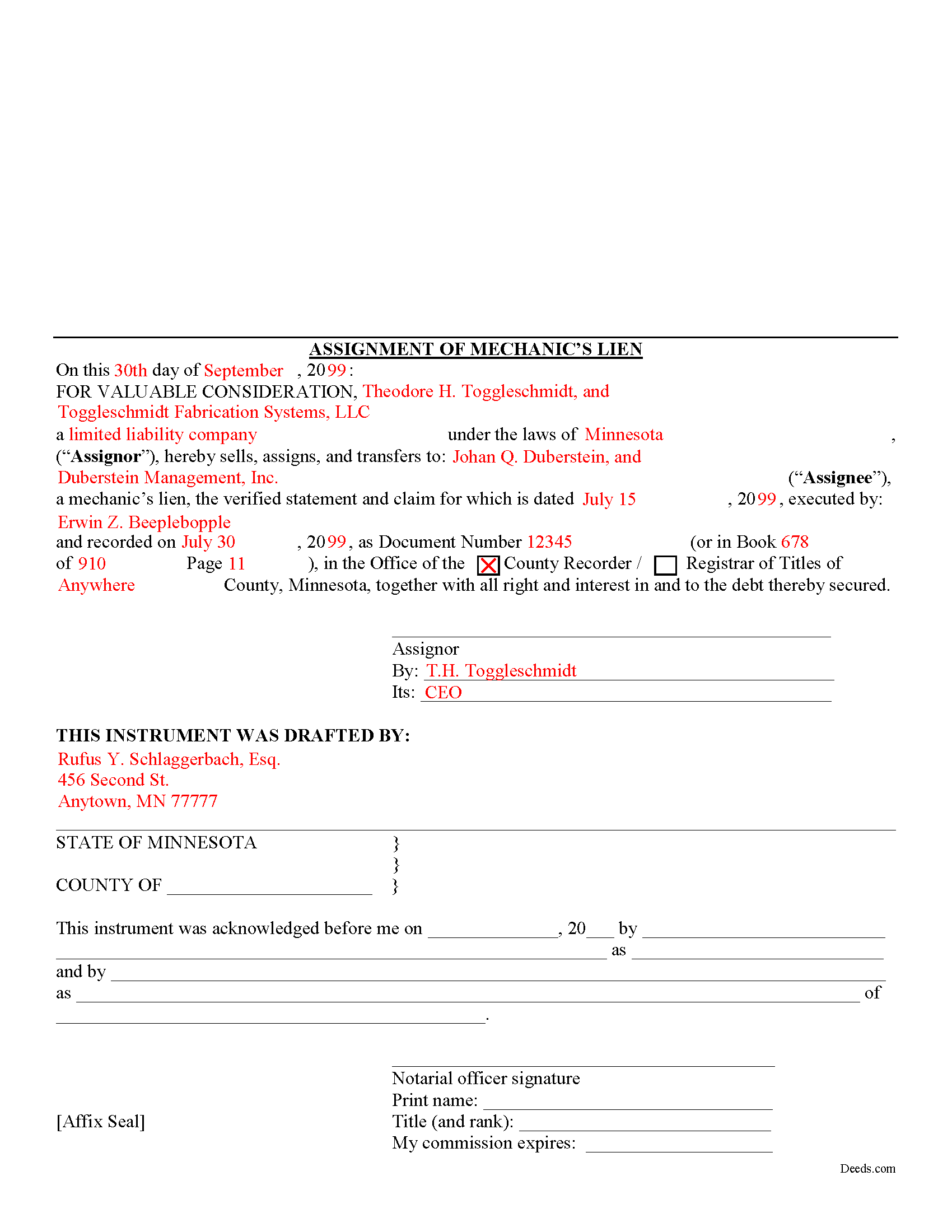
Stevens County Completed Example of the Assignment of Mechanics Lien Document
Example of a properly completed form for reference.
All 3 documents above included • One-time purchase • No recurring fees
Immediate Download • Secure Checkout
Additional Minnesota and Stevens County documents included at no extra charge:
Where to Record Your Documents
Stevens County Recorder
Morris, Minnesota 56267
Hours: 8:30am to 4:30pm M-F
Phone: (320) 208-6565
Recording Tips for Stevens County:
- Bring your driver's license or state-issued photo ID
- Ensure all signatures are in blue or black ink
- Check margin requirements - usually 1-2 inches at top
- Leave recording info boxes blank - the office fills these
- Make copies of your documents before recording - keep originals safe
Cities and Jurisdictions in Stevens County
Properties in any of these areas use Stevens County forms:
- Alberta
- Chokio
- Donnelly
- Hancock
- Morris
Hours, fees, requirements, and more for Stevens County
How do I get my forms?
Forms are available for immediate download after payment. The Stevens County forms will be in your account ready to download to your computer. An account is created for you during checkout if you don't have one. Forms are NOT emailed.
Are these forms guaranteed to be recordable in Stevens County?
Yes. Our form blanks are guaranteed to meet or exceed the applicable formatting requirements used for recording in Stevens County, including margin requirements, font requirements, and other layout standards. This guarantee applies to formatting, not to the legal sufficiency of information entered by the user or the suitability of a form for a particular transaction.
Can I reuse these forms?
Yes. You can reuse the forms for your personal use. For example, if you have multiple properties in Stevens County you only need to order once.
What do I need to use these forms?
The forms are PDFs that you fill out on your computer. The free Adobe Acrobat Reader is recommended, and most PDF apps also work. You do NOT enter your property information online - you download the blank forms and complete them privately on your own computer.
Are there any recurring fees?
No. This is a one-time purchase. Nothing to cancel, no memberships, no recurring fees.
How much does it cost to record in Stevens County?
Recording fees in Stevens County vary. Contact the recorder's office at (320) 208-6565 for current fees.
Questions answered? Let's get started!
One of the fundamental principles of contract law is the right to assign contract rights to a third party. This is a corollary to the principle of "delegation," which involves assigning the duties under a contract to a third party. For example, Jack contracts with Jill to build Jill a house. Jack then assigns the right to payment for the house to Fred (maybe he owes Fred some money on a debt). This is called an "assignment." Contrast that with if Jack were to enlist Fred to build the house for Jill to fulfill Jack and Jill's contract, this would be a "delegation" (although possibly not a legal one if Jill entered the agreement specifically to seek Jack's special services). With the basic legal terminology clarified, let's move on to how lien assignments work in Minnesota.
Lien assignments work like any other assignments of rights under other types of contracts. Therefore, they are governed under Minnesota's version of the Uniform Commercial Code which is codified under Chapter 336 of the Minnesota Statutes.
Under the Commercial Code's rule on assignments, all rights of either seller or buyer can be assigned except where the assignment would materially change the duty of the other party, or increase materially the burden or risk imposed on the other party by the contract, or impair materially the other party's chance of obtaining return performance. M.S. 336.2-210(2). In general, as long as there is no increased burden or risk, or the duties required by the party subject to the lien somehow change, an assignment is permissible.
This article is provided for informational purposes only and is not intended to be relied upon as a substitute for the advice of an attorney. Please contact a Minnesota attorney with any questions about assigning lien rights or other related issues.
Important: Your property must be located in Stevens County to use these forms. Documents should be recorded at the county recording office listed above.
This Assignment of Mechanic Lien meets all recording requirements specific to Stevens County.
Our Promise
The documents you receive here are guaranteed to meet or exceed the applicable Stevens County recording format requirements. If there is a rejection caused by our formatting, we will correct the issue or refund your payment. This guarantee applies to document formatting only and does not extend to information entered by the user, the selection of the form, or the legal effect of the completed document.
Save Time and Money
Get your Stevens County Assignment of Mechanic Lien form done right the first time with Deeds.com Uniform Conveyancing Blanks. At Deeds.com, we understand that your time and money are valuable resources, and we don't want you to face a penalty fee or rejection imposed by a county recorder for submitting nonstandard documents. We constantly review and update our forms to meet rapidly changing state and county recording requirements for roughly 3,500 counties and local jurisdictions.
4.8 out of 5 - ( 4,837 Reviews )
Daniel S. 5 out of 5 stars
Great way of getting the right documents for each state and county.
We appreciate your business and value your feedback. Thank you. Have a wonderful day!
Stephen U. 5 out of 5 stars
This is another great deal that has come out of the quarantine for covid. Saved me hours and days of time. and provides a way to file deeds that really isn't done effectively anyway else. It was also very inexpensive that you would not expect. I didn't even have to leave home.
Thank you for your feedback. We really appreciate it. Have a great day!
Kelly S. 5 out of 5 stars
Fast, easy, responsive.
Thank you!
Scott W. 5 out of 5 stars
Wow! That was easy! I was expecting a more difficult process. Upload your docs and wait for a response. Which was minutes later. I would give it 6 stars.
Thank you for your kind words Scott, glad we could help.
Jayne S. 5 out of 5 stars
Simple and quick -- just what we needed!
Your feedback is greatly appreciated. Thank you for taking the time to share your experience!
James H. 5 out of 5 stars
Very satisfied. Download was easy, completing the form was easy, got our signatures notarized and submitted it to the register of deeds. The only item was that the register of deeds did not immediately recognize the TOD deed form as the usual form they receive. After carefully reviewing all the information and wording on the deed she accepted it.
We appreciate your business and value your feedback. Thank you. Have a wonderful day!
Ismael T. 5 out of 5 stars
I was surprised and how quickly you guys process documents and helped on a mistake I had. Thank so much. I will definitely keep using Deeds.com
Thank you!
David P. 5 out of 5 stars
Thank you. I was just looking but still think it is a great website. Used it a couple of years ago for a deed. Thank you.
Thank you for your feedback. We really appreciate it. Have a great day!
jack b. 5 out of 5 stars
good form, reasonable fee
Thank you Jack. We really appreciate you taking the time to leave your feedback. Have a great day!
Karen P. 5 out of 5 stars
Very easy to use.
Thank you!
Nancy H. 5 out of 5 stars
Easy to use site. Would continue to go to for future needs.
We appreciate your business and value your feedback. Thank you. Have a wonderful day!
John C N. 5 out of 5 stars
Just the website I needed. Very detailed and efficient.
Thank you for taking the time to provide your feedback John, we really appreciate it. Have an amazing day!
Janet C. 5 out of 5 stars
Easy to use website and extremely helpful. great service!
Thank you!
Heather W. 5 out of 5 stars
Easy to use Example provided Clear instructions
Thank you for your feedback. We really appreciate it. Have a great day!
Maria M. 5 out of 5 stars
The requested documents I needed were provided and also complete instructions on how to fill them out. I definitely will you this service again.
We appreciate your business and value your feedback. Thank you. Have a wonderful day!