Anoka County Correction Deed Form
Last validated October 22, 2026 by our Forms Development TeamFormatted for recording in Anoka County, for property anywhere in the county: rural and unincorporated areas as well as Andover, Anoka, Bethel, Cedar, Circle Pines, Minneapolis, Saint Francis.
- 3 documents included
- Immediate PDF download
- Formatting guarantee
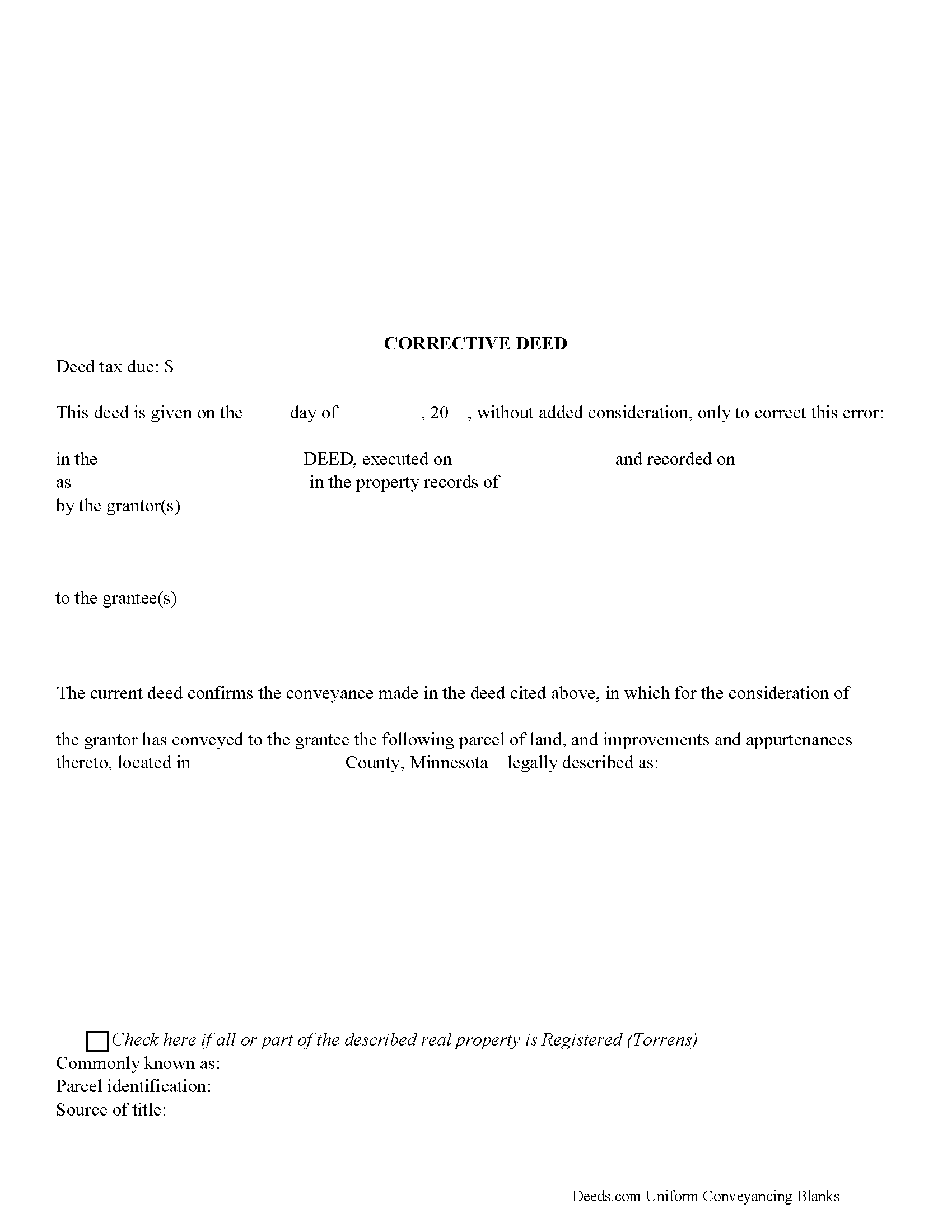
Anoka County Corrective Deed Form
Fill in the blank form formatted to comply with all recording and content requirements.
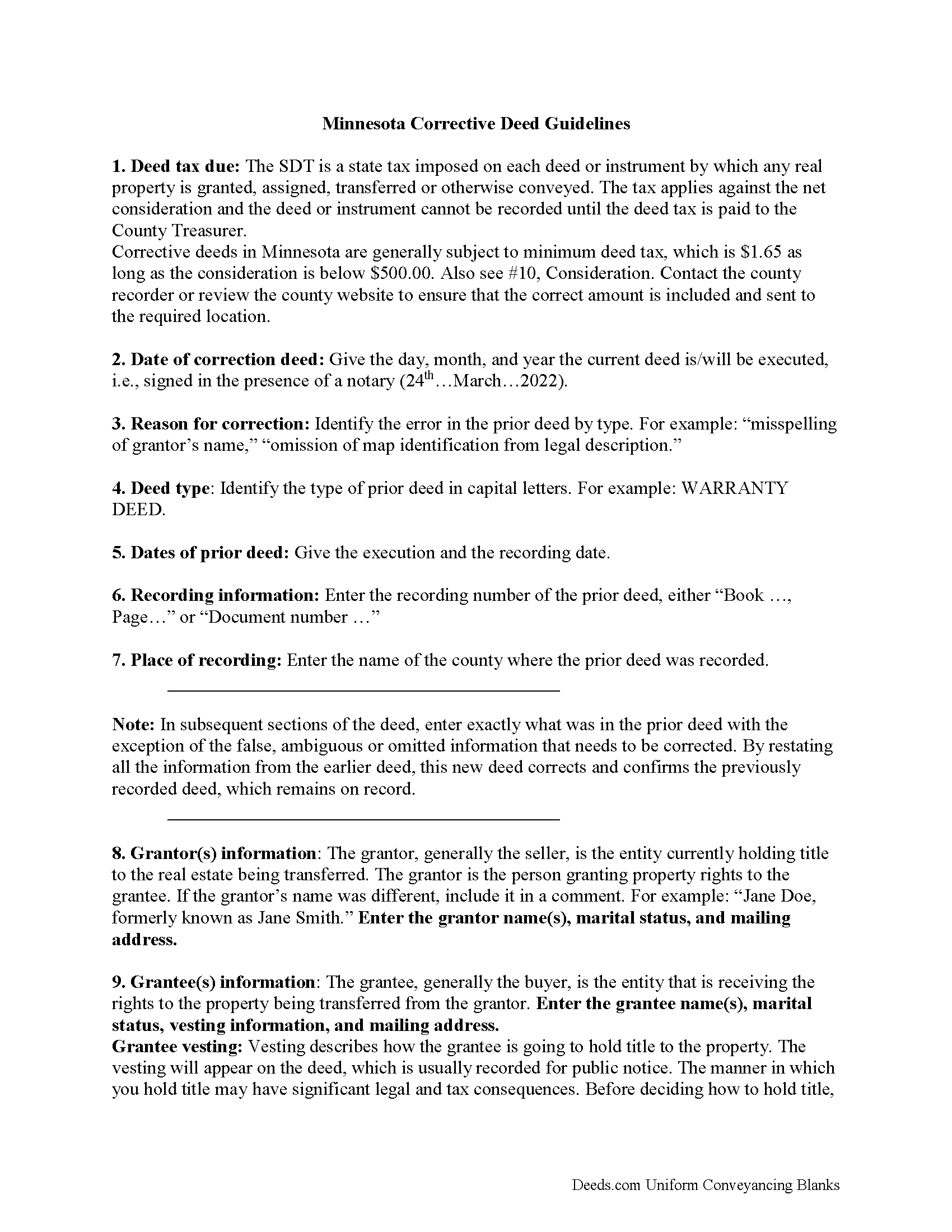
Anoka County Correction Deed Guide
Line by line guide explaining every blank on the form.
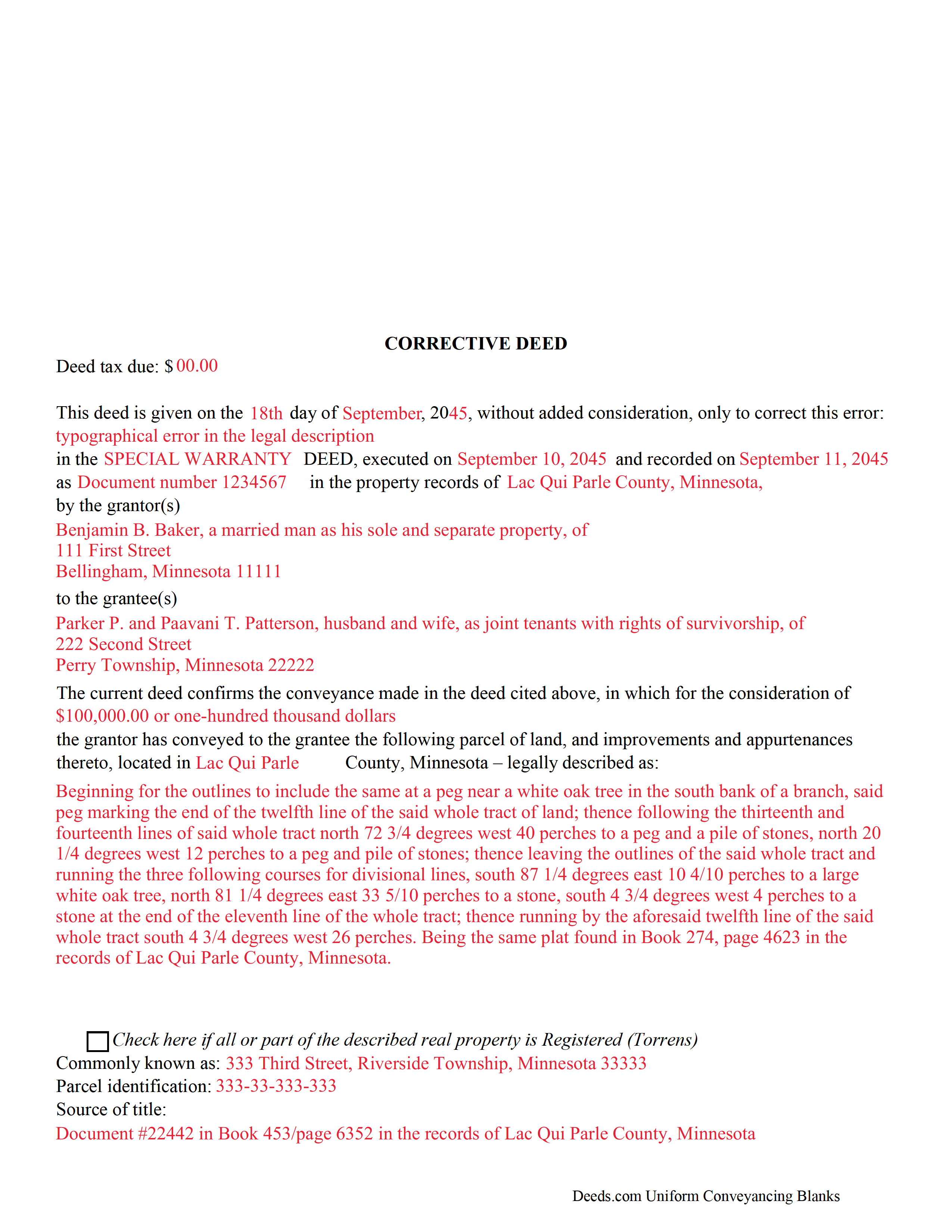
Anoka County Completed Example of the Corrective Deed Document
Example of a properly completed form for reference.
All 3 documents above included • One-time purchase • No recurring fees
Immediate Download • Secure Checkout
Additional Minnesota and Anoka County documents included at no extra charge:
Where to Record Your Documents
Property Records & Taxation
Anoka, Minnesota 55303
Hours: 8:00am to 4:30pm M-F
Phone: (763) 323-5400
Recording Tips for Anoka County:
- Bring your driver's license or state-issued photo ID
- Ensure all signatures are in blue or black ink
- Both spouses typically need to sign if property is jointly owned
- Bring extra funds - fees can vary by document type and page count
- Check margin requirements - usually 1-2 inches at top
Cities and Jurisdictions in Anoka County
Properties in any of these areas use Anoka County forms:
- Andover
- Anoka
- Bethel
- Cedar
- Circle Pines
- Minneapolis
- Saint Francis
Hours, fees, requirements, and more for Anoka County
How do I get my forms?
Forms are available for immediate download after payment. The Anoka County forms will be in your account ready to download to your computer. An account is created for you during checkout if you don't have one. Forms are NOT emailed.
Are these forms guaranteed to be recordable in Anoka County?
Yes. Our form blanks are guaranteed to meet or exceed the applicable formatting requirements used for recording in Anoka County, including margin requirements, font requirements, and other layout standards. This guarantee applies to formatting, not to the legal sufficiency of information entered by the user or the suitability of a form for a particular transaction.
Can I reuse these forms?
Yes. You can reuse the forms for your personal use. For example, if you have multiple properties in Anoka County you only need to order once.
What do I need to use these forms?
The forms are PDFs that you fill out on your computer. The free Adobe Acrobat Reader is recommended, and most PDF apps also work. You do NOT enter your property information online - you download the blank forms and complete them privately on your own computer.
Are there any recurring fees?
No. This is a one-time purchase. Nothing to cancel, no memberships, no recurring fees.
How much does it cost to record in Anoka County?
Recording fees in Anoka County vary. Contact the recorder's office at (763) 323-5400 for current fees.
Questions answered? Let's get started!
Use the corrective deed to amend a previously recorded deed of conveyance with an error that could affect the title.
In Minnesota, there are two options for correcting a deed, re-recording the corrected original deed and recording a newly drafted corrective deed. When re-recording the original deed, make corrections directly on the document, but keep in mind that legal documents cannot be altered with strikeout, whiteout, line through or correction tape. Check with the county's recording office before choosing this option to verify local requirements regarding title pages, required attachments and how to handle the correcting itself.
A re-recorded document must be re-signed by the original parties and re-acknowledged and contain a correction statement that gives the reason for the re-recording and refers to the prior recording. Keep in mind that adding extra pages for the various required statements and the signatures will increase the overall page count of the re-recording, which may affect recording fees.
The easiest and cleanest option is to record a new corrective deed, which mostly restates the prior deed, but also contains the reason for the correction, reference to the prior deed by date, recording number and title, as well as the actual corrected information. By restating all the information from the earlier deed, the new deed corrects and confirms the previously recorded deed, which remains on record.
Take advantage of the statutorily defined right to have a corrective instrument inspected by the county attorney, who, "on finding that such deed is given for the purpose of correcting a defect in the title, or on account of a technical error in a prior conveyance," will certify those findings so that the deed can be recorded even if "there are unpaid taxes or assessments upon such land." (Minn. Stat. 272.15) As far as deed tax is concerned, corrective deeds in Minnesota are generally subject to minimum deed tax. Contact the county recorder or review the county website to ensure that the correct amount is included and sent to the required location.
(Minnesota CD Package includes form, guidelines, and completed example)
Important: Your property must be located in Anoka County to use these forms. Documents should be recorded at the county recording office listed above.
This Correction Deed meets all recording requirements specific to Anoka County.
Our Promise
The documents you receive here are guaranteed to meet or exceed the applicable Anoka County recording format requirements. If there is a rejection caused by our formatting, we will correct the issue or refund your payment. This guarantee applies to document formatting only and does not extend to information entered by the user, the selection of the form, or the legal effect of the completed document.
Save Time and Money
Get your Anoka County Correction Deed form done right the first time with Deeds.com Uniform Conveyancing Blanks. At Deeds.com, we understand that your time and money are valuable resources, and we don't want you to face a penalty fee or rejection imposed by a county recorder for submitting nonstandard documents. We constantly review and update our forms to meet rapidly changing state and county recording requirements for roughly 3,500 counties and local jurisdictions.
4.8 out of 5 - ( 4,839 Reviews )
John U. 4 out of 5 stars
It's too early for me to tell because I just uploaded the document today and it hasn't been recorded yet. However, I will say that the website is very user friendly so assuming that everything goes as planned, this is a great service.
Thank you!
Michael M. 5 out of 5 stars
I downloaded the gift deed and I can not type my info onto it what am I doing wrong. Please advise
Sounds like you may be trying to complete the form in your browser. The document needs to be downloaded and saved to you computer, then opened in Adobe.
John K. 5 out of 5 stars
The website was very easy to work. The documents were just what I needed and everything that my state and county required.
We appreciate your business and value your feedback. Thank you. Have a wonderful day!
Wayne S. 5 out of 5 stars
The website is quick and easy to navigate and the downloading of forms is a simple process.
Thank you, Wayne! We're thrilled to hear that you found our website quick and easy to navigate. Making the process simple for our customers is our goal! If you ever need anything, we're here to help. Appreciate your support!
YAZMIN M. 5 out of 5 stars
excellent
Thank you!
Aaron H. 5 out of 5 stars
Excellent service! Easy to use interface and quick response post-recording.
Thank you for your feedback. We really appreciate it. Have a great day!
Willie P. 5 out of 5 stars
Your service was excellent
Thank you for your feedback. We really appreciate it. Have a great day!
Paul S. 5 out of 5 stars
Worked very well
Thank you!
Terry S. 4 out of 5 stars
I was very happy with the document package that I purchased. It contained all of the necessary documents and a few extras I had not thought about. Perhaps if you provided a link to download all of the documents with one click, it would make it a little easier.
Thank you for your feedback. We really appreciate it. Have a great day!
Steve R. 5 out of 5 stars
Quick, clean, easy. A hat trick.
Thank you!
JOHN L. 5 out of 5 stars
Not just good, very good. Very intuitive and very responsive. It just works!
Thank you for your feedback. We really appreciate it. Have a great day!
Kimberly W. 5 out of 5 stars
Thank you for making this process so convenient.
Thank you for your feedback. We really appreciate it. Have a great day!
Wes C. 5 out of 5 stars
The forms are easy to use and the examples and guidance are easy to understand and follow.
Thank you for your feedback. We really appreciate it. Have a great day!
Jane E. 5 out of 5 stars
The form was incompatible with my son's new computer. I do not have a printer. We did use your form to type a copy into "word" so he could print it.
Thank you!
Celestine U. 5 out of 5 stars
Very well done
Thank you!