Lake Of The Woods County Limited Warranty Deed Excluding Assessment Form
Last validated October 2, 2026 by our Forms Development TeamFormatted for recording in Lake Of The Woods County, for property anywhere in the county: rural and unincorporated areas as well as Angle Inlet, Baudette, Oak Island, Williams.
- 3 documents included
- Immediate PDF download
- Formatting guarantee
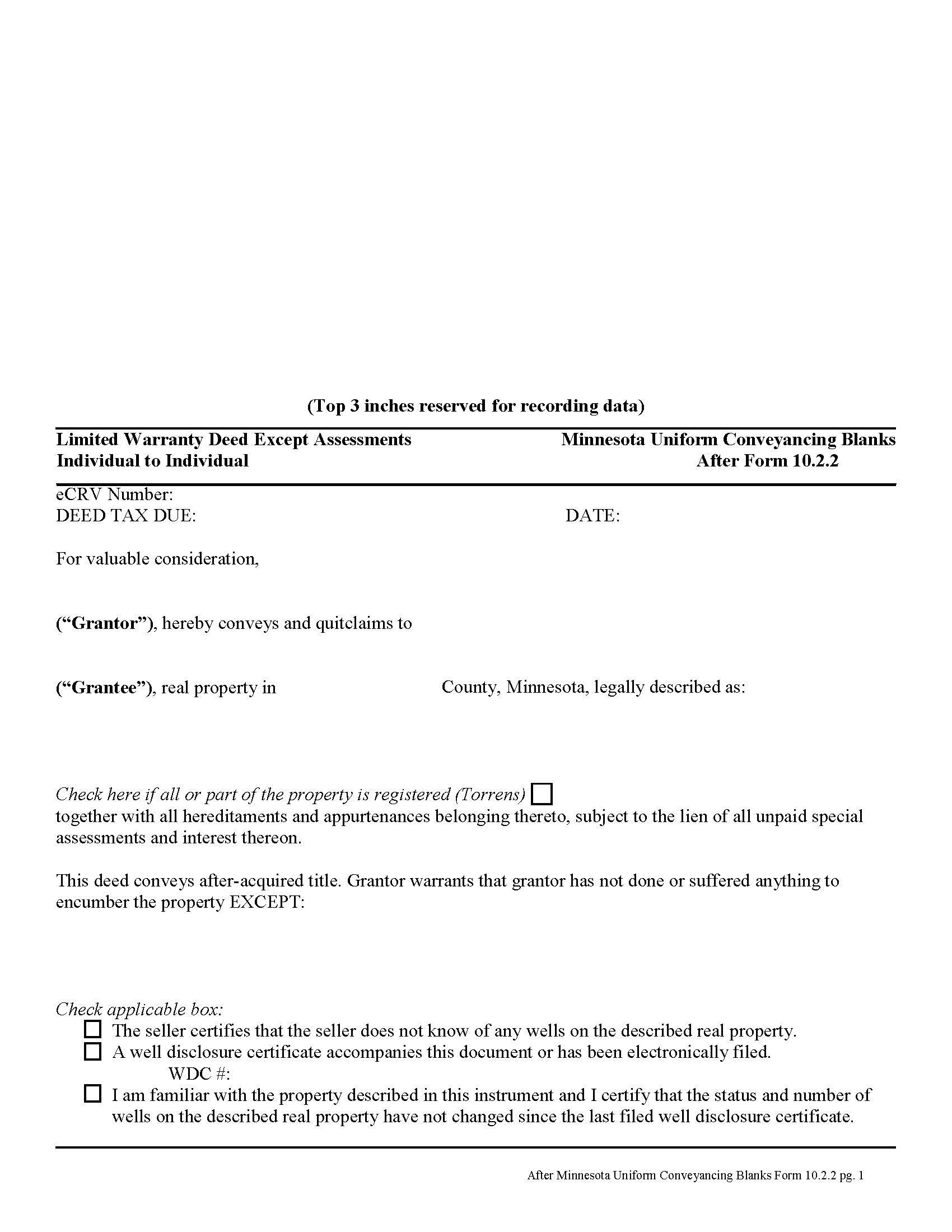
Lake Of The Woods County Limited Warranty Deed Excluding Assessment Form
Fill in the blank form formatted to comply with all recording and content requirements.
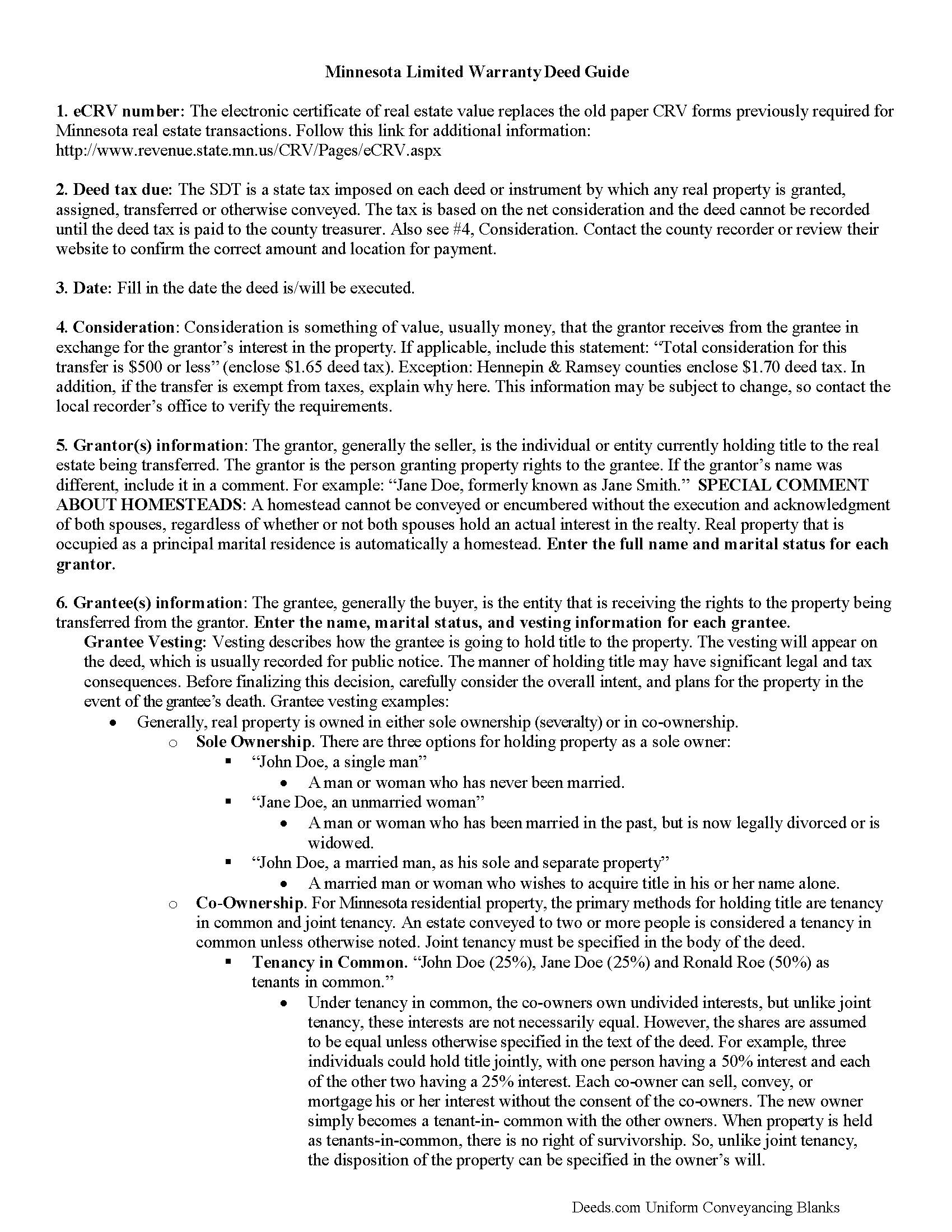
Lake Of The Woods County Limited Warranty Deed Excluding Assessment Guide
Line by line guide explaining every blank on the form.
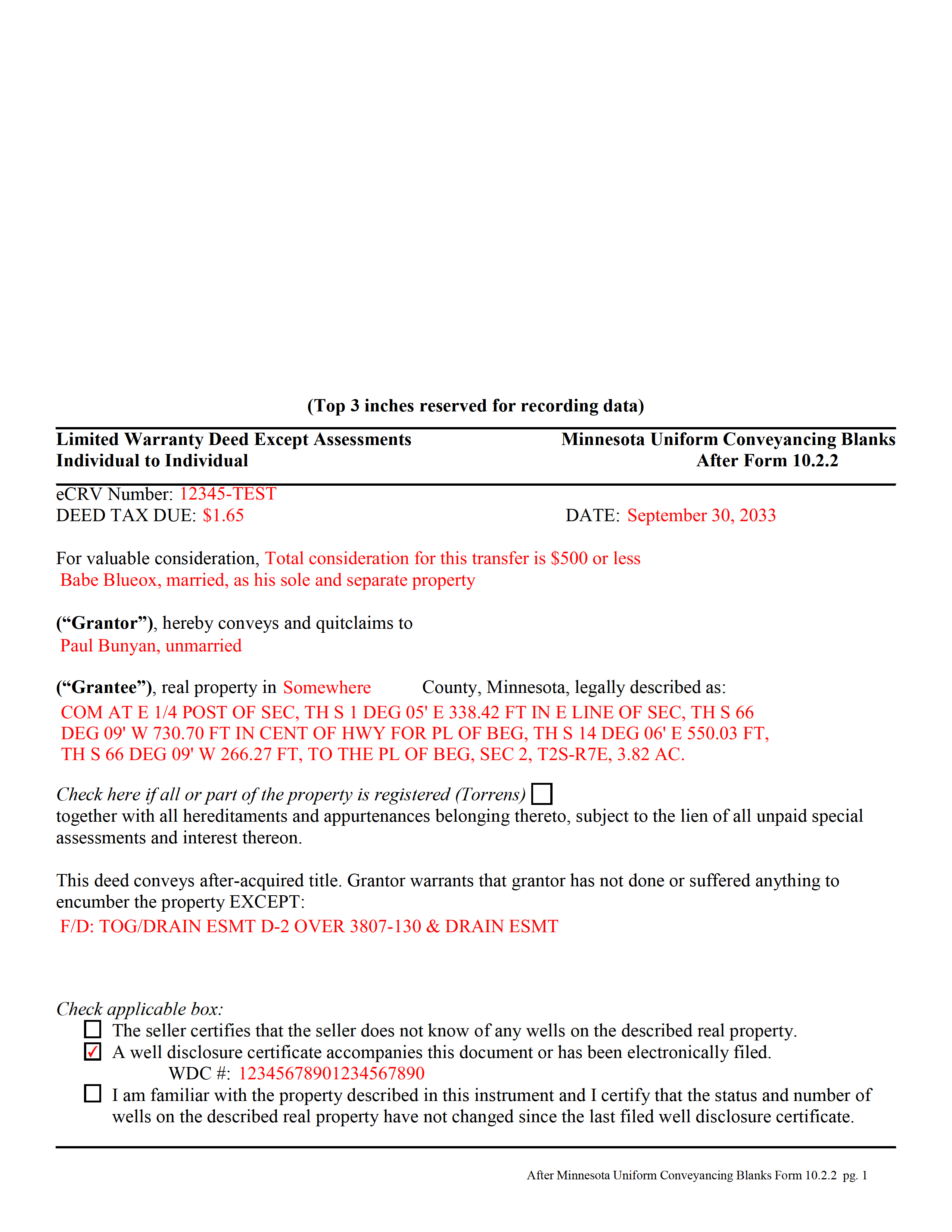
Lake Of The Woods County Completed Example of the Limited Warranty Deed Excluding Assessment Form
Example of a properly completed form for reference.
All 3 documents above included • One-time purchase • No recurring fees
Immediate Download • Secure Checkout
Additional Minnesota and Lake Of The Woods County documents included at no extra charge:
Where to Record Your Documents
County Recorder
Baudette, Minnesota 56623
Hours: 8:00am to 4:30pm Monday through Friday
Phone: (218) 634-1902
Recording Tips for Lake Of The Woods County:
- Bring your driver's license or state-issued photo ID
- Ensure all signatures are in blue or black ink
- Verify all names are spelled correctly before recording
- White-out or correction fluid may cause rejection
- Ask about their eRecording option for future transactions
Cities and Jurisdictions in Lake Of The Woods County
Properties in any of these areas use Lake Of The Woods County forms:
- Angle Inlet
- Baudette
- Oak Island
- Williams
Hours, fees, requirements, and more for Lake Of The Woods County
How do I get my forms?
Forms are available for immediate download after payment. The Lake Of The Woods County forms will be in your account ready to download to your computer. An account is created for you during checkout if you don't have one. Forms are NOT emailed.
Are these forms guaranteed to be recordable in Lake Of The Woods County?
Yes. Our form blanks are guaranteed to meet or exceed the applicable formatting requirements used for recording in Lake Of The Woods County, including margin requirements, font requirements, and other layout standards. This guarantee applies to formatting, not to the legal sufficiency of information entered by the user or the suitability of a form for a particular transaction.
Can I reuse these forms?
Yes. You can reuse the forms for your personal use. For example, if you have multiple properties in Lake Of The Woods County you only need to order once.
What do I need to use these forms?
The forms are PDFs that you fill out on your computer. The free Adobe Acrobat Reader is recommended, and most PDF apps also work. You do NOT enter your property information online - you download the blank forms and complete them privately on your own computer.
Are there any recurring fees?
No. This is a one-time purchase. Nothing to cancel, no memberships, no recurring fees.
How much does it cost to record in Lake Of The Woods County?
Recording fees in Lake Of The Woods County vary. Contact the recorder's office at (218) 634-1902 for current fees.
Questions answered? Let's get started!
A limited warranty deed is used for Minnesota real estate transactions where the grantor agrees to guarantee that, during the time of ownership, the grantor did nothing to encumber the property. The deed also passes after-acquired title (any future rights the grantor gains to the same land transferred by the deed).
By excluding assessments from the covenants of title, the grantor alerts the grantee to the fact that one or more outstanding assessment liens and any associated interest may still be attached to the title.
(Minnesota LWD Excluding Assessment Package includes form, guidelines, and completed example)
Important: Your property must be located in Lake Of The Woods County to use these forms. Documents should be recorded at the county recording office listed above.
This Limited Warranty Deed Excluding Assessment meets all recording requirements specific to Lake Of The Woods County.
Our Promise
The documents you receive here are guaranteed to meet or exceed the applicable Lake Of The Woods County recording format requirements. If there is a rejection caused by our formatting, we will correct the issue or refund your payment. This guarantee applies to document formatting only and does not extend to information entered by the user, the selection of the form, or the legal effect of the completed document.
Save Time and Money
Get your Lake Of The Woods County Limited Warranty Deed Excluding Assessment form done right the first time with Deeds.com Uniform Conveyancing Blanks. At Deeds.com, we understand that your time and money are valuable resources, and we don't want you to face a penalty fee or rejection imposed by a county recorder for submitting nonstandard documents. We constantly review and update our forms to meet rapidly changing state and county recording requirements for roughly 3,500 counties and local jurisdictions.
4.8 out of 5 - ( 4,858 Reviews )
Sharon M. 5 out of 5 stars
I will be going through title, so didn't order deed, but I think your website is wonderful. It's great to offer online services, such a great time saving for me with my work. Thank you, Sharon M.
Thank you for taking the time to leave your feedback Sharon, we really appreciate it. Have a fantastic day!
James B. 5 out of 5 stars
Your website is very easy to use. No problem downloading the forms.
Thank you!
Jim H. 5 out of 5 stars
Well written form, and the guidance document and example supplied were very helpful.
Thank you!
Kimberly M. 5 out of 5 stars
Great service once again from Deeds.com. I will be using them again in the future.
We appreciate your business and value your feedback. Thank you. Have a wonderful day!
Debra C. 5 out of 5 stars
Excellent service. Love the site.
Thank you for your feedback. We really appreciate it. Have a great day!
John v. 4 out of 5 stars
Process is well laid out, clear and concise. Check out is easy. Recommendations: * Assign names to the downloadable files that are meaningful, such as: WARRANTY DEED instead of the useless and cryptic 1420490866F11417.pdf. * Provide a ONE BUTTON DOWNLOAD for all forms ordered. It's aggravating to have to click on each of the 20 documents and download them individually.
Thank you for your feedback. We really appreciate it. Have a great day!
James B. 5 out of 5 stars
Reliable and fast. A great assest.
Thank you!
Michael L. 5 out of 5 stars
Quick and Easy. Much appreciated!
Thank you for your feedback. We really appreciate it. Have a great day!
Francis L. 2 out of 5 stars
You have duplicate documents in your listing of documents. please clean up.
Thank you!
John S. 5 out of 5 stars
Your service is refreshingly clear, simple, and free of superfluous claims or unnecessary marketing. And, more affordable than other online legal document providers I've looked at. So nice! I forgot I had used it some years ago for another deed so glad you are still around for this time.
Thank you for the kind words John. Have a fantastic day!
Toni M. 5 out of 5 stars
I liked having the forms. Some may need to know they can look at the legal Description from online county records, then type up in Word document line by line, the degree sign in Word program is achieved by using alt and 248 on number pad. Then on the form page one write SEE Exibit A and title your Word program description as Exibit A. Goes without saying the legal description should be looked over many times and it is easier to do so if you format your Word the same lineage as the legal description online which is usually not text which is why you have to retype it.
Thank you for your feedback. We really appreciate it. Have a great day!
Frazer W. 5 out of 5 stars
Deeds.com does a great job getting our legal documents filed with the D.C. Recorder of Deeds. Frazer Walton, Jr. Law Office of Frazer Walton, Jr.
Your appreciative words mean the world to us. Thank you.
Fred A. 5 out of 5 stars
Extremely easy to find what you need and get the documents downloaded.
Thanks so much, Fred! We really appreciate your kind words and are glad you had a smooth experience.
willie jr t. 5 out of 5 stars
Awesome! Thanks so so much!
Thank you!
DAVID H. 5 out of 5 stars
perfect. follow examples. no problem at court house. good deed layout.
Thank you for your feedback. We really appreciate it. Have a great day!