Cass County Quitclaim Deed from Individual to Joint Tenants Form
Last validated September 9, 2026 by our Forms Development TeamFormatted for recording in Cass County, for property anywhere in the county: rural and unincorporated areas as well as Ah Gwah Ching, Backus, Bena, Cass Lake, Federal Dam, Hackensack, Longville, Outing and 5 more.
- 3 documents included
- Immediate PDF download
- Formatting guarantee
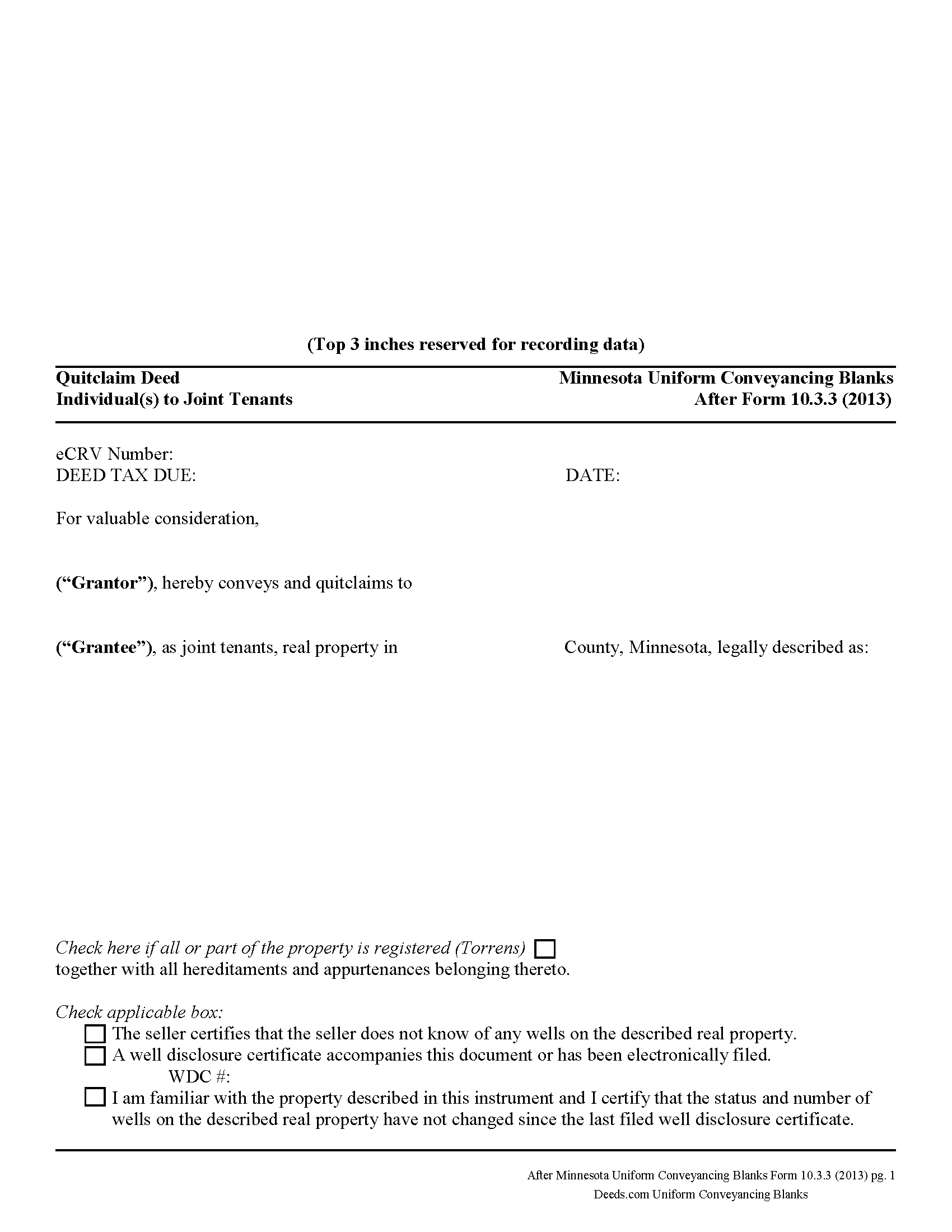
Cass County Quitclaim Deed from Individual to Joint Tenants Form
Fill in the blank Quitclaim Deed from Individual to Joint Tenants form formatted to comply with all Minnesota recording and content requirements.
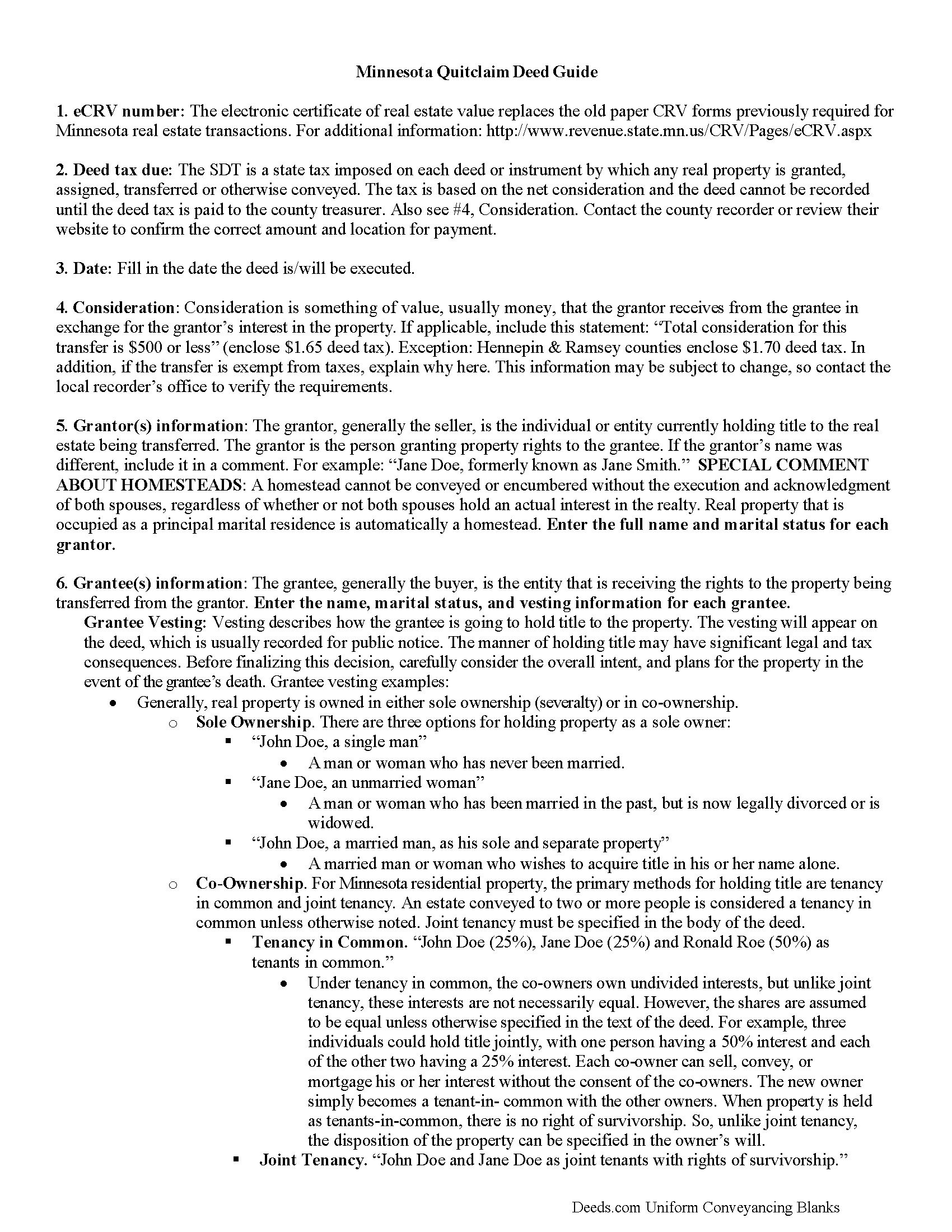
Cass County Quitclaim Deed from Individual to Joint Tenants Guide
Line by line guide explaining every blank on the Quitclaim Deed from Individual to Joint Tenants form.
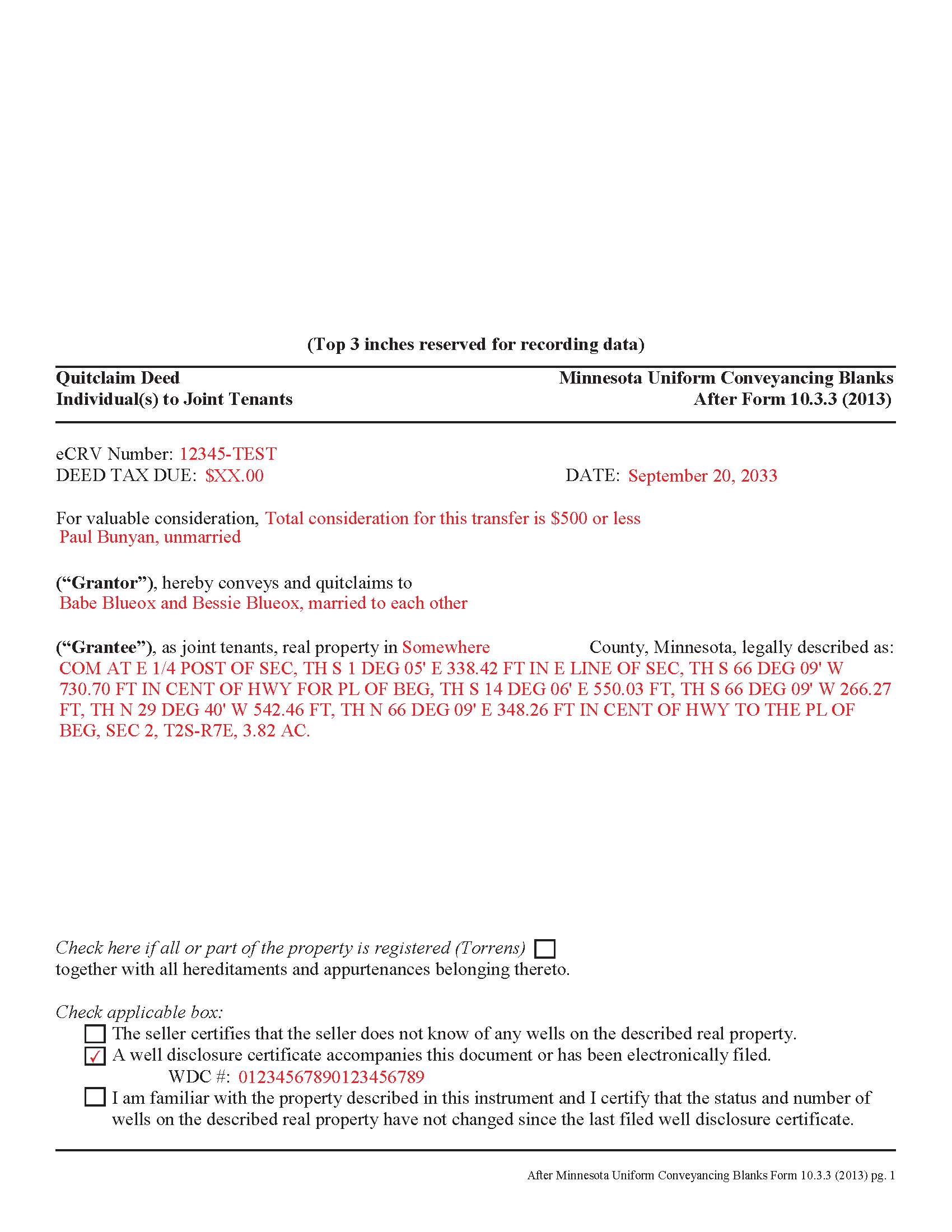
Cass County Completed Example of the Quitclaim Deed from Individual to Joint Tenants Document
Example of a properly completed Minnesota Quitclaim Deed from Individual to Joint Tenants document for reference.
All 3 documents above included • One-time purchase • No recurring fees
Immediate Download • Secure Checkout
Additional Minnesota and Cass County documents included at no extra charge:
Where to Record Your Documents
County Recorder/Registrar
Walker, Minnesota 56484
Hours: 8:30 to 4:30 M-F
Phone: (218) 547-7381
Recording Tips for Cass County:
- Bring your driver's license or state-issued photo ID
- Ensure all signatures are in blue or black ink
- Make copies of your documents before recording - keep originals safe
- Recorded documents become public record - avoid including SSNs
- Recording fees may differ from what's posted online - verify current rates
Cities and Jurisdictions in Cass County
Properties in any of these areas use Cass County forms:
- Ah Gwah Ching
- Backus
- Bena
- Cass Lake
- Federal Dam
- Hackensack
- Longville
- Outing
- Pillager
- Pine River
- Remer
- Swatara
- Walker
Hours, fees, requirements, and more for Cass County
How do I get my forms?
Forms are available for immediate download after payment. The Cass County forms will be in your account ready to download to your computer. An account is created for you during checkout if you don't have one. Forms are NOT emailed.
Are these forms guaranteed to be recordable in Cass County?
Yes. Our form blanks are guaranteed to meet or exceed the applicable formatting requirements used for recording in Cass County, including margin requirements, font requirements, and other layout standards. This guarantee applies to formatting, not to the legal sufficiency of information entered by the user or the suitability of a form for a particular transaction.
Can I reuse these forms?
Yes. You can reuse the forms for your personal use. For example, if you have multiple properties in Cass County you only need to order once.
What do I need to use these forms?
The forms are PDFs that you fill out on your computer. The free Adobe Acrobat Reader is recommended, and most PDF apps also work. You do NOT enter your property information online - you download the blank forms and complete them privately on your own computer.
Are there any recurring fees?
No. This is a one-time purchase. Nothing to cancel, no memberships, no recurring fees.
How much does it cost to record in Cass County?
Recording fees in Cass County vary. Contact the recorder's office at (218) 547-7381 for current fees.
Questions answered? Let's get started!
Minnesota's real estate deeds are governed by Minn. Stat. 507, which contains the basic form and requirements for lawful conveyance of property. A quitclaim deed is used in Minnesota real estate transactions where the grantor agrees that "such instrument, duly executed, shall be a conveyance to the grantee, the grantee's heirs and assigns, of all right, title, and interest of the grantor in the premises described, but shall not extend to after acquired title, unless words expressing such intention be added." (507.07). In other words, a quitclaim deed generally transfers only the grantor's current interest, if any, in the property at the time of the deed's execution.
While properly completed statutory form may suffice in many situations, they leave the possibility for errors based on incorrect or missing information. To reduce confusion about the information needed for different real estate transactions, Minnesota suggests guidelines for uniform conveyancing forms, each with a specific purpose. See Minn. Stat. 507.09-507.14.
This quitclaim deed form, specifically intended for real property transfers from individual owner(s) to joint tenants, matches the format, content, and requirements set forth in the most recent update.
(Minnesota QCD Ind to JT Package includes form, guidelines, and completed example)
Important: Your property must be located in Cass County to use these forms. Documents should be recorded at the county recording office listed above.
This Quitclaim Deed from Individual to Joint Tenants meets all recording requirements specific to Cass County.
Our Promise
The documents you receive here are guaranteed to meet or exceed the applicable Cass County recording format requirements. If there is a rejection caused by our formatting, we will correct the issue or refund your payment. This guarantee applies to document formatting only and does not extend to information entered by the user, the selection of the form, or the legal effect of the completed document.
Save Time and Money
Get your Cass County Quitclaim Deed from Individual to Joint Tenants form done right the first time with Deeds.com Uniform Conveyancing Blanks. At Deeds.com, we understand that your time and money are valuable resources, and we don't want you to face a penalty fee or rejection imposed by a county recorder for submitting nonstandard documents. We constantly review and update our forms to meet rapidly changing state and county recording requirements for roughly 3,500 counties and local jurisdictions.
4.8 out of 5 - ( 4,828 Reviews )
Julia M. 5 out of 5 stars
I live in AZ and have an existing beneficiary deed on my property. I needed to know the process of revoking a beneficiary deed. Your site was very helpful by providing the correct form and instructions for recording it. Thank you!
Your satisfaction with our services is of utmost importance to us. Thank you for letting us know how we did!
Andrea R. 5 out of 5 stars
I was pleasantly surprised as I didn't even know you can record a quit claim deed digitally. I am in the mortgage business so I will gladly refer all my clients to this website! Deeds.com was prompt and fast with the entire process. My document was recorded and completed in less than 24 hours! Thank you again!
We appreciate your business and value your feedback. Thank you. Have a wonderful day!
Christopher G. 5 out of 5 stars
Great service and very easy to complete
Thank you for your feedback. We really appreciate it. Have a great day!
James C. 5 out of 5 stars
An excellent resource for users.
Thank you!
carol g. 5 out of 5 stars
very good. got my info in minuetes. thank you
Thank you for your feedback Carol, have a great day!
William V. 5 out of 5 stars
I finally got it. Thanks, William Vickery
Thank you!
ALAN C. 5 out of 5 stars
Everything was as advertised, and easily downloaded.
We appreciate your business and value your feedback. Thank you. Have a wonderful day!
R Rodney H. 5 out of 5 stars
Excellent service--I got just the information I needed quickly and reasonably priced. I am glad to know of this service for future needs, as an individual, in this sector. Cheers, RRH
We appreciate your business and value your feedback. Thank you. Have a wonderful day!
Matt G. 4 out of 5 stars
The process went smoothly and gave me what I needed. As an improvement, I would recommend that deeds.com sends an email when there is a new message in the portal. I didn't get any updates and had to log in to track progress each time.
Thank you for your feedback. We really appreciate it. Have a great day!
Alice s. 5 out of 5 stars
So far so good!
Happy we could assist. Thank you for sharing your experience.
Bonnie A. 5 out of 5 stars
I little struggle downloading the forms at first but support helped. After that it was a breeze, happy with everything.
We appreciate your business and value your feedback. Thank you. Have a wonderful day!
james b. 5 out of 5 stars
worked great
Thank you!
Daniel Z. 5 out of 5 stars
I am satisfied with the service. Live in another state and could not go directly to the county office for my deed. Your service solved my problem. Thank you
We appreciate your business and value your feedback. Thank you. Have a wonderful day!
laura w. 5 out of 5 stars
I found Deeds to be okay except I was hoping it would give me a title or deed to my house if I would have known I would have just got a warranty deed I probably would not have pay the money but it's still worth it
Thank you for your feedback. We really appreciate it. Have a great day!
Clifford B. 5 out of 5 stars
I appreciate the formatting to match the expectations of the specific Registry of Deeds that I will be filing with. That is very helpful. In my case the easement is for septic disposal field and sample wording for different purposes would be helpful.
Thank you!