Stevens County Quitclaim Deed (Individual Grantor) Form
Last validated October 1, 2026 by our Forms Development TeamFormatted for recording in Stevens County, for property anywhere in the county: rural and unincorporated areas as well as Alberta, Chokio, Donnelly, Hancock, Morris.
- 3 documents included
- Immediate PDF download
- Formatting guarantee
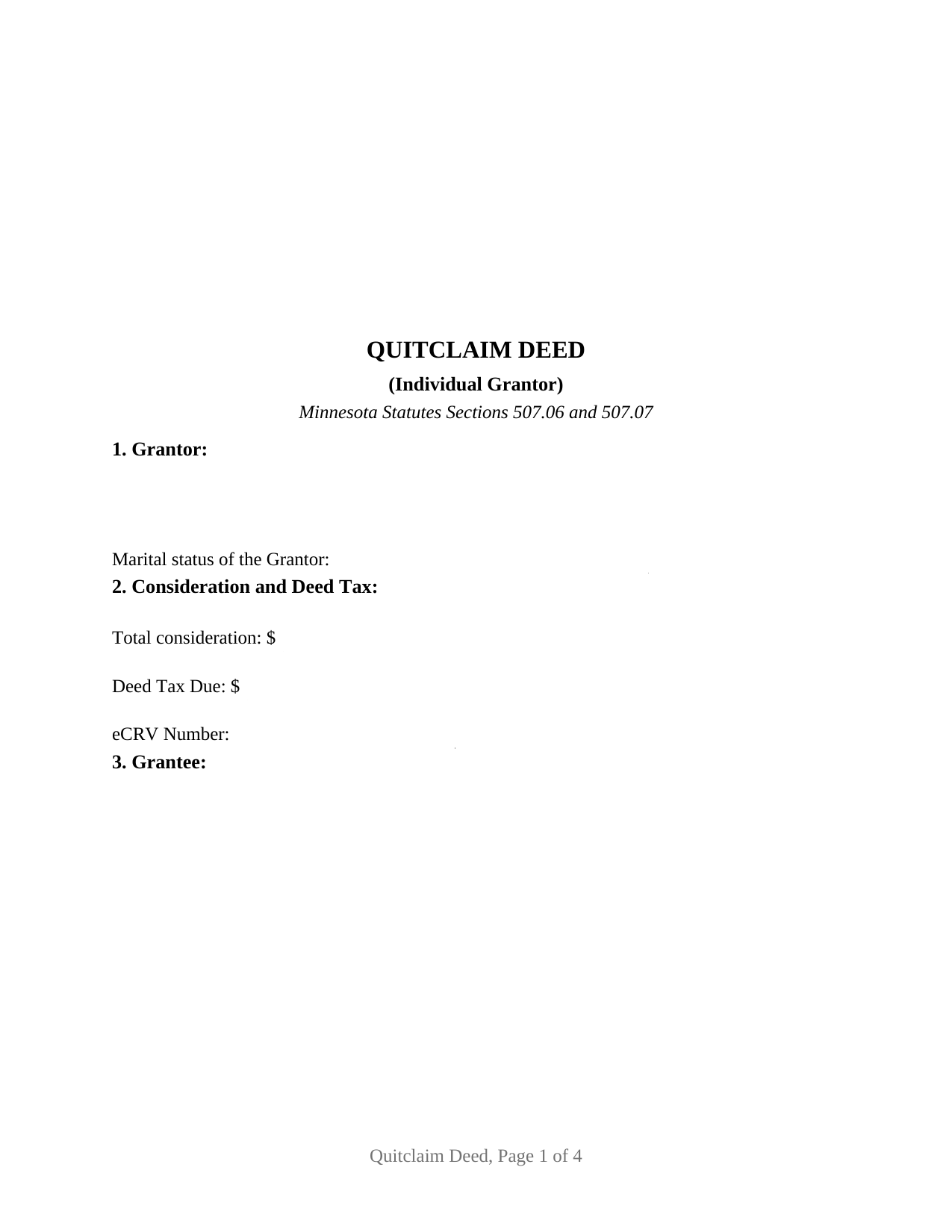
Stevens County Quitclaim Deed (Individual Grantor) Form
Fill in the blank Quitclaim Deed (Individual Grantor) form formatted to comply with all Minnesota recording and content requirements.
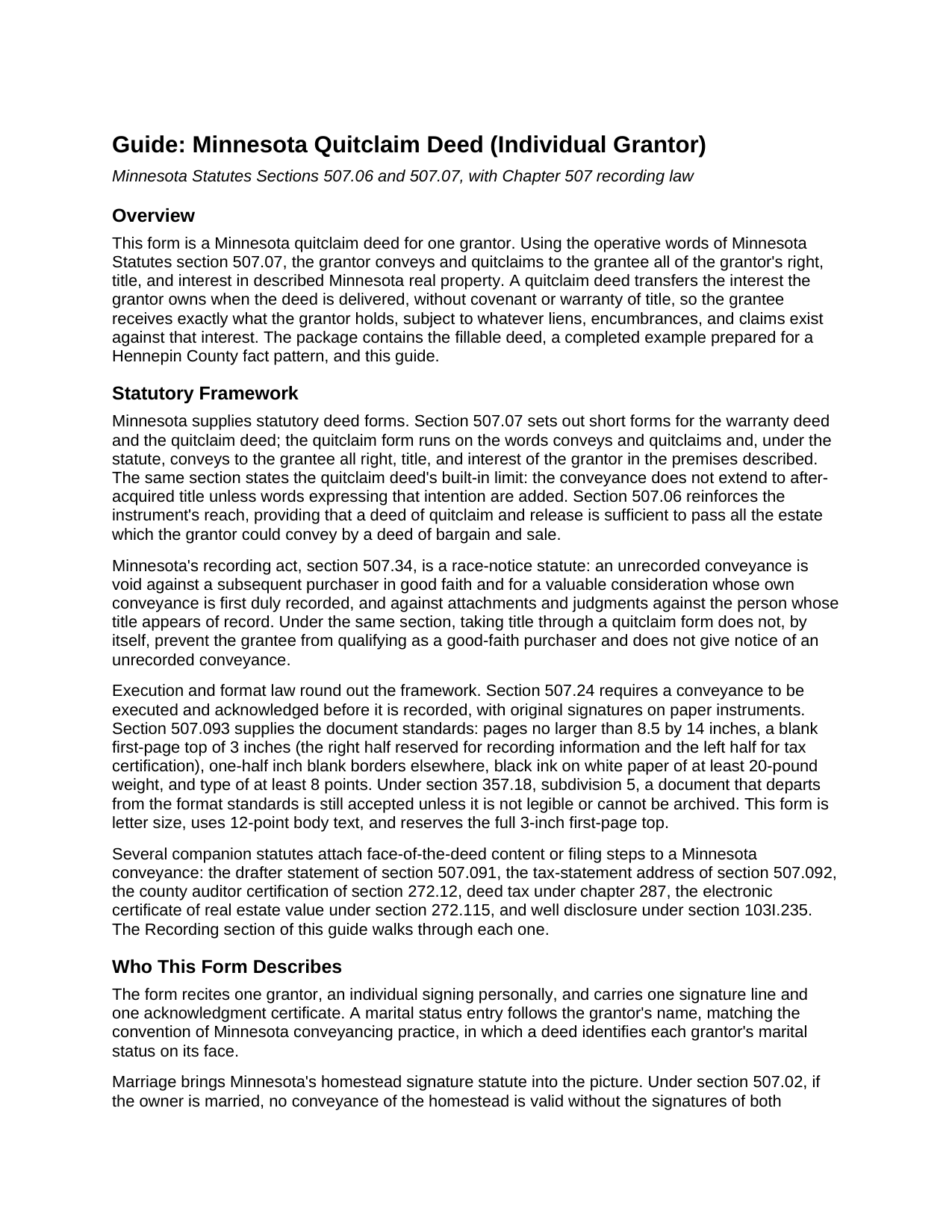
Stevens County Quitclaim Deed (Individual Grantor) Guide
Line by line guide explaining every blank on the Quitclaim Deed (Individual Grantor) form.
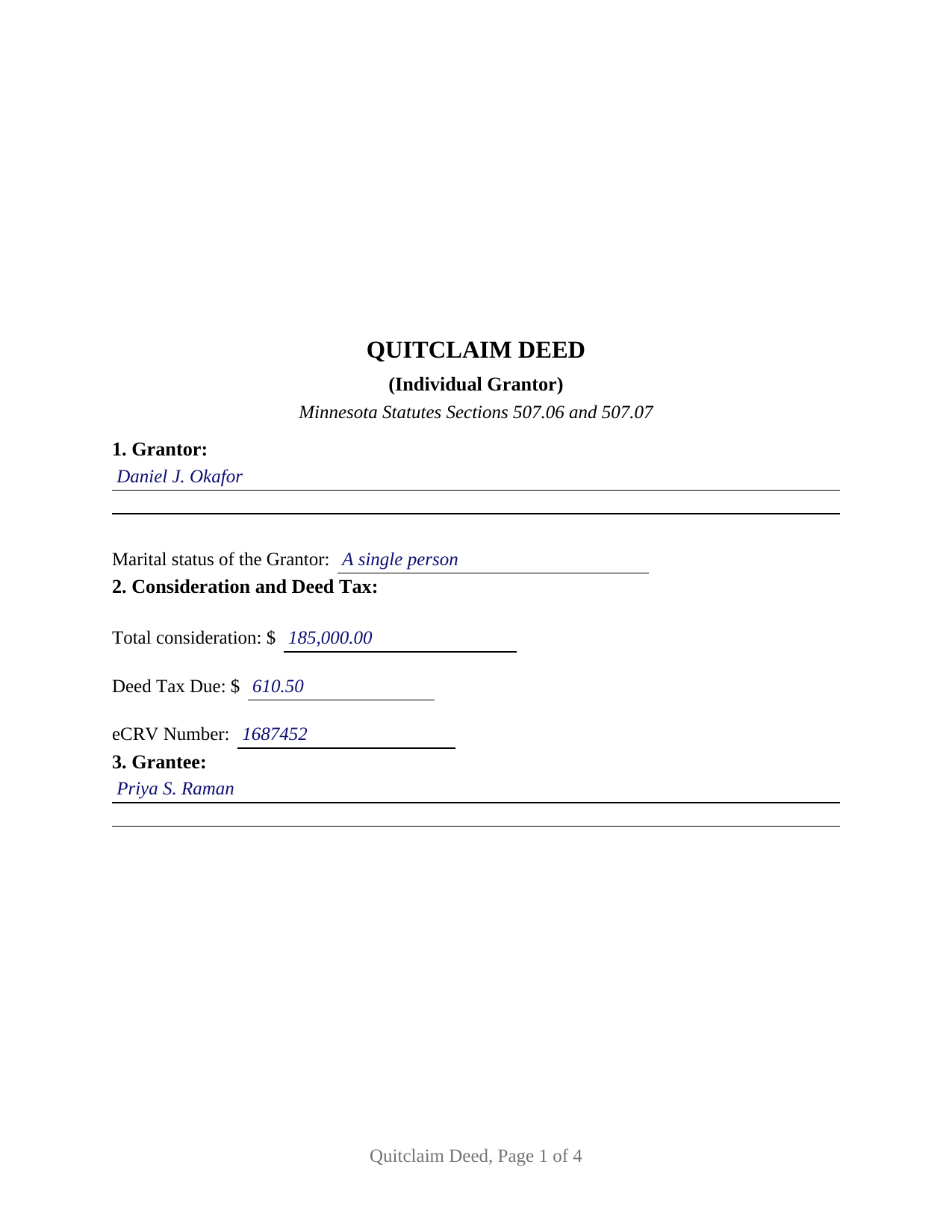
Stevens County Completed Example of the Quitclaim Deed (Individual Grantor) Document
Example of a properly completed Minnesota Quitclaim Deed (Individual Grantor) document for reference.
All 3 documents above included • One-time purchase • No recurring fees
Immediate Download • Secure Checkout
Additional Minnesota and Stevens County documents included at no extra charge:
Where to Record Your Documents
Stevens County Recorder
Morris, Minnesota 56267
Hours: 8:30am to 4:30pm M-F
Phone: (320) 208-6565
Recording Tips for Stevens County:
- Bring your driver's license or state-issued photo ID
- Ensure all signatures are in blue or black ink
- Check margin requirements - usually 1-2 inches at top
- Leave recording info boxes blank - the office fills these
- Make copies of your documents before recording - keep originals safe
Cities and Jurisdictions in Stevens County
Properties in any of these areas use Stevens County forms:
- Alberta
- Chokio
- Donnelly
- Hancock
- Morris
Hours, fees, requirements, and more for Stevens County
How do I get my forms?
Forms are available for immediate download after payment. The Stevens County forms will be in your account ready to download to your computer. An account is created for you during checkout if you don't have one. Forms are NOT emailed.
Are these forms guaranteed to be recordable in Stevens County?
Yes. Our form blanks are guaranteed to meet or exceed the applicable formatting requirements used for recording in Stevens County, including margin requirements, font requirements, and other layout standards. This guarantee applies to formatting, not to the legal sufficiency of information entered by the user or the suitability of a form for a particular transaction.
Can I reuse these forms?
Yes. You can reuse the forms for your personal use. For example, if you have multiple properties in Stevens County you only need to order once.
What do I need to use these forms?
The forms are PDFs that you fill out on your computer. The free Adobe Acrobat Reader is recommended, and most PDF apps also work. You do NOT enter your property information online - you download the blank forms and complete them privately on your own computer.
Are there any recurring fees?
No. This is a one-time purchase. Nothing to cancel, no memberships, no recurring fees.
How much does it cost to record in Stevens County?
Recording fees in Stevens County vary. Contact the recorder's office at (320) 208-6565 for current fees.
Questions answered? Let's get started!
One signature carries this deed. The Minnesota Quitclaim Deed (Individual Grantor) prepares a quitclaim conveyance for exactly one grantor: a single signature line, a single notary acknowledgment certificate, and a marital status entry that frames the homestead question Minnesota law asks whenever a married owner conveys. Whatever interest that one grantor holds in the described Minnesota real property passes to the grantee, without any warranty of title.
One grantor, one certificate
The form recites a single conveying owner. Section 1 takes the grantor's legal name with a marital status line beneath it, and the signature section pairs one signature line with one acknowledgment certificate in the short form of Minnesota Statutes section 358.66, the certificate a Minnesota notary completes for an individual signer. The single-owner pattern runs throughout Minnesota records: a former spouse conveying under the terms of a dissolution decree, an owner moving title to the trustee of a revocable trust, a family transfer for little or no consideration, and a conveyance that clears a stray interest from a chain of title. The marital status entry earns its place because section 507.02 makes both spouses' signatures a validity requirement for a married owner's conveyance of the homestead; this deed recites exactly one grantor, so it is not set up as a two-spouse homestead conveyance, and the guide describes how that statute reaches a married owner's home.
What conveys and quitclaims means in Minnesota
Minnesota wrote the quitclaim deed into statute. Section 507.07 supplies the short form and its operative words, conveys and quitclaims, and defines the effect: the deed passes all right, title, and interest of the grantor in the described premises, but reaches no title the grantor acquires later unless express words add it. Section 507.06 adds that a deed of quitclaim and release is sufficient to pass all the estate the grantor could convey by a deed of bargain and sale. This form carries those statutory words in its conveyance section, together with the hereditaments and appurtenances clause of Minnesota conveyancing practice and a plain statement that the deed carries no covenant or warranty of title. Buyers and title examiners searching for a quit claim deed form and sellers reading about a quitclaim deed encounter the same instrument: a conveyance whose protection is the record itself rather than covenants from the grantor.
A first page built for Minnesota's recording counters
Minnesota attaches specific content to the face of a deed, and the form prints it. The first page reserves a full 3 inches at the top under section 507.093, the right half for the recorder's information and the left half for tax certification. The deed carries the drafter statement of section 507.091, the section 507.092 statement directing where future property tax statements go, and lines for the deed tax due and the eCRV number. Section 8 prints the three well disclosure statements of section 103I.235, from the seller's certification of no known wells to the no-change statement, with a blank that takes the letter of the statement applying to the conveyance and a line for an electronically filed well certificate number. A Registered (Torrens) entry signals whether the deed goes to the county recorder or to the registrar of titles.
From the auditor to the recorder
A Minnesota deed reaches the record through the county offices in order. The county auditor enters the transfer and certifies the taxes under section 272.12; without the auditor's statement, the recorder refuses the instrument. Deed tax under section 287.21 runs at 0.0033 of net consideration over $3,000, and $1.65 at or below that line, with small county additions in Hennepin and Ramsey Counties. A sale for more than $3,000 takes an electronic certificate of real estate value under section 272.115. The statewide recorder fee is a flat $46. Once recorded, the deed takes the protection of Minnesota's race-notice statute, section 507.34, against later purchasers and against judgments entered against the record owner.
The package delivers this Minnesota quitclaim deed form as a fillable PDF, a completed example showing the deed prepared for a Hennepin County transfer from a single grantor, and a guide that walks through every numbered section, the statutes behind them, and the recording steps. The materials are informational and are not legal advice.
Important: Your property must be located in Stevens County to use these forms. Documents should be recorded at the county recording office listed above.
This Quitclaim Deed (Individual Grantor) meets all recording requirements specific to Stevens County.
Our Promise
The documents you receive here are guaranteed to meet or exceed the applicable Stevens County recording format requirements. If there is a rejection caused by our formatting, we will correct the issue or refund your payment. This guarantee applies to document formatting only and does not extend to information entered by the user, the selection of the form, or the legal effect of the completed document.
Save Time and Money
Get your Stevens County Quitclaim Deed (Individual Grantor) form done right the first time with Deeds.com Uniform Conveyancing Blanks. At Deeds.com, we understand that your time and money are valuable resources, and we don't want you to face a penalty fee or rejection imposed by a county recorder for submitting nonstandard documents. We constantly review and update our forms to meet rapidly changing state and county recording requirements for roughly 3,500 counties and local jurisdictions.
4.8 out of 5 - ( 4,839 Reviews )
Zehira D. 5 out of 5 stars
Great service! fast, reliable, and very affordable. No contract, no subscription
We are sincerely grateful for your feedback and are committed to providing the highest quality service. Thank you for your trust in us.
rita t. 5 out of 5 stars
Thanks for asking, everything was fine. Forms worked as expected, no problems.
We appreciate your business and value your feedback. Thank you. Have a wonderful day!
Frank K. 5 out of 5 stars
One thing I suggest is use the nomenclature Borrower / Lender / instead of Mortgatator / Mortgatee… Had to google which is which ? !
Thank you for your feedback. We really appreciate it. Have a great day!
Melissa W. 5 out of 5 stars
So easy to use!
Thank you!
Cindy H. 5 out of 5 stars
Very easy to use and organized. When I needed the form I needed it immediately. I didn't want to get locked into a monthly subscription. Deeds.com met that need. Thanks!
We appreciate your business and value your feedback. Thank you. Have a wonderful day!
JUDITH-DIAN W. 5 out of 5 stars
I didn't have any problem downloading and filling out the form on my computer and printing it yesterday. I didn't know what to put for "Source of Title". I called the county recording office; they didn't know either and said to leave it blank. I got the form notarized at my bank and took it in to the recording office. They checked it, accepted it, I paid a fee, and it's done. So easy. My children will appreciate that I've done this. Added note: You do have one typo on your form--you left out 'at'. It should read: "You should carefully read all information at the end of this form."
Thank you for your feedback. We really appreciate it. Have a great day!
Michele J. 5 out of 5 stars
I found a typo. It would be good to list the documents an individual needs to fill out the form.
Thank you!
Christina W. 5 out of 5 stars
I stand corrected. I received my report and it was exactly what I requested.
Thank you!
Connie L. 5 out of 5 stars
Ordered a Quitclaim deed and worked perfectly at Register of Deed office. Liked the instructions and copy of one example filled out made it so much easier to understand. One price is great as most of other companies wanted a membership to join. Will use Deeds.com again if I ever need different forms. Thanks!!!
We are grateful for your feedback and looking forward to serving you again. Thank you!
Jacqueline J. 1 out of 5 stars
Unable to use.
Sorry to hear that Jacqueline.
Michael H. 5 out of 5 stars
Site was easy to understand and use. Service was prompt. Good job Montgomery County!
Thank you!
Elango R. 5 out of 5 stars
It was so easy to use the site and got recording done in a day. Very happy with experience.
Thank you!
Sandrs T. 4 out of 5 stars
It would be good to be able to print several documents at 1 time by highlighting them in the list without having to do one document at a time.
Thank you for your feedback. We really appreciate it. Have a great day!
Christopher V. 5 out of 5 stars
GREAT STUFF TKS
Thank you!
Steven W. 5 out of 5 stars
Seems to be just what I needed and easy to use.
Thank you!