Sherburne County Quitclaim Deed (Interspousal) Form
Last validated October 23, 2026 by our Forms Development TeamFormatted for recording in Sherburne County, for property anywhere in the county: rural and unincorporated areas as well as Becker, Big Lake, Clear Lake, Elk River, Santiago, Zimmerman.
- 3 documents included
- Immediate PDF download
- Formatting guarantee
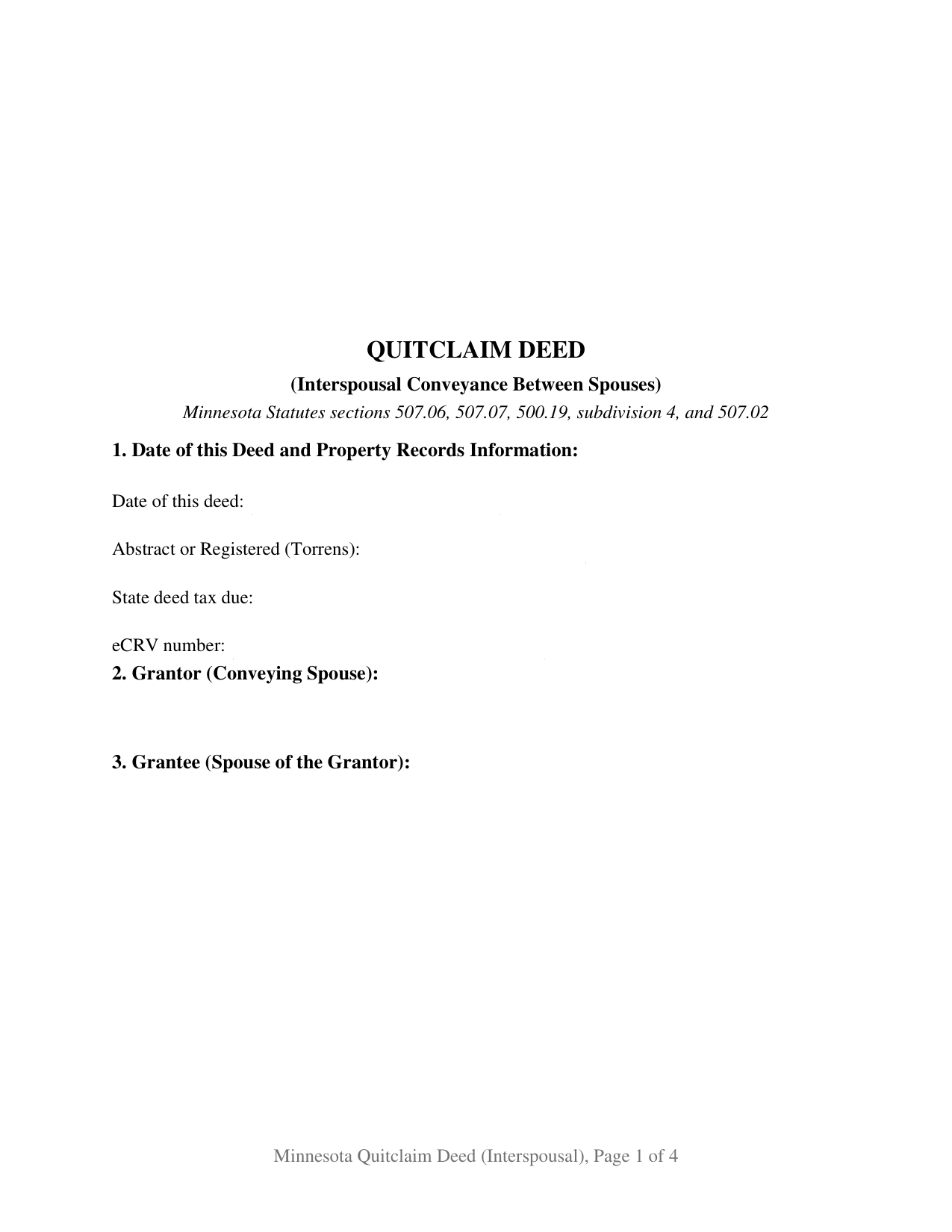
Sherburne County Quitclaim Deed (Interspousal) Form
Fill in the blank Quitclaim Deed (Interspousal) form formatted to comply with all Minnesota recording and content requirements.
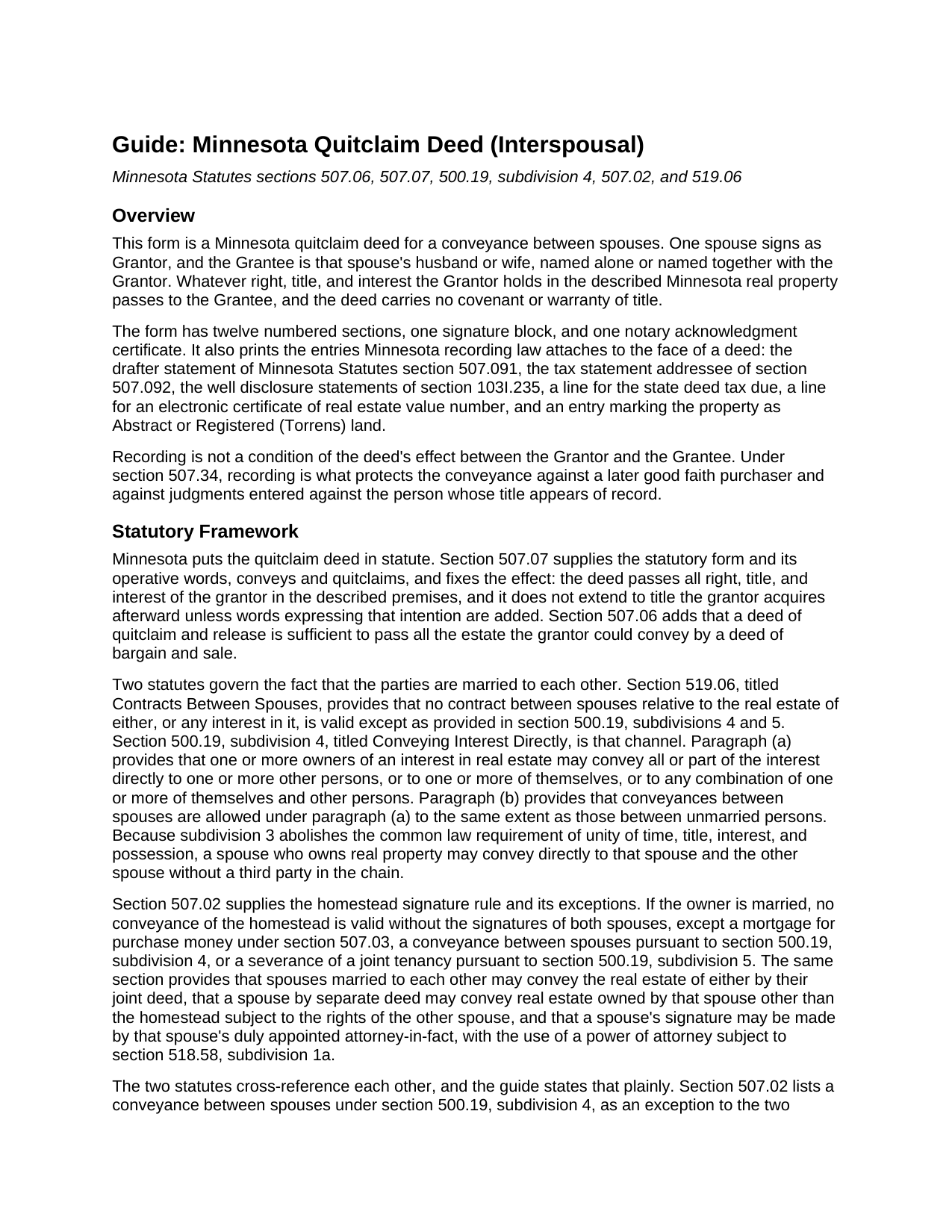
Sherburne County Quitclaim Deed (Interspousal) Guide
Line by line guide explaining every blank on the Quitclaim Deed (Interspousal) form.
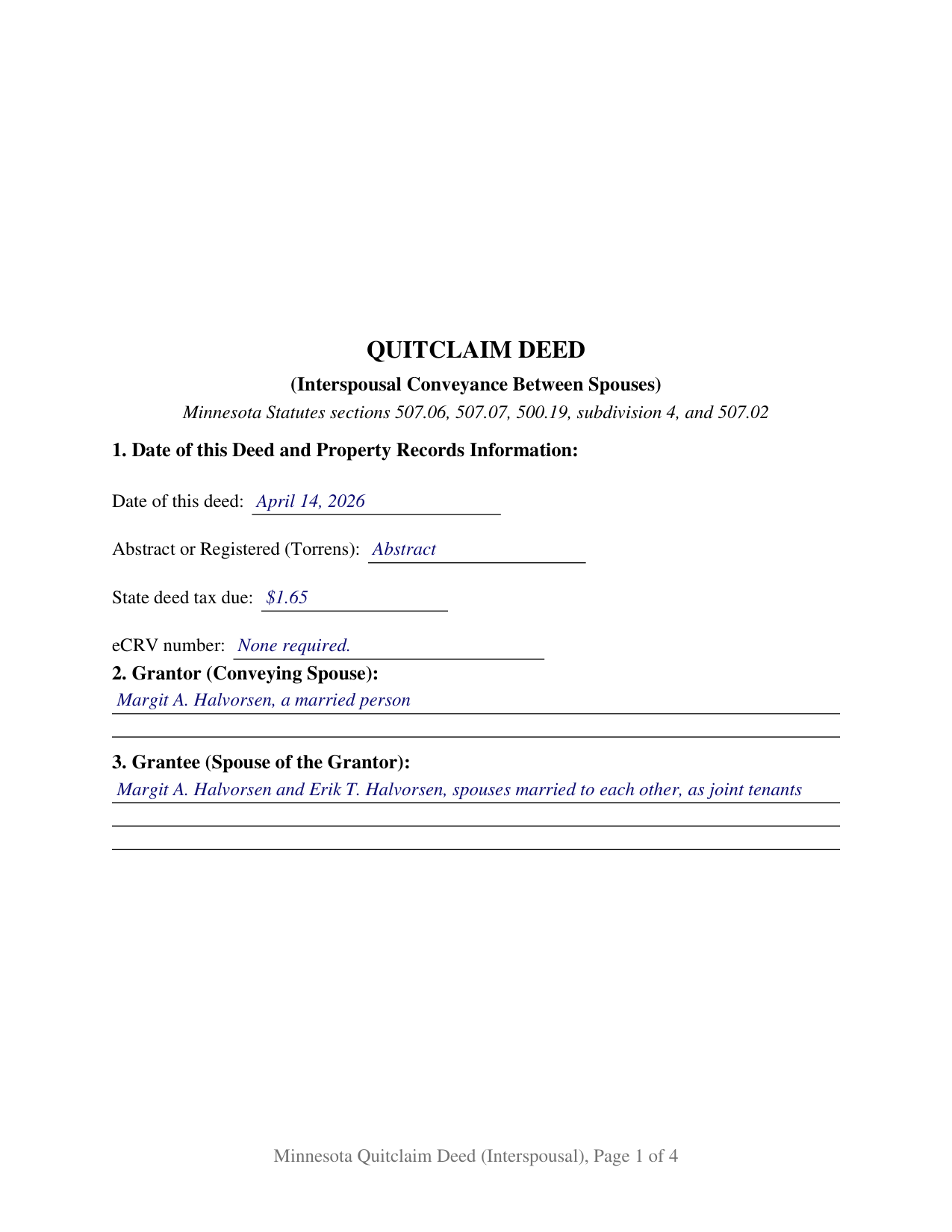
Sherburne County Completed Example of the Quitclaim Deed (Interspousal) Document
Example of a properly completed Minnesota Quitclaim Deed (Interspousal) document for reference.
All 3 documents above included • One-time purchase • No recurring fees
Immediate Download • Secure Checkout
Additional Minnesota and Sherburne County documents included at no extra charge:
Where to Record Your Documents
Sherburne County Recorder
Elk River, Minnesota 55330-1692
Hours: 8:00am to 4:30pm M-F
Phone: (763) 765-4420 / 800-719-2826
Recording Tips for Sherburne County:
- Bring your driver's license or state-issued photo ID
- Ensure all signatures are in blue or black ink
- Request a receipt showing your recording numbers
- Ask about accepted payment methods when you call ahead
- Ask for certified copies if you need them for other transactions
Cities and Jurisdictions in Sherburne County
Properties in any of these areas use Sherburne County forms:
- Becker
- Big Lake
- Clear Lake
- Elk River
- Santiago
- Zimmerman
Hours, fees, requirements, and more for Sherburne County
How do I get my forms?
Forms are available for immediate download after payment. The Sherburne County forms will be in your account ready to download to your computer. An account is created for you during checkout if you don't have one. Forms are NOT emailed.
Are these forms guaranteed to be recordable in Sherburne County?
Yes. Our form blanks are guaranteed to meet or exceed the applicable formatting requirements used for recording in Sherburne County, including margin requirements, font requirements, and other layout standards. This guarantee applies to formatting, not to the legal sufficiency of information entered by the user or the suitability of a form for a particular transaction.
Can I reuse these forms?
Yes. You can reuse the forms for your personal use. For example, if you have multiple properties in Sherburne County you only need to order once.
What do I need to use these forms?
The forms are PDFs that you fill out on your computer. The free Adobe Acrobat Reader is recommended, and most PDF apps also work. You do NOT enter your property information online - you download the blank forms and complete them privately on your own computer.
Are there any recurring fees?
No. This is a one-time purchase. Nothing to cancel, no memberships, no recurring fees.
How much does it cost to record in Sherburne County?
Recording fees in Sherburne County vary. Contact the recorder's office at (763) 765-4420 / 800-719-2826 for current fees.
Questions answered? Let's get started!
Minnesota's homestead signature rule carries an exception written for married couples, and this deed is built on it. Section 507.02 makes a homestead conveyance valid only when both spouses sign, and then excepts a conveyance between spouses made under section 500.19, subdivision 4. The Minnesota Quitclaim Deed (Interspousal) recites that transaction and nothing else: the conveying spouse signs alone, the deed states the marriage in its own conveyance language, and whatever interest that spouse holds in the described Minnesota real property passes to the other spouse, with no warranty of title.
The statute that lets spouses deal directly
Minnesota does not leave deeds between spouses to general conveyancing law. Section 519.06 provides that no contract between spouses relative to the real estate of either is valid except as provided in section 500.19, subdivisions 4 and 5, and subdivision 4 is the channel it points to: paragraph (a) permits a direct conveyance to other persons, to one or more of themselves, or to any combination, and paragraph (b) puts conveyances between spouses on the same footing as those between unmarried persons. Subdivision 3 abolishes the old unities of time, title, interest, and possession, which is why a spouse who owns a house can convey straight into both names without routing title through a third party first. The guide prints both statutes and the cross-reference each one makes to the other.
One grantor, one certificate, a marriage on the face of the deed
The form recites one Grantor, a married person holding an interest of record, and a Grantee who is that person's husband or wife, named alone or named together with the Grantor. Section 7 carries the section 507.07 statutory words conveys and quitclaims, the statement that the Grantor is married to the spouse named as Grantee, and the statements that nothing acquired later passes and that no covenant or warranty of title comes with the deed. The execution section pairs one signature block with one certificate in the short form of section 358.66, because the Grantor is the only signer and a Grantee does not sign a Minnesota deed. Three patterns present this configuration: a house standing of record in one spouse's name moving into both names, one spouse conveying an interest to the other spouse alone, and one of two spouses who hold as joint tenants passing that interest to the other. The form is not set up as a conveyance by two spouses acting as grantors, nor for a transfer to someone outside the marriage.
How the grantee side reads
Spouses who take title together take under the ordinary Minnesota estates. Section 500.19, subdivision 2, construes a grant to two or more persons as a tenancy in common unless joint tenancy is expressly declared, and Minnesota recognizes neither tenancy by the entirety nor community property. The words entered in Section 3 are therefore what decide survivorship between spouses, and any designation follows the grantee names in the style the completed example uses.
Tax lines on a transfer with no price
A deed between spouses often moves no money, and the recording arithmetic changes accordingly. Deed tax under section 287.21 is $1.65 where there is no consideration, or where net consideration is $3,000 or less, against 0.0033 above that line, with 0.0001 added in Hennepin and Ramsey Counties. An electronic certificate of real estate value belongs to a transfer for more than $3,000 under section 272.115, and that section's designated transfer exemption reaches entity and revocable trust transfers rather than deeds between spouses. Section 103I.235 conditions recording on well disclosure where a certificate of value is required, and the form prints the statutory statements either way. Section 272.12 still sends the deed to the county auditor for the transfer entry and tax certification first, and the recording fee is the flat $46 of section 357.18.
The completed example runs an Anoka County conveyance: a Coon Rapids owner quitclaims to herself and her husband as joint tenants for no monetary consideration, with $1.65 of deed tax, well disclosure statement (A) certifying no known wells, and a recorded mortgage that stays in force noted in Additional Provisions. An interspousal deed, a spouse to spouse quit claim deed, and a Minnesota quitclaim deed adding a spouse to a title all name this same instrument. The package delivers the fillable form, the completed example, and the guide. The materials are informational and are not legal advice.
Important: Your property must be located in Sherburne County to use these forms. Documents should be recorded at the county recording office listed above.
This Quitclaim Deed (Interspousal) meets all recording requirements specific to Sherburne County.
Our Promise
The documents you receive here are guaranteed to meet or exceed the applicable Sherburne County recording format requirements. If there is a rejection caused by our formatting, we will correct the issue or refund your payment. This guarantee applies to document formatting only and does not extend to information entered by the user, the selection of the form, or the legal effect of the completed document.
Save Time and Money
Get your Sherburne County Quitclaim Deed (Interspousal) form done right the first time with Deeds.com Uniform Conveyancing Blanks. At Deeds.com, we understand that your time and money are valuable resources, and we don't want you to face a penalty fee or rejection imposed by a county recorder for submitting nonstandard documents. We constantly review and update our forms to meet rapidly changing state and county recording requirements for roughly 3,500 counties and local jurisdictions.
4.8 out of 5 - ( 4,839 Reviews )
Kathryn C. 2 out of 5 stars
The transfer deed documents are laid out the way county offices need, but I don't like the requirements so I'm going to leave a bad review.
Well, thanks we guess.
HELEN F. 5 out of 5 stars
Process was easy... paperwork was on point... process took less then one day...
We appreciate your business and value your feedback. Thank you. Have a wonderful day!
Kathie C. 5 out of 5 stars
This was the first time I have used Deeds.com and I must say that I am extremely impressed. The person that handled my packages was amazing and extremely helpful. I am recommending that our firm starts using Deeds.com and we do a lot of e-recordings. Thank you so much for making this a great experience and for all of your efforts in making it so great!!!
Your feedback is greatly appreciated. Thank you for taking the time to share your experience!
Kerrin S. 5 out of 5 stars
This was so efficient. Thank you for offering this service!
Thank you for your feedback. We really appreciate it. Have a great day!
Johnathan D. 5 out of 5 stars
Very helpful and quick responses
Thank you!
Janet J. 5 out of 5 stars
The download process was quick and efficient. Here's hoping the printing process will be as easy. Appreciate this access to forms so much.
Thank you for your feedback. We really appreciate it. Have a great day!
Alexia B. 5 out of 5 stars
Excellent service with rapid turn around time!
We appreciate your business and value your feedback. Thank you. Have a wonderful day!
JAMSHEAD T. 5 out of 5 stars
An excellent service. Exactly what one would hope for in the 21st century.
Thank you for your feedback. We really appreciate it. Have a great day!
Jaimie F. 5 out of 5 stars
Very easy process and the customer service representatives are very friendly and helpful.
It was a pleasure serving you. Thank you for the positive feedback!
FE P. 5 out of 5 stars
Looked into a good number of DIY deeds on the internet. Very glad that I chose Deeds.com. They made it easy to make your own deed based on your state and the process based on the sample included was easy to follow. Also the cost was very reasonable. Great company.
We appreciate your business and value your feedback. Thank you. Have a wonderful day!
Ardys A. 5 out of 5 stars
Very pleased with all the info I received and not just a blank form.
We appreciate your business and value your feedback. Thank you. Have a wonderful day!
Julie A. 5 out of 5 stars
After receiving the forms online and reviewing them, it was very easy to fill this out and the additional information was very helpful. Saved a lot of money by not having to use a lawyer/paralegal to do this simple task. Will definitely use Deeds.com in the future for any further needs. Thank you
Thank you Julie. We appreciate you taking the time to leave your review. Have a wonderful day.
Jaime S. 1 out of 5 stars
To call an affidavit of minor correction a Correction Deed in your descriptions is incorrect. They are two different products. I did not intend to purchase an affidavit. I intended to purchase a Correction Deed.
Thank you!
Shane J. 5 out of 5 stars
I use deeds.com for all of my document filing needs. The amount of time and money saved on making trips to the auditor's office is well worth the nominal fee that is charged. I highly recommend deeds.com!
Your feedback is greatly appreciated. Thank you for taking the time to share your experience!
Sylvia H. 5 out of 5 stars
I appreciated the fact that all the forms I needed were available, and even some I don't need right now but will need in the future (homestead exemption) were also available. And the price is very good. Thank you
Your kind words have brightened our teams day! Thank you for the positive feedback.