Le Sueur County Quitclaim Deed (Married Grantor with Non-Owner Spouse Joinder) Form
Last validated October 22, 2026 by our Forms Development TeamFormatted for recording in Le Sueur County, for property anywhere in the county: rural and unincorporated areas as well as Cleveland, Elysian, Kasota, Le Center, Le Sueur, Montgomery, Waterville.
- 3 documents included
- Immediate PDF download
- Formatting guarantee
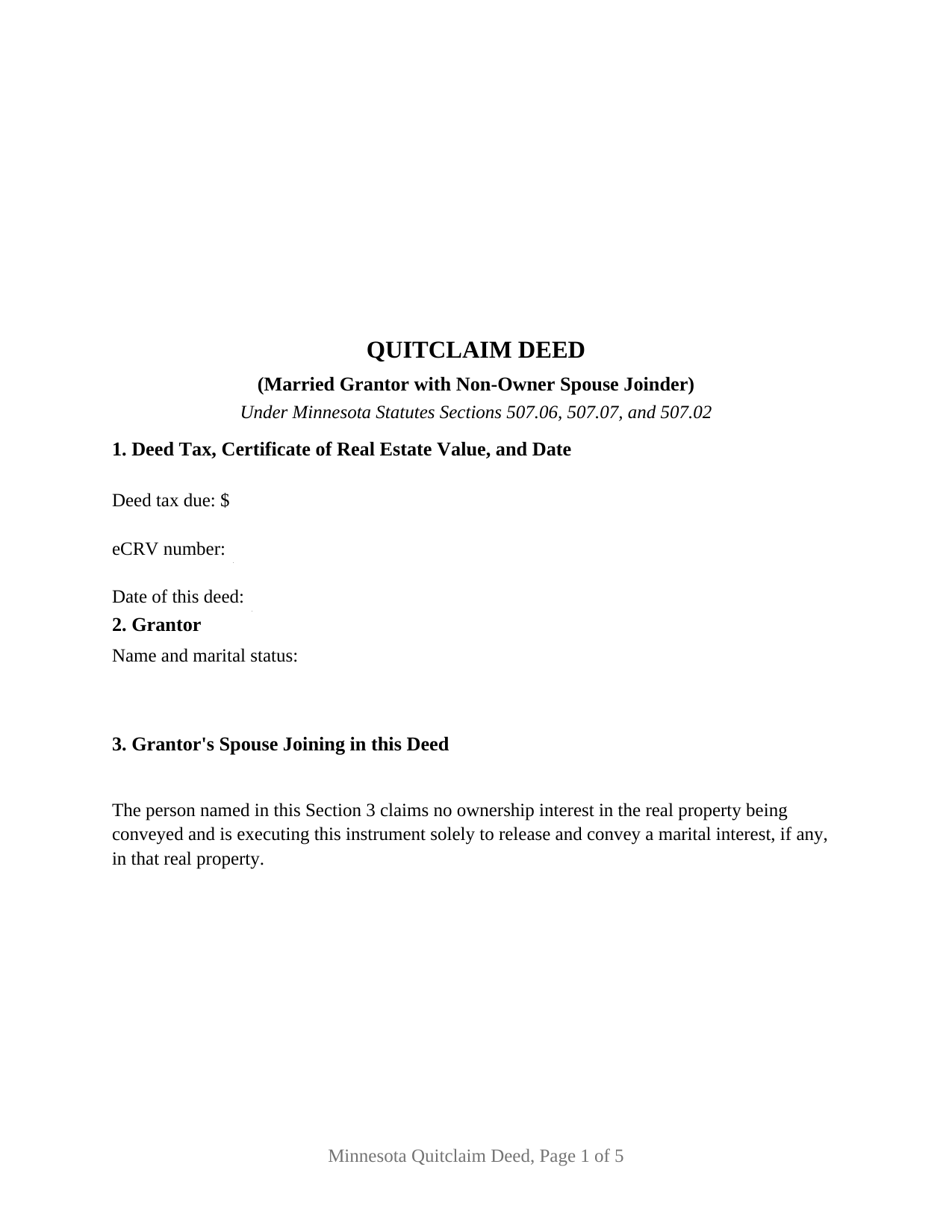
Le Sueur County Quitclaim Deed (Married Grantor with Non-Owner Spouse Joinder) Form
Fill in the blank Quitclaim Deed (Married Grantor with Non-Owner Spouse Joinder) form formatted to comply with all Minnesota recording and content requirements.
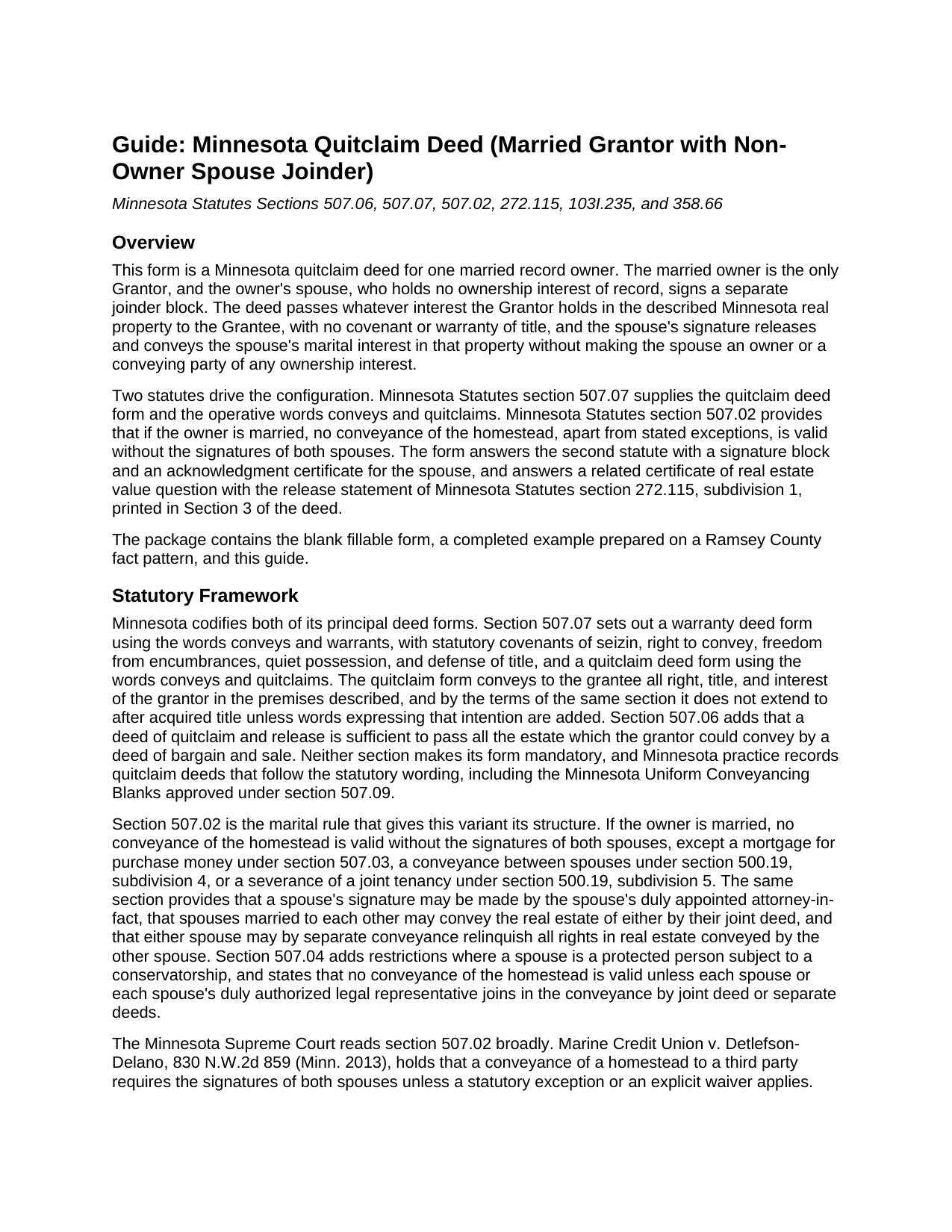
Le Sueur County Quitclaim Deed (Married Grantor with Non-Owner Spouse Joinder) Guide
Line by line guide explaining every blank on the Quitclaim Deed (Married Grantor with Non-Owner Spouse Joinder) form.

Le Sueur County Completed Example of the Quitclaim Deed (Married Grantor with Non-Owner Spouse Joinder) Document
Example of a properly completed Minnesota Quitclaim Deed (Married Grantor with Non-Owner Spouse Joinder) document for reference.
All 3 documents above included • One-time purchase • No recurring fees
Immediate Download • Secure Checkout
Additional Minnesota and Le Sueur County documents included at no extra charge:
Where to Record Your Documents
Le Sueur County Recorder
Le Center , Minnesota 56057
Hours: Mon-Thu 8:00am - 4:00pm; Fri 8:00am - 3:30pm
Phone: (507) 357-2251 Ext. 8272 / Ext. 8271
Recording Tips for Le Sueur County:
- Bring your driver's license or state-issued photo ID
- Ensure all signatures are in blue or black ink
- Ask for certified copies if you need them for other transactions
- Ask if they accept credit cards - many offices are cash/check only
- Check that your notary's commission hasn't expired
Cities and Jurisdictions in Le Sueur County
Properties in any of these areas use Le Sueur County forms:
- Cleveland
- Elysian
- Kasota
- Le Center
- Le Sueur
- Montgomery
- Waterville
Hours, fees, requirements, and more for Le Sueur County
How do I get my forms?
Forms are available for immediate download after payment. The Le Sueur County forms will be in your account ready to download to your computer. An account is created for you during checkout if you don't have one. Forms are NOT emailed.
Are these forms guaranteed to be recordable in Le Sueur County?
Yes. Our form blanks are guaranteed to meet or exceed the applicable formatting requirements used for recording in Le Sueur County, including margin requirements, font requirements, and other layout standards. This guarantee applies to formatting, not to the legal sufficiency of information entered by the user or the suitability of a form for a particular transaction.
Can I reuse these forms?
Yes. You can reuse the forms for your personal use. For example, if you have multiple properties in Le Sueur County you only need to order once.
What do I need to use these forms?
The forms are PDFs that you fill out on your computer. The free Adobe Acrobat Reader is recommended, and most PDF apps also work. You do NOT enter your property information online - you download the blank forms and complete them privately on your own computer.
Are there any recurring fees?
No. This is a one-time purchase. Nothing to cancel, no memberships, no recurring fees.
How much does it cost to record in Le Sueur County?
Recording fees in Le Sueur County vary. Contact the recorder's office at (507) 357-2251 Ext. 8272 / Ext. 8271 for current fees.
Questions answered? Let's get started!
The spouse signs, and owns nothing of record. The Minnesota Quitclaim Deed (Married Grantor with Non-Owner Spouse Joinder) keeps one married owner as the sole Grantor and gives that owner's spouse a labeled joinder block whose printed sentence states what the signature does: the spouse claims no ownership interest in the property being conveyed and signs solely to release and convey a marital interest in it. Whatever the Grantor owns in the described Minnesota real property moves to the Grantee, and the deed itself carries no covenant or warranty of title.
The spouse who signs but does not own
Minnesota Statutes section 507.02 conditions the validity of a homestead conveyance on the signatures of both spouses, and it does so whether or not the second spouse appears anywhere on the vesting deed. That leaves a drafting question: how a person who owns nothing signs a deed without appearing to convey something. This deed answers it structurally. Section 2 names the married record owner as the Grantor. Section 3 names the spouse and prints the release sentence beneath the name. Section 7 carries the section 507.07 words conveys and quitclaims for the Grantor alone, then states that the spouse joins and signs solely to release marital interests and conveys no ownership interest by the deed. The execution section labels one block GRANTOR and the other GRANTOR'S SPOUSE (JOINDER ONLY), so the record itself shows which signature moved title and which released a marital right.
A sentence written for the county auditor
The release sentence in Section 3 is not house drafting. Minnesota Statutes section 272.115, subdivision 1, supplies a statement a deed may substantially contain where a married non-owner spouse signs only to release marital rights, and it attaches a consequence: where a deed substantially contains it, the auditor may take the eCRV filing without collecting that spouse's Social Security number or federal employer identification number. Printing the sentence on the deed instead of burying it in an addendum puts the identification answer where the auditor and the closer both look. The same face carries the drafter statement of section 507.091 and the tax statement addressee of section 507.092, two entries Minnesota recording law makes conditions of recording, plus the three well disclosure statements of section 103I.235 and a line for an electronically filed certificate number.
What this configuration recites
The form recites exactly one record owner and exactly one joining spouse, with two signature blocks and a separate acknowledgment certificate for each signer in the section 358.66 short form, so the two may acknowledge on different days or before different notarial officers. It is not set up as a conveyance by two owners of record, where both signers would pass ownership, and it is not set up for a sole owner who is unmarried and needs no joinder at all. A homestead titled in one spouse's name that is sold to a buyer, a married owner passing separately titled property to a relative, and a conveyance clearing a stray interest where homestead character is an open question all present the pattern this deed recites. Searches for a quit claim deed with spousal joinder land on this same instrument.
Ramsey County, by the numbers
The completed example runs a Ramsey County sale: a married owner quitclaims a platted Roseville lot for $215,000, and the deed tax entry reads $731.00, which is $709.50 of state deed tax at the 0.0033 rate of section 287.21 plus $21.50 of Ramsey County environmental response tax at 0.0001 under section 383A.80, an authority the 2026 legislature extended to January 1, 2036. The eCRV confirmation number and the deed date sit in Section 1, well disclosure statement (A) certifies no known wells, and the property is entered as Abstract land, which routes the instrument to the recorder rather than the registrar of titles. Under section 272.12 the auditor enters the transfer and certifies the taxes before the recorder takes the deed; the flat $46 fee of section 357.18 and the race-notice priority of section 507.34 follow.
The package delivers the fillable form, a completed example built on the Ramsey County facts above, and a guide that walks the numbered sections, the section 507.02 signature rule, grantee title options under section 500.19, and each county step from auditor to recorder. The materials are informational and are not legal advice.
Important: Your property must be located in Le Sueur County to use these forms. Documents should be recorded at the county recording office listed above.
This Quitclaim Deed (Married Grantor with Non-Owner Spouse Joinder) meets all recording requirements specific to Le Sueur County.
Our Promise
The documents you receive here are guaranteed to meet or exceed the applicable Le Sueur County recording format requirements. If there is a rejection caused by our formatting, we will correct the issue or refund your payment. This guarantee applies to document formatting only and does not extend to information entered by the user, the selection of the form, or the legal effect of the completed document.
Save Time and Money
Get your Le Sueur County Quitclaim Deed (Married Grantor with Non-Owner Spouse Joinder) form done right the first time with Deeds.com Uniform Conveyancing Blanks. At Deeds.com, we understand that your time and money are valuable resources, and we don't want you to face a penalty fee or rejection imposed by a county recorder for submitting nonstandard documents. We constantly review and update our forms to meet rapidly changing state and county recording requirements for roughly 3,500 counties and local jurisdictions.
4.8 out of 5 - ( 4,836 Reviews )
Craig H. 5 out of 5 stars
Awesome service! It was so quick and easy.
Thank you for your feedback. We really appreciate it. Have a great day!
Johnny B. 5 out of 5 stars
This site was a breeze using.
We appreciate your business and value your feedback. Thank you. Have a wonderful day!
Woody P. 5 out of 5 stars
I was informed that a quit Claim Deed that I had submitted, did not meet county requirements. I ordered the correct form and was surprised that the form included instructions and a sample "completed" form for me to follow. I found it al very helpful. Thank you !!!
Thank you!
Jeffery H. 5 out of 5 stars
Very easy to use. Thanks for your quick response on my document submissions and follow up and guidance on specific questions.
Thank you for your positive words! We’re thrilled to hear about your experience.
Anna S. 5 out of 5 stars
You guys are awesome, The service, expertise and quick communication were amazing. I think you guys are charging to little, but you didn't hear that from me. Thank you for making this process quick and easy.
Thank you for your feedback. We really appreciate it. Have a great day!
Lisa M. 5 out of 5 stars
Awesome and so easy to use!
We appreciate your business and value your feedback. Thank you. Have a wonderful day!
Judy F. 5 out of 5 stars
The site was easy to use, I just wasn't sure which of all these documents I needed.
Thank you!
Robert S. 5 out of 5 stars
Very timely service and retrieved information I was looking for
We appreciate your business and value your feedback. Thank you. Have a wonderful day!
Gail W. 5 out of 5 stars
Deeds.com had the forms I needed, along with completed examples. Fast download. Easy to use site. Thanks!
Thank you!
Johnnie G. 3 out of 5 stars
We had hoped, as this was direct through our State recorder's office, State-specific data would be pre-filled in. Also there is no help when transferring the home title from a Revocable Trust to the living Trustee and new spouse (no example given, no help for which code to use). And the example doesn't match the prior deed revision format submitted by our attorney. So, not the best experience. We may have to get an attorney involved...what we were hoping to avoid
Thank you for your feedback. We really appreciate it. Have a great day!
Lourdes O. 5 out of 5 stars
Extremely efficient website. Beats going to Court House to record documents. My document was recorded in less then 24 hours! Amazing! I will be using deeds.com from now on.
We appreciate your business and value your feedback. Thank you. Have a wonderful day!
Kirstie W. 3 out of 5 stars
In California, the recorder charges a $75 fee for EVERY PAGE of any document related to real estate, with a $225 maximum. So the easement deed this company made is 3 pages, when it could easily have fit in 2 pages (including the notary page). So they just cost me an extra $75. Do better!
Thanks for the feedback. One correction, because it matters for anyone reading this: California's $75 fee (SB 2, Government Code 27388.1) is charged per document title, not per page, and the $225 cap applies to transactions with multiple documents or titles. Page count only affects the base recording fee, which is $3 per additional page. A three-page easement deed carries the same $75 as a two-page one would. Recording fees are set and collected by the county, not by Deeds.com, and the county recorder's published fee schedule is the place to confirm what you were charged.
Kellie Z. 5 out of 5 stars
Wow! So much simpler & faster than I had expected. I had thought it would take weeks to get filed & took days- yea! Super easy & speedy!
Thank you!
Pedro M. 5 out of 5 stars
Fast and professional service.
Thank you for your positive words! We’re thrilled to hear about your experience.
Roberta L. 2 out of 5 stars
Costs WAAAAY too much for a stupid FORM!!! F' U!!!
We’ve processed a full cancellation and refund for the order you placed. We wish you the best in finding an option that better fits your needs.