Carlton County Quitclaim Deed (Reserving Life Estate) Form
Last validated October 5, 2026 by our Forms Development TeamFormatted for recording in Carlton County, for property anywhere in the county: rural and unincorporated areas as well as Barnum, Carlton, Cloquet, Cromwell, Esko, Holyoke, Kettle River, Moose Lake and 3 more.
- 3 documents included
- Immediate PDF download
- Formatting guarantee
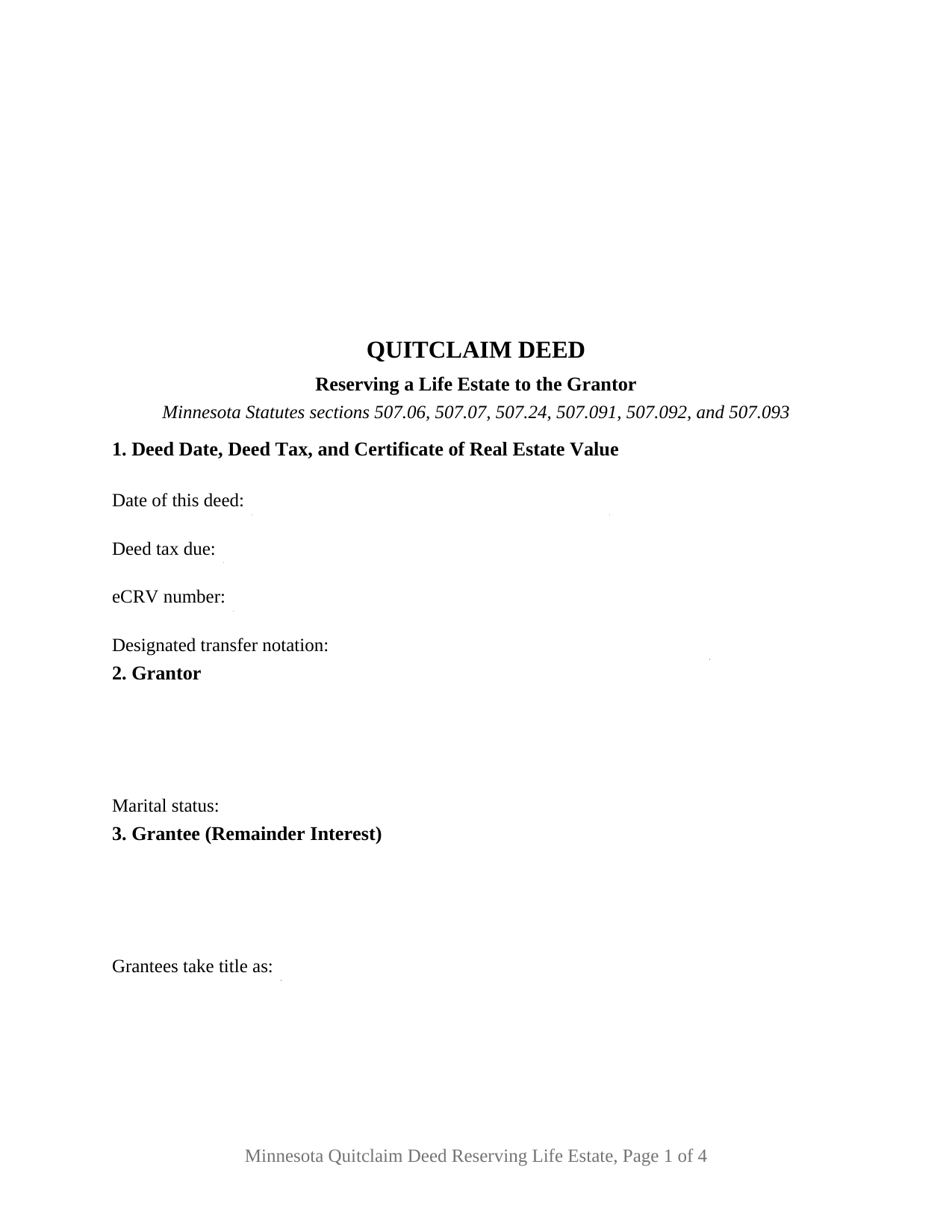
Carlton County Quitclaim Deed (Reserving Life Estate) Form
Fill in the blank Quitclaim Deed (Reserving Life Estate) form formatted to comply with all Minnesota recording and content requirements.
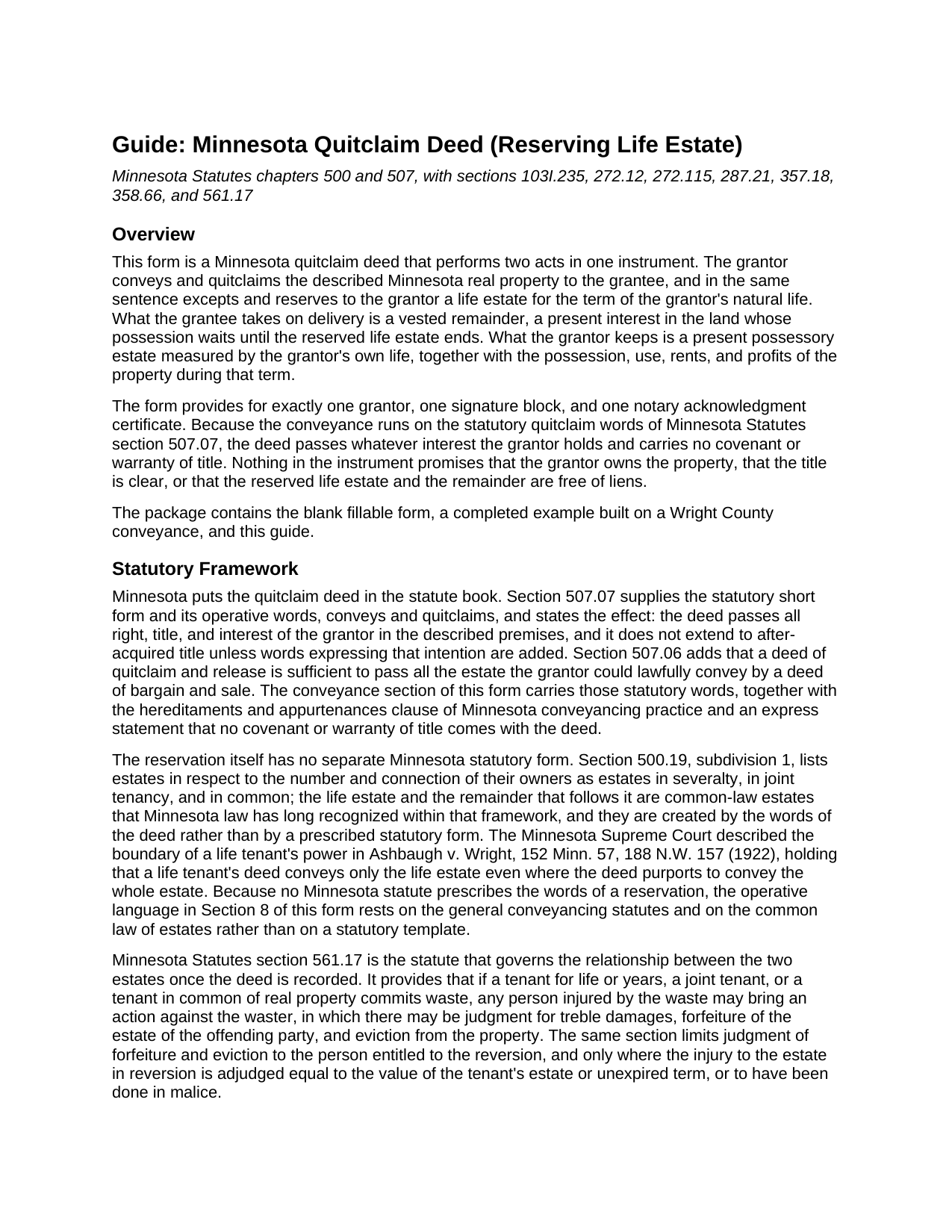
Carlton County Quitclaim Deed (Reserving Life Estate) Guide
Line by line guide explaining every blank on the Quitclaim Deed (Reserving Life Estate) form.
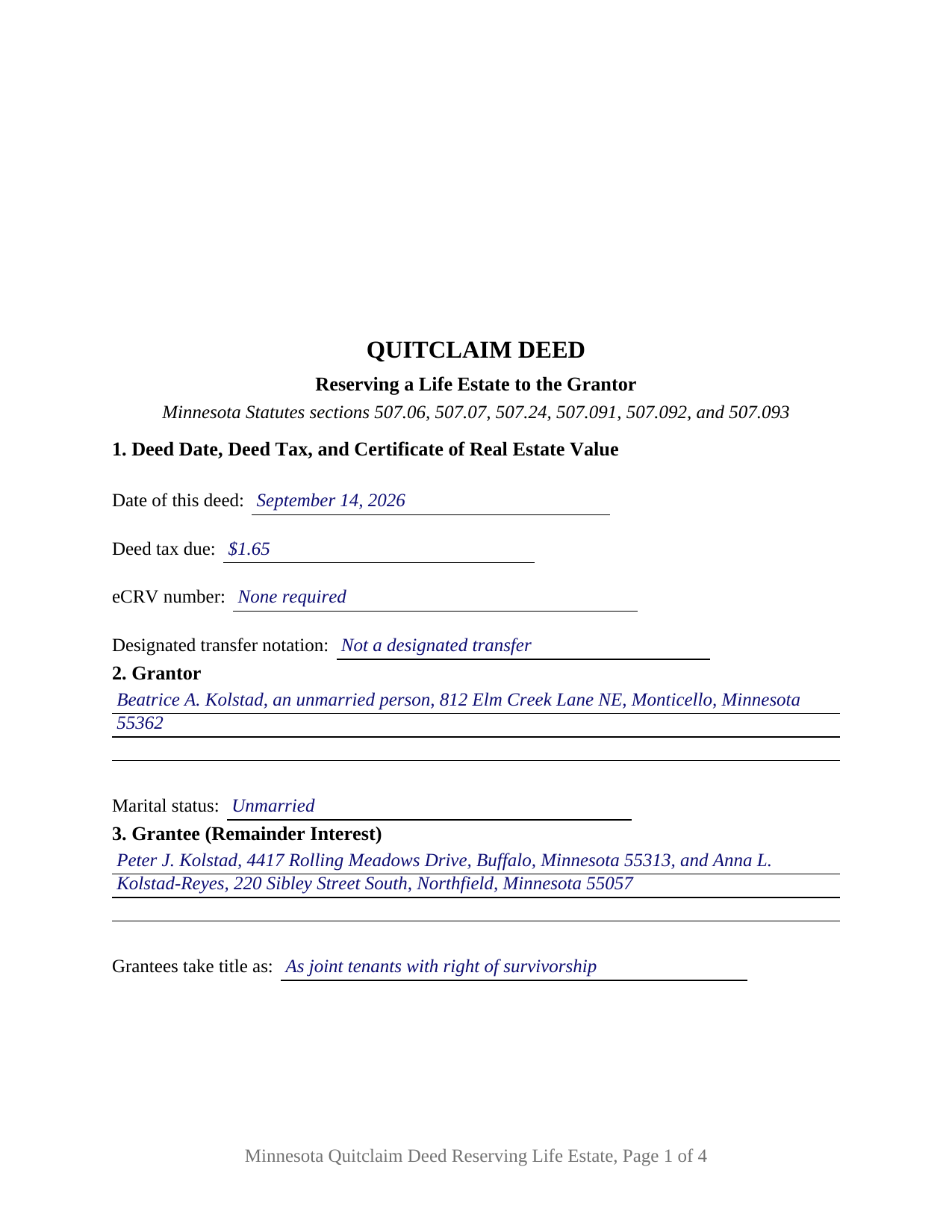
Carlton County Completed Example of the Quitclaim Deed (Reserving Life Estate) Document
Example of a properly completed Minnesota Quitclaim Deed (Reserving Life Estate) document for reference.
All 3 documents above included • One-time purchase • No recurring fees
Immediate Download • Secure Checkout
Additional Minnesota and Carlton County documents included at no extra charge:
Where to Record Your Documents
Carlton County Recorder
Carlton, Minnesota 55718
Hours: Monday-Friday 8:00am-4:00pm CST,
Phone: (218) 384-9195
Carlton County Recorders Mailing Address
Carlton, Minnesota 55718-0300
Hours:
Phone:
Recording Tips for Carlton County:
- Bring your driver's license or state-issued photo ID
- Ensure all signatures are in blue or black ink
- Ask if they accept credit cards - many offices are cash/check only
- Check that your notary's commission hasn't expired
- Documents must be on 8.5 x 11 inch white paper
Cities and Jurisdictions in Carlton County
Properties in any of these areas use Carlton County forms:
- Barnum
- Carlton
- Cloquet
- Cromwell
- Esko
- Holyoke
- Kettle River
- Moose Lake
- Sawyer
- Wrenshall
- Wright
Hours, fees, requirements, and more for Carlton County
How do I get my forms?
Forms are available for immediate download after payment. The Carlton County forms will be in your account ready to download to your computer. An account is created for you during checkout if you don't have one. Forms are NOT emailed.
Are these forms guaranteed to be recordable in Carlton County?
Yes. Our form blanks are guaranteed to meet or exceed the applicable formatting requirements used for recording in Carlton County, including margin requirements, font requirements, and other layout standards. This guarantee applies to formatting, not to the legal sufficiency of information entered by the user or the suitability of a form for a particular transaction.
Can I reuse these forms?
Yes. You can reuse the forms for your personal use. For example, if you have multiple properties in Carlton County you only need to order once.
What do I need to use these forms?
The forms are PDFs that you fill out on your computer. The free Adobe Acrobat Reader is recommended, and most PDF apps also work. You do NOT enter your property information online - you download the blank forms and complete them privately on your own computer.
Are there any recurring fees?
No. This is a one-time purchase. Nothing to cancel, no memberships, no recurring fees.
How much does it cost to record in Carlton County?
Recording fees in Carlton County vary. Contact the recorder's office at (218) 384-9195 for current fees.
Questions answered? Let's get started!
Two estates come out of one sentence here, and only one of them travels. The Minnesota Quitclaim Deed (Reserving Life Estate) conveys the remainder interest in the described real property to the grantee and, in the same operative sentence, excepts and reserves to the grantor a life estate for the term of the grantor's natural life. The grantee holds a real interest from the moment of delivery. The grantor keeps the house, the use of it, and the rents and profits it produces, for life.
The reservation, and why the deed splits in two
Minnesota supplies the conveyance words but not the reservation. Section 507.07 of the Minnesota Statutes gives the quitclaim short form its operative words, conveys and quitclaims, and fixes their effect: all right, title, and interest of the grantor passes, and later-acquired title does not follow unless added words say so. No Minnesota statute prescribes the words that carve a life estate back out, so the excepting and reserving clause in Section 8 does that work on the common law of estates, which Section 500.19 leaves standing beside severalty, joint tenancy, and tenancy in common. The result on the record is a present possessory estate measured by one life and a vested remainder behind it.
What the life tenant keeps, and where the line runs
The reserved estate is not a courtesy. It carries possession, use, and the rents and profits during its term, and the deed says so on its face. It also carries duties that Minnesota wrote into statute long ago: Section 561.17 lets any person injured by waste sue a tenant for life, with treble damages, forfeiture of the offending estate, and eviction available, though forfeiture and eviction run only to the person entitled to the reversion, on the terms that section states. The other boundary is older still. In Ashbaugh v. Wright, 152 Minn. 57, 188 N.W. 157 (1922), the Minnesota Supreme Court held that a life tenant's deed conveys only the life estate even where it purports to convey the whole, which is why selling the entire parcel afterward takes the remainder holder's signature too.
One grantor, one certificate, and the marital status line
The form recites exactly one record owner as Grantor, with a marital status entry beneath the name, and closes with a single signature block and a single acknowledgment certificate in the short form of Section 358.66. Section 3 names the grantee or grantees who take the remainder and carries the entry that decides how they hold it, since Section 500.19, subdivision 2, reads a grant to two or more persons as a tenancy in common unless joint tenancy is expressly declared. An owner conveying the family home to adult children while keeping the right to live in it for life, and an owner passing a rental parcel to one grantee while keeping the rents until death, both present the pattern this deed recites. It is not set up for two owners conveying together, nor for a life estate measured by another person's life. The marital status line matters for a reason particular to this deed: Section 507.02 leaves a married owner's homestead conveyance valid only with both spouses signing, and carving a remainder out of a homestead is still conveying it.
The estate that outlives the life tenant
One Minnesota statute belongs beside any life estate deed. Section 256B.15 uses an expanded definition of estate for medical assistance claims, and subdivision 1a dates a life estate from the earlier of recording and delivery. For life estates established on or after August 1, 2003, the recipient's interest does not end at death for recovery purposes, a rule Section 514.981, subdivision 6, describes as modifying the common law. The recording arithmetic is ordinary by comparison: deed tax under Section 287.21 at $1.65 where net consideration is $3,000 or less, the auditor's transfer entry under Section 272.12 before the recorder takes the instrument, and the well disclosure statements of Section 103I.235 printed in Section 9.
A life estate deed, a quit claim deed with a reserved life estate, and a Minnesota deed keeping a life estate all name this same instrument. Included here: the fillable form, a completed example built on a Wright County conveyance to two remainder grantees holding as joint tenants, and a guide covering every numbered section, the estates Section 500.19 recognizes, and each county step. The materials are informational and are not legal advice.
Important: Your property must be located in Carlton County to use these forms. Documents should be recorded at the county recording office listed above.
This Quitclaim Deed (Reserving Life Estate) meets all recording requirements specific to Carlton County.
Our Promise
The documents you receive here are guaranteed to meet or exceed the applicable Carlton County recording format requirements. If there is a rejection caused by our formatting, we will correct the issue or refund your payment. This guarantee applies to document formatting only and does not extend to information entered by the user, the selection of the form, or the legal effect of the completed document.
Save Time and Money
Get your Carlton County Quitclaim Deed (Reserving Life Estate) form done right the first time with Deeds.com Uniform Conveyancing Blanks. At Deeds.com, we understand that your time and money are valuable resources, and we don't want you to face a penalty fee or rejection imposed by a county recorder for submitting nonstandard documents. We constantly review and update our forms to meet rapidly changing state and county recording requirements for roughly 3,500 counties and local jurisdictions.
4.8 out of 5 - ( 4,839 Reviews )
Clayton M. 5 out of 5 stars
Five stars from me. this is a very useful service with great results.
We appreciate your business and value your feedback. Thank you. Have a wonderful day!
Sara W. 5 out of 5 stars
Got the legal forms, they worked. Nothing exciting but that probably a good thing.
Thank you Sara, we appreciate you.
John M. 5 out of 5 stars
I ordered my gift deed forms one evening, filled them out the next day, and registered them with the register of deeds the next morning. Boom. Done! Easy peasy, no lawyer expense!
Thank you!
Christin A. 5 out of 5 stars
Super Quick! and Easy!
Thank you!
Jeanne A. 5 out of 5 stars
great forms, nice that they are fillable pdfs, easy to use, no issues. thanks.
Thank you for your feedback. We really appreciate it. Have a great day!
Christine L. 5 out of 5 stars
I would like the ability to edit the document.
Thank you for your feedback Christine.
Dean P. 5 out of 5 stars
Very fast, efficient, and convenient - thanks Deeds.com! I would recommend this service to everyone needing to record documents, especially out-of-state customers such as myself.
Thank you for your feedback. We really appreciate it. Have a great day!
Becky O. 5 out of 5 stars
Super easy and quick. Love the service-
Thank you!
Tamara B. 5 out of 5 stars
Simple and easy to use
Your feedback means a lot to us. Thank you.
Roberta L. 2 out of 5 stars
Costs WAAAAY too much for a stupid FORM!!! F' U!!!
We’ve processed a full cancellation and refund for the order you placed. We wish you the best in finding an option that better fits your needs.
William G. 5 out of 5 stars
Exactly what I needed and saved me a bundle by not having to hire an attorney. My county clerk said it was exactly correct.
We appreciate your business and value your feedback. Thank you. Have a wonderful day!
Rasheedah M. 5 out of 5 stars
Excellent service. Received the exact quit claim form and additional information promptly. Thank you so much!
We appreciate your business and value your feedback. Thank you. Have a wonderful day!
Robert H. 5 out of 5 stars
Excellent service and site. Easy to use. Finding the required forms was easy.
We appreciate your business and value your feedback. Thank you. Have a wonderful day!
Gertrude F. 3 out of 5 stars
I like that DEEDS.com has a variety of forms tht I may need. However, I was disappointed that I am not able to save the PDF forms after I fill in the spaces. If I need to edit anything, I have to go back to the blank form and redo the whole thing. Perhap I am doing something wrong.
Thank you!
Peter E. 5 out of 5 stars
I think Deeds is a great site for learning. On recording a document, I had trouble. It was me, because I was new to the site.
Thank you!