Olmsted County Quitclaim Deed Form
Last validated November 11, 2026 by our Forms Development TeamFormatted for recording in Olmsted County, for property anywhere in the county: rural and unincorporated areas as well as Byron, Dover, Eyota, Oronoco, Rochester, Stewartville.
- 3 documents included
- Immediate PDF download
- Formatting guarantee
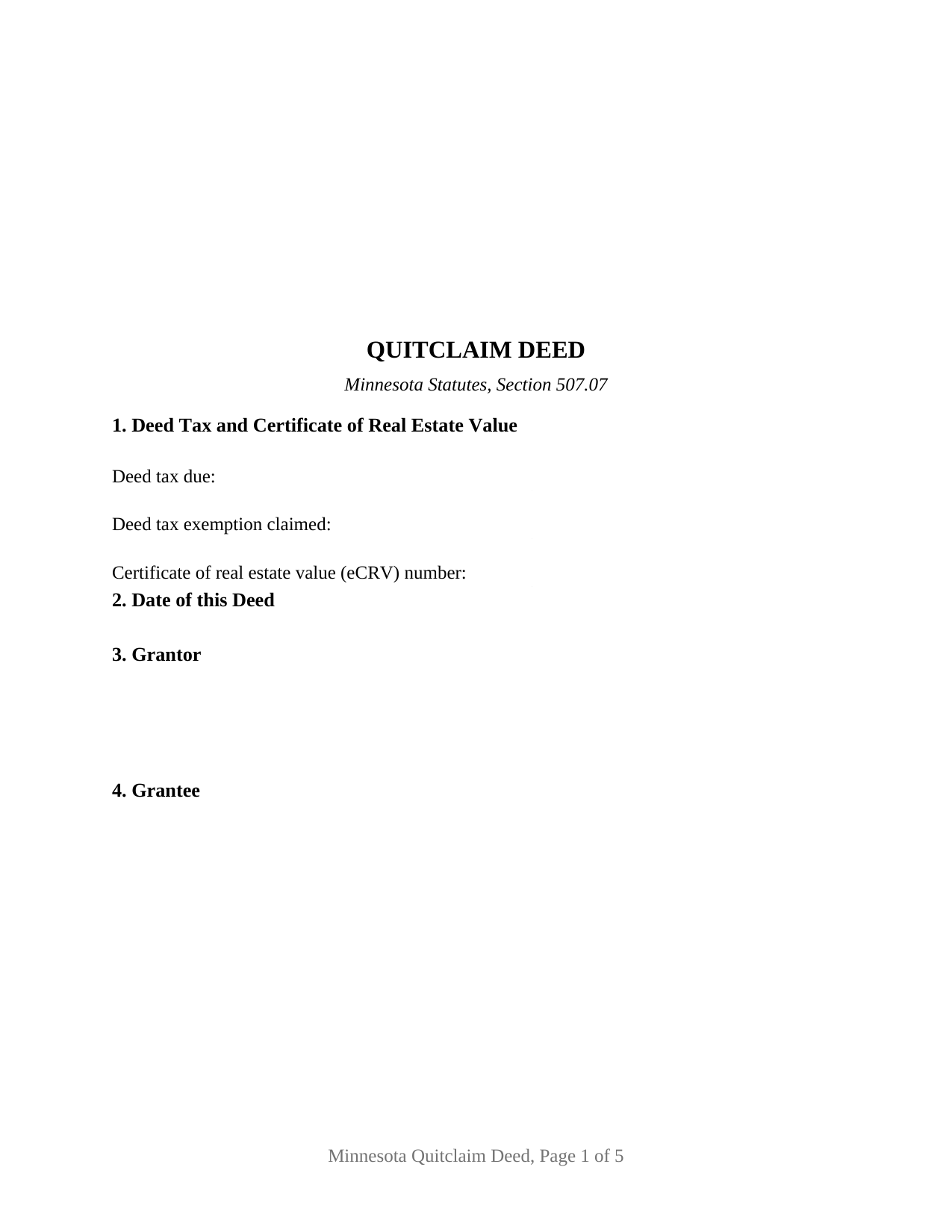
Olmsted County Quitclaim Deed Form
Fill in the blank Quitclaim Deed form formatted to comply with all Minnesota recording and content requirements.
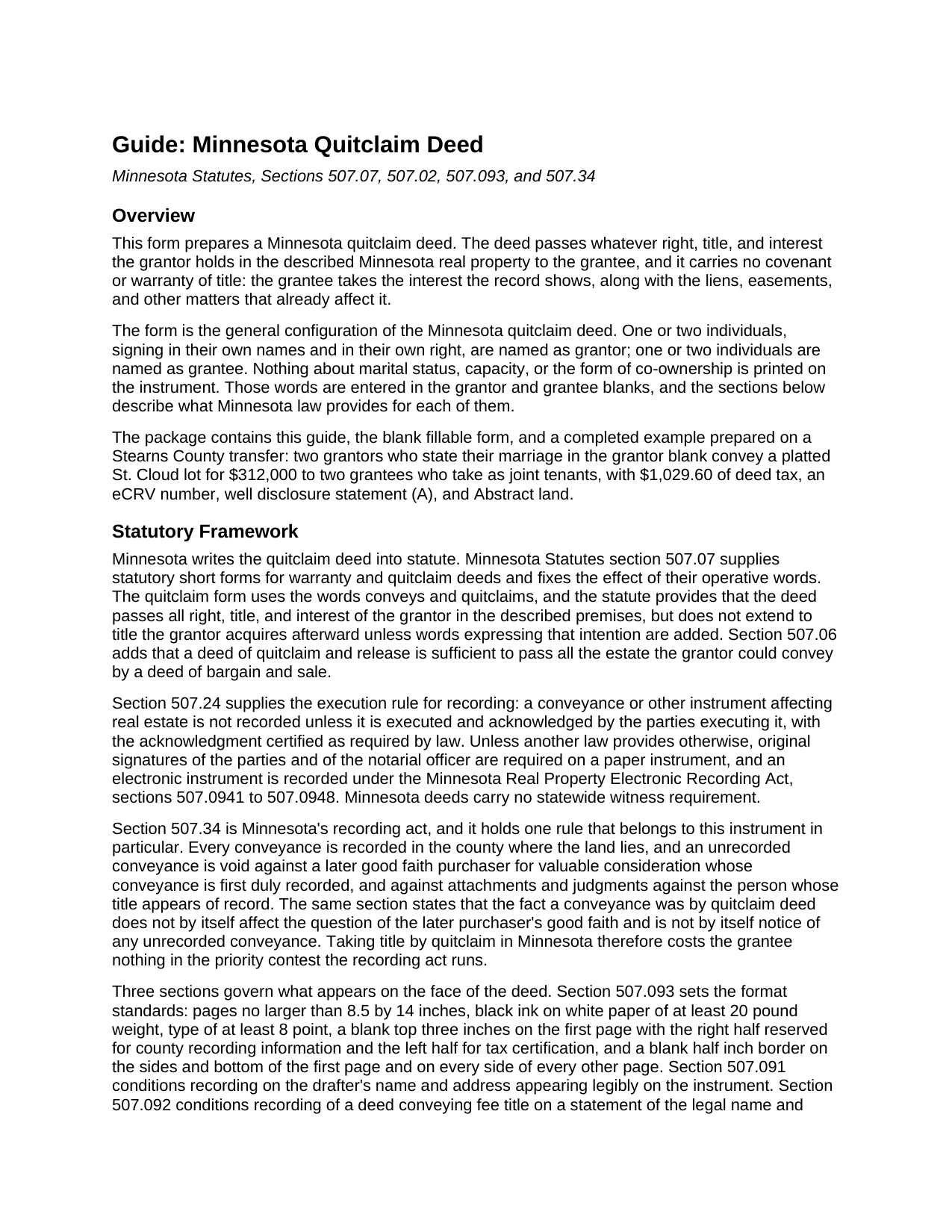
Olmsted County Quitclaim Deed Guide
Line by line guide explaining every blank on the Quitclaim Deed form.
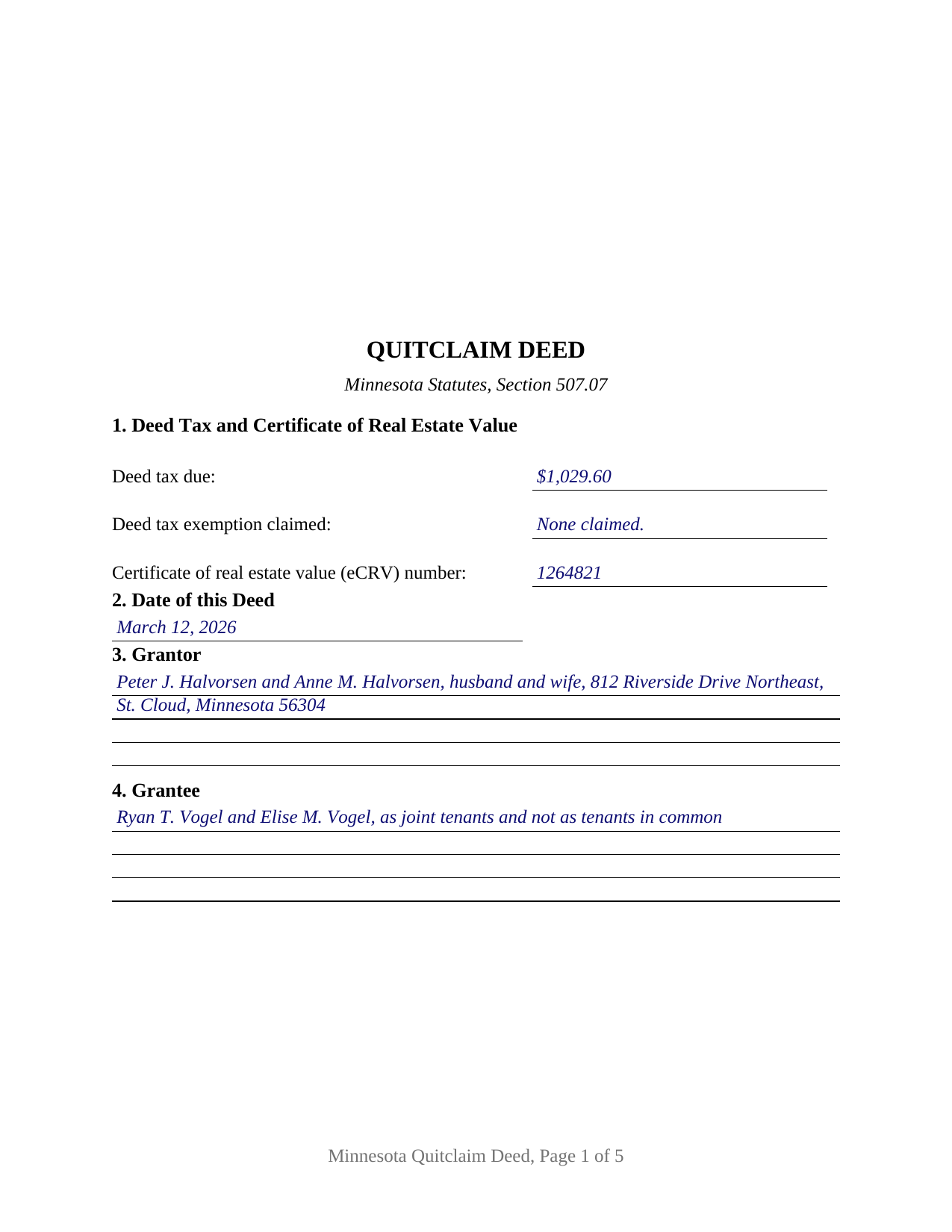
Olmsted County Completed Example of the Quitclaim Deed Document
Example of a properly completed Minnesota Quitclaim Deed document for reference.
All 3 documents above included • One-time purchase • No recurring fees
Immediate Download • Secure Checkout
Additional Minnesota and Olmsted County documents included at no extra charge:
Where to Record Your Documents
Property Records & Licensing
Rochester, Minnesota 55904
Hours: 8:00am to 5:00pm M-F
Phone: (507) 328-7670 and 328-7635
Recording Tips for Olmsted County:
- Bring your driver's license or state-issued photo ID
- Ensure all signatures are in blue or black ink
- Recording fees may differ from what's posted online - verify current rates
- Request a receipt showing your recording numbers
- Ask about accepted payment methods when you call ahead
Cities and Jurisdictions in Olmsted County
Properties in any of these areas use Olmsted County forms:
- Byron
- Dover
- Eyota
- Oronoco
- Rochester
- Stewartville
Hours, fees, requirements, and more for Olmsted County
How do I get my forms?
Forms are available for immediate download after payment. The Olmsted County forms will be in your account ready to download to your computer. An account is created for you during checkout if you don't have one. Forms are NOT emailed.
Are these forms guaranteed to be recordable in Olmsted County?
Yes. Our form blanks are guaranteed to meet or exceed the applicable formatting requirements used for recording in Olmsted County, including margin requirements, font requirements, and other layout standards. This guarantee applies to formatting, not to the legal sufficiency of information entered by the user or the suitability of a form for a particular transaction.
Can I reuse these forms?
Yes. You can reuse the forms for your personal use. For example, if you have multiple properties in Olmsted County you only need to order once.
What do I need to use these forms?
The forms are PDFs that you fill out on your computer. The free Adobe Acrobat Reader is recommended, and most PDF apps also work. You do NOT enter your property information online - you download the blank forms and complete them privately on your own computer.
Are there any recurring fees?
No. This is a one-time purchase. Nothing to cancel, no memberships, no recurring fees.
How much does it cost to record in Olmsted County?
Recording fees in Olmsted County vary. Contact the recorder's office at (507) 328-7670 and 328-7635 for current fees.
Questions answered? Let's get started!
Minnesota answers the quitclaim deed's oldest question inside the recording act itself. Section 507.34 of the Minnesota Statutes protects a later buyer who takes in good faith and records first, and then adds a sentence written for this instrument: the fact that a conveyance was made by quitclaim deed does not by itself decide the question of that buyer's good faith, and is not by itself notice of an unrecorded conveyance. The deed promises nothing about title, and the statute keeps that silence from costing the grantee standing in the priority contest the record runs.
What conveys and quitclaims moves
Section 507.07 supplies the statutory short form and fixes what its operative words do. The deed passes all right, title, and interest of the grantor in the described premises, and it reaches no title the grantor picks up later unless words expressing that intention are added. Section 507.06 adds the outer edge of its reach: a deed of quitclaim and release passes all the estate the grantor could convey by a deed of bargain and sale. What travels is the grantor's present interest with the mortgages, easements, restrictions, and mineral reservations already attached to it. The conveyance section carries those statutory words, the hereditaments and appurtenances clause of Minnesota practice, and a plain statement that no covenant or warranty of title comes with the deed.
One or two names on each side
This is the general Minnesota quitclaim deed, built for individuals signing in their own right. The grantor blank takes one or two names with whatever status words the signers state, the grantee blank takes one or two names with any words describing how they take title, and the execution area carries a signature block and an acknowledgment certificate for each of the two grantor positions, the second of each left blank where one grantor conveys. Nothing about marriage, capacity, or co-ownership is preprinted anywhere on the instrument, so the four count patterns read as one document: a single grantor to a single grantee, one grantor to two grantees, two grantors to one grantee, and two grantors to two grantees. What the grantee blank says decides survivorship, because section 500.19, subdivision 2, gives two or more grantees a tenancy in common wherever the deed does not expressly declare a joint tenancy. The form is not set up for an entity grantor whose signing authority comes from its own chapter, for a trustee or an attorney-in-fact signing for someone else, for three or more owners on either side, or for a conveyance that reserves a life estate, since the conveyance section passes the grantor's whole interest without reservation.
The face a Minnesota recorder reads
Minnesota fixes a good deal of what appears on a deed. Section 507.093 leaves the top three inches of page one blank, the right half for county recording information and the left half for tax certification, and the form prints nothing there. Section 507.091 puts the drafter's name and address on the instrument, and section 507.092 conditions recording on a grantee name and address for future property tax statements. Section 287.241 bars recording a taxable deed that states neither the tax due nor an exemption, so the first numbered section carries that entry beside the eCRV number section 272.115 assigns to a sale for more than $3,000. The three lettered well disclosure statements of section 103I.235 sit in their own section with a blank for the letter that applies, and an Abstract or Registered (Torrens) entry marks whether the deed goes to the county recorder or to the registrar of titles.
Auditor, deed tax, then the record
The path runs through two county offices. Section 272.12 sends the deed to the auditor for the transfer entry and tax certification first, and the recorder refuses an instrument arriving without that statement. State deed tax under section 287.21 runs at 0.0033 of net consideration above $3,000 and $1.65 at or below it, with 0.0001 added in Hennepin and Ramsey Counties. Recording and indexing is a flat $46 under section 357.18, which section 357.182 keeps counties from adding to.
A quit claim deed, a quick claim deed, and a Minnesota quitclaim deed form all name this same instrument. Included here: the fillable form, a completed example built on a Stearns County sale by two grantors to two grantees taking as joint tenants, and a guide covering every numbered section, the estates section 500.19 recognizes, and each county step. The materials are informational and are not legal advice.
Important: Your property must be located in Olmsted County to use these forms. Documents should be recorded at the county recording office listed above.
This Quitclaim Deed meets all recording requirements specific to Olmsted County.
Our Promise
The documents you receive here are guaranteed to meet or exceed the applicable Olmsted County recording format requirements. If there is a rejection caused by our formatting, we will correct the issue or refund your payment. This guarantee applies to document formatting only and does not extend to information entered by the user, the selection of the form, or the legal effect of the completed document.
Save Time and Money
Get your Olmsted County Quitclaim Deed form done right the first time with Deeds.com Uniform Conveyancing Blanks. At Deeds.com, we understand that your time and money are valuable resources, and we don't want you to face a penalty fee or rejection imposed by a county recorder for submitting nonstandard documents. We constantly review and update our forms to meet rapidly changing state and county recording requirements for roughly 3,500 counties and local jurisdictions.
4.8 out of 5 - ( 4,858 Reviews )
Loretta W. 5 out of 5 stars
Thank you for your excellent service
We appreciate your business and value your feedback. Thank you. Have a wonderful day!
Patricia D. 5 out of 5 stars
It worked great- I had a little trouble at first with the site, figuring out where to do what, but the form was much better than the one we purchased at Staples, loved being able to fill out with the computer. We did need the other form as per the screen prior to ordering but couldn't figure out which one. The ladies at the recorders were great too.
We appreciate your business and value your feedback. Thank you. Have a wonderful day!
Christopher S. 5 out of 5 stars
very easy to use, and comprehensive...I like the e-recording package
We are grateful for your feedback and looking forward to serving you again. Thank you!
Tamica D. 5 out of 5 stars
Exceptional service. Thank you for your assistance.
Thank you!
Sheldon L. 5 out of 5 stars
Made recording very simple. Opening an account and utilizing your efiling service is an efficient way to record a document. Reasonable price.
Thank you, Sheldon! We’re glad you found the account setup and eRecording process simple and efficient. Making recording easy and affordable is exactly what we aim for. We appreciate you choosing Deeds.com and look forward to helping with your next recording.
A. S. 3 out of 5 stars
First, I am glad that you gave a blank copy, an example copy, and a 'guide'. It made it much easier to do. Overall I was very happy with your products and organization... however, things got pretty confusing and I have a pretty 'serious' law background in Real Estate and Civil law. With that said, I spent about 10+ hours getting my work done, using the Deed of Trust and Promissory note from you and there were a few problems: First, it would be FANTASTIC if you actually aligned your guide to actually match the Deed or Promissory Note. What I mean is that if the Deed says 'section (E)' then your guide shouldn't be 'randomly' numbered as 1,2,3, for advice/instructions, but should EXACTLY match 'section (E)'. Some places you have to 'hunt' for what you are looking for, and if you did it based on my suggestion, you wouldn't need to 'hunt' and it would avoid confusion. 2nd: This one really 'hurt'... you had something called the 'Deed of Trust Master Form' yet you had basically no information on what it was or how to use it. The only information you had was a small section at the top of the 'Short Form Deed of Trust Guide'. Holy Cow, was that 'section' super confusing. I still don't know if I did it correctly, but your guide says only put a return address on it and leave the rest of the 16 or so page Deed of Trust beneath it blank... and then include your 'Deed of Trust' (I had to assume the short form deed that I had just created) as part of it. I had to assume that I had to print off the entire 17 page or so title page and blank deed. I also had to assume that the promissory note was supposed to be EXHIBIT A or B on the Short Form Deed. It would be great if someone would take a serious look at that short section in your 'Short Form Deed of Trust Guide' and realize that those of us using your products are seriously turning this into a county clerk to file and that most of us, probably already have a property that has an existing Deed... or at least can find one in the county records if necessary... and make sure that you make a distinction between the Deed for the property that already exists, versus the Deed of Trust and Promissory note that we are trying to file. Thanks.
Thank you for your feedback. We'll have staff review the document for clarity. Have a great day!
Darren D. 5 out of 5 stars
Easy-peasy to find, download and use the forms!
We appreciate your business and value your feedback. Thank you. Have a wonderful day!
Kevin C. 5 out of 5 stars
Easy to use but the quit claim deep looked old and dated. The example of how to fill out should have asterisks stating what is need and what can be skipped
Thank you for your feedback. We really appreciate it. Have a great day!
RUSSELL E. 5 out of 5 stars
Awesome and quick service again, just like always from KvH. Thanks!
We are sincerely grateful for your feedback and are committed to providing the highest quality service. Thank you for your trust in us.
SHARON R. 5 out of 5 stars
Excellent Service! Please note that form Realty Transfer Tax Statement of Value does not print completely. Part of the pages are cut off. Otherwise, excellent service.
Thank you for your feedback. We really appreciate it. Have a great day!
Sera E. 5 out of 5 stars
East, fast, reliable. Great service!
Thank you!
Justine John S. 5 out of 5 stars
Splendid! I will definitely and absolutely recommend you guys and this company to my co-investors !
Thank you!
CLIVE R. 4 out of 5 stars
The instructions were really clear and the site user friendly
We appreciate your comments and your trust in us. Thank you.
Jennifer S. 5 out of 5 stars
Fabulous
Thank you!
Michelle R. 5 out of 5 stars
Fairly easy to use. Need to be able to find platts easy.
Thank you!