Scott County Transfer on Death Deed by Married Sole Owner Form
Last validated October 27, 2026 by our Forms Development TeamFormatted for recording in Scott County, for property anywhere in the county: rural and unincorporated areas as well as Belle Plaine, Elko, Jordan, New Market, New Prague, Prior Lake, Savage, Shakopee.
- 3 documents included
- Immediate PDF download
- Formatting guarantee
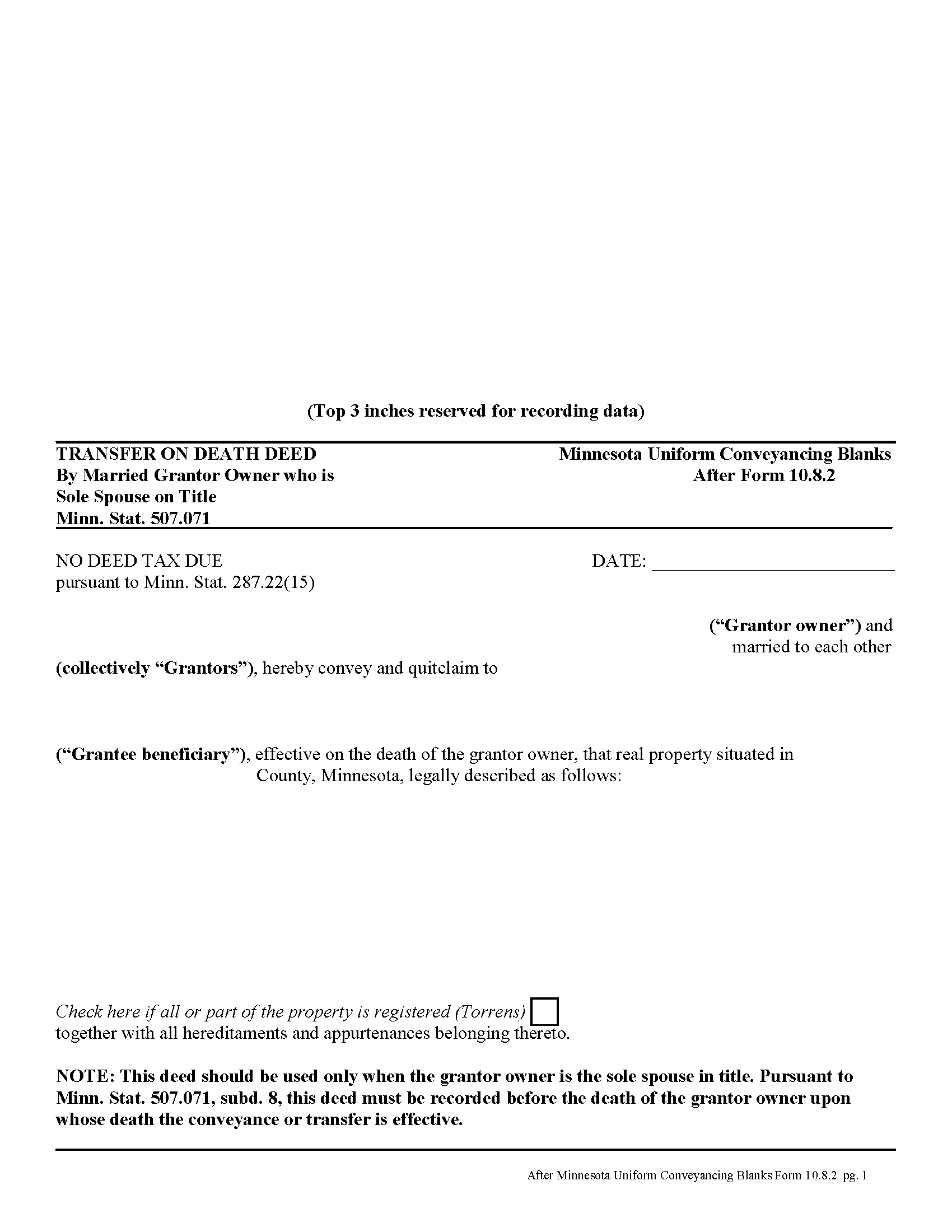
Scott County Transfer on Death Deed by Married Sole Owner
Fill in the blank form formatted to comply with all recording and content requirements.
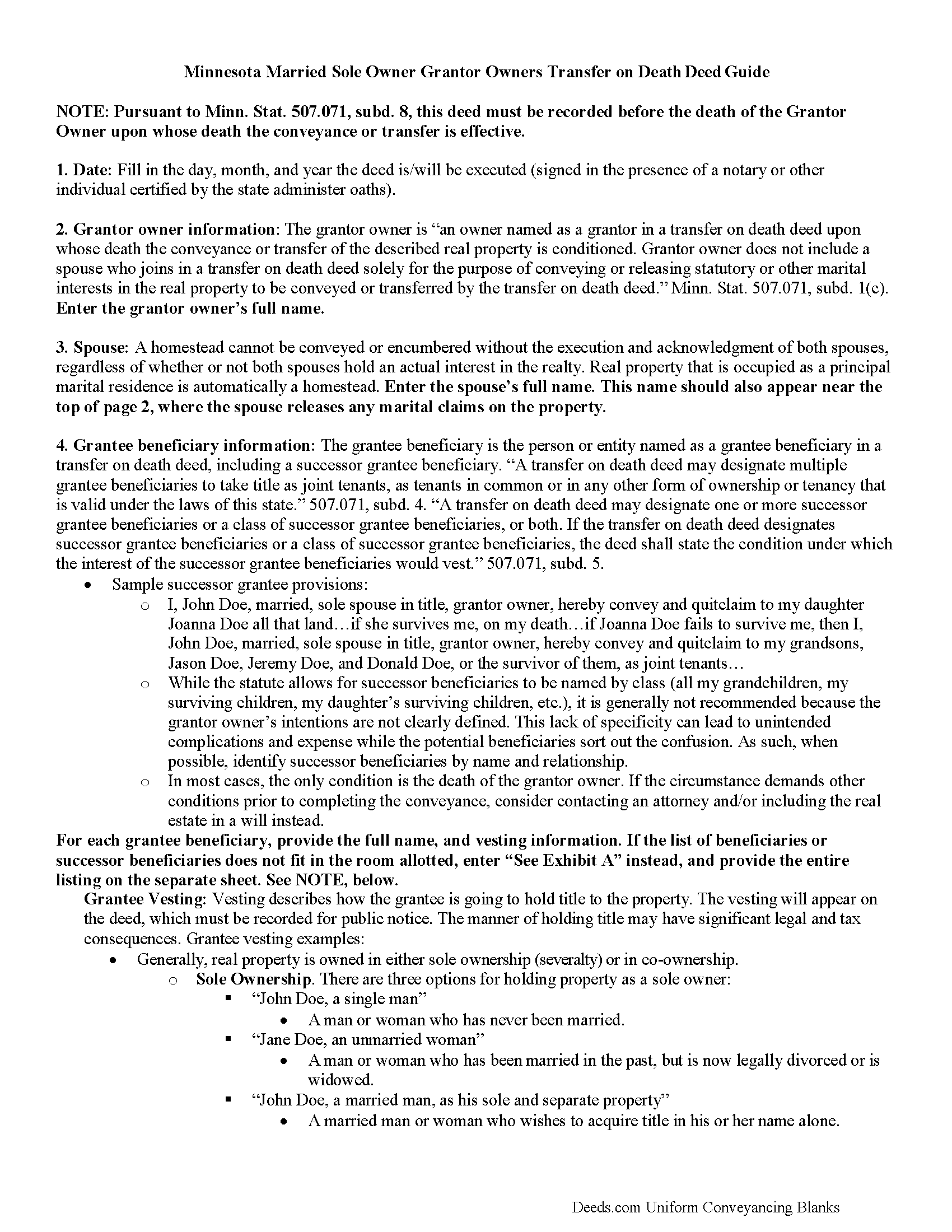
Scott County Transfer on Death Deed by Married Sole Owner Guide
Line by line guide explaining every blank on the form.
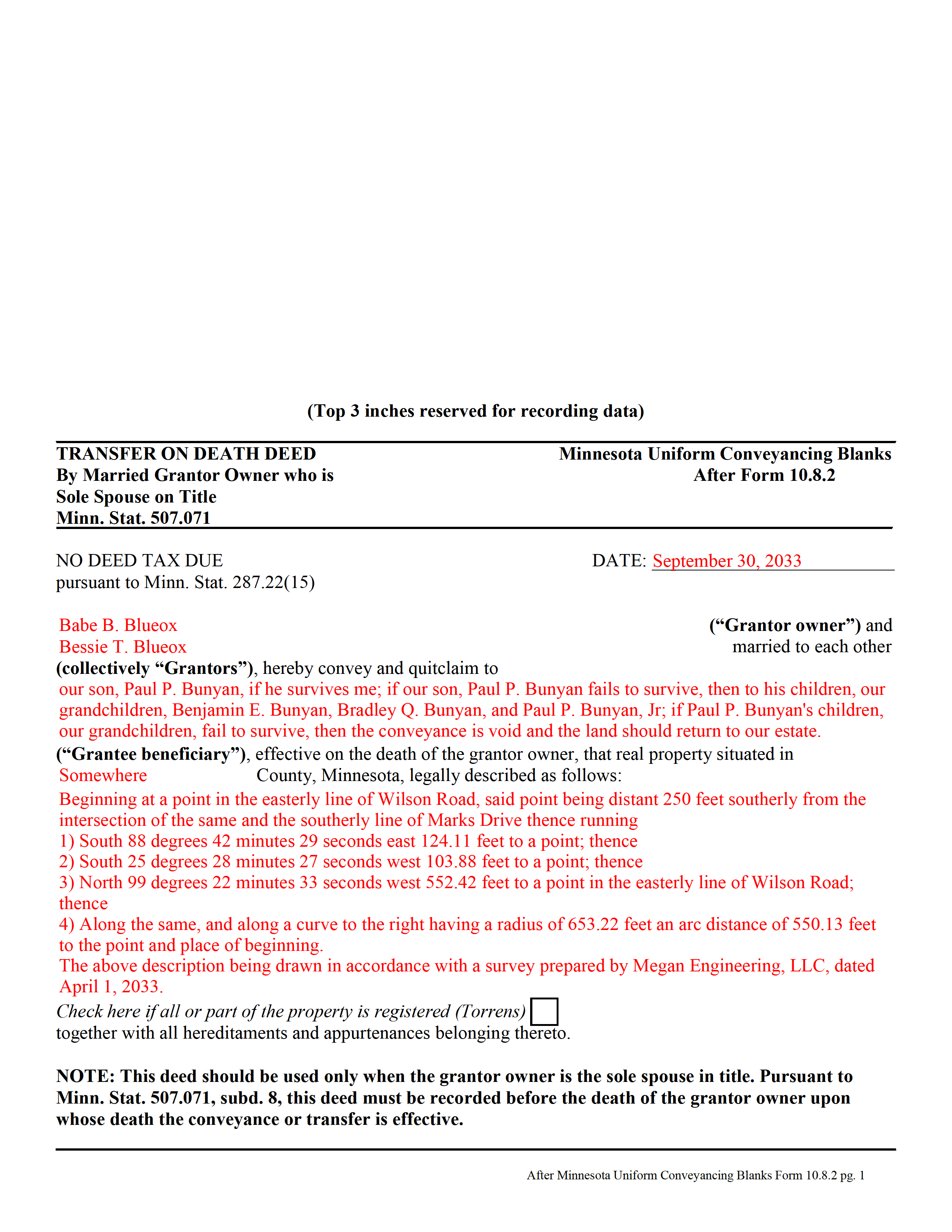
Scott County Completed Example of the Transfer on Death Deed by Married Sole Owner Document
Example of a properly completed form for reference.
All 3 documents above included • One-time purchase • No recurring fees
Immediate Download • Secure Checkout
Additional Minnesota and Scott County documents included at no extra charge:
Where to Record Your Documents
Scott County Recorder
Shakopee, Minnesota 55379
Hours: 8:00am to 4:30pm M-F
Phone: (952) 496-8150
Recording Tips for Scott County:
- Bring your driver's license or state-issued photo ID
- Ensure all signatures are in blue or black ink
- Documents must be on 8.5 x 11 inch white paper
- Double-check legal descriptions match your existing deed
- Verify all names are spelled correctly before recording
Cities and Jurisdictions in Scott County
Properties in any of these areas use Scott County forms:
- Belle Plaine
- Elko
- Jordan
- New Market
- New Prague
- Prior Lake
- Savage
- Shakopee
Hours, fees, requirements, and more for Scott County
How do I get my forms?
Forms are available for immediate download after payment. The Scott County forms will be in your account ready to download to your computer. An account is created for you during checkout if you don't have one. Forms are NOT emailed.
Are these forms guaranteed to be recordable in Scott County?
Yes. Our form blanks are guaranteed to meet or exceed the applicable formatting requirements used for recording in Scott County, including margin requirements, font requirements, and other layout standards. This guarantee applies to formatting, not to the legal sufficiency of information entered by the user or the suitability of a form for a particular transaction.
Can I reuse these forms?
Yes. You can reuse the forms for your personal use. For example, if you have multiple properties in Scott County you only need to order once.
What do I need to use these forms?
The forms are PDFs that you fill out on your computer. The free Adobe Acrobat Reader is recommended, and most PDF apps also work. You do NOT enter your property information online - you download the blank forms and complete them privately on your own computer.
Are there any recurring fees?
No. This is a one-time purchase. Nothing to cancel, no memberships, no recurring fees.
How much does it cost to record in Scott County?
Recording fees in Scott County vary. Contact the recorder's office at (952) 496-8150 for current fees.
Questions answered? Let's get started!
In Minnesota, transfer on death deeds are governed by Minn. Stat. 507.071.
While the statute provides a basic form, as well as overall content requirements, the state authorized the development of uniform conveyance documents for some specific situations. One such situation occurs when a married property owner holds sole title to the real estate he or she wishes to convey with a transfer on death deed. A correctly-completed basic statutory form is valid in most cases, but because the owner's husband or wife may be able to claim spousal interest in the property, these deeds require the spouse to sign a statement releasing any marital rights. Without this release, the non-probate transfer on death may not occur, and the property could revert to the deceased owner's estate for probate distribution instead. To prevent such unintended outcomes, there is a special deed for this circumstance.
This transfer on death deed form is for use ONLY by married grantor owners who are the sole spouse on the property's title.
As with other transfer on death deeds, this form must be executed and RECORDED during the grantor owner's lifetime.
(Minnesota TOD Deed by Married Sole Owner Package includes form, guidelines, and completed example)
Important: Your property must be located in Scott County to use these forms. Documents should be recorded at the county recording office listed above.
This Transfer on Death Deed by Married Sole Owner meets all recording requirements specific to Scott County.
Our Promise
The documents you receive here are guaranteed to meet or exceed the applicable Scott County recording format requirements. If there is a rejection caused by our formatting, we will correct the issue or refund your payment. This guarantee applies to document formatting only and does not extend to information entered by the user, the selection of the form, or the legal effect of the completed document.
Save Time and Money
Get your Scott County Transfer on Death Deed by Married Sole Owner form done right the first time with Deeds.com Uniform Conveyancing Blanks. At Deeds.com, we understand that your time and money are valuable resources, and we don't want you to face a penalty fee or rejection imposed by a county recorder for submitting nonstandard documents. We constantly review and update our forms to meet rapidly changing state and county recording requirements for roughly 3,500 counties and local jurisdictions.
4.8 out of 5 - ( 4,836 Reviews )
Tony R. 5 out of 5 stars
As advertised. Thanks.
We appreciate your business and value your feedback. Thank you. Have a wonderful day!
thomas C. 5 out of 5 stars
Thank you for being there for me when I couldn't get it done myself. I was a little confused with the operation at first but then became easy. I will definitely be using you again and again. Even after the pandemic is over.It's approximately 15 miles one way to downtown Orlando to do what you did for me sitting at my house
Glad we could help Thomas, have a great day!
Karin G. 5 out of 5 stars
All went well. Forms easy to download and instructions were super. Very pleased with the service.
Thank you!
Melisa H. 5 out of 5 stars
Quick turnaround and superior customer service from my reviewer. Above and beyond my expectations and took the time to look into the lengthy list of other counties I have to confirm you are able to e-record for me. I appreciate all the time and effort taken to help me.
Thank you for your feedback. We really appreciate it. Have a great day!
William N. 5 out of 5 stars
Every thing worked perfectly.
Thank you!
Victor L. 5 out of 5 stars
In a subject that is overbearing, this site made it simple and understandable, all was explained well. Thank you.
Thank you!
Kelly H. 5 out of 5 stars
This site was very fast and easy to use, highly recommend it.
Thank you for your feedback. We really appreciate it. Have a great day!
James K. 5 out of 5 stars
Looks like a very professional site. I just don’t know what it would cost using this site.
Thanks for the kind words about the website James, sorry to hear that you could not find pricing information, we will try harder.
virginia a. 4 out of 5 stars
Thank you for the prompt instructions on the download and installation. The only problem I had was trying to input data into the form once I renamed the form.and saved it. I was unable to change the size of the font and was very frustrated. In the end I finally had to redo the entire form through Word using your format.
Thank you!
Janet M. 5 out of 5 stars
This site is amazing! What a time saver from driving somewhere and standing around waiting.
Thank you!
Kimberly S. 4 out of 5 stars
I wasted a lot of my time because I didn't do any research to know what I needed. Nobody fault but mine.
Thank you!
Suzan B. 5 out of 5 stars
Using Deeds.com could not have been easier. The examples and line-by-line instructions helped a lot! I am so glad I found you.
We appreciate your business and value your feedback. Thank you. Have a wonderful day!
Jeffrey W. 5 out of 5 stars
One of the most user-friendly services I have used. HIGHLY reccomended.
Thank you!
Giustino C. 5 out of 5 stars
I am pleased with this electronic service in making a time sensitive deed transfer since very few options exist currently with the Covid 19 Crisis. This was the only rapid and available option to record the deed transfer and the fee was reasonable. I was able to upload my notarized and executed document and had a record number as well as the official document within 24 hours. It was simple and easy to use. Thank you deeds.com!!
Thank you Giustino, glad we could help.
LEROY S. 5 out of 5 stars
Thank you for your kind help. Great help. VR Roy F. Sutton
Thank you for your feedback. We really appreciate it. Have a great day!