Ripley County Assignment of Deed of Trust Form
Last validated October 16, 2026 by our Forms Development TeamFormatted for recording in Ripley County, for property anywhere in the county or independent city: rural and unincorporated areas as well as Briar, Doniphan, Fairdealing, Gatewood, Naylor, Oxly.
- 6 documents included
- Immediate PDF download
- Formatting guarantee
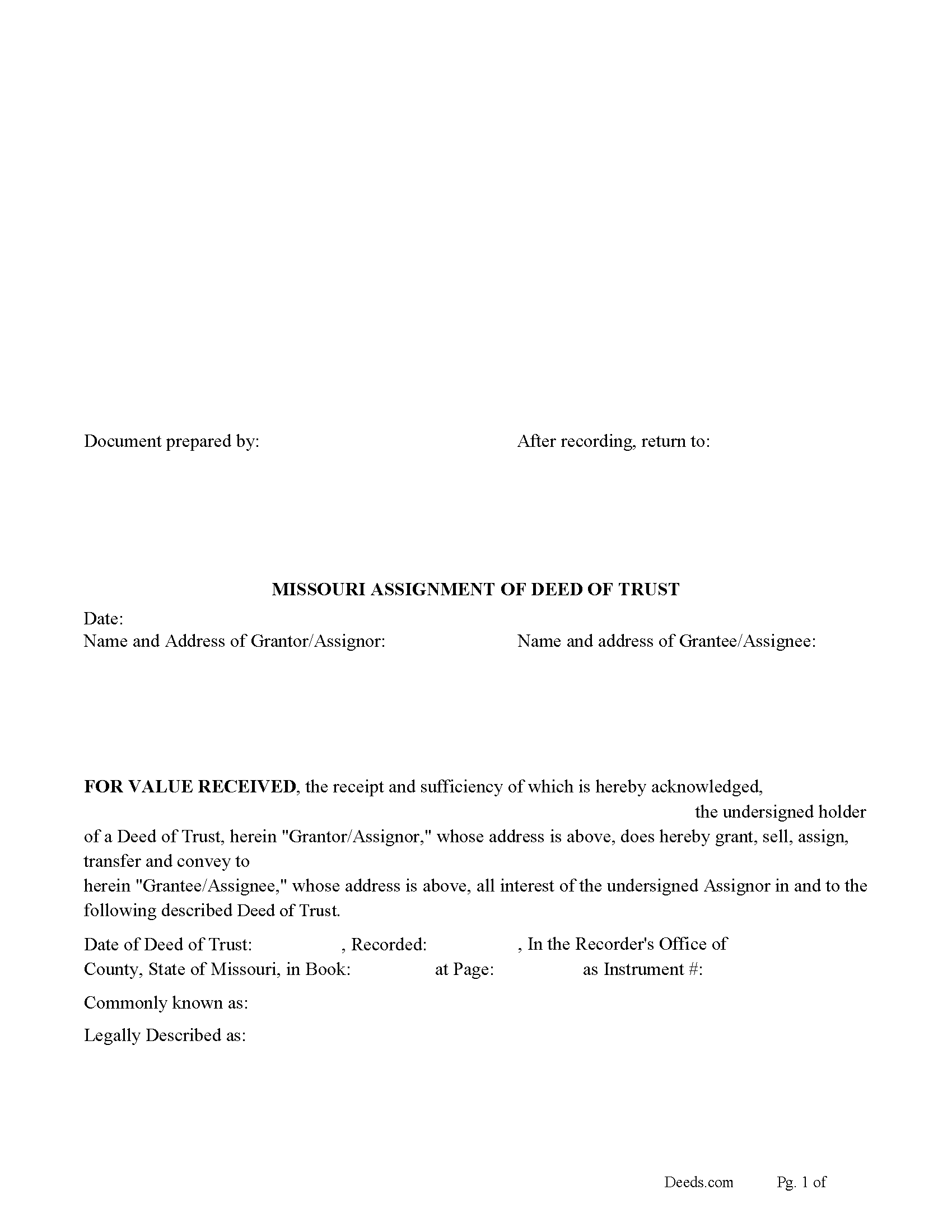
Ripley County Assignment of Deed of Trust Form
Fill in the blank form formatted to comply with all recording and content requirements.
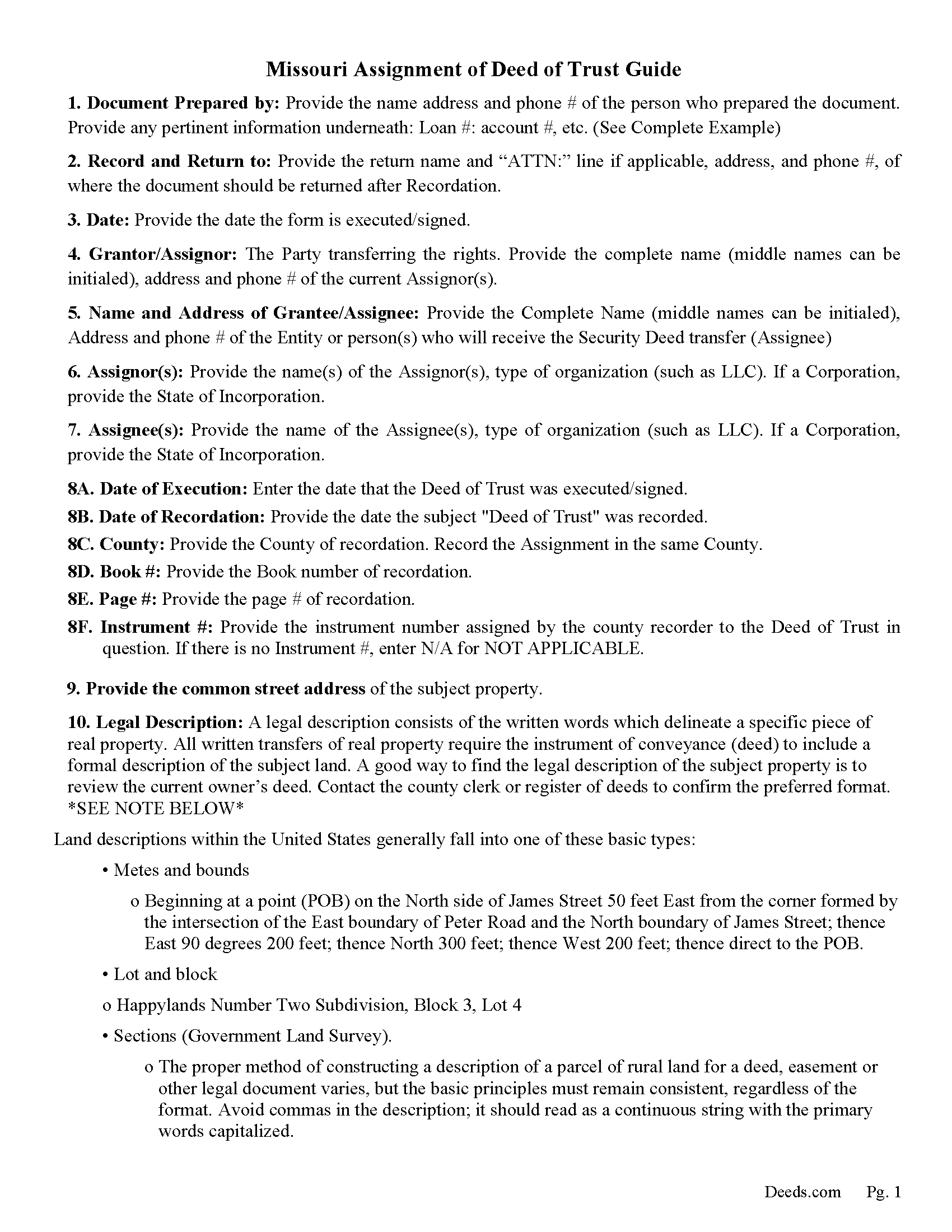
Ripley County Guidelines for Assignment of Deed of Trust
Line by line guide explaining every blank on the form.
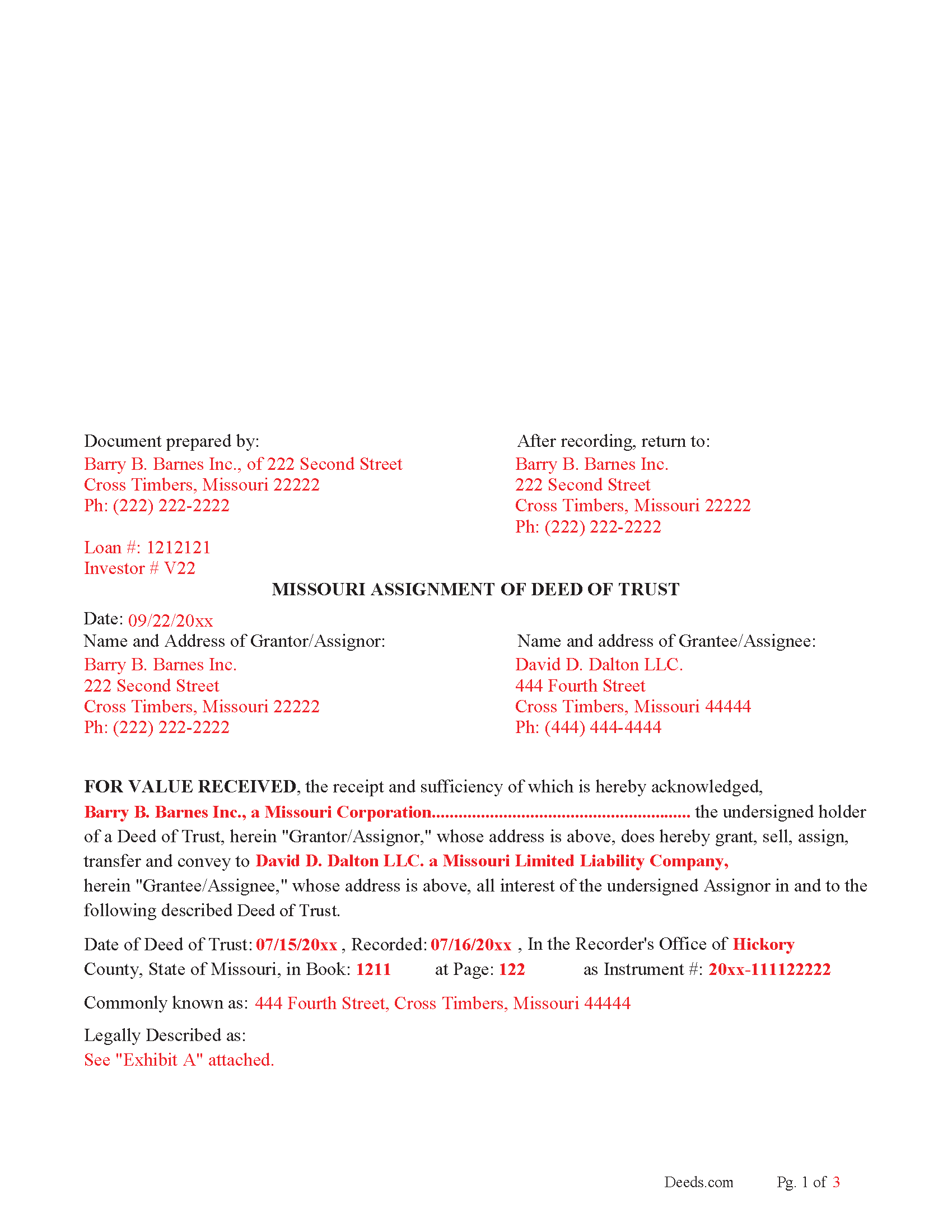
Ripley County Completed Example of the Assignment of Deed of Trust Document
Example of a properly completed form for reference.
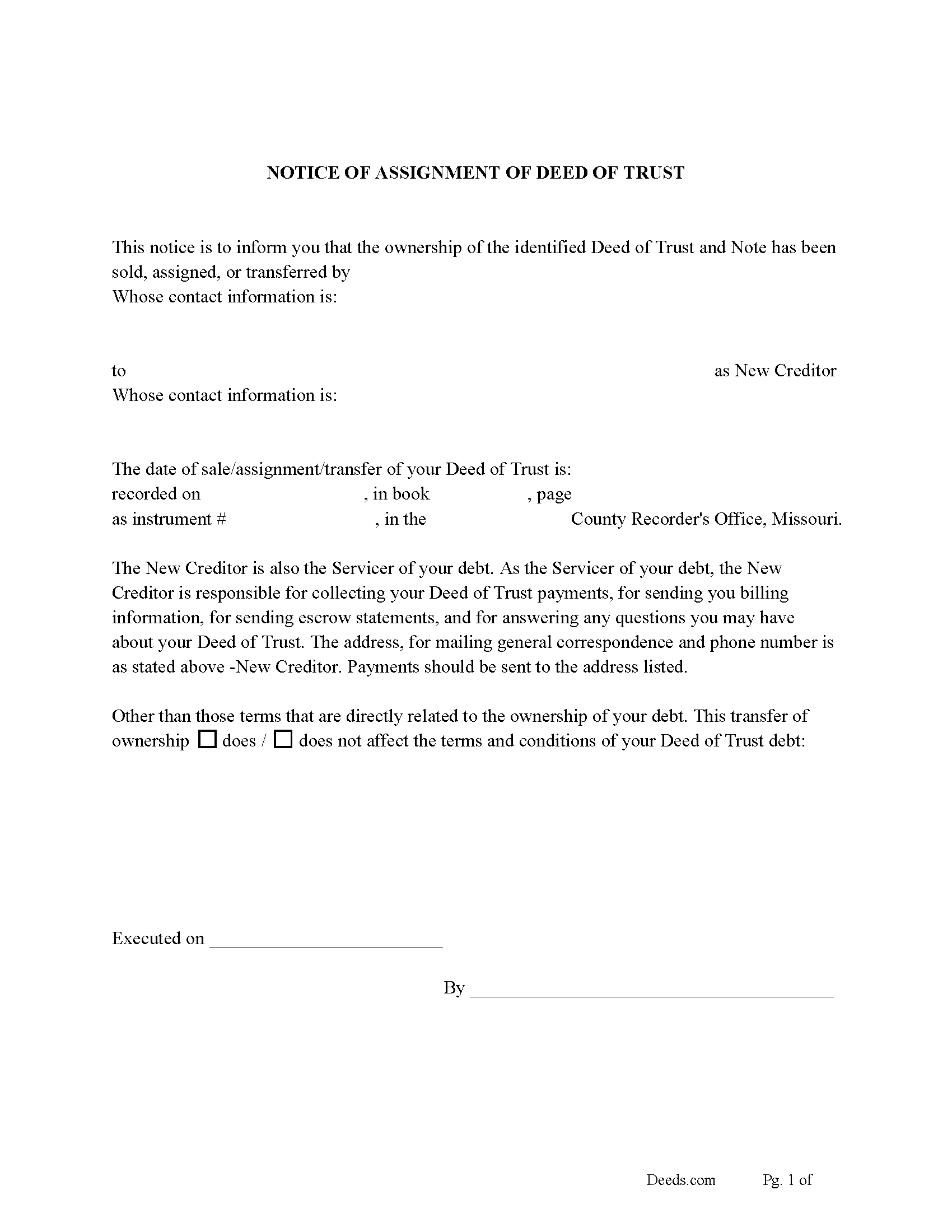
Ripley County Notice of Assignment of Deed of Trust Form
Fill in the blank form formatted to comply with content requirements.
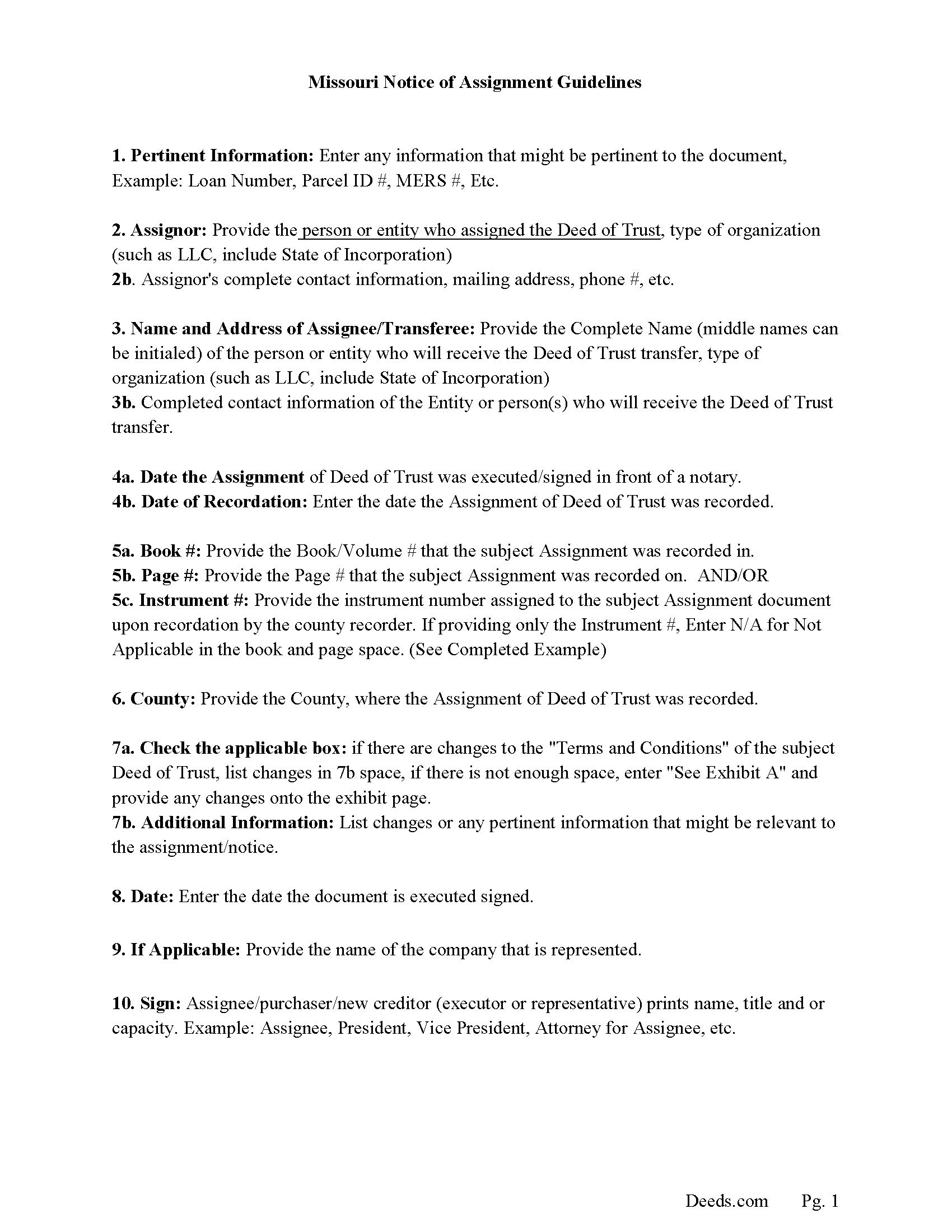
Ripley County Notice of Assignment Guidelines
Line by line guide explaining every blank on the form.
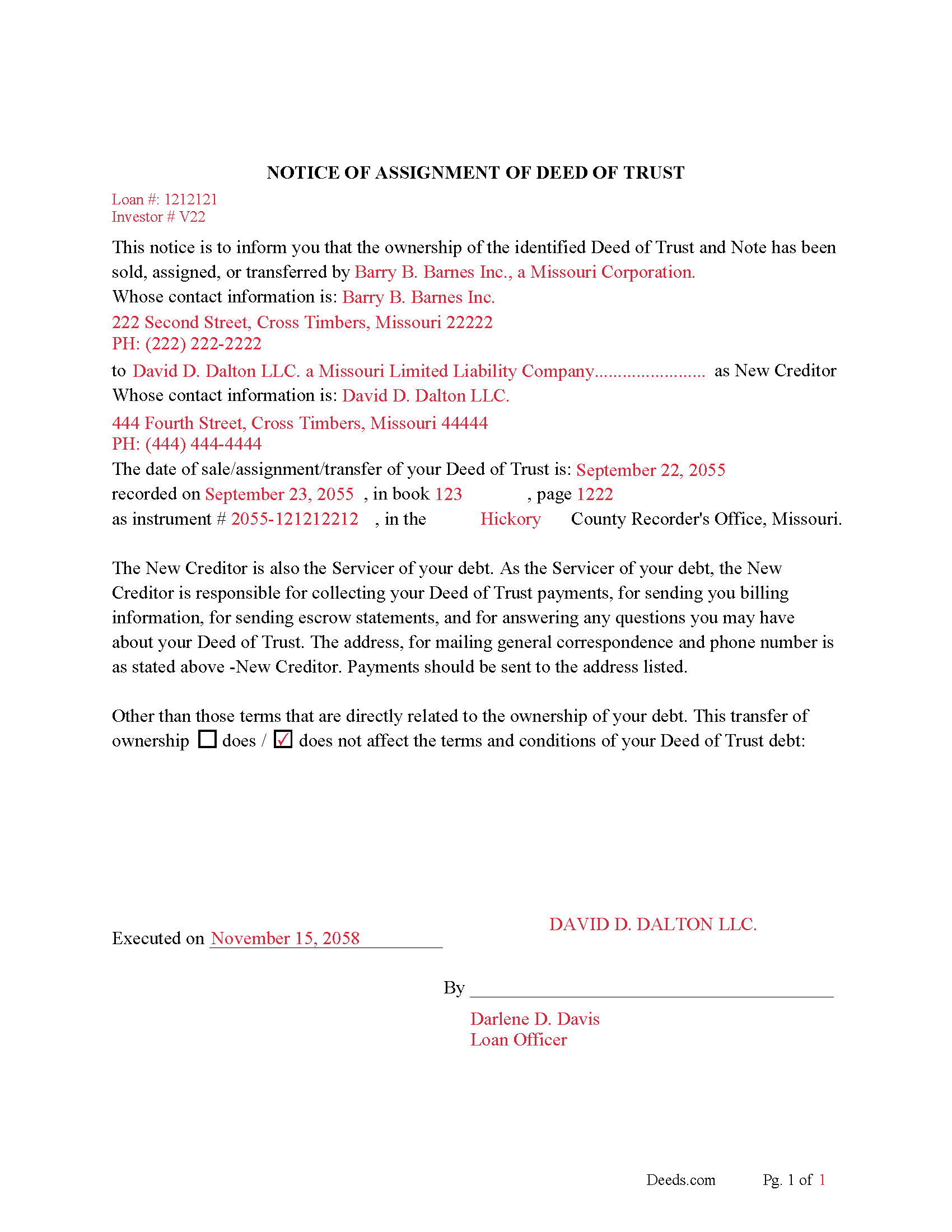
Ripley County Completed Example of Notice of Assignment Document
Example of a properly completed form for reference.
All 6 documents above included • One-time purchase • No recurring fees
Immediate Download • Secure Checkout
Additional Missouri and Ripley County documents included at no extra charge:
Where to Record Your Documents
Ripley County Recorder of Deeds
Doniphan, Missouri 63935
Hours: 8:00 to 4:00 M-F
Phone: (573) 996-7941
Recording Tips for Ripley County:
- Bring your driver's license or state-issued photo ID
- Ensure all signatures are in blue or black ink
- Verify all names are spelled correctly before recording
- White-out or correction fluid may cause rejection
- Ask about their eRecording option for future transactions
Cities and Jurisdictions in Ripley County
Properties in any of these areas use Ripley County forms:
- Briar
- Doniphan
- Fairdealing
- Gatewood
- Naylor
- Oxly
Hours, fees, requirements, and more for Ripley County
How do I get my forms?
Forms are available for immediate download after payment. The Ripley County forms will be in your account ready to download to your computer. An account is created for you during checkout if you don't have one. Forms are NOT emailed.
Are these forms guaranteed to be recordable in Ripley County?
Yes. Our form blanks are guaranteed to meet or exceed the applicable formatting requirements used for recording in Ripley County, including margin requirements, font requirements, and other layout standards. This guarantee applies to formatting, not to the legal sufficiency of information entered by the user or the suitability of a form for a particular transaction.
Can I reuse these forms?
Yes. You can reuse the forms for your personal use. For example, if you have multiple properties in Ripley County you only need to order once.
What do I need to use these forms?
The forms are PDFs that you fill out on your computer. The free Adobe Acrobat Reader is recommended, and most PDF apps also work. You do NOT enter your property information online - you download the blank forms and complete them privately on your own computer.
Are there any recurring fees?
No. This is a one-time purchase. Nothing to cancel, no memberships, no recurring fees.
How much does it cost to record in Ripley County?
Recording fees in Ripley County vary. Contact the recorder's office at (573) 996-7941 for current fees.
Questions answered? Let's get started!
This form is used by the current holder to transfer/assign their interest in a Deed of Trust to another party. This is usually done when a Deed of Trust has been sold. An Assignment of Deed of Trust must have the grantor(s) and grantees listed on the first page (RSMo 59.310). An Assignment of Deed of Trust must have the legal description on the first page, as required by law (RSMo 59.330 & 59.310). If a document does NOT meet standardization requirements it will become non-standard and a $25.00 non-standard penalty will be charged, in addition to the normal recording fees. (RSMo 59.310)
Current Borrowers must be notified of the assignment. Notification consists of contact information of the new creditor, recording dates, recording instrument numbers, changes in loan, etc. Included are "Notice of Assignment of Deed of Trust" forms.
The Truth and lending act requires that borrowers be notified when their Deed of Trust has been sold, transferred, or assigned to a new creditor. Generally, within 30 days to avoid up to $2,000.00 in statutory damages, plus reasonable attorney's fees. Systematic violations can reach up $500,000.00.
(Missouri Assignment of DOT Package includes form, guidelines, and completed example) For use in Missouri only.
Important: Your property must be located in Ripley County to use these forms. Documents should be recorded at the county or independent city recording office listed above.
This Assignment of Deed of Trust meets all recording requirements specific to Ripley County.
Our Promise
The documents you receive here are guaranteed to meet or exceed the applicable Ripley County recording format requirements. If there is a rejection caused by our formatting, we will correct the issue or refund your payment. This guarantee applies to document formatting only and does not extend to information entered by the user, the selection of the form, or the legal effect of the completed document.
Save Time and Money
Get your Ripley County Assignment of Deed of Trust form done right the first time with Deeds.com Uniform Conveyancing Blanks. At Deeds.com, we understand that your time and money are valuable resources, and we don't want you to face a penalty fee or rejection imposed by a county recorder for submitting nonstandard documents. We constantly review and update our forms to meet rapidly changing state and county recording requirements for roughly 3,500 counties and local jurisdictions.
4.8 out of 5 - ( 4,847 Reviews )
Mark G. 5 out of 5 stars
I would recommend this product for little effort needed to complete any action you might require.
We appreciate your business and value your feedback. Thank you. Have a wonderful day!
Feng T. 5 out of 5 stars
Professional product, with clear instructions that gave me high confidence in the accuracy my document. The sample form was super useful. I highly recommend and will reuse Deed.com
Thank you for your feedback. We really appreciate it. Have a great day!
Jeffrey S. 5 out of 5 stars
Web site was clear to understand and easy to use. Found what I needed quickly and crossed it off my to do list. Thanks, JS
We are grateful for your feedback and looking forward to serving you again. Thank you!
Margarette S. 5 out of 5 stars
I found your website easy to use and very informative.
Thank you for your feedback. We really appreciate it. Have a great day!
Joyce F. 5 out of 5 stars
The forms are simple to follow. I was hoping I would be able to add my personal info. That would make the forms even more simple.
We appreciate your business and value your feedback. Thank you. Have a wonderful day!
Ruth R. 5 out of 5 stars
Very pleased with the service, solved an immediate problem for me and at good price.
We appreciate your business and value your feedback. Thank you. Have a wonderful day!
Cathaleen P. 5 out of 5 stars
Excellent service and very easy to process. Thank you!
Thank you for your feedback. We really appreciate it. Have a great day!
Karen M. 5 out of 5 stars
Excellent and easy process to use the online fill in the blank sections, especially when you provided a example of what each topic/section should look like. Highly recommend!
We appreciate your business and value your feedback. Thank you. Have a wonderful day!
Sharon B. 5 out of 5 stars
My questions were answered promptly. I was not able to locate the deed I was searching for because my county has not uploaded the documents to be accessed through this system. I am sure I could have found what I was looking for had the information been available through the system. Thank you for your assistance.
Thank you!
Javoura G. 5 out of 5 stars
Great was not hard at all to do and process only wished it told how much it cost to actually submit the forms
Thank you for your feedback. We really appreciate it. Have a great day!
Yvette G. 5 out of 5 stars
We were extremely satisfied with DEEDS.COM. We spent countless hours trying to contact the Queens County Clerk's Office without succeeding to get through. We needed to obtain an Executor's Deed to transfer the name on my beloved deceased father's property to my name as the executrix of his will. DEEDS.COM is the most efficient and painless way to get the forms you need. To top it all off, they send you, free of charge, additional forms that you may need for your filing purposes. We are truly thankful for their kind assistance!!
We appreciate your business and value your feedback. Thank you. Have a wonderful day!
Elvira N. 5 out of 5 stars
Very useful, it even includes a guide on filling out the deed form!
Thank you!
Melvin F. 5 out of 5 stars
Was a little frustrated first using your site, but due to my mental state, I expected that! Got what I needed, thank you very much.
Thank you for your feedback. We really appreciate it. Have a great day!
virginia a. 4 out of 5 stars
Thank you for the prompt instructions on the download and installation. The only problem I had was trying to input data into the form once I renamed the form.and saved it. I was unable to change the size of the font and was very frustrated. In the end I finally had to redo the entire form through Word using your format.
Thank you!
Donald H. 5 out of 5 stars
EXCELLENT,,super good. Quick & easy
Thank you!