Ripley County Trustee Deed Form
Last validated September 29, 2026 by our Forms Development TeamFormatted for recording in Ripley County, for property anywhere in the county or independent city: rural and unincorporated areas as well as Briar, Doniphan, Fairdealing, Gatewood, Naylor, Oxly.
- 3 documents included
- Immediate PDF download
- Formatting guarantee
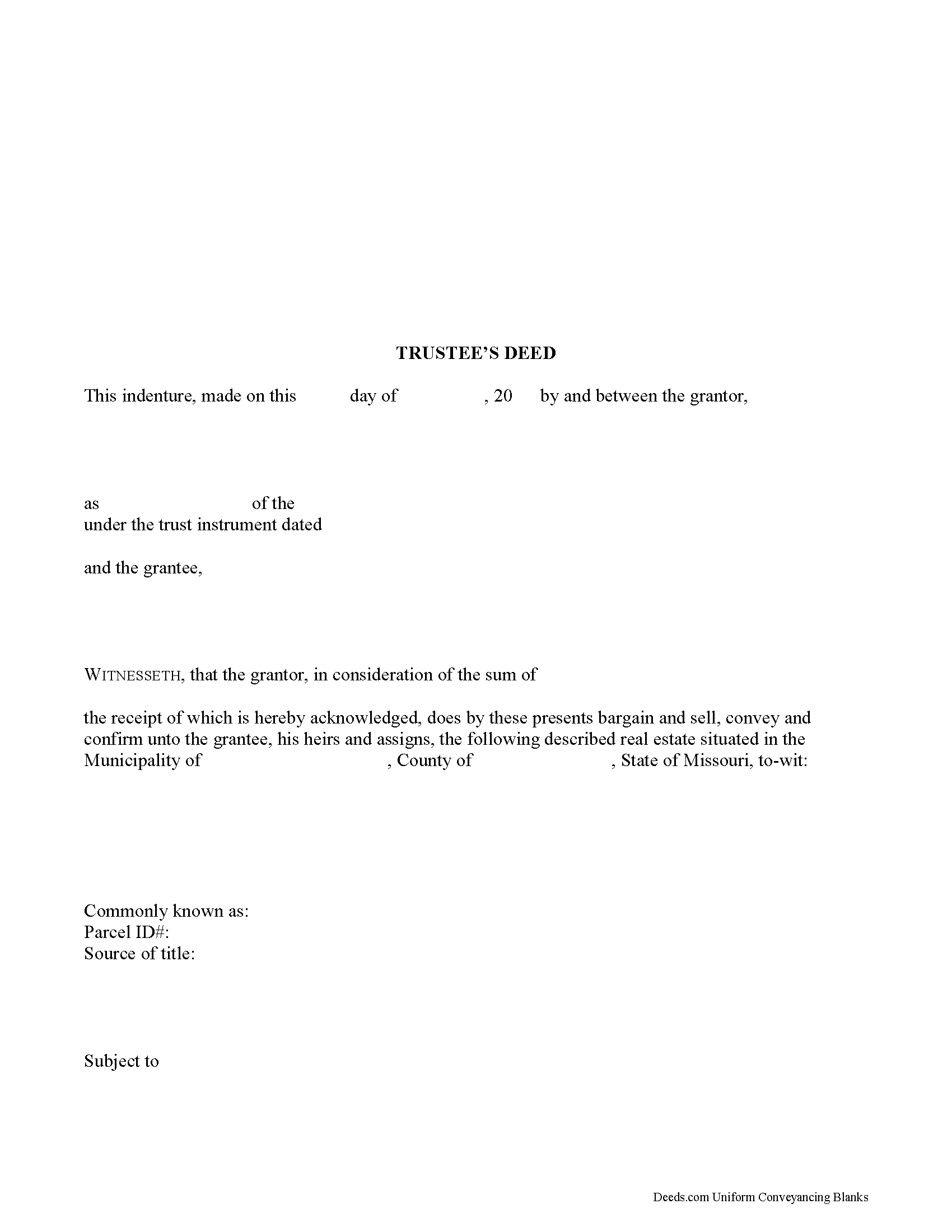
Ripley County Trustee Deed Form
Fill in the blank form formatted to comply with all recording and content requirements.
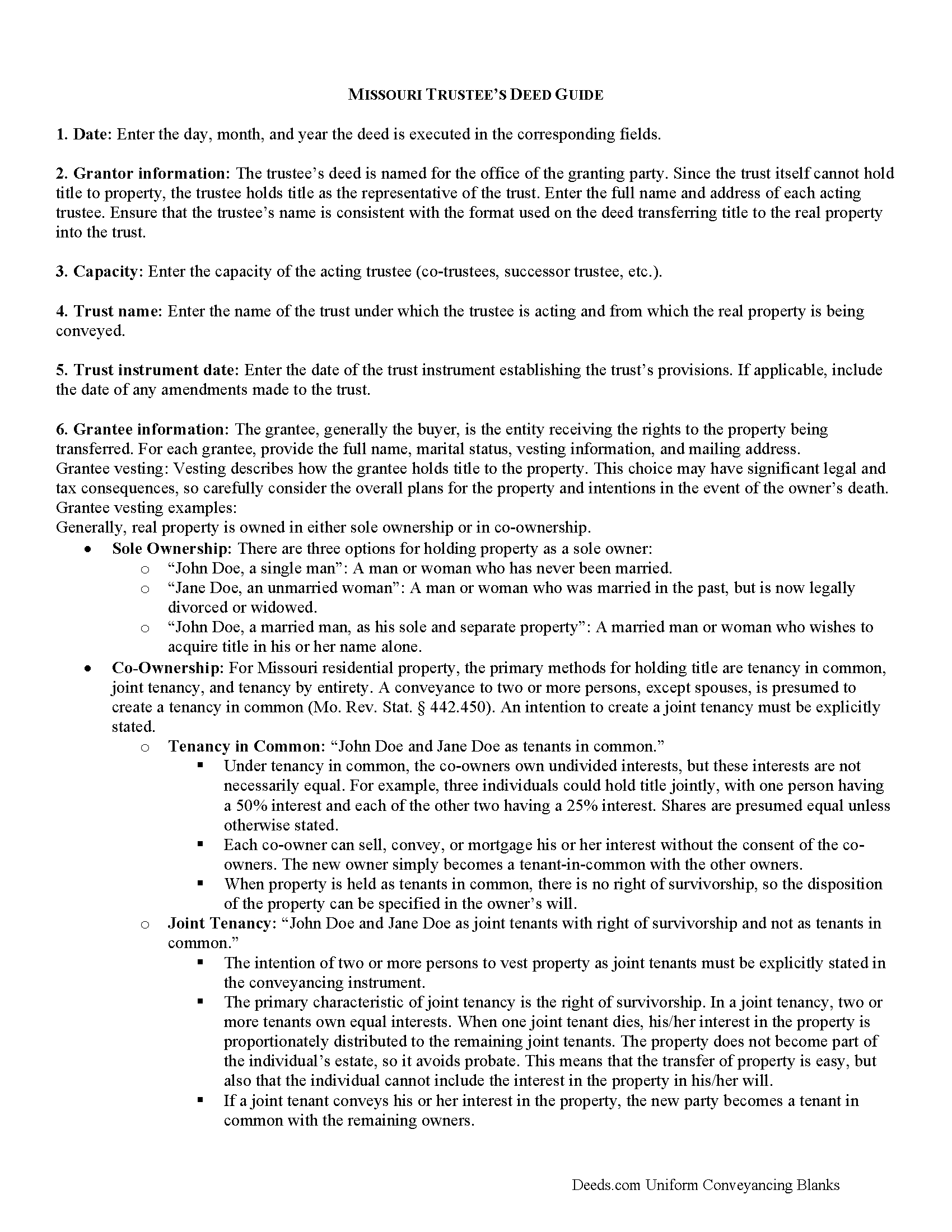
Ripley County Trustee Deed Guide
Line by line guide explaining every blank on the form.
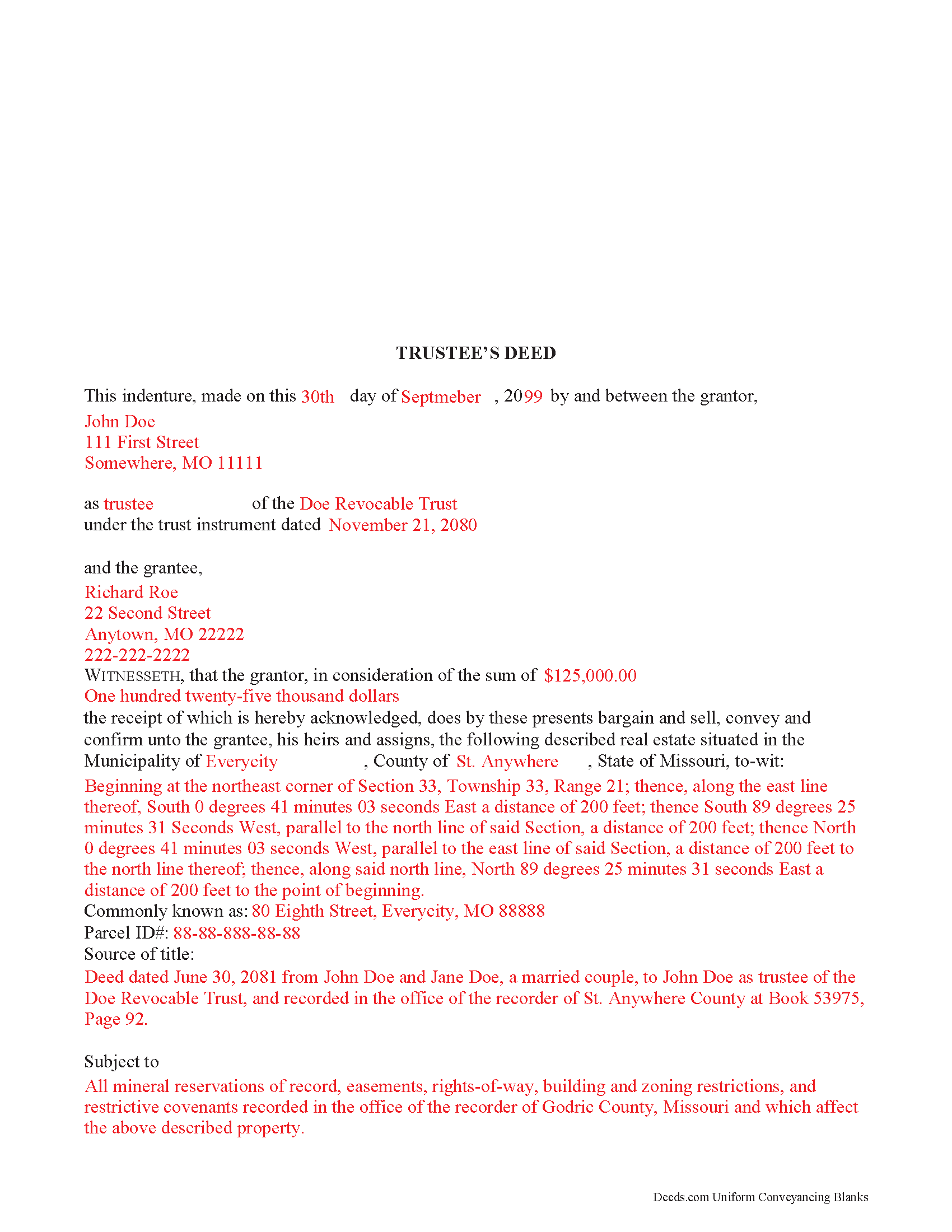
Ripley County Completed Example of the Trustee Deed Document
Example of a properly completed form for reference.
All 3 documents above included • One-time purchase • No recurring fees
Immediate Download • Secure Checkout
Additional Missouri and Ripley County documents included at no extra charge:
Where to Record Your Documents
Ripley County Recorder of Deeds
Doniphan, Missouri 63935
Hours: 8:00 to 4:00 M-F
Phone: (573) 996-7941
Recording Tips for Ripley County:
- Bring your driver's license or state-issued photo ID
- Ensure all signatures are in blue or black ink
- Recorded documents become public record - avoid including SSNs
- Recording fees may differ from what's posted online - verify current rates
- Request a receipt showing your recording numbers
Cities and Jurisdictions in Ripley County
Properties in any of these areas use Ripley County forms:
- Briar
- Doniphan
- Fairdealing
- Gatewood
- Naylor
- Oxly
Hours, fees, requirements, and more for Ripley County
How do I get my forms?
Forms are available for immediate download after payment. The Ripley County forms will be in your account ready to download to your computer. An account is created for you during checkout if you don't have one. Forms are NOT emailed.
Are these forms guaranteed to be recordable in Ripley County?
Yes. Our form blanks are guaranteed to meet or exceed the applicable formatting requirements used for recording in Ripley County, including margin requirements, font requirements, and other layout standards. This guarantee applies to formatting, not to the legal sufficiency of information entered by the user or the suitability of a form for a particular transaction.
Can I reuse these forms?
Yes. You can reuse the forms for your personal use. For example, if you have multiple properties in Ripley County you only need to order once.
What do I need to use these forms?
The forms are PDFs that you fill out on your computer. The free Adobe Acrobat Reader is recommended, and most PDF apps also work. You do NOT enter your property information online - you download the blank forms and complete them privately on your own computer.
Are there any recurring fees?
No. This is a one-time purchase. Nothing to cancel, no memberships, no recurring fees.
How much does it cost to record in Ripley County?
Recording fees in Ripley County vary. Contact the recorder's office at (573) 996-7941 for current fees.
Questions answered? Let's get started!
A trustee uses a trustee's deed to convey property held in a living trust in Missouri.
In a trust arrangement, the settlor conveys property to the trustee, who holds title to the property for the benefit of a third party, the trust's beneficiary.
The trustee is the administrator of the trust whose power to sell trust property, in this case, is conferred by the trust instrument, the document executed by the trust's settlor establishing the trust and containing the trust provisions. The Missouri Uniform Trust Code also confirms the trustee's power to "acquire or sell property in divided or undivided interests, for cash or on credit, at public or private sale" ( 456.8-816, RSMo).
The granting language of "bargain and sell, convey and confirm" is the common language used in Missouri to transfer property to a grantee with special warranty. A special warranty contains limited covenants of clear title (subject to noted encumbrances), and protection against claims arising by or through the grantor only.
In addition to meeting the requirements for content and format required by standard deeds, such as quitclaim or warranty deeds, trustee's deeds must also reference the trust instrument designating the acting trustee. The deed must be signed by the acting trustee's in the presence of a notary public for a valid transfer. A distinct acknowledgment form for trustees is codified at 486.330(5), RSMo.
Contact an attorney with any questions about Missouri trustee's deeds, or living trusts in general.
(Missouri TD Package includes form, guidelines, and completed example)
Important: Your property must be located in Ripley County to use these forms. Documents should be recorded at the county or independent city recording office listed above.
This Trustee Deed meets all recording requirements specific to Ripley County.
Our Promise
The documents you receive here are guaranteed to meet or exceed the applicable Ripley County recording format requirements. If there is a rejection caused by our formatting, we will correct the issue or refund your payment. This guarantee applies to document formatting only and does not extend to information entered by the user, the selection of the form, or the legal effect of the completed document.
Save Time and Money
Get your Ripley County Trustee Deed form done right the first time with Deeds.com Uniform Conveyancing Blanks. At Deeds.com, we understand that your time and money are valuable resources, and we don't want you to face a penalty fee or rejection imposed by a county recorder for submitting nonstandard documents. We constantly review and update our forms to meet rapidly changing state and county recording requirements for roughly 3,500 counties and local jurisdictions.
4.8 out of 5 - ( 4,828 Reviews )
Benjamin D. 5 out of 5 stars
THANK YOU. Your materials are excellent and provided the information and guidance requested and needed.
Thank you!
Duane L. 4 out of 5 stars
Easy to use with very helpful directions.
Thank you!
JAMES V. 5 out of 5 stars
I initiated an order at 8:30PM on a Tuesday. I already had a response waiting for me when I opened my email the next morning. Very responsive. I'm very happy with this service.
We appreciate your business and value your feedback. Thank you. Have a wonderful day!
Warren B. 5 out of 5 stars
Outstanding. There is nothing worse than finding the correct forms or having to hire an atty to do what most people can do on their own. I cant speak for all but these forms are fairly easy. The addition of guides and supplement forms are excellent. I just saved quite a bit of money with your site. Thanks
We appreciate your business and value your feedback. Thank you. Have a wonderful day!
Daniel C. 5 out of 5 stars
This is a wonderful service and your staff is very responsive through the chat. My one suggestion is that there be an added sentence to your instructions that sates that once you upload there is nothing more to do as in a "submit" or "Finished uploading" button. After uploading instinct says there is something to click to let you all know that we have finished with our uploads.
Your feedback is valuable to us and helps us improve. Thank you for sharing your thoughts!
Diane G. 3 out of 5 stars
easy to use
Thank you!
Cecilia G. 5 out of 5 stars
This site is so easy to use. It is so convenient to have access to forms for all states. I’d recommend this site to anyone who needs to create any real estate documents.
Thank you for your feedback. We really appreciate it. Have a great day!
Walter P. 5 out of 5 stars
Quick and easy!
We appreciate your business and value your feedback. Thank you. Have a wonderful day!
Bonnie V. 5 out of 5 stars
I was very pleased with Deeds.Com. It was easy to use.
Thank you!
CEDRIC D. 3 out of 5 stars
need more instructions for each form
Thank you for your feedback. We really appreciate it. Have a great day!
Erika M. 5 out of 5 stars
Received the forms I ordered, found them to be easy to complete with the guide and example that was included. Had no issues recording them, smooth as silk from start to finish.
Thank you for your feedback. We really appreciate it. Have a great day!
Shonda S. 5 out of 5 stars
This is my first time using the site for business and I must say this site made it so easy for me. I was so lost, thank you so much.
Thank you!
John S. 5 out of 5 stars
It was very user friendly site. I was able to complete the package and mail out all within a few hours. I definitely recommend to any and all.
We appreciate your business and value your feedback. Thank you. Have a wonderful day!
Lynn S. 5 out of 5 stars
Awesome service! I was a first time user recording a document online. I received alerts and updates throughout the process to completion of recording. I highly recommend deeds.com. They made this process stress free. Thank you
Thank you Lynn, we appreciate the kind words. Have an amazing day!
Jo Carol K. 5 out of 5 stars
The information/forms/and ease of filling in the blanks provided me with the confidence to "do it myself". Excellent customer service. Thank you for being there.
We appreciate your business and value your feedback. Thank you. Have a wonderful day!