Franklin County Claim of Mechanic's Lien Form
Last validated October 15, 2026 by our Forms Development TeamFormatted for recording in Franklin County, for property anywhere in the county or independent city: rural and unincorporated areas as well as Beaufort, Berger, Catawissa, Gerald, Gray Summit, Grubville, Labadie, Leslie and 12 more.
- 3 documents included
- Immediate PDF download
- Formatting guarantee
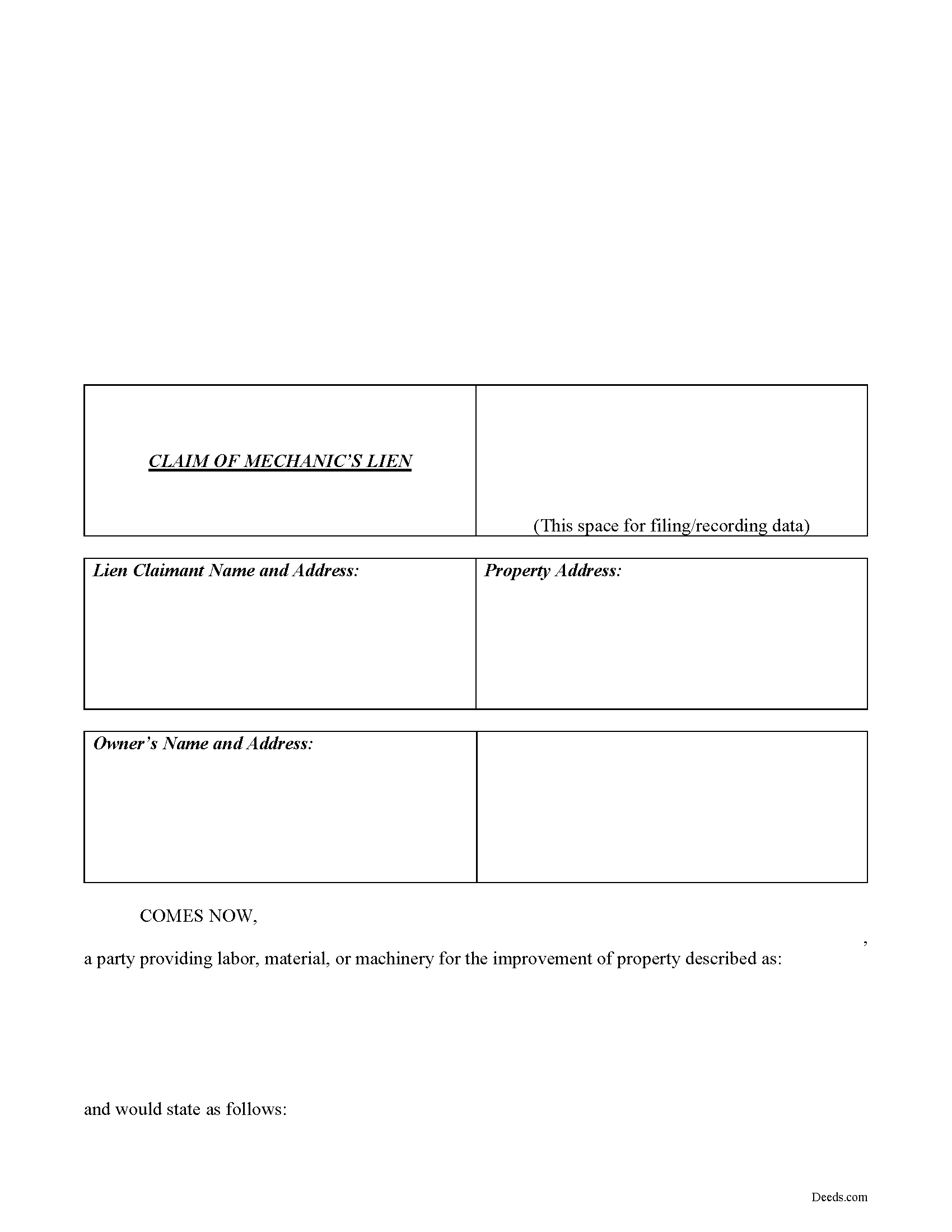
Franklin County Claim of Lien Form
Fill in the blank Claim of Lien form formatted to comply with all Missouri recording and content requirements.
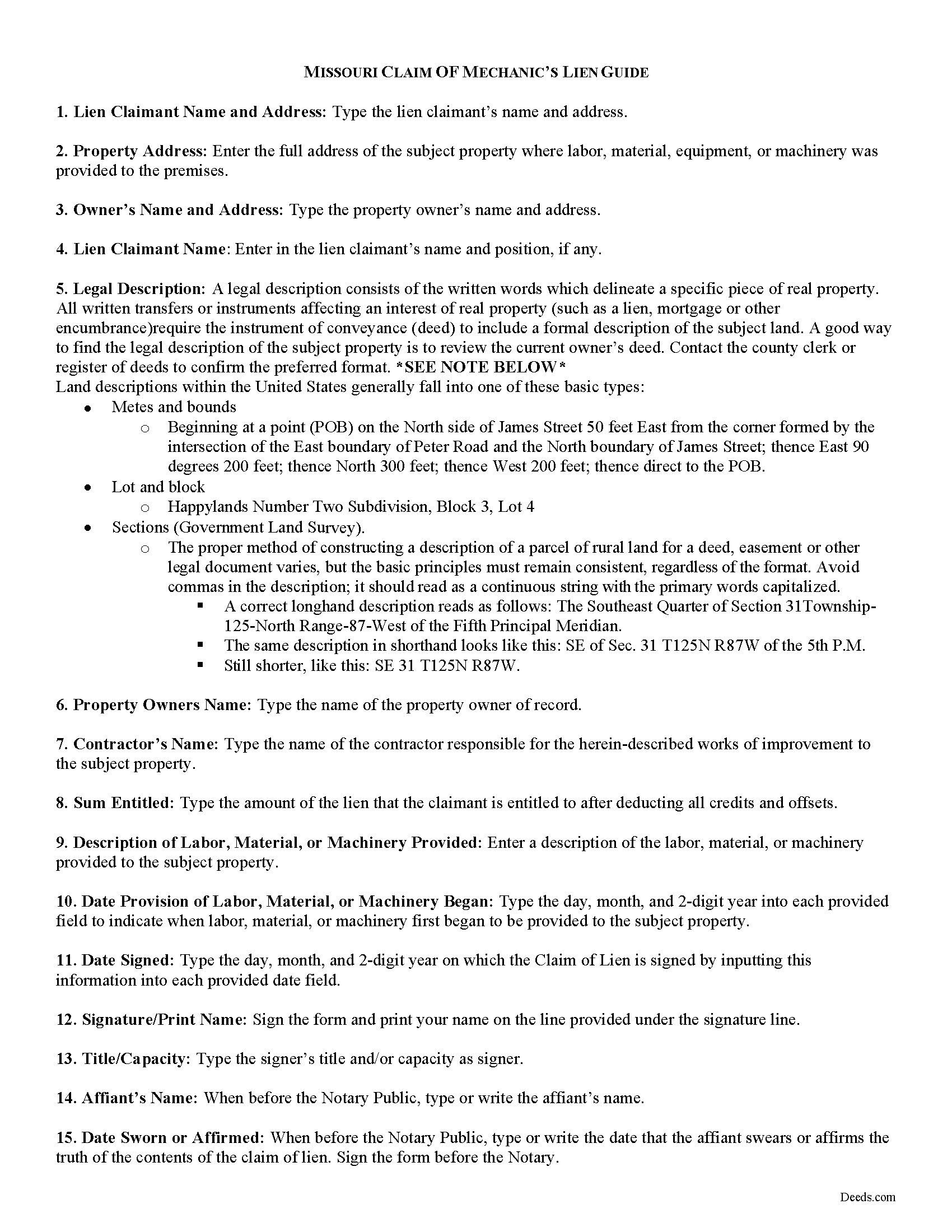
Franklin County Claim of Lien Guide
Line by line guide explaining every blank on the form.
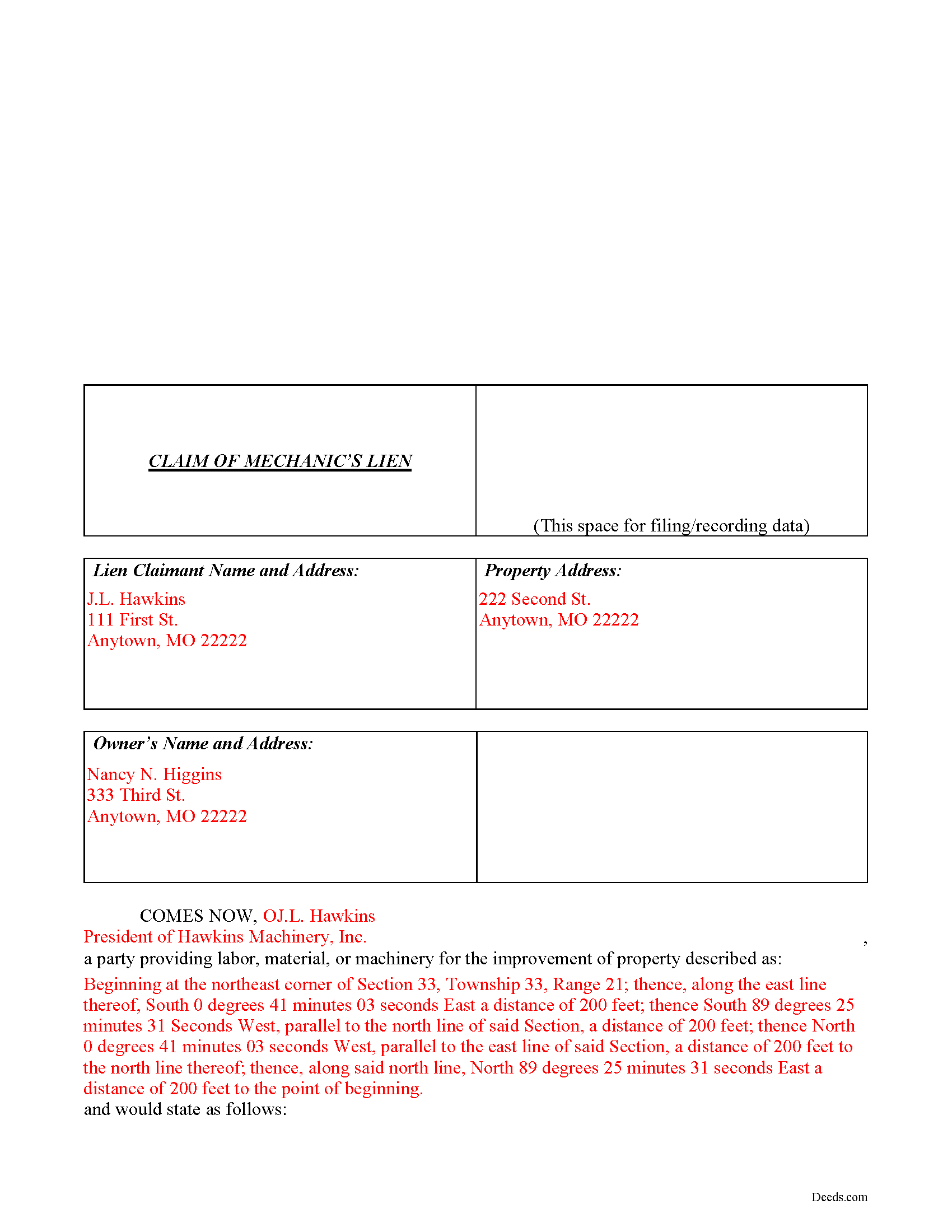
Franklin County Completed Example of the Claim of Mechanics Lien Document
Example of a properly completed form for reference.
All 3 documents above included • One-time purchase • No recurring fees
Immediate Download • Secure Checkout
Additional Missouri and Franklin County documents included at no extra charge:
Where to Record Your Documents
Franklin County Recorder of Deeds
Union, Missouri 63084
Hours: 8:00am to 4:30pm M-F
Phone: (636) 583-6367
Recording Tips for Franklin County:
- Bring your driver's license or state-issued photo ID
- Ensure all signatures are in blue or black ink
- Recorded documents become public record - avoid including SSNs
- Recording fees may differ from what's posted online - verify current rates
- Request a receipt showing your recording numbers
Cities and Jurisdictions in Franklin County
Properties in any of these areas use Franklin County forms:
- Beaufort
- Berger
- Catawissa
- Gerald
- Gray Summit
- Grubville
- Labadie
- Leslie
- Lonedell
- Luebbering
- New Haven
- Pacific
- Robertsville
- Saint Albans
- Saint Clair
- Stanton
- Sullivan
- Union
- Villa Ridge
- Washington
Hours, fees, requirements, and more for Franklin County
How do I get my forms?
Forms are available for immediate download after payment. The Franklin County forms will be in your account ready to download to your computer. An account is created for you during checkout if you don't have one. Forms are NOT emailed.
Are these forms guaranteed to be recordable in Franklin County?
Yes. Our form blanks are guaranteed to meet or exceed the applicable formatting requirements used for recording in Franklin County, including margin requirements, font requirements, and other layout standards. This guarantee applies to formatting, not to the legal sufficiency of information entered by the user or the suitability of a form for a particular transaction.
Can I reuse these forms?
Yes. You can reuse the forms for your personal use. For example, if you have multiple properties in Franklin County you only need to order once.
What do I need to use these forms?
The forms are PDFs that you fill out on your computer. The free Adobe Acrobat Reader is recommended, and most PDF apps also work. You do NOT enter your property information online - you download the blank forms and complete them privately on your own computer.
Are there any recurring fees?
No. This is a one-time purchase. Nothing to cancel, no memberships, no recurring fees.
How much does it cost to record in Franklin County?
Recording fees in Franklin County vary. Contact the recorder's office at (636) 583-6367 for current fees.
Questions answered? Let's get started!
Claiming a Missouri Mechanic's Lien
In Missouri, Mechanic's Liens are used to place a block on a property owner's title when a contractor, materials supplier, or other laborer such as a subcontractor has not been paid for labor, materials, or equipment provided.
Under R.S.M.O. 429.080, all eligible individuals seeking to obtain the benefit of a mechanic lien must file a claim of lien within six (6) months after the indebtedness accrues, or, with respect to rental equipment or machinery rented to others, within sixty (60) days after the date the last of the rental equipment or machinery was last removed from the property.
The claim must state a just and true account of the demand due after all just credits have been given, and that amount becomes a lien upon such building or other improvements. It also includes the names and addresses of the lien claimant and property owners; a true description of the property; a description of the labor, materials, or equipment provided; and the amount the lien is claimed for. Id. The claim must also be verified by the oath of the claimant or some credible person for him before a notary. Id. Record the completed claim of lien with the clerk of the circuit court of the county where the property is situated.
This article is provided for informational purposes only and should not be considered legal advice or relied upon as a substitute for speaking with a legal professional. If you have any questions about claiming a Missouri lien, please speak with a qualified attorney.
Important: Your property must be located in Franklin County to use these forms. Documents should be recorded at the county or independent city recording office listed above.
This Claim of Mechanic's Lien meets all recording requirements specific to Franklin County.
Our Promise
The documents you receive here are guaranteed to meet or exceed the applicable Franklin County recording format requirements. If there is a rejection caused by our formatting, we will correct the issue or refund your payment. This guarantee applies to document formatting only and does not extend to information entered by the user, the selection of the form, or the legal effect of the completed document.
Save Time and Money
Get your Franklin County Claim of Mechanic's Lien form done right the first time with Deeds.com Uniform Conveyancing Blanks. At Deeds.com, we understand that your time and money are valuable resources, and we don't want you to face a penalty fee or rejection imposed by a county recorder for submitting nonstandard documents. We constantly review and update our forms to meet rapidly changing state and county recording requirements for roughly 3,500 counties and local jurisdictions.
4.8 out of 5 - ( 4,840 Reviews )
Audra W. 5 out of 5 stars
Excellent source for obtaining documents and instructions.
Thank you!
Lisa G. 5 out of 5 stars
Rec'd downloads for quitclaim deed process in Florida. Recorded with the clerk of courts today and the form was done perfectly--she had no changes to make. Well worth the money--thanks
Glad to hear Lisa, we appreciate you taking the time to leave your feedback.
Michelle J. 5 out of 5 stars
I believe this is great! It protects the residents from theft of property. Proud of what Wayne County is doing.
Thank you!
Sandra C. 5 out of 5 stars
Not sure whether the two forms I printed will be helpful or not. Will find out when I go to a place for completion and to be notorized.
Thank you!
Julie K. 4 out of 5 stars
The process for obtaining document itself was easy, and the included guide and example are great! I do have an issue with the format itself, though. The form has pre-defined text boxes, which cannot be altered without partially rebuilding the entire document. For the 'property description' field on the Mineral Deed form, the text box is not large enough for the rather lengthy legal description entered on my original plat. Fortunately, I have a copy of Adobe Pro, so I have been able to re-build the doc to accommodate this short-coming.
Thank you for taking the time to provide feedback on our legal form. We're pleased to hear that you found the process for obtaining the document and the included guide beneficial.
We understand and appreciate your concern regarding the formatting and size limitations of certain fields, especially the 'property description' field. Our forms are designed to adhere to specific formatting requirements that are often mandated for legal compliance. Making direct alterations to the document can result in them becoming non-conforming, which is why we advise customers to use an exhibit page when their legal description is extensive or does not fit.
Brian S. 3 out of 5 stars
PDF fields change font sizes leading to an unprofessional-appearing printed page. The examples for "Convey to" section don't include how to specify just one person instead of a married couple. Maybe that is simple but it would help to spell it out in an example. Haven't submitted to County Recorder yet, so will find out if it is acceptable.
Thank you for the feedback Brian.
The font issue is caused by using a PDF viewer other than Adobe Acrobat Reader. Our form fields are set to a uniform 12-point font, but non-Adobe viewers often render form fields inconsistently. Opening and printing the form with the free Adobe Acrobat Reader will resolve that.
Regarding the examples, that's a fair point, we'll look at expanding them.
Scotty A. 5 out of 5 stars
A great time and money saver that also has a money back guarantee. I received all the pertinent forms and instructions for less than a family eating a fast food dinner.
Thank you!
Rebecca M. 5 out of 5 stars
This was pretty easy to fill out. The directions on all of the forms was very good. This should make life much easier at the County Recorder. Thank you!
We appreciate your business and value your feedback. Thank you. Have a wonderful day!
Irma G. 5 out of 5 stars
Although I did not use the forms yet, it appears very easy to understand and navigate.
Thank you for your feedback. We really appreciate it. Have a great day!
Michelle I. 5 out of 5 stars
I'm happy to have found your service. Very pleased.
We appreciate your business and value your feedback. Thank you. Have a wonderful day!
JAVIER B. 5 out of 5 stars
EXCELLENT JOB DEEDS.COM I AM SO PROUD I WAS ABLE TO RECEIVE A COPY OF THE REAL ESTATE DEED FROM MY OLD HOME OUT OF TOWN. HIGHLY RECOMMEND!!!
Thank you for your feedback. We really appreciate it. Have a great day!
Irwin C. 5 out of 5 stars
For starters, enrolling was as easy as could be. Then, it only took minutes before my entry was formatted and filed. Finally, when I asked a question, I got an answer within a few minutes. Couldn't be happier with service
We appreciate your business and value your feedback. Thank you. Have a wonderful day!
Robert E. 2 out of 5 stars
The deed forms seem to be what I need but I am unable to save anything that I do with them. I ask for some assistance in this matter but did not get any.
Thank you for your feedback. We really appreciate it. Have a great day!
Eleanor W. 5 out of 5 stars
This link thankfully saved us much time and expense with positive correct completion of the forms needed and verifyed with the county office where to be filed.
Your kind words have lifted our spirits! Thank you for sharing your positive experience.
Dean L. 3 out of 5 stars
The template isn't that easy to work with, with you have to type out large amounts of text. Also copy and paste doesn't seem to work. Furthermore, the code listed on the guide is out of date. However, the DQC is decent in that it has all the required fields you need.
Thank you for your feedback. We really appreciate it. Have a great day!