Putnam County Claim of Mechanic's Lien Form
Last validated November 13, 2026 by our Forms Development TeamFormatted for recording in Putnam County, for property anywhere in the county or independent city: rural and unincorporated areas as well as Livonia, Lucerne, Powersville, Unionville, Worthington.
- 3 documents included
- Immediate PDF download
- Formatting guarantee
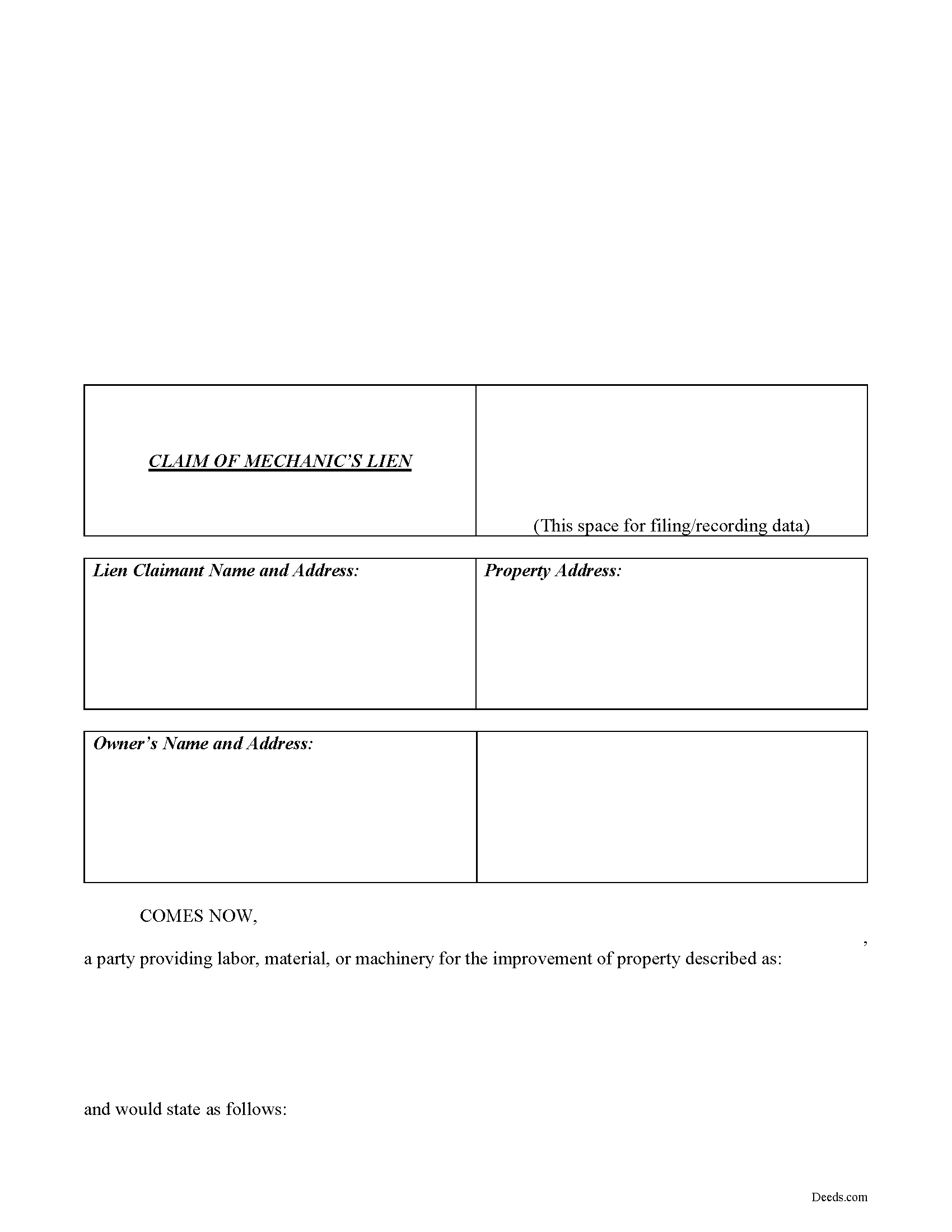
Putnam County Claim of Lien Form
Fill in the blank Claim of Lien form formatted to comply with all Missouri recording and content requirements.
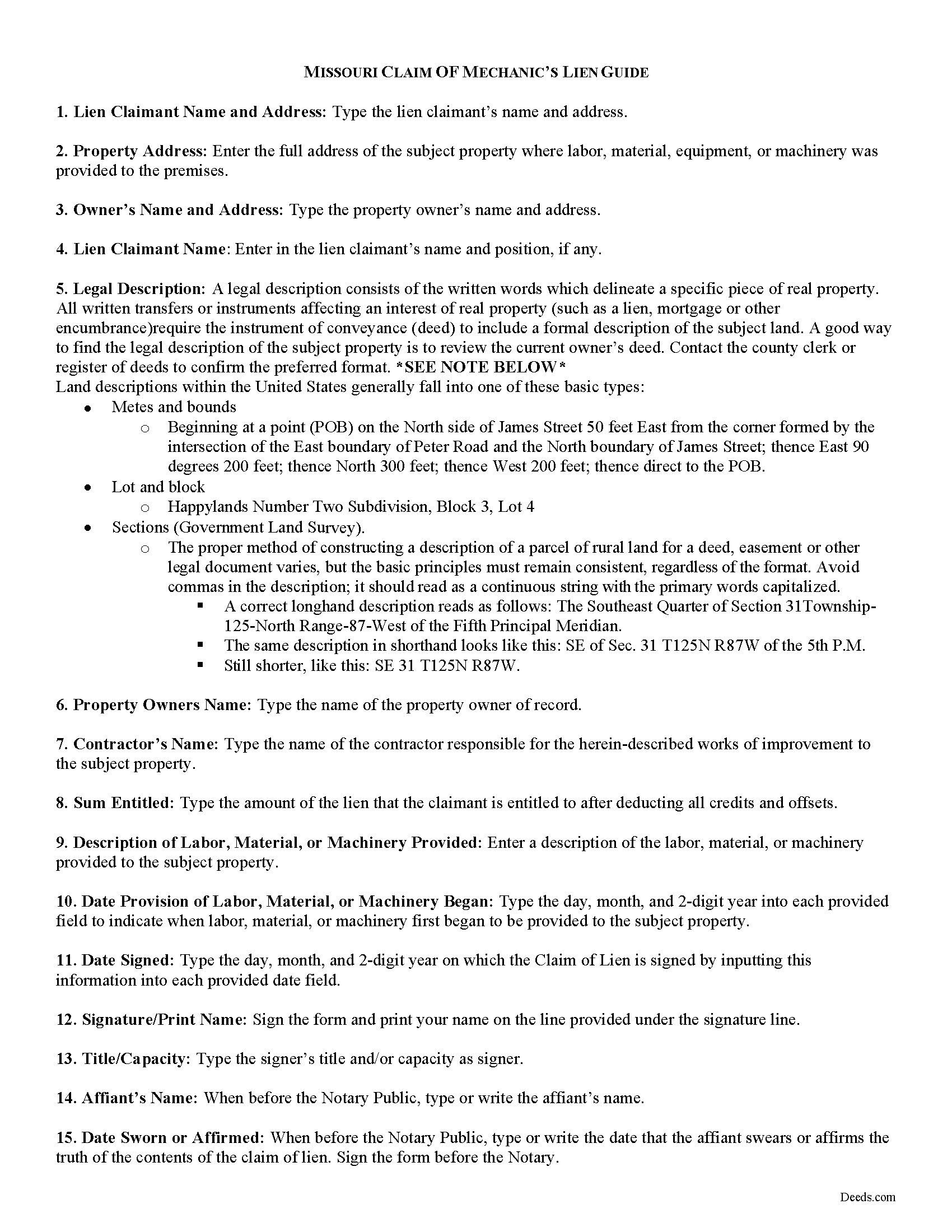
Putnam County Claim of Lien Guide
Line by line guide explaining every blank on the form.
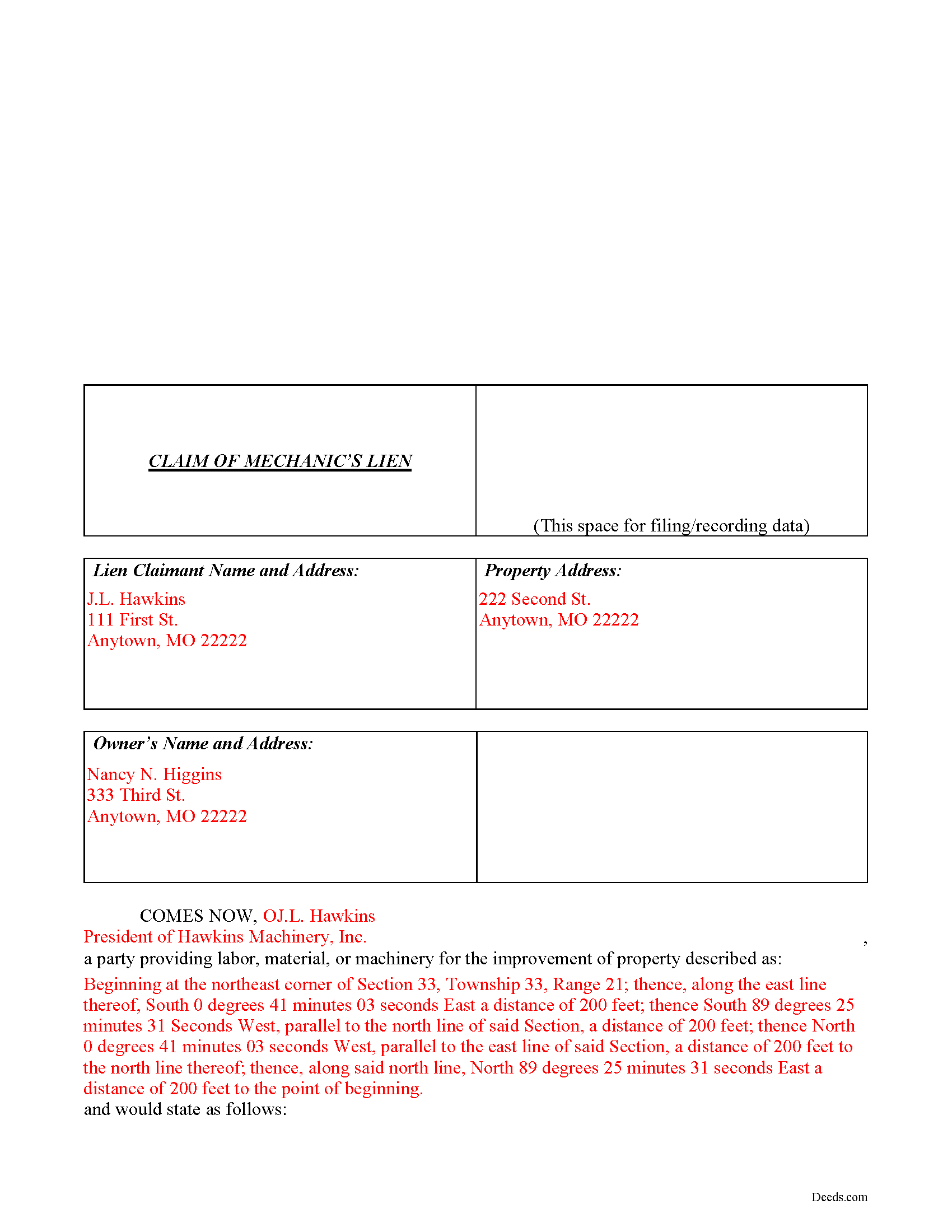
Putnam County Completed Example of the Claim of Mechanics Lien Document
Example of a properly completed form for reference.
All 3 documents above included • One-time purchase • No recurring fees
Immediate Download • Secure Checkout
Additional Missouri and Putnam County documents included at no extra charge:
Where to Record Your Documents
Putnam County Recorder of Deeds
Unionville, Missouri 63565
Hours: 8:30 to 12:00 & 1:00 to 4:30 M-F
Phone: (660) 947-3295
Recording Tips for Putnam County:
- Bring your driver's license or state-issued photo ID
- Ensure all signatures are in blue or black ink
- Double-check legal descriptions match your existing deed
- Verify all names are spelled correctly before recording
- White-out or correction fluid may cause rejection
Cities and Jurisdictions in Putnam County
Properties in any of these areas use Putnam County forms:
- Livonia
- Lucerne
- Powersville
- Unionville
- Worthington
Hours, fees, requirements, and more for Putnam County
How do I get my forms?
Forms are available for immediate download after payment. The Putnam County forms will be in your account ready to download to your computer. An account is created for you during checkout if you don't have one. Forms are NOT emailed.
Are these forms guaranteed to be recordable in Putnam County?
Yes. Our form blanks are guaranteed to meet or exceed the applicable formatting requirements used for recording in Putnam County, including margin requirements, font requirements, and other layout standards. This guarantee applies to formatting, not to the legal sufficiency of information entered by the user or the suitability of a form for a particular transaction.
Can I reuse these forms?
Yes. You can reuse the forms for your personal use. For example, if you have multiple properties in Putnam County you only need to order once.
What do I need to use these forms?
The forms are PDFs that you fill out on your computer. The free Adobe Acrobat Reader is recommended, and most PDF apps also work. You do NOT enter your property information online - you download the blank forms and complete them privately on your own computer.
Are there any recurring fees?
No. This is a one-time purchase. Nothing to cancel, no memberships, no recurring fees.
How much does it cost to record in Putnam County?
Recording fees in Putnam County vary. Contact the recorder's office at (660) 947-3295 for current fees.
Questions answered? Let's get started!
Claiming a Missouri Mechanic's Lien
In Missouri, Mechanic's Liens are used to place a block on a property owner's title when a contractor, materials supplier, or other laborer such as a subcontractor has not been paid for labor, materials, or equipment provided.
Under R.S.M.O. 429.080, all eligible individuals seeking to obtain the benefit of a mechanic lien must file a claim of lien within six (6) months after the indebtedness accrues, or, with respect to rental equipment or machinery rented to others, within sixty (60) days after the date the last of the rental equipment or machinery was last removed from the property.
The claim must state a just and true account of the demand due after all just credits have been given, and that amount becomes a lien upon such building or other improvements. It also includes the names and addresses of the lien claimant and property owners; a true description of the property; a description of the labor, materials, or equipment provided; and the amount the lien is claimed for. Id. The claim must also be verified by the oath of the claimant or some credible person for him before a notary. Id. Record the completed claim of lien with the clerk of the circuit court of the county where the property is situated.
This article is provided for informational purposes only and should not be considered legal advice or relied upon as a substitute for speaking with a legal professional. If you have any questions about claiming a Missouri lien, please speak with a qualified attorney.
Important: Your property must be located in Putnam County to use these forms. Documents should be recorded at the county or independent city recording office listed above.
This Claim of Mechanic's Lien meets all recording requirements specific to Putnam County.
Our Promise
The documents you receive here are guaranteed to meet or exceed the applicable Putnam County recording format requirements. If there is a rejection caused by our formatting, we will correct the issue or refund your payment. This guarantee applies to document formatting only and does not extend to information entered by the user, the selection of the form, or the legal effect of the completed document.
Save Time and Money
Get your Putnam County Claim of Mechanic's Lien form done right the first time with Deeds.com Uniform Conveyancing Blanks. At Deeds.com, we understand that your time and money are valuable resources, and we don't want you to face a penalty fee or rejection imposed by a county recorder for submitting nonstandard documents. We constantly review and update our forms to meet rapidly changing state and county recording requirements for roughly 3,500 counties and local jurisdictions.
4.8 out of 5 - ( 4,863 Reviews )
Rajashree S. 5 out of 5 stars
Deed was easy to download and complete. Will use again if needed.
We appreciate your business and value your feedback. Thank you. Have a wonderful day!
Karen L. 5 out of 5 stars
Form is easy to complete but has a crowded look upon printing. I would put more returns between paragraphs to make it easier to read.
Thank you for your feedback. We really appreciate it. Have a great day!
Kelli B. 5 out of 5 stars
Amazingly simple and fast. A great service.
Thank you!
Kay I. 5 out of 5 stars
Very easy to use. However, the "sample" filled in red ink did not print for me to refer to. Is that the correct desire, not to print?
Thank you for your feedback. We really appreciate it. Have a great day!
Donald S. 2 out of 5 stars
Guidelines somewhat helpful. Forms fillable but not editable unless you buy an Adobe conversion service subscription. End product looks crude and amateurish. Fields can't be reduced or enlarged to accommodate unique data. Very disappointing.
Thank you for your feedback. We really appreciate it. Have a great day!
Thomas H. 5 out of 5 stars
Great service! The example completed form and instructions provided by Deeds.com were extremely helpful for properly filling out the blank form they provided. After completing my form and getting it notarized, I e-filed it to my county clerk's office and it was approved right away with no issues. The entire process was well worth the price and I'm very happy with the results.
Thanks, Thomas. First-try acceptance is the goal every time, and we're glad yours went that way. We appreciate your business.
Jose G. C. 4 out of 5 stars
It was OK but unfortunately useless. The jurisdictions are now requesting that documents such as Notices of Commencement not only be recorded at their offices, but also certified. This last service is not provided by Deeds, or at least I could not find it in your website and did not receive a response when I asked if you did. Thus, we are going back to traditional means of recording/certifying
Thank you for your feedback Jose. We do hope that you find something more suitable to your needs elsewhere. Have a wonderful day.
Joanne W. 5 out of 5 stars
I was very pleased to find this service, as (another website) charges about $40 for the same service, so yours was a bargain.
Thank you!
Don M. 5 out of 5 stars
Easy to set up account. If I am presented with a chance to review the service, I will do that after I have received it.
Thank you!
Mark S. 5 out of 5 stars
The forms were easy to fill in and file. I've never filed anything like this before and the forms made it extremely easy. Thank you so much!
Thank you for your feedback. We really appreciate it. Have a great day!
Casey S. 5 out of 5 stars
I had a really good experience. I bought two forms from a different website and they didn’t help me at all. Granted, I only paid the minimum here I bought the upgrade and they showed me how to fill it out and what it should look like I went and had it notarized and took it to the county recorder and everything went smoothly. Highly suggest.
Glad it all came together smoothly for you, Casey. Appreciate you giving us a shot and taking the time to share your experience.
Janet C. 5 out of 5 stars
Easy to use website and extremely helpful. great service!
Thank you!
Joseph S. 5 out of 5 stars
The best solution in creating deeds.
Thank you!
Nancy W. 5 out of 5 stars
This was very easy to use to record my NOC. With the new COVID restrictions, I can't record my NOC in person and I'm working from home. This was a huge convenience and easy to use. I submitted the NOC late in the day and had the recorded NOC the next day.
Thank you!
Shirley T. 4 out of 5 stars
Quit Claim deed for North Carolina did not include all of the information I needed (two separate notary sections), but I was able to re-create another notary section in Word, and then insert it in the appropriate place after printing both documents. Otherwise, the document worked as described.
Thank you for your feedback. We really appreciate it. Have a great day!