Cedar County Partial Mechanic's Lien Waiver on Progress Payment Form
Last validated October 21, 2026 by our Forms Development TeamFormatted for recording in Cedar County, for property anywhere in the county or independent city: rural and unincorporated areas as well as Caplinger Mills, El Dorado Springs, Jerico Springs, Stockton.
- 3 documents included
- Immediate PDF download
- Formatting guarantee
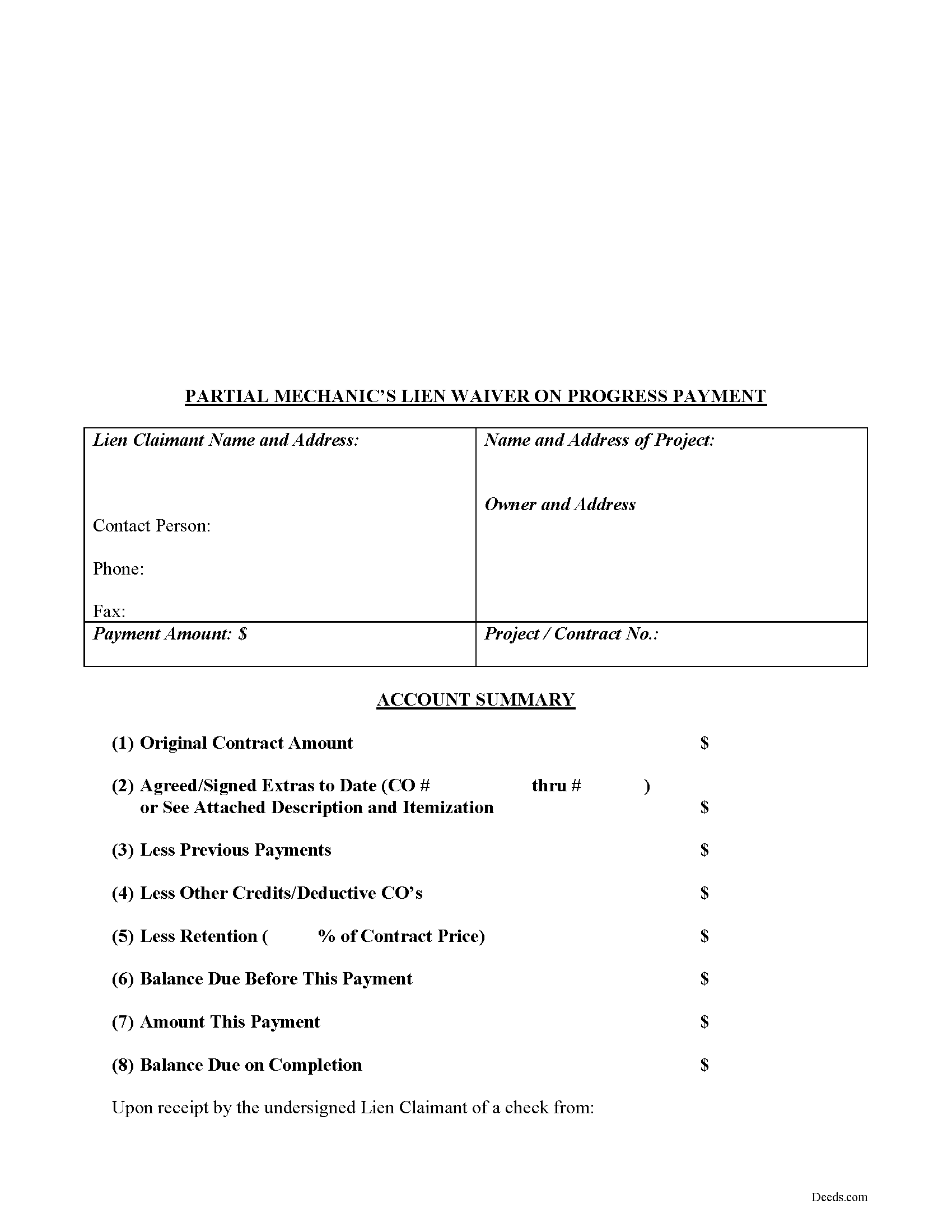
Cedar County Partial Mechanic's Lien Waiver on Progress Payment Form
Fill in the blank Partial Mechanic's Lien Waiver on Progress Payment form formatted to comply with all Missouri recording and content requirements.
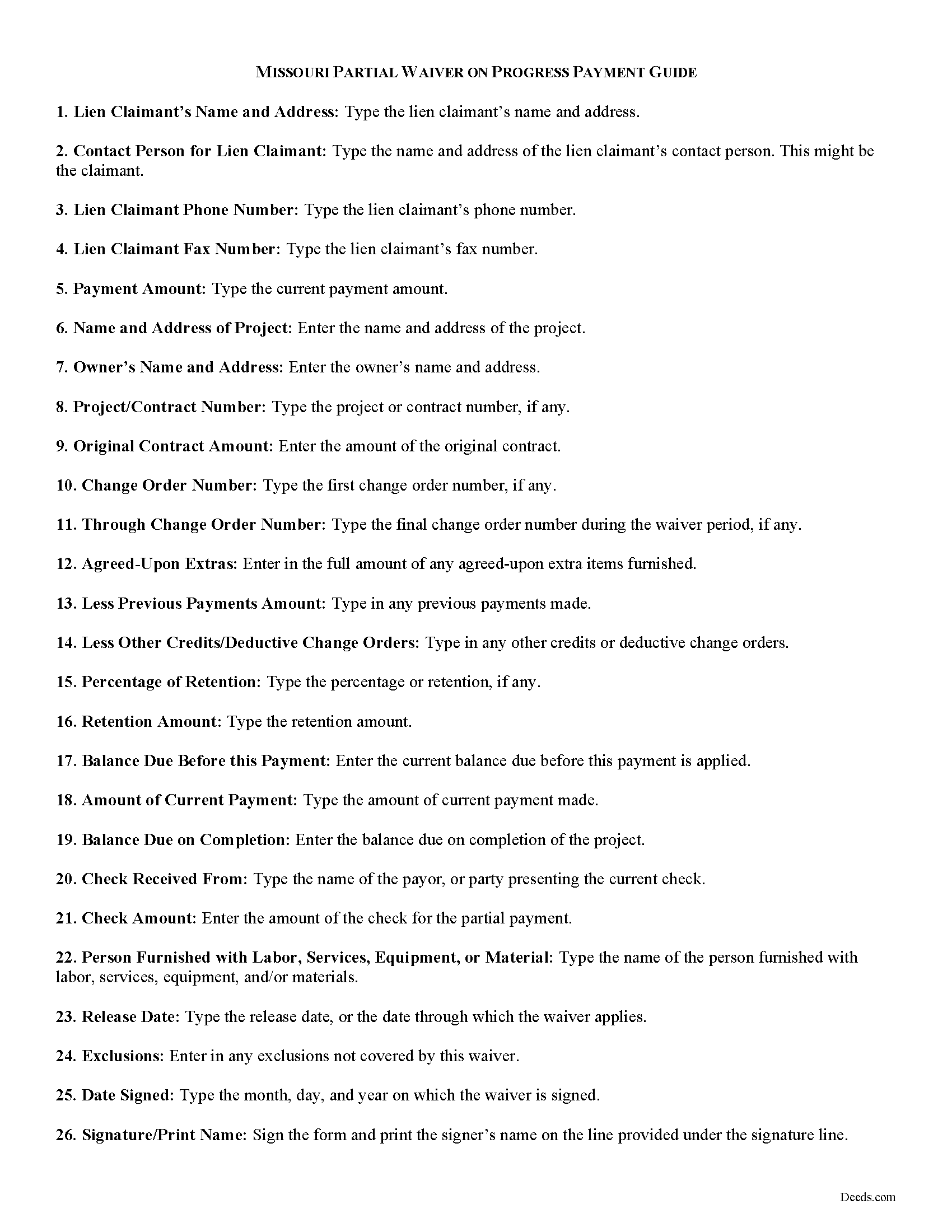
Cedar County Partial Lien Waiver Guide
Line by line guide explaining every blank on the form.
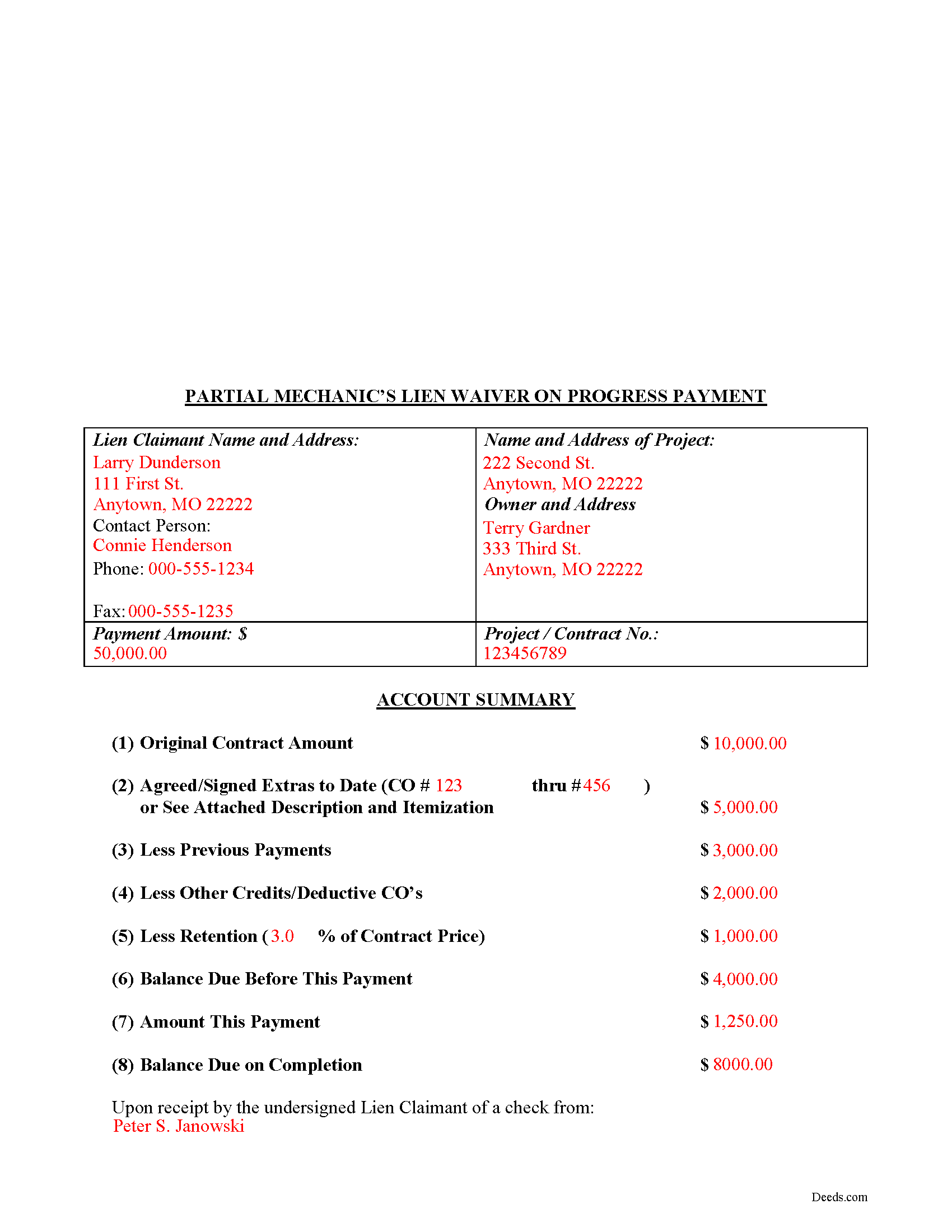
Cedar County Completed Example of the Partial Lien Waiver Document
Example of a properly completed form for reference.
All 3 documents above included • One-time purchase • No recurring fees
Immediate Download • Secure Checkout
Additional Missouri and Cedar County documents included at no extra charge:
Where to Record Your Documents
Cedar County Recorder of Deeds
Stockton, Missouri 65785
Hours: 8:00 to 4:00 Monday through Friday
Phone: (417) 276-6700 Ext. 246 & 247
Recording Tips for Cedar County:
- Bring your driver's license or state-issued photo ID
- Ensure all signatures are in blue or black ink
- Ask for certified copies if you need them for other transactions
- Ask if they accept credit cards - many offices are cash/check only
- Check that your notary's commission hasn't expired
Cities and Jurisdictions in Cedar County
Properties in any of these areas use Cedar County forms:
- Caplinger Mills
- El Dorado Springs
- Jerico Springs
- Stockton
Hours, fees, requirements, and more for Cedar County
How do I get my forms?
Forms are available for immediate download after payment. The Cedar County forms will be in your account ready to download to your computer. An account is created for you during checkout if you don't have one. Forms are NOT emailed.
Are these forms guaranteed to be recordable in Cedar County?
Yes. Our form blanks are guaranteed to meet or exceed the applicable formatting requirements used for recording in Cedar County, including margin requirements, font requirements, and other layout standards. This guarantee applies to formatting, not to the legal sufficiency of information entered by the user or the suitability of a form for a particular transaction.
Can I reuse these forms?
Yes. You can reuse the forms for your personal use. For example, if you have multiple properties in Cedar County you only need to order once.
What do I need to use these forms?
The forms are PDFs that you fill out on your computer. The free Adobe Acrobat Reader is recommended, and most PDF apps also work. You do NOT enter your property information online - you download the blank forms and complete them privately on your own computer.
Are there any recurring fees?
No. This is a one-time purchase. Nothing to cancel, no memberships, no recurring fees.
How much does it cost to record in Cedar County?
Recording fees in Cedar County vary. Contact the recorder's office at (417) 276-6700 Ext. 246 & 247 for current fees.
Questions answered? Let's get started!
Lien waivers are used to facilitate payment between contractors, subcontractors, customers, and property owners. A waiver is a known relinquishment of a right. In this case, the person granting the waiver is relinquishing the right to seek a mechanic's lien for all or part of the amount due.
In general, there are two types of waivers: partial and final. A partial waiver is used when a progress or partial payment is made and money is still due and owing. The waiver applies only to the partial payment amount and is conditioned upon the actual receipt of that money (the check clears the bank). A final waiver releases all rights immediately. Be cautious about using the correct form of waiver, as partial waivers provide more protection to the lien claimant, while final waivers offer more protection for the customer or property owner.
The waiver must include details identifying the parties, the location of the project, relevant details from the original agreement such as work requested, costs and changes, important dates, payments, and any exclusions, conditions, or agreements. It also lists the dates covered by the partial waiver. The person waiving the lien gives a sworn statement in front of a notary, signs the form, and then records it in the property records for the county where the property is located.
This article is provided for information purposes only and should not be relied upon as a substitute for the advice from a legal professional. Please speak with an attorney with questions about using a lien waiver or any other issue related to liens in Missouri.
Important: Your property must be located in Cedar County to use these forms. Documents should be recorded at the county or independent city recording office listed above.
This Partial Mechanic's Lien Waiver on Progress Payment meets all recording requirements specific to Cedar County.
Our Promise
The documents you receive here are guaranteed to meet or exceed the applicable Cedar County recording format requirements. If there is a rejection caused by our formatting, we will correct the issue or refund your payment. This guarantee applies to document formatting only and does not extend to information entered by the user, the selection of the form, or the legal effect of the completed document.
Save Time and Money
Get your Cedar County Partial Mechanic's Lien Waiver on Progress Payment form done right the first time with Deeds.com Uniform Conveyancing Blanks. At Deeds.com, we understand that your time and money are valuable resources, and we don't want you to face a penalty fee or rejection imposed by a county recorder for submitting nonstandard documents. We constantly review and update our forms to meet rapidly changing state and county recording requirements for roughly 3,500 counties and local jurisdictions.
4.8 out of 5 - ( 4,840 Reviews )
JACQUELINE R. 5 out of 5 stars
We have been waiting for a Title Company to put a release of Lien together for the past 3 months. I figured it was taking way to long and decided to use template here instead. In less than hour I was able to add all the information on the template and provide forms to our Seller to use. We were buying and he didnt think they were necessary. But I refused to pay him in full until he agreed to sign papers at the bank, and of course in front of a notary. We turned around and filed the Release of lien paperwork at County Clerks office, we officially own our house. Thank you!
Thank you for your feedback. We really appreciate it. Have a great day!
Aubrey M. 5 out of 5 stars
I am an attorney who was trying to draft some deeds in arizona. The deed templates coupled with the document instructions saved me hours work. At 1st I was skeptical, so spent hours figuring out how to draft the documents, but could have saved so much time If I had just spend the $20 sooner. Would use again is needed a deed format as a basis for my drafting.
Thank you for your feedback. We really appreciate it. Have a great day!
Harry W B. 5 out of 5 stars
This is a very valuable resource. It was user friendly and made transfer happen in a day!
We appreciate your business and value your feedback. Thank you. Have a wonderful day!
Michael L. 5 out of 5 stars
Professional, simple. Very good.
We appreciate your business and value your feedback. Thank you. Have a wonderful day!
Terri L. 5 out of 5 stars
Great Tool! Very easy to complete.
We appreciate your business and value your feedback. Thank you. Have a wonderful day!
David B. 5 out of 5 stars
I found the information very helpful. Had problems producing a professional looking document due to the limited active fields on the PDF form. Finally I just typed it.
Thank you!
Shelly S. 5 out of 5 stars
Was able to sell a property with the information obtained from your website without using an attorney! Extremely happy.
Thank you!
Ken W. 5 out of 5 stars
Everything perfect, good price. Completely satisfied
Thank you!
constance t. 5 out of 5 stars
Excellent service!
We appreciate your business and value your feedback. Thank you. Have a wonderful day!
Thomas M. 5 out of 5 stars
Thomas hopefully these are the correct forms I need wish me luck
Thank you!
Richard K. 3 out of 5 stars
South Carolina Warranty Deed document is good. The example and instruction documents are marginal help for Trusts.
Thank you for your feedback, Richard. We’re glad to hear the South Carolina Warranty Deed met your needs. We appreciate your note about the trust-related guidance as well. That’s helpful input, and we’ll review the example and instruction materials to see where we can improve clarity for trust transfers.
AARON D. 5 out of 5 stars
Forms were great ! Cancelled my lawyer's appointment & utilized your forms.
We are grateful for your feedback and looking forward to serving you again. Thank you!
suzanne m. 5 out of 5 stars
Finding what I needed was quick and easy.
Thank you!
Elaine R. 5 out of 5 stars
Delivered the exact documents I wanted, and included a filled out form for guidance. It also included other documents that might be required. Excellent.
Thank you, Elaine. We’re glad the forms and example document were helpful and that you found everything you needed. We appreciate your feedback and your business.
Bakul W. 5 out of 5 stars
You guys did a great job for us yday. With the strim coming and the registry being closed to visitors I didn't know how I was going to get my work done and I found your website and in less than a day everything was done. Thank you.
Thank you!