Cooper County Quitclaim Deed (LLC Grantor) Form
Last validated October 2, 2026 by our Forms Development TeamFormatted for recording in Cooper County, for property anywhere in the county or independent city: rural and unincorporated areas as well as Blackwater, Boonville, Bunceton, Otterville, Pilot Grove, Prairie Home, Wooldridge.
- 3 documents included
- Immediate PDF download
- Formatting guarantee
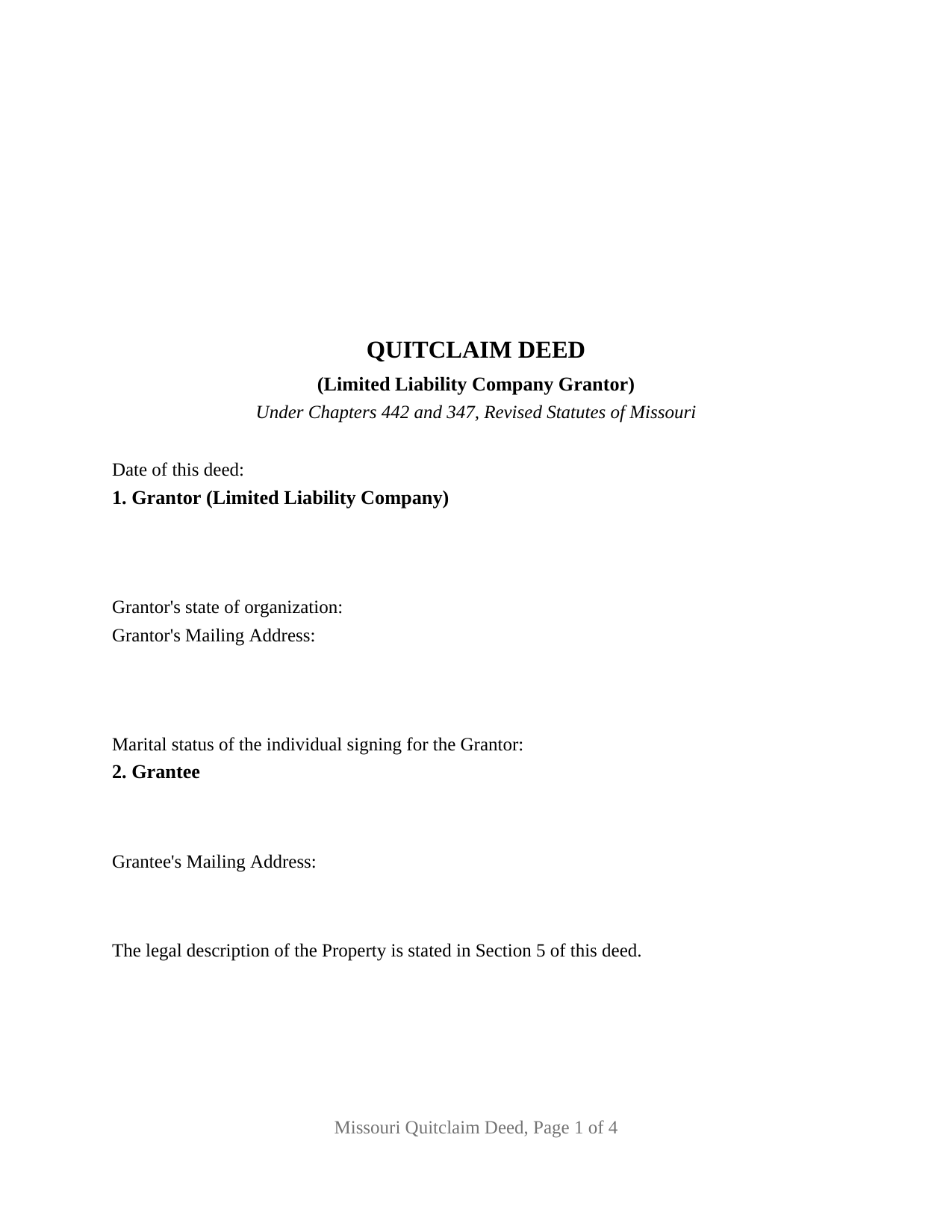
Cooper County Quitclaim Deed (LLC Grantor) Form
Fill in the blank Quitclaim Deed (LLC Grantor) form formatted to comply with all Missouri recording and content requirements.
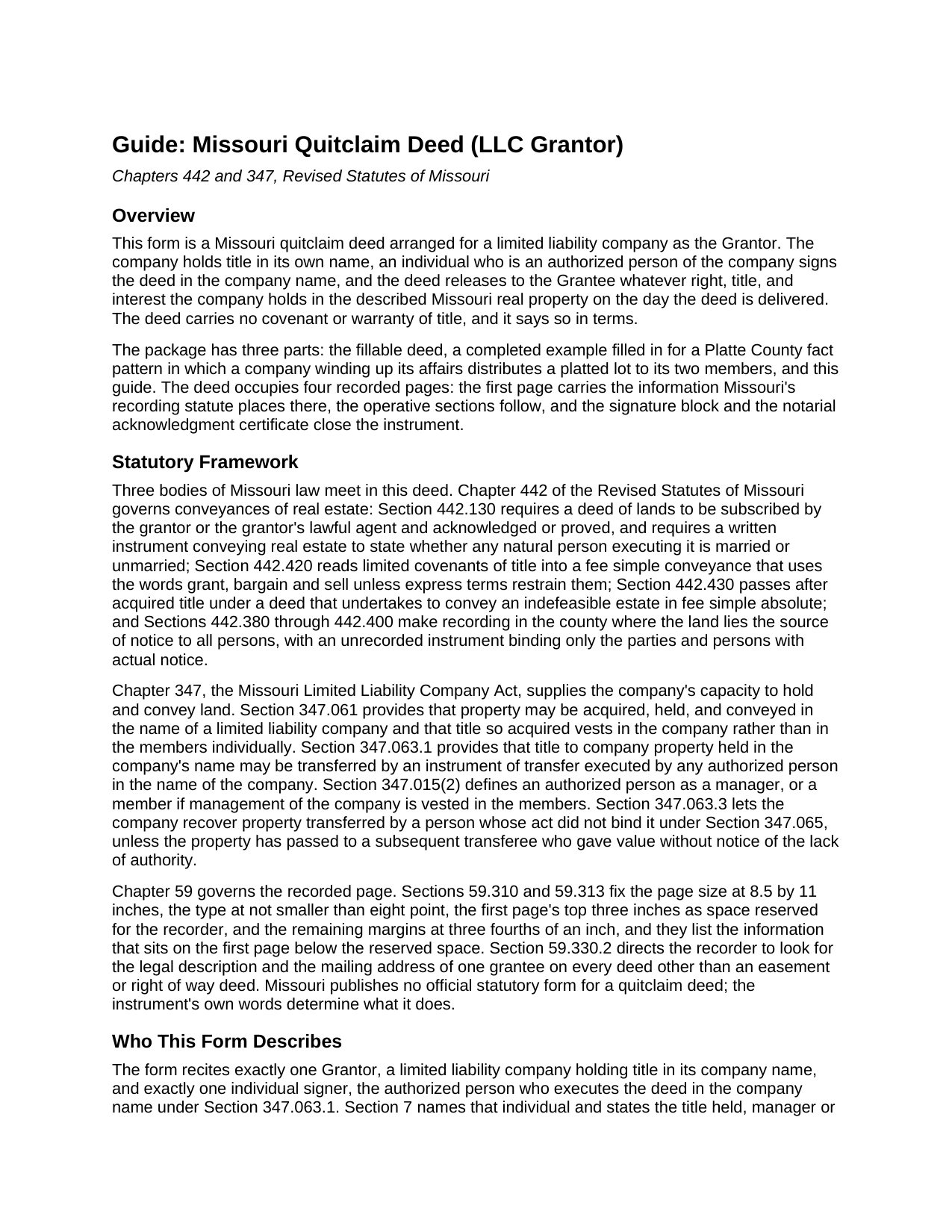
Cooper County Quitclaim Deed (LLC Grantor) Guide
Line by line guide explaining every blank on the Quitclaim Deed (LLC Grantor) form.
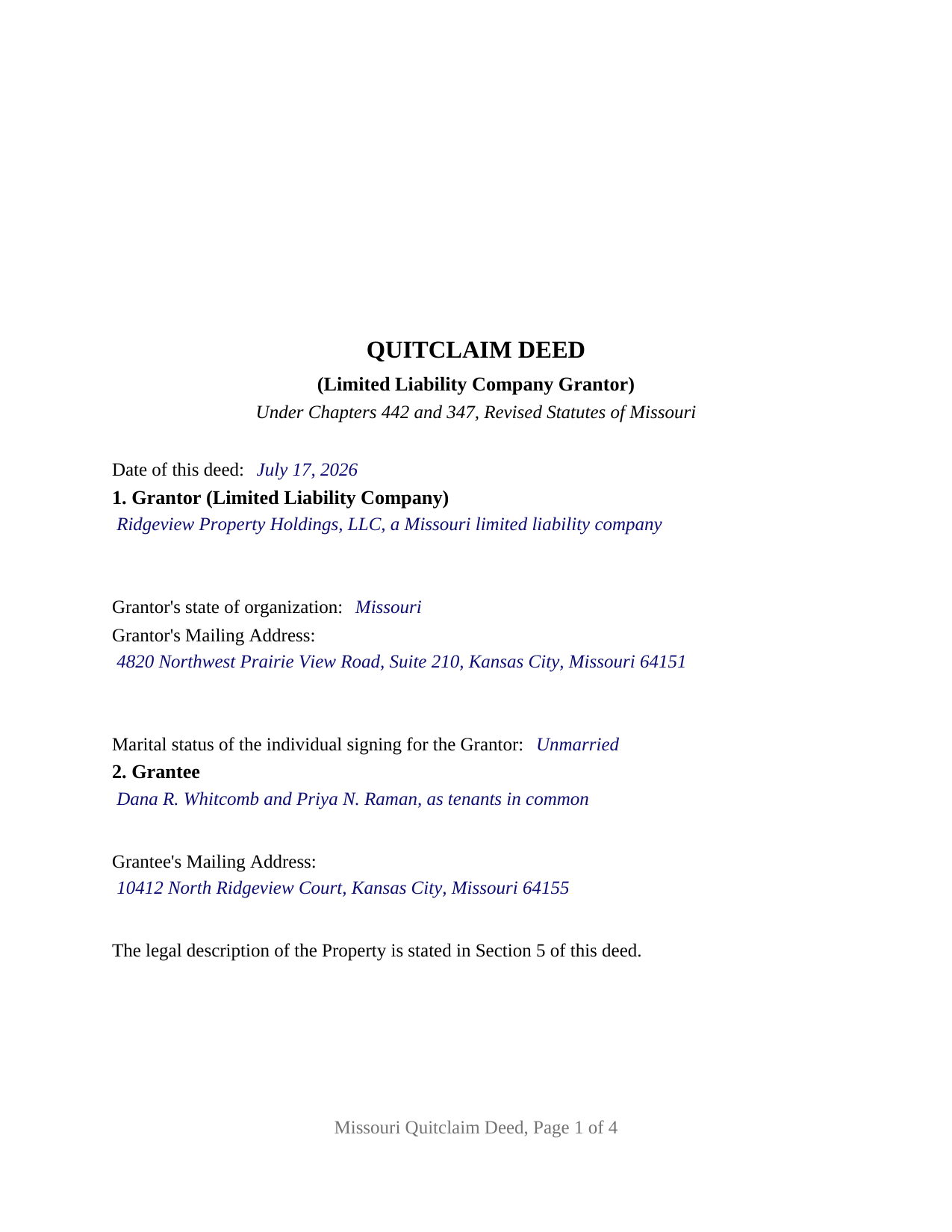
Cooper County Completed Example of the Quitclaim Deed (LLC Grantor) Document
Example of a properly completed Missouri Quitclaim Deed (LLC Grantor) document for reference.
All 3 documents above included • One-time purchase • No recurring fees
Immediate Download • Secure Checkout
Additional Missouri and Cooper County documents included at no extra charge:
Where to Record Your Documents
Cooper County Recorder of Deeds
Boonville, Missouri 65233
Hours: 8:30 to 5:00 M-F/Office is closed for lunch on Mondays from 12:00PM to 1:00PM
Phone: (660) 882-2161
Recording Tips for Cooper County:
- Bring your driver's license or state-issued photo ID
- Ensure all signatures are in blue or black ink
- Ask for certified copies if you need them for other transactions
- Ask if they accept credit cards - many offices are cash/check only
- Check that your notary's commission hasn't expired
Cities and Jurisdictions in Cooper County
Properties in any of these areas use Cooper County forms:
- Blackwater
- Boonville
- Bunceton
- Otterville
- Pilot Grove
- Prairie Home
- Wooldridge
Hours, fees, requirements, and more for Cooper County
How do I get my forms?
Forms are available for immediate download after payment. The Cooper County forms will be in your account ready to download to your computer. An account is created for you during checkout if you don't have one. Forms are NOT emailed.
Are these forms guaranteed to be recordable in Cooper County?
Yes. Our form blanks are guaranteed to meet or exceed the applicable formatting requirements used for recording in Cooper County, including margin requirements, font requirements, and other layout standards. This guarantee applies to formatting, not to the legal sufficiency of information entered by the user or the suitability of a form for a particular transaction.
Can I reuse these forms?
Yes. You can reuse the forms for your personal use. For example, if you have multiple properties in Cooper County you only need to order once.
What do I need to use these forms?
The forms are PDFs that you fill out on your computer. The free Adobe Acrobat Reader is recommended, and most PDF apps also work. You do NOT enter your property information online - you download the blank forms and complete them privately on your own computer.
Are there any recurring fees?
No. This is a one-time purchase. Nothing to cancel, no memberships, no recurring fees.
How much does it cost to record in Cooper County?
Recording fees in Cooper County vary. Contact the recorder's office at (660) 882-2161 for current fees.
Questions answered? Let's get started!
A limited liability company owns land in its own name and signs nothing, because signing takes a person. Missouri resolves that in one sentence of Section 347.063.1 of the Revised Statutes of Missouri: title held in the name of a limited liability company may be transferred by an instrument executed by any authorized person in the name of the company. This Missouri quitclaim deed is arranged around that sentence: the company is the Grantor, an authorized person signs for it, and the face of the deed records who signed and in what capacity.
Who signs when the owner is a company
The form recites exactly one Grantor, a limited liability company holding title in its company name, and exactly one signer. Section 7 collects the signer's name and title, manager or member, the two roles Section 347.015 defines as an authorized person, and states that the individual named executes the deed in the company name under Section 347.063.1. Section 9 carries one signature line headed for the company by its authorized person, a printed name line beneath it, and one notarial acknowledgment certificate whose acknowledger line names the individual together with the company. A conveyance by two companies, by a corporation, whose Section 442.210.1(3) certificate recites a corporate seal and board authority, or by a trustee recites a different grantor block.
The blanks that name the company
Company identity takes three first page blanks rather than one: the legal name as Section 347.020 requires it to read, with the limited liability company words or the LC, LLC, L.C., or L.L.C. abbreviation; the state under whose law the company is organized; and a designated Grantor's Mailing Address. Nothing in the deed proves authority to bind the company. Section 347.063.3 lets the company recover the property where it shows the signer's act did not bind it under Section 347.065, unless a later transferee gave value without notice, so a resolution or certificate of company authority is prepared separately and does not travel with this package.
Marital status when no natural person is the grantor
Section 442.130.2 has every written instrument conveying Missouri real estate state whether any natural person acting as grantor, mortgagor, or other party executing it is married or unmarried, and Missouri recorders publish grantor marital status as first page content on documents that transfer land. A company has no marital status, and the deed says so in terms. The individual who executes the instrument for the company is a natural person, so page one carries a married or unmarried line for that signer, where county indexing looks for it, while Section 8 states that the signer takes no interest and makes no covenant. Because a company rather than a married person owns the land, the homestead and marital joinder rules of Section 513.475 and Section 474.150.2 have nothing to attach to, and no spouse signs.
A release of interest, warranted by no one
Missouri prints no official quit claim deed form, so the operative words do the work. Section 442.420 turns grant, bargain and sell into limited statutory covenants of title, so those words stay off this page. The deed remises, releases, and forever quitclaims whatever right, title, and interest the company holds when the deed is delivered, adds an express sentence that no covenant of title arises from anything written in it, and keeps later acquired title outside the transaction. Deeds of trust, judgment liens, easements, and unpaid taxes ride along untouched.
Page one, recording, and the county filing
Sections 59.310 and 59.313 reserve the top three inches of page one for the recorder and list what sits below: title, date, party names, grantor marital status, the grantee mailing address Section 59.330.2 calls for, and the legal description or a printed reference locating it, which this form places in Section 5. Missouri levies no transfer tax on a deed, although St. Charles County, St. Louis County, and the City of St. Louis each collect a certificate of value with the deed, an assessment form prepared outside this package. The completed example works a Platte County distribution, a company winding up its affairs releasing a platted lot to its two members.
The download carries three files: this LLC quitclaim deed as a fillable PDF, the completed example described above filled in from the date line through the return address, and a plain language guide to every blank, the company authority statutes, and recording. The materials cover Missouri law in general terms, for information, and are not legal advice.
Important: Your property must be located in Cooper County to use these forms. Documents should be recorded at the county or independent city recording office listed above.
This Quitclaim Deed (LLC Grantor) meets all recording requirements specific to Cooper County.
Our Promise
The documents you receive here are guaranteed to meet or exceed the applicable Cooper County recording format requirements. If there is a rejection caused by our formatting, we will correct the issue or refund your payment. This guarantee applies to document formatting only and does not extend to information entered by the user, the selection of the form, or the legal effect of the completed document.
Save Time and Money
Get your Cooper County Quitclaim Deed (LLC Grantor) form done right the first time with Deeds.com Uniform Conveyancing Blanks. At Deeds.com, we understand that your time and money are valuable resources, and we don't want you to face a penalty fee or rejection imposed by a county recorder for submitting nonstandard documents. We constantly review and update our forms to meet rapidly changing state and county recording requirements for roughly 3,500 counties and local jurisdictions.
4.8 out of 5 - ( 4,829 Reviews )
James B. 5 out of 5 stars
Reliable and fast. A great assest.
Thank you!
marshall w. 5 out of 5 stars
was not ready to pay for much needed forms but very important
Thank you for your feedback. We really appreciate it. Have a great day!
Pamela J. 5 out of 5 stars
Thank you the service was prompt and efficient.
Thank you!
Charles B. 5 out of 5 stars
Excellent andeasy to navigate website for non-lawyers. Needed some forms for a specific county in a specific state, and Deeds.com took me right there, where I downloaded the forms and a guide on how to fill them out.
We appreciate your business and value your feedback. Thank you. Have a wonderful day!
Pam H. 5 out of 5 stars
The website was very easy to navigate and I found it easy to get the documents I needed. I also found the price to be reasonable for ease of use and assistance provided in the deed guide and sample. I will definitely keep this website in mind for my legal docs.
Thank you, Pam. We're glad everything worked the way it should, and we'll be here whenever you need your next document.
Gary K. 5 out of 5 stars
Easy to use site. Good job, it works with no stress.
Thank you!
QINGXIONG L. 2 out of 5 stars
The major problem is too expensive, particularly sometime, only few words need to file correction deed which cost 20 dollars!!
Thank you for your feedback. We really appreciate it. Have a great day!
Philip S. 5 out of 5 stars
This was our first time using Deeds.Com. We were tremendously impressed. The website works well, but the customer service really makes this organization special. The prompt, professional and knowledgeable responses to inquiries and recording issues was refreshing.
We appreciate your business and value your feedback. Thank you. Have a wonderful day!
THEODORE P. 5 out of 5 stars
You were very helpful and patient with me in learning your portal. I now understand your process.
We are thankful for your continued support and feedback, which inspire us to continuously improve. Thank you..
Linda W. 5 out of 5 stars
Received feedback in a timely manner and got a quick reponse.
Thank you!
Jim P. 5 out of 5 stars
Exactly what we were looking for and filled out everything in minutes. Great value!
Thank you!
Sam A. 5 out of 5 stars
User friendly website and deeds are very easy to maneuver. I'm very happy with everything Deeds.com has to offer. It truly helped me with the business that I had to take care of.
Thank you!
Alfred D. 5 out of 5 stars
The material was very usable and site was easy to navigate. Well worth the money. If I have similar needs, I'll ber back.
Thank you for your feedback. We really appreciate it. Have a great day!
Janet M. 5 out of 5 stars
This site is amazing! What a time saver from driving somewhere and standing around waiting.
Thank you!
Courtney V. 3 out of 5 stars
I didn't have a chance to judge your services because I received a message saying that my requested title could not be searched. I will say, the website is easy to navigate. I'm not sure how many who use these services are laymen, but I would suggest adding a detailed explanation of each service. I had to Google the difference between each type of title search, but I might just be more uninformed than the average person, or I just didn't see it on your website
Thank you for your feedback. We really appreciate it. Have a great day!