Cooper County Quitclaim Deed (Trustee Grantee) Form
Last validated October 2, 2026 by our Forms Development TeamFormatted for recording in Cooper County, for property anywhere in the county or independent city: rural and unincorporated areas as well as Blackwater, Boonville, Bunceton, Otterville, Pilot Grove, Prairie Home, Wooldridge.
- 3 documents included
- Immediate PDF download
- Formatting guarantee
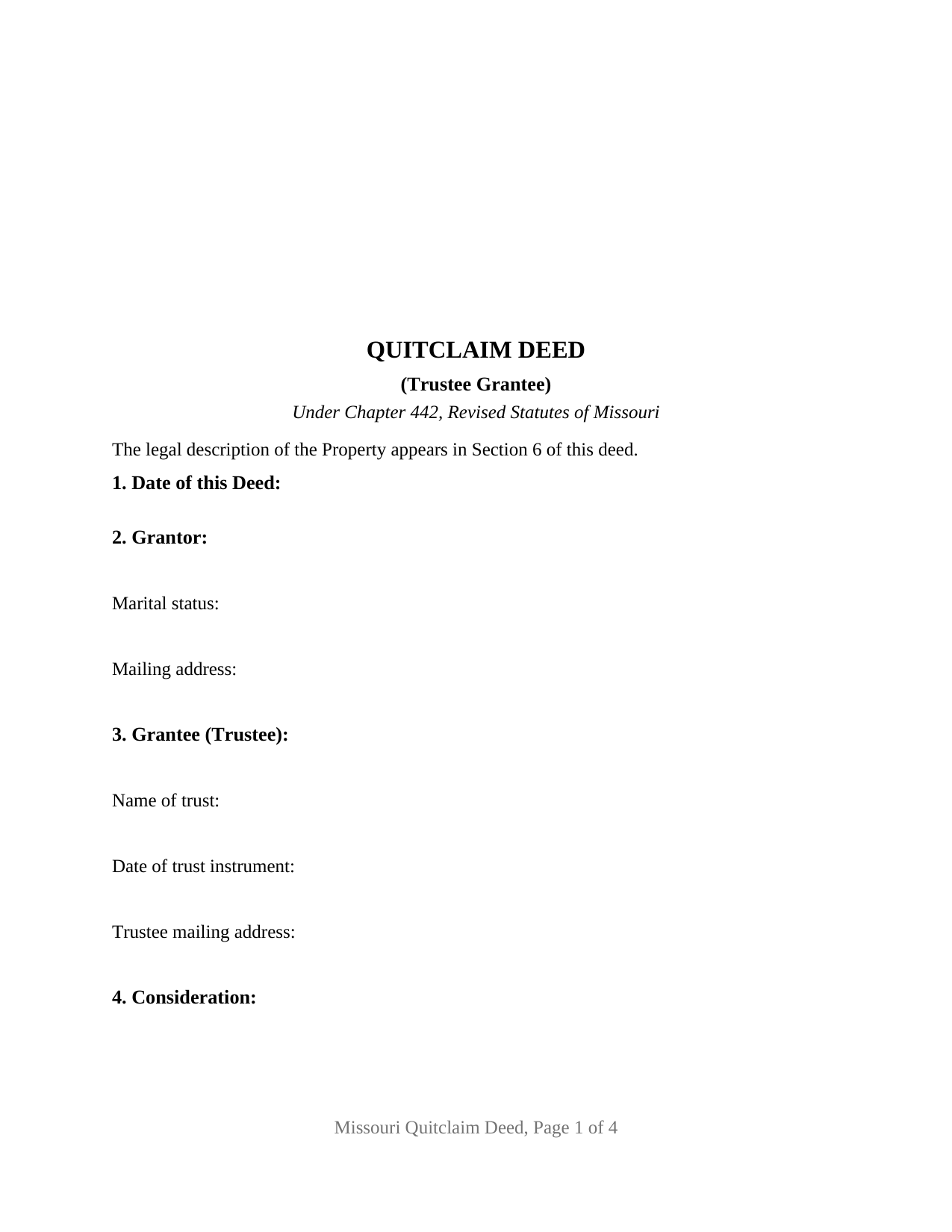
Cooper County Quitclaim Deed (Trustee Grantee) Form
Fill in the blank Quitclaim Deed (Trustee Grantee) form formatted to comply with all Missouri recording and content requirements.
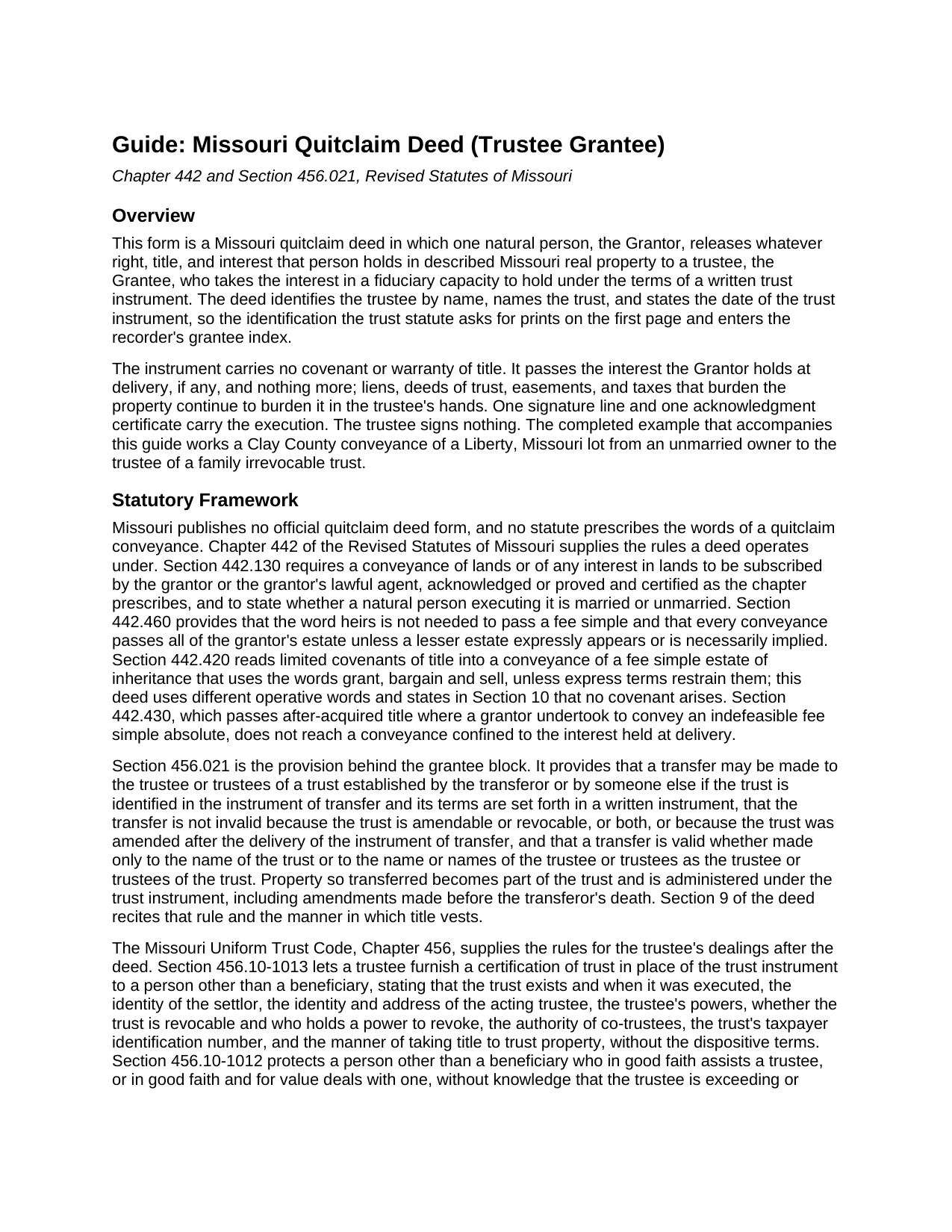
Cooper County Quitclaim Deed (Trustee Grantee) Guide
Line by line guide explaining every blank on the Quitclaim Deed (Trustee Grantee) form.
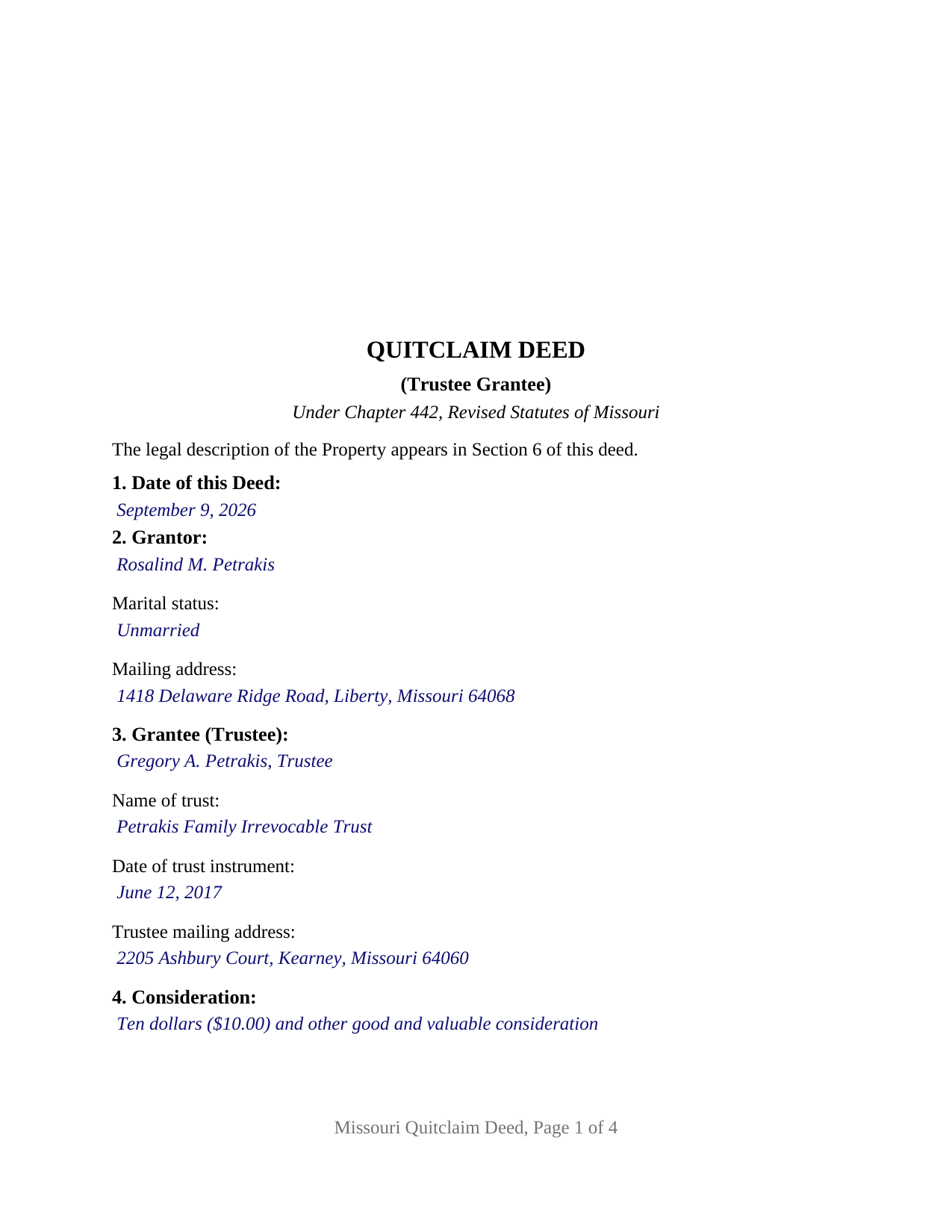
Cooper County Completed Example of the Quitclaim Deed (Trustee Grantee) Document
Example of a properly completed Missouri Quitclaim Deed (Trustee Grantee) document for reference.
All 3 documents above included • One-time purchase • No recurring fees
Immediate Download • Secure Checkout
Additional Missouri and Cooper County documents included at no extra charge:
Where to Record Your Documents
Cooper County Recorder of Deeds
Boonville, Missouri 65233
Hours: 8:30 to 5:00 M-F/Office is closed for lunch on Mondays from 12:00PM to 1:00PM
Phone: (660) 882-2161
Recording Tips for Cooper County:
- Bring your driver's license or state-issued photo ID
- Ensure all signatures are in blue or black ink
- Double-check legal descriptions match your existing deed
- Verify all names are spelled correctly before recording
- White-out or correction fluid may cause rejection
Cities and Jurisdictions in Cooper County
Properties in any of these areas use Cooper County forms:
- Blackwater
- Boonville
- Bunceton
- Otterville
- Pilot Grove
- Prairie Home
- Wooldridge
Hours, fees, requirements, and more for Cooper County
How do I get my forms?
Forms are available for immediate download after payment. The Cooper County forms will be in your account ready to download to your computer. An account is created for you during checkout if you don't have one. Forms are NOT emailed.
Are these forms guaranteed to be recordable in Cooper County?
Yes. Our form blanks are guaranteed to meet or exceed the applicable formatting requirements used for recording in Cooper County, including margin requirements, font requirements, and other layout standards. This guarantee applies to formatting, not to the legal sufficiency of information entered by the user or the suitability of a form for a particular transaction.
Can I reuse these forms?
Yes. You can reuse the forms for your personal use. For example, if you have multiple properties in Cooper County you only need to order once.
What do I need to use these forms?
The forms are PDFs that you fill out on your computer. The free Adobe Acrobat Reader is recommended, and most PDF apps also work. You do NOT enter your property information online - you download the blank forms and complete them privately on your own computer.
Are there any recurring fees?
No. This is a one-time purchase. Nothing to cancel, no memberships, no recurring fees.
How much does it cost to record in Cooper County?
Recording fees in Cooper County vary. Contact the recorder's office at (660) 882-2161 for current fees.
Questions answered? Let's get started!
Where an ordinary deed asks who receives the property, this Missouri quitclaim deed asks three questions instead: the trustee's name, the name of the trust, and the date the trust instrument was executed. That grantee block defines the variant. A single individual signs as grantor and lets go of whatever right, title, and interest that person holds in the described Missouri real property; what receives it is a fiduciary capacity.
Naming a trustee so the land records can read it
Section 456.021 of the Revised Statutes of Missouri validates two ways of naming the receiving side: a transfer made only to the name of the trust, and a transfer made to the name or names of the trustee or trustees as trustee or trustees of the trust. Either way the trust is identified in the instrument of transfer and its terms set forth in a written instrument. This form takes the trustee-as-trustee route, with the trust name and instrument date beside the trustee's name, so the identification prints on page one and enters the grantee index. The section adds that the conveyance is not invalid because the trust is amendable or revocable, or both, or because it was amended after the deed was delivered.
A grantee who signs nothing
The form recites exactly one grantor, a natural person acting individually, with one signature line, a printed name line beneath it, and one notarial acknowledgment certificate. The trustee takes under the instrument and signs no part of it, so no second signature block appears. A vesting section states that title vests in the grantee in that person's capacity as trustee of the identified trust, and in the successor trustees of that trust, to be held under a written trust instrument the deed sets out nowhere. A settlor funding an irrevocable family trust with a parcel carried in one name, a person conveying to the trustee of a trust a parent settled years earlier, and a co-owner releasing a fractional share to the trustee holding the balance of the title present the pattern this deed recites. Two record owners take a different grantor section.
What the deed cannot say on the trust's behalf
Keeping trust terms out of a public record is deliberate, and Missouri supplies the substitute. Under Section 456.10-1013 a trustee may hand a third party a certification of trust in place of the trust instrument, stating that the trust exists and when it was executed, who settled it, who is acting as trustee, what powers that trustee holds, whether the trust is revocable, and how title to trust property is taken, while leaving dispositive terms out. Prepared separately from this deed, it is not included in this package. Section 456.10-1012 protects a person who in good faith and for value deals with a trustee, relieving that person of any duty to inquire into the extent of the trustee's powers.
Quitclaim words, and what they withhold
Section 442.420 turns the words grant, bargain and sell in a fee simple conveyance into implied covenants of title unless express terms restrain them. This deed never uses them. It remises, releases, and forever quitclaims, and states on its face that no covenant or warranty of title arises from any word or phrase in it and that title acquired after delivery does not pass. Liens, deeds of trust, easements, and tax obligations already on the property stay on it.
Recording and the first-page band
The signed and notarized deed goes to the recorder of deeds in the Missouri county where the land lies, or to the City of St. Louis recorder. No transfer tax attaches; cost is the county's per-page schedule plus the statutory user fee. The form is built to Sections 59.310 and 59.313: letter size, three inches left clear across the top of page one, twelve point type, and a first page carrying the title, the date, the grantor with the Section 442.130 married or unmarried statement, the trustee grantee with the mailing address Section 59.330.2 wants, and a reference locating the legal description a page later. The certificate carries the Section 442.210 form for a person acting in that person's own right and the Section 442.145 appearance line.
The package holds three items: this trustee grantee quit claim deed as a fillable PDF, a completed example running a Clay County conveyance into a family trust, and a guide covering every blank, the trust identification rules, and recording. The materials describe Missouri law in general terms and are informational, not legal advice.
Important: Your property must be located in Cooper County to use these forms. Documents should be recorded at the county or independent city recording office listed above.
This Quitclaim Deed (Trustee Grantee) meets all recording requirements specific to Cooper County.
Our Promise
The documents you receive here are guaranteed to meet or exceed the applicable Cooper County recording format requirements. If there is a rejection caused by our formatting, we will correct the issue or refund your payment. This guarantee applies to document formatting only and does not extend to information entered by the user, the selection of the form, or the legal effect of the completed document.
Save Time and Money
Get your Cooper County Quitclaim Deed (Trustee Grantee) form done right the first time with Deeds.com Uniform Conveyancing Blanks. At Deeds.com, we understand that your time and money are valuable resources, and we don't want you to face a penalty fee or rejection imposed by a county recorder for submitting nonstandard documents. We constantly review and update our forms to meet rapidly changing state and county recording requirements for roughly 3,500 counties and local jurisdictions.
4.8 out of 5 - ( 4,828 Reviews )
Timothy L. 5 out of 5 stars
It was very simple and easy to fill out the information need to do the warranty deed.
Thank you for your feedback. We really appreciate it. Have a great day!
Jason J. 5 out of 5 stars
My first submission was super quick and easy. I had trouble with the second submission, as I was not aware of what the county would require, but the team at Deeds.com walked me through every step of the process. Will definitely use again and refer business partners to Deeds.com!
Thank you, Jason! We’re glad your first submission went smoothly and appreciate your patience with the second. County requirements can vary, and we’re always here to help make the process as simple as possible. We look forward to assisting you — and your business partners — again soon!
DAVID F. 5 out of 5 stars
excellent experience with this product. Well worth the cost to save time running down forms
We appreciate your business and value your feedback. Thank you. Have a wonderful day!
Joan L. W. 5 out of 5 stars
Excellent Service
Thank you!
Susan G. 5 out of 5 stars
I was pleased with the example of a completed beneficiary deed and instructions. It made filling out the deed very easy.
Thank you!
Dawn Y. 1 out of 5 stars
Obtaining a copy of a deed is FAR too expensive.
Thank you for your feedback Dawn. Have a wonderful day.
Karen K. 5 out of 5 stars
Deeds was very easy to use. I thought it might take weeks to complete, but the whole process was completed in just a few hours. I am very satisfied with my experience and would use them again
Thank you for your feedback. We really appreciate it. Have a great day!
Sue B. 5 out of 5 stars
Easy to download and complete. Thank you for this service!
Thank you for your feedback Sue, we really appreciate it!
Jodi W. 1 out of 5 stars
Absolutely horrible service and experience. Would not recommend to anyone. If there was an option to select a zero star rating I would have. I am sure this review will not be posted.
Thank you for your feedback Jodi.
Rita M. 5 out of 5 stars
I have not received the deed via email. That is what I was expecting. Let me know if I am incorrect in my thinking.
Thanks for reaching out. While we do send some email notifications, we do not email documents. All orders are available via your account. You can log into your account from the menu button at the top left of most pages on the website.
Marilyn C. 5 out of 5 stars
Fillable documents, after a download, would be helpful. Very good to have all these forms online and accessible for an overall fee.
Thank you!
Samy K. 5 out of 5 stars
I searched on line for the blank forms I needed, everyone that said it's free was a part m they wanted to sign me up for a monthly membership, deeds.com had the forms that I can download and fill in, I paid $24 and got more than I needed, very easy company to deal with, I highly recommend them.
Thank you for your feedback. We really appreciate it. Have a great day!
Timothy C. 5 out of 5 stars
Excellent service. Pay your fee, download the form and fill out according to specific instructions. Then, again according to instructions, take it to the county clerk's office and have it recorded. It could not be easier.
Thank you!
April L. 5 out of 5 stars
The warranty deed forms I received worked fine.
Thank you!
Christine A. 5 out of 5 stars
So far do good. Don't understand the billing procedure yet and have just sent a request for information. Awaiting reply. Thank you, Christine Alvarez
Thanks for the feedback. Looks like your E-recording invoice is available. It takes a few minutes for our staff to prepare documents for recording and generate the invoice.