Lafayette County Quitclaim Deed (Trustee Grantor) Form
Last validated October 2, 2026 by our Forms Development TeamFormatted for recording in Lafayette County, for property anywhere in the county or independent city: rural and unincorporated areas as well as Alma, Bates City, Concordia, Corder, Dover, Emma, Higginsville, Lexington and 5 more.
- 3 documents included
- Immediate PDF download
- Formatting guarantee
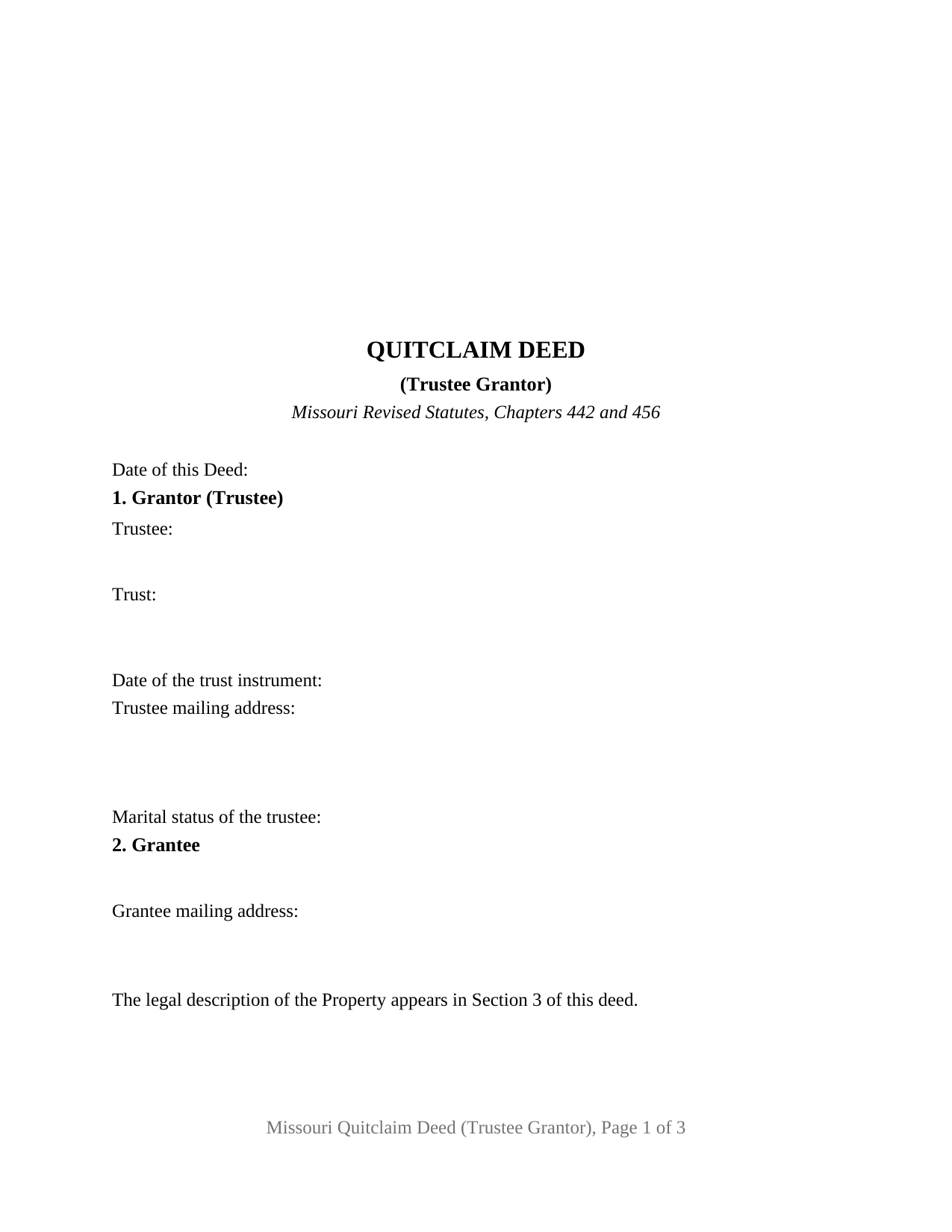
Lafayette County Quitclaim Deed (Trustee Grantor) Form
Fill in the blank Quitclaim Deed (Trustee Grantor) form formatted to comply with all Missouri recording and content requirements.
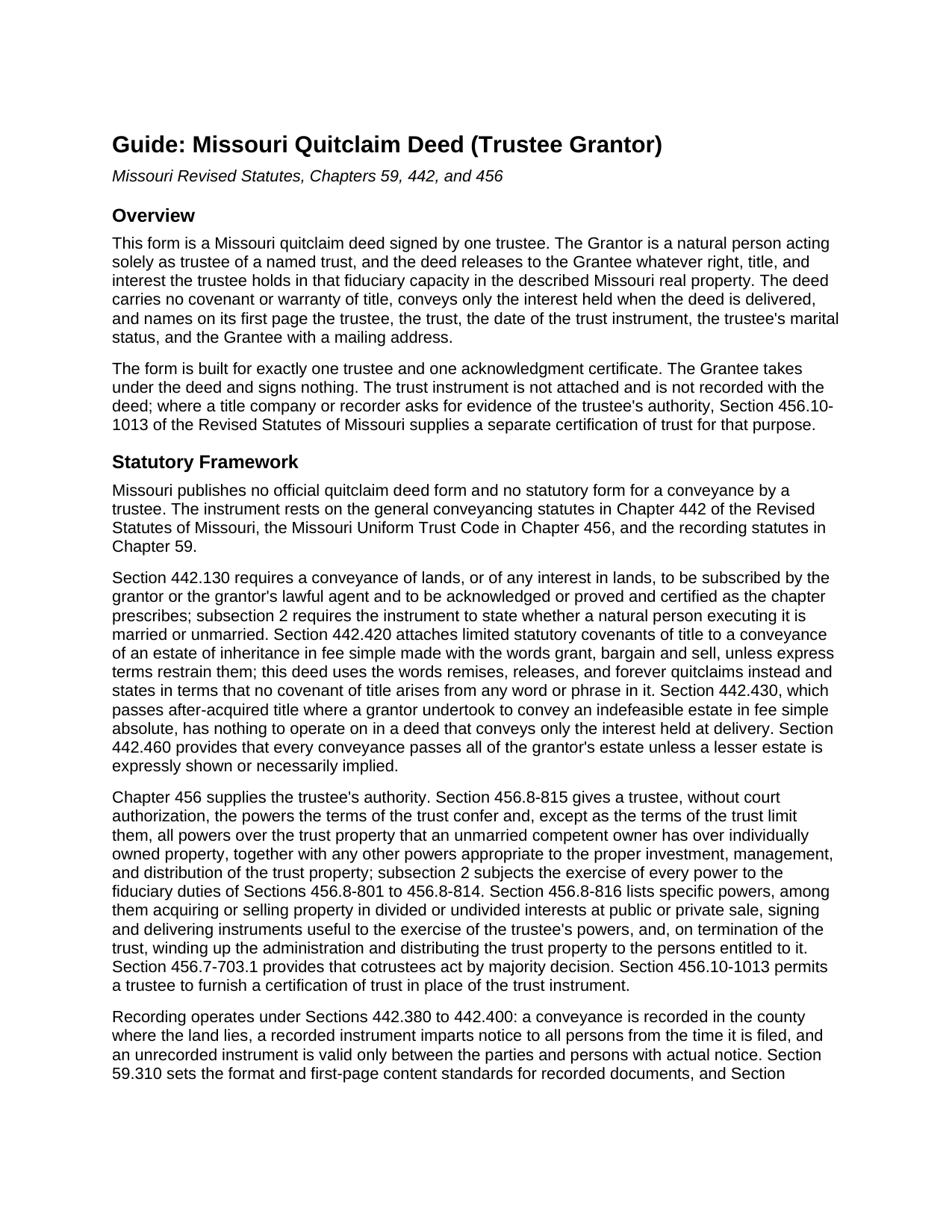
Lafayette County Quitclaim Deed (Trustee Grantor) Guide
Line by line guide explaining every blank on the Quitclaim Deed (Trustee Grantor) form.
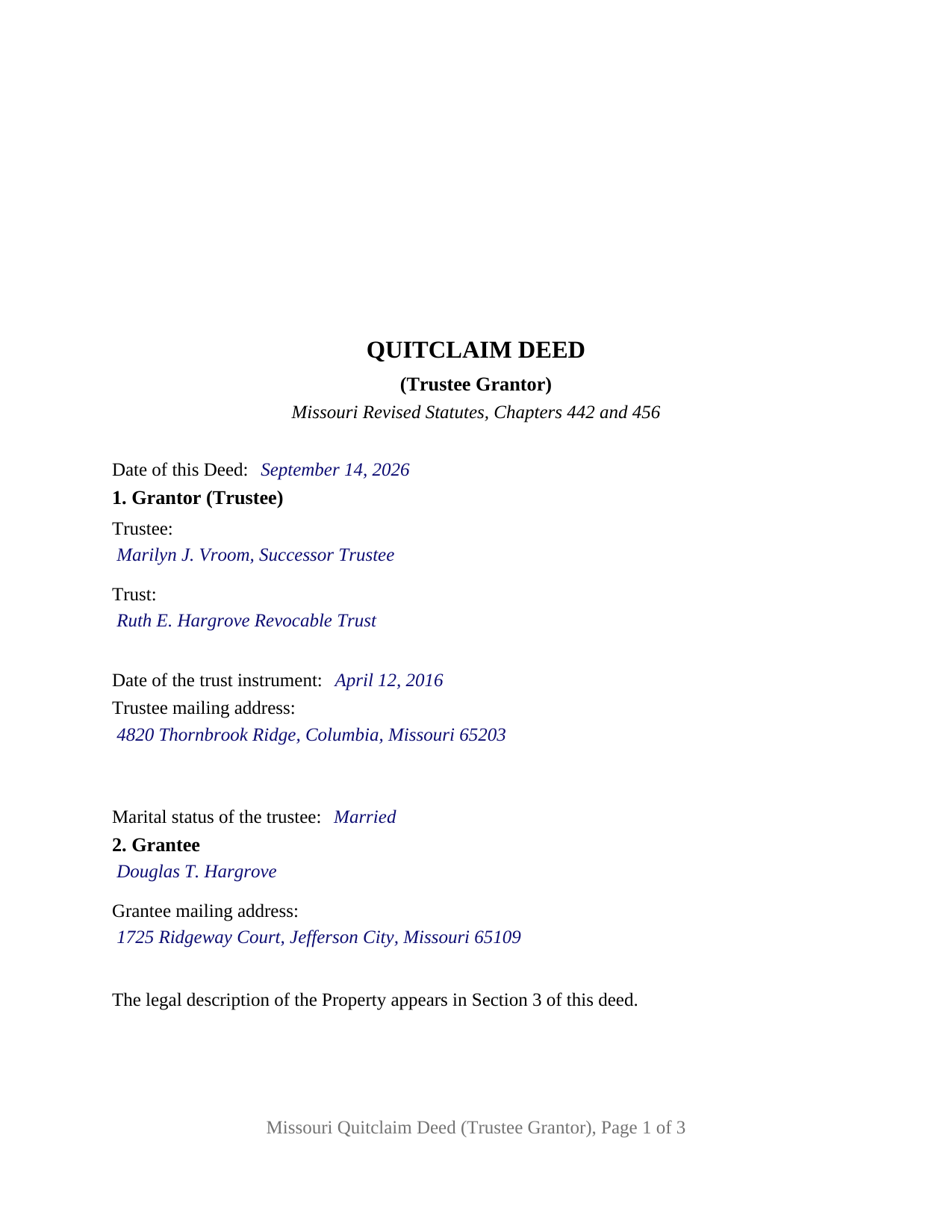
Lafayette County Completed Example of the Quitclaim Deed (Trustee Grantor) Document
Example of a properly completed Missouri Quitclaim Deed (Trustee Grantor) document for reference.
All 3 documents above included • One-time purchase • No recurring fees
Immediate Download • Secure Checkout
Additional Missouri and Lafayette County documents included at no extra charge:
Where to Record Your Documents
Lafayette County Recorder of Deeds
Lexington, Missouri 64067
Hours: 8:30 to 4:30 M-F
Phone: (660) 259-6178
Recording Tips for Lafayette County:
- Bring your driver's license or state-issued photo ID
- Ensure all signatures are in blue or black ink
- Make copies of your documents before recording - keep originals safe
- Recorded documents become public record - avoid including SSNs
- Recording fees may differ from what's posted online - verify current rates
Cities and Jurisdictions in Lafayette County
Properties in any of these areas use Lafayette County forms:
- Alma
- Bates City
- Concordia
- Corder
- Dover
- Emma
- Higginsville
- Lexington
- Mayview
- Napoleon
- Odessa
- Waverly
- Wellington
Hours, fees, requirements, and more for Lafayette County
How do I get my forms?
Forms are available for immediate download after payment. The Lafayette County forms will be in your account ready to download to your computer. An account is created for you during checkout if you don't have one. Forms are NOT emailed.
Are these forms guaranteed to be recordable in Lafayette County?
Yes. Our form blanks are guaranteed to meet or exceed the applicable formatting requirements used for recording in Lafayette County, including margin requirements, font requirements, and other layout standards. This guarantee applies to formatting, not to the legal sufficiency of information entered by the user or the suitability of a form for a particular transaction.
Can I reuse these forms?
Yes. You can reuse the forms for your personal use. For example, if you have multiple properties in Lafayette County you only need to order once.
What do I need to use these forms?
The forms are PDFs that you fill out on your computer. The free Adobe Acrobat Reader is recommended, and most PDF apps also work. You do NOT enter your property information online - you download the blank forms and complete them privately on your own computer.
Are there any recurring fees?
No. This is a one-time purchase. Nothing to cancel, no memberships, no recurring fees.
How much does it cost to record in Lafayette County?
Recording fees in Lafayette County vary. Contact the recorder's office at (660) 259-6178 for current fees.
Questions answered? Let's get started!
The Grantor on this Missouri quitclaim deed signs as a fiduciary. The deed names a trustee, the trust that trustee serves, and the date on which that trust instrument was signed, and what it releases is the interest the trustee holds as trustee, nothing owned personally. One signature line, one printed name line, and one acknowledgment certificate whose name line carries the fiduciary capacity: that is the shape of a Missouri quitclaim deed out of a trust.
Where the power to sign comes from
The trust instrument answers first, and Chapter 456 of the Revised Statutes of Missouri fills the rest. Section 456.8-815 gives a trustee the powers the terms of the trust confer and, except as those terms limit them, all powers over trust property that an unmarried competent owner has over individually owned property. Section 456.8-816 names particular ones: selling property in divided or undivided interests at public or private sale, delivering instruments useful to the exercise of the trustee's powers, and, on termination of the trust, winding up the administration and distributing trust property to the persons entitled to it. Every one is exercised subject to the fiduciary duties Chapter 456 imposes, which is why a deed like this one says in what capacity the signer acts.
Signing as trustee, not as an owner
The form recites exactly one trustee, a natural person signing in a fiduciary capacity and not individually. The grantor section collects the trustee's name, the trust name, the date of the trust instrument, a mailing address, and the married or unmarried statement Section 442.130 draws from any natural person who executes a Missouri conveyance. A successor trustee distributing a parcel as a revocable trust winds up after the settlor's death, a trustee deeding land back to a settlor who has revoked the trust, and a trustee releasing a trust interest the record leaves uncertain all present the pattern this deed recites. Two or three serving cotrustees do not: Section 456.7-703 has cotrustees act by majority decision, so a deed out of that trust carries a signature block and a certificate for each one who signs. A corporate trustee signs through an officer, under the Section 442.210 certificate for corporations.
A release of interest, and nothing promised
Missouri publishes no official quitclaim form and no statutory form for a deed by a trustee, so the operative words carry the instrument. Section 442.420 turns the words grant, bargain and sell into limited statutory covenants of title, so this deed never uses them. It remises, releases, and forever quitclaims, and it says in terms that nothing written in it implies a covenant of title. The conveyance stops at the interest held when the deed is delivered, leaving the after acquired title rule of Section 442.430 outside the transaction, and deeds of trust, easements, and unpaid taxes already burdening the property continue to burden it.
One label, two Missouri instruments
The phrase trustee's deed does double duty in Missouri. One meaning is this instrument, a conveyance by the trustee of a trust holding title to land. The other is the deed a trustee named in a deed of trust delivers after a foreclosure sale, which belongs to Chapter 443 and is prepared apart from this package. A quit claim deed from a trust is the first of the two.
Recording where the land lies
Recording happens where the land lies. The recorder of deeds for that Missouri county, or the City of St. Louis recorder, takes the signed and notarized deed, and Section 442.390 has the filing impart notice of its contents to all persons. No Missouri transfer tax attaches, so cost comes to the county's published page fees plus the statutory recorder user fee. Page one leaves its top three inches clear for the recorder, carries the parties and the marital status statement, and locates the legal description by a printed reference. Nothing in the deed proves the trustee's authority; a certification of trust under Section 456.10-1013 does that work and is signed and delivered separately.
Three items come with the purchase: this trustee quitclaim deed as a fillable PDF, a completed example carrying a Cole County distribution out of a family trust through every blank, and a plain language guide to the form, the trustee powers behind the signature, and recording. These materials describe Missouri law generally, for information, and are not legal advice.
Important: Your property must be located in Lafayette County to use these forms. Documents should be recorded at the county or independent city recording office listed above.
This Quitclaim Deed (Trustee Grantor) meets all recording requirements specific to Lafayette County.
Our Promise
The documents you receive here are guaranteed to meet or exceed the applicable Lafayette County recording format requirements. If there is a rejection caused by our formatting, we will correct the issue or refund your payment. This guarantee applies to document formatting only and does not extend to information entered by the user, the selection of the form, or the legal effect of the completed document.
Save Time and Money
Get your Lafayette County Quitclaim Deed (Trustee Grantor) form done right the first time with Deeds.com Uniform Conveyancing Blanks. At Deeds.com, we understand that your time and money are valuable resources, and we don't want you to face a penalty fee or rejection imposed by a county recorder for submitting nonstandard documents. We constantly review and update our forms to meet rapidly changing state and county recording requirements for roughly 3,500 counties and local jurisdictions.
4.8 out of 5 - ( 4,828 Reviews )
Devra R. 5 out of 5 stars
A refreshingly easy service to use. They offer auxiliary forms as a courtesy. Theres no "gotcha" capitalism. You pay the reasonable fee and the needed forms are accessible instantly to download. I've used it twice so far and it worked perfectly!
We appreciate your business and value your feedback. Thank you. Have a wonderful day!
Quinlyn H. 5 out of 5 stars
They didn't have what I was looking for so they refunded my money immediately. Very easy to work with!
Thank you!
Jo Anne C. 5 out of 5 stars
Excellent documentation. Thank you.
Thank you for your feedback. We really appreciate it. Have a great day!
Tony W. 5 out of 5 stars
I have not completed the forms yet but they appear to be exactly what I need for the purpose they are intended. Thanks
We appreciate your business and value your feedback. Thank you. Have a wonderful day!
Robert H. 5 out of 5 stars
I have used the quit claim form and seem is very easy.
Thank you Robert, have an awesome day!
Crystal W. 5 out of 5 stars
This is the easiest process.
Thank you for your feedback. We really appreciate it. Have a great day!
Keith R. 5 out of 5 stars
Great! Love the platform. Very helpful!!
Thank you!
Barbara S. 5 out of 5 stars
I had an issue due to the fact that I had many beneficiaries. I was and still am not sure how to handle this. We do have Adobe Pro and can modify the form, if needed. But I would like to talk to your organization for more information.
While we are unable to assist you specifically with completing the document we can note that this is addressed in the guide. Information that does not fit in the available space should be included in an exhibit page.
John P. 5 out of 5 stars
very good. received what i ordered in a timely fashion despite my incompetence.
Thank you for your feedback. We really appreciate it. Have a great day!
Kathy Z. 5 out of 5 stars
Great site !! Very easy to navigate and explanations are clear and simple to understand. Thank You!
We appreciate your business and value your feedback. Thank you. Have a wonderful day!
Veronica S. 5 out of 5 stars
Very convenient and quick. I will definitely use it again.
Thank you!
Maree W. 5 out of 5 stars
I am so impress with the forms that is needed for your state. It makes your task so easy and no worries. This was a big help in taking care of business. Thank you so much.
We appreciate your business and value your feedback. Thank you. Have a wonderful day!
Nancy J. 5 out of 5 stars
It is helpful that an example of filled out form is included.
We appreciate your business and value your feedback. Thank you. Have a wonderful day!
Kelin F. 5 out of 5 stars
Prompt, accurate and professional response. Thank you. Kelin F.
Thank you, Kelin! We appreciate your kind words and are glad we could help. Let us know if you ever need anything else!
Pamela P. 5 out of 5 stars
Easy download of correct fillable forms for specific State and County. The accompanying guides and examples are helpful.
Pamela, thank you for your review. We’re glad everything was easy to access and that the supporting materials helped make the process clearer. We appreciate your business.