Nodaway County Release of Mechanic's Lien Form
Last validated October 16, 2026 by our Forms Development TeamFormatted for recording in Nodaway County, for property anywhere in the county or independent city: rural and unincorporated areas as well as Barnard, Burlington Junction, Clearmont, Clyde, Conception, Conception Junction, Elmo, Graham and 7 more.
- 3 documents included
- Immediate PDF download
- Formatting guarantee
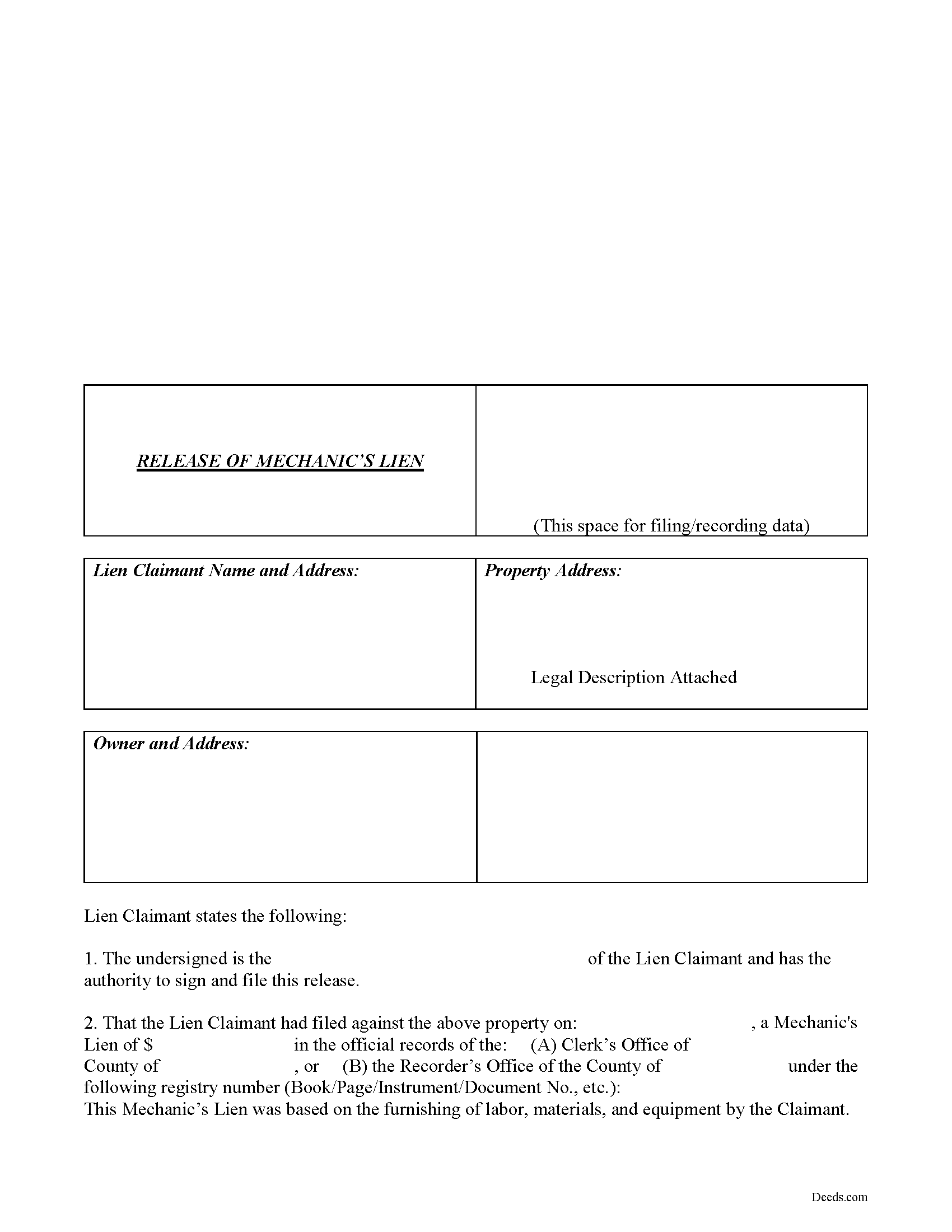
Nodaway County Release of Mechanic's Lien Form
Fill in the blank Release of Mechanic's Lien form formatted to comply with all Missouri recording and content requirements.
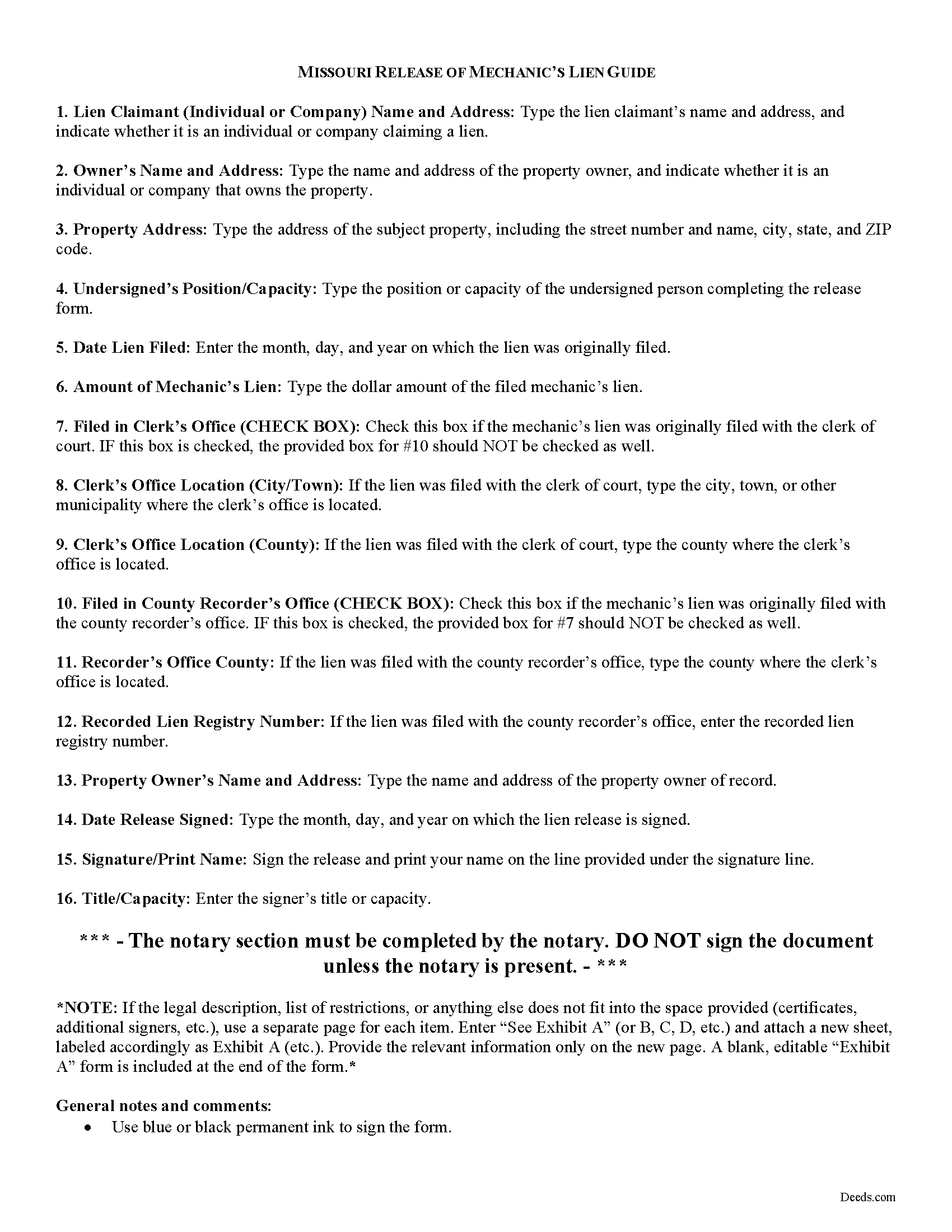
Nodaway County Lien Release Guide
Line by line guide explaining every blank on the form.
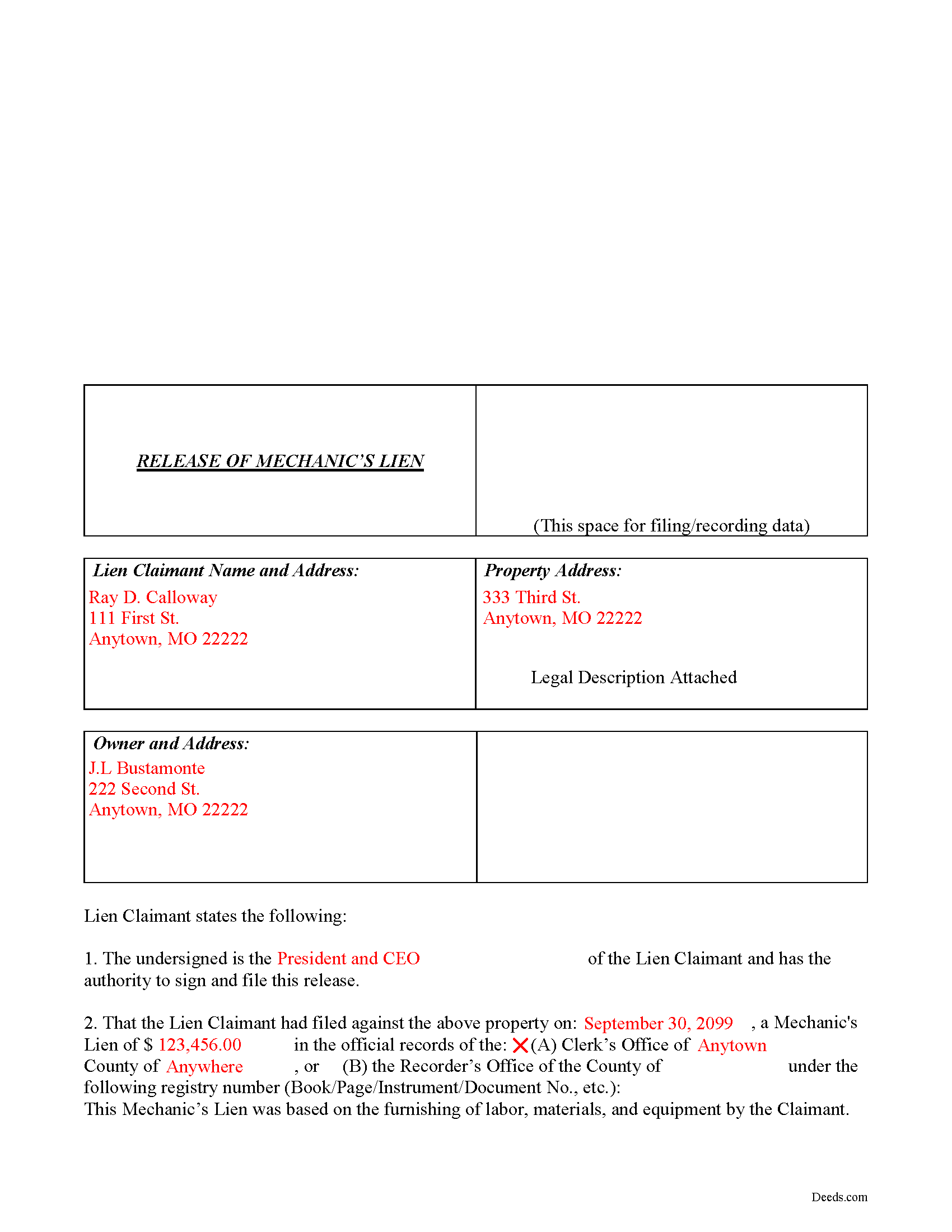
Nodaway County Completed Example of the Lien Release Document
Example of a properly completed form for reference.
All 3 documents above included • One-time purchase • No recurring fees
Immediate Download • Secure Checkout
Additional Missouri and Nodaway County documents included at no extra charge:
Where to Record Your Documents
Nodaway County Recorder of Deeds
Maryville, Missouri 64468
Hours: 8:30 to 4:30 M-F
Phone: (660) 582-5711
Recording Tips for Nodaway County:
- Bring your driver's license or state-issued photo ID
- Ensure all signatures are in blue or black ink
- Recording fees may differ from what's posted online - verify current rates
- Request a receipt showing your recording numbers
- Ask about accepted payment methods when you call ahead
Cities and Jurisdictions in Nodaway County
Properties in any of these areas use Nodaway County forms:
- Barnard
- Burlington Junction
- Clearmont
- Clyde
- Conception
- Conception Junction
- Elmo
- Graham
- Guilford
- Hopkins
- Maryville
- Parnell
- Pickering
- Ravenwood
- Skidmore
Hours, fees, requirements, and more for Nodaway County
How do I get my forms?
Forms are available for immediate download after payment. The Nodaway County forms will be in your account ready to download to your computer. An account is created for you during checkout if you don't have one. Forms are NOT emailed.
Are these forms guaranteed to be recordable in Nodaway County?
Yes. Our form blanks are guaranteed to meet or exceed the applicable formatting requirements used for recording in Nodaway County, including margin requirements, font requirements, and other layout standards. This guarantee applies to formatting, not to the legal sufficiency of information entered by the user or the suitability of a form for a particular transaction.
Can I reuse these forms?
Yes. You can reuse the forms for your personal use. For example, if you have multiple properties in Nodaway County you only need to order once.
What do I need to use these forms?
The forms are PDFs that you fill out on your computer. The free Adobe Acrobat Reader is recommended, and most PDF apps also work. You do NOT enter your property information online - you download the blank forms and complete them privately on your own computer.
Are there any recurring fees?
No. This is a one-time purchase. Nothing to cancel, no memberships, no recurring fees.
How much does it cost to record in Nodaway County?
Recording fees in Nodaway County vary. Contact the recorder's office at (660) 582-5711 for current fees.
Questions answered? Let's get started!
Releasing a Mechanic's Lien in Missouri
When a mechanic's lien debt has been paid off in full and there is no valid reason to continue encumbering the property, the claimant files a release to free the owner's land from the lien.
Under R.S.M.O. 429.120, whenever any debt, which is a lien upon any building or other improvement, shall be paid or satisfied, the creditor, if required, shall file an acknowledgment of such satisfaction with the clerk of the circuit court.
Failure to properly discharge a lien can lead to civil liability. If any creditor refuses to enter a satisfaction within ten (10) days after payment and request, he shall be liable to any person injured, to the amount of such injury and cost of suit. R.S.M.O. 429.130.
The lien release form contains the following information: 1) lien claimant's name and address; 2) owner's name and address; 3) address of the property subject to the lien; and 4) information about the filed lien such as date of filing, location filed (whether with the clerk of court or county recorder's office), and amount of the lien. The release should be filed with the same office where the original lien was filed or recorded.
This article is provided for informational purposes only and should not be relied upon as a substitute for advice from a legal professional. Please consult with an attorney if you have questions about filing a lien release or any other issues relating to liens in Missouri.
Important: Your property must be located in Nodaway County to use these forms. Documents should be recorded at the county or independent city recording office listed above.
This Release of Mechanic's Lien meets all recording requirements specific to Nodaway County.
Our Promise
The documents you receive here are guaranteed to meet or exceed the applicable Nodaway County recording format requirements. If there is a rejection caused by our formatting, we will correct the issue or refund your payment. This guarantee applies to document formatting only and does not extend to information entered by the user, the selection of the form, or the legal effect of the completed document.
Save Time and Money
Get your Nodaway County Release of Mechanic's Lien form done right the first time with Deeds.com Uniform Conveyancing Blanks. At Deeds.com, we understand that your time and money are valuable resources, and we don't want you to face a penalty fee or rejection imposed by a county recorder for submitting nonstandard documents. We constantly review and update our forms to meet rapidly changing state and county recording requirements for roughly 3,500 counties and local jurisdictions.
4.8 out of 5 - ( 4,836 Reviews )
Richard S. 2 out of 5 stars
Not user friendly, and not an Adobe fan. The first page of Quitclaim Deed form cuts off the Parcel Identification line on the bottom. Also quite a few forms showed up to be downloaded , after I paid, so I was unsure if all the forms were part of the quitclaim package. I have adobe but was unable to locate the forms in adobe on my computer after I downloaded them. Just wanted to print out one quitclaim deed form, which would have taken less that 3 minutes. instead it took 97 minutes. Thank you, though, for having the form there.
Thank you for your feedback. We really appreciate it. Have a great day!
Evelyn T. 5 out of 5 stars
Easy to follow; user friendly.
We appreciate your business and value your feedback. Thank you. Have a wonderful day!
Monica U. 5 out of 5 stars
Thank You. Good Service. Questions were answered.
Thank you for your feedback. We really appreciate it. Have a great day!
Natasha M. 5 out of 5 stars
Your forms, guides, sample deeds and submission process were accessible, easy to understand and simple. I also was pleasantly surprised by the efficiency, professionalism and ease of staff communicating with me after I uploaded the document to ensure the county accepted it. I will continue to use this website to record deeds. Thank you!
Thank you for your feedback. We really appreciate it. Have a great day!
Tim T. 5 out of 5 stars
Fast and efficient
We appreciate your business and value your feedback. Thank you. Have a wonderful day!
Yvonne R. 5 out of 5 stars
Quick and easy, however, I couldn't get the guide to download.
Thank you for your feedback. We really appreciate it. Have a great day!
Joy N. 5 out of 5 stars
As a real estate professional, I've had the opportunity to use various legal form providers over the years, but none have matched the quality and user-friendliness of Deeds.com's real estate legal forms. The forms themselves are comprehensive, up-to-date, and in line with current real estate laws and regulations, which is paramount in our field. The clarity and thoroughness of the documentation ensured that I could complete with confidence, knowing that every detail was covered. I wholeheartedly recommend their services and look forward to continuing our partnership.
Your feedback is greatly appreciated. Thank you for taking the time to share your experience!
Christina H. 5 out of 5 stars
The process was straightforward, quick and reasonably priced. The agents provided updates every step of the way.
Thank you!
Frank B. 5 out of 5 stars
Great website, super easy to use, user friendly to navigate. Will definitely use for future needs, and will definitely refer to other customers. F. Betancourt Texas
Thank you!
Linda W. 4 out of 5 stars
Got the forms, very straight forward. No problems completing them.
Thanks Linda!
Patricia J. 5 out of 5 stars
So simple. Thank you.
Thank you Patricia.
Johnathan D. 5 out of 5 stars
Very helpful and quick responses
Thank you!
Mary Ann H. 5 out of 5 stars
The Deeds.com website was clear and easy to follow. I completed it about 20 minutes. I appreciate the convenience of doing it from home and that I will receive a copy by mail.
Thank you for your feedback. We really appreciate it. Have a great day!
Darlene P. 5 out of 5 stars
Deeds.com was a money saver for me. It made a daunting task of preparing a Quit Claim Deed a very simple task. I was happy that my documentation was accepted by my state and County first round. Thank you Deeds.com
We appreciate your business and value your feedback. Thank you. Have a wonderful day!
Yvonne W. 4 out of 5 stars
I'm not certain yet that this is all I need to do what I need to do. Marion Co. Clerk's office has not been helpful. I found this site from that site & hopefully it will help.
Thanks for the feedback Yvonne. We hope you found what you needed. Have a wonderful day!