Christian County Revocation of Beneficiary Deed Form
Last validated September 28, 2026 by our Forms Development TeamFormatted for recording in Christian County, for property anywhere in the county or independent city: rural and unincorporated areas as well as Billings, Bruner, Chadwick, Chestnutridge, Clever, Garrison, Highlandville, Nixa and 4 more.
- 3 documents included
- Immediate PDF download
- Formatting guarantee
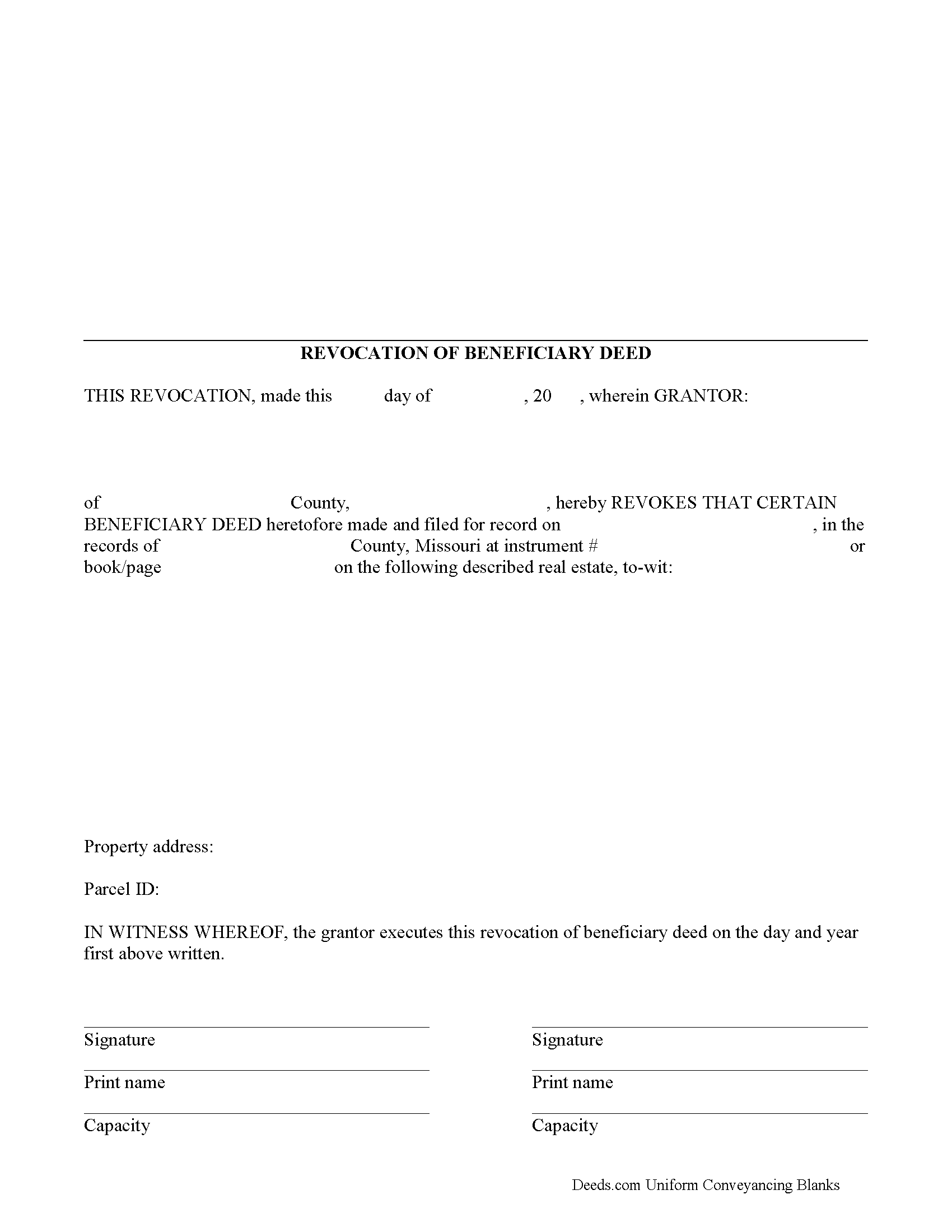
Christian County Revocation of Beneficiary Deed Form
Fill in the blank form formatted to comply with all recording and content requirements.
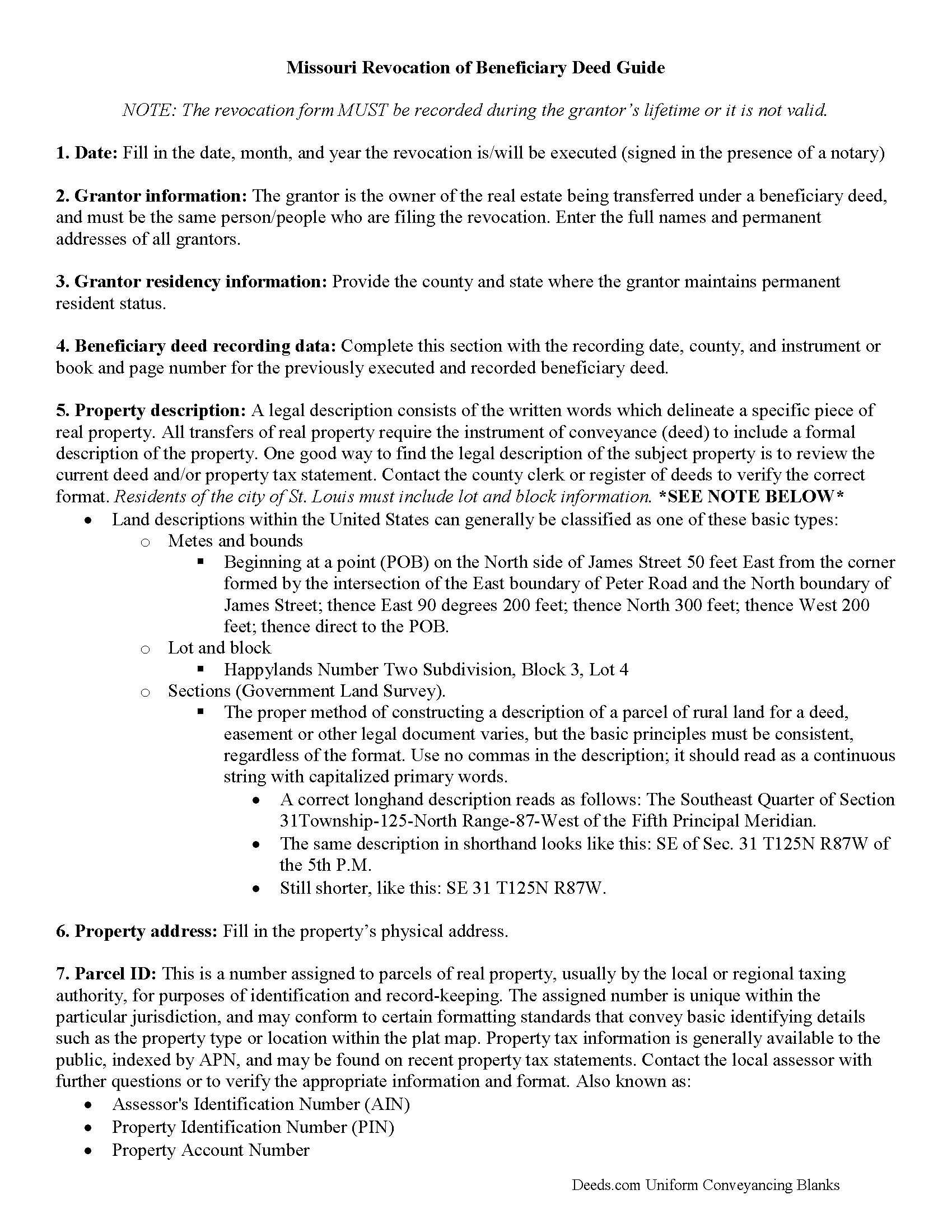
Christian County Revocation of Beneficiary Deed Guide
Line by line guide explaining every blank on the form.
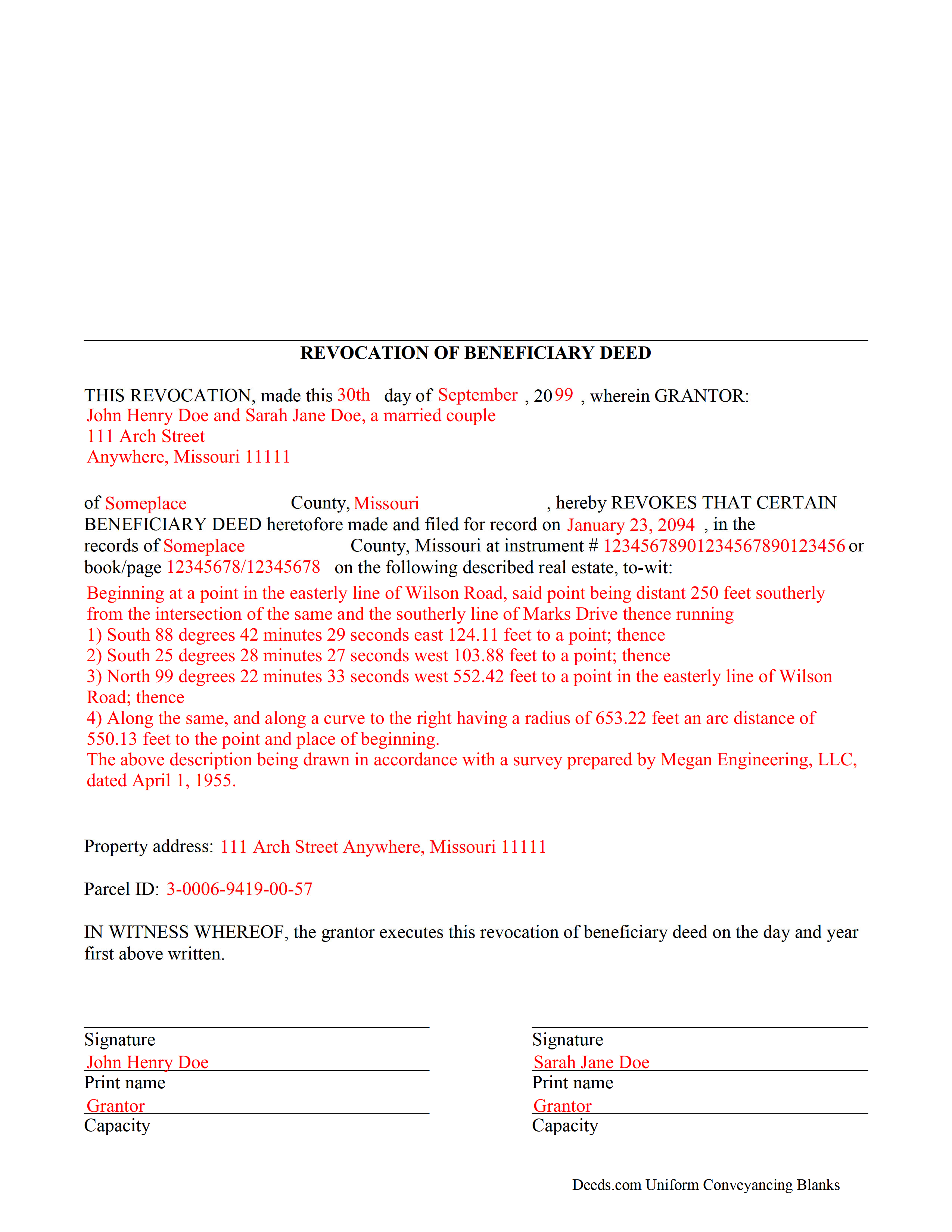
Christian County Completed Example of the Revocation of Beneficiary Deed Document
Example of a properly completed form for reference.
All 3 documents above included • One-time purchase • No recurring fees
Immediate Download • Secure Checkout
Additional Missouri and Christian County documents included at no extra charge:
Where to Record Your Documents
Christian County Recorder
Ozark, Missouri 65721-0358
Hours: 8:00am to 4:30pm M-F / Recording until 4:00pm
Phone: (417) 582-4360
Recording Tips for Christian County:
- Bring your driver's license or state-issued photo ID
- Ensure all signatures are in blue or black ink
- Ask about accepted payment methods when you call ahead
- Ask for certified copies if you need them for other transactions
- Ask if they accept credit cards - many offices are cash/check only
Cities and Jurisdictions in Christian County
Properties in any of these areas use Christian County forms:
- Billings
- Bruner
- Chadwick
- Chestnutridge
- Clever
- Garrison
- Highlandville
- Nixa
- Oldfield
- Ozark
- Sparta
- Spokane
Hours, fees, requirements, and more for Christian County
How do I get my forms?
Forms are available for immediate download after payment. The Christian County forms will be in your account ready to download to your computer. An account is created for you during checkout if you don't have one. Forms are NOT emailed.
Are these forms guaranteed to be recordable in Christian County?
Yes. Our form blanks are guaranteed to meet or exceed the applicable formatting requirements used for recording in Christian County, including margin requirements, font requirements, and other layout standards. This guarantee applies to formatting, not to the legal sufficiency of information entered by the user or the suitability of a form for a particular transaction.
Can I reuse these forms?
Yes. You can reuse the forms for your personal use. For example, if you have multiple properties in Christian County you only need to order once.
What do I need to use these forms?
The forms are PDFs that you fill out on your computer. The free Adobe Acrobat Reader is recommended, and most PDF apps also work. You do NOT enter your property information online - you download the blank forms and complete them privately on your own computer.
Are there any recurring fees?
No. This is a one-time purchase. Nothing to cancel, no memberships, no recurring fees.
How much does it cost to record in Christian County?
Recording fees in Christian County vary. Contact the recorder's office at (417) 582-4360 for current fees.
Questions answered? Let's get started!
One of the many useful aspects of the Nonprobate Transfers Law of Missouri (RSMo Sections 461.003 to 461.081) is the option to revoke a previously recorded beneficiary deed. Revocation is specifically addressed in RSMo 431.033. The option to revoke is possible for several reasons: the grantor is not required to notify the beneficiary of the potential future interest; there is no consideration given in exchange for property rights; and the transfer of ownership is not completed until the grantor or grantors have all died. As a result, the named beneficiary has no actual interest in the real estate.
A grantor on a beneficiary deed may change or revoke beneficiary designations at will, and with no obligation to the individuals named as beneficiaries on the deed. To accomplish this, the original grantor (or grantors) may record a signed, notarized notice of revocation with the same office that accepted the original beneficiary deed. While effective, real estate that is not re-conveyed under a new beneficiary deed reverts back to the grantor's estate at his/her death, and is then distributed via the probate process. Alternately, the grantor may execute a new beneficiary deed, designating someone else as the beneficiary. Recording the new deed removes the prior beneficiary's name and replaces it, identifying the current beneficiary's information.
Note that any change in beneficiary designation must be executed and submitted for recordation during the grantor's lifetime.
(Missouri Revocation of BD Package includes form, guidelines, and completed example)
Important: Your property must be located in Christian County to use these forms. Documents should be recorded at the county or independent city recording office listed above.
This Revocation of Beneficiary Deed meets all recording requirements specific to Christian County.
Our Promise
The documents you receive here are guaranteed to meet or exceed the applicable Christian County recording format requirements. If there is a rejection caused by our formatting, we will correct the issue or refund your payment. This guarantee applies to document formatting only and does not extend to information entered by the user, the selection of the form, or the legal effect of the completed document.
Save Time and Money
Get your Christian County Revocation of Beneficiary Deed form done right the first time with Deeds.com Uniform Conveyancing Blanks. At Deeds.com, we understand that your time and money are valuable resources, and we don't want you to face a penalty fee or rejection imposed by a county recorder for submitting nonstandard documents. We constantly review and update our forms to meet rapidly changing state and county recording requirements for roughly 3,500 counties and local jurisdictions.
4.8 out of 5 - ( 4,824 Reviews )
Linda M L. 3 out of 5 stars
Easy to use, documents look good, but pretty expensive.
Thank you for your feedback. We really appreciate it. Have a great day!
Anthony C. 5 out of 5 stars
I am filing a Personal Representative Deed. Haven't used the forms yet but the package sent is comprehensive and appears easy to follow. A bit help to someone who has never done this.
We appreciate your business and value your feedback. Thank you. Have a wonderful day!
Evelyn L. 5 out of 5 stars
very easy to print
Thank you!
Brenda K R. 5 out of 5 stars
Hello, I like how easy the form is to follow. I'm unsure however of how to proceed as what I am trying to do is have my name added to the deed so in event of death I have ownership.
Thank you for your feedback. We really appreciate it. Have a great day!
Darrell D. 5 out of 5 stars
Thx. Easy to research and download. Now proof is in the pudding. :-)
Thank you for your feedback. We really appreciate it. Have a great day!
Connie L. 5 out of 5 stars
Ordered a Quitclaim deed and worked perfectly at Register of Deed office. Liked the instructions and copy of one example filled out made it so much easier to understand. One price is great as most of other companies wanted a membership to join. Will use Deeds.com again if I ever need different forms. Thanks!!!
We are grateful for your feedback and looking forward to serving you again. Thank you!
Ray L. 5 out of 5 stars
Thank you, I am very satisfied with the process and will provide a final review after the documents are completed and accepted by the state.
Thank you for your feedback. We really appreciate it. Have a great day!
Roy B. 3 out of 5 stars
Convenient yes, expensive "big YES" and with what I paid to record a lien it cost me close to $50. That seems quite exorbitant in my estimation!!
Thank you for your feedback. We really appreciate it. Have a great day!
Eric D. 5 out of 5 stars
Very helpful and informative. It has saved me time going to get the forms at county recorder / clerk (as my county and state websites dont offer forms on their sites) and also provided help understanding the uses of the specific deed I needed to use.
Thank you Eric. Have a great day!
Kimberly S. 5 out of 5 stars
Worked very well. Seamless process with helpful directions.
Thank you for your feedback. We really appreciate it. Have a great day!
Emili C. 5 out of 5 stars
Thank you! I received my forms promptly and they are easy to follow along for filling out. The examples gave me confidence that they were done correctly.
Thank you for your feedback. We really appreciate it. Have a great day!
Narcedalia G. 5 out of 5 stars
Easy to use quick responses with accurate information and great customer service. No need to say more!
Your feedback is greatly appreciated. Thank you for taking the time to share your experience!
Edwart D. 5 out of 5 stars
I tend to not pay attention to the details and then blame other people. Thankfully Deeds.com has my back when I make silly mistakes.
Thank you!
TEDDY Y. 5 out of 5 stars
this experience was made possible with the ease of using your service thank you
Thank you!
Timothy G. 5 out of 5 stars
Downloadable documents, instructions and a completed sample form were just what I needed. Very pleased and easy to use. Deeds.com will be my first stop for any future documents I may need. Thank you!
We appreciate your business and value your feedback. Thank you. Have a wonderful day!