Dunklin County Termination of Easement Form
Last validated October 29, 2026 by our Forms Development TeamFormatted for recording in Dunklin County, for property anywhere in the county or independent city: rural and unincorporated areas as well as Arbyrd, Campbell, Cardwell, Clarkton, Gibson, Holcomb, Hornersville, Kennett and 4 more.
- 3 documents included
- Immediate PDF download
- Formatting guarantee
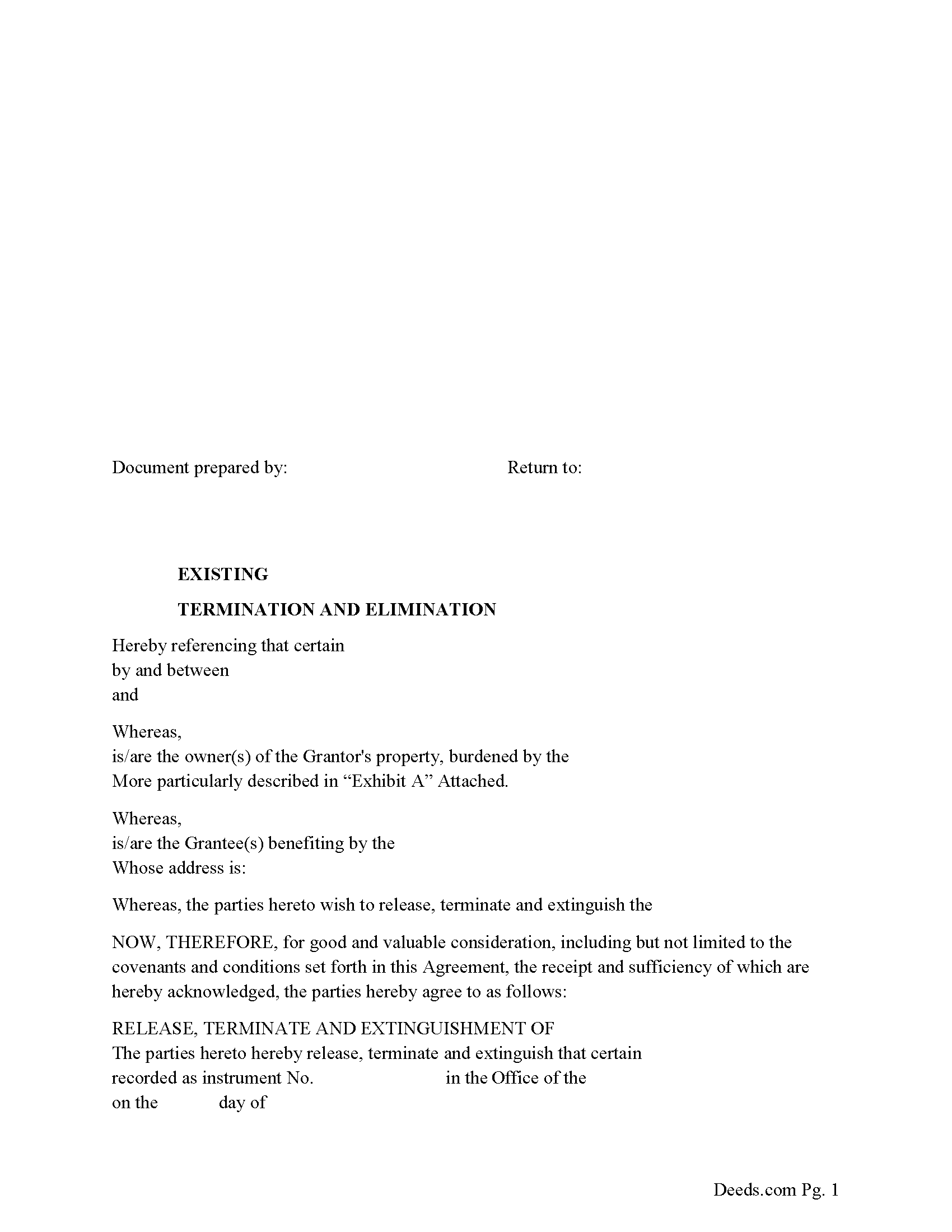
Dunklin County Release of Easement, Right of Way Form
Fill in the blank form formatted to comply with all recording and content requirements.
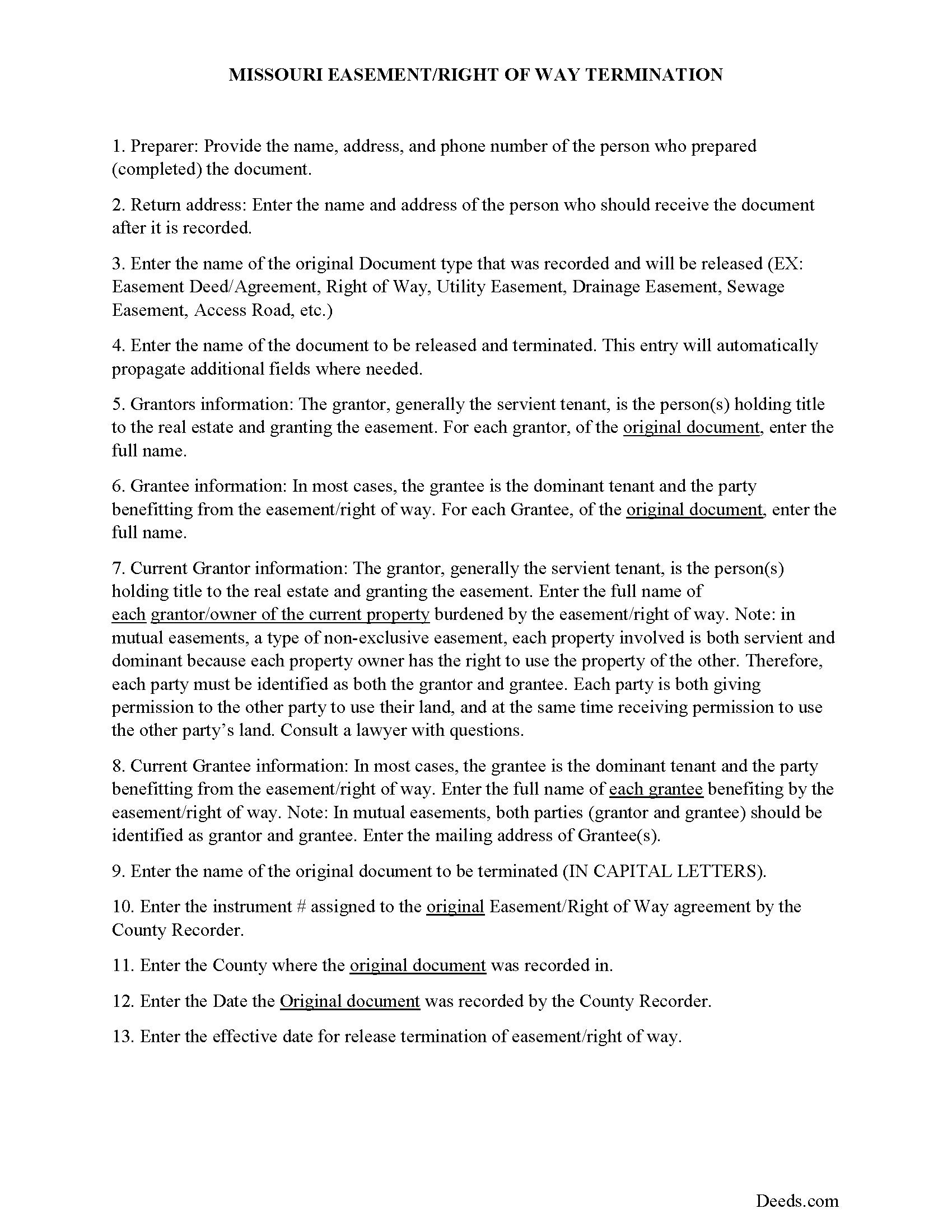
Dunklin County Guidelines for Release of Easement
Line by line guide explaining every blank on the form.
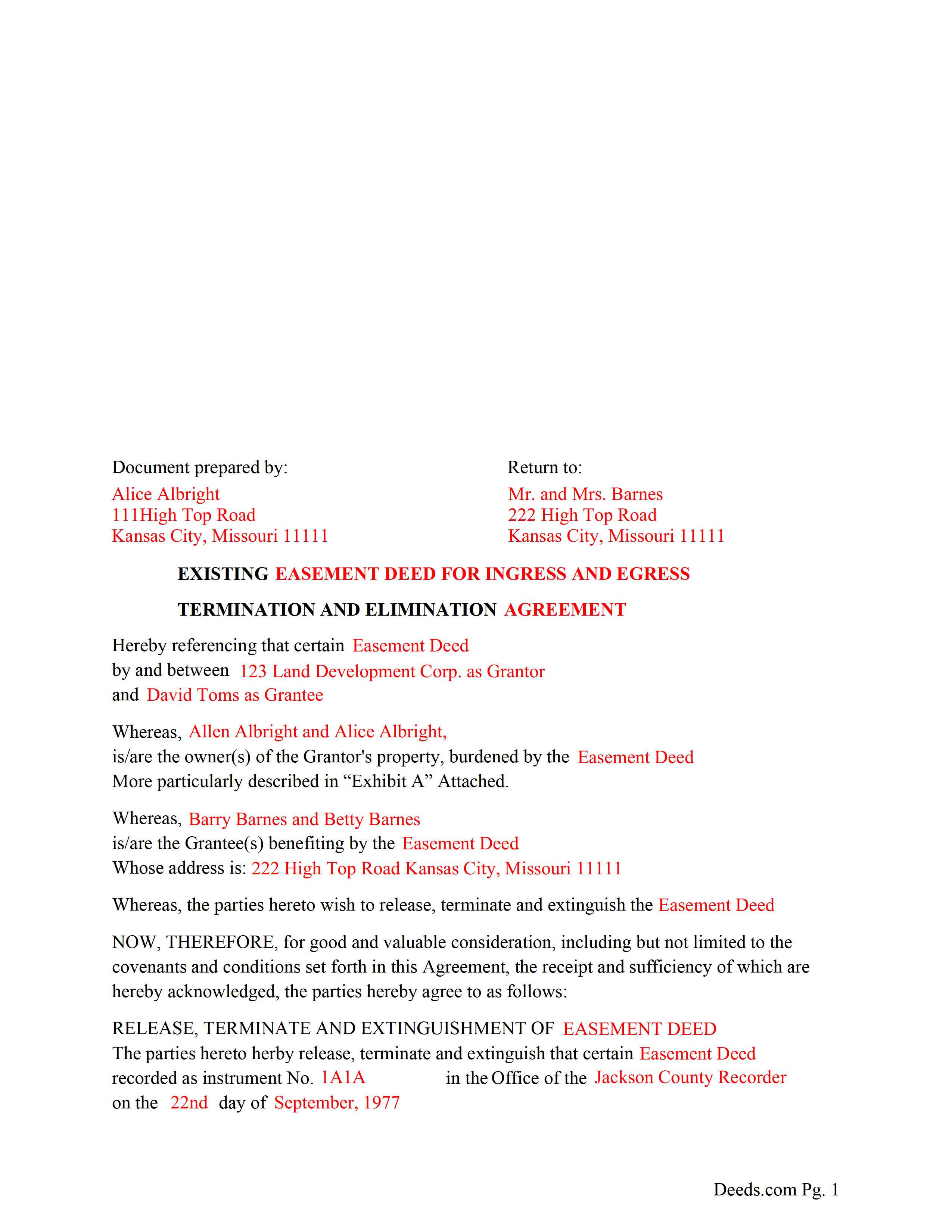
Dunklin County Completed Example of the Release of Easement Document
Example of a properly completed form for reference.
All 3 documents above included • One-time purchase • No recurring fees
Immediate Download • Secure Checkout
Additional Missouri and Dunklin County documents included at no extra charge:
Where to Record Your Documents
Dunklin County Recorder of Deeds
Kennett, Missouri 63857
Hours: 8:30 to 12:00 & 1:00 to 4:30 M-F
Phone: (573) 888-3468
Recording Tips for Dunklin County:
- Bring your driver's license or state-issued photo ID
- Ensure all signatures are in blue or black ink
- Ask for certified copies if you need them for other transactions
- Ask if they accept credit cards - many offices are cash/check only
- Check that your notary's commission hasn't expired
Cities and Jurisdictions in Dunklin County
Properties in any of these areas use Dunklin County forms:
- Arbyrd
- Campbell
- Cardwell
- Clarkton
- Gibson
- Holcomb
- Hornersville
- Kennett
- Malden
- Rives
- Senath
- Whiteoak
Hours, fees, requirements, and more for Dunklin County
How do I get my forms?
Forms are available for immediate download after payment. The Dunklin County forms will be in your account ready to download to your computer. An account is created for you during checkout if you don't have one. Forms are NOT emailed.
Are these forms guaranteed to be recordable in Dunklin County?
Yes. Our form blanks are guaranteed to meet or exceed the applicable formatting requirements used for recording in Dunklin County, including margin requirements, font requirements, and other layout standards. This guarantee applies to formatting, not to the legal sufficiency of information entered by the user or the suitability of a form for a particular transaction.
Can I reuse these forms?
Yes. You can reuse the forms for your personal use. For example, if you have multiple properties in Dunklin County you only need to order once.
What do I need to use these forms?
The forms are PDFs that you fill out on your computer. The free Adobe Acrobat Reader is recommended, and most PDF apps also work. You do NOT enter your property information online - you download the blank forms and complete them privately on your own computer.
Are there any recurring fees?
No. This is a one-time purchase. Nothing to cancel, no memberships, no recurring fees.
How much does it cost to record in Dunklin County?
Recording fees in Dunklin County vary. Contact the recorder's office at (573) 888-3468 for current fees.
Questions answered? Let's get started!
Use this form to release, terminate, extinguish a previously recorded document that involves access to and from a property.
Documents such as:
1. Easement Deeds or Agreements (An easement is a non-possessory interest in land, granting the right to use someone else's property for a specific purpose, like a driveway or utility line)
2. Access Roads
3. Right of Ways
4. Utility Easements (Power, Gas, Water, Sewer, Etc.)
5. Drainage Easements
This document allows the owner of the land, burdened by the access and the party that benefits from the access, to sign an agreement releasing the property from such access, under the premises the benefiting party no longer needs access. Once the easement is successfully terminated and the release is recorded, it should be reflected in the title records for the property, effectively removing the easement from the property's title.
(Termination of Easement Package includes form, guidelines, and completed example)
Important: Your property must be located in Dunklin County to use these forms. Documents should be recorded at the county or independent city recording office listed above.
This Termination of Easement meets all recording requirements specific to Dunklin County.
Our Promise
The documents you receive here are guaranteed to meet or exceed the applicable Dunklin County recording format requirements. If there is a rejection caused by our formatting, we will correct the issue or refund your payment. This guarantee applies to document formatting only and does not extend to information entered by the user, the selection of the form, or the legal effect of the completed document.
Save Time and Money
Get your Dunklin County Termination of Easement form done right the first time with Deeds.com Uniform Conveyancing Blanks. At Deeds.com, we understand that your time and money are valuable resources, and we don't want you to face a penalty fee or rejection imposed by a county recorder for submitting nonstandard documents. We constantly review and update our forms to meet rapidly changing state and county recording requirements for roughly 3,500 counties and local jurisdictions.
4.8 out of 5 - ( 4,846 Reviews )
Boyd B. 5 out of 5 stars
I had an issue because of what I was doing, thanks to these guys. I received an email and lickety-split done no more problems.
We appreciate your business and value your feedback. Thank you. Have a wonderful day!
Beverly J. A. 5 out of 5 stars
Thank you for the paperwork. It was so much easier to do at home than go out and have to have people miss work.
Thank you!
Barbara W. 5 out of 5 stars
Easy website to navigate. Found the form I needed within seconds. Thank you
Thank you for your feedback. We really appreciate it. Have a great day!
Karen P. 5 out of 5 stars
Very easy to use.
Thank you!
Dana Y. 5 out of 5 stars
Purchased and used the quitclaim form. I have no complaints with any aspect. The forms, instructions, and example all came together to make the process very easy.
Thank you Dana. Have a great day!
Paula S. 5 out of 5 stars
The document form was easily retrieved and the sample provided was extremely helpful and no problems were encountered when presenting the completed document to the county. I am grateful for this website and the help and confidence it gave me to complete this task
We appreciate your comments and your trust in us. Thank you.
PEGGY D. 5 out of 5 stars
Very easy to find what I needed. Really liked the instructions included with the forms and also the suggestion of other forms that I might need.
We appreciate your business and value your feedback. Thank you. Have a wonderful day!
Tiffany W. 5 out of 5 stars
Exactly what I needed and with the help of ChatGPT who needs a damn lawyer for anything.
We’re glad to hear things went well. Thank you for the review.
Paul F. 5 out of 5 stars
Excellent - no reservations. I used them on a Sunday and had my info on Monday. Not only did they execute the order flawlessly, the fixed my screw up* immediately. *I hit refresh before the "secured" page transmitted, so I created (2) two orders of the same item.
Thanks for the review Paul, glad you were happy with the service and staff. Our staff is pretty good at catching the few duplicate orders that get through.
marshall w. 5 out of 5 stars
was not ready to pay for much needed forms but very important
Thank you for your feedback. We really appreciate it. Have a great day!
HEATH D. 5 out of 5 stars
GREAT CUSTOMER SERVICE WILL ALWAYS USE YOUR HELP.
Thank you — we appreciate you taking the time to leave a review.
Toni M. 5 out of 5 stars
I liked having the forms. Some may need to know they can look at the legal Description from online county records, then type up in Word document line by line, the degree sign in Word program is achieved by using alt and 248 on number pad. Then on the form page one write SEE Exibit A and title your Word program description as Exibit A. Goes without saying the legal description should be looked over many times and it is easier to do so if you format your Word the same lineage as the legal description online which is usually not text which is why you have to retype it.
Thank you for your feedback. We really appreciate it. Have a great day!
ANTHONY W. 5 out of 5 stars
It's been extremely easy to communicate across this platform.
Thank you!
Michael F. 5 out of 5 stars
Very useful and right at your fingers when you need a form. Recommend these forms highly. Thank you!!!!!
We appreciate your business and value your feedback. Thank you. Have a wonderful day!
James W. 5 out of 5 stars
Thank-you for your excellent services
Thank you!