Mercer County Trustee Deed Form
Last validated September 29, 2026 by our Forms Development TeamFormatted for recording in Mercer County, for property anywhere in the county or independent city: rural and unincorporated areas as well as Mercer, Princeton.
- 3 documents included
- Immediate PDF download
- Formatting guarantee
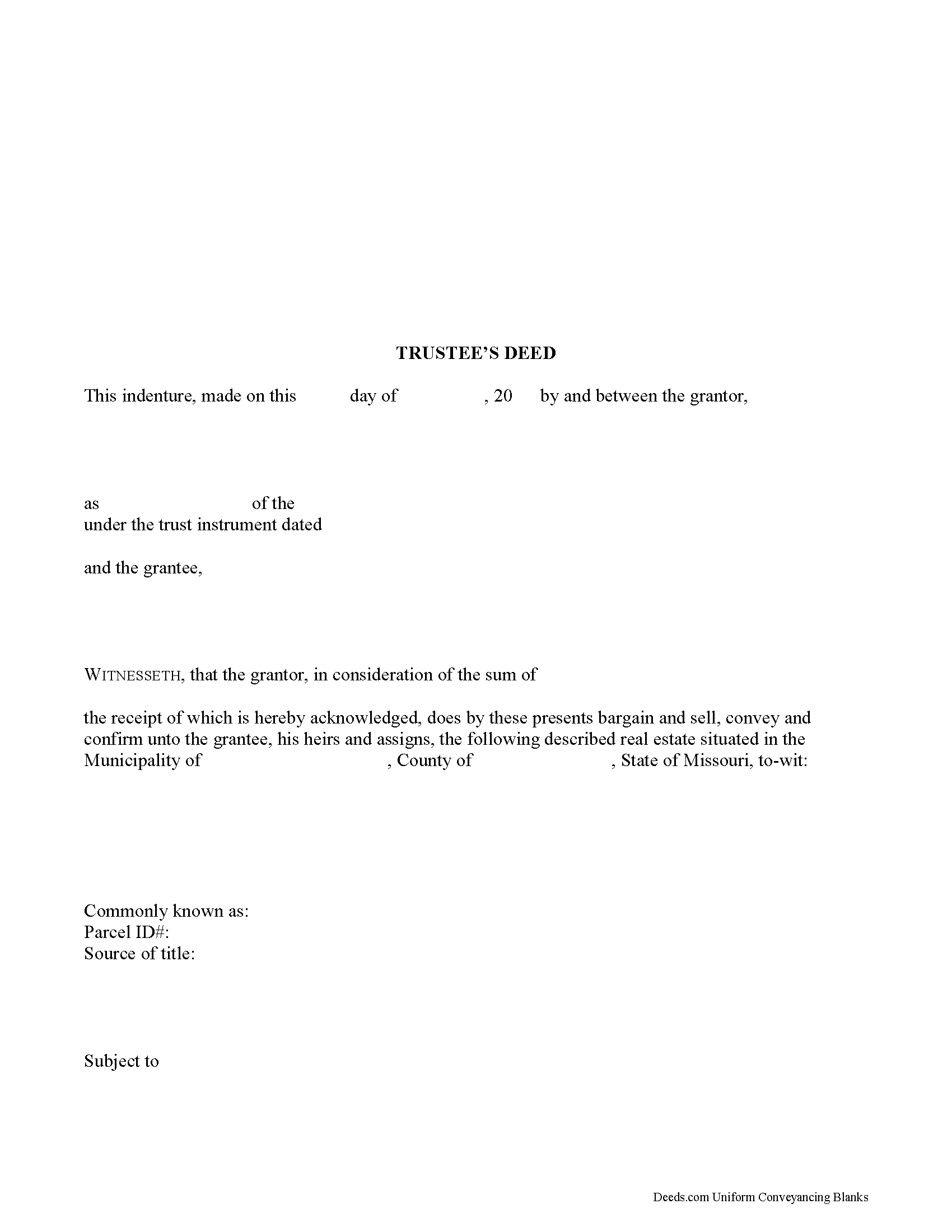
Mercer County Trustee Deed Form
Fill in the blank form formatted to comply with all recording and content requirements.
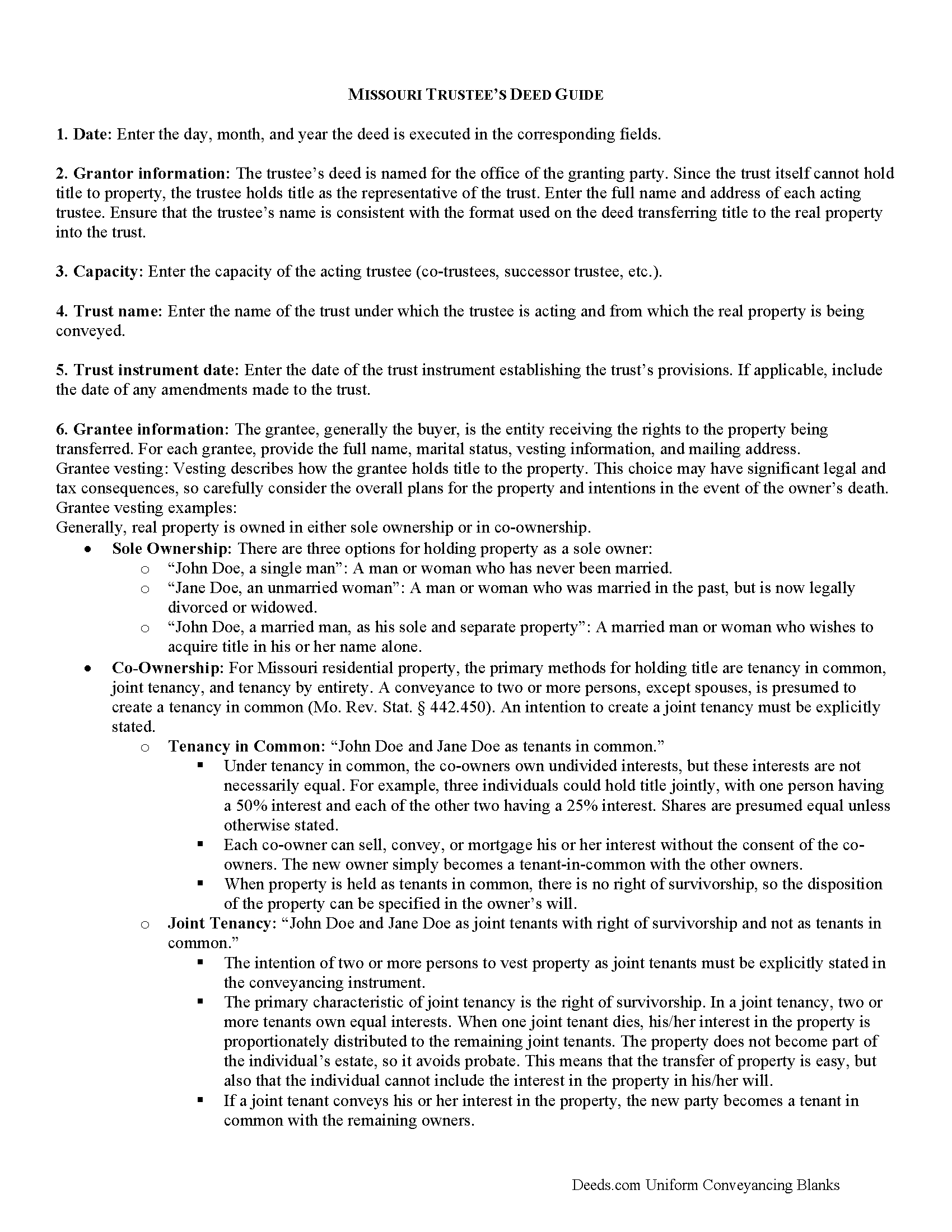
Mercer County Trustee Deed Guide
Line by line guide explaining every blank on the form.
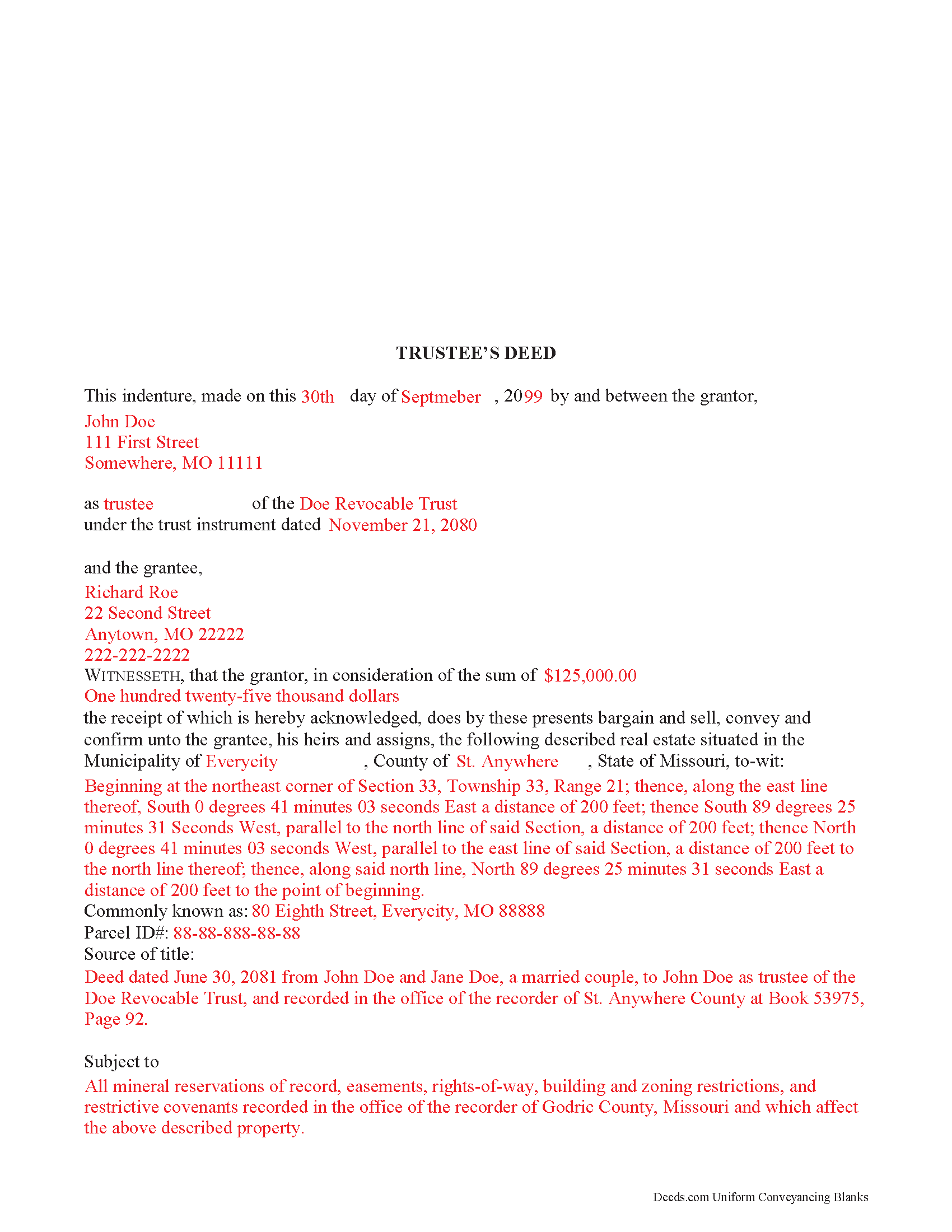
Mercer County Completed Example of the Trustee Deed Document
Example of a properly completed form for reference.
All 3 documents above included • One-time purchase • No recurring fees
Immediate Download • Secure Checkout
Additional Missouri and Mercer County documents included at no extra charge:
Where to Record Your Documents
Mercer County Recorder of Deeds
Princeton , Missouri 64673
Hours: Call for hours
Phone: (660) 748-4335
Recording Tips for Mercer County:
- Bring your driver's license or state-issued photo ID
- Ensure all signatures are in blue or black ink
- Ask for certified copies if you need them for other transactions
- Ask if they accept credit cards - many offices are cash/check only
- Check that your notary's commission hasn't expired
Cities and Jurisdictions in Mercer County
Properties in any of these areas use Mercer County forms:
- Mercer
- Princeton
Hours, fees, requirements, and more for Mercer County
How do I get my forms?
Forms are available for immediate download after payment. The Mercer County forms will be in your account ready to download to your computer. An account is created for you during checkout if you don't have one. Forms are NOT emailed.
Are these forms guaranteed to be recordable in Mercer County?
Yes. Our form blanks are guaranteed to meet or exceed the applicable formatting requirements used for recording in Mercer County, including margin requirements, font requirements, and other layout standards. This guarantee applies to formatting, not to the legal sufficiency of information entered by the user or the suitability of a form for a particular transaction.
Can I reuse these forms?
Yes. You can reuse the forms for your personal use. For example, if you have multiple properties in Mercer County you only need to order once.
What do I need to use these forms?
The forms are PDFs that you fill out on your computer. The free Adobe Acrobat Reader is recommended, and most PDF apps also work. You do NOT enter your property information online - you download the blank forms and complete them privately on your own computer.
Are there any recurring fees?
No. This is a one-time purchase. Nothing to cancel, no memberships, no recurring fees.
How much does it cost to record in Mercer County?
Recording fees in Mercer County vary. Contact the recorder's office at (660) 748-4335 for current fees.
Questions answered? Let's get started!
A trustee uses a trustee's deed to convey property held in a living trust in Missouri.
In a trust arrangement, the settlor conveys property to the trustee, who holds title to the property for the benefit of a third party, the trust's beneficiary.
The trustee is the administrator of the trust whose power to sell trust property, in this case, is conferred by the trust instrument, the document executed by the trust's settlor establishing the trust and containing the trust provisions. The Missouri Uniform Trust Code also confirms the trustee's power to "acquire or sell property in divided or undivided interests, for cash or on credit, at public or private sale" ( 456.8-816, RSMo).
The granting language of "bargain and sell, convey and confirm" is the common language used in Missouri to transfer property to a grantee with special warranty. A special warranty contains limited covenants of clear title (subject to noted encumbrances), and protection against claims arising by or through the grantor only.
In addition to meeting the requirements for content and format required by standard deeds, such as quitclaim or warranty deeds, trustee's deeds must also reference the trust instrument designating the acting trustee. The deed must be signed by the acting trustee's in the presence of a notary public for a valid transfer. A distinct acknowledgment form for trustees is codified at 486.330(5), RSMo.
Contact an attorney with any questions about Missouri trustee's deeds, or living trusts in general.
(Missouri TD Package includes form, guidelines, and completed example)
Important: Your property must be located in Mercer County to use these forms. Documents should be recorded at the county or independent city recording office listed above.
This Trustee Deed meets all recording requirements specific to Mercer County.
Our Promise
The documents you receive here are guaranteed to meet or exceed the applicable Mercer County recording format requirements. If there is a rejection caused by our formatting, we will correct the issue or refund your payment. This guarantee applies to document formatting only and does not extend to information entered by the user, the selection of the form, or the legal effect of the completed document.
Save Time and Money
Get your Mercer County Trustee Deed form done right the first time with Deeds.com Uniform Conveyancing Blanks. At Deeds.com, we understand that your time and money are valuable resources, and we don't want you to face a penalty fee or rejection imposed by a county recorder for submitting nonstandard documents. We constantly review and update our forms to meet rapidly changing state and county recording requirements for roughly 3,500 counties and local jurisdictions.
4.8 out of 5 - ( 4,828 Reviews )
Shelly S. 5 out of 5 stars
Was able to sell a property with the information obtained from your website without using an attorney! Extremely happy.
Thank you!
Frank T. 5 out of 5 stars
Great service, fast easy to use, accurate forms for our project. Thank you. FTM
Thank you for your feedback. We really appreciate it. Have a great day!
Sterling H. 4 out of 5 stars
I liked being able to drill down to state and county. Just simply the search for all property records
We welcome your positive feedback and are thrilled to have met your expectations. Thank you for choosing our services.
LINDA S. 5 out of 5 stars
One thing I would suggest that could be changed is the last page because we have a trust and I had to retype that page to include the trust and both trustee's signatures.
Thank you!
Donald C. 5 out of 5 stars
As promised, my forms were immediately ready for download. The forms were exactly what i wanted. I couldnt be happier and i cant even guess how much money i saved. They were even formatted to the exact font, spacing and margin used by my county. It is obvious a lot of time and effort was put into the preparation of these documents. They are absolutely perfect. Check it out, you wont be disappointed and the price is much less than i expected. Don caldwell
We appreciate your business and value your feedback. Thank you. Have a wonderful day!
Darrell C. 5 out of 5 stars
Excellent Service
Thank you!
Haydee P. 5 out of 5 stars
Thanks for advertising the forms and sharing to the public for easy access. I have been looking for a lawyer to process the papers but did not realize that I can do it myself until I googled the information. I found your website. Thanks again
Thank you for your feedback. We really appreciate it. Have a great day!
Judy C. 5 out of 5 stars
Both sets of deeds were complete and easy to understand. Both states accepted the forms to transfer property.
We appreciate your business and value your feedback. Thank you. Have a wonderful day!
Sara Beth M B. 5 out of 5 stars
great service!!!!! wish this service was listed on the Washoe County Recorder website so people who aren't companies could find it.
Thank you for your feedback. We really appreciate it. Have a great day!
Meridith B. 5 out of 5 stars
Well, When I got the question right I got the answers right from Claim Deed. In the end it all worked out very, very good. I'm pleased with the deed and the price was very fair. Thank you for answering all my crazy questions. Now all we have to do is go to UPS and sign it. Thank, again.
Thank you!
Bohdan F. 5 out of 5 stars
Quick, efficient and the instructions were clear. Thank you
Thank you!
Margaret F. 3 out of 5 stars
They were very responsive although not able to find the document I was requesting. Will be checking to make sure they refunded the fee on my credit card
Thank you for your feedback. We really appreciate it. Have a great day!
Lori G. 5 out of 5 stars
I needed to add my husband to my deed. an attorney would charge me $275.00. I decided to file myself. This makes it easy. Not done w/the process yet. But so far so good! :)
Thank you for your feedback. We really appreciate it. Have a great day!
Dennis O. 5 out of 5 stars
Everything I needed plus more. Great service!!!
Thank you for your feedback. We really appreciate it. Have a great day!
Carolyn K. 5 out of 5 stars
Very easy to use and very knowledgeable. All information needed to complete the documents was provided. Affordable too!
Thank you for your kind words and for choosing us.