Carbon County Grant Deed Form
Last validated October 19, 2026 by our Forms Development TeamFormatted for recording in Carbon County, for property anywhere in the county: rural and unincorporated areas as well as Bearcreek, Belfry, Boyd, Bridger, Edgar, Fromberg, Joliet, Red Lodge and 2 more.
- 3 documents included
- Immediate PDF download
- Formatting guarantee
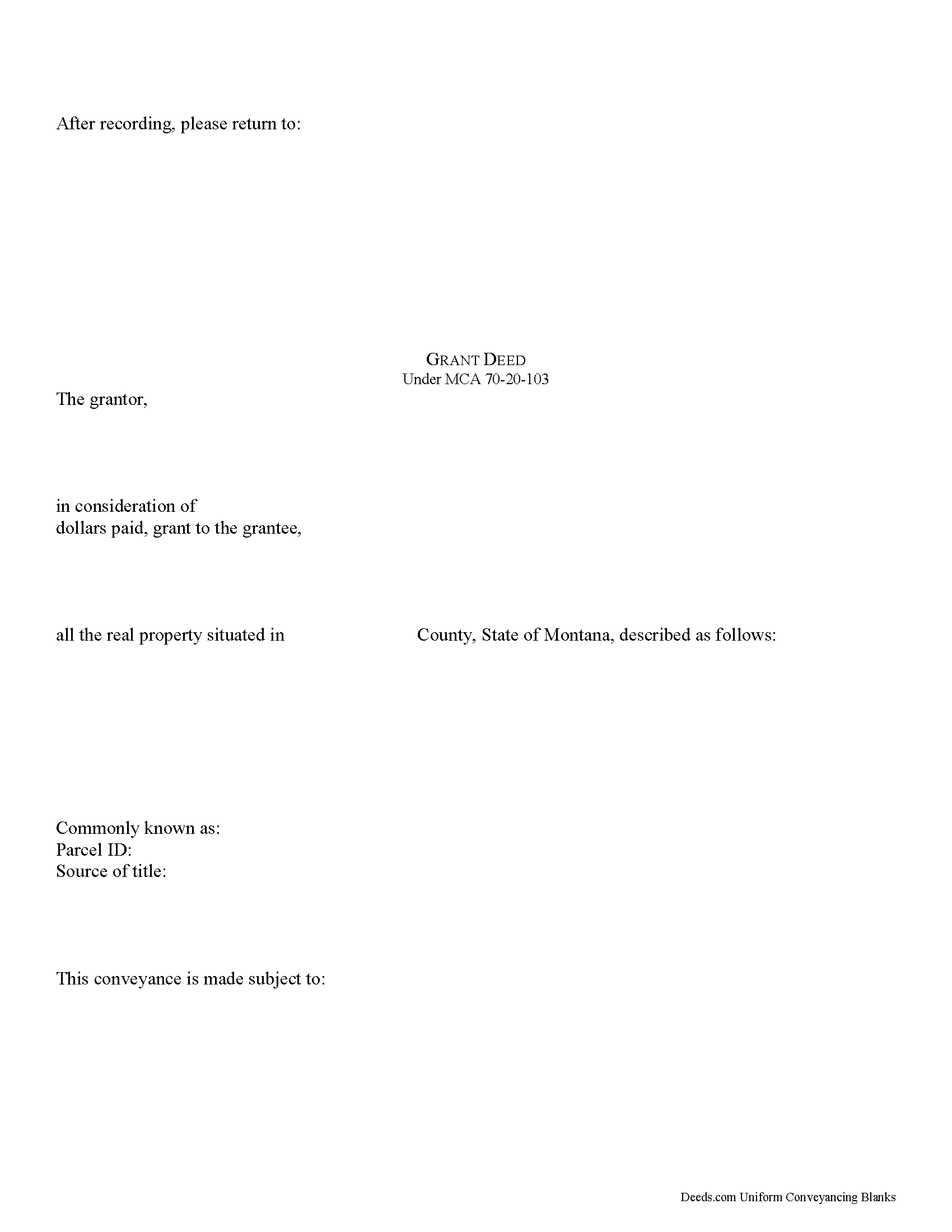
Carbon County Grant Deed Form
Fill in the blank form formatted to comply with all recording and content requirements.
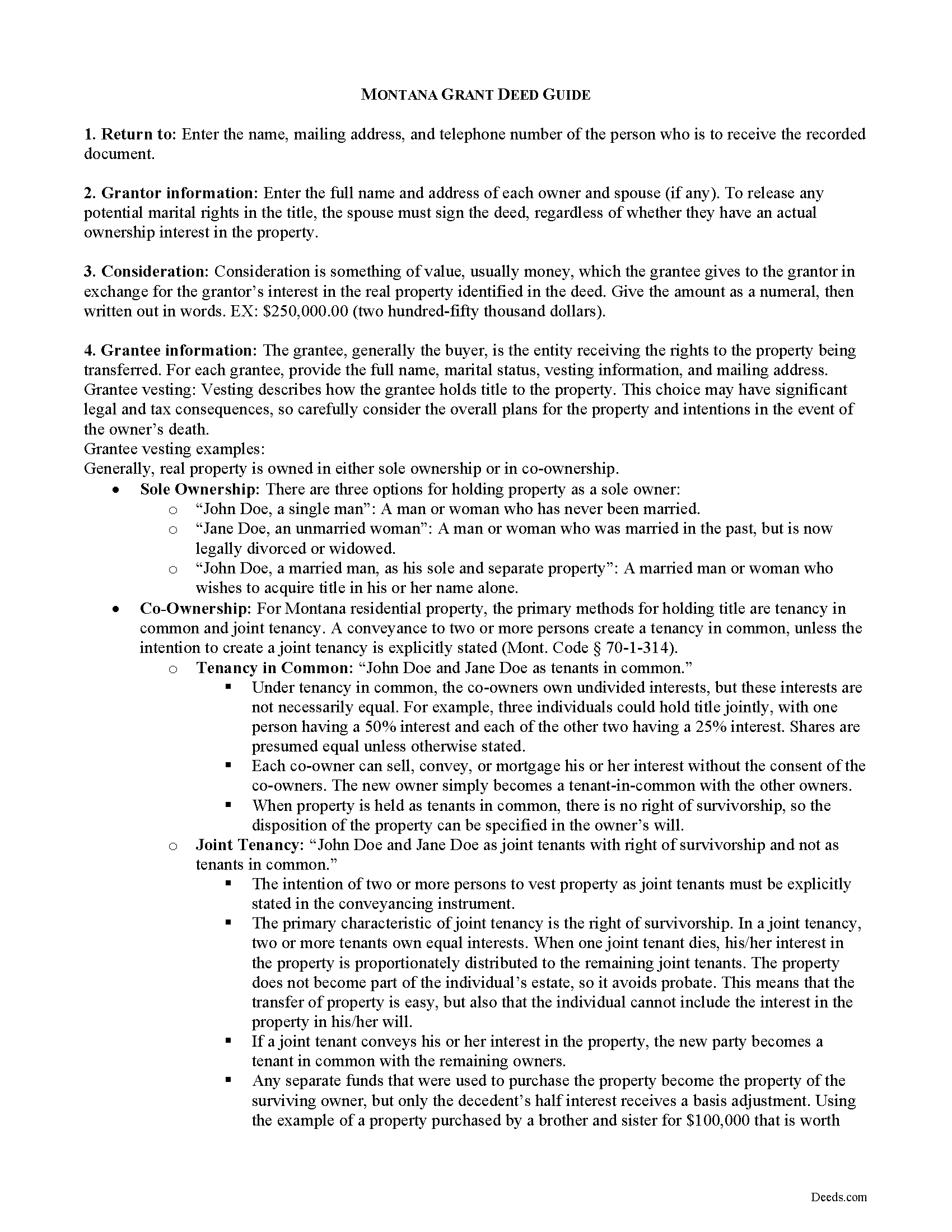
Carbon County Grant Deed Guide
Line by line guide explaining every blank on the form.
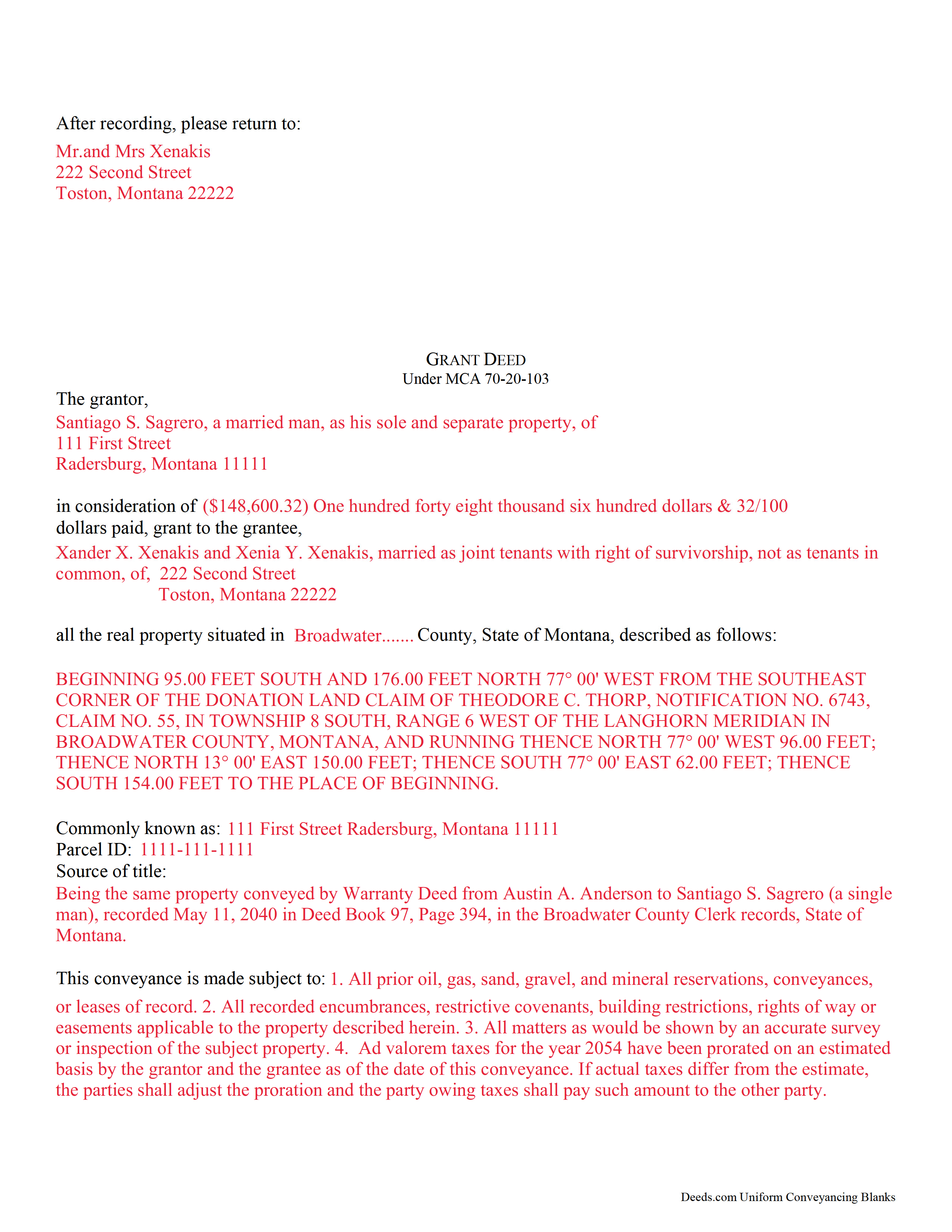
Carbon County Completed Example of the Grant Deed Document
Example of a properly completed form for reference.
All 3 documents above included • One-time purchase • No recurring fees
Immediate Download • Secure Checkout
Additional Montana and Carbon County documents included at no extra charge:
Where to Record Your Documents
Carbon County Clerk / Recorder
Red Lodge, Montana 59068
Hours: 8:00am-5:00pm M-F
Phone: (406) 446-1220
Recording Tips for Carbon County:
- Bring your driver's license or state-issued photo ID
- Ensure all signatures are in blue or black ink
- Ask if they accept credit cards - many offices are cash/check only
- Check that your notary's commission hasn't expired
- Documents must be on 8.5 x 11 inch white paper
Cities and Jurisdictions in Carbon County
Properties in any of these areas use Carbon County forms:
- Bearcreek
- Belfry
- Boyd
- Bridger
- Edgar
- Fromberg
- Joliet
- Red Lodge
- Roberts
- Roscoe
Hours, fees, requirements, and more for Carbon County
How do I get my forms?
Forms are available for immediate download after payment. The Carbon County forms will be in your account ready to download to your computer. An account is created for you during checkout if you don't have one. Forms are NOT emailed.
Are these forms guaranteed to be recordable in Carbon County?
Yes. Our form blanks are guaranteed to meet or exceed the applicable formatting requirements used for recording in Carbon County, including margin requirements, font requirements, and other layout standards. This guarantee applies to formatting, not to the legal sufficiency of information entered by the user or the suitability of a form for a particular transaction.
Can I reuse these forms?
Yes. You can reuse the forms for your personal use. For example, if you have multiple properties in Carbon County you only need to order once.
What do I need to use these forms?
The forms are PDFs that you fill out on your computer. The free Adobe Acrobat Reader is recommended, and most PDF apps also work. You do NOT enter your property information online - you download the blank forms and complete them privately on your own computer.
Are there any recurring fees?
No. This is a one-time purchase. Nothing to cancel, no memberships, no recurring fees.
How much does it cost to record in Carbon County?
Recording fees in Carbon County vary. Contact the recorder's office at (406) 446-1220 for current fees.
Questions answered? Let's get started!
Real property can be transferred with an instrument in writing, which can be a grant, bill of sale, or a conveyance. A grant deed can be used in Montana to transfer title to real property. The Montana Code Annotated provides a general form for conveyances that can be used for a grant deed in this state (70-20-103). A grant deed includes covenants that the grantor has not conveyed the same property to any person other than the grantor and that the estate is free from any encumbrances done, made, or suffered by the grantor. A transfer of real property in Montana will pass all the easements attached to the property and will create in favor thereof an easement to use other real property of the person whose estate is transferred in the same manner and to the same extent as such property was obviously and permanently used by the person whose estate is transferred for the benefit thereof at the time the transfer was agreed upon or completed (70-20-308).
In order to have a grant deed recorded in Montana, it must be in writing, signed by the grantor or the grantor's lawful agent authorized in writing, and acknowledged or proved. The execution of the deed must be acknowledged as defined in 1-5-602 of the Montana Code Annotated or proved by a subscribing witness, which also must be notarized (70-21-203). Grant deeds can be acknowledged in other states in accordance with MAC 1-5-606, and they will be valid for recordation in Montana. A Realty Transfer Certificate must accompany all applicable grant deeds when they are presented for recording (15-7-305).
All real estate deeds, including grant deeds, should be recorded in the county where the property is located in order to provide constructive notice of the contents thereof to subsequent purchasers and mortgagees (70-21-302). If the property is located in more than one county and the deed has been recorded in either of such counties, a certified copy of the deed can be recorded in the other county where the rest of the property is located (70-21-201). If a grant deed is not recorded, it will be valid only between the parties to it and those who have notice thereof (70-21-102). Additionally, the deed will be void against any subsequent purchaser or encumbrancer of the same real property or part thereof in good faith and for a valuable consideration whose conveyance is first duly recorded (70-21-304). A deed will take effect so as to vest the interest intended to be transferred only upon the grantor's delivery of it (70-1-508).
(Montana GD Package includes form, guidelines, and completed example)
Important: Your property must be located in Carbon County to use these forms. Documents should be recorded at the county recording office listed above.
This Grant Deed meets all recording requirements specific to Carbon County.
Our Promise
The documents you receive here are guaranteed to meet or exceed the applicable Carbon County recording format requirements. If there is a rejection caused by our formatting, we will correct the issue or refund your payment. This guarantee applies to document formatting only and does not extend to information entered by the user, the selection of the form, or the legal effect of the completed document.
Save Time and Money
Get your Carbon County Grant Deed form done right the first time with Deeds.com Uniform Conveyancing Blanks. At Deeds.com, we understand that your time and money are valuable resources, and we don't want you to face a penalty fee or rejection imposed by a county recorder for submitting nonstandard documents. We constantly review and update our forms to meet rapidly changing state and county recording requirements for roughly 3,500 counties and local jurisdictions.
4.8 out of 5 - ( 4,836 Reviews )
Erik J. 5 out of 5 stars
First time using Deeds.com and feel that your platform is clear and easy to use. I was also pleased with the messaging center and follow-up and also surprised at how quickly our particular deed was recorded and available to view. Having said that, when I first investigated Deeds.com the fee was $15 and as of 1/1/21 it has increased to $19 which I feel is pretty steep for the handling of 1 simple document especially when the turnaround was basically the same day. Your fee was nearly the equivalent of the cost of the Clerk's recording fee. Perhaps you should offer a fee schedule for those of us who are not volume recorders. Just a thought.
Thank you!
Dawn W. 5 out of 5 stars
wonderful help!!!
Thank you!
DENNIS K. 5 out of 5 stars
I am a civil engineer, not an attorney. I deal with easements on a regular basis but not so much on the "recording" side of things. I normally prepare the graphic exhibits that accompany the dedication language but I am not the one who provides that language. Your forms solved that issue for me. Thanks.
Thank you!
Joseph K. 5 out of 5 stars
Your responsiveness is outstanding. I appreciate the guidance and consistent support. Thank you.
Thank you!
Edward S. 5 out of 5 stars
I was able to e-record 3 document with ease. The Middlesex registry of deeds is closed due to COVID-19 and this was my only option. Even if it was open, this is much faster and saves me time and money on parking ..etc. Great services.
Thank you!
Thomas A. 5 out of 5 stars
Deeds.com is an easy-to-use resource for the busy real estate practitioner .
We appreciate your business and value your feedback. Thank you. Have a wonderful day!
Michael H. 4 out of 5 stars
Found documents I needed quickly and at a reasonable price. MH
Thank you for your feedback. We really appreciate it. Have a great day!
Kristi L. 5 out of 5 stars
Fantastic Experience! I have been through several different companies offering to do the same thing but only offering subscriptions. I have no negative reviews, took 1 business day from submission, professional and timely updates and extremely fair pricing considering the amount of time it saves you.
Thank you!
Joan S. 5 out of 5 stars
Thanks for providing this service. We had searched for weeks for the correct documents. It might help clients to find you soon if the banks and mortgage companies can refer clients to you. They require the forms but offer no direct source to obtain them. You are 5 star in every way.
Thank you!
Kelli M. 5 out of 5 stars
It is easy to use but difficult to know when the document has been reviewed for recording and when the invoice is ready. It would be helpful for the website to send an email automatically once the document(s) are ready to be recorded to let you know what the time line is.....Thank you for your help.
Thank you for your feedback. We really appreciate it. Have a great day!
Madeleine W. 5 out of 5 stars
I was dubious at first that clicking on Deeds.com would lead to a phoney website to get personal info. I was very pleased that this is a legitimate & well-organized website with a large database of forms. Very easy to select forms, pay for them, & download them. No hassle, no pushing you to make additional purchases. Very straightforward & professional.
Thank you!
Anita B. 5 out of 5 stars
Service was fast and complete. Would use again.
Thank you!
Gerry H. 5 out of 5 stars
Very good instruction for filling out the forms!
We appreciate your business and value your feedback. Thank you. Have a wonderful day!
Gerald S. 5 out of 5 stars
The paperwork for our transfer on death deed was easy to fill out and the county has excepted it for recording Very satisfied.
We appreciate your business and value your feedback. Thank you. Have a wonderful day!
Equity S. 5 out of 5 stars
I love the service you provide. Very helpful and saves a ton of time.
We appreciate your business and value your feedback. Thank you. Have a wonderful day!