Scotts Bluff County Affidavit for Transfer of Real Property without Probate Form
Last validated October 6, 2026 by our Forms Development TeamFormatted for recording in Scotts Bluff County, for property anywhere in the county: rural and unincorporated areas as well as Gering, Lyman, Mcgrew, Melbeta, Minatare, Mitchell, Morrill, Scottsbluff.
- 3 documents included
- Immediate PDF download
- Formatting guarantee
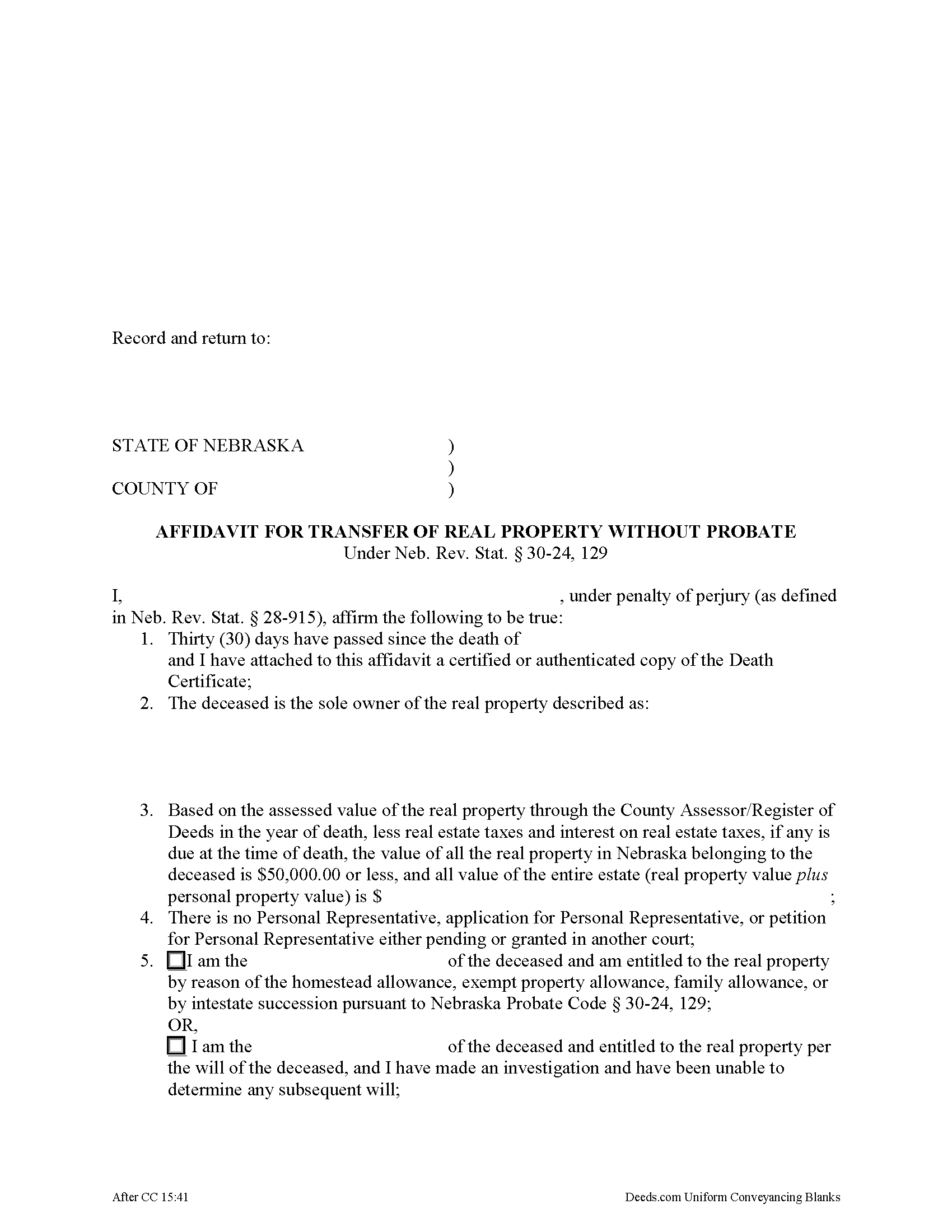
Scotts Bluff County Affidavit for Transfer of Real Property without Probate Form
Fill in the blank form formatted to comply with all recording and content requirements.
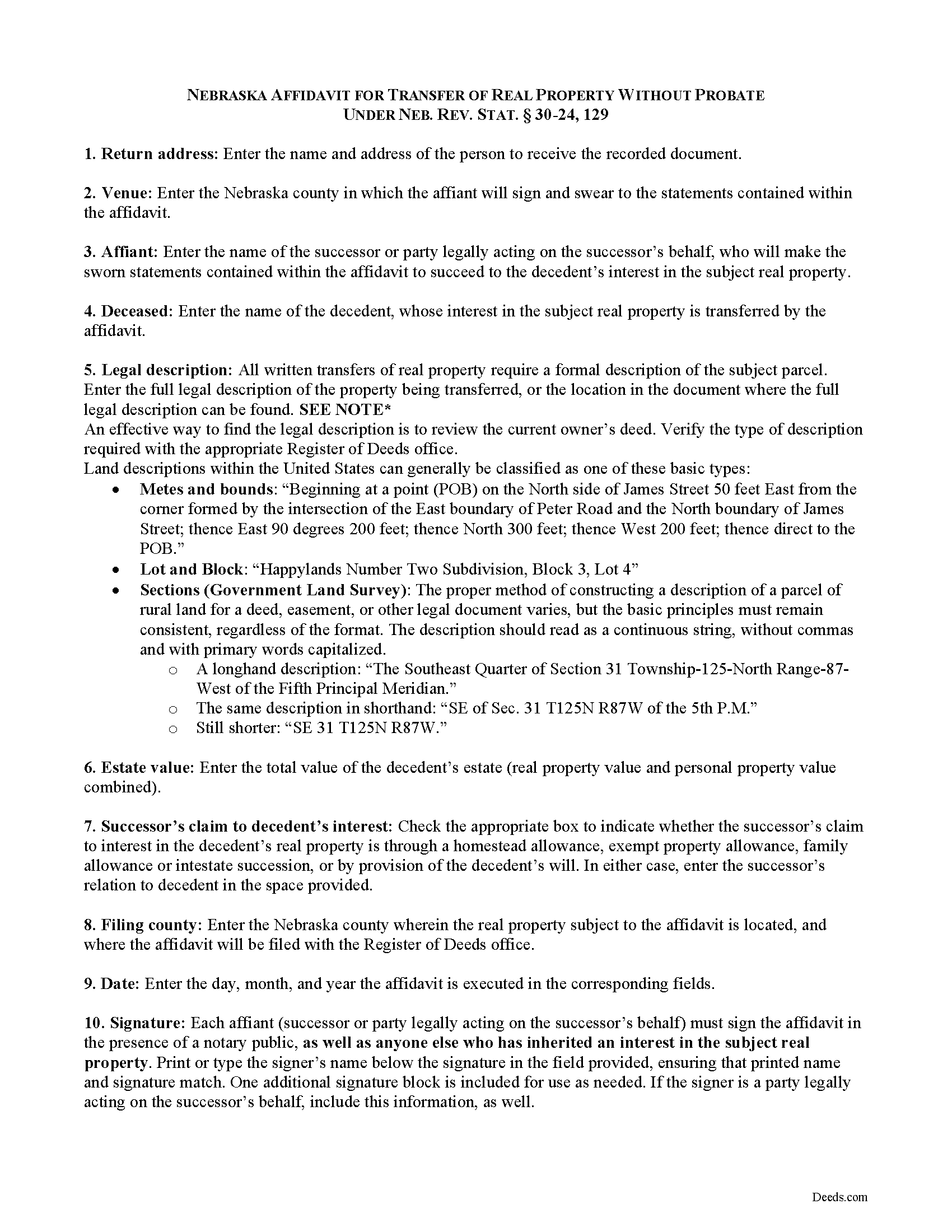
Scotts Bluff County Affidavit for Transfer of Real Property without Probate Guide
Line by line guide explaining every blank on the form.
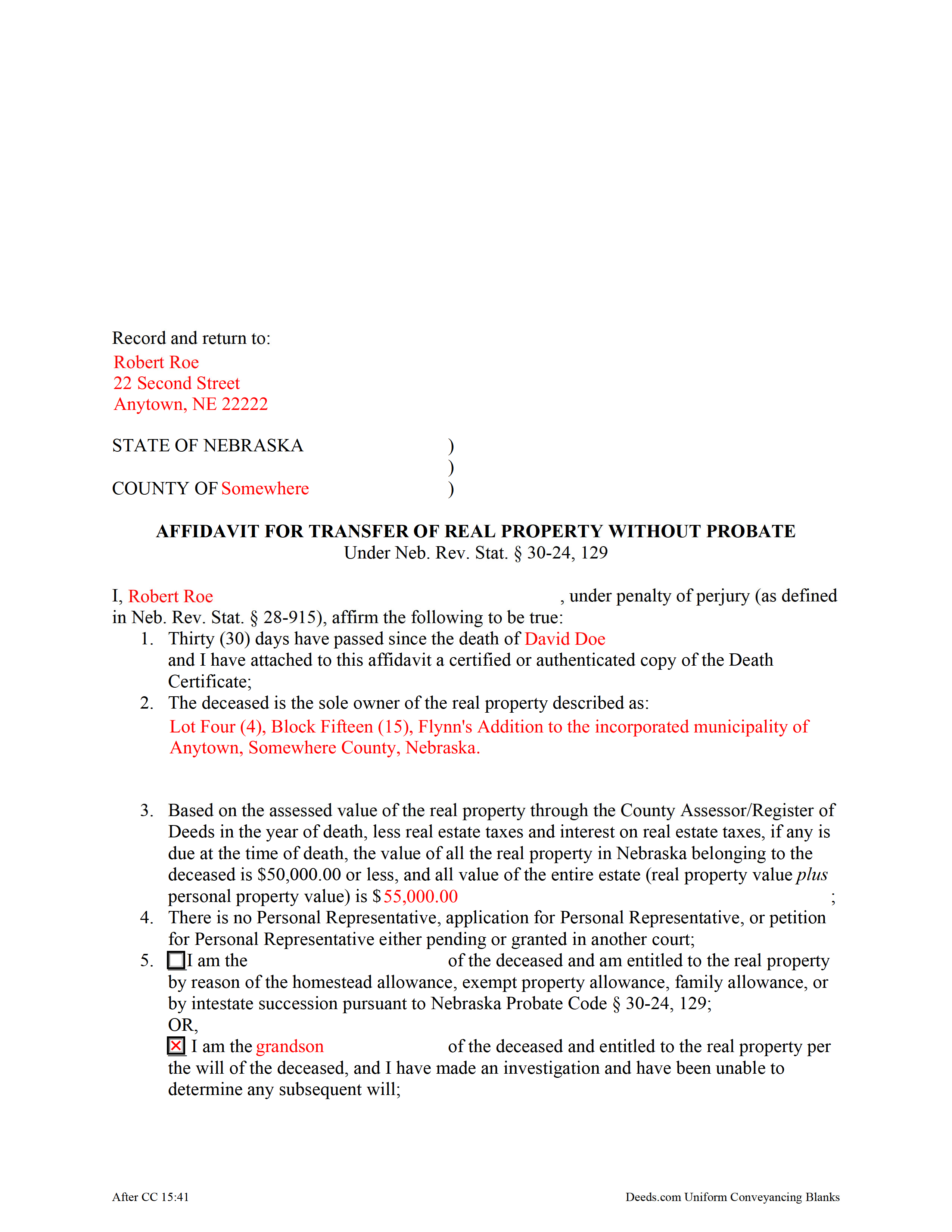
Scotts Bluff County Completed Example of the Affidavit of Transfer of Real Property w/o Probate Document
Example of a properly completed form for reference.
All 3 documents above included • One-time purchase • No recurring fees
Immediate Download • Secure Checkout
Additional Nebraska and Scotts Bluff County documents included at no extra charge:
Where to Record Your Documents
Scotts Bluff County Register of Deeds
Gering, Nebraska 69341
Hours: 8:00am to 4:30pm M-F
Phone: 308-436-6600
Recording Tips for Scotts Bluff County:
- Bring your driver's license or state-issued photo ID
- Ensure all signatures are in blue or black ink
- Verify all names are spelled correctly before recording
- White-out or correction fluid may cause rejection
- Ask about their eRecording option for future transactions
Cities and Jurisdictions in Scotts Bluff County
Properties in any of these areas use Scotts Bluff County forms:
- Gering
- Lyman
- Mcgrew
- Melbeta
- Minatare
- Mitchell
- Morrill
- Scottsbluff
Hours, fees, requirements, and more for Scotts Bluff County
How do I get my forms?
Forms are available for immediate download after payment. The Scotts Bluff County forms will be in your account ready to download to your computer. An account is created for you during checkout if you don't have one. Forms are NOT emailed.
Are these forms guaranteed to be recordable in Scotts Bluff County?
Yes. Our form blanks are guaranteed to meet or exceed the applicable formatting requirements used for recording in Scotts Bluff County, including margin requirements, font requirements, and other layout standards. This guarantee applies to formatting, not to the legal sufficiency of information entered by the user or the suitability of a form for a particular transaction.
Can I reuse these forms?
Yes. You can reuse the forms for your personal use. For example, if you have multiple properties in Scotts Bluff County you only need to order once.
What do I need to use these forms?
The forms are PDFs that you fill out on your computer. The free Adobe Acrobat Reader is recommended, and most PDF apps also work. You do NOT enter your property information online - you download the blank forms and complete them privately on your own computer.
Are there any recurring fees?
No. This is a one-time purchase. Nothing to cancel, no memberships, no recurring fees.
How much does it cost to record in Scotts Bluff County?
Recording fees in Scotts Bluff County vary. Contact the recorder's office at 308-436-6600 for current fees.
Questions answered? Let's get started!
Record the affidavit under the Nebraska Probate 30-24,129 to transfer a decedent's real property without probate when certain criteria are met. The affidavit must be recorded in each county in which the real property described within the affidavit is located, along with a certified copy of the decedent's death certificate.
The affiant, or person executing the affidavit, is the successor in interest to the decedent's real property described in the affidavit, or an agent legally acting on the successor's behalf.
Statutory requirements stipulate that the affidavit state that total value of the decedent's real estate interests is $50,000.00 or less; thirty (30) days have passed since the decedent's death, as evidenced by a certified copy of the death certificate; there is no personal representative or pending petition for appointment of a personal representative; the successor is entitled to receive the property through a homestead, exempt property, or family allowance, or by devise or intestate succession; the successor has made an investigation and was unable to determine a subsequent will; and no other person has a right to the interest of the subject property. In addition, the successor's relationship to the decedent, the total value of the decedent's estate, and a complete legal description of the subject parcel is required. Each successor in interest to the subject property must sign the affidavit in the presence of a notary public.
See https://supremecourt.nebraska.gov/self-help/estates/affidavit-transfer-real-property-without-probate for more information. Consult an attorney with questions regarding affidavits to collect real property outside of probate, or any other issue related to probate or decedent's property in Nebraska.
(Nebraska Affidavit Package includes form, guidelines, and completed example)
Important: Your property must be located in Scotts Bluff County to use these forms. Documents should be recorded at the county recording office listed above.
This Affidavit for Transfer of Real Property without Probate meets all recording requirements specific to Scotts Bluff County.
Our Promise
The documents you receive here are guaranteed to meet or exceed the applicable Scotts Bluff County recording format requirements. If there is a rejection caused by our formatting, we will correct the issue or refund your payment. This guarantee applies to document formatting only and does not extend to information entered by the user, the selection of the form, or the legal effect of the completed document.
Save Time and Money
Get your Scotts Bluff County Affidavit for Transfer of Real Property without Probate form done right the first time with Deeds.com Uniform Conveyancing Blanks. At Deeds.com, we understand that your time and money are valuable resources, and we don't want you to face a penalty fee or rejection imposed by a county recorder for submitting nonstandard documents. We constantly review and update our forms to meet rapidly changing state and county recording requirements for roughly 3,500 counties and local jurisdictions.
4.8 out of 5 - ( 4,828 Reviews )
ELIZABETH G. 5 out of 5 stars
This site was very easy to use. Great direction on how to complete the form.
We appreciate your business and value your feedback. Thank you. Have a wonderful day!
Carolyn G. 5 out of 5 stars
This information was extremely helpful and needed. The price is so worth it also.
Thank you!
Pam H. 5 out of 5 stars
The website was very easy to navigate and I found it easy to get the documents I needed. I also found the price to be reasonable for ease of use and assistance provided in the deed guide and sample. I will definitely keep this website in mind for my legal docs.
Thank you, Pam. We're glad everything worked the way it should, and we'll be here whenever you need your next document.
Dale K. 5 out of 5 stars
A very user friendly website!
Thank you!
Karen O. 5 out of 5 stars
I often think I am smarter than I am. Thankfully there are people that know what they are doing so I can focus on my business and the big picture without worrying about the little things.
Thank you!
James D. 4 out of 5 stars
good product, but would prefer an editable document, such as word
Thanks for your feedback James.
Rosie R. 5 out of 5 stars
LOVE THIS!! I am a REALTORand from time to time I have had to take documents for filing. I'm so glad I invested some time online researching eFiling services. The first few search results that populated required an expensive annual or monthly subscription. Luckily I continued to scroll and found Deeds.com. No annual or monthly subscription required. Just pay per use. I uploaded a ROL late one night and Deed.com had it eFiled the very next morning!!! They keep you updated throughout the process via email notifications which you click on the link provided in the email that directs you to your online portal to view the status and once your documents have been filed you can immediately download the filed of record documents including the receipt from the county in which the documents were filed. SO SIMPLE, CONVENIENT, & QUICK-THANK YOU DEEDS.com!!!
We appreciate your business and value your feedback. Thank you. Have a wonderful day!
John G. 5 out of 5 stars
I was actually quite pleased with the ease of use of this site. I really, really liked the step by step instructions and examples of the finished product !!
Thank you!
Michelle R. 5 out of 5 stars
Fairly easy to use. Need to be able to find platts easy.
Thank you!
Evone A. 5 out of 5 stars
So thankful that I could just find the form and complete the estate I am working on for my parents. The forms and instructions were very helpful.
We truly value your business and appreciate your review.
James I. 5 out of 5 stars
It worked out very well. Got the form(s) with clear instructions.
We appreciate your business and value your feedback. Thank you. Have a wonderful day!
Sandra T T. 5 out of 5 stars
Great website to find state documents. I do like the one-time charge also vs a recurring charge. Thank you!
Thank you, Sandra! We’re glad you found the state documents you needed and appreciate you mentioning the one-time charge option. We believe in keeping things straightforward and transparent. Thanks again for your kind words and for choosing Deeds.com!
John S. 5 out of 5 stars
Easy to use website and reasonably priced forms. I recommend it.
Thank you for the kind words John.
frederic m. 5 out of 5 stars
surprisingly good, gave me all the info I needed to prepare a deed and necessary attachments for recording.
Thank you!
suzanne m. 5 out of 5 stars
Finding what I needed was quick and easy.
Thank you!