Saline County Construction Lien Amendment Form
Last validated October 23, 2026 by our Forms Development TeamFormatted for recording in Saline County, for property anywhere in the county: rural and unincorporated areas as well as Crete, De Witt, Dorchester, Friend, Swanton, Tobias, Western, Wilber.
- 3 documents included
- Immediate PDF download
- Formatting guarantee
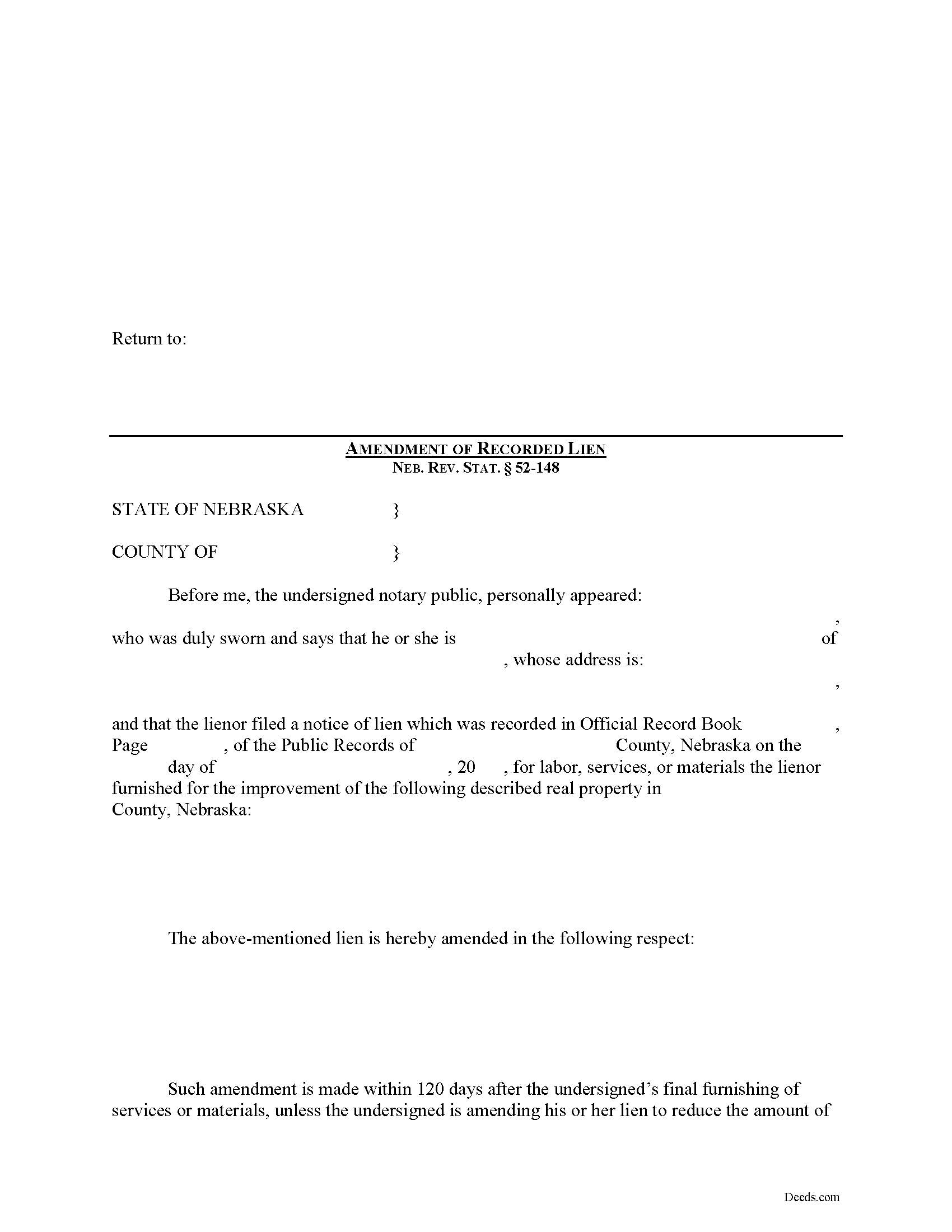
Saline County Construction Lien Amendment Form
Fill in the blank Construction Lien Amendment form formatted to comply with all Nebraska recording and content requirements.
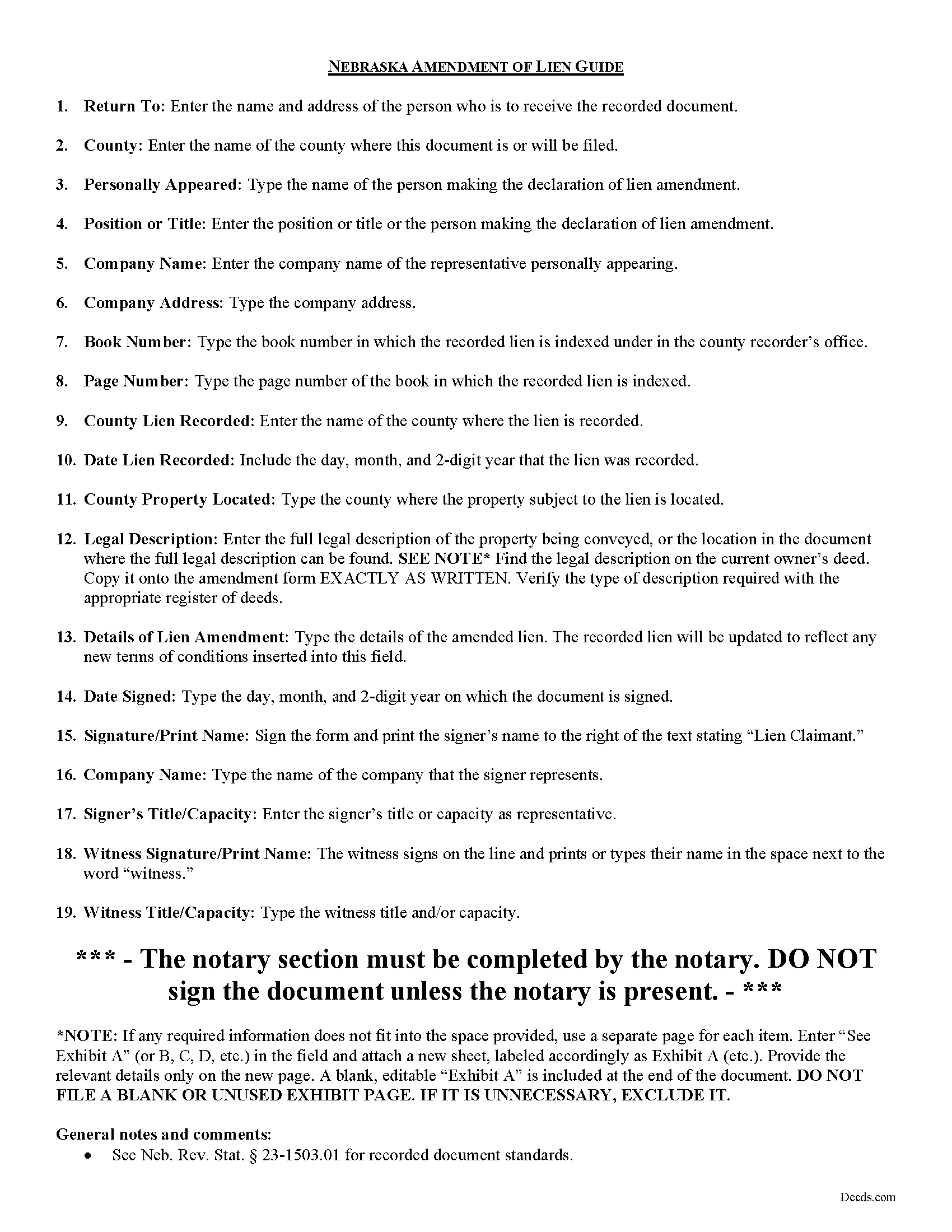
Saline County Construction Lien Amendment Guide
Line by line guide explaining every blank on the form.
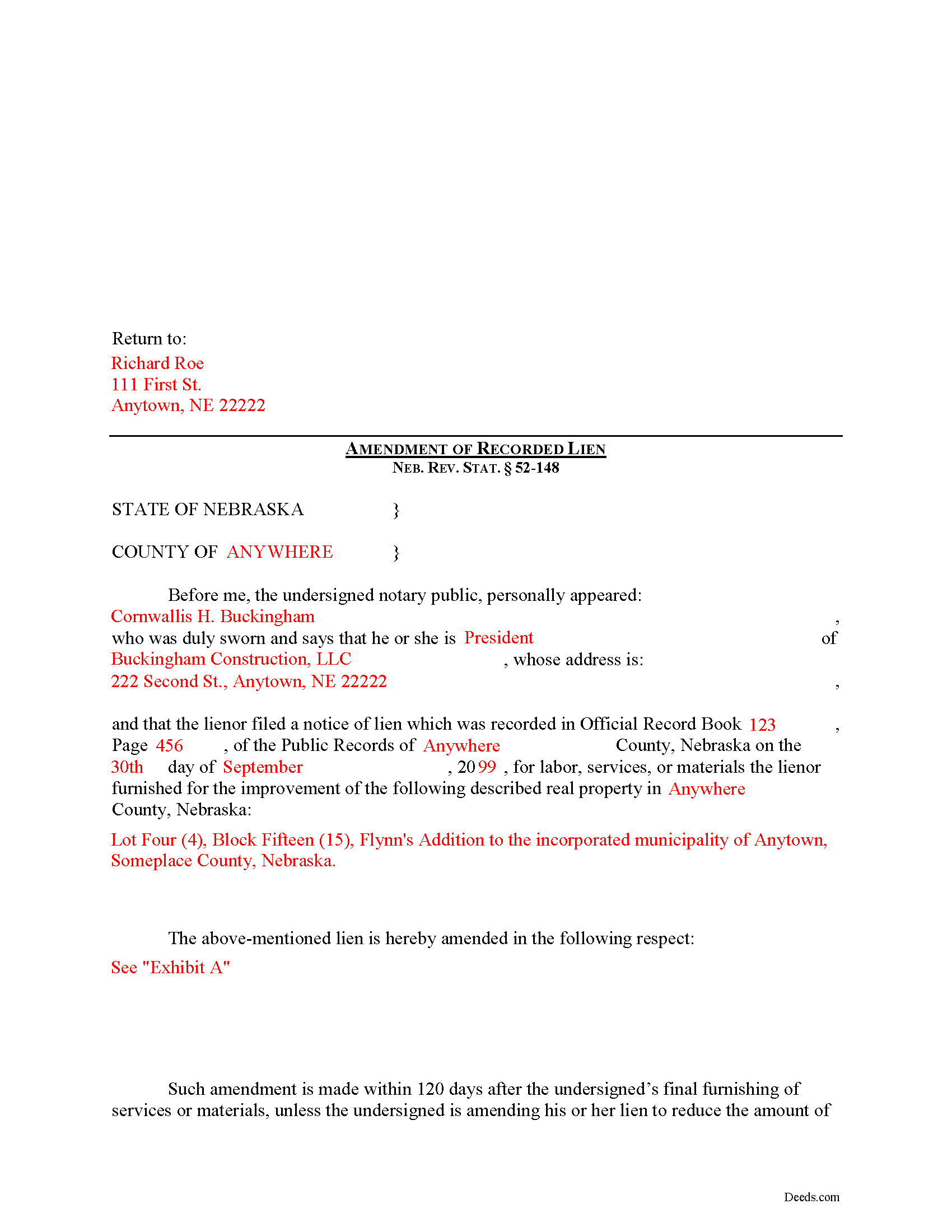
Saline County Completed Example of the Construction Lien Amendment Document
Example of a properly completed form for reference.
All 3 documents above included • One-time purchase • No recurring fees
Immediate Download • Secure Checkout
Additional Nebraska and Saline County documents included at no extra charge:
Where to Record Your Documents
Saline County Register of Deeds/Clerk
Wilber, Nebraska 68465
Hours: 8:00am to 5:00pm M-F
Phone: (402) 821-2374
Recording Tips for Saline County:
- Bring your driver's license or state-issued photo ID
- Ensure all signatures are in blue or black ink
- Ask if they accept credit cards - many offices are cash/check only
- Check that your notary's commission hasn't expired
- Documents must be on 8.5 x 11 inch white paper
Cities and Jurisdictions in Saline County
Properties in any of these areas use Saline County forms:
- Crete
- De Witt
- Dorchester
- Friend
- Swanton
- Tobias
- Western
- Wilber
Hours, fees, requirements, and more for Saline County
How do I get my forms?
Forms are available for immediate download after payment. The Saline County forms will be in your account ready to download to your computer. An account is created for you during checkout if you don't have one. Forms are NOT emailed.
Are these forms guaranteed to be recordable in Saline County?
Yes. Our form blanks are guaranteed to meet or exceed the applicable formatting requirements used for recording in Saline County, including margin requirements, font requirements, and other layout standards. This guarantee applies to formatting, not to the legal sufficiency of information entered by the user or the suitability of a form for a particular transaction.
Can I reuse these forms?
Yes. You can reuse the forms for your personal use. For example, if you have multiple properties in Saline County you only need to order once.
What do I need to use these forms?
The forms are PDFs that you fill out on your computer. The free Adobe Acrobat Reader is recommended, and most PDF apps also work. You do NOT enter your property information online - you download the blank forms and complete them privately on your own computer.
Are there any recurring fees?
No. This is a one-time purchase. Nothing to cancel, no memberships, no recurring fees.
How much does it cost to record in Saline County?
Recording fees in Saline County vary. Contact the recorder's office at (402) 821-2374 for current fees.
Questions answered? Let's get started!
Amending a Construction Lien in Nebraska
Construction liens are governed under the Nebraska Construction Lien Act, found at Sections 52-125 to 52-159 of the Nebraska Revised Statutes.
Once a lien is recorded, there may be a reason to modify it later on. Should a modification become necessary, the claimant must file an Amendment of Recorded Lien.
A recorded lien may be amended by an additional recording at any time during the period allowed for recording the original lien. Neb. Rev. Stat. 52-148(1). An amendment adding real estate or increasing the amount of lien claimed is effective as to the additional real estate or increased amount only from the time the amendment is recorded. Id.
After the period allowed for recording the original lien, it may be amended for the purpose of: (a) Reducing the amount of the lien; (b) Reducing the real estate against which the lien is claimed; or (c) Making an apportionment of the lien among lots of a platted subdivision of record. Neb. Rev. Stat. 52-148(2).
The amendment states the recording location and date of recording of the notice of lien being amended and sets out the respects in which it is being amended. Neb. Rev. Stat. 52-148(3). It identifies the parties, the location of the subject property, and must also meet state and local standards for recorded documents.
This article is offered for informational purposes only and is not legal advice. This information not be relied upon as a substitute for speaking with an attorney. Please speak with a Nebraska attorney familiar with lien laws for any questions regarding amending a construction lien.
Important: Your property must be located in Saline County to use these forms. Documents should be recorded at the county recording office listed above.
This Construction Lien Amendment meets all recording requirements specific to Saline County.
Our Promise
The documents you receive here are guaranteed to meet or exceed the applicable Saline County recording format requirements. If there is a rejection caused by our formatting, we will correct the issue or refund your payment. This guarantee applies to document formatting only and does not extend to information entered by the user, the selection of the form, or the legal effect of the completed document.
Save Time and Money
Get your Saline County Construction Lien Amendment form done right the first time with Deeds.com Uniform Conveyancing Blanks. At Deeds.com, we understand that your time and money are valuable resources, and we don't want you to face a penalty fee or rejection imposed by a county recorder for submitting nonstandard documents. We constantly review and update our forms to meet rapidly changing state and county recording requirements for roughly 3,500 counties and local jurisdictions.
4.8 out of 5 - ( 4,846 Reviews )
Lorrisa L. 4 out of 5 stars
No review provided.
Thank you for your rating. Have a great day!
Michael T. 5 out of 5 stars
Good site. Two things to note. 1. The Documentary Transfer Tax Exemption sheet, the word "computer" is used when I think it should be "computed" Error in state form? 2. The California Trust Guide could have a watermark which is less distracting. Kind of hard to read the print with the DEEDS.COM logo so prominent.
Thank you for your feedback. We really appreciate it. Have a great day!
Rebecca M. 5 out of 5 stars
I found the process of uploading documentation / deeds simple and easy. Will use this service again!
Thank you for your positive words! We’re thrilled to hear about your experience.
Michael O. 5 out of 5 stars
Great experience. Pre-printed forms, line explanations and samples - solve a lot of problems, eliminate many headaches and research. Thank You!!!
We appreciate your business and value your feedback. Thank you. Have a wonderful day!
Dianne J. 5 out of 5 stars
Happy to give you a 5 star rating. We have never been a position to get changes on and record our own deed. You made the process very easy. Submitted my forms on a Friday, made one correction that was requested of me, paid our fees and the received notification of deed being recorded the next Tuesday. Wonderful work on your part and super easy for me. Thanks!
Thank you for your feedback. We really appreciate it. Have a great day!
John D. 5 out of 5 stars
Forms were easy to complete, with the instructions that were provided. Very satisfied!
Thank you!
NANETTE G. 5 out of 5 stars
I was so Happy to find a website that had deeds for property, reasonable price, helpful directions for diy flling out the deed info, no surprise hidden fees at checkout...what a relief. Saved hundreds because I can do it myself! Great service here!!
Thank you for your feedback. We really appreciate it. Have a great day!
Lowell P. 5 out of 5 stars
Exceptionally helpful instruments that are compliant with State law and anticipate various contingencies. Very pleased.
Thank you for your feedback. We really appreciate it. Have a great day!
Sandra H. 5 out of 5 stars
I am a retired attorney. I chanced upon this website while looking for a Florida Lady Bird Deed Form. It conforms to Florida Law and was exactly what I needed. The forms are easy to obtain and even easier to use and print out.
Thank you so much Sandra, we really appreciate your feedback.
Joseph S. 5 out of 5 stars
The best solution in creating deeds.
Thank you!
Kay M. 5 out of 5 stars
Worked great. Not being real tech savey was no problem.
We appreciate your business and value your feedback. Thank you. Have a wonderful day!
Marcia H. 5 out of 5 stars
This was so easy and fast! Plus it had all the information I needed in one place. The example was right on point too!
Thank you for your feedback. We really appreciate it. Have a great day!
Dorien C. 5 out of 5 stars
Easy to use, thank you.
Thank you!
Brian S. 3 out of 5 stars
PDF fields change font sizes leading to an unprofessional-appearing printed page. The examples for "Convey to" section don't include how to specify just one person instead of a married couple. Maybe that is simple but it would help to spell it out in an example. Haven't submitted to County Recorder yet, so will find out if it is acceptable.
Thank you for the feedback Brian.
The font issue is caused by using a PDF viewer other than Adobe Acrobat Reader. Our form fields are set to a uniform 12-point font, but non-Adobe viewers often render form fields inconsistently. Opening and printing the form with the free Adobe Acrobat Reader will resolve that.
Regarding the examples, that's a fair point, we'll look at expanding them.
Ronald C. 5 out of 5 stars
Easy to navigate and very concise
Thank you!