Butler County Construction Lien Release Form
Last validated October 16, 2026 by our Forms Development TeamFormatted for recording in Butler County, for property anywhere in the county: rural and unincorporated areas as well as Abie, Bellwood, Brainard, Bruno, David City, Dwight, Linwood, Rising City and 2 more.
- 3 documents included
- Immediate PDF download
- Formatting guarantee
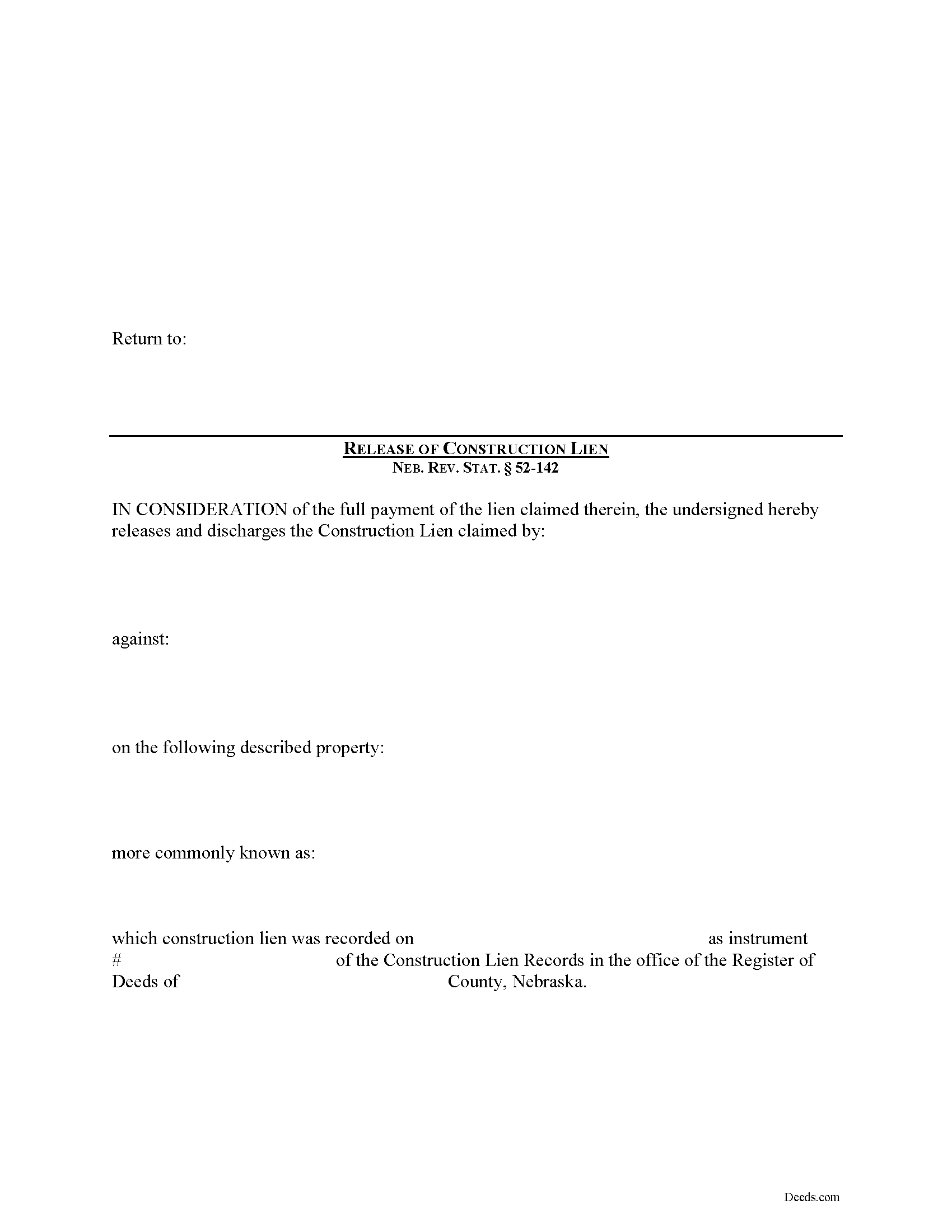
Butler County Construction Lien Release Form
Fill in the blank Construction Lien Release form formatted to comply with all Nebraska recording and content requirements.
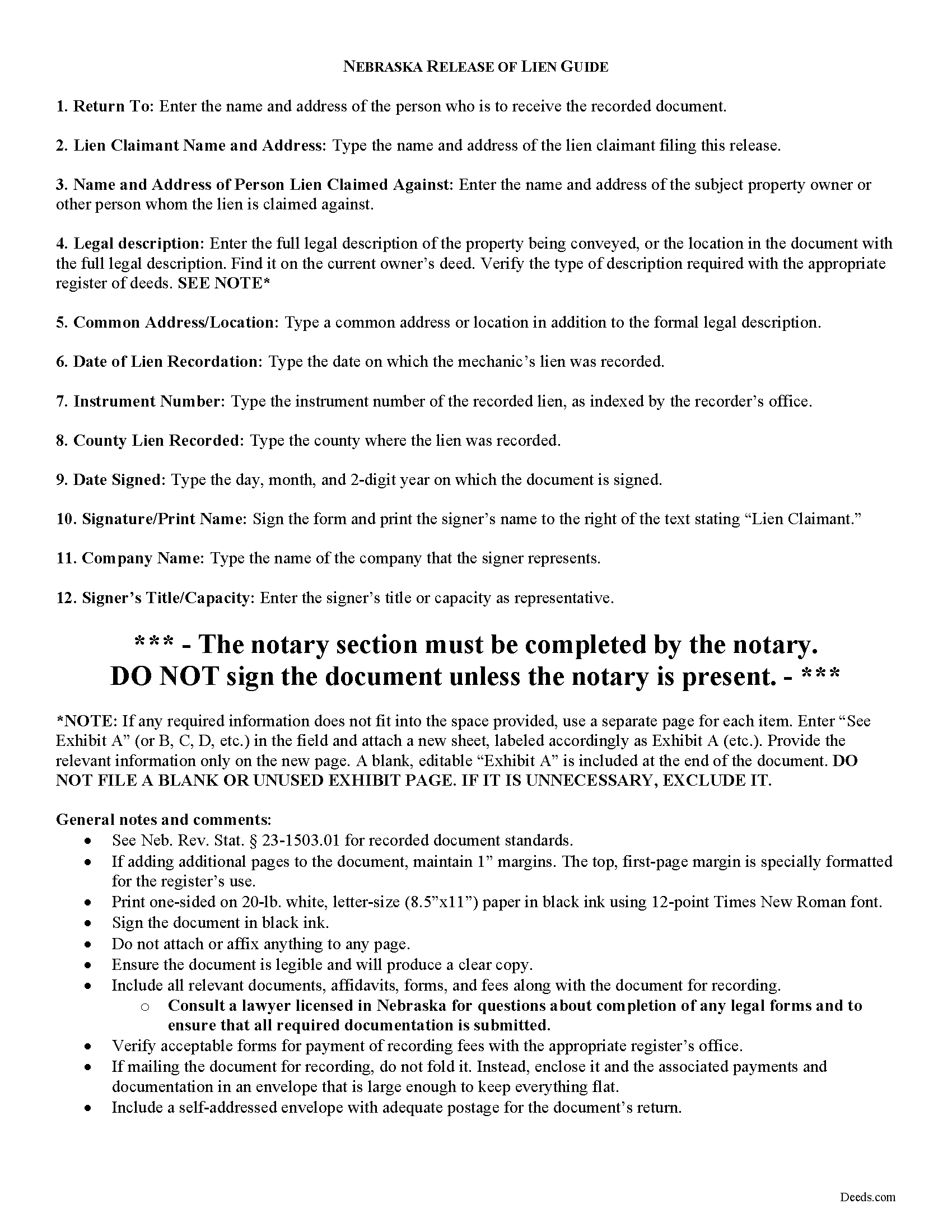
Butler County Construction Lien Release Guide
Line by line guide explaining every blank on the form.
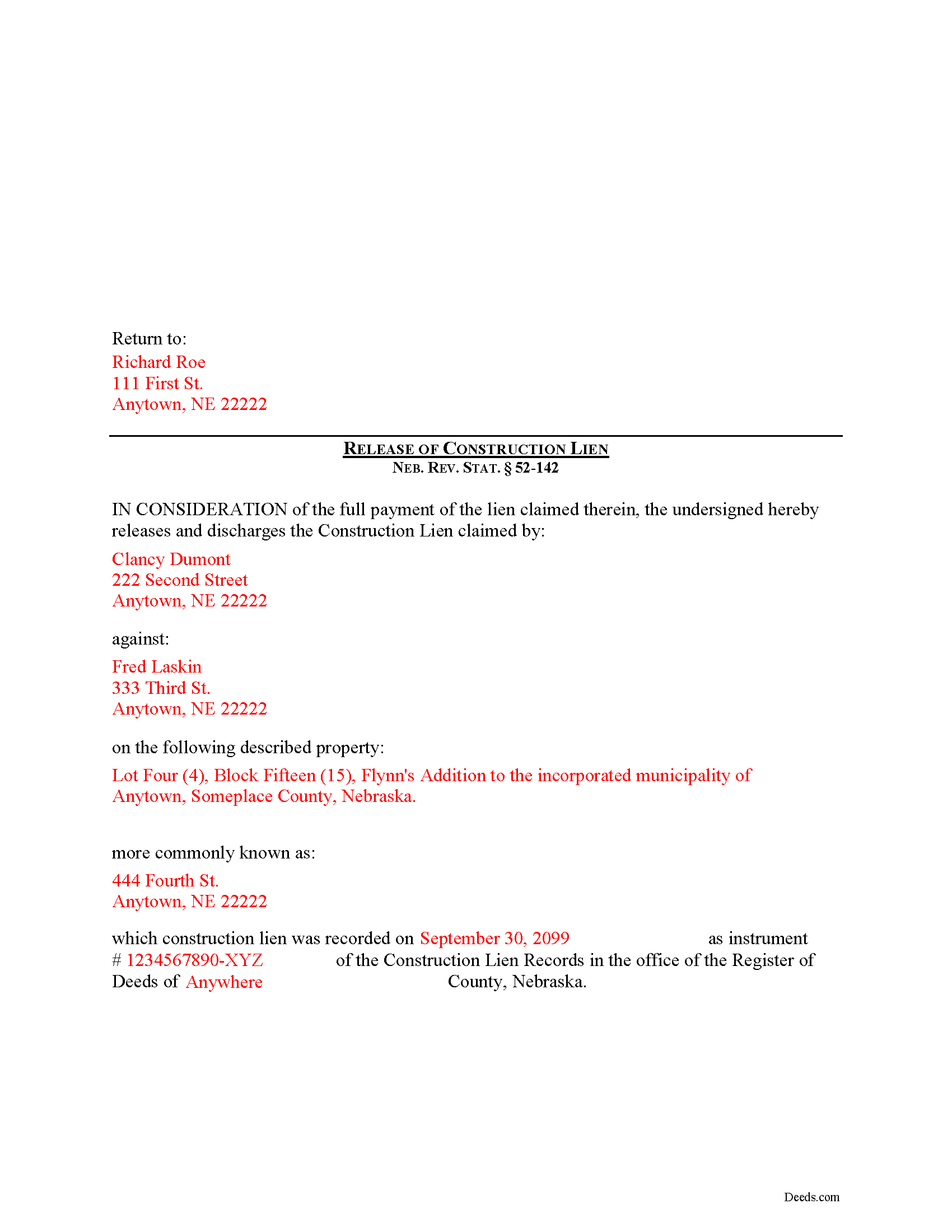
Butler County Completed Example of the Construction Lien Release Document
Example of a properly completed form for reference.
All 3 documents above included • One-time purchase • No recurring fees
Immediate Download • Secure Checkout
Additional Nebraska and Butler County documents included at no extra charge:
Where to Record Your Documents
Butler County Register of Deeds/Clerk
David City, Nebraska 68632
Hours: 8:30 to 5:00 Monday through Friday
Phone: (402) 367-7430
Recording Tips for Butler County:
- Bring your driver's license or state-issued photo ID
- Ensure all signatures are in blue or black ink
- Check margin requirements - usually 1-2 inches at top
- Leave recording info boxes blank - the office fills these
- Make copies of your documents before recording - keep originals safe
Cities and Jurisdictions in Butler County
Properties in any of these areas use Butler County forms:
- Abie
- Bellwood
- Brainard
- Bruno
- David City
- Dwight
- Linwood
- Rising City
- Surprise
- Ulysses
Hours, fees, requirements, and more for Butler County
How do I get my forms?
Forms are available for immediate download after payment. The Butler County forms will be in your account ready to download to your computer. An account is created for you during checkout if you don't have one. Forms are NOT emailed.
Are these forms guaranteed to be recordable in Butler County?
Yes. Our form blanks are guaranteed to meet or exceed the applicable formatting requirements used for recording in Butler County, including margin requirements, font requirements, and other layout standards. This guarantee applies to formatting, not to the legal sufficiency of information entered by the user or the suitability of a form for a particular transaction.
Can I reuse these forms?
Yes. You can reuse the forms for your personal use. For example, if you have multiple properties in Butler County you only need to order once.
What do I need to use these forms?
The forms are PDFs that you fill out on your computer. The free Adobe Acrobat Reader is recommended, and most PDF apps also work. You do NOT enter your property information online - you download the blank forms and complete them privately on your own computer.
Are there any recurring fees?
No. This is a one-time purchase. Nothing to cancel, no memberships, no recurring fees.
How much does it cost to record in Butler County?
Recording fees in Butler County vary. Contact the recorder's office at (402) 367-7430 for current fees.
Questions answered? Let's get started!
Releasing a Construction Lien in Nebraska
Construction liens are governed under the Nebraska Construction Lien Act, found at Sections 52-125 to 52-159 of the Nebraska Revised Statutes.
After a recorded lien has been paid off, it must be released by someone with an interest in the subject property. Neb. Rev. Stat. 52-142(1).
Any person having an interest in real estate may release the real estate from liens which have attached to it by: (a) Depositing in the office of the clerk of the district court of the county in which the lien is recorded a sum of money in cash, certified check, or other bank obligation, or a surety bond issued by a surety company authorized to do business in this state, in an amount sufficient to pay the total of the amounts claimed in the liens being released plus fifteen percent of such total; and (b) Recording a certificate of the clerk of the district court showing that the deposit has been made. 52-142(1)(a)-(c).
The clerk of the district court has an obligation to accept the deposit and issue the certificate. Neb. Rev. Stat. 52-142(2). Upon release of the real estate from a lien, the claimant's rights are transferred from the real estate to the deposit or surety bond and the claimant may establish his or her claim, and upon determination of the claim the court shall order the clerk of the district court to pay the sums due or render judgment against the surety company on the bond, as the case may be. 52-142(3).
The lien release form contains the names and addresses of both the lien claimant and property owner, a legal description of the subject property, and details of the underlying lien including the recorded instrument number, date of recordation, and amount of the lien. It must also meet all state and local standards for recorded documents.
This article is offered for informational purposes only and is not legal advice. This information should not be relied upon as a substitute for speaking with an attorney. Please speak with a Nebraska attorney familiar with lien laws for any questions regarding releasing a construction lien.
Important: Your property must be located in Butler County to use these forms. Documents should be recorded at the county recording office listed above.
This Construction Lien Release meets all recording requirements specific to Butler County.
Our Promise
The documents you receive here are guaranteed to meet or exceed the applicable Butler County recording format requirements. If there is a rejection caused by our formatting, we will correct the issue or refund your payment. This guarantee applies to document formatting only and does not extend to information entered by the user, the selection of the form, or the legal effect of the completed document.
Save Time and Money
Get your Butler County Construction Lien Release form done right the first time with Deeds.com Uniform Conveyancing Blanks. At Deeds.com, we understand that your time and money are valuable resources, and we don't want you to face a penalty fee or rejection imposed by a county recorder for submitting nonstandard documents. We constantly review and update our forms to meet rapidly changing state and county recording requirements for roughly 3,500 counties and local jurisdictions.
4.8 out of 5 - ( 4,828 Reviews )
Jennifer M P. 5 out of 5 stars
Locating the deed I needed was not too hard. I love that you can download and complete it on your time frame.
Thank you!
Mark G. 5 out of 5 stars
I would recommend this product for little effort needed to complete any action you might require.
We appreciate your business and value your feedback. Thank you. Have a wonderful day!
Pamela D K. 5 out of 5 stars
very helpful. Was unable to find what I needed, but did everything they could to help. Will try them again in the future, if need be.
Thank you for your feedback. We really appreciate it. Have a great day!
joab k. 3 out of 5 stars
Usable mediocre average stuff. functional but not extraordinary but the price and service is quite good
Thank you for your feedback. We really appreciate it. Have a great day!
april m. 2 out of 5 stars
Could not give me any deed history prior to 1986, when our company bought the property, so this was a bust.
Thank you for your feedback April. Have a great day.
Angeline P. 5 out of 5 stars
Great service! I downloaded the Quit Claim Deed package and I'm so grateful I did. It contained detailed directions on how to fill out all the forms, an example of a finalized copy, and excellent customer service. Also, if you choose to use their digital service, they will digitally submit the documents into the County Recorder's Office for you. Going through DEEDS.COM for the service I chose saved me over $300. Recording my new deed was a breeze. Thank you again DEEDS.com!
We appreciate your business and value your feedback. Thank you. Have a wonderful day!
Cleatous S. 3 out of 5 stars
The deed form is hard to fill in. There is no way to fill in the county in the "reviewed by" section. Also, there is no place for the Grantee's address on the form. I had to include it in the fill-in space for the legal description.
Thank you!
Connie G. 4 out of 5 stars
This product makes it so much easier to understand and file forms that you might have to pay an attorney to do. All Counties have their own way of submitting forms and with Deeds you have the correct format.
Thank you for your feedback. We really appreciate it. Have a great day!
Joseph N. 5 out of 5 stars
The site is easy to navigate and exceptional services. Unfortunately, they could find no information on a tract of land that I own, and they canceled the search and refunded my payment.
Sorry we were unable to help you find what you were looking for Joseph.
Prentis T. 5 out of 5 stars
So far so good
Thank you for your feedback. We really appreciate it. Have a great day!
Camille L. 5 out of 5 stars
very user friendly!
Thank you!
ZENOBIA D. 5 out of 5 stars
I Love Deeds.com. They have all of the documents you need to take care of your needs. IT is also safe and convenient way to send your documents safely and secure.
Thank you!
Linley S. 5 out of 5 stars
This website is extremely easy to use and provides exactly what is needed to record things. I am very appreciative of this service, especially when I can't get to the court right now due to them being closed due to COVID-19 right now. Thank you!
Thank you Linley, glad we are able to help.
Terralynn J. 5 out of 5 stars
I was very pleased to find ONLINE, Deed Revision Document(s) and their explanation. I ordered these document Forms, downloaded them and Printed them. Now, I will be able to fill them out in the privacy of my home. Instructions were also included, how to file this new Deed, after I complete it and have it Notarized. This has saved me time and emotional stress following the death of my husband. THANK YOU.
We appreciate your business and value your feedback. Thank you. Have a wonderful day!
MANUEL O. 5 out of 5 stars
great service Loved!
Thank you!