Hitchcock County Correction Deed Form
Last validated October 5, 2026 by our Forms Development TeamFormatted for recording in Hitchcock County, for property anywhere in the county: rural and unincorporated areas as well as Culbertson, Palisade, Stratton, Trenton.
- 3 documents included
- Immediate PDF download
- Formatting guarantee
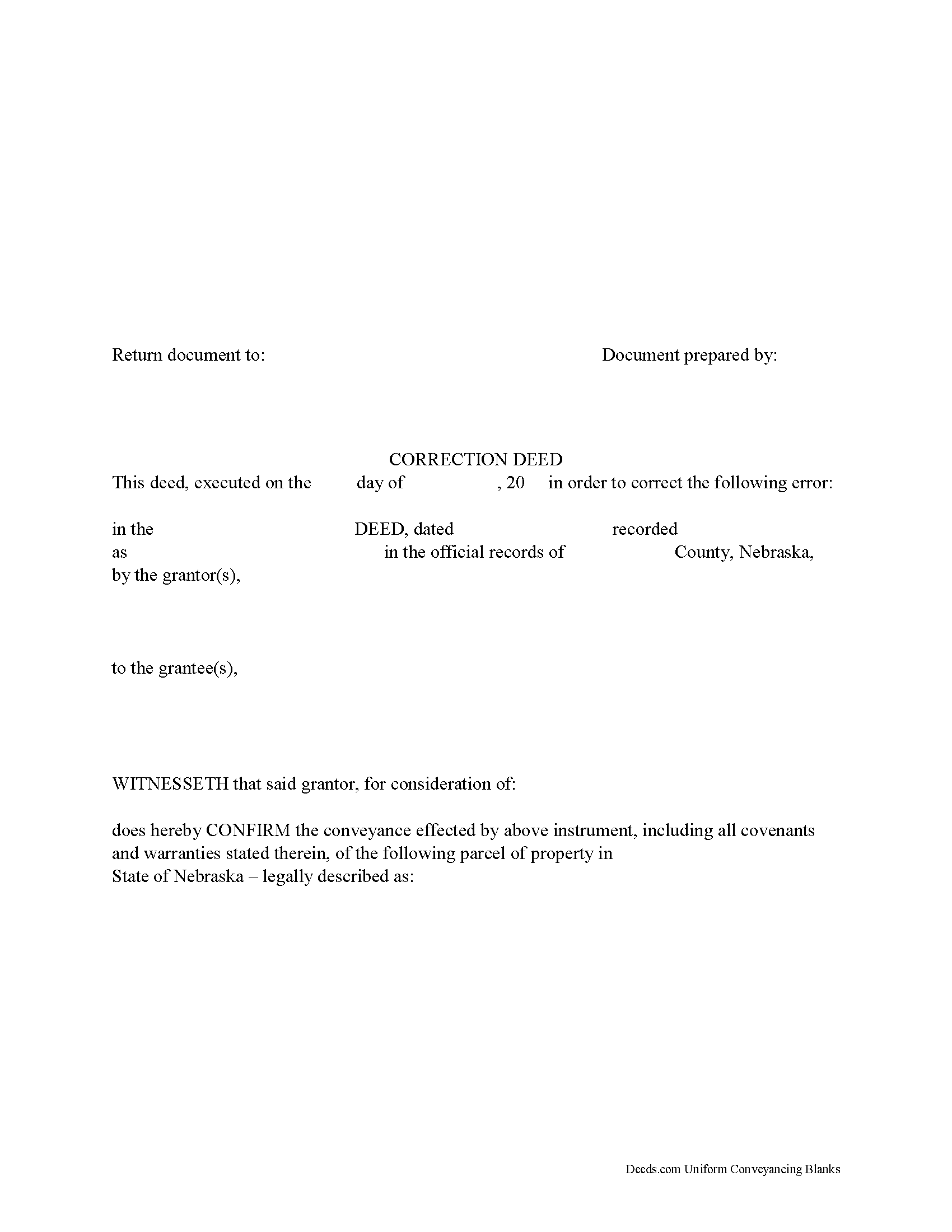
Hitchcock County Correction Deed Form
Fill in the blank form formatted to comply with all recording and content requirements.
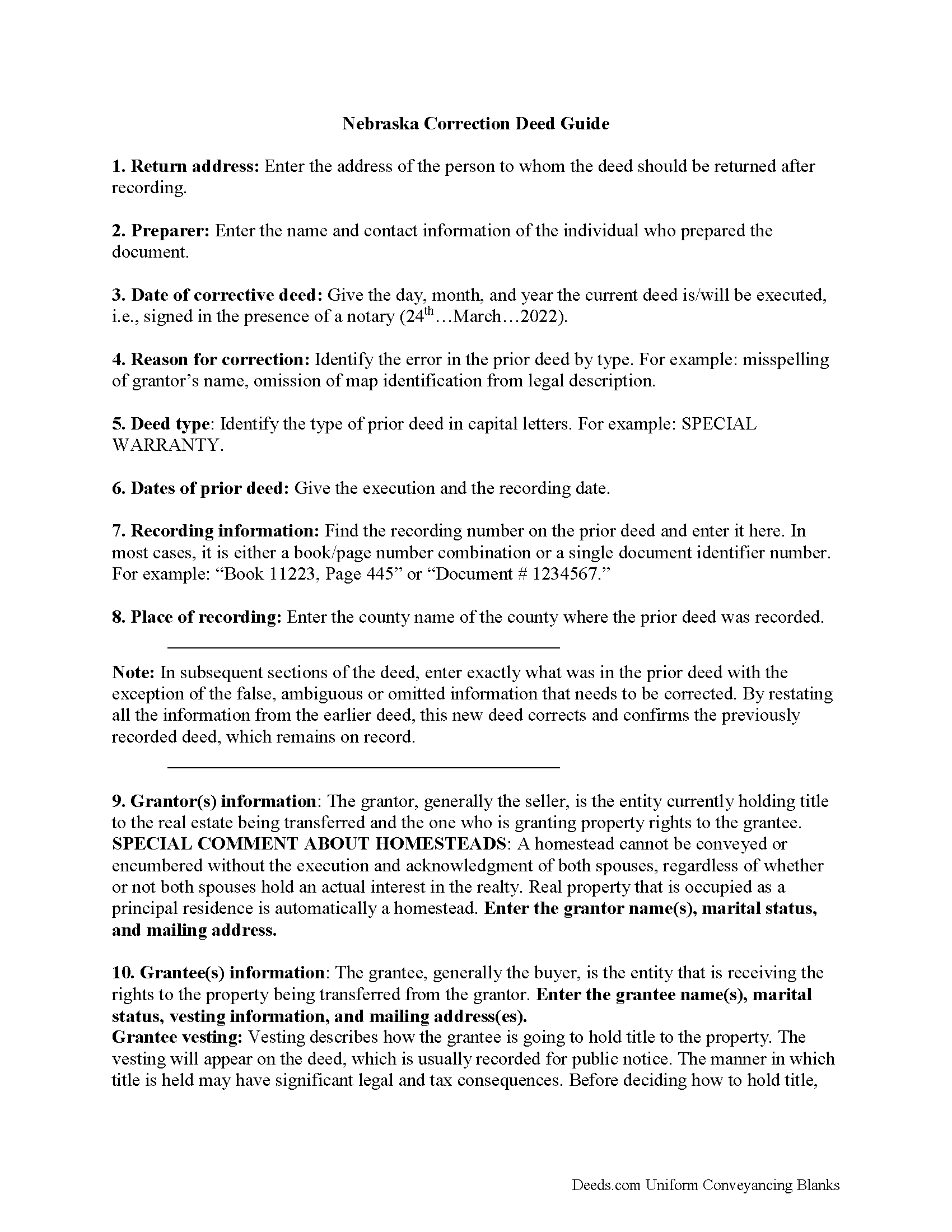
Hitchcock County Correction Deed Guide
Line by line guide explaining every blank on the form.
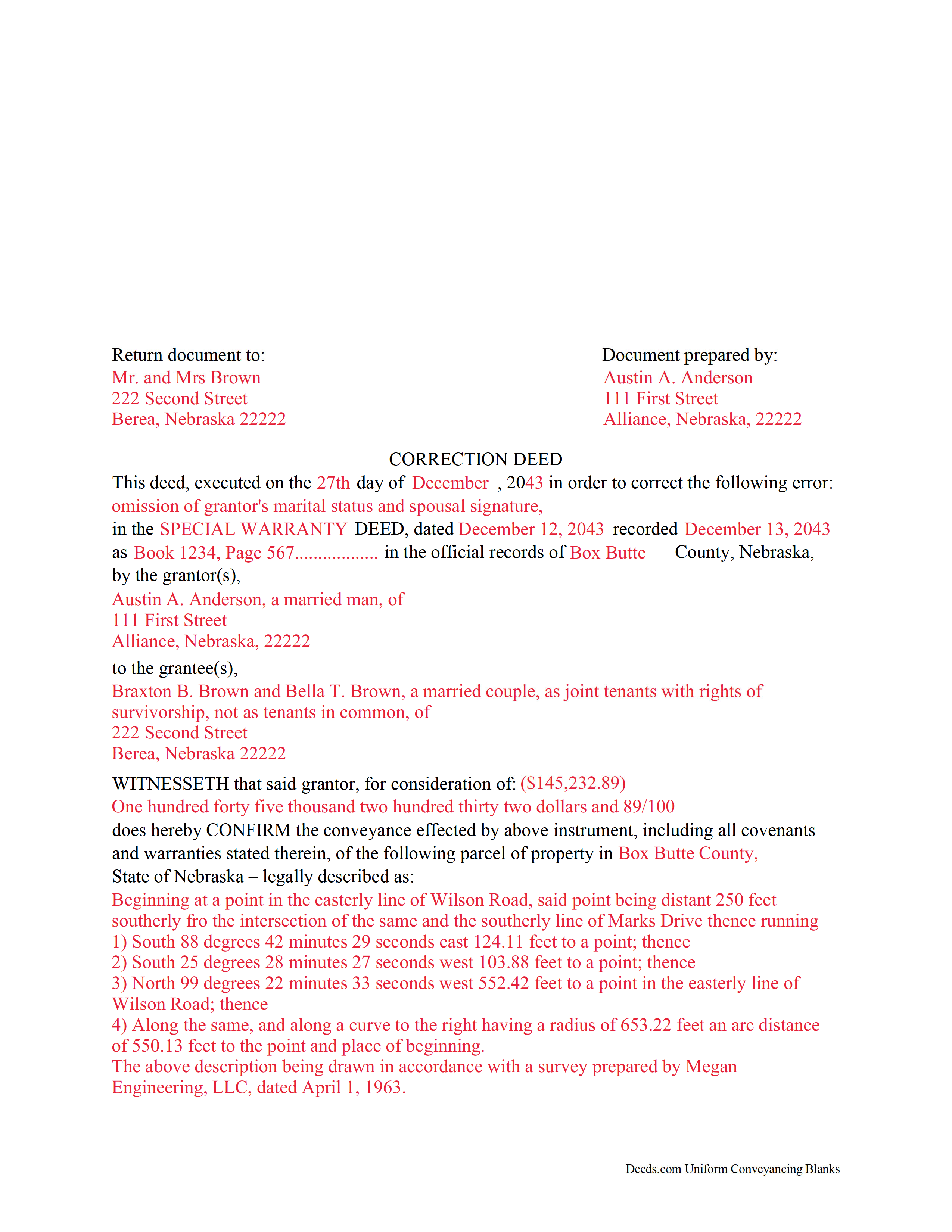
Hitchcock County Completed Example of the Correction Deed Document
Example of a properly completed form for reference.
All 3 documents above included • One-time purchase • No recurring fees
Immediate Download • Secure Checkout
Additional Nebraska and Hitchcock County documents included at no extra charge:
Where to Record Your Documents
Hitchcock County Register of Deeds
Trenton, Nebraska 69044
Hours: 8:30 to 4:00 M-F
Phone: (308) 334-5646
Recording Tips for Hitchcock County:
- Bring your driver's license or state-issued photo ID
- Ensure all signatures are in blue or black ink
- Ask for certified copies if you need them for other transactions
- Ask if they accept credit cards - many offices are cash/check only
- Check that your notary's commission hasn't expired
Cities and Jurisdictions in Hitchcock County
Properties in any of these areas use Hitchcock County forms:
- Culbertson
- Palisade
- Stratton
- Trenton
Hours, fees, requirements, and more for Hitchcock County
How do I get my forms?
Forms are available for immediate download after payment. The Hitchcock County forms will be in your account ready to download to your computer. An account is created for you during checkout if you don't have one. Forms are NOT emailed.
Are these forms guaranteed to be recordable in Hitchcock County?
Yes. Our form blanks are guaranteed to meet or exceed the applicable formatting requirements used for recording in Hitchcock County, including margin requirements, font requirements, and other layout standards. This guarantee applies to formatting, not to the legal sufficiency of information entered by the user or the suitability of a form for a particular transaction.
Can I reuse these forms?
Yes. You can reuse the forms for your personal use. For example, if you have multiple properties in Hitchcock County you only need to order once.
What do I need to use these forms?
The forms are PDFs that you fill out on your computer. The free Adobe Acrobat Reader is recommended, and most PDF apps also work. You do NOT enter your property information online - you download the blank forms and complete them privately on your own computer.
Are there any recurring fees?
No. This is a one-time purchase. Nothing to cancel, no memberships, no recurring fees.
How much does it cost to record in Hitchcock County?
Recording fees in Hitchcock County vary. Contact the recorder's office at (308) 334-5646 for current fees.
Questions answered? Let's get started!
Use the correction deed to amend a previously recorded warranty, special warranty, or quitclaim deed.
A correction deed explains and corrects an error in a prior instrument; it is especially important if such an error might cloud the title and affect its future transfers. The correction deed passes no title, but reiterates and confirms the conveyance effected by the previously recorded document. Therefore, it must be executed from the original grantor to the original grantee and recorded in order to be legally valid.
The correction deed should reference the prior conveyance by type of error, date of execution, date of recording, as well as by recording number and location. Beyond that, it restates the information given in the prior deed, thus serving as its confirmation. The original instrument remains on record as well.
Deeds of correction are most appropriate for minor errors and omissions in the original deed, such as misspelled names, omission of marital status, or typos in the legal description. More substantial changes, such as adding a name to the title or adding/subtracting a portion of land to the legal description of the property, usually require a new deed of conveyance instead of a correction deed. When in doubt, seek legal counsel to determine which instrument is most appropriate for a case that involves a material change.
(Nebraska CD Package includes form, guidelines, and completed example)
Important: Your property must be located in Hitchcock County to use these forms. Documents should be recorded at the county recording office listed above.
This Correction Deed meets all recording requirements specific to Hitchcock County.
Our Promise
The documents you receive here are guaranteed to meet or exceed the applicable Hitchcock County recording format requirements. If there is a rejection caused by our formatting, we will correct the issue or refund your payment. This guarantee applies to document formatting only and does not extend to information entered by the user, the selection of the form, or the legal effect of the completed document.
Save Time and Money
Get your Hitchcock County Correction Deed form done right the first time with Deeds.com Uniform Conveyancing Blanks. At Deeds.com, we understand that your time and money are valuable resources, and we don't want you to face a penalty fee or rejection imposed by a county recorder for submitting nonstandard documents. We constantly review and update our forms to meet rapidly changing state and county recording requirements for roughly 3,500 counties and local jurisdictions.
4.8 out of 5 - ( 4,828 Reviews )
Daniel B. 5 out of 5 stars
The staff at Deeds.com was very patient and ensured the deed was in the correct format for recording. Had I tried to record it myself, it would have been rejected, as I did not have the home address for the 2 witnesses. I would definitely recommend deeds.com
Thanks for the kind words, Daniel. Witness address requirements catch a lot of people off guard. Glad we could get everything squared away before it hit the recorder's desk. We appreciate the recommendation.
Kirk G. 5 out of 5 stars
Excellent! I will be back!
Thank you!
Alexander M. 5 out of 5 stars
Great recording service ! Very professional and easy to navigate !!!!
It was a pleasure serving you. Thank you for the positive feedback!
Steve R. 5 out of 5 stars
Great! One time cost, ordering was easy, documents where just what I needed.
We appreciate your business and value your feedback. Thank you. Have a wonderful day!
Helen H. 5 out of 5 stars
I had a notary to read over my quitclaim deed and she said it looked good. So I am pleased.
Thank you!
Thomas E. 5 out of 5 stars
Great, immediate access to everything I needed to assist my client! This is truly a great resource for a Notary Public! I will surely keep my account open, and will refer others as well!
Thank you for the Kind words Thomas. We really appreciate you! Have a great day.
RICK M. 5 out of 5 stars
great
Thank you!
Robert M. 5 out of 5 stars
Best site of its kind I have ever found. Informative, intuitive, and best of all, everything worked on the first try. I will be HAPPY to recommend it. --- A retired full prof of business administration
We appreciate your business and value your feedback. Thank you. Have a wonderful day!
Shirley L. 5 out of 5 stars
I am very happy with the results of my service received from Deeds.com. I found exactly what I needed in short order. Thanks
Thank you for your feedback. We really appreciate it. Have a great day!
Linda L. 5 out of 5 stars
Excellent service. Very quick response.
Thank you Linda, we appreciate your feedback.
James S. 5 out of 5 stars
unbelievable Deeds Rocks Start to finish 2=Day Recommended by Coconino County Recorders office in Arizona there were incomplete sections. I would correct and resubmit . All done Yeah!!!!!!
Thank you for your feedback. We really appreciate it. Have a great day!
harry S. 4 out of 5 stars
Just created account. Very easily done. have not recorded anything yet. Hope to do so soon.
Thank you for your feedback. We really appreciate it. Have a great day!
Dorothy S. 4 out of 5 stars
Great service and documents that solved my legal issues I was frustrated with my inability to safe my information on the template and add an extra field box. Please make those instructions more clear for future customers.
Thank you for your feedback. We really appreciate it. Have a great day!
Bob B. 5 out of 5 stars
Good so far. Will be great if you get the deed recorded.
Thank you!
Frank T. 5 out of 5 stars
Site was very helpful in getting the form needed to file a Quitclaim and the procedures to complete the task
We appreciate your business and value your feedback. Thank you. Have a wonderful day!